 ProMapRanker
Best Product Analytics Tools for Mobile Apps in 2026

Key takeaways
- Firebase Analytics is the lowest-cost starting point for mobile teams, especially teams already using Google services.
- Mixpanel and Amplitude are the strongest event-based choices, with Mixpanel often simpler to start and Amplitude broader at scale.
- PostHog suits teams that want analytics, experiments and feature flags in one open-source-leaning tool.
- Attribution tools such as AppsFlyer answer a different question from product analytics, so many teams run both.
Quick comparison
| Pick | Great for | Pricing starts at | Free tier | |
|---|---|---|---|---|
 Mixpanel | Event funnels and retention | Free | Yes | Visit |
 Amplitude | Behavioural analytics at scale | See website | Yes | Visit |
 Firebase Analytics | Free mobile analytics | Free | Yes | Visit |
 PostHog | Analytics plus experiments | Free | Yes | Visit |
 Heap | Automatic event capture | See website | Free trial | Visit |
 UXCam | Session replay for mobile | See website | Yes | Visit |
 Smartlook | Visual behaviour analytics | See website | Yes | Visit |
 CleverTap | Lifecycle messaging | See website | Free trial | Visit |
 Countly | Self-hosted mobile analytics | See website | Yes | Visit |
The best product analytics tools for mobile apps
Product analytics for mobile apps means tracking what users do inside the app, not just installs or page views. These tools cover funnels, retention, cohorts and session detail, with different strengths for early teams and larger products.
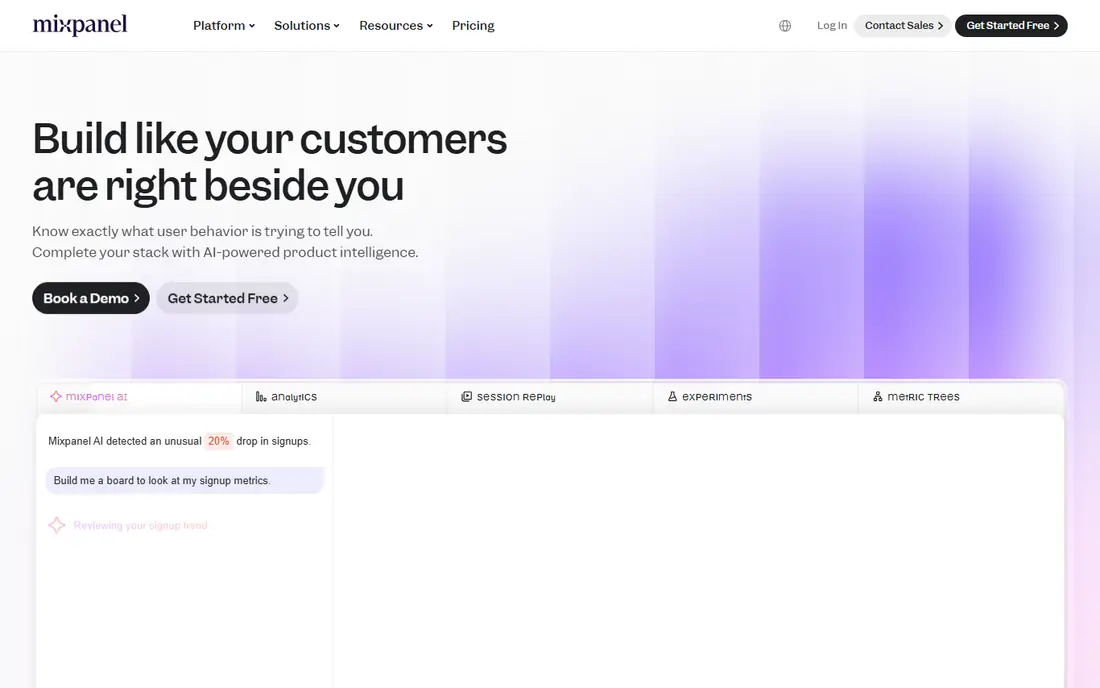
Mixpanel is the classic event-based product analytics tool, and it remains a strong first paid choice for mobile teams. You define events such as sign-up, purchase or level completion, then build funnels, retention curves and cohorts without writing queries. Its mobile SDKs are mature, and the free tier gives small apps room to learn the tool before paying.
The main cost risk is event volume, since pricing scales with events sent, so a noisy event design can inflate the bill. Plan your core events before launch, keep names consistent, and review volume monthly. For teams that want clear answers about user behaviour, Mixpanel is a practical default.
- Clear event funnels and retention reports
- Free tier up to 1 million events a month
- Strong mobile SDKs
- Costs rise with event volume
- Event design needs care
- Advanced features can overwhelm small teams
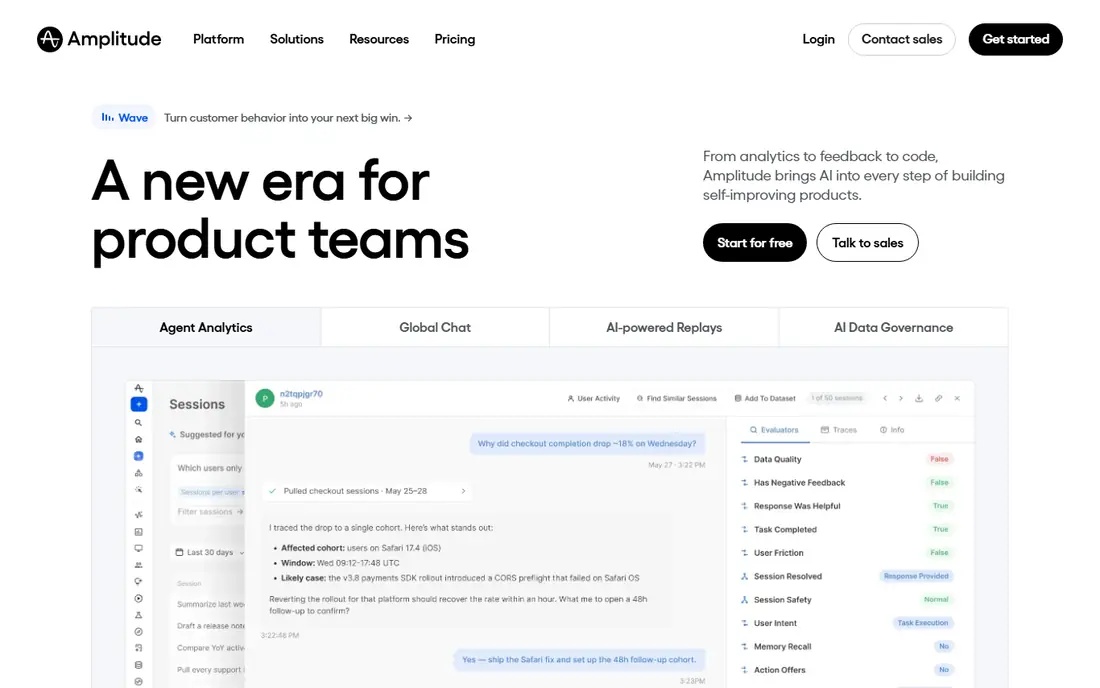
Amplitude suits larger mobile products that need deeper behavioural analysis, forecasting and experimentation in one platform. Its cohort and retention tools handle complex user journeys, and newer features add guides, surveys and experimentation alongside core analytics. Teams with a dedicated product or growth role will get the most from that breadth.
Smaller teams may find Amplitude more than they need, and its pricing model has changed over time, so check the current pricing page before budgeting. Start with the free tier and a small set of core events, then expand only when the team actually uses the deeper reports.
- Deep behavioural cohorts and forecasting
- Generous free event allowance
- Experimentation and guides
- Broad platform can feel complex
- Pricing changes need checking
- Setup needs product thinking
Firebase Analytics, part of Google Firebase, is the free foundation for many mobile teams, especially on Android. It reports events, audiences and user properties at no extra cost for analytics itself, and it links to Crashlytics, Remote Config and Google Ads. For an early app, that combination is hard to beat on value.
Depth is the limit. Firebase is weaker on detailed user-level journeys and complex cohort work than dedicated product analytics tools, so growing teams often add Mixpanel, Amplitude or PostHog alongside it. Use Firebase first, then add a second tool when you need answers Firebase cannot give cleanly.
- Free event reporting
- Tight Google and Android integration
- Audiences and crash links
- Less user-level depth than Mixpanel or Amplitude
- Reporting can feel basic
- Google stack lock-in
PostHog appeals to developer-led teams that want one tool for product analytics, session replay, feature flags and experiments, rather than four separate subscriptions. Its open-source roots and self-hosting option suit teams with privacy or data control needs, while the cloud version removes that operational work. The free event allowance gives small apps a useful start.
Breadth can be a distraction if you only need funnels, and self-hosting is a real engineering commitment. Price it on your actual event volume, including replay and flags, before committing, and keep the event design as clean as you would for any analytics tool.
- Analytics, session replay, experiments and feature flags in one tool
- Open-source option
- Usage-based pricing
- Broad scope can distract small teams
- Self-hosting needs engineering time
- Pricing needs volume maths
Heap takes a different approach by capturing taps, screens and other interactions automatically, so you can analyse an event retroactively without having tagged it in advance. That helps teams that discover a question weeks after a release and wish they had tracked a step. Its mobile support covers the core flows most product teams need.
The catch is commercial and practical. Pricing is often sales-led beyond a limited trial, and automatic capture can create a large, messy dataset if no one governs it. Heap suits teams that value retroactive analysis and can afford the plan and the discipline to manage it.
- Captures events automatically without manual tagging
- Retroactive analysis
- Strong web and mobile support
- Pricing is sales-led for many teams
- Data volume can grow fast
- Needs governance to stay useful
UXCam is a mobile experience tool first, showing how users actually move through an app through session replay, heatmaps and frustration signals such as rage taps. That visual view complements funnel tools, which tell you where users drop off but not always why. For mobile UX teams, seeing a confusing screen in replay can settle a debate faster than a chart.
It is not a replacement for Mixpanel or Amplitude on its own, since its funnel and cohort depth is narrower. Treat UXCam as a second tool for UX questions, and handle replay privacy carefully by masking sensitive fields and respecting user consent rules.
- Mobile session replay and heatmaps
- Crash and frustration signals
- Focused mobile UX view
- Not a full funnel replacement
- Pricing needs a quote for larger use
- Replay needs privacy care
Smartlook combines session recordings, heatmaps and event funnels for web and mobile, making it useful for teams that want visual context alongside basic analytics. You can watch a session, spot a confusing flow, then check the funnel to see how common that problem is. The free plan lets small teams test replay without a sales call.
Analytics depth is thinner than dedicated product tools, so larger teams will still need Mixpanel, Amplitude or PostHog for complex cohorts. As with any replay tool, mask passwords, payment fields and personal data, and check consent requirements in your markets.
- Session recordings and heatmaps for web and mobile
- Funnels and events
- Free plan for small use
- Replay is the strength, analytics depth is thinner
- Session limits apply
- Privacy setup matters
CleverTap is best understood as a lifecycle and retention platform with analytics built in, rather than a pure analytics tool. It uses behaviour cohorts to trigger push notifications, email and in-app messages at the right moment, which suits consumer mobile apps focused on retention and re-engagement. Its funnels and cohorts support that messaging work well.
Teams that only need analytics may find the messaging scope unnecessary, and pricing is often custom, so budget with a sales conversation. Choose CleverTap when messaging driven by behaviour is the goal, and pair it with a core analytics tool if you need deeper product analysis.
- Behaviour-driven push, email and in-app messaging
- Cohorts and funnels
- Strong mobile retention focus
- Messaging focus, not pure analytics
- Pricing is custom for many teams
- Setup needs lifecycle planning
Countly is a mobile analytics platform with a self-hosting option, which appeals to teams that need data control or operate in regulated settings. It covers funnels, retention, cohorts and push messaging, and it can run on your own infrastructure if that matters for privacy or compliance. That control is its main differentiator against cloud-only tools.
The ecosystem is smaller than Mixpanel or Amplitude, and self-hosting adds maintenance work that a small team may not want. Use the cloud version if you want a simpler start, and choose self-hosting only when data control is a clear requirement, not a preference.
- Mobile analytics with self-hosting option
- Funnels, cohorts and push
- Data control for regulated teams
- Smaller ecosystem than leaders
- Self-hosting needs maintenance
- Interface is more utilitarian
How we picked these
We compared official feature pages, pricing pages, SDK documentation and public product guides, and we favoured tools with real mobile SDKs, current availability and a clear product analytics or mobile experience role. We kept free and paid options, and we separated pure product analytics from attribution and lifecycle tools, since they answer different questions. Where a price could not be verified from the vendor, we wrote See website rather than guessing.
How to choose and set up cleanly
Start by writing down the five to ten events that actually decide product success, such as account creation, core action, purchase and return visit, and name them consistently across platforms. Install one core analytics tool first, check that events arrive correctly on iOS and Android, and only then add replay, messaging or attribution tools. A second tool should answer a question the first cannot, not duplicate the same funnel.
Watch volume and privacy from day one. Review event counts monthly, remove noisy or duplicate events, and avoid tracking sensitive personal data you do not need. Check consent rules for your markets, mask sensitive fields in replay tools, and keep a short event dictionary so new team members do not invent a second name for the same action.
Frequently asked questions
What is the best product analytics tool for mobile apps?
Mixpanel is a strong default for event funnels and retention, Amplitude suits larger behavioural analysis, and Firebase Analytics is the best free starting point. The best product analytics tool for mobile apps depends on team size, event volume and how deep the analysis needs to be.
Is there a free product analytics tool for mobile apps?
Yes. Firebase Analytics is free, and Mixpanel, Amplitude, PostHog, UXCam, Smartlook and Countly offer free tiers or free plans with limits. Check event and session limits, since free tiers are usually volume-based.
What is the difference between product analytics and attribution?
Product analytics tracks what users do inside the app, such as funnels and retention, while attribution tracks which campaign or channel drove the install. Many teams use both, with a tool such as AppsFlyer for attribution alongside Mixpanel or Amplitude for product behaviour.
Do I need session replay as well as analytics?
Not always. Funnels tell you where users drop off, while replay shows why a screen may confuse them. Add replay when UX questions keep arising, and keep privacy controls tight when you do.
How much do mobile product analytics tools cost?
Costs vary with event volume, not just seats, so a small app may stay free while a large app pays a usage-based bill. Price your actual monthly events on the vendor pricing page, and review volume after each major release.
Sources
See where you really rank - block by block
ProMapRanker scans Google Maps across a grid of your service area. Simple monthly plans from $19, white-label on every plan.
Start freeKeep reading
 who has best internet service
Who Has the Best Internet Service in 2026
Who has best internet service for US homes? We compare fiber, cable, fixed wireless and satellite providers on speed, price, availability and terms today.
Read → which survey tool has the best analytics
Which Survey Tool Has the Best Analytics in 2026
Find which survey tool has the best analytics in 2026, comparing Qualtrics, SurveyMonkey, Typeform, Alchemer, and more on reports, text, and stats today.
Read → which streaming service has the best movies
Which Streaming Service Has the Best Movies in 2026
Answering which streaming service has the best movies, with Netflix, Max, Criterion and more compared on libraries, prices and free options in this guide.
Read →