 ProMapRanker
Best Pressure Washing Software for Small Crews


Solo operators and small crews · Pricing starts at: $29 per month (billed annually)
Key takeaways
- Jobber is the lowest cost starting point for a solo pressure washing operator, at 29 dollars per month when billed annually for one user.
- Housecall Pro and GorillaDesk both suit small crews, with Housecall Pro bundling job costing from its first plan and GorillaDesk charging per route instead of per user.
- ServiceTitan, Workiz and FieldPulse do not publish prices, so you need a written quote from each before you can compare them with the rest of this list.
- Service Fusion charges one flat monthly rate with unlimited users, which makes it cheaper per head once your crew grows past about six people.
- Kickserv is the budget pick for a small team, with its Start plan covering five users for 60 dollars per month when billed annually.
Quick comparison
| Pick | Great for | Pricing starts at | Free tier | |
|---|---|---|---|---|
| Jobber | Solo operators and small crews | $29 per month (billed annually) | Free trial (14 days) | Visit |
 Housecall Pro | Crews that want job costing early | $59 per month (billed annually) | Free trial (14 days) | Visit |
 ServiceTitan | Large multi-crew operations | quote only | No | Visit |
 Workiz | Teams that want built-in calling | quote only | Free trial (7 days) | Visit |
 GorillaDesk | Route-based crews and recurring work | $49 per route per month | Free trial (14 days) | Visit |
 Service Fusion | Growing teams that want unlimited users | $208 per month (billed annually) | No | Visit |
 Kickserv | Budget-minded small teams | $60 per month (billed annually) | Free trial (30 days) | Visit |
 FieldPulse | Trade businesses that want custom workflows | quote only | Free trial (14 days) | Visit |
The best pressure washing software
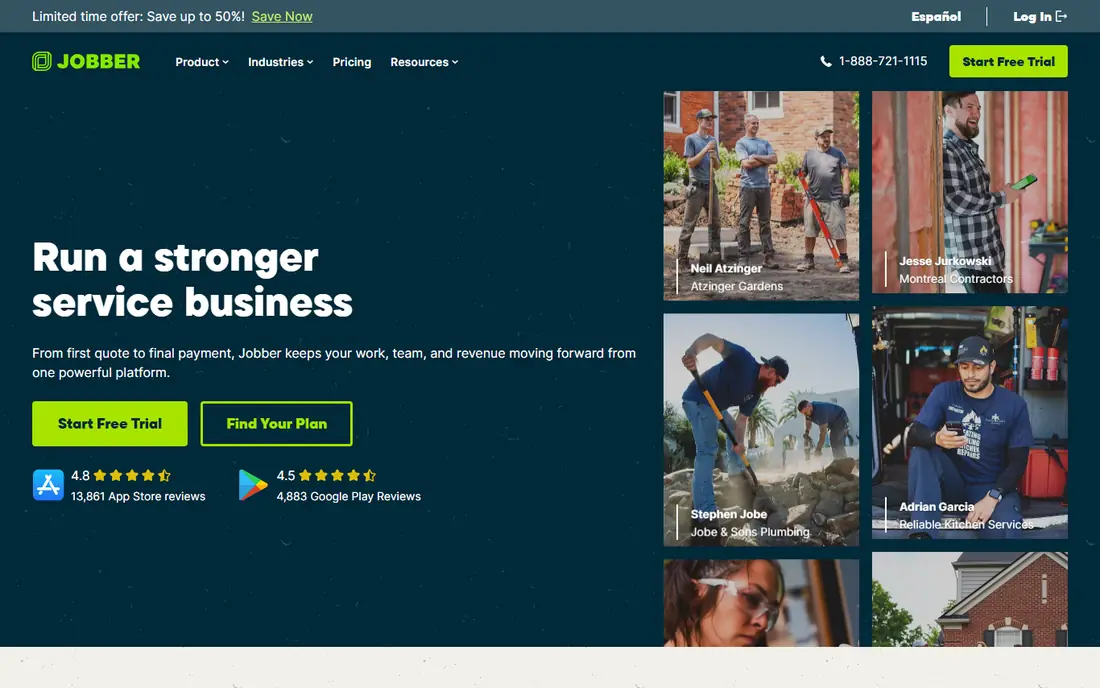
Jobber covers the daily routine of a pressure washing business in one place. You can build a quote with photos of the driveway, house or deck, send it to the customer, and turn it into a scheduled job with one click. The mobile app shows the day route, lets a technician check off tasks, collect a signature and take an after photo. Invoices go out from the same screen, with card or bank payment.
Core starts at 29 dollars per month when billed annually for one user, or 49 dollars per month with no commitment. Connect adds automated reminders, Grow adds job costing and two-way texting, and Plus covers larger teams with five users included. Marketing Suite, AI Receptionist and Pipeline are sold separately at 99, 29 and 49 dollars per month. Price the plan plus any add-ons together, since they can double the monthly bill for a solo operator.
- Published prices for every plan
- Online booking and quoting included from the first plan
- Core plan has no QuickBooks Online sync or GPS tracking
- Marketing and receptionist tools cost extra
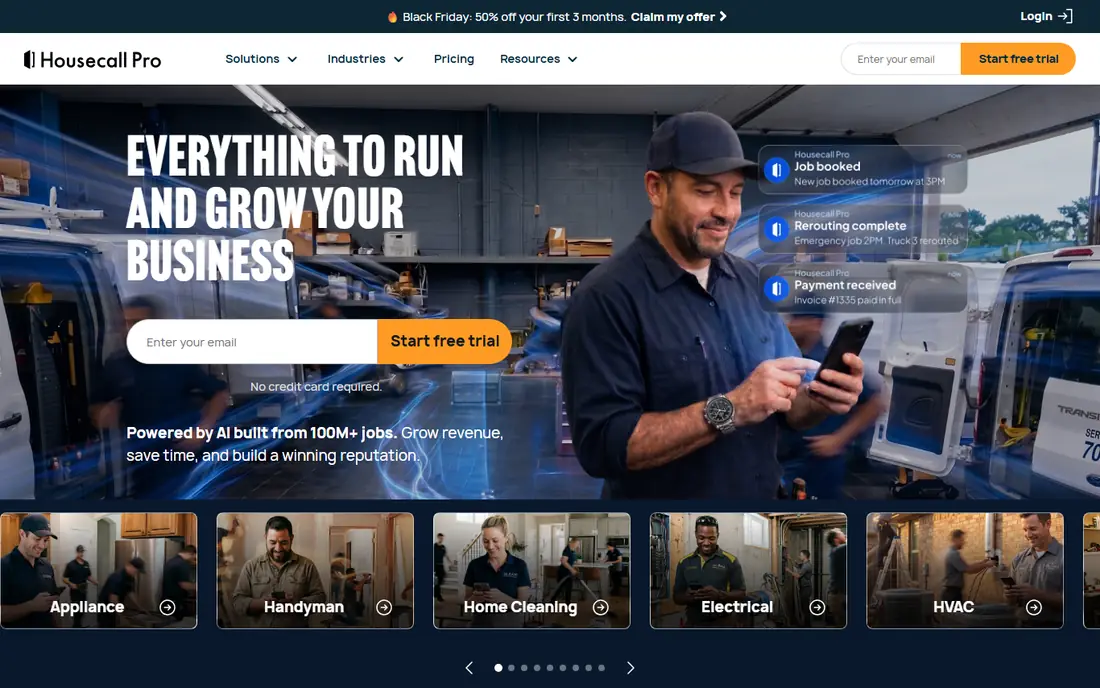
Housecall Pro is a strong fit for pressure washing because it includes job costing and a price book from its cheapest plan. That matters when you price by square footage or surface type, since you can store a rate for driveways, siding, roofs and decks, then build an estimate from those stored rates. The scheduling board shows every crew and every job for the day, and the mobile app lets technicians update job status, add photos and collect payment on site.
Basic costs 59 dollars per month when billed annually for one user, or 79 dollars per month with monthly billing. Essentials costs 149 dollars per month when billed annually for five users and adds routes, flat-rate pricing, photo reports, employee GPS tracking and QuickBooks Online sync. MAX costs 299 dollars per month when billed annually for eight users, with extra users at 35 dollars per month each, and adds a sales proposal tool, recurring service plans and route optimization. Add-ons such as Voice, Campaigns and CSR AI are listed without prices, so ask for those figures in writing before you commit.
- Job costing and a price book included from the Basic plan
- Flat-rate pricing and GPS tracking on Essentials
- No free plan beyond the trial
- Add-on prices for Voice and Campaigns are not published
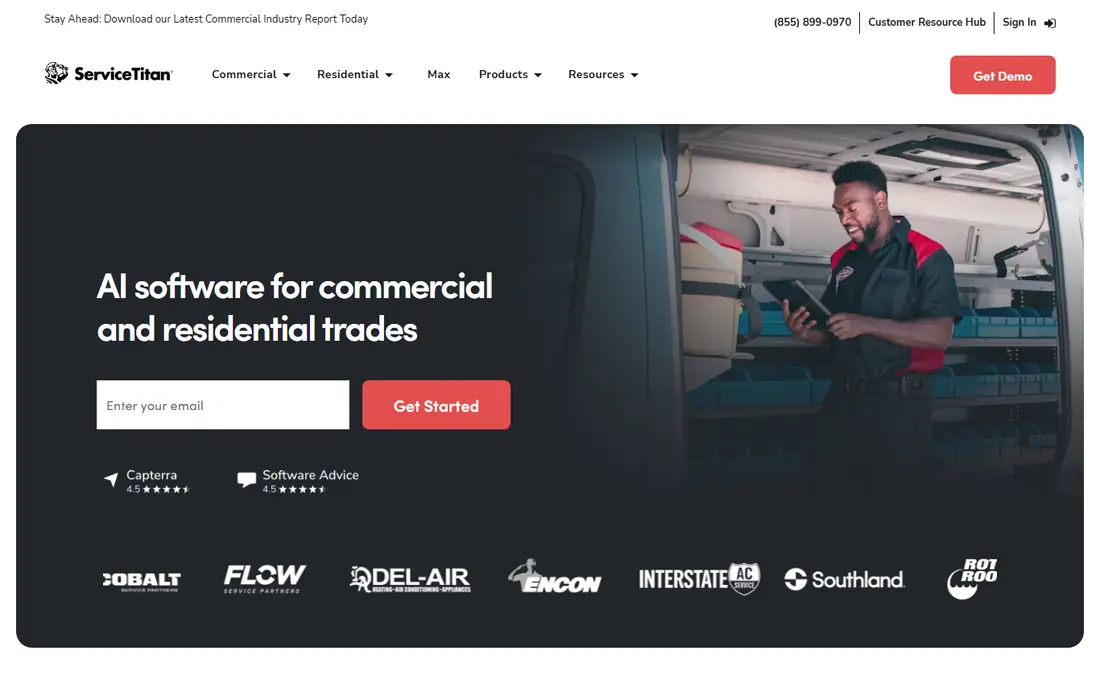
ServiceTitan is the heavyweight option on this list, built for companies that run many trucks, a staffed office and a call center. Its dispatch board, call booking tools and pricebook handle high job volume, and the higher tiers add payroll management, commission tracking and advanced reporting. Memberships let you sell annual wash plans and track renewals.
ServiceTitan publishes no prices. Its pricing page lists three packages, Starter, Essentials and The Works, each with a Request Pricing button, and pricing is quoted per technician. Third-party reports put the range near 245 to 500 dollars per technician per month, with implementation fees from 5,000 dollars upward and 12-month minimum contracts, but ServiceTitan has never confirmed those figures. There is no self-serve trial, so evaluation runs through a demo and a sales call.
- Deep dispatch, payroll and reporting tools
- Strong call booking and membership features
- No published prices and no self-serve trial
- Implementation and long contracts are reported
Workiz stands out for pressure washing teams that live on the phone. Its built-in phone system covers call tracking, call recording and two-way texting, and the Genius AI answering add-on can book jobs from missed calls around the clock. The platform also covers scheduling, dispatch, estimates, invoicing and online payments, with automation rules that chase unanswered quotes and remind customers about upcoming appointments.
Workiz used to publish plan prices, but its current pricing page shows Request Pricing for its Standard, Pro and Ultimate plans, with no dollar figure on the page. Archived copies from May 2025 listed Kickstart at 225 dollars, Standard at 275 dollars and Pro at 325 dollars per month on monthly billing, but those are historical figures and not current quotes. The phone system and Genius AI answering are extra-cost add-ons. A 7-day free trial is available. Get a written quote that lists every add-on before you sign.
- Built-in phone system with call tracking and recording
- Strong automation and AI answering options
- Base prices are no longer published
- The phone system is sold separately
- Service plans need the top tier
GorillaDesk is built for route-based service businesses, and pressure washing fits that model well. You run a truck on a route, visit a set of homes in one area, and bill the same customers again next season. GorillaDesk prices by route rather than by user, so a crew that rides together shares one route and one bill, while admin users and mobile devices are unlimited. The Basic plan covers scheduling, estimates, invoices, work orders and basic routing, while Pro adds the customer portal, online booking, subscription billing and QuickBooks Online sync.
Basic costs 49 dollars per month for one route, Pro costs 99 dollars and Growth costs 149 dollars. Extra routes add 30 to 100 dollars per month each depending on the plan, so a four-truck operation on Pro pays about 249 dollars per month. Basic routing is capped at 25 stops, and texting needs a 5 dollar per month SMS subscription plus credits bought in advance.
- Priced per route, not per user, with unlimited admin users
- Strong recurring billing and route tools
- Each extra route adds cost
- Basic routing is capped at 25 stops
- Texting costs extra
Service Fusion charges one flat monthly rate per company, with unlimited users on every plan, which is a rare model in field service software. For a pressure washing business that adds technicians each spring, that matters: hiring a fourth or fifth crew member does not raise the subscription. Starter covers customer management, estimates and jobs, scheduling and dispatch, invoicing, payments, QuickBooks integration and text alerts. Plus adds job photo uploads, inventory management, job costing and integrated voice and text.
Starter costs 245 dollars per month with monthly billing or 208 dollars per month when billed annually, charged as one annual payment of 2,496 dollars at sign-up. Plus costs 382 dollars per month or 325 dollars per month when billed annually, and Pro costs 627 dollars per month or 533 dollars per month when billed annually. Annual billing saves 15 percent. There is no free trial and no free plan, so evaluation runs through a sales demo, and you commit at least 245 dollars per month before you can test the dispatch board with your own jobs.
- One flat rate with unlimited users on every plan
- No per-seat charges as the team grows
- No free trial or free plan
- GPS tracking and call tools are extra-cost add-ons with no published price
Kickserv is the budget pick for a small pressure washing team that wants the basics done well without a large monthly bill. The Start plan covers scheduling, estimates, invoicing, automated email and text reminders, time and expense tracking, more than 20 business reports and QuickBooks Online integration. The Run plan adds dispatch mapping, GPS check-ins, custom data fields and custom reports, and the Scale plan adds custom templates and review requests.
Pricing is published and based on team size rather than per-seat billing. Start costs 60 dollars per month when billed annually for five users, or 75 dollars per month with monthly billing. Run costs 119 dollars per month when billed annually for ten users, or 149 dollars per month monthly. Scale costs 199 dollars per month when billed annually for twenty users, or 249 dollars per month monthly. The limits to note are that no plan includes two-way texting, API tokens are only on the Premium plan which has no published price, and QuickBooks Desktop integration costs 50 dollars per month extra on Run and above.
- Lowest published starting price per team on this list
- QuickBooks Online sync from the first plan
- No two-way texting on any plan
- API access only on the unpriced Premium plan
- QuickBooks Desktop sync costs extra
FieldPulse is an all-in-one field service platform built for trade businesses that want to shape the software around their own process. It covers scheduling, work orders, estimates, invoicing, project management and a mobile app, with custom fields and workflows that let a pressure washing company track surface types, chemical mixes, equipment and water usage per job. The seat model splits full-access office seats from lighter field-only seats for technicians who mainly need the mobile app, which can keep costs down.
Pricing is the main drawback. FieldPulse does not publish prices. Its pricing page lists three tiers, Essentials, Professional and Enterprise, each behind a Request Pricing button. Third-party reports put the range near 65 dollars per user per month for Essentials, 90 dollars for Professional and 115 dollars for Enterprise, with most small to mid-size businesses landing between 99 and 399 dollars per month before add-ons, but none of those figures is confirmed by FieldPulse. A free trial is available, though its exact length varies, so confirm the terms and get a written quote that lists every add-on before you decide.
- Custom fields and workflows for trade businesses
- Office seats and lighter field seats are priced separately
- No published prices at any tier
- Phone, AI answering and fleet tracking are extra-cost add-ons
How we chose
We compared vendor pricing pages, product documentation and plan feature lists for tools that serve pressure washing and other home service trades. Every price in this guide comes from the vendor own pricing page or, where the vendor hides the price, is marked quote only rather than filled in from a third-party estimate. We checked which features sit on the entry plan and which need a higher tier or an extra-cost add-on, since that gap decides the real monthly bill. We also weighed trial length, user limits, route or seat pricing models and QuickBooks integration. We made no hands-on testing claims.
What to check before you buy
Pressure washing has its own shape: seasonal demand, repeat customers, routes that cluster by neighborhood, and quotes that depend on surface area and surface type. Before you sign, check that the tool handles estimates with photos, stores rates by surface, sends automated reminders, and collects card payments on site. Ask for every add-on price in writing, especially for phone, texting, GPS tracking and review tools, since those are the items most often left off the pricing page.
| Team size | Best pick | Why it fits | Monthly cost to budget | | Solo operator, 1 truck | Jobber Core | Lowest entry price, quoting and online booking included | 29 dollars per month (billed annually) | | 2 to 3 people, 1 to 2 trucks | Housecall Pro Essentials or GorillaDesk Pro | Job costing and GPS, or per-route pricing with a customer portal | 149 dollars per month (billed annually), or 99 dollars per route | | 4 to 8 people, 2 to 4 trucks | Service Fusion Starter or Kickserv Run | Unlimited users, or a flat team price with dispatch mapping | 208 dollars per month (billed annually), or 119 dollars per month (billed annually) | | 9 or more people, multi-crew | ServiceTitan or Service Fusion Pro | Deep dispatch and payroll, or unlimited users with a portal | Quote only, or 533 dollars per month (billed annually) |
Use the table as a starting point, then run a trial with your real jobs and price list. A tool that looks cheap can turn expensive once you add the phone system, extra routes or extra users your crew needs.
Frequently asked questions
How much does pressure washing software cost per month?
Prices in this guide run from 29 dollars per month for Jobber Core when billed annually to 533 dollars per month for Service Fusion Pro on the same terms, with GorillaDesk from 49 dollars per route and Kickserv from 60 dollars per month for five users. Three tools, ServiceTitan, Workiz and FieldPulse, publish no price and need a written quote. Add-on costs for phone, texting, GPS and payment processing sit on top of the plan price.
Which pressure washing software is best for a solo operator?
Jobber is the best starting point for a solo operator, because Core costs 29 dollars per month when billed annually and includes quoting, scheduling, invoicing, online booking and card payments. Housecall Pro Basic is the main alternative at 59 dollars per month when billed annually, and it adds job costing and a price book from the first plan.
Do I need software that charges per route or per user?
It depends on how your crew works. Per-route pricing, as GorillaDesk uses, suits crews that ride together in one truck, since one route covers the whole crew for 49 dollars per month on Basic. Per-user pricing suits teams where each technician runs a separate truck and needs a separate seat. Flat-rate pricing with unlimited users, as Service Fusion uses, suits fast-growing teams, since hiring does not raise the subscription.
Can pressure washing software handle recurring customers?
Yes, most tools on this list handle repeat work. Housecall Pro MAX and ServiceTitan include recurring service plans or memberships, GorillaDesk Pro includes subscription billing, and Service Fusion Pro includes recurring invoicing. If annual wash plans are a core part of your business, check that the plan you buy includes recurring billing rather than treating it as an add-on.
Is there a free plan for pressure washing software?
None of the eight tools in this guide offers an ongoing free plan. Jobber, Housecall Pro, GorillaDesk and FieldPulse offer a 14-day free trial, Workiz offers a 7-day trial, and Kickserv offers a 30-day trial. ServiceTitan and Service Fusion offer no trial and evaluate through a demo instead.
Should a small pressure washing business use ServiceTitan?
Most small pressure washing businesses should not start with ServiceTitan. It publishes no prices, quotes per technician, needs a demo to evaluate, and is built for companies with many trucks, a staffed office and a call center. A one-truck or two-truck business gets better value from Jobber, Housecall Pro, GorillaDesk or Kickserv. Consider ServiceTitan only when you run several crews, need payroll and commission tracking in the same system, and can absorb a long contract and an implementation fee.
Sources
See where you really rank - block by block
ProMapRanker scans Google Maps across a grid of your service area. Simple monthly plans from $19, white-label on every plan.
Start freeKeep reading
 best scheduling software for med spas
Best Scheduling Software for Med Spas in 2026
Compare the best scheduling software for med spas, with real prices and calendar features, so you can run staff schedules and waitlists without double bookings.
Read → best scheduling software for law firms
Best Scheduling Software for Law Firms
Compare the best scheduling software for law firms, with real 2026 prices, intake forms, and calendar sync, so clients can book easily without phone tag.
Read → best scheduling software for gyms
Best Scheduling Software for Gyms in 2026
Compare the best scheduling software for gyms, with real prices and timetable features, so you can run classes, coaches and waitlists without double bookings.
Read →