 ProMapRanker
Best Podcast Recording Software Free in 2026

Key takeaways
- Audacity and GarageBand still cover most solo recording at zero cost, with no account or subscription needed for the core job.
- Riverside and Zencastr are the free starting points for remote guests, because each guest is recorded on a separate local track.
- Descript and Podcastle suit creators who prefer editing words rather than waveforms, though free hours are limited.
- Free tiers have real caps on hours, resolution and exports, so check those limits before you build a weekly show around one tool.
Quick comparison
| Pick | Great for | Pricing starts at | Free tier | |
|---|---|---|---|---|
 Audacity | Free solo recording anywhere | Free | Yes | Visit |
 GarageBand | Mac beginners | Free | Yes | Visit |
 Riverside | Remote video interviews | Free | Yes | Visit |
 Zencastr | Simple remote audio recording | Free | Yes | Visit |
 Descript | Transcript-based editing | Free | Yes | Visit |
 Podcastle | Beginner all-in-one creation | Free | Yes | Visit |
 Adobe Podcast | Cleaning up noisy audio | Free | Yes | Visit |
 Cleanfeed | Live remote audio mixing | Free | Yes | Visit |
 OBS Studio | Free screen and live recording | Free | Yes | Visit |
The best podcast recording software free
Free podcast recording software falls into two groups: desktop editors for solo shows, and browser studios for remote guests. We compared official pricing pages and product documentation, and we included only tools with a genuinely free tier in October 2026. Trial-only tools were left out, even when the trial is generous.
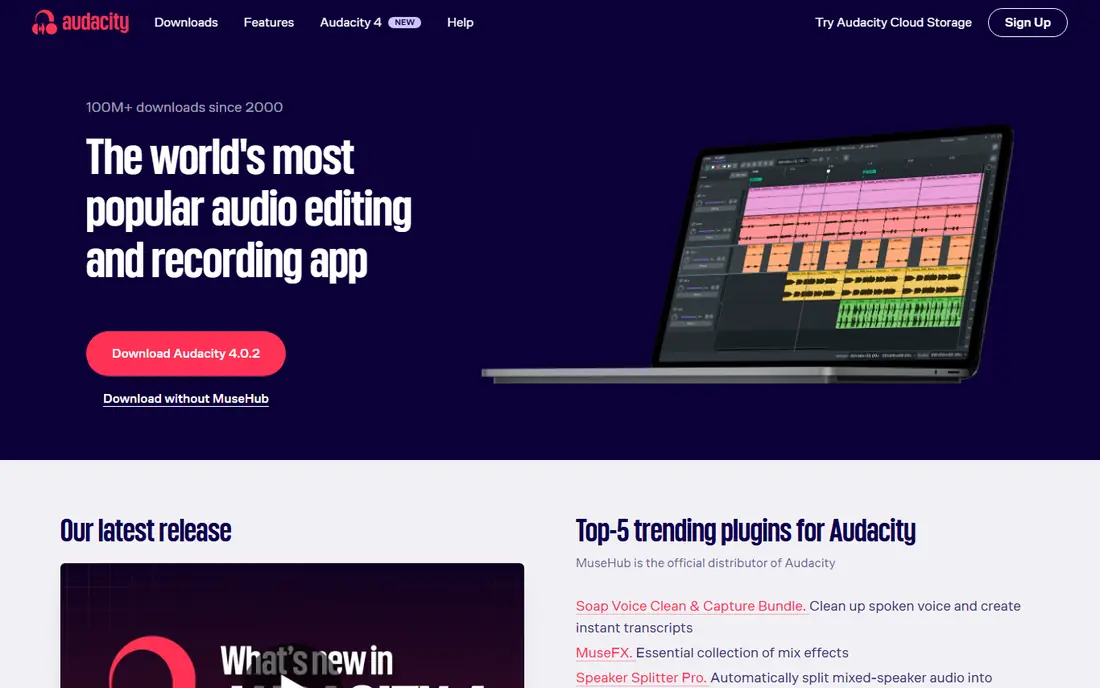
Audacity remains the default free pick for a solo podcaster. It records multiple tracks, cuts silence and mistakes, applies noise reduction and exports MP3 files ready for a podcast host. Because it is open source, there is no subscription, no account lock-in and no monthly hour limit to worry about. A USB microphone, a quiet room and Audacity are enough to publish a clean solo show.
The limits show up when guests join. Audacity does not record remote callers on separate high-quality tracks, so a remote interview needs a browser studio instead. Its interface also takes a short while to learn, especially for effects and export settings. For solo recording and editing, though, few paid tools beat it on value.
- Fully free and open source
- Multitrack recording and editing
- Works on Windows, Mac and Linux
- No built-in remote guest recording
- Interface looks dated to new users
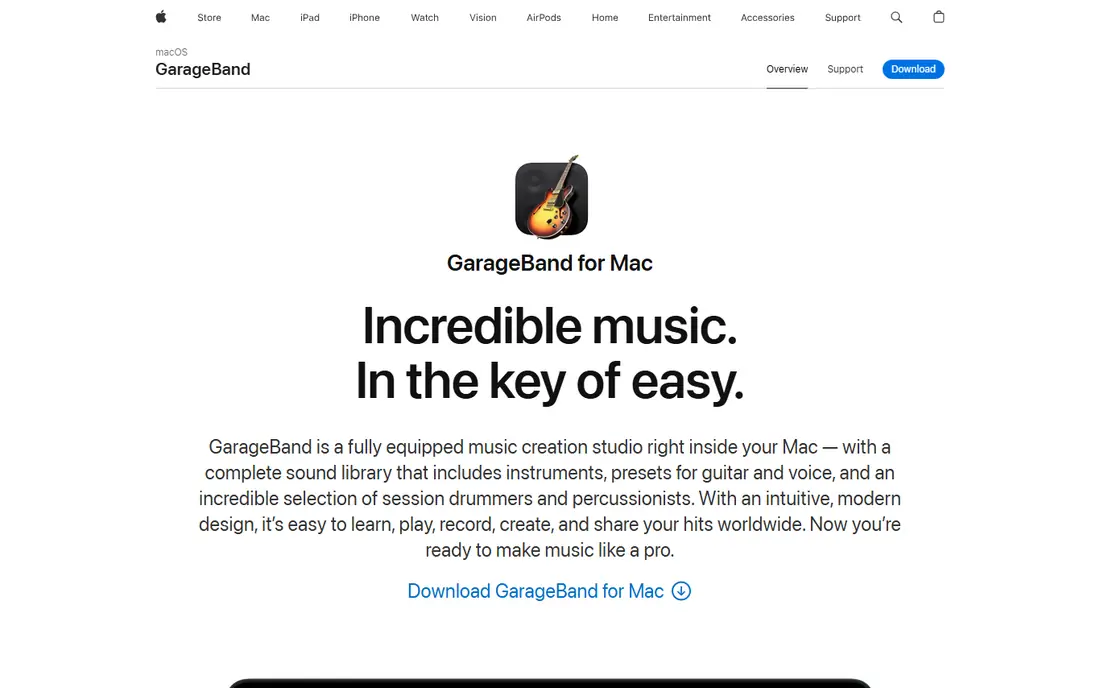
GarageBand is the easiest free start for anyone who already owns a Mac. It records voice clearly, offers simple editing and includes loops and sound effects for intros without buying extra audio. A beginner can record, trim and export an episode in one sitting, and the layout is far less intimidating than a full professional audio workstation.
Windows and Linux users cannot use it, which is its main drawback. It also works best for solo or in-person recording, not for remote interviews where separate guest tracks matter. If you own a Mac and record alone, GarageBand is the fastest path from idea to finished audio.
- Free with Mac and iOS devices
- Friendly layout for beginners
- Good voice presets and music loops
- Mac and iOS only
- Remote guest recording is not its strength
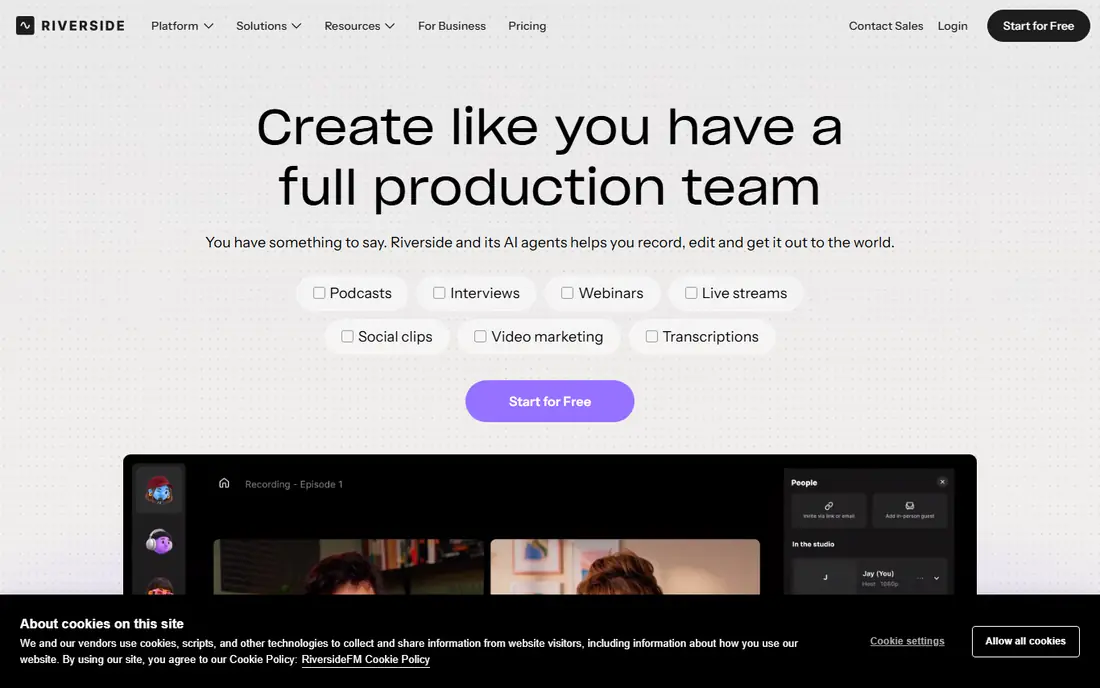
Riverside solves the biggest problem in remote podcasting: a guest with a weak internet connection. Each person is recorded locally on their own device, then the high-quality files upload after the call, so a dropout does not ruin the audio. Video is captured alongside audio, which helps creators who also publish clips or a video version of the show.
The free tier is a real starting point, not a demo, but it does cap hours and resolution. A weekly show with long interviews will hit those limits and need a paid plan. For a new show testing remote interviews, Riverside free is the best way to learn the workflow before paying.
- Local recording for each guest
- Video and audio in one studio
- Browser-based, no guest install needed
- Free tier limits recording hours and video quality
- Paid plans start at $24 per month billed annually
Zencastr keeps remote recording simple. The host sends a link, guests join in a browser, and each voice is recorded separately for editing later. That simplicity matters when guests are not technical, because there is no software to install and no complex setup to explain before the interview starts. Paid plans add more hours, video and post-production tools.
Free users should read the current limits carefully, since hours and advanced features are capped. Zencastr is at its best for audio-first shows that want a clean, low-friction guest experience. Video-first creators may prefer Riverside, but audio shows will find Zencastr easier to run week after week.
- Simple browser studio for guests
- Separate tracks for each speaker
- Built-in editing and distribution options
- Free tier has limits on hours and features
- Video tools are less deep than Riverside
Descript changes editing for people who dislike waveforms. It transcribes the recording, and deleting a sentence in the transcript deletes that audio. Filler words can be removed in bulk, and the same project can produce clips and captions. For interview shows with long recordings, that text-first workflow saves hours compared with cutting audio by ear alone.
The free plan includes limited transcription time each month, so a daily show will need a paid plan. Descript also works best when the transcript is accurate, which depends on clear audio and distinct voices. For creators who edit by reading, it is the most approachable free editor in this list.
- Edit audio by editing text
- Filler-word removal
- Screen recording included
- Free plan limits transcription hours
- Full editing depth takes time to learn
Podcastle aims to carry a beginner from recording to finished episode without juggling three tools. It records remote guests, offers transcript editing and includes AI tools for cleaning audio and removing background noise. The browser layout is clear, and a new creator can publish a first episode without learning a traditional audio workstation.
Free limits are the catch, as with most all-in-one tools. Hours, exports and AI features are capped, and heavy users will need a paid plan starting at about $12 per month billed annually. For a short weekly show, the free tier is a fair test of whether an all-in-one workflow suits you.
- Recording, editing and AI cleanup in one place
- Browser-based
- Simple project layout
- Free tier limits hours and AI features
- Long video projects suit paid plans better
Adobe Podcast is best used as a repair tool, not as your only editor. Its Enhance Speech feature can turn a recording made in a noisy room into something close to studio audio, which rescues guest recordings that would otherwise be unusable. Mic Check helps before recording by flagging microphone and room problems early.
The free plan caps daily Enhance Speech use and file length, and higher limits now sit in a paid Firefly plan. Creators should record in Audacity, GarageBand or Riverside, run problem clips through Adobe Podcast, then finish the edit elsewhere. Used that way, it is one of the most useful free tools here.
- Enhance Speech removes echo and noise
- Mic Check tests setup
- Browser-based remote studio
- Not a full episode editor
- Free Enhance Speech has daily limits
Cleanfeed is built for live and recorded audio links rather than full episode production. A host sends a link, guests join in a browser, and the audio quality is far better than a standard video call. Broadcasters and interview shows use it for live sessions, call-ins and remote co-hosts where audio clarity matters more than video.
It does not edit episodes or host a podcast feed, so creators still need Audacity or another editor after recording. The Lite plan is free, which makes Cleanfeed a low-risk addition for shows that already edit elsewhere. If your show is audio-only and live, it deserves a place in the workflow.
- High-quality live audio links for guests
- Lite plan is free
- No guest install needed
- Audio-only focus
- Editing and hosting need other tools
OBS Studio is not a podcast editor, but it is a strong free recorder for video podcasts, live shows and screen-based episodes. It captures camera, screen and microphone together, mixes audio sources and streams live to major platforms. Because it is open source, there are no hour limits, watermarks or subscription tiers to manage.
The setup is the hurdle. Audio routing, scenes and export settings take time to learn, and editing still needs another tool. For creators who record video podcasts or live sessions and edit in Descript or Audacity afterwards, OBS Studio removes the recording cost entirely.
- Fully free and open source
- Records screen, camera and audio together
- Live streaming built in
- Setup takes more effort
- No transcript editing or podcast hosting
How we picked these
We checked official pricing and product pages for a genuine free tier, not just a free trial, and we tested the fit against the main keyword and related searches for free podcast software. We compared solo editors, remote studios and repair tools separately, because one tool rarely does all three jobs well. We left out trial-only editors, even popular ones, to keep this list honest for readers who want to start at zero cost.
How to choose a free recording setup
Match the tool to the show format first. Solo shows need only Audacity or GarageBand, plus a decent microphone and a quiet room. Remote interview shows need Riverside, Zencastr or Cleanfeed, because separate local tracks protect audio quality when internet connections wobble. Video shows add OBS Studio or Riverside, depending on whether the show is live or recorded.
Next, add up the free limits across a month. A free tier that allows two hours may suit a fortnightly 30-minute show, but not a weekly hour-long interview series. Check recording hours, video resolution, transcription time and export watermarks before committing to a tool. It is better to learn those caps in week one than to discover them when an episode is due.
Finally, keep the workflow simple. Record in one tool, clean problem audio in Adobe Podcast if needed, edit in Audacity, GarageBand or Descript, then upload to a host. A short test episode will reveal microphone distance, room echo and level problems faster than any guide. Fix the room first, then worry about paid upgrades.
Frequently asked questions
What is the best free podcast recording software?
Audacity is the best free choice for solo recording on any computer, while GarageBand is best for Mac beginners. For remote guests, Riverside and Zencastr offer free tiers with separate tracks for each speaker. The best pick depends on whether you record alone or with guests.
Can I record a podcast for free?
Yes. Audacity, GarageBand and OBS Studio are fully free, and Riverside, Zencastr, Descript, Podcastle, Adobe Podcast and Cleanfeed all offer free tiers. You can record, edit and publish a show without paying for software, though free tiers limit hours and some features.
Is GarageBand good for podcasting?
Yes, for Mac users. GarageBand records voice clearly, edits simply and exports audio ready for a host. It is less suited to remote interviews, where a browser studio with separate guest tracks gives better results. Windows users should use Audacity instead.
Do I need separate software to record remote guests?
Yes, if quality matters. Standard video calls compress audio and mix everyone into one track, which makes editing hard. Riverside, Zencastr and Cleanfeed record each guest locally or on a high-quality link, giving separate tracks and cleaner audio.
What is the best free podcast software for video?
Riverside free is a good start for recorded video interviews, with local capture for each guest. OBS Studio is fully free for live and screen-based video recording, though it needs another editor afterwards. Check free video resolution limits before planning a video series.
Sources
See where you really rank - block by block
ProMapRanker scans Google Maps across a grid of your service area. Simple monthly plans from $19, white-label on every plan.
Start freeKeep reading
 who has best internet service
Who Has the Best Internet Service in 2026
Who has best internet service for US homes? We compare fiber, cable, fixed wireless and satellite providers on speed, price, availability and terms today.
Read → which survey tool has the best analytics
Which Survey Tool Has the Best Analytics in 2026
Find which survey tool has the best analytics in 2026, comparing Qualtrics, SurveyMonkey, Typeform, Alchemer, and more on reports, text, and stats today.
Read → which streaming service has the best movies
Which Streaming Service Has the Best Movies in 2026
Answering which streaming service has the best movies, with Netflix, Max, Criterion and more compared on libraries, prices and free options in this guide.
Read →