 ProMapRanker
Best Plumbing Software in 2026


Small plumbing crews that want simple scheduling · Pricing starts at: $49 per month
Key takeaways
- Jobber and Housecall Pro suit small shops best, with low starting prices and fast setup for one to ten users.
- ServiceTitan and FieldEdge suit larger shops that need deeper dispatch, reporting, and marketing tools, but both cost more and take longer to set up.
- Service Fusion stands out for growing teams, since unlimited users on a flat monthly price can beat per-user billing at scale.
- Check the billing unit before you compare prices, since per-user, per-technician, and flat plans produce very different totals for the same crew.
Quick comparison
| Pick | Great for | Pricing starts at | Free tier | |
|---|---|---|---|---|
| Jobber | Small plumbing crews that want simple scheduling | $49 per month | Free trial (14 days) | Visit |
 Housecall Pro Housecall Pro | Shops that value customer communication | $79 per month | Free trial (14 days) | Visit |
 ServiceTitan ServiceTitan | Large shops that need deep operations tools | See website | Free trial | Visit |
 FieldEdge FieldEdge | QuickBooks-centered plumbing and HVAC shops | See website | Free trial | Visit |
 Service Fusion Service Fusion | Growing teams that want flat, unlimited-user pricing | $245 per month | Free trial | Visit |
 Workiz Workiz | Shops that want calling and scheduling in one place | See website | Free trial | Visit |
 Kickserv Kickserv | Budget-minded small teams | $60 per month | Free trial | Visit |
 FieldPulse FieldPulse | Shops that want separate office and field seats | See website | Free trial | Visit |
The best plumbing software
Plumbing software has one main job: turn a call into a booked job, a completed visit, and a paid invoice without lost paper or double entry. The eight tools below do that job at different scales, from a solo plumber to a shop with dozens of techs, and we compared them on scheduling, dispatch, invoicing, payments, and price structure.
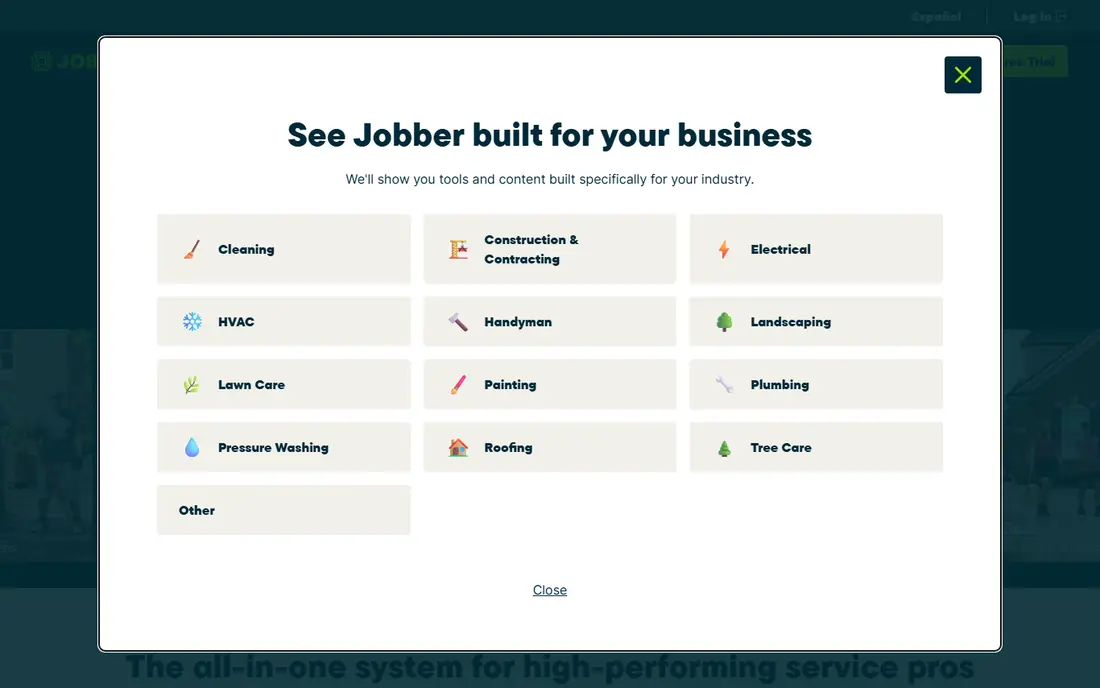
Jobber is the easiest starting point for a small plumbing shop. Scheduling, quoting, invoicing, and client records sit in a clear layout, and most owners can set it up in a day without outside help. Customers can approve quotes and pay online through the client hub, which cuts phone tag and speeds payment after a job.
Limits show up as a shop grows. Marketing tools stay basic, and deeper reporting needs a higher tier. Dispatch for a large fleet is also simpler than in enterprise tools. For a crew of one to fifteen people that needs order without complexity, Jobber is a sensible and affordable first system.
- Clean scheduling and quoting
- Client hub for approvals and payments
- QuickBooks and Xero links
- Marketing tools are basic
- Reporting is limited on lower tiers
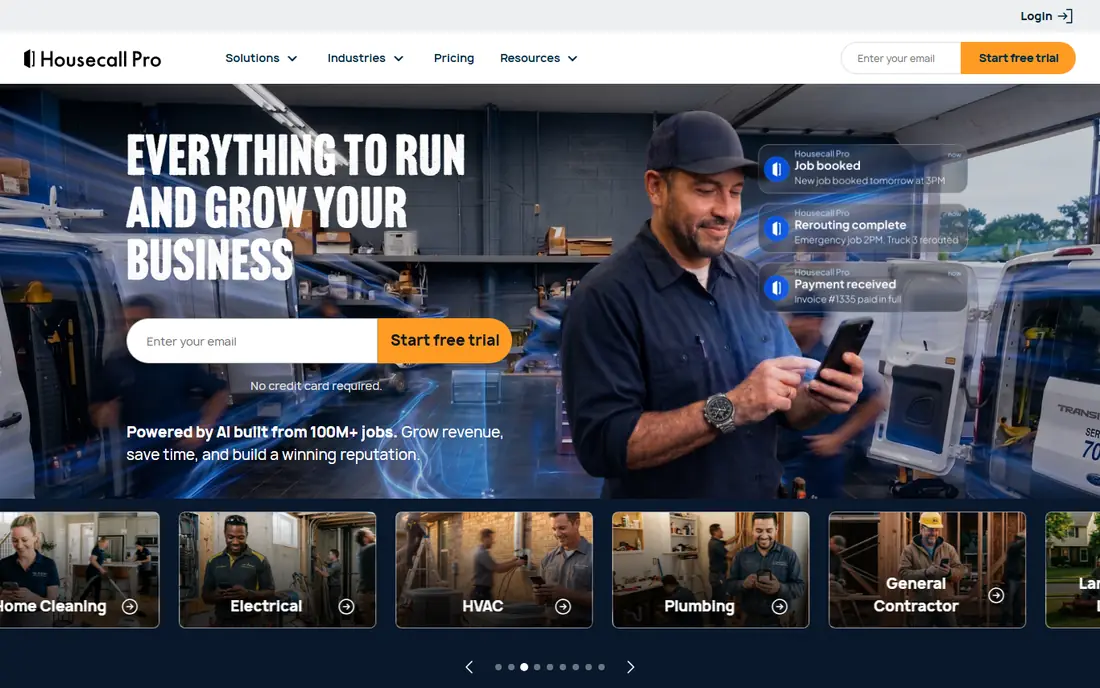
Housecall Pro puts customer communication first. Automated texts and emails keep customers informed about arrival times, estimates, and invoices, and online booking lets a customer request a visit without a phone call. Techs get a mobile app for job details, photos, and on-site payments, which suits crews that spend most of the day in the field.
The trade-off is depth. Inventory management is thinner than in larger platforms, and some useful features sit on higher tiers. Shops that mainly need tidy scheduling, clear customer updates, and fast invoicing will find Housecall Pro a good middle ground between Jobber and enterprise tools.
- Strong text and email updates for customers
- Online booking and payments
- Easy mobile app for techs
- Inventory tools are limited
- Higher tiers needed for deeper features
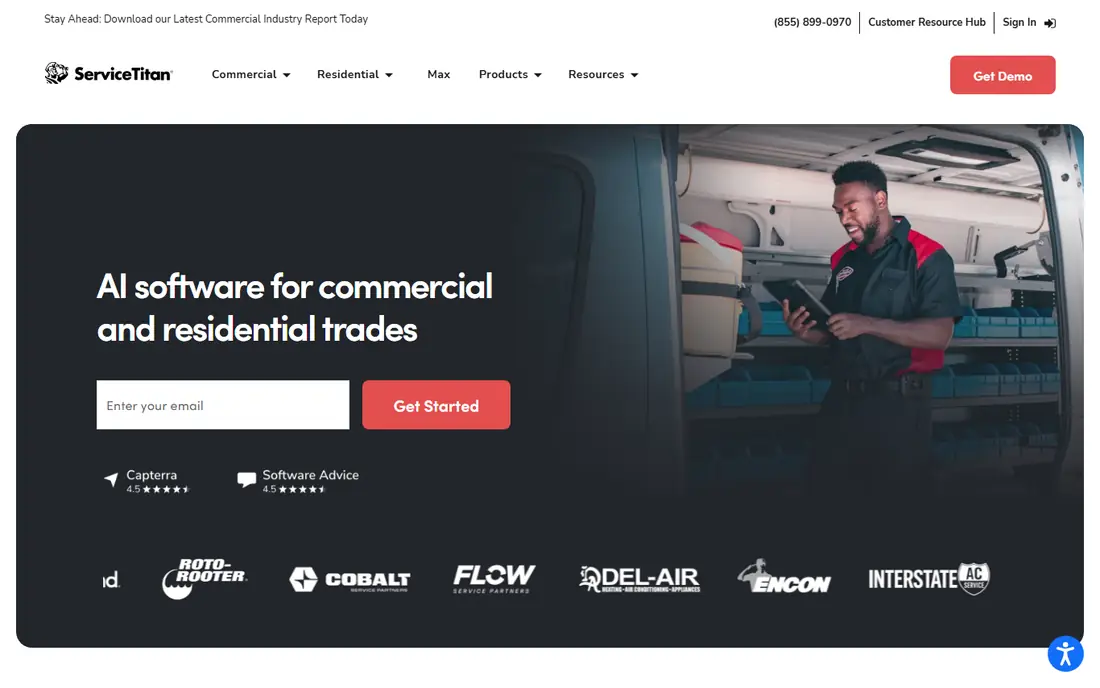
ServiceTitan is built for shops that have outgrown simple scheduling. The dispatch board, job costing, marketing attribution, and reporting give managers a detailed view of every tech, job, and campaign. Call tracking links bookings to marketing spend, which helps larger shops decide where to invest their advertising budget.
Cost and setup are the honest drawbacks. Pricing is quoted per technician, setup can take weeks or months, and smaller shops may find the total price hard to justify. For a shop with ten or more techs that needs enterprise control, ServiceTitan is the most complete platform on this list.
- Deep dispatch board and reporting
- Marketing attribution and call tracking
- Strong enterprise integrations
- Quote-based pricing can be costly
- Setup can take weeks or months
FieldEdge suits shops that run their books in QuickBooks and want job data to flow into accounting without retyping. Scheduling, dispatch, customer records, quoting, and invoicing sit in one system, and the mobile app gives techs job details and payment tools in the field. Plans run from Select to Premier and Elite, with more features at each step.
The main drawback is price transparency. FieldEdge does not publish a standard price, so a shop must request a quote and compare it carefully with per-user rivals. Shops that value QuickBooks depth and are willing to go through a sales process will find FieldEdge a strong, trade-focused choice.
- Strong QuickBooks integration
- Dispatch, quoting, and invoicing in one system
- Solid mobile app for techs
- Pricing is quote-based and not published
- Setup takes longer than simple tools
Service Fusion
Great for: Growing teams that want flat, unlimited-user pricing
Service Fusion changes the pricing math for growing shops. Every plan includes unlimited users, so adding office staff and techs does not raise the seat bill the way per-user tools do. Scheduling, dispatch, invoicing, and customer management sit in the core product, and QuickBooks integration is a noted strength for shops that track job costs closely.
Add-ons are the catch. Job costing, inventory, customer portal access, GPS tracking, and several other features cost extra, so the headline price is a starting point, not a final total. Shops should request a written quote that lists every add-on they need, then compare that total with per-user rivals at their real headcount.
- Unlimited users on every plan
- Strong QuickBooks integration
- Flat price helps growing crews budget
- Several features are paid add-ons
- No free plan, and trials are demo-led
Workiz blends a phone system with field service tools, which suits shops that win jobs by phone. Call tracking, routing, and recording sit beside scheduling, dispatch, and invoicing, and an online booking widget lets customers request visits from a website. Inventory tracking helps shops that carry parts across vans and a warehouse.
Pricing is the main uncertainty. Workiz moved to sales-quoted pricing, so a shop cannot compare a published starting price with rivals without a quote. Setup also takes more time than Jobber or Housecall Pro. For shops that want phone and scheduling in one system, Workiz is worth a quote, but the final price must be confirmed in writing.
- Built-in phone system with call tracking
- Online booking widget
- Inventory tools on higher tiers
- Pricing is now sales-quoted
- Setup is heavier than simple tools
Kickserv gives small shops a low, predictable price. The Start tier covers five users for $60 per month, with scheduling, invoicing, and customer records in a simple layout that techs learn quickly. QuickBooks and Xero links help a small shop keep books tidy without extra admin work.
Limits are plain. Kickserv has no inventory management, and reporting stays basic, so shops that track parts closely or need deep business reports may outgrow it. For a small crew that wants a clean, affordable system and does not need enterprise depth, Kickserv is one of the best value picks here.
- Low bundled price for up to five users
- Simple scheduling and invoicing
- QuickBooks and Xero links
- No inventory management
- Reporting is basic compared with larger tools
FieldPulse suits shops where most techs need field tools but only a small office team needs full admin access. Quotes separate full-access seats from limited field seats, which can lower the total compared with charging every tech a full seat price. Scheduling, estimates, invoicing, and payments sit in the same system, and the mobile app covers job details in the field.
The drawback is transparency. Without a published price, a shop must ask the vendor to break down each seat type, add-on, and term in the quote. Done carefully, that quote can produce a fair price for a mixed office and field team. Done loosely, it can hide the true cost of growth, so compare it line by line with flat and per-user rivals.
- Separate full-access and field seats
- Scheduling, invoicing, and payments in one app
- Mobile tools for techs
- No published standard price
- Quote must be checked seat by seat
How we picked these
We compared field service platforms that serve plumbing shops, using published pricing, plan structures, and feature lists from vendor and review sources. We favored tools with scheduling, dispatch, invoicing, and mobile apps for techs, and we included a mix of per-user, per-technician, and flat pricing so shops can compare true costs at their crew size.
What to check before you buy
Run a real job through the trial, from booking to invoice to payment, and watch for double entry at each step. Check how the tool handles recurring jobs, emergency calls, and after-hours bookings, since those cases break weak systems first. Confirm which accounting tool it links to, whether payments carry extra fees, and how customer texts and reminders are charged.
Ask for the full price in writing, including every user, add-on, and contract term. A low headline price can rise fast once office staff, techs, and features are added. Finally, test the mobile app on a real phone in the field, since a tool that works well at a desk but poorly on a job site will not last long with your crew.
Frequently asked questions
What is the best plumbing software for a small shop?
Jobber and Housecall Pro suit most small shops, with low starting prices and fast setup. Kickserv is a strong budget option for teams of up to five users. Pick the one whose scheduling and invoicing flow feels simplest during a trial with real jobs.
What is the best software for plumbers who work alone?
Jobber Core and Kickserv Start both suit solo plumbers, since they cover scheduling, quoting, and invoicing without enterprise cost. Housecall Pro Basic also works well for a solo operator who values customer texts and online booking. Compare the monthly price and the mobile app before you choose.
What is the best plumbing app for scheduling and invoicing?
Jobber, Housecall Pro, Service Fusion, and FieldPulse all cover scheduling, invoicing, and payments in one system. ServiceTitan and FieldEdge add deeper dispatch and reporting for larger crews. The best app is the one your techs will actually use in the field every day.
How much does plumbing software cost?
Starting prices on this list run from $49 per month for Jobber and $60 for Kickserv to $79 for Housecall Pro and $245 for Service Fusion, while ServiceTitan, FieldEdge, Workiz, and FieldPulse use quoted pricing. Always confirm the billing unit, since per-user and per-technician prices multiply with crew size.
Does plumbing software link to QuickBooks?
Yes, most tools on this list link to QuickBooks, including Jobber, Housecall Pro, FieldEdge, Service Fusion, and Kickserv. Confirm which QuickBooks version your shop uses, and test a completed job flowing into an invoice before you commit to a plan.
Sources
See where you really rank - block by block
ProMapRanker scans Google Maps across a grid of your service area. Simple monthly plans from $19, white-label on every plan.
Start freeKeep reading
 best video editing apps for affiliate marketing
Best Video Editing Apps for Affiliate Marketing in 2026
Compare the best video editing apps for affiliate marketing, from fast short-form editors to full desktop suites, with current pricing and honest trade-offs.
Read → best shift scheduling software
Best Shift Scheduling Software in 2026
Compare the best shift scheduling software, from Homebase and Deputy to When I Work and 7shifts, with free plans and per-user pricing explained for teams.
Read → best salon booking software
Best Salon Booking Software in 2026
Compare the best salon booking software for 2026, from free solo tools to premium multi-chair platforms, with current pricing, trials and honest limits.
Read →