 ProMapRanker
Best Platform Engineering Tools in 2026

Key takeaways
- Backstage is the most flexible free starting point, but it needs a team to run it in production.
- Port is our pick for most teams that want a catalog and self-service actions without building a portal from scratch.
- Cortex and OpsLevel focus more on service maturity and scorecards than on provisioning infrastructure.
- Humanitec fits teams that need environment orchestration across Kubernetes and cloud services.
- Pricing is often quoted per developer, so check the total annual cost for your real team size before you commit.
Quick comparison
| Pick | Great for | Pricing starts at | Free tier | |
|---|---|---|---|---|
 Backstage | Open source developer portals | Free | Yes | Visit |
 Port | Catalogs and self-service actions | $30 per user per month | Yes | Visit |
 Cortex | Service maturity and scorecards | See website | No | Visit |
 OpsLevel | Governance and production readiness | See website | No | Visit |
 Humanitec | Environment orchestration | See website | Free trial | Visit |
 Atlassian Compass | Teams already using Jira | See website | Free trial | Visit |
 Harness IDP | Managed Backstage with CI and CD | See website | Free trial | Visit |
 Qovery | Simpler cloud deployment for developers | See website | Yes | Visit |
The best platform engineering tools
Platform engineering tools help developers find services, request infrastructure, and ship changes without waiting on tickets. We compared official feature pages, pricing pages, and public documentation for the tools below.
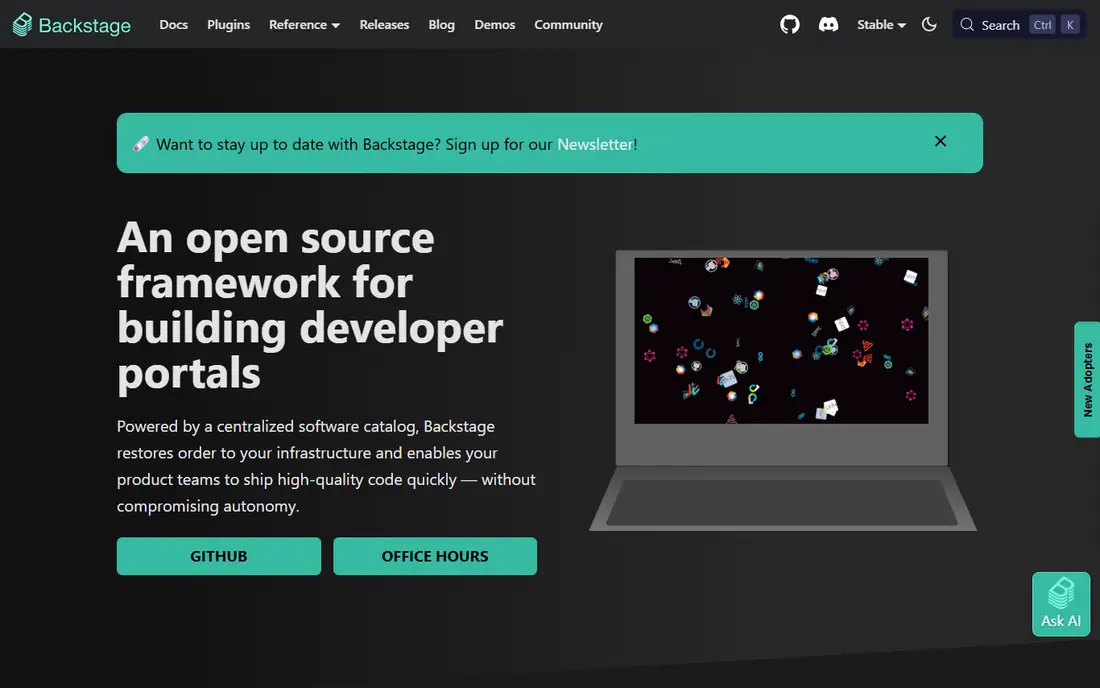
Backstage started at Spotify and is now a CNCF project for building internal developer portals. Its core pieces are a software catalog, software templates for new services, and TechDocs for documentation kept close to code. That combination suits large teams that want full control over how their portal looks and works.
The catch is ownership. Backstage gives you a framework, not a finished product, so your team handles hosting, upgrades, plugins, and catalog ingestion. If you have a funded platform team and strong opinions about your developer experience, that trade can pay off. If you do not, a hosted tool will usually get you further, faster.
- Free open source framework
- Large plugin ecosystem
- Service catalog and software templates included
- You run and upgrade it yourself
- Needs real platform engineering time
- No vendor support by default
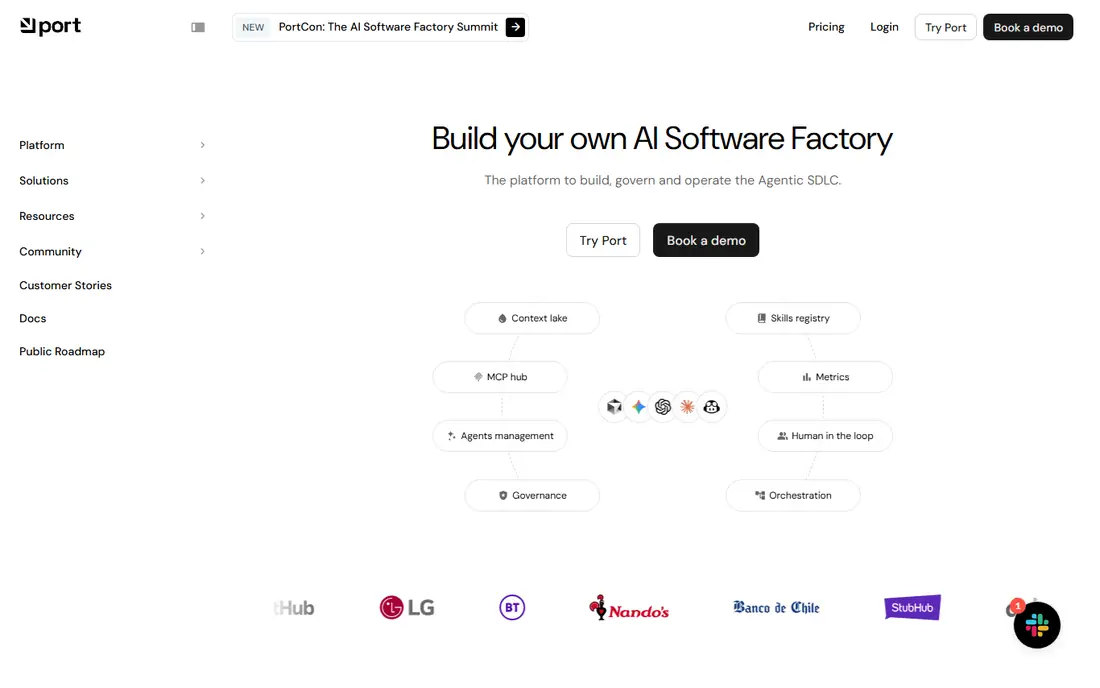
Port is a hosted developer portal built around blueprints, which are structured models for services, environments, and other entities. Teams use those blueprints to build a catalog, add scorecards, and offer self-service actions such as creating a service or requesting a database. The free plan covers up to 15 seats, which makes it easy to test with a small group.
We like Port for teams that want visibility and self-service without hiring a portal team. The main risk is scope creep in the catalog itself. If every team defines entities differently, the portal becomes hard to trust. Agree on naming and ownership early, and keep the first version small.
- Free plan for small teams
- Blueprint driven catalog
- Self-service actions for common requests
- Paid tiers are priced per seat
- Costs grow with team size
- Setup still needs clear data models
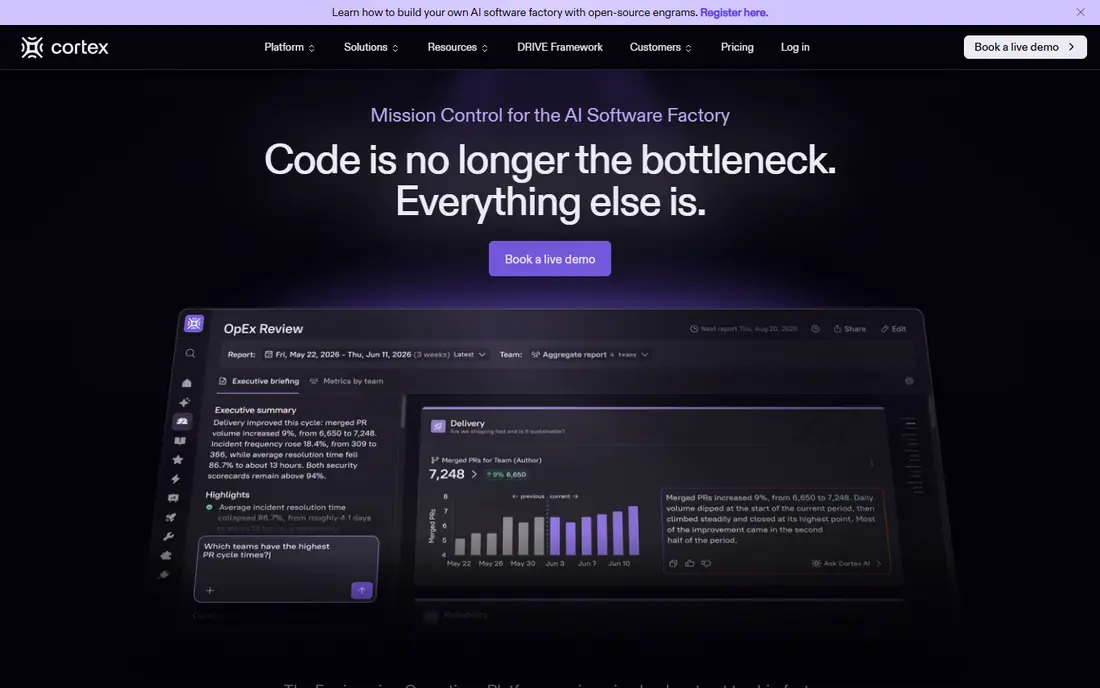
Cortex helps engineering leaders answer a plain question: which services meet our standards, and which do not. Teams define scorecards for areas such as security, reliability, documentation, and testing, then track progress service by service. That view is useful during audits, migrations, and on-call reviews.
Cortex is not the best first choice if your main pain is provisioning cloud resources. Its strength is governance and visibility, not running environments. Ask for a quote based on your developer count, and confirm what is included for integrations and custom checks before you sign.
- Clear scorecards for readiness
- Service catalog with ownership
- Workflow automation for standards
- Pricing is not published on its main pricing page
- Less focused on provisioning infrastructure
OpsLevel sits in a similar space to Cortex, with a catalog, rubrics, and checks that measure services against your standards. Teams can see ownership, dependencies, and readiness in one place, and they can nudge service owners toward fixes instead of chasing them in chat. That structure helps as a company grows past the point where everyone knows every service by name.
The trade-off is cost and fit. OpsLevel is built for organizations that already care about governance, so a ten person startup may not need its full depth. Larger teams with compliance needs, on-call standards, or many services will get more from it. Request a pilot with your real services, not a demo catalog, to judge the value.
- Rubrics for service maturity
- Catalog with ownership data
- Checks that pull from existing tools
- Pricing requires a sales conversation
- Smaller teams may find it more than they need
Humanitec takes a different angle from a pure portal. Its platform orchestrator defines workloads once and deploys them across clusters and cloud services, so developers can request environments without learning every underlying tool. The Score specification, which is open source, describes what a workload needs in a portable way.
This tool fits platform teams that spend a lot of time on environment tickets, staging setups, and configuration drift. The learning curve is real, and you should budget time to model your workloads well. For teams that only need a catalog and docs, a simpler portal is a better buy.
- Platform orchestrator for environments
- Workload definitions that work across clouds
- Self-service for developers
- Pricing is tiered and can be high for small teams
- Concepts take time to learn
Compass is Atlassian's component catalog and scorecard tool. It tracks components, owners, and health checks, and it connects to the Jira and Confluence workflows many teams already use. That familiarity is its main advantage. Developers do not need to learn a whole new portal to find a service owner or check a readiness score.
Compass is not a full internal developer platform on its own. It does less on self-service provisioning and environment orchestration than Port or Humanitec. If your team lives in Atlassian tools and wants a low friction catalog, it is a sensible pick. If you need deep provisioning, pair it with other tooling or choose a dedicated platform.
- Fits naturally with Jira and Confluence
- Catalog and scorecards in a familiar interface
- Lower friction for Atlassian shops
- Less depth than dedicated IDP tools
- Value drops if you do not use Atlassian products
Harness IDP offers a managed version of Backstage, so teams get the catalog, templates, and plugin model without running the portal themselves. It also sits close to Harness continuous integration and delivery, which helps teams connect a service in the catalog to its pipelines and deployments.
The obvious question is whether you want to standardize on Harness. Teams already using Harness for pipelines will find the integration natural. Teams using other CI and CD tools should check how well the portal works standalone, and what the per developer price means at their headcount, before committing.
- Managed Backstage without self hosting
- Ties into Harness pipelines
- Catalog and templates included
- Pricing is quoted per developer
- Best value if you already use Harness
Qovery helps developers deploy applications to their own cloud accounts with less manual infrastructure work. It handles environments, previews, and deployment workflows, which makes it useful for product teams that want platform benefits without a large platform team. The free plan lets small teams try it on real projects.
Qovery is not a direct replacement for a full developer portal. If your main need is a catalog, scorecards, and governance across hundreds of services, look at Port, Cortex, or OpsLevel first. If your main need is getting code deployed cleanly and consistently, Qovery deserves a trial.
- Developer friendly deployment on your cloud
- Environment management
- Free plan to start
- Less of a full service catalog than Port or Backstage
- Smaller ecosystem than the leaders
How we picked these
We compared official product pages, pricing pages, and documentation for developer portals, internal developer platforms, and related catalog tools. We favored tools that are actively maintained in October 2026, that clearly serve platform engineering use cases, and that offer a catalog, self-service, orchestration, or governance capability. We left out tools that have closed to new customers and tools that only cover one narrow piece, such as a single CI runner, without a portal or platform role.
What to check before you buy
Start with the problem you feel most often. If developers cannot find services or owners, a catalog and scorecards will help most. If they wait days for environments, orchestration matters more. If onboarding is slow, templates and self-service actions matter most. Write down that top problem before you look at demos, because every vendor demo looks good in isolation.
Next, count the total cost honestly. Backstage has no license fee, but it needs engineering time. Hosted tools charge per developer, so a price that looks small per seat can grow quickly at 100 or 200 engineers. Ask for the annual total, what happens when you add contractors, and whether read only users count toward seats.
Finally, run a pilot with real services. Import a messy, real catalog, not a clean sample. Test ownership, search, templates, and one self-service action end to end. If the pilot team does not use the portal after two weeks without being pushed, the tool is not solving a felt problem, and a different tool or a smaller scope is the better move.
Frequently asked questions
What is the best platform engineering tool for a small team?
Port and Qovery are good starting points for small teams, because both offer a free way in and do not require a dedicated portal team. Backstage can work for a small team with strong platform skills, but it will consume time that a small team may not have.
Is Backstage really free?
The Backstage software itself is free and open source. Running it in production is not free in practice, because you pay for hosting and for the engineers who maintain upgrades, plugins, and catalog data.
What is the difference between an internal developer portal and an internal developer platform?
A portal is the interface developers use to find services, docs, and self-service actions. A platform is the wider set of infrastructure, tooling, and workflows behind it. Many products cover both, but some focus mainly on the portal and governance side.
Do I need a platform engineering tool if I use Kubernetes already?
Kubernetes handles running workloads, but it does not by itself give developers a catalog, ownership data, templates, or readiness scores. A platform tool adds that layer on top of Kubernetes and your other systems.
How long does it take to get value from one of these tools?
A hosted catalog can show value in weeks if you import real services and focus on one workflow, such as onboarding or environment requests. A self hosted Backstage build usually takes longer, because you must build and maintain the portal itself.
Which tool is best for service maturity and scorecards?
Cortex and OpsLevel are the strongest picks in this list for scorecards and production readiness. Port also offers scorecards, but its main strength is the catalog and self-service actions.
Sources
See where you really rank - block by block
ProMapRanker scans Google Maps across a grid of your service area. Simple monthly plans from $19, white-label on every plan.
Start freeKeep reading
 best tour operator software
Best Tour Operator Software in 2026
Compare the best tour operator software for bookings, channel management, waivers and payments, with pricing models for day tours and multi-day trips.
Read → best time clock app for small business
Best Time Clock App for Small Business in 2026
We compare the best time clock app for small business options, with free plans, GPS clock ins, scheduling and payroll links for hourly teams and payroll help.
Read → best test automation tools
Best Test Automation Tools in 2026
Compare the best test automation tools, from Playwright and Selenium to Cypress, Katalon and BrowserStack, with prices, languages and best uses explained.
Read →