 ProMapRanker
Best Planner App Free in 2026

Key takeaways
- Microsoft To Do and Google Tasks are fully free, with no paid tier to worry about, which makes them the simplest starting points.
- Todoist and TickTick offer the strongest free plans among dedicated task apps, with TickTick adding habits and a focus timer.
- Notion and ClickUp are better when planning lives inside docs, projects, or team work, but they need more setup than a simple list.
- Any.do suits people who want a daily planning prompt, while Trello and Asana suit visual boards and small team plans.
- The best free planner is the one you open daily, so test one app for two weeks before adding a second tool.
Quick comparison
| Pick | Great for | Pricing starts at | Free tier | |
|---|---|---|---|---|
 Todoist | Fast task capture | Free | Yes | Visit |
 TickTick | Tasks, habits, and focus timer | Free | Yes | Visit |
 Microsoft To Do | Free Microsoft planning | Free | Yes | Visit |
 Google Tasks | Free Google planning | Free | Yes | Visit |
 Notion | Custom planners and docs | Free | Yes | Visit |
 Any.do | Daily planning prompt | Free | Yes | Visit |
 ClickUp | Free team planning | Free | Yes | Visit |
 Trello | Visual boards | Free | Yes | Visit |
 Asana | Small team task plans | Free | Yes | Visit |
The best planner app free options
We compared official free plan limits, paid prices, and core planning features, with a focus on what you can actually do without paying: create tasks, set dates, repeat items, and plan your day.
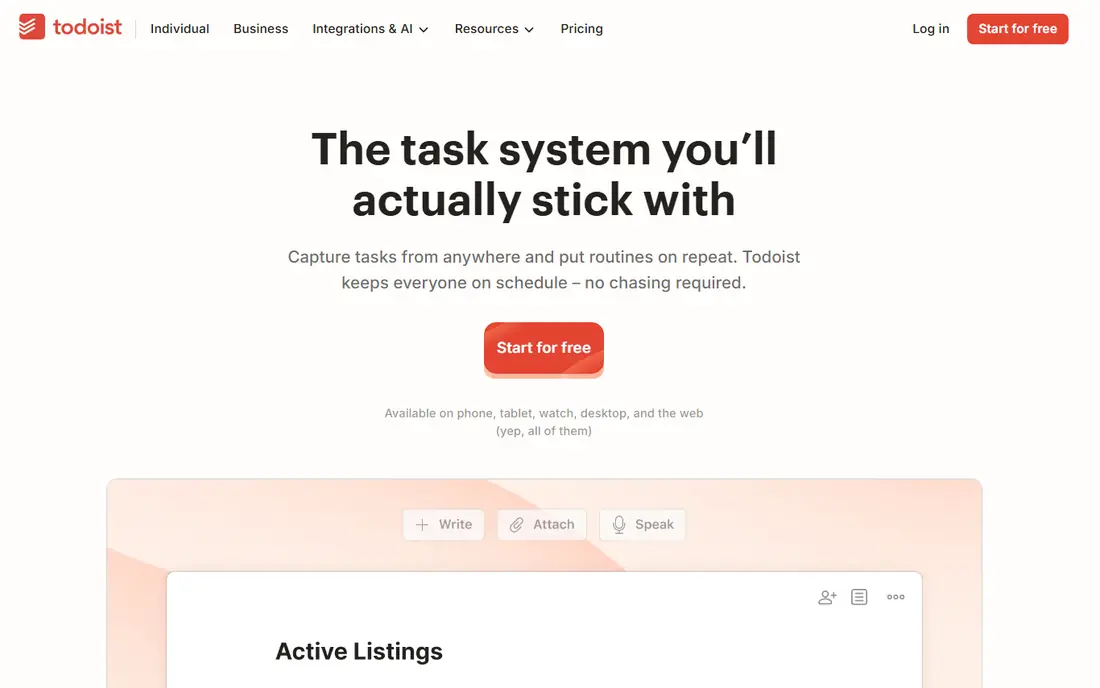
Todoist is our pick for most people who want a free planner that stays fast. Type a task in plain language, such as a task due next Thursday, and Todoist parses the date and time for you. That speed matters, because a planner only works if getting tasks out of your head takes seconds, not minutes.
The free plan covers personal use well, with projects, due dates, priorities, and recurring tasks. Pro, at $5 per month in recent comparisons or $60 per year, adds reminders, labels, filters, and more history. Start free, and pay only when you hit a limit you actually feel, such as project count or reminders.
- Natural language task entry
- Fast capture on every platform
- Filters and projects
- Reminders and advanced filters require Pro
- Free plan limits active projects
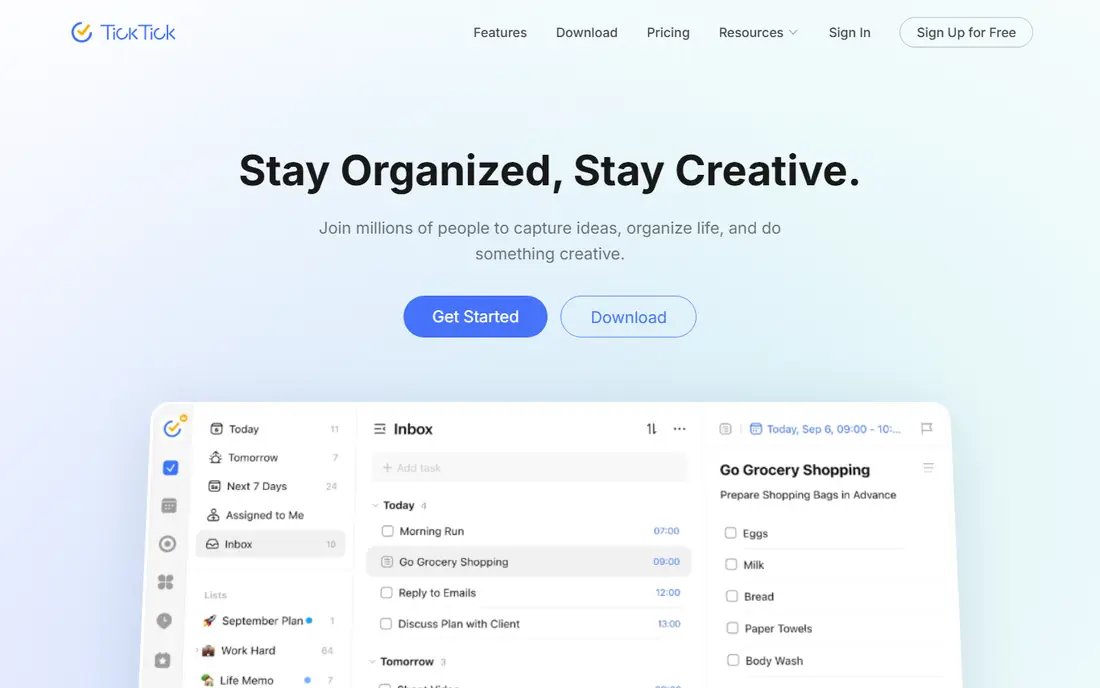
TickTick is the best free planner if you want more than a task list. Habits, a Pomodoro focus timer, and calendar views sit in the same app, so you can plan your day, track a habit streak, and run a focus session without switching tools. The free plan includes multiple lists, habit tracking, and calendar views.
Premium costs $49.99 per year in recent comparisons, with occasional discounts, and adds unlimited lists, calendar subscriptions, and more. For students and solo workers who like time-based planning, TickTick often feels more complete than a pure task app, even on the free plan.
- Habits and Pomodoro timer built in
- Calendar views
- Generous free lists
- Fewer integrations than Todoist
- Some premium features require Premium
Microsoft To Do is fully free, with no paid tier, which makes it the simplest choice for Microsoft users. Its My Day view lets you pick the tasks that matter today, and it syncs with Outlook tasks and Microsoft 365. If your work email and calendar already live in Microsoft, To Do fits without extra cost or setup.
The trade-offs are modest. Natural language entry is weaker than Todoist, and advanced features such as complex filters are limited. For a clean daily list, shared lists, and reminders, however, Microsoft To Do covers the core jobs at no cost, and it will not surprise you with a paywall later.
- Completely free
- My Day view
- Outlook and Microsoft 365 links
- Weaker natural language entry
- Fewer power features than Todoist or TickTick
Google Tasks is the free planner for people who live in Gmail and Google Calendar. Tasks appear beside your email and on your calendar, so you can turn an email into a task and see due dates in context. It is intentionally simple, with lists, subtasks, dates, and notes, and nothing more to learn.
That simplicity is also the limit. Google Tasks has no tags, no advanced filters, and no real team project tools. If you need only a personal list tied to Google, it is an excellent free pick. If you need projects, priorities, and collaboration, start with Todoist or TickTick instead.
- Completely free
- Lives inside Gmail and Google Calendar
- Simple lists and subtasks
- Very basic features
- No advanced filters, tags, or team tools
Notion is a planner for people who want to build their own system. A task database can become a checklist, a board, a calendar, or a timeline with one view change, and pages can hold notes, goals, and reference material beside the tasks themselves. Templates make it easier to start, and the free plan covers individual use.
The cost is setup time. Notion does not come with the same ready-made daily planning flow as Todoist or Any.do, and reminders are weaker. Choose Notion when your planning lives inside docs, study notes, or a personal knowledge base, and you enjoy shaping the system yourself.
- Flexible pages, databases, and calendars
- Many planner templates
- Free for individuals
- Setup takes time
- Native reminders are weaker than task apps
Any.do is built around a daily habit: each morning, its Plan My Day prompt asks you to review tasks and choose what matters today. That nudge helps people who make lists but forget to look at them. Lists, calendar views, and reminders cover the basics, and capture from voice assistants can help when you are away from the app.
The free plan is explicitly free for personal use, with Premium adding more features. If you need deep filters, complex projects, or team tools, Todoist or ClickUp will fit better. If you need a gentle daily prompt to actually use your list, Any.do is a strong free starting point.
- Plan My Day routine
- Simple lists and calendar
- Voice and assistant capture
- Premium costs $7.99 per month in some comparisons
- Fewer power features than Todoist
ClickUp offers one of the most generous free plans for team planning. The Free Forever plan includes unlimited tasks and members in published comparisons, with limits on storage, lists, and folders. Tasks can be viewed as lists, boards, calendars, or timelines, and docs and goals sit in the same workspace.
That breadth can feel heavy for a personal daily planner. ClickUp suits small teams, freelancers with clients, and people who want planning tied to project work. Paid plans start at $7 per user per month billed annually for Unlimited, but many solo users and small teams can start free and upgrade only when limits appear.
- Free Forever plan
- Tasks, docs, goals, and views in one workspace
- Many integrations
- More setup than a simple list needs
- Free storage and list limits apply
Trello is the best free planner for visual thinkers. Work lives on boards, with lists for stages and cards for tasks, and you drag cards as work moves forward. That visual flow suits household plans, content calendars, small projects, and personal goals that benefit from seeing progress at a glance.
Trello is less strong for deep task hierarchies, dependencies, or advanced reporting. Its free plan covers core boards and cards, with paid plans adding more automation and views. If a list feels abstract but a board feels clear, Trello is the free planner to try first.
- Simple boards, lists, and cards
- Easy drag and drop
- Many Power-Ups and integrations
- Less suited to complex task hierarchies
- Advanced features require paid plans
Asana offers a free basic plan for individuals and small teams, with tasks, projects, and collaboration features. Assignees, due dates, comments, and project views help a small team stay aligned without paying. Starter plans start around $10.99 per user per month in recent comparisons for more features.
For a purely personal planner, Asana can feel larger than needed. For a household, club, or small team that plans together, the free plan is a practical way to share work, track who owns each task, and keep deadlines visible in one place.
- Free plan for small teams
- Tasks, projects, and timelines
- Clear assignees and due dates
- Paid plans needed for advanced timelines and reporting
- More than a personal list needs
How we picked these
We compared official free plan limits, paid prices, and core features for planner and task apps that are available now on phone and web. We favored apps with a real free plan, not just a short trial, and we checked whether reminders, recurring tasks, calendar views, and sharing work without paying. We did not claim hands-on testing, and we treated app store prices with caution where they differ from web prices.
What to check before you choose
Pick one app for two weeks
The biggest planner mistake is switching apps every few days. Pick one app from this list, put every task in it for two weeks, and review it once a day at the same time. After two weeks, you will know whether the app fits your routine or whether a different style, such as boards or time blocking, would help.
Check the free limits that matter to you
Free plans differ in project counts, list counts, reminders, and storage. Count your current projects and lists, check whether you need reminders, and test the app on your phone and computer. A free plan that blocks reminders may not suit you if reminders are how you remember tasks.
Match the view to your brain
List people should try Todoist, TickTick, or Google Tasks. Board people should try Trello. Calendar people should try TickTick or ClickUp. Doc builders should try Notion. The view you enjoy looking at is the view you will keep using, and that matters more than a long feature list.
Keep work and personal plans separate, but in one app
Use separate projects or lists for work, home, and personal goals, rather than separate apps. That keeps your daily review in one place while still letting you focus on one area at a time. Most free plans here support that split without paying.
Frequently asked questions
What is the best free planner app?
Todoist and TickTick offer the strongest free plans among dedicated planners, while Microsoft To Do and Google Tasks are fully free with no paid tier. The best pick depends on whether you want habits and a timer, Microsoft or Google integration, or a simple list.
What is the best free daily planner app?
Any.do suits daily planning because its Plan My Day prompt helps you choose today's tasks each morning. Microsoft To Do also offers a My Day view for free. TickTick and Todoist work well for daily planning too, with calendar views and recurring tasks.
Is Todoist free enough for daily use?
Yes, for many people. The free plan covers projects, due dates, priorities, and recurring tasks. You will need Pro for reminders, advanced filters, and unlimited projects, so test whether those limits affect your routine before paying.
Is TickTick or Todoist better for free users?
TickTick is better if you also want habits, a Pomodoro timer, and calendar views in the same free app. Todoist is better for fast capture, natural language entry, and a larger integration list. Try both free plans for a week each and keep the one you open more.
Can I plan for free without an account on every device?
Most apps here sync across phone, web, and desktop with a free account, which is what makes them useful as planners. Google Tasks and Microsoft To Do sync through Google and Microsoft accounts you may already have. Check sync on the devices you actually use before committing.
When should I pay for a planner app?
Pay when you hit a specific limit, such as reminders, project count, storage, or team features, and you use the app daily. Do not pay for features you have not missed yet. A paid plan should solve a problem you already have, not a problem you might have later.
Sources
See where you really rank - block by block
ProMapRanker scans Google Maps across a grid of your service area. Simple monthly plans from $19, white-label on every plan.
Start freeKeep reading
 top custom software development company
Top Custom Software Development Company in 2026
Looking for a top custom software development company? We compare 9 firms for web, mobile, and enterprise software, covering strengths and fit for 2026.
Read → tableau alternatives
Tableau Alternatives in 2026
Compare the best Tableau alternatives for 2026, from Power BI to Metabase, with prices, hosting options, and picks for small teams and enterprises today.
Read → microsoft teams alternatives
Best Microsoft Teams Alternatives in 2026
Looking for microsoft teams alternatives? We compare 9 chat and video tools for 2026, covering free plans, pricing, meetings, and integrations for teams.
Read →