 ProMapRanker
Best Photography Apps in 2026


Serious RAW editing everywhere · Pricing starts at: $11.99 per month
Key takeaways
- Adobe Lightroom is our pick for most serious photographers, because it pairs a strong RAW editor with sync across phone, tablet and desktop.
- Snapseed and Adobe Photoshop Express give phone photographers a capable free editor with no subscription.
- Halide is the best camera app for iPhone owners who want manual control and natural-looking files.
- VSCO and Darkroom suit preset-led editing, while Polarr and Picsart suit fast social edits.
- The best photography software for desktop work is a separate decision from the best phone app, so match the app to where you actually edit.
Quick comparison
| Pick | Great for | Pricing starts at | Free tier | |
|---|---|---|---|---|
| Adobe Lightroom | Serious RAW editing everywhere | $11.99 per month | Free trial (7 days) | Visit |
 Snapseed | Free all-round phone editing | Free | Yes | Visit |
 VSCO | Preset-led photo and video edits | $29.99 per year | Yes | Visit |
 Halide | Manual iPhone camera control | See website | Free trial (7 days) | Visit |
 ProCamera | Advanced iPhone shooting | See website | No | Visit |
 Darkroom | Fast iPhone and iPad editing | $39.99 per year | Yes | Visit |
 Polarr | Quick filter edits on any device | $47.99 per year | Yes | Visit |
 Picsart | Social edits, collages and effects | See website | Yes | Visit |
 Adobe Photoshop Express | Quick free edits with Adobe tools | Free | Yes | Visit |
The best photography apps
These nine apps cover shooting, RAW editing and fast social edits, so you can pick one camera app, one main editor and one fun editor without paying for three tools that do the same job.
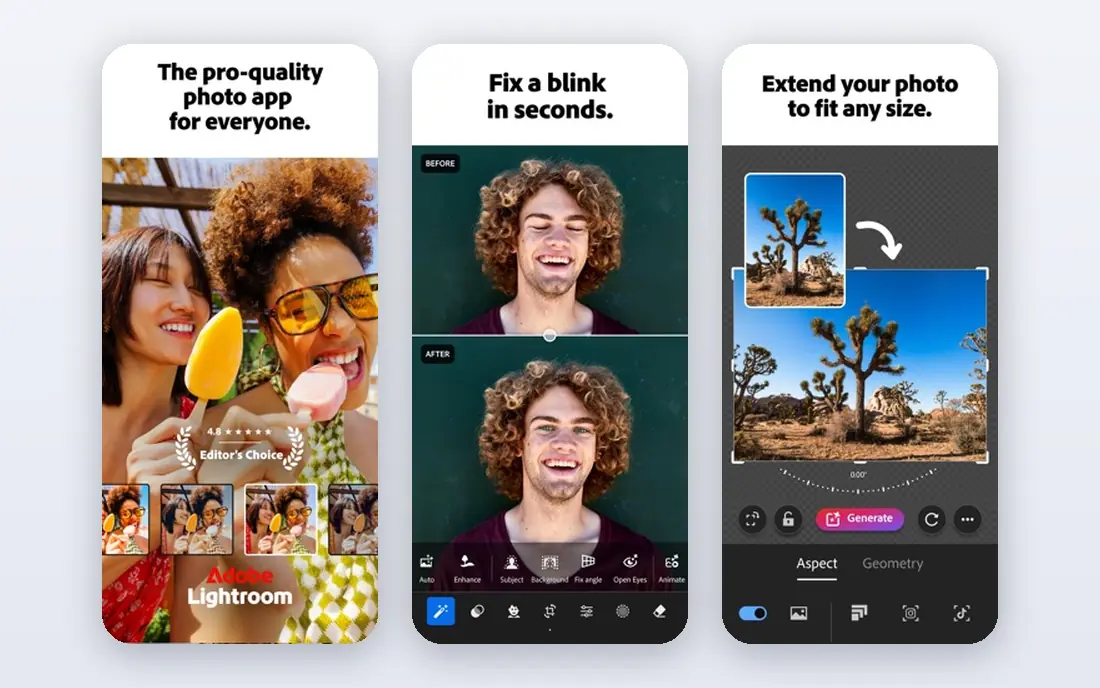
Lightroom is the reference editor for photographers who shoot RAW and edit on more than one device. You can start an edit on your phone, continue on a tablet and finish on a desktop, with presets and ratings carried across. Its masking and denoise tools have become genuinely useful for everyday work, not just for showcase edits.
The price is the main barrier. At $11.99 per month on the annual plan with 1TB of storage, it is a running cost rather than a one-off purchase, and editing stops if you stop paying, although your files stay yours. For photographers who edit often, the depth and the tutorial ecosystem justify it. For occasional editors, a free app below may be enough.
- Full RAW editing and presets
- Cloud sync across devices
- Lightroom Classic included in the same plan
- Subscription only
- Two Lightroom versions confuse new users
- Large catalogs can feel slow
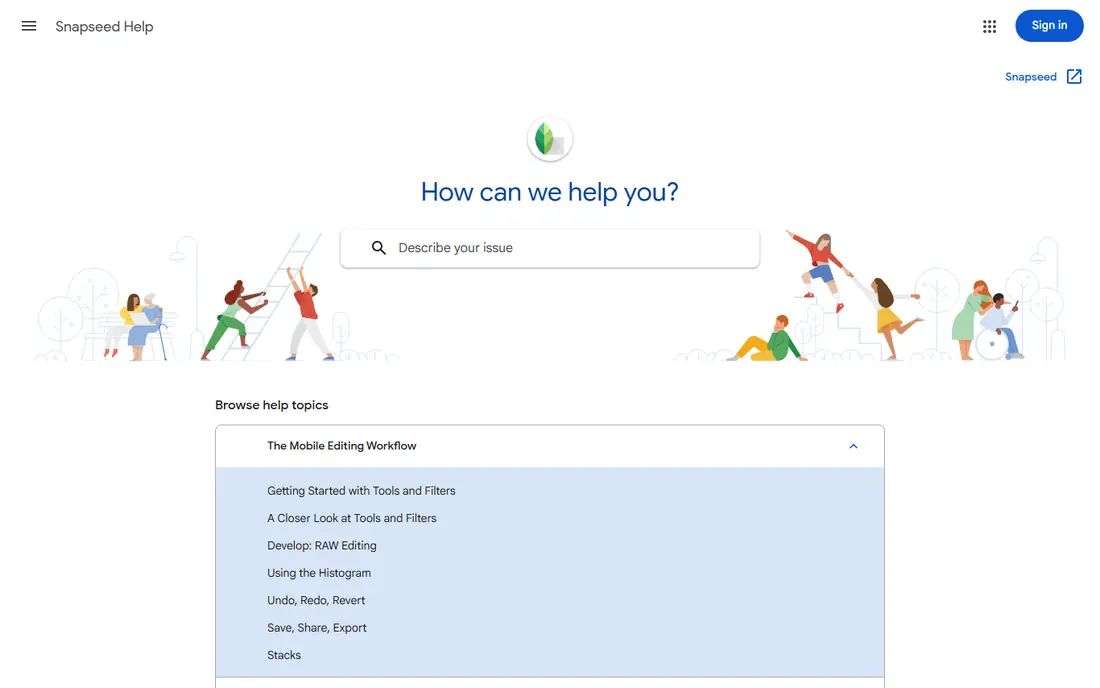
Snapseed remains the best free starting point for phone photography. Google's editor offers selective adjustments, curves, perspective tools and a healing tool, all without a subscription or an account wall. It handles RAW files on phones that support them, which is rare at this price.
There is one oddity worth stating plainly: Snapseed has no standalone homepage of its own, so we link Google's official Snapseed support page. There is also no desktop version and no cloud library, so your edits live on the phone. As a free phone editor, though, it is hard to beat.
- Free with no subscription
- Selective edits and healing
- Handles RAW files on supported phones
- No cloud sync or desktop version
- Development has been quiet
- No official standalone homepage
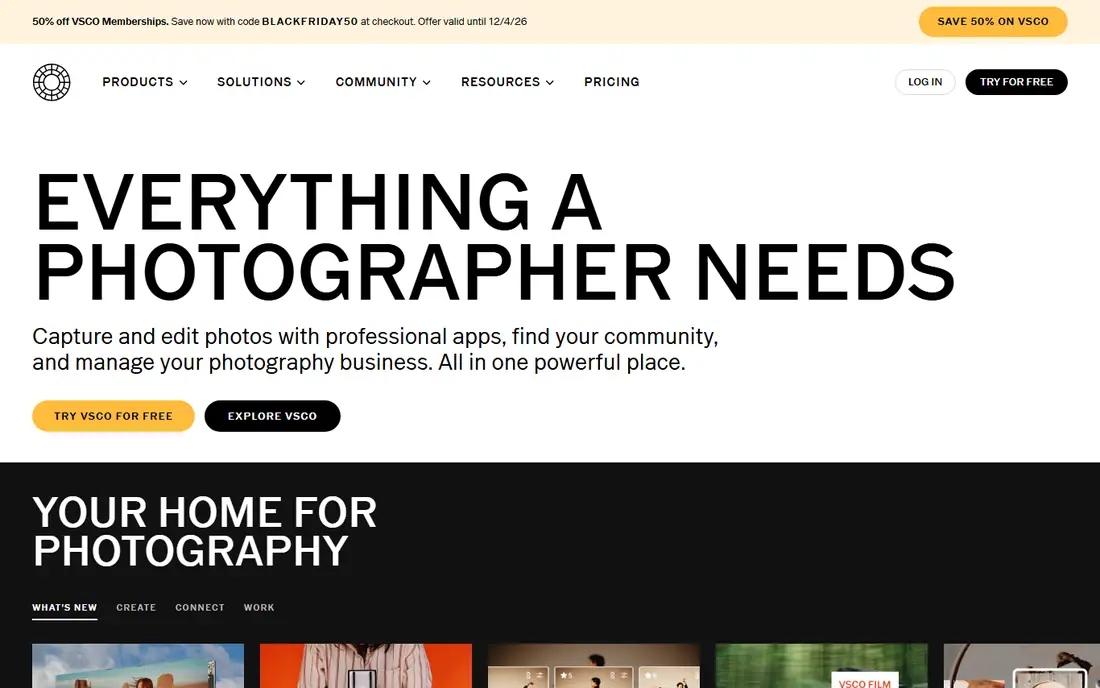
VSCO built its name on presets that mimic film, and that is still its main draw. The free Starter tier gives a small set of presets and basic tools, while the paid Plus tier opens the full library and more editing controls. The app also edits video, which suits creators who want one look across photos and clips.
The social side is calmer than most networks: profiles show work without public follower counts or like counts in the usual sense. That will appeal to photographers who want inspiration without chasing engagement. If you prefer full manual control over presets, Lightroom or Darkroom will suit you better.
- Large preset library with a film feel
- Clean editing tools
- A quiet community without public like counts
- Best presets need the paid plan
- RAW editing is limited to supported iPhones
- Cloud sync needs a paid plan
Halide is a camera app first and an editor second. It gives iPhone owners manual focus with peaking, a focus loupe, framing guides and macro controls, plus a Process Zero mode that skips heavy computational processing for more natural files. Its Looks change how a photo is captured, not just how it looks after the fact.
Halide is paid, with a 7-day trial on the annual membership and a one-time purchase option. That cost is fair for photographers who shoot on their phone every day, but casual shooters may not use enough of it to justify paying when the built-in camera is already good.
- Full manual controls and focus tools
- Natural Process Zero files
- Film looks built into capture
- IPhone only
- Paid after the trial
- Advanced features take time to learn
ProCamera is another strong iPhone camera app, aimed at shooters who want manual exposure, focus and white balance without switching apps to edit. It captures RAW and HDR stills, records video with manual controls, and includes editing tools for quick fixes after the shot.
The main difference from Halide is feel: ProCamera leans toward a complete camera replacement with more on-screen controls, while Halide leans toward a cleaner, more guided shooting experience. Try the trial or the store listing carefully, since there is no free tier to fall back on.
- Manual controls plus RAW and HDR capture
- A capable built-in editor
- Video controls included
- IPhone only
- Paid app with no free tier
- The interface packs in a lot for beginners
Darkroom is a fast, well-designed editor for iPhone and iPad that works as a standalone app and as an extension inside Apple Photos. It handles RAW files, offers curves, selective color and a full edit history so you can step back to any earlier change. The same tools carry over to video, including 4K grading.
The free version covers a lot, and Darkroom Plus at $39.99 per year adds premium presets, video editing, watermarking and more. The only real limit is platform: Android photographers need to look elsewhere on this list.
- Fast RAW editing on Apple devices
- Curves and selective color
- Video editing with the same tools
- Apple devices only
- Premium presets and video tools need Darkroom Plus
- No Android version
Polarr suits photographers who want fast, filter-led edits without learning a full RAW workflow. The free version covers basic adjustments and a set of filters, while Polarr Pro at $47.99 per year, or $7.99 per month, adds masking, batch editing and more filters. It runs on phones, desktops and the web, so your look travels with you.
It is not a Lightroom replacement for heavy RAW work, and its local adjustment tools are lighter. For social posts, quick client previews and a consistent personal style, though, it is fast and easy to live with.
- Free tier for basic edits
- Works on phone, desktop and web
- Custom filters you can share
- Advanced tools need Polarr Pro
- Masking and local edits are less deep than Lightroom
Picsart is the fun editor on this list. It is built for social content: collages, stickers, text, background removal and trendy effects, with templates sized for common social formats. If your photos end up on social feeds rather than in print, Picsart gets you there faster than a traditional editor.
That speed has a cost. The free version is usable but shows ads and holds back premium assets, and serious RAW editing is not its job. Pair it with Snapseed or Lightroom for careful edits, and use Picsart for the creative finish.
- Huge sticker, filter and collage library
- Easy background removal
- Strong for social formats
- Best tools and assets need a paid plan
- The free version shows ads
- Not built for careful RAW work
Photoshop Express is Adobe's free, lightweight editor for quick phone edits. It covers the basics well: crops, filters, retouching, text and collages, with access to Adobe fonts and stock assets. It is a good fit for people who want a trusted free editor with a clean interface.
Do not expect Photoshop depth. Layered compositing, careful RAW development and catalog management belong in Lightroom or desktop Photoshop. As a free companion for fast edits, Photoshop Express earns its place.
- Free to use
- Simple retouching, filters and collages
- Adobe asset and font access
- Far less depth than Lightroom or Photoshop
- Premium features need a paid Adobe Express plan
How we picked these
We compared official product pages, pricing pages and app store listings for camera and editing apps that are live in October 2026. We kept apps that genuinely fit phone photography, whether they shoot, edit or both, and we left out desktop-only editors and apps that have been withdrawn. Prices are the starting figures we could confirm from vendors or app stores; where pricing varies by platform or region, we wrote See website.
How to choose the right photography app
Start with where you shoot. iPhone owners who want more from the camera should try Halide or ProCamera first, while Android owners should start with a strong editor, since the built-in camera already handles most shooting well. Then pick one main editor: Lightroom for RAW work, Snapseed or Photoshop Express for free editing, or Darkroom and Polarr for fast, preset-led work.
Camera apps, editors and all-rounders
A camera app changes what you capture, while an editor changes what you already shot. Most photographers need one of each, not three editors doing the same job. If you shoot RAW, check that your chosen editor supports your phone's RAW format before you pay. If you only post to social feeds, a fun editor such as Picsart plus a free editor for corrections may cover everything.
Free plans, trials and the real cost
Free tiers differ a lot. Snapseed and Photoshop Express are free without a subscription, while VSCO, Darkroom and Polarr keep their best presets and tools behind paid plans. Use the free tier or trial to edit your own photos, not sample images, and check what happens to exports: watermarks, resolution limits and premium asset rules all affect the real cost.
Frequently asked questions
What is the best photography app for most people?
For most phone photographers, Snapseed is the best free starting point, and Adobe Lightroom is the best paid editor. Snapseed covers everyday edits at no cost, while Lightroom adds RAW depth, presets and sync for photographers who edit often.
What is the best app for photographers who shoot RAW?
Adobe Lightroom is the strongest all-round RAW editor here, with Darkroom a close second for Apple users. Halide and ProCamera help iPhone owners capture better RAW files in the first place.
What is the best photography software for desktop editing?
Desktop editing is a different job from phone editing. Lightroom covers both phone and desktop, which is why it leads this list, but dedicated desktop editors such as Capture One and Affinity Photo are also worth comparing if you mainly edit at a desk.
Is there a good free picture taking app?
The built-in camera on modern phones is already strong, and Snapseed pairs with it for free editing. Halide and ProCamera are paid camera apps, so they suit photographers who want manual control rather than a free upgrade.
Which app is best for social media photos?
Picsart is the fastest choice for collages, stickers and social formats, while VSCO suits a consistent film-like look across photos and video. Polarr is a good middle ground for quick filter edits.
Do I need a paid app to take good photos?
No. Good light, a steady hand and a clear subject matter more than any app. A free editor such as Snapseed handles most corrections, and paid apps mainly add speed, presets and RAW depth.
Sources
See where you really rank - block by block
ProMapRanker scans Google Maps across a grid of your service area. Simple monthly plans from $19, white-label on every plan.
Start freeKeep reading
 whats the best ai app to use
Whats the Best AI App to Use in 2026
Wondering whats the best ai app to use in 2026? We compare ChatGPT, Claude, Gemini, Copilot, and more on price, free plans, and best everyday uses today.
Read → life360 alternatives
Life360 Alternatives in 2026
Life360 alternatives compared: 9 family location apps with live maps, arrival alerts and privacy controls to help your family stay in touch every day.
Read → captcha alternatives
CAPTCHA Alternatives in 2026
CAPTCHA alternatives compared: 9 reCAPTCHA alternatives that block bots with less friction, from free Turnstile to privacy-first proof-of-work tools included.
Read →