 ProMapRanker
Best Photo Sharing Apps for Families in 2026

Key takeaways
- FamilyAlbum is our pick for most families because it is private, invite-only and free for unlimited photo uploads.
- Google Photos and Apple Shared Albums suit families who already live inside Google or Apple, but privacy controls need care.
- Cluster is the simplest private group album, and it works well when grandparents do not want another social app.
- Tinybeans adds milestone tracking and journals, but its best features sit behind a paid plan.
Quick comparison
| Pick | Great for | Pricing starts at | Free tier | |
|---|---|---|---|---|
 FamilyAlbum | Private family albums | Free | Yes | Visit |
 Google Photos | Shared albums and backup | Free | Yes | Visit |
 Tinybeans | Baby milestones and journals | See website | Free trial | Visit |
 Cluster | Simple private group albums | Free | Yes | Visit |
 Apple Shared Albums | iPhone families | Free | Yes | Visit |
 Amazon Photos | Prime families and backup | Free | Yes | Visit |
 23snaps | Private child updates | Free | Yes | Visit |
 Clann | Small private family circles | Free | Yes | Visit |
The best photo sharing apps for families
Family photos deserve a private home, not a public feed. The apps below keep sharing inside an invited group, and we favour options that are easy for grandparents, clear about privacy, and free of public social features aimed at children.
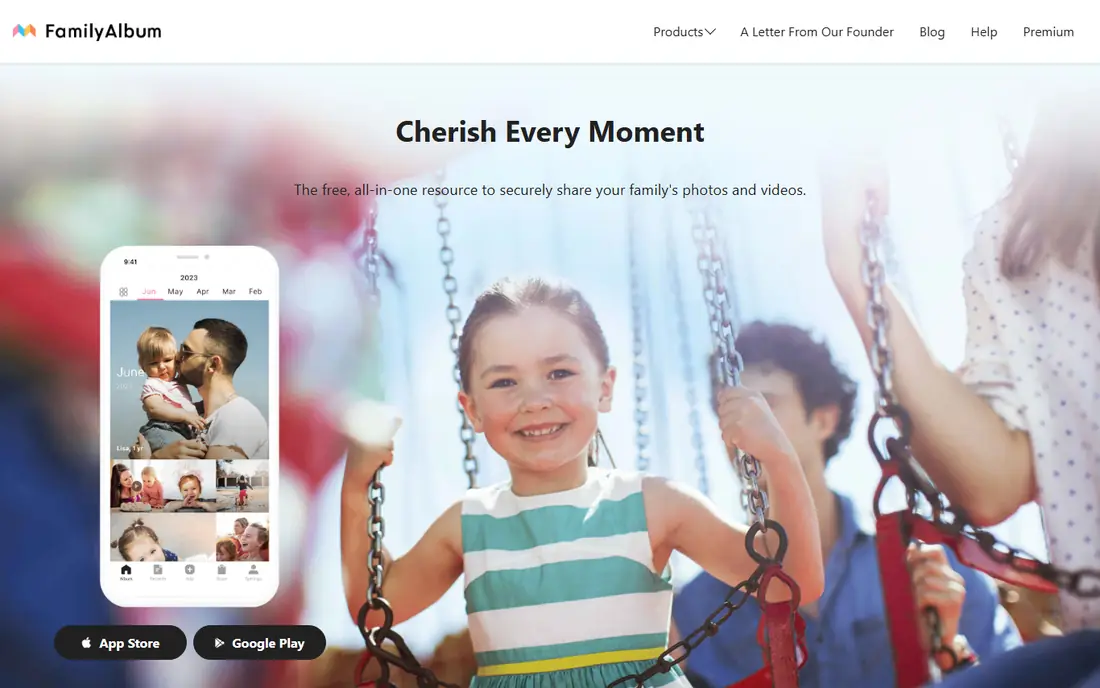
FamilyAlbum is built around one idea: a private album that only invited family can see. Relatives comment and react inside the album, photos stay organised by child and date, and monthly videos pull highlights together without extra work. For grandparents, the simple timeline matters more than any advanced editing tool, and FamilyAlbum keeps that part calm.
The free plan covers unlimited photo uploads, with a limit on longer videos that the paid plan lifts. That limit is worth knowing if you film long school plays or sports games, but for everyday photos it rarely gets in the way. If privacy and ease matter most, this is our first pick.
- Private, invite-only albums
- Unlimited photo uploads on the free plan
- Monthly videos and photo books
- Longer videos need a paid plan
- No public sharing option
- Photo book printing costs extra
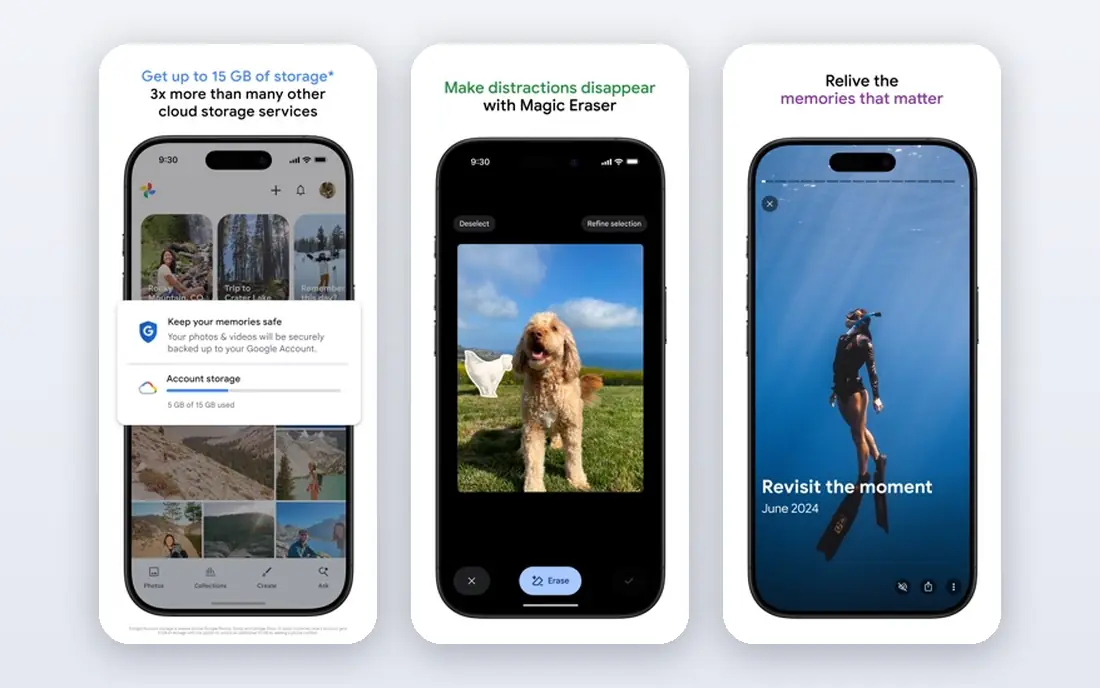
Google Photos is the practical choice when backup matters as much as sharing. Photos back up automatically, search finds people and places fast, and shared albums let you invite family or share a link. Most relatives already have a Google account, so getting everyone in is rarely a project.
The trade-off is that Google Photos is a general photo service, not a closed family space. Shared album links can travel further than you intend if you share them loosely, so use invite-only albums for children and check storage, since free space is shared across Google services. For families who want backup plus sharing in one place, it is hard to beat.
- Strong search and automatic backup
- Shared albums with link or invite controls
- Works on Android, iPhone and web
- Free storage is shared with your Google account
- Privacy settings need checking
- Not a family-only app by design
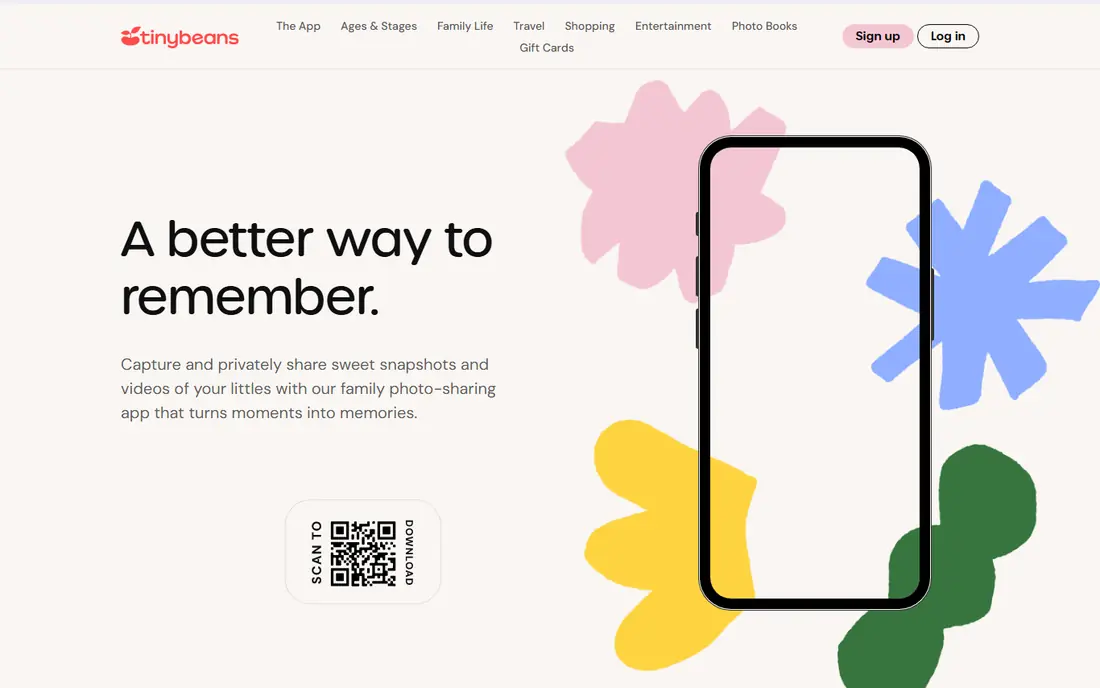
Tinybeans suits parents who want more than a photo dump. You track milestones, write short journal entries and share updates with invited family only, and relatives who avoid apps can still follow along through email summaries. That journal angle makes it feel closer to a baby book than a camera roll.
The catch is cost. The paid plan, listed at 7.99 dollars per month or 74.99 dollars per year in recent comparisons, opens unlimited uploads and larger storage, while the free tier is tighter. If milestones and writing matter to you, the price may be fair. If you only want photo sharing, FamilyAlbum gives you more for free.
- Private, invite-only sharing
- Milestone tracking and journals
- Monthly emails relatives can comment on
- Best features need a paid plan
- Smaller free allowance than FamilyAlbum
- More of a journal than a simple album
Cluster keeps family sharing deliberately simple. You create a group, invite people, and only members see the photos and videos. Relatives who do not want another app can follow along by email, which is a real advantage with grandparents. There is no public feed, no algorithm and no ads over your family photos.
The free tier covers up to 10 groups with 1,000 photos each, which suits most families but not a huge archive. Paid plans lift those caps. If you want a quiet, private album without backup or editing extras, Cluster is an excellent fit.
- Totally private, invite-only groups
- Email sharing for relatives without the app
- No ads or public feed
- Free tier caps groups and photos per group
- Simpler than full backup tools
- Photo books cost extra
Apple Shared Albums work inside the Photos app that iPhone families already use. You invite relatives, they comment and add photos, and albums do not count against iCloud storage in the same way as a full library backup. For an all-Apple family, that low friction is the whole appeal.
The limits are real. Shared albums cap the number of photos and videos per album, and Android relatives join through a web link rather than a native app. If your family mixes devices, a cross-platform pick like FamilyAlbum or Cluster will feel smoother. Inside Apple, though, this is the easiest private option.
- Built into iPhone, iPad and Mac
- Invite-only albums with comments
- No extra app for Apple households
- Best for Apple devices
- Shared albums have photo and video limits
- Not a full backup replacement
Amazon Photos is a strong backup-first pick for Prime households. Prime members get unlimited full-resolution photo storage, and the Family Vault lets you share storage with up to five people. That combination covers both safekeeping and sharing, and the mobile app handles automatic uploads well.
The catch is that the best deal depends on Prime, and video storage is capped, so long family videos may need another home. Vault sharing also needs a clear invite list, since shared storage is not the same as a private album. For Prime families who want backup first, it is a strong value.
- Unlimited full-resolution photo storage for Prime members
- Family vault sharing
- Works on mobile and web
- Best value needs Prime
- Video storage is limited
- Sharing controls need care with vault invites
23snaps is a private space for sharing child updates with invited family only. Photos sit on a timeline organised by child, relatives comment inside the closed group, and nothing is posted to a public feed. That focus suits parents who want grandparents in the loop without putting a child on social media.
The trade-off is scale. It is a smaller service than FamilyAlbum or Google Photos, and it works best as a sharing journal rather than a full photo backup. Use it when private child updates are the job, and keep a backup tool alongside it for the full archive.
- Private, invite-only sharing focused on children
- Timeline by child
- No public feed or ads aimed at children
- Smaller community and fewer updates than larger apps
- Printing and extras are paid
- Less useful as a general backup
Clann, listed in app stores as Family Album by Clann, offers private circles where family can share photos, albums and comments away from social media. Its appeal is control: you decide who sees a child, you keep circles small, and relatives overseas can follow along without a public post. Recent store reviews praise that sense of control.
The honest limit is size. Clann is a smaller app with fewer backup, printing and organisation extras than the leaders here. For a small, close family circle that values privacy over extras, it fits well. For a large archive, pair it with a backup service.
- Private circles for family and close friends
- Simple album and comment flow
- No public social features
- Smaller user base
- Fewer backup and printing options
- Check current plan limits before a large archive
How we picked these
We compared official product pages, app store listings and privacy pages, and we kept only apps with private, invite-only sharing as a core feature. We weighed ease for grandparents, storage limits, cost, and how clearly each app separates family sharing from public social features. We left out general social apps and any service built around public posting of children.
How to choose a family photo app without regret
Start with who needs to see the photos, not with features. If grandparents struggle with new apps, pick a service with email follow-along or a very simple timeline, and test it with one relative before you move the whole archive. If backup is the real need, pick a service with real storage and search, and treat sharing as a second job inside it.
Privacy checks that matter
Use invite-only albums, never public links, for photos of children. Check who can download, comment and re-share, and remove people promptly when a circle changes. Read the privacy policy for photo use: a family app should not use your photos for advertising or for training models without clear consent, and you should be able to delete photos fully.
Storage and printing
Free plans differ most on video length and total storage, so count your videos before you commit. Photo books and prints are almost always paid extras, and prices vary, so treat them as occasional treats rather than part of the free plan. Keep a second backup outside any sharing app, because an app account is not an archive on its own.
Frequently asked questions
What is the best app for sharing photos with family?
For most families, FamilyAlbum is the best starting point because it is private, invite-only and free for unlimited photo uploads. Google Photos suits families who want backup plus sharing, and Cluster suits families who want the simplest private album.
Are family photo apps private?
The apps here are private by design when you use invite-only albums, but privacy still depends on your settings. Avoid public links for child photos, check who can download and re-share, and review the privacy policy for how photos are used and deleted.
Can grandparents use these apps without a smartphone?
Cluster lets relatives follow along by email, and Tinybeans sends monthly email summaries relatives can comment on. Apple Shared Albums and Google Photos also offer web links, so a grandparent with email and a browser can follow along without installing an app.
Do I need to pay for family photo sharing?
No, not to start. FamilyAlbum, Cluster, Google Photos and Apple Shared Albums all offer free tiers that cover everyday photo sharing. Paid plans mainly add video length, storage, printing or journal features, so pay only when a free limit gets in your way.
Should I post family photos on social media instead?
A private family app is safer for child photos because sharing stays inside an invited group with no public feed. Social posts can be copied, reshared and seen by people you did not intend, even with privacy settings, so keep child photos in a closed album when you can.
How do I keep a backup of family photos?
Keep the originals in a backup service as well as in a sharing app, and export albums regularly. A sharing app is for viewing and comments, while a backup is for safekeeping, and the two jobs are best kept separate.
Sources
See where you really rank - block by block
ProMapRanker scans Google Maps across a grid of your service area. Simple monthly plans from $19, white-label on every plan.
Start freeKeep reading
 who has best internet service
Who Has the Best Internet Service in 2026
Who has best internet service for US homes? We compare fiber, cable, fixed wireless and satellite providers on speed, price, availability and terms today.
Read → which survey tool has the best analytics
Which Survey Tool Has the Best Analytics in 2026
Find which survey tool has the best analytics in 2026, comparing Qualtrics, SurveyMonkey, Typeform, Alchemer, and more on reports, text, and stats today.
Read → which streaming service has the best movies
Which Streaming Service Has the Best Movies in 2026
Answering which streaming service has the best movies, with Netflix, Max, Criterion and more compared on libraries, prices and free options in this guide.
Read →