 ProMapRanker
Best Photo Collage App Free in 2026

Key takeaways
- Canva is our pick for most people because its free plan covers a wide set of collage templates, text tools and exports in one place.
- PicCollage and PhotoGrid are the fastest phone-first choices when you want a playful grid in a few minutes.
- Google Photos is the simplest free option if your photos already live in that library and you only need a clean grid.
- Free plans differ most on exports, so check resolution, watermarks and ads before you build a collage you plan to print.
- A paid plan is mainly worth it for premium templates, higher resolution exports and an ad-free editor.
Quick comparison
| Pick | Great for | Pricing starts at | Free tier | |
|---|---|---|---|---|
 Canva Canva | All-round collage design | Free | Yes | Visit |
 Adobe Express Adobe Express | Branded and polished collages | Free | Yes | Visit |
 PicCollage PicCollage | Playful phone collages | Free | Yes | Visit |
 PhotoGrid PhotoGrid | Fast mobile grids and video collages | Free | Yes | Visit |
 Fotor Fotor | Template-heavy quick collages | Free | Yes | Visit |
 BeFunky BeFunky | Simple grids with creative effects | Free | Yes | Visit |
 Picsart Picsart | Creative and artistic collages | Free | Yes | Visit |
 Google Photos Google Photos | Quick collages from an existing library | Free | Yes | Visit |
 FotoJet FotoJet | Browser collages without an app install | Free | Yes | Visit |
The best photo collage apps
These nine apps all let you start without paying, but they suit different habits. Some are full design tools, some are phone apps built for speed, and one is a browser tool for a one-off poster.
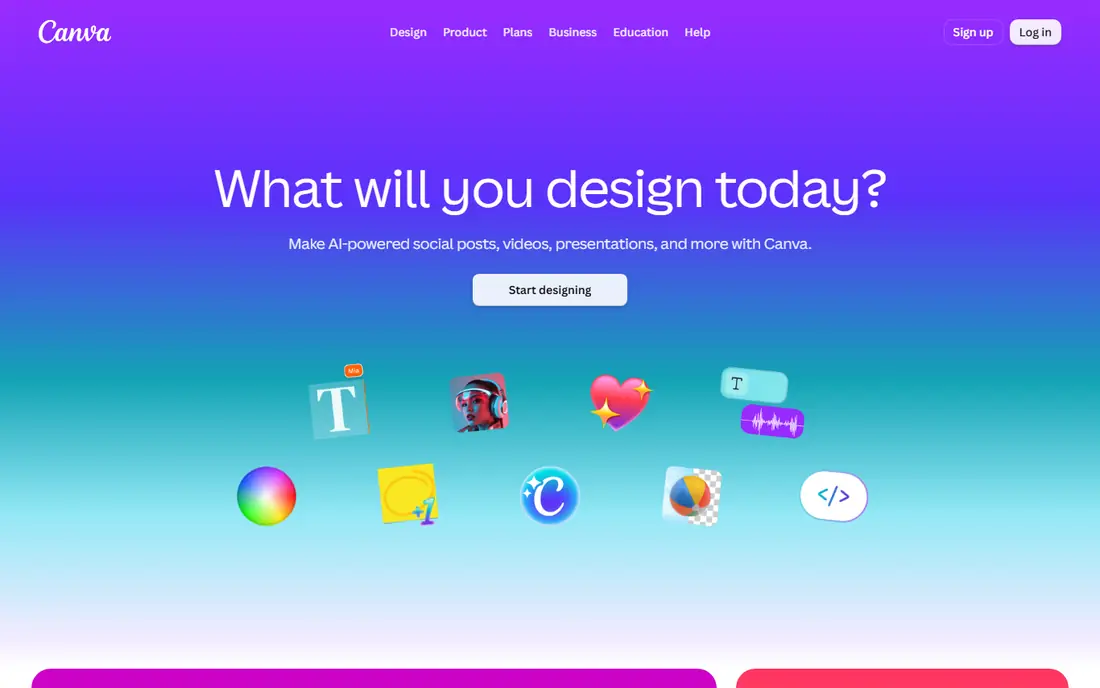
Canva is the easiest recommendation for most readers because a collage is only one part of what it does. You can pick a grid or a freestyle template, drop photos into place, add a caption, and export for social media or print. The free plan is genuinely useful for everyday collages, not just a short preview.
The trade-off is choice overload. With so many templates, fonts and elements on screen, a simple birthday grid can take longer than it should if you keep browsing. Paid features also sit beside free ones, so check the label on a template before you fall in love with it. For most casual use, though, the free tier covers the job well.
- Very large template library
- Works on phone and browser
- Easy text, stickers and sharing tools
- Some templates and stock photos need a paid plan
- The full editor can feel busy at first
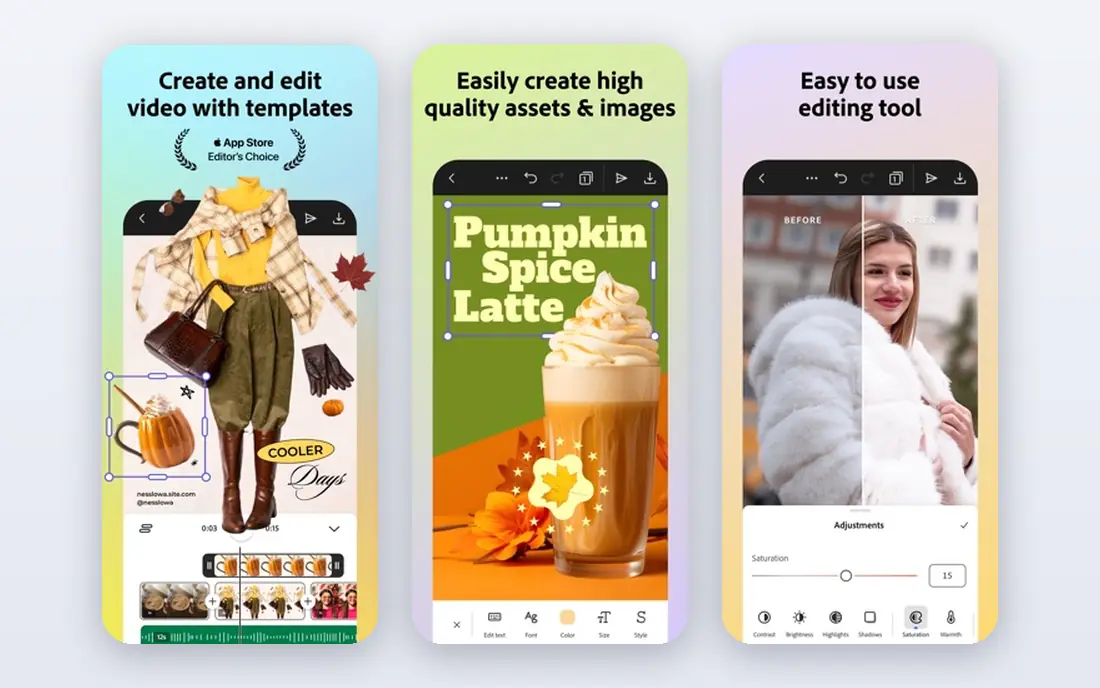
Adobe Express suits people who want a collage that looks tidy and consistent, especially for a small business page or a family newsletter. Its templates tend to be restrained, with readable type and balanced spacing, which helps when the photos themselves are busy. You can resize a design for different social formats without rebuilding it from scratch.
The free plan covers a solid set of templates and editing tools, but the best stock assets and some advanced features sit behind Premium. If you already use Adobe tools, the shared library and familiar layout make it a natural fit. If you only make one collage a year, Canva may feel simpler.
- Clean typography and layout tools
- Strong template quality
- Works well with other Adobe tools
- Some premium templates and features need a paid plan
- Account setup takes a little longer
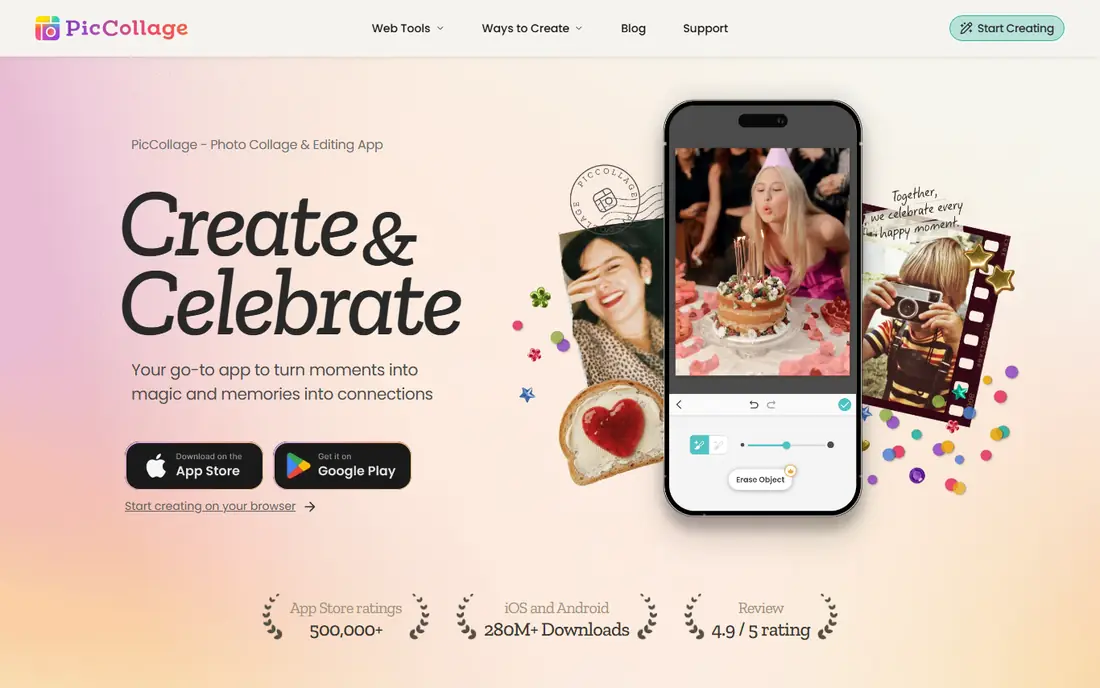
PicCollage is built for fun first. You can scatter photos in a freestyle layout, add doodles, stickers and handwritten-style text, and make something that feels like a scrapbook page. That freedom is the point, and it is why this app suits birthdays, trips and school projects better than a strict grid tool.
The catch is the usual free-app mix of ads and locked extras. Some sticker packs and backgrounds need a subscription, and you may need to try a couple of exports to get the size you want. Still, for a quick phone collage to share with friends, few apps get you from photos to finished image faster.
- Freestyle layouts and stickers
- Quick to learn
- Good for cards, invitations and social posts
- Free version includes ads and some premium stickers
- Print quality depends on the source photos
PhotoGrid is a good pick when speed matters more than fine design control. Pick a grid, add photos or short clips, adjust borders and filters, and share. The app also handles video grids, which sets it apart from collage tools that only work with still images. That makes it handy for short social clips and stories.
The free experience is usable, but ads appear and the newest effects are often paid. If you only make still collages, the video tools will sit unused, and a simpler grid app may feel cleaner. For mixed photo and video posts, PhotoGrid earns its place.
- Many grid layouts
- Video collage options
- Fast processing on phones
- Free version includes ads
- Some advanced tools and effects need a paid plan
Fotor is a photo editor with a strong collage section, which helps when your photos need a little help before they go into a grid. You can brighten a dark shot, crop tightly, then place it in a template without switching apps. The browser version is useful on a shared computer or a Chromebook where you do not want to install anything.
Free exports can be limited in resolution, so check the output size before you print a large poster. The editor also promotes its paid plan quite often. For quick online sharing, those limits rarely matter, and the template range is a real strength.
- Large template set
- One-click photo fixes
- Works in a browser and on phones
- Some exports and high-resolution options need a paid plan
- Free version shows ads
BeFunky keeps the process calm. The collage maker offers grids and a freestyle layout, plus photo effects that can give older phone photos a warmer, more finished look. It is a good middle ground between a bare grid tool and a full design suite, and it works well for people who do not want to learn a large app.
The limit is depth. If you want layered design, brand kits or team sharing, you will outgrow BeFunky quickly. For a single person making collages for social posts, cards and prints, that simplicity is a feature rather than a flaw.
- Clean editor
- Good photo effects and frames
- No app install needed in a browser
- Some features and assets need a paid plan
- Layout options are less deep than Canva
Picsart suits people who treat a collage as a piece of art rather than a tidy grid. You can layer photos, add hand-drawn marks, apply bold filters and mix in stickers to build something personal. The app is popular with younger creators and social posters, and its community templates can spark ideas when you are stuck.
That creative range comes with noise. The app pushes premium tools and the interface has a lot going on, which can distract from a simple task. If you want a plain family photo grid, PicCollage or Google Photos will be faster. If you want a collage with personality, Picsart is hard to beat on the free tier.
- Rich stickers, filters and drawing tools
- Strong social sharing
- Large creative community
- Free version includes ads
- Many AI tools and premium assets need a paid plan
Google Photos is the quiet option on this list, and for many people it is the right one. If your photos are already backed up there, you can select a handful, tap collage, and get a clean grid in under a minute. There is no template hunting and no new app to learn, which matters when you just want to share a set of holiday shots.
Control is limited. You cannot freestyle a layout, add fancy stickers or fine-tune typography the way you can in Canva or PicCollage. Think of it as a fast photo grid tool, not a design studio. For everyday sharing, that is often enough, and the price is right.
- Already holds your photos
- Very fast collage creation
- Easy sharing and backup
- Few layout and design controls
- Needs a Google account and stored photos
FotoJet is useful when you are on a computer and want a collage without installing an app or creating an account. Open the site, choose a grid or a poster layout, add photos from your device, and download the result. It is a practical choice for a classroom computer, a work laptop or a one-off print project.
The free tier is best for standard sizes and online sharing. Larger or print-ready exports may need a paid plan, so check the download options before you spend time on a big poster. For a fast browser collage, though, FotoJet is one of the least fussy tools here.
- No signup needed for basic use
- Many grid and poster templates
- Works on desktop browsers
- Free exports can be limited
- Fewer editing tools than a full photo editor
How we picked these
We compared official feature pages, pricing pages and app store listings for collage tools that are still available in October 2026, and we favored tools with a genuinely usable free plan rather than a short trial. Each app here can build a real collage without paying, and each fits a distinct use, from fast phone grids to browser posters. We also weighed export limits, ads and paid extras, since those are the details that decide whether a free app stays useful after the first collage.
What to check before you pick a free collage app
Start with where your photos live. If they are on your phone, a phone app will be faster than a browser tool. If they are on a computer or in cloud storage, a browser editor may save you a transfer step. Also think about where the collage will end up. A social post can live with a smaller export, while a printed poster needs higher resolution and a clean file.
Free plan limits that matter
Check three things before you commit time to a design. First, does the free export carry a watermark or a size cap. Second, are the templates you like actually free, or only the basic grids. Third, how often do ads interrupt editing. A tool with a slightly smaller template set but clean exports can be the better free choice.
Grids, freestyle and video
Grid tools are best for tidy sets of photos, such as a trip or a team event. Freestyle tools suit scrapbook styles, cards and invitations where placement is part of the charm. Video collage tools matter only if you post short clips. Pick the style that matches your usual post, not the tool with the longest feature list.
Printing and sharing
For prints, use the highest resolution export the free plan allows and start from the best original photos you have. A collage built from compressed social copies will look soft at poster size. For sharing, check the export ratio for the platform you use most, since a square grid and a tall story need different layouts.
Frequently asked questions
What is the best free photo collage app?
Canva is our pick for most people because its free plan covers templates, text and exports in one tool. PicCollage is faster for playful phone collages, and Google Photos is fastest if your photos already live there.
What is the best app for collages on a phone?
PicCollage and PhotoGrid are strong phone-first choices, with freestyle layouts, stickers and quick sharing. Picsart adds more creative tools if you want an artistic result, while Google Photos is simplest for a clean grid.
Can I make a photo collage for free without a watermark?
Yes, in many cases, but it depends on the app and the template. Check the export preview before you download, and avoid premium templates if you want to stay fully free. Some apps limit high-resolution exports to paid plans.
What is the best app to make a collage for Instagram?
Canva and Adobe Express both offer social sizes and templates made for Instagram posts and stories. PhotoGrid is handy for video grids and reels-style posts, while PicCollage works well for casual story collages.
How many photos can I put in one collage?
It depends on the app and the layout you choose. Simple grids usually hold up to about nine or sixteen photos, while freestyle tools let you add more at the cost of smaller images. Start with your best shots rather than trying to fit every photo from a trip.
Are free collage apps safe to use?
Stick to well-known apps from official app stores, check what permissions they request, and avoid granting access to your full photo library if the app only needs selected photos. Read the privacy policy if you plan to upload family photos, especially photos of children.
Sources
See where you really rank - block by block
ProMapRanker scans Google Maps across a grid of your service area. Simple monthly plans from $19, white-label on every plan.
Start freeKeep reading
 zoominfo alternatives
ZoomInfo Alternatives in 2026
Compare the best ZoomInfo alternatives in 2026 for B2B contact data, enrichment, and prospecting, including Apollo, Lusha, and Clay tools, with pricing.
Read → best trip planning app
Best Trip Planning App in 2026
Compare the best trip planning apps in 2026 for itineraries, road trips, group travel, and bookings, from Wanderlog to TripIt and Roadtrippers, with pricing.
Read → best recruiting tools
Best Recruiting Tools in 2026
Compare the best recruiting tools in 2026, from Greenhouse and Lever to Workable and Ashby, for hiring, sourcing, and candidate tracking today, with pricing.
Read →