 ProMapRanker
Best Photo App in 2026: 10 Apps Compared

Key takeaways
- The best photo app for most people is Google Photos or Apple Photos, since it already holds your library and handles basic edits.
- Snapseed is the best free photo app for serious editing without a subscription.
- Adobe Lightroom is the best pick for photographers who edit RAW files and want edits to sync across devices.
- Halide is the best camera app for iPhone users who want manual control and RAW capture.
Quick comparison
| Pick | Great for | Pricing starts at | Free tier | |
|---|---|---|---|---|
 Google Photos | Everyday storage and edits | Free | Yes | Visit |
 Apple Photos | iPhone and Mac libraries | Free | Yes | Visit |
 Adobe Lightroom | Serious mobile editing | Free | Yes | Visit |
 Snapseed | Free editing without a subscription | Free | Yes | Visit |
 VSCO | Film looks and presets | Free | Yes | Visit |
 PicsArt | Creative and social edits | Free | Yes | Visit |
 Halide | Manual iPhone camera control | See website | No | Visit |
 Darkroom | iPhone photo editing | Free | Yes | Visit |
 Amazon Photos | Prime members storing photos | Free | Yes | Visit |
 Polarr | Filters and color control | Free | Yes | Visit |
The best photo apps
We compared apps on shooting, editing, storage, sharing, and price. The list covers apps for photos, pictures, and photography, from simple fixes to full RAW workflows.
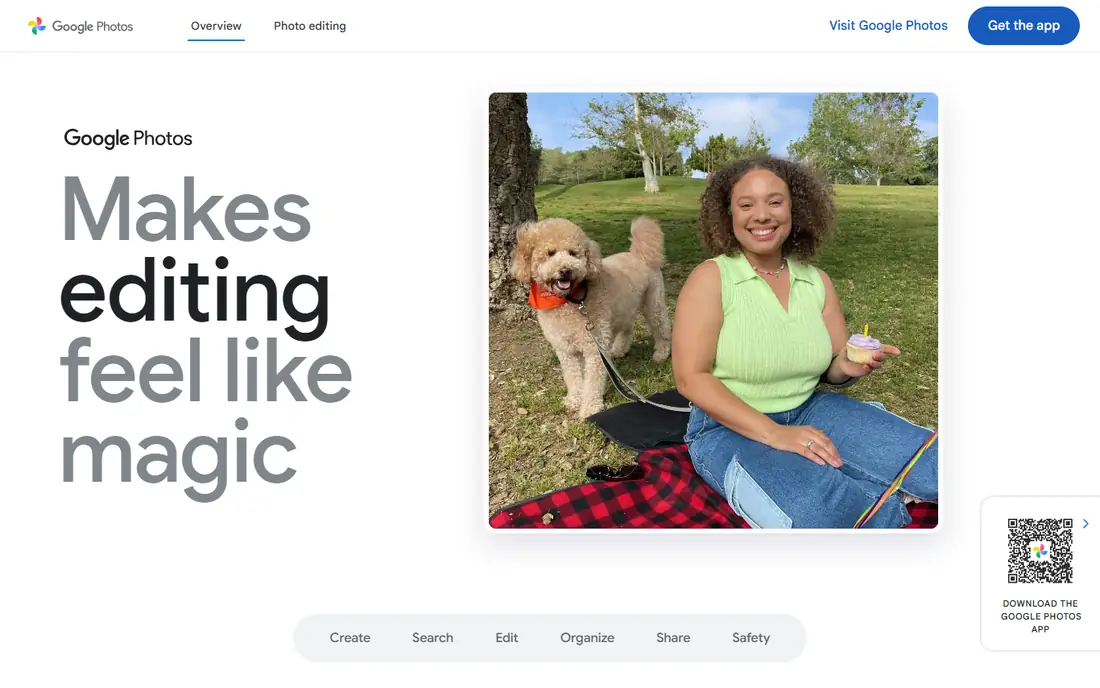
Google Photos is the default photo app for many Android users and a useful backup for iPhone users too. It stores pictures in the cloud, finds them by person, place, or object, and offers quick fixes for light, color, and cropping. Sharing an album with family takes a few taps, without sending large files one by one.
The limit is storage and depth. Once your Google storage fills, you need a paid Google One plan or a cleanup, and serious RAW editing is better in Lightroom or Snapseed. For everyday pictures, backups, and fast sharing, Google Photos is still the easiest starting point.
- Easy backup and search
- Simple edits and sharing
- Works on Android and iPhone
- Free storage is limited to your Google account quota
- Advanced edits need other apps
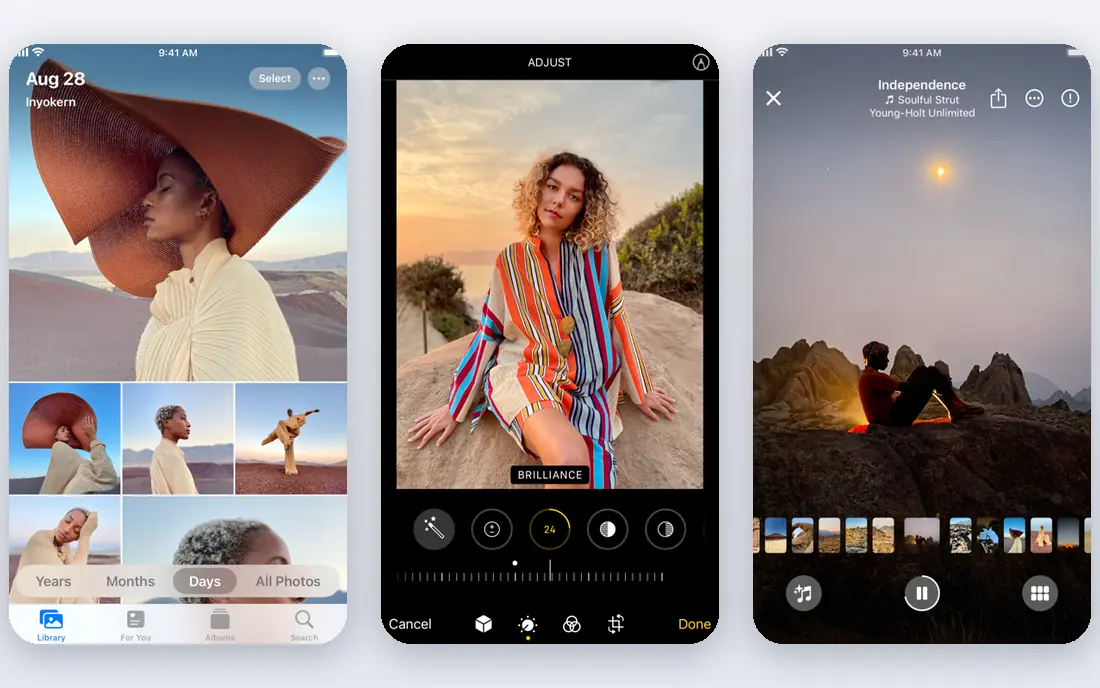
Apple Photos is the best app for pictures if you live in the Apple system. It syncs across iPhone, iPad, and Mac, organizes by person and place, and offers solid edits for exposure, color, and cropping. Memories and shared albums make it easy to revisit trips and family events.
Android users get little from it, and iCloud storage is the real cost. The free 5 GB fills quickly with photos and backups, so many users need a paid iCloud plan. If you already pay for iCloud, Apple Photos is a strong, no-fuss library and editor.
- Built into iPhone, iPad, and Mac
- ICloud sync
- Simple and capable edits
- Best only inside the Apple system
- ICloud storage fills fast on the free tier
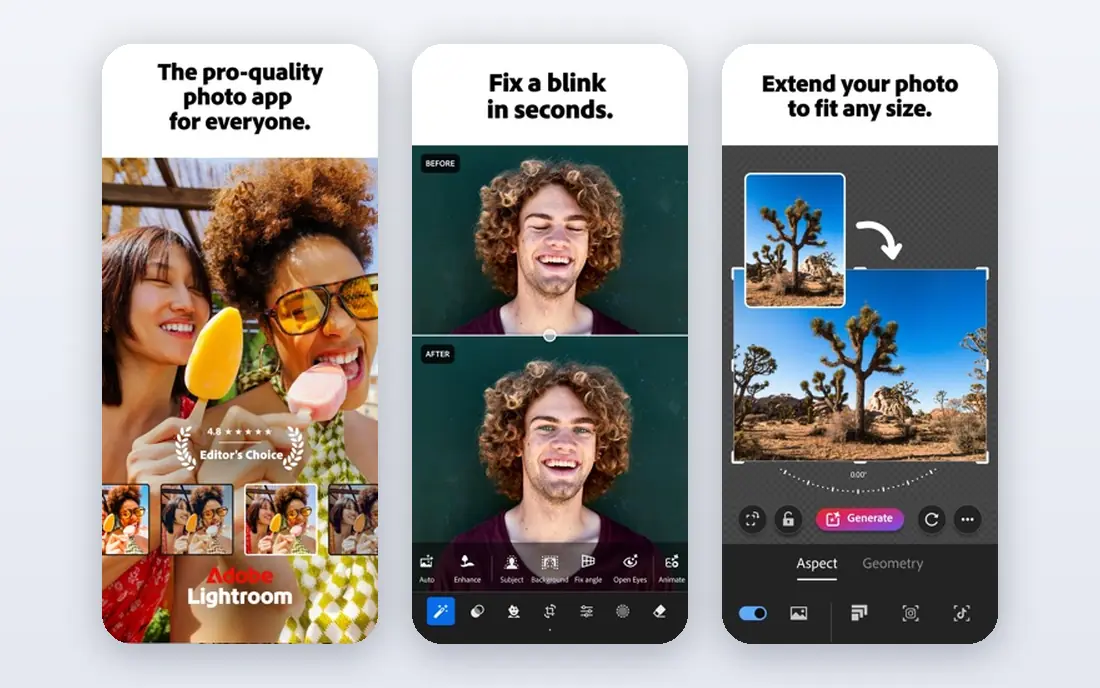
Lightroom Mobile is the best photo app for photographers who want control. It edits RAW files, offers selective adjustments, curves, and presets, and syncs edits to desktop Lightroom for a larger workflow. The free tier covers many core editing tools, which makes it easy to test before paying.
Beginners may find it deep at first, and full cloud storage and some premium tools sit behind a paid plan. If you shoot often, edit in batches, or want the same look across a set, Lightroom is worth learning. Casual users may prefer Snapseed or Google Photos for a single quick fix.
- Strong RAW editing
- Presets and selective tools
- Sync across phone and desktop
- Full cloud and advanced features need a paid plan
- Learning curve for beginners
Snapseed, made by Google, is the best free photography app for people who want powerful editing without paying each month. It offers selective adjustments, tuning, curves, healing, and RAW development in a single app. Edits are non-destructive, so you can revisit a look later.
It is not a library app. There is no cloud sync or shared album system like Google Photos, and updates arrive less often than in paid rivals. For editing one photo well, on either Android or iPhone, Snapseed remains one of the best choices in 2026.
- Completely free
- Selective edits, curves, and RAW support
- No subscription needed
- No cloud library
- Updates are slower than rival apps
- Interface takes a little learning
VSCO started as a preset app and still leads for a consistent film look across a set of pictures. The free tier includes a set of presets and basic tools, while a paid membership adds the full preset library and advanced tools. Its editing interface is calm and focused, which suits photographers who want a repeatable style.
It is less suited to heavy retouching or layered design work. If you want one look for travel, portraits, or social posts, VSCO is ideal. If you need compositing or text design, pair it with PicsArt or a desktop editor.
- Film-style presets
- Clean editing tools
- Community for sharing work
- Full preset library needs a paid membership
- RAW support varies by device
PicsArt is the best picture app for creative social content. It combines photo editing with stickers, text, collages, background tools, and AI features, all aimed at posts that stand out. Templates help a creator make a story, reel cover, or poster in minutes.
Serious photographers may find it noisy. The free tier pushes paid features, and fine color control is weaker than Lightroom or Snapseed. For fun, fast, shareable edits, PicsArt is a strong pick, especially for creators who post often.
- Stickers, text, collages, and AI tools
- Large template range
- Social sharing
- Many best features need a paid plan
- Ads and prompts can distract in the free tier
Halide is a camera app, not just an editor, and it is the best choice for iPhone photographers who want manual control. It offers manual focus, shutter, ISO, and white balance, plus RAW capture for maximum editing room later. The interface is designed for shooting, with clear controls that do not get in the way.
Android users need a different camera app, and Halide is paid, so casual shooters may not need it. If you shoot on iPhone and want the most from each frame, Halide plus Lightroom or Darkroom makes a strong pair.
- Full manual camera control
- RAW and ProRAW capture
- Clean pro interface
- IPhone only
- Paid app with subscription options
- No Android version
Darkroom is a polished iPhone editor that works directly with your photo library. It offers curves, color grading, batch editing, and presets, without forcing you to import pictures into a separate library. That library link makes it fast for editing a set from a trip or shoot.
Android users cannot use it, and some advanced tools need a paid plan. For iPhone users who find Apple Photos too basic but Lightroom too deep, Darkroom hits a useful middle ground.
- Strong iPhone editing
- Curves and color tools
- Works with your photo library
- IPhone and iPad only
- Some tools need a paid plan
Amazon Photos is worth a look if you already pay for Prime. Prime members get unlimited full-resolution photo storage, which solves the storage problem that Google Photos and Apple Photos create. Family sharing lets several people add to a shared vault, and basic edits cover simple fixes.
Video storage is limited, and editing tools are basic compared with Lightroom or Snapseed. Use Amazon Photos for safe backup, then edit in another app when a picture needs real work. For Prime households, it is one of the best free storage options.
- Unlimited full-resolution photo storage for Prime members
- Family sharing
- Simple edits
- Best value only with Prime
- Video storage is limited
- Editing is basic
Polarr suits users who love filters but want more control than a one-tap preset. It offers custom filters, color tools, masks, and selective adjustments, plus a web editor for larger screens. The free tier covers many tools, which makes it easy to try a style before paying.
It is not a full library or backup app, and social features are thin. For a photographer who wants to build a personal filter set and apply it consistently, Polarr is a flexible and affordable choice.
- Custom filters and color tools
- Selective adjustments
- Works on phone and web
- Full features need a paid plan
- Library and sharing are limited
How we picked these
We compared official app store listings and vendor pages, and we favored apps still available and working in 2026. We looked for real shooting, editing, storage, or sharing value, not just a filter pack. Where pricing is subscription based and varies by store, we wrote See website rather than guessing a store price.
How to choose a photo app
Start with your main job. If you need backup and sharing, pick Google Photos, Apple Photos, or Amazon Photos. If you need editing, pick Snapseed for free power, Lightroom for RAW work, or VSCO for a consistent look. If you need shooting control, add Halide on iPhone.
Check storage before you edit
A great editor is less useful if your library is full. Check your Google, iCloud, or Prime storage, and decide whether you will pay for more space or keep originals on a computer. Back up before you delete, and test restore on one album.
Try before you pay
Most apps on this list have a free tier. Edit the same five pictures in two apps and compare the results on your phone screen and on a larger screen. The app that feels fastest for your style, not the one with the longest feature list, is usually the right keeper.
Frequently asked questions
What is the best photo app overall?
Google Photos is the best all-round photo app for Android users, and Apple Photos is the best for iPhone users, because both handle storage, search, and basic edits. For editing alone, Snapseed is the best free pick, while Lightroom is best for serious photographers.
What is the best free photography app?
Snapseed is the best completely free photo editing app, with selective tools, curves, and RAW support and no subscription. Google Photos and Apple Photos are also free for basic edits and storage up to your account quota. VSCO and Lightroom offer useful free tiers with paid upgrades.
What is the best app for photos on iPhone?
Apple Photos is the best built-in choice, Darkroom is a strong editor upgrade, and Halide is the best camera app for manual control. Together they cover library, editing, and shooting without leaving the iPhone. Android users should look at Google Photos, Snapseed, and Lightroom instead.
Can I edit RAW photos on my phone?
Yes. Lightroom, Snapseed, Darkroom, and Halide (for capture) all support RAW editing, subject to your phone and file type. Test one RAW file from your camera before you pay for a plan, since support and speed vary by device and file size.
Do I need a paid photo app?
No, not for most everyday edits. Snapseed covers serious free editing, and Google Photos or Apple Photos cover basic fixes and sharing. Pay only when you need cloud storage, full preset libraries, batch tools, or desktop sync that a free tier does not include.
Sources
See where you really rank - block by block
ProMapRanker scans Google Maps across a grid of your service area. Simple monthly plans from $19, white-label on every plan.
Start freeKeep reading
 twitch alternatives
Twitch Alternatives in 2026
Explore the best Twitch alternatives in 2026 for live streaming, with free platforms, monetisation options, audiences, chat tools, and tips for new streamers.
Read → firebase alternatives
Best Firebase Alternatives in 2026
Looking for Firebase alternatives? We compare 9 backend platforms for auth, databases, realtime, storage, functions, self-hosting, and pricing for your app.
Read → companies with best work life balance
Companies With Best Work Life Balance in 2026
See companies with best work life balance in 2026, ranked by employee ratings, with flexible work options, benefits, and what to check before applying.
Read →