 ProMapRanker
Best Phone Tracking Apps Free in 2026

Key takeaways
- Apple Find My and Google Find Hub are the best free ways to find your own lost phone, with no extra app needed.
- Google Maps Location Sharing is the best free cross-platform option for disclosed family sharing.
- Life360 offers the most complete free family tier, but its free plan limits place alerts and history.
- Location sharing only works lawfully with disclosure and consent, except for your own devices and your own minor children.
Quick comparison
| Pick | Great for | Pricing starts at | Free tier | |
|---|---|---|---|---|
 Apple Find My | Finding Apple devices | Free | Yes | Visit |
 Google Find Hub | Finding Android devices | Free | Yes | Visit |
 Google Maps Location Sharing | Cross-platform family sharing | Free | Yes | Visit |
 Google Family Link | Parents and child Android devices | Free | Yes | Visit |
 Life360 | Family circles and place alerts | Free | Yes | Visit |
 Glympse | Temporary location sharing | Free | Yes | Visit |
 iSharing | Family location sharing | Free | Yes | Visit |
 Samsung SmartThings Find | Finding Samsung devices | Free | Yes | Visit |
The best phone tracking apps free
This guide covers lawful, disclosed use only: finding your own devices, sharing location with family who know and agree, managing your own minor children with disclosure, or tracking consented employees on work devices where local rules allow it. Do not use any app here to track an adult or any other person without their knowledge and consent, and do not install covert surveillance tools. We list no stalkerware here.
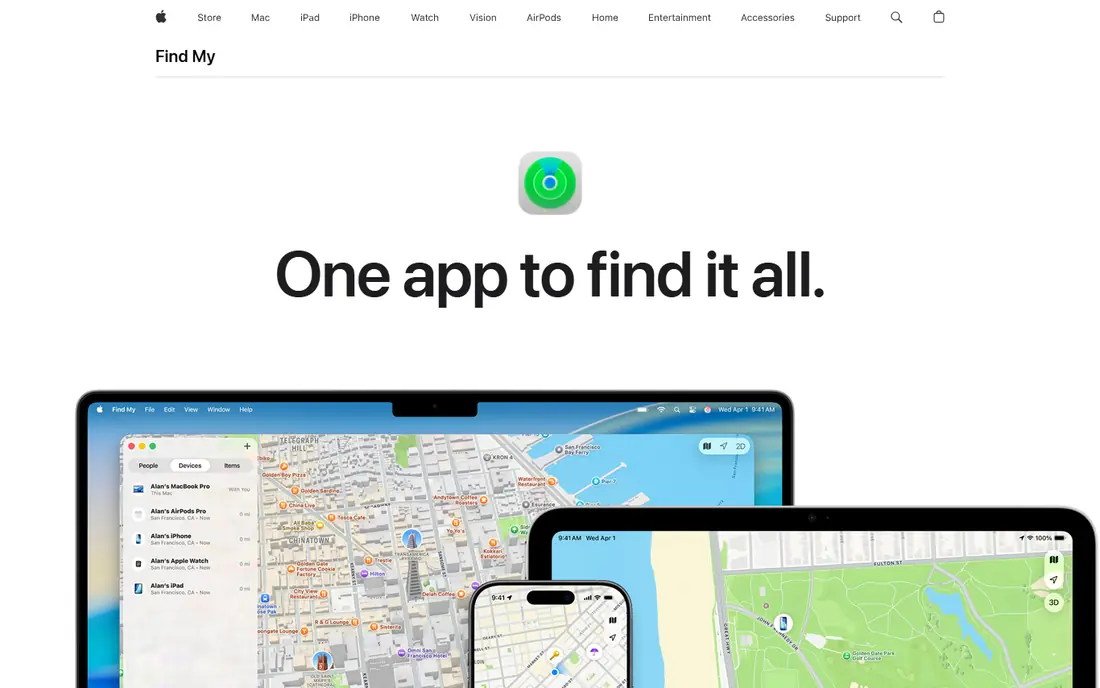
Apple Find My is the first tool to set up on any iPhone, because it is already there. You can see your own devices on a map, play a sound to find a phone in the house, lock it, or erase it if it is truly lost. With Family Sharing, relatives can share location with each other, and arrival and leave alerts help parents and partners who have agreed to share.
The limits are platform and power. It works best inside Apple, and a switched-off or offline device shows only its last known location. For Apple households, though, it is the most stable free option, and it needs no extra subscription.
- Built into iPhone, iPad and Mac
- Finds devices, plays a sound, locks or erases remotely
- Family sharing with consent
- Apple devices only
- Location needs the device on and signed in
- Some features need newer hardware
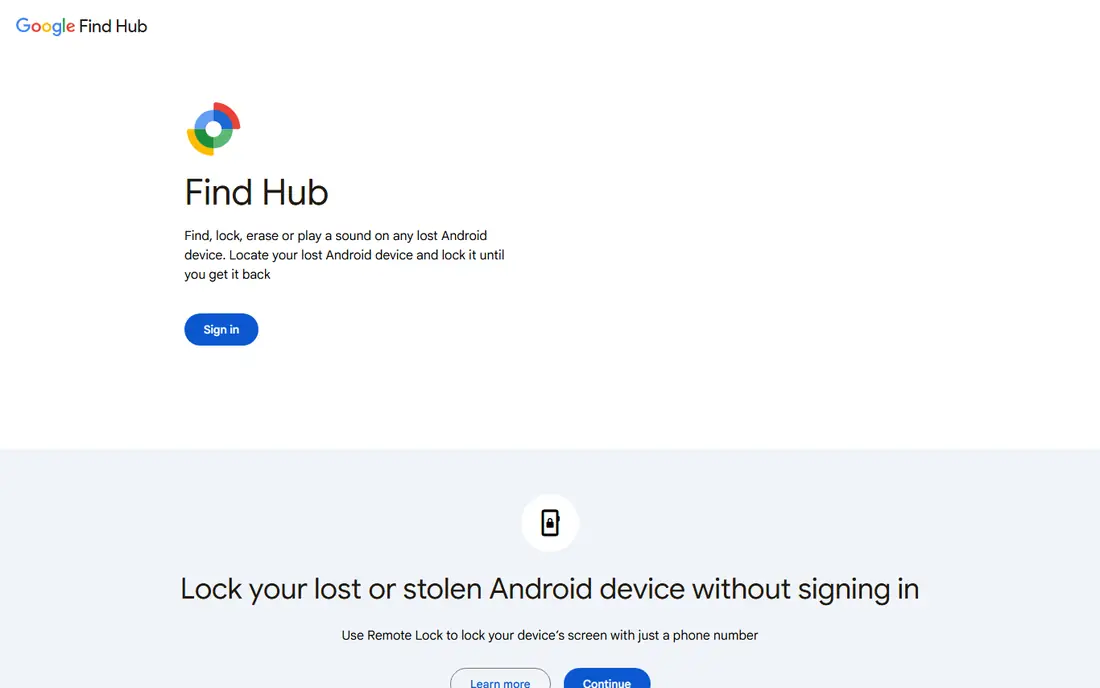
Google Find Hub, formerly Find My Device, is the Android equivalent of Find My. Sign in from a browser, see your phone on a map, ring it, lock it with a message, or erase it if recovery looks unlikely. It is free, built into Android, and the fastest route to a lost phone when you have no other device handy.
It tracks your own device, not other adults, and it needs location and sign-in to work well. Keep it switched on before you lose a phone, since setting it up after the loss is too late. For Android owners, it is essential and free.
- Free for Android devices
- Ring, lock and erase a lost phone remotely
- Works from a browser on any device
- Android focused
- Needs the device signed in and location on
- Offline devices show last known location only
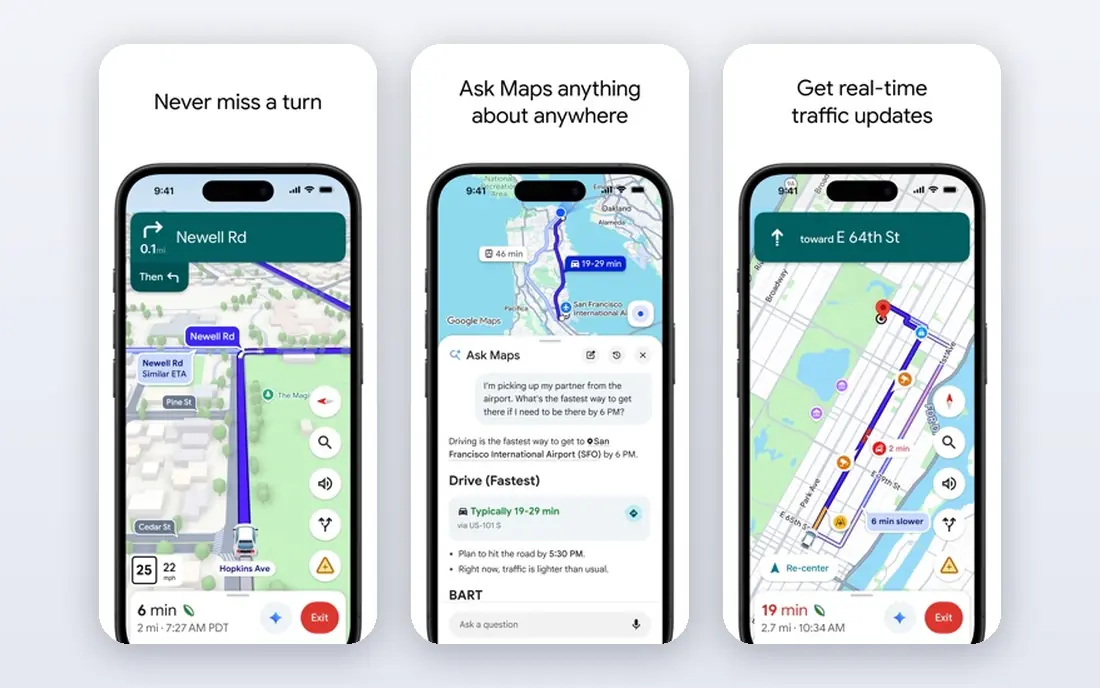
Google Maps Location Sharing is the best free cross-platform choice for families with mixed phones. You choose who sees your location and for how long, and they see you on a map with battery and charging status in many cases. Arrival and departure notifications help with school runs and travel without constant checking.
Sharing is visible to the people you choose, which is the point: everyone knows it is on, and anyone can stop sharing at any time. Review the sharing list regularly, set a time limit for temporary sharing, and do not use it to monitor someone who has not agreed.
- Works on iPhone and Android
- Real-time sharing with chosen people
- Arrival and departure notifications
- Sharing must be set up and reviewed regularly
- Battery use rises with constant sharing
- No parental controls on its own
Google Family Link helps parents supervise a child Android device, with location, screen time limits and app approvals in one free tool. Parents can see a supervised child device on a map, set high-accuracy location options, and manage what the child can install. Disclosure matters even here: talk with your child about what Family Link does and why, in terms they can understand.
It is not a tool for tracking adults, and it is not a substitute for conversation about safety and trust. For younger children on family-owned Android devices, it is a solid free starting point that covers location plus wider parental controls.
- Free parental controls for child Android devices
- Location for a supervised child device
- Screen time and app controls
- Built for supervised child accounts, not adult tracking
- Android child devices work best
- Setup takes care with accounts
Life360 is the best-known free family locator, and its free tier covers the core job: a private circle sees members on a shared map in real time, with place alerts for key locations. That shared view helps families coordinate pickups, travel and daily routines, and the app works across iPhone and Android in the same circle.
The free plan limits matter. Place alerts are limited to two places, location history is short, and driving reports, crash detection and SOS features sit behind paid plans. Teens may also find constant tracking intrusive, so agree the circle rules together rather than imposing them silently.
- Free real-time sharing in private circles
- Place alerts for home, school and work
- Built-in messaging and SOS on paid tiers
- Free plan limits place alerts to two places and history to two days
- Background GPS uses battery
- Driving reports need paid plans
Glympse suits temporary, disclosed sharing: you share your live location for a set time, such as a trip to meet family or a ride home, and sharing stops automatically when the timer ends. Recipients view it in a browser without installing an app, which helps with grandparents and friends outside your usual circle.
It is not a family monitoring tool, and it offers no history or controls. That limit is also a privacy strength, since sharing ends on its own. Use Glympse when the need is short and clear, and use a circle app when the need is ongoing and agreed.
- Free temporary sharing with a time limit
- Recipients need no app to view
- Good for meetups and travel
- Temporary by design, not for ongoing family circles
- No history or parental controls
- Sharing link must be guarded
iSharing offers private family and friend groups with real-time location sharing across iPhone and Android, plus place alerts and messaging. It suits families who want a Life360-style circle without Life360, and its free tier covers everyday sharing for a small household.
Paid plans add longer history and more alerts, so check the free limits before you depend on them for a school or work routine. As with any circle app, agree sharing openly, review members regularly, and let any adult member leave the circle without a fight.
- Free real-time family sharing on iPhone and Android
- Place alerts and history on free and paid tiers
- Private friend and family groups
- Advanced history and alerts need a paid plan
- Smaller user base than Life360
- Battery use with constant sharing
Samsung SmartThings Find is the free built-in option for Samsung households. You can locate phones, tablets, watches and SmartTags, ring a lost device, and use nearby Galaxy devices to help find an offline device. Setup takes a Samsung account and a few minutes before a loss, which is time well spent.
It only covers Samsung devices, so mixed households still need Google or Apple tools alongside it. For Samsung owners, it is a strong free complement to Find Hub, especially for watches, earbuds and tags as well as phones.
- Free for Samsung phones, tablets, watches and tags
- Ring, lock and locate from a browser
- Offline finding with nearby Galaxy devices
- Samsung devices only
- Needs a Samsung account and setup in advance
- Location accuracy varies offline
How we picked these
We compared official product pages and help pages for free location tools, and we kept only tools for lawful, disclosed use: finding your own devices, or sharing location openly inside a family or consented group. We excluded covert monitoring apps, stalkerware and any service marketed for tracking a person without consent, even when it offers a free tier. Prices and free limits change, so check the vendor page.
Using location sharing lawfully and with trust
Location sharing works best when everyone involved knows it is on, knows who can see it, and can stop it. Talk through the rules before you set up a circle: who joins, which places trigger alerts, how long sharing stays on, and what happens when a child gets older and wants more privacy. Write those rules down if it helps, and revisit them as children grow.
Own devices and lost phones
For your own phone, tablet or watch, set up Find My or Find Hub now, keep location on, and test the ring and lock steps from a browser. Keep a second way to sign in, such as a trusted device or recovery method, since a lost phone is a poor time to discover a forgotten password. If a device is stolen, lock or erase it and report it, rather than trying to recover it yourself.
Children, employees and consent
For your own minor children, use parental tools openly, explain what they do, and adjust controls as the child matures. For employees, use tracking only on work devices, only with clear written disclosure and a lawful purpose, and only within local employment and privacy rules. For any other adult, do not track without their informed consent, and do not install software on a device you do not own or manage lawfully.
Frequently asked questions
What is the best free phone tracking app?
For finding your own phone, Apple Find My on iPhone and Google Find Hub on Android are best because they are free and built in. For disclosed family sharing across iPhone and Android, Google Maps Location Sharing and Life360 free are the strongest picks.
Is it legal to track a phone for free?
Tracking your own device is lawful, and tracking your own minor child on a family device with disclosure is generally lawful. Tracking another adult without consent, or installing hidden software on someone else device, can break privacy and surveillance laws, so get consent and check local rules first.
Can I track a phone without the person knowing?
No, and you should not try. The tools here show sharing openly, and hidden tracking apps are stalkerware with serious legal and safety risks. If safety is a concern, talk with the person, use disclosed sharing, or seek help from a trusted service instead of secret tracking.
Do free phone tracking apps work when the phone is off?
No, not in real time. A switched-off phone shows only its last known location, and some device networks can help find nearby devices offline. Keep devices charged, keep location on, and treat last-known location as a starting point, not live tracking.
What is the best free cell phone tracker app for family?
Life360 free suits families who want a dedicated circle with place alerts, while Google Maps Location Sharing suits mixed-device families who want a simple free option. Apple families can use Find My, and Android families with young children can use Family Link.
How accurate is free phone tracking?
Under open sky, phone GPS is often accurate within a few metres, while dense cities, buildings and indoors reduce accuracy. Treat a dot on a map as an approximate area, not an exact room, and use messages or calls to confirm where someone actually is.
Sources
See where you really rank - block by block
ProMapRanker scans Google Maps across a grid of your service area. Simple monthly plans from $19, white-label on every plan.
Start freeKeep reading
 who has best internet service
Who Has the Best Internet Service in 2026
Who has best internet service for US homes? We compare fiber, cable, fixed wireless and satellite providers on speed, price, availability and terms today.
Read → which survey tool has the best analytics
Which Survey Tool Has the Best Analytics in 2026
Find which survey tool has the best analytics in 2026, comparing Qualtrics, SurveyMonkey, Typeform, Alchemer, and more on reports, text, and stats today.
Read → which streaming service has the best movies
Which Streaming Service Has the Best Movies in 2026
Answering which streaming service has the best movies, with Netflix, Max, Criterion and more compared on libraries, prices and free options in this guide.
Read →