 ProMapRanker
Best Personal Tax Software in 2026

Key takeaways
- FreeTaxUSA and Cash App Taxes offer the lowest cost for confident filers, with free federal filing in most cases.
- TurboTax and H&R Block cost more, but their guided interviews and live help suit first-time filers and complex returns.
- State filing is often the hidden cost, so compare the federal plus state total rather than the federal price alone.
- Tax prices change during filing season, so check the live checkout price before submitting a return.
Quick comparison
| Pick | Great for | Pricing starts at | Free tier | |
|---|---|---|---|---|
 TurboTax | Guided filing with maximum support | Free | Yes | Visit |
 H&R Block | Guided filing with in-person backup | Free | Yes | Visit |
 FreeTaxUSA | Lowest cost for confident filers | Free | Yes | Visit |
 TaxAct | Budget filing with structure | Free | Yes | Visit |
 Cash App Taxes | Fully free federal and state filing | Free | Yes | Visit |
 TaxSlayer | Value filing for varied returns | Free | Yes | Visit |
 Jackson Hewitt Online | Flat-price filing for many situations | $25 | No | Visit |
 IRS Free File | Eligible filers who want the official route | Free | Yes | Visit |
The best personal tax software
We compared official feature pages, pricing pages, app store listings, privacy policies, and public reviews, with a focus on what a return really costs once state filing is added. This article is general information only and is not tax advice for a specific situation.

TurboTax is the easiest choice for a filer who wants every question explained in plain language. Its interview walks through income, deductions, credits, and investments step by step, and imports reduce manual entry for many W-2 and brokerage forms. Paid tiers cover rental income and self-employment, with live expert review as an add-on.
The price is the main drawback. Deluxe and higher tiers cost far more than budget rivals, and state filing adds another charge on top of the federal price. Filers with a simple return should check the free edition rules first, since many simple returns can be filed elsewhere for less.
- Clear interview flow for complex returns
- Broad import support for W-2 and brokerage forms
- Live expert help available
- Highest prices at paid tiers
- State filing adds a large extra charge
- Upsells appear inside the flow

H&R Block suits filers who like online filing but want a physical office as a fallback. The online interview is well structured, and the free tier covers many simple returns with federal and state filing at no cost. Upgrades add support for investments, rentals, and self-employment, plus expert review options.
Pricing sits between TurboTax and the budget tools, which makes it a middle-ground pick rather than a bargain. Seasonal price changes mean an early-season price may not match a late-season price. For filers who value human backup, that extra cost buys real peace of mind.
- Free online tier for simple returns
- In-person offices for help
- Clear upgrade path to expert review
- Paid tiers still cost more than budget tools
- Prices rise as the filing deadline nears
- State fees add up
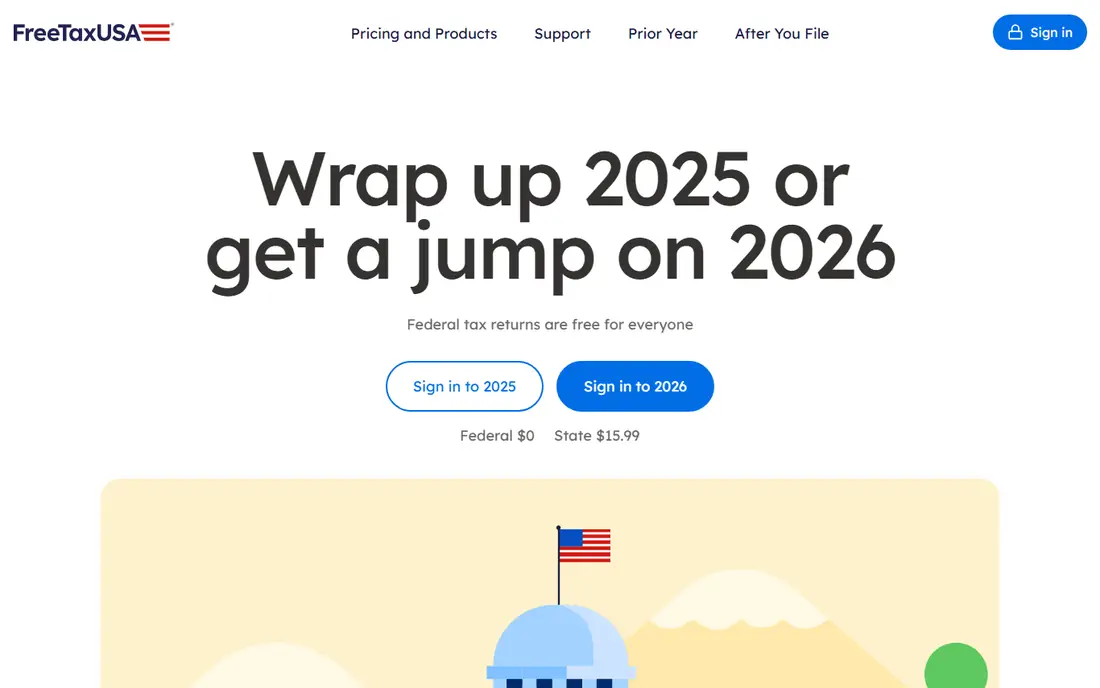
FreeTaxUSA is our pick for most confident filers because federal filing is free for every situation, including self-employment, rentals, and investments. The state charge is low compared with mainstream rivals, so the total bill stays small even for a complex return. Form coverage is broad, which matters for filers who know which forms they need.
Guidance is thinner than in TurboTax or H&R Block, so first-time filers may feel less supported. The interface is functional rather than polished. If you can read a tax form and want the lowest total cost, FreeTaxUSA is hard to beat.
- Federal filing free for all tax situations
- Low state fee
- Covers self-employment and investments
- Less hand-holding than TurboTax
- Expert help is limited
- Interface feels plainer
TaxAct sits between the cheapest tools and the premium brands. Its guided flow is structured enough for most returns, and paid tiers cover investments, rentals, and self-employment at prices below TurboTax. Higher tiers also handle some business returns, which helps small business owners who file a personal return alongside entity work.
The state fee adds a real cost, especially for multi-state filers, so compare the full total. The design feels older than its rivals, though that rarely affects accuracy. For a filer who wants structure without a premium price, TaxAct is a solid compromise.
- Free tier for simple returns
- Paid tiers cheaper than the big two
- Covers business and partnership forms in higher tiers
- State fee is charged per state
- Interface is less polished
- Support options vary by tier
Cash App Taxes is the simplest price story in this list: federal and state filing are free, with no paid tiers to sort through. That makes it ideal for filers with W-2 income, common credits, and a single state return who want to avoid upsells entirely. The flow is short and the total cost stays at zero.
Support is thinner than in paid tools, and some complex returns fall outside its coverage. Filers with multi-state income, foreign income, or unusual forms should check coverage before starting. For a straightforward return, Cash App Taxes is the cheapest complete option.
- Federal and state filing free with no paid tiers
- No upsell flow
- Simple interface for straightforward returns
- Fewer expert help options
- Some complex situations are not supported
- Account setup runs through Cash App
TaxSlayer appeals to value shoppers who need more than a simple free return but do not want premium prices. Classic and higher tiers cover investments, rentals, and self-employment at prices below TurboTax and H&R Block. The interface is clear enough for a filer who has filed before and knows the basics.
The free tier only covers narrow simple situations, so many filers will pay for a tier plus a state fee. Guidance is adequate rather than extensive. For a returning filer with a moderately complex return, TaxSlayer offers good value.
- Low paid-tier prices
- Covers many forms and situations
- Military free federal filing in some cases
- Free tier has narrow eligibility
- State fee applies
- Guidance is less detailed than premium tools
Jackson Hewitt Online uses a flat price model that suits multi-state filers and complex returns. One $25 charge can cover federal and state filing across many situations, which beats paying a state fee per state at other tools. The office network also gives filers a human option if the online flow stalls.
A simple return that is free elsewhere costs $25 here, so it is not the cheapest choice for basic filers. The online product is less polished than the premium brands. For a filer with several states or a complex return, the flat price is easy to justify.
- Flat $25 price covers federal and state in many cases
- Covers many tax situations
- Office network for help
- No free plan
- Price is flat even for a simple return
- Online experience varies by situation
IRS Free File is a program, not a single product, that lets eligible filers use partner tax software free of charge. Income limits apply, and each partner sets its own age, state, and form limits, so eligibility must be checked on the IRS site. For filers who qualify, it is a genuine free route with no IRS charge.
The trade-off is choice: the partner tool you get depends on your situation, and state filing rules vary. Filers above the income limit cannot use it. If you qualify, start at the IRS site rather than a vendor site, so you land on the free version rather than a paid upgrade path.
- Free federal filing through partner software for eligible filers
- Official IRS program
- No upsell to a paid IRS product
- Income limits apply
- State filing rules vary by partner
- Guidance depends on the partner tool used
How we picked these
We compared official feature pages, pricing pages, app store listings, privacy policies, and public reviews, and we kept only tools that file US federal personal returns in October 2026. Prices are seasonal and change as the filing deadline nears, so the figures here are starting points rather than a quote. We did not claim hands-on filing for any return, and we treated state fees as part of the total cost.
How to choose the right tax software
Match the tool to your return, not to the brand you recognise. A simple W-2 return, a rental return, and a self-employed return need different form coverage, and the cheapest tool for one can be a poor fit for another.
Check form coverage first
List every form your return needs, including schedules for investments, rentals, and self-employment, before you start. Free tiers often cover only simple forms, and discovering a missing form halfway through wastes time. If a tool does not list a form you need, move on rather than working around it.
Compare the full federal plus state total
Add the state fee, and any expert review charge, to the federal price. A $0 federal tier with a high state fee can cost more than a low flat price. Multi-state filers should also check whether each extra state is charged separately.
Decide how much help you need
First-time filers and filers with a new life event, such as a home purchase or a new business, often benefit from a guided interview or expert review. Confident filers who have filed the same return for years can save money with a cheaper tool. When in doubt, pay for review rather than guessing on a deduction or credit, and remember this article is general information only, not tax advice.
Frequently asked questions
What is the best personal tax software for a simple return?
Cash App Taxes and FreeTaxUSA are strong picks for a simple return because federal filing is free and state costs are low or zero. H&R Block Free Online is also a good choice if you want a guided flow with office backup.
Is free tax software really free?
It can be, but free usually means free federal filing for a defined set of situations, with state filing sometimes charged separately. Cash App Taxes files federal and state free, while FreeTaxUSA files federal free and charges a low state fee. Read the eligibility rules before starting.
Which tax software is best for self-employed filers?
FreeTaxUSA covers self-employment forms with free federal filing, which makes it the cheapest option for many sole proprietors. TurboTax Self-Employed and H&R Block Self-Employed cost more but add stronger guidance and expert review for complex expense questions.
When should I hire a tax professional instead of using software?
Hire a professional for multi-state business income, foreign income, large capital events, or a year with major changes that you do not fully understand. Software handles common returns well, but a professional can spot issues that a guided interview may miss.
Do tax software prices change during the season?
Yes, prices often rise as the April deadline nears, and early-season discounts may disappear. Check the live price at checkout and compare the federal plus state total, not just the advertised federal price.
Sources
See where you really rank - block by block
ProMapRanker scans Google Maps across a grid of your service area. Simple monthly plans from $19, white-label on every plan.
Start freeKeep reading
 who has best internet service
Who Has the Best Internet Service in 2026
Who has best internet service for US homes? We compare fiber, cable, fixed wireless and satellite providers on speed, price, availability and terms today.
Read → which survey tool has the best analytics
Which Survey Tool Has the Best Analytics in 2026
Find which survey tool has the best analytics in 2026, comparing Qualtrics, SurveyMonkey, Typeform, Alchemer, and more on reports, text, and stats today.
Read → which streaming service has the best movies
Which Streaming Service Has the Best Movies in 2026
Answering which streaming service has the best movies, with Netflix, Max, Criterion and more compared on libraries, prices and free options in this guide.
Read →