 ProMapRanker
Best Password App in 2026: 9 Apps Compared

Key takeaways
- 1Password is our pick for most people, starting at $3.99 per month, because it pairs polished apps with Watchtower alerts and Travel Mode.
- Bitwarden is the best free password app, since its free plan includes unlimited devices and full sync, with paid Premium at $1.65 per month.
- Proton Pass suits privacy-focused users, with a useful free tier and built-in email aliases that hide your real address from signups.
- Dashlane no longer offers a free plan, so its $4.99 per month price only makes sense if you want its bundled VPN and monitoring tools.
- LastPass still works, but its past breaches mean many buyers should weigh Bitwarden or 1Password first, even at a similar price.
Quick comparison
| Pick | Great for | Pricing starts at | Free tier | |
|---|---|---|---|---|
 1Password | Most people and families | $3.99 per month | Free trial (14 days) | Visit |
 Bitwarden | Best value and open source fans | $1.65 per month | Yes | Visit |
 Dashlane | Bundled VPN and monitoring fans | $4.99 per month | Free trial | Visit |
 LastPass | Users who already know it | $3 per month | Yes | Visit |
 NordPass | Simple vaults inside the Nord family | $1.49 per month | Yes | Visit |
 Keeper | Business-grade controls for families | $1.67 per month | Free trial | Visit |
 RoboForm | Strong form filling on older browsers | $2.49 per month | Yes | Visit |
 Proton Pass | Privacy fans who want email aliases | $2.49 per month | Yes | Visit |
 Enpass | Offline-first vault control | $1.99 per month | Yes | Visit |
The best password apps
We compared the best password apps on security design, device support, passkey handling, family sharing, and price. Our pick for most people is 1Password, because its apps are polished, its family plan is easy to run, and its security record is strong. If price matters most, Bitwarden is the clear alternative, since its free plan covers full sync across devices.
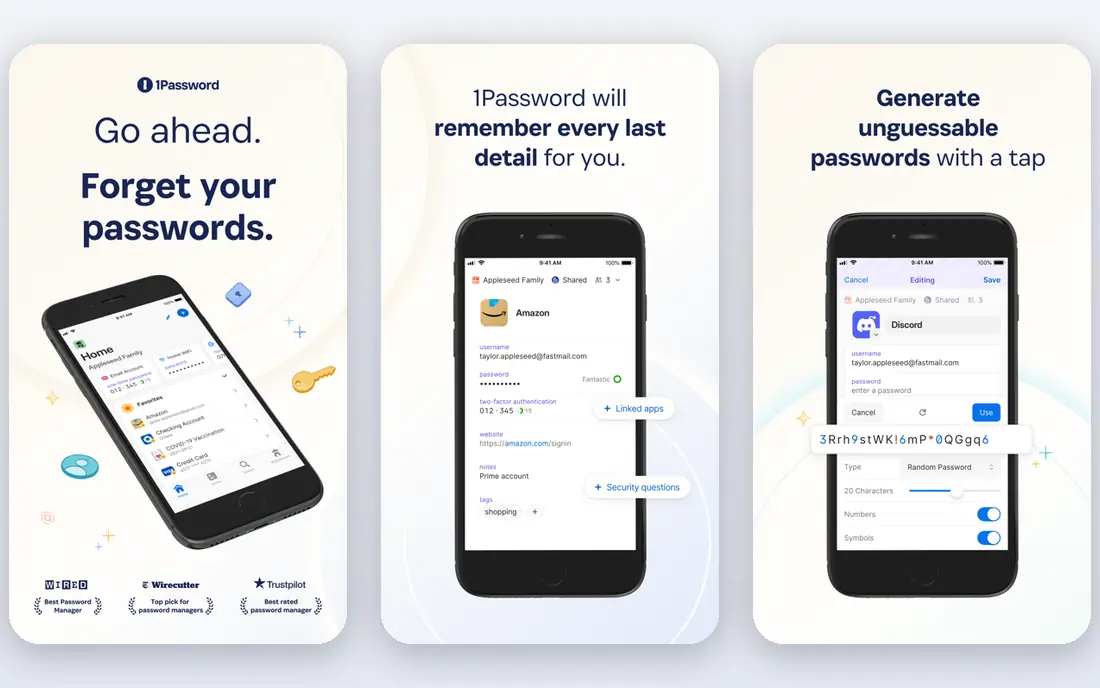
Start here if you want a short answer. 1Password earns its place through polish, since its apps, autofill, and vault organisation feel consistent on phone, desktop, and browser. Watchtower flags weak, reused, and compromised passwords, and Travel Mode can remove sensitive vaults from devices during travel.
The catch is price and the lack of a free tier, since you pay from $3.99 per month after a 14-day trial. Check the current plan limits before you pay, since limits on users, invoices, or contacts decide the real cost.
- Polished apps on every platform
- Watchtower alerts
- Travel Mode
- No free plan
- Individual price rose in 2026
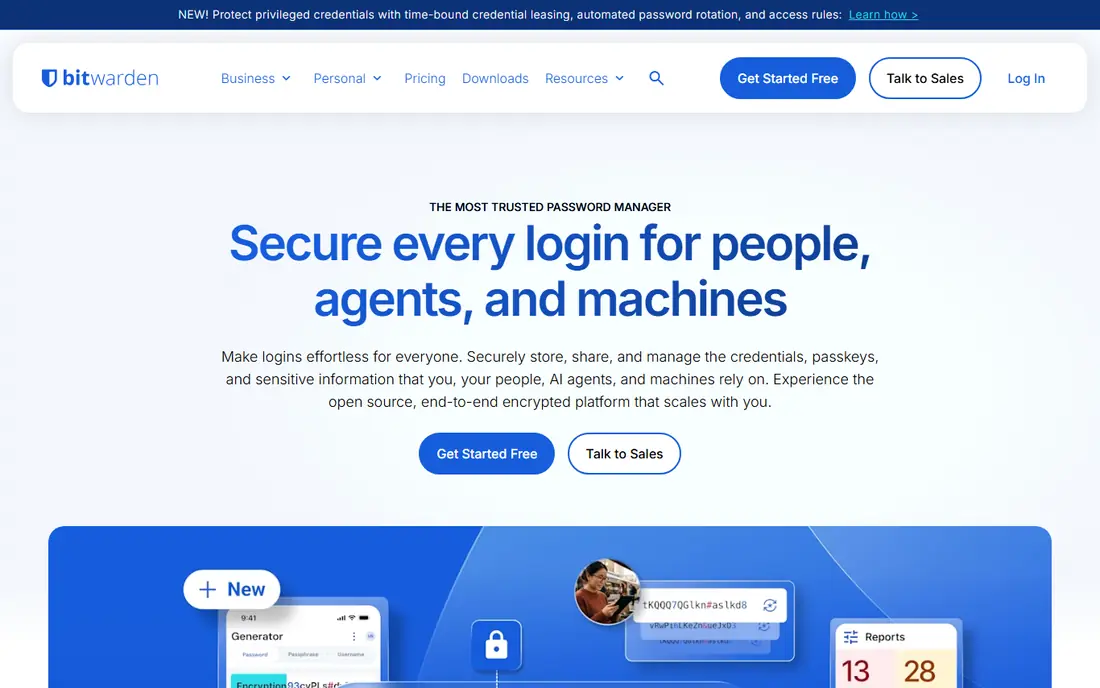
This one earns its place for a clear reason. Bitwarden gives full sync across unlimited devices on its free plan, which no other major app here matches. Its code is open source, and paid Premium adds emergency access, security reports, and file storage at a low price.
The catch is polish, since the interface feels more functional than friendly, though it covers every core job well. Run a trial with your own data before you commit, and export a sample so you can see how leaving would work.
- Free plan with full sync
- Open source code
- Self-host option
- Interface feels less polished than 1Password
- Advanced features need setup
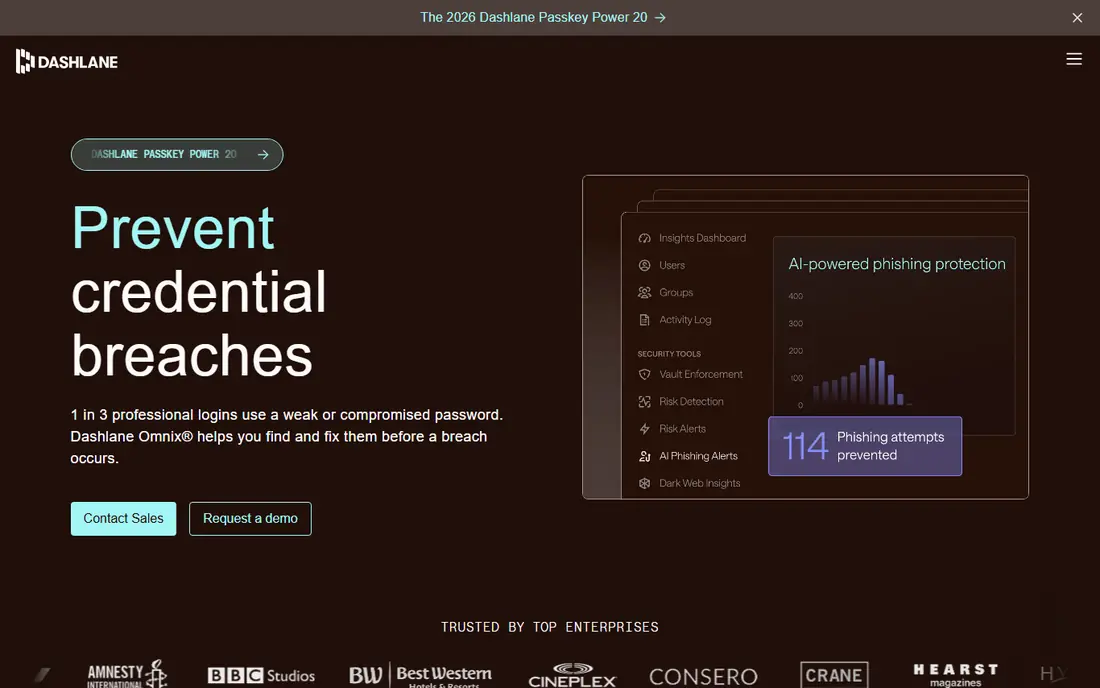
Consider this option when the basics matter more than extras. Dashlane bundles a VPN and dark web monitoring with its password vault, which suits buyers who want those extras in one subscription. Its autofill and password health reports are strong, and family plans cover up to ten people.
The catch is value, since the free plan ended and $4.99 per month buys less vault value than cheaper rivals for many users. Compare the total monthly cost, including add-ons and processing fees, rather than the headline price alone.
- Bundled VPN
- Dark web monitoring
- Clean autofill
- No free plan
- Higher price than Bitwarden or 1Password
This pick suits buyers who know what they need and want it done well. LastPass remains familiar and widely supported, with apps for every major platform and browser. Its Premium plan covers unlimited devices, dark web monitoring, and emergency access at $3 per month billed annually.
The catch is trust, since its 2022 breaches exposed encrypted vaults and metadata, so many new buyers should weigh Bitwarden or 1Password first. If the entry plan covers your daily work, stay there for a few months before paying for a higher tier.
- Familiar interface
- Wide platform support
- Family and team plans
- Past breaches damaged trust
- Free tier limited to one device type
Put this on the shortlist if fit matters more than fame. NordPass suits users who want a simple vault without a steep learning curve. It uses XChaCha20 encryption, offers a breach scanner, and fits well beside other Nord products.
The catch is pricing structure, since the lowest price needs a two-year commitment, so check the monthly and annual rates too. Ask support a hard question during the trial, since the answer tells you a lot about help when something breaks.
- Simple interface
- Strong encryption
- Breach scanner
- Best price needs a two-year plan
- Fewer advanced team tools
This is a practical choice for a specific kind of buyer. Keeper suits families and small teams that want admin controls, secure sharing, and breach monitoring in one app. Its business plans add strong policy controls, which helps teams that must manage many shared logins.
The catch is the free tier, which is limited, so most users should budget on the paid plan from the start. Check the current plan limits before you pay, since limits on users, invoices, or contacts decide the real cost.
- Strong admin controls
- Secure file storage
- Breach monitoring
- Free tier is limited
- Interface feels business-first
We include this one because it solves a real problem well. RoboForm stands out for form filling, which helps users who fill long web forms often. It supports older browsers well, and its family plan covers multiple users at a modest price.
The catch is modern feel, since the interface and extras trail 1Password and Proton Pass, though core vault work is solid. Run a trial with your own data before you commit, and export a sample so you can see how leaving would work.
- Strong form filling
- Wide browser support
- Family plans
- Interface feels dated
- Fewer modern extras than rivals
This option stands out for a different reason than the leaders. Proton Pass pairs a password vault with hide-my-email aliases, so signups need not expose your real address. That alias feature is genuinely useful for reducing spam and tracking, and the free tier covers core vault use.
The catch is ecosystem size, since Proton Pass is newer than 1Password, and some advanced features tie to wider Proton plans. Compare the total monthly cost, including add-ons and processing fees, rather than the headline price alone.
- Built-in email aliases
- Useful free tier
- Privacy-focused design
- Smaller ecosystem than 1Password
- Some features need Proton plans
Do not overlook this one if your needs are narrower than most guides assume. Enpass suits users who want control over where vault data lives, since it can sync through your own cloud storage. Offline-first design appeals to privacy-minded users who distrust cloud-only vaults.
The catch is setup effort, since choosing and configuring your own sync takes more steps than a fully hosted vault. If the entry plan covers your daily work, stay there for a few months before paying for a higher tier.
- Offline-first vaults
- Sync through your own cloud
- One-time purchase options
- Setup takes more steps
- Support is smaller than major rivals
How we picked these
We checked current pricing pages and plan details for each app, and we compared encryption design, zero-knowledge claims, passkey support, autofill, sharing, emergency access, and platform support. We kept only apps that work across major browsers and phones today, and we noted breach history honestly where it affects trust. We did not claim hands-on testing we did not do; our comparison rests on official pages, app store listings, and public security documentation.
How to choose a password app you will actually keep using
The best password app is the one you use for every login, so ease matters as much as encryption. Pick an app with fast autofill on your phone and your computer, since friction is what pushes people back to reused passwords. Test import from your browser during the trial, and check that passkeys work on the sites you use most.
Understand the security basics
Look for end-to-end encryption and a zero-knowledge design, which means the vendor cannot read your vault even if its servers are breached. A strong master password and two-factor authentication on the vault itself matter more than any single feature. Turn on biometric sign-in on your phone, but keep a written recovery plan somewhere safe, since losing the master password can lock you out for good.
Plan for family sharing and emergencies
Families should share through shared vaults, not by sharing one login, since shared vaults let you revoke access for one person without changing every password. Check emergency access options, which let a trusted person request vault access after a waiting period. Test sharing with one family member during the trial, since a confusing sharing flow will stop the whole household from adopting the app.
Check the price beyond year one
Introductory prices and renewal prices differ for several apps, so budget on the renewal rate. Bitwarden Premium remains cheap at $1.65 per month billed annually, while 1Password renews at $3.99 per month for an individual. Free tiers from Bitwarden and Proton Pass cover many users well, so do not pay for features you will never open.
Frequently asked questions
What is the best password app?
For most people, 1Password is the strongest overall pick, because its apps are polished, family sharing is simple, and it supports passkeys well. Bitwarden is the best pick if price matters most, since its free plan covers full sync. Proton Pass suits users who want email aliases built into the same app.
What is the best app for passwords on a free plan?
Bitwarden offers the best free plan here, with unlimited passwords and sync across unlimited devices. Proton Pass also offers a useful free tier with email aliases. Dashlane no longer offers a free plan, and LastPass limits its free tier to one device type, so read the free limits before you commit.
What are the best password apps for families?
1Password Families and Bitwarden Families both handle shared vaults well, with 1Password starting at $5.99 per month for five people and Bitwarden Families at $3.99 per month for six people. Shared vaults beat sharing a single login, since you can revoke one person's access without changing every password.
What is the best free password app for iPhone and Android?
Bitwarden is a strong free pick across iPhone and Android, since it syncs across devices without a paid plan. Proton Pass also works well on both platforms and adds email aliases. Check autofill setup on your phone during the trial, since phone autofill quality decides daily ease more than desktop features.
Should I switch from LastPass to another password app?
Many users have moved from LastPass after its 2022 breaches, which exposed encrypted vaults and unencrypted metadata such as URLs. Bitwarden and 1Password both offer import tools for LastPass vaults, so migration is straightforward. After you move, change your most important passwords first, starting with email and banking.
Sources
See where you really rank - block by block
ProMapRanker scans Google Maps across a grid of your service area. Simple monthly plans from $19, white-label on every plan.
Start freeKeep reading
 top custom software development company
Top Custom Software Development Company in 2026
Looking for a top custom software development company? We compare 9 firms for web, mobile, and enterprise software, covering strengths and fit for 2026.
Read → tableau alternatives
Tableau Alternatives in 2026
Compare the best Tableau alternatives for 2026, from Power BI to Metabase, with prices, hosting options, and picks for small teams and enterprises today.
Read → microsoft teams alternatives
Best Microsoft Teams Alternatives in 2026
Looking for microsoft teams alternatives? We compare 9 chat and video tools for 2026, covering free plans, pricing, meetings, and integrations for teams.
Read →