 ProMapRanker
Best OSINT Tools in 2026: 8 Tools Compared

Key takeaways
- Maltego is our pick for link analysis, while Shodan and Censys lead for internet asset discovery.
- SpiderFoot and Recon-ng suit technical users who want automated, self-hosted collection.
- Have I Been Pwned is the simplest breach check for your own domains and email addresses.
- Use these tools only for lawful research with proper authorisation, never to harass, stalk or expose private personal data.
Quick comparison
| Pick | Great for | Pricing starts at | Free tier | |
|---|---|---|---|---|
 Maltego | Visual link analysis | Free | Yes | Visit |
 Shodan | Internet-connected device search | $49 one-time | Yes | Visit |
 SpiderFoot | Automated self-hosted collection | Free | Yes | Visit |
 Censys | Internet-wide asset discovery | Free | Yes | Visit |
 Intelligence X | Leak and archive search | Free | Yes | Visit |
 Have I Been Pwned | Breach exposure checks | Free | Yes | Visit |
 OSINT Framework | Finding the right OSINT resource | Free | Yes | Visit |
 Recon-ng | Modular command-line recon | Free | Yes | Visit |
The best OSINT tools
Open source intelligence means gathering information from public sources: websites, DNS records, certificate logs, breach databases and published data. We compared official feature pages, pricing pages, documentation and public reviews for tools live in October 2026. We list only legitimate OSINT tools, never tools marketed for doxxing or illicit access. Use these tools only for lawful research with proper authorisation, never to harass, stalk or expose private personal data.
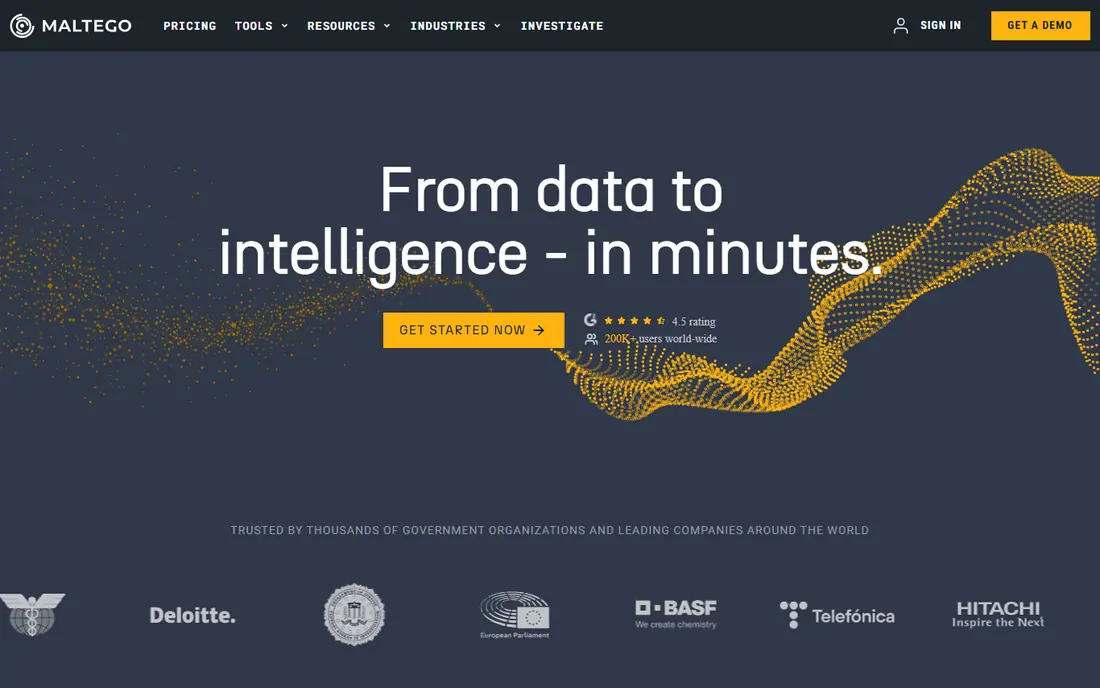
Maltego turns a scattered investigation into a picture. Start with a domain, email address or company name, then follow transforms that pull related infrastructure, social profiles and public records into one graph. That visual view helps analysts spot a shared server, a reused email address or a link between two companies that a flat list would hide.
The free Community Edition handles many investigations, which makes Maltego a sensible first step for journalists and security teams. The catch is price and depth: commercial data connectors and higher limits sit on paid plans that cost far more than a solo researcher may expect. Teams that investigate relationships every week will value it most, while occasional users may prefer the free tools below.
- Visual graphs that show relationships between domains, people and infrastructure
- Many data connectors
- Free Community Edition
- Paid tiers are expensive for solo researchers
- Learning curve for graph analysis
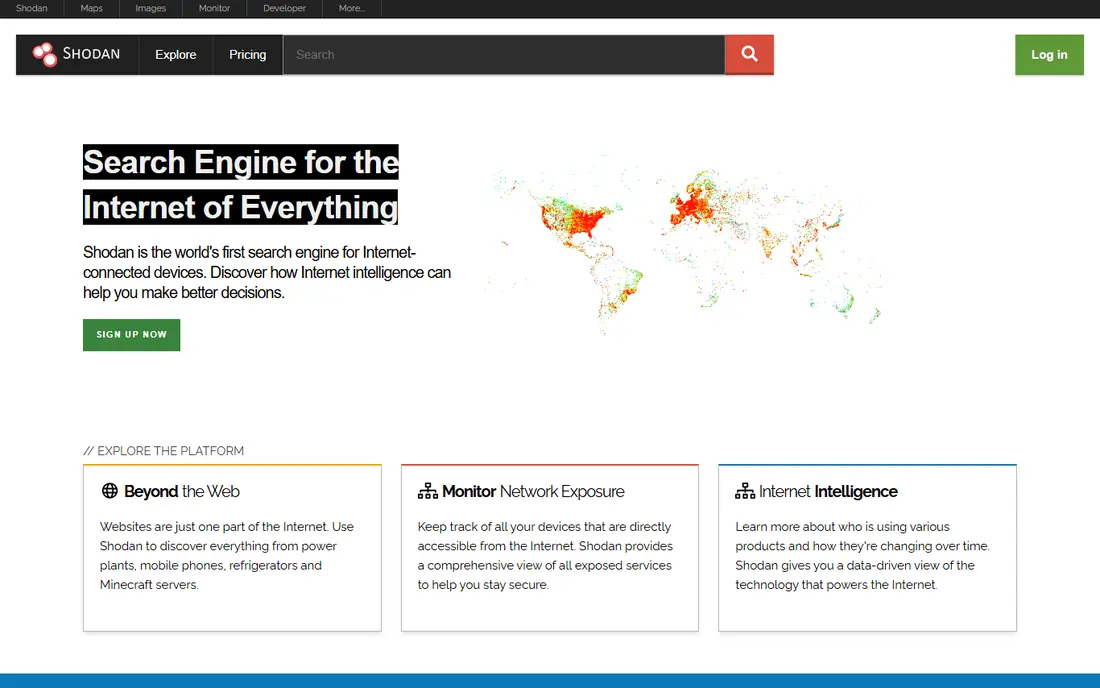
Shodan indexes banners and metadata from internet-connected devices, from web servers to industrial controllers. Security teams use it to find their own exposed services before an attacker does, checking open ports, outdated software and forgotten test servers. That defensive use is where Shodan earns its place in almost every OSINT toolkit.
The risk is misuse, and the learning curve is real. A Shodan result does not prove a system is vulnerable, and probing a system you do not own or have permission to test crosses a legal line. Use it to map your own attack surface, verify exposures with your own asset records, and treat other people's systems as out of bounds unless you hold clear authorisation.
- Search engine for internet-connected devices and services
- Useful for finding exposed systems on your own network
- One-time membership option
- Results need care to interpret
- Scanning or probing systems without permission is not lawful use
SpiderFoot automates the repetitive part of OSINT work. Point it at a domain, IP address, email address or name, and it runs many modules in parallel, gathering DNS data, breach mentions, social profiles and infrastructure records into one report. That breadth saves hours compared with running each check by hand.
Self-hosting is both the strength and the work. You control the data and the schedule, but you also handle installation, API keys and module tuning. Teams with a regular investigation workload get the most value, while a one-off check may be faster with a focused tool such as Shodan or Have I Been Pwned.
- Over 200 modules for automated collection
- Self-hosted open source version
- Broad target types from domains to email addresses
- Setup and tuning take time
- Hosted version costs more than the free tool
Censys scans the public internet and lets analysts search that data by certificate, service, host or network. A security team can find every host presenting a given certificate, every server running an old service, or every asset tied to a company network. Historical views help teams see when a service appeared or changed, which matters for incident work.
The free tier gives a useful starting allowance, but heavy use needs a paid plan. Query syntax also takes practice, so new users should start with simple host and certificate searches before building complex filters. For asset discovery at internet scale, Censys and Shodan together cover most defensive needs.
- Internet-wide scans across all ports
- Historical certificate and service data
- Free credit allowance
- Paid plans are priced for teams
- Advanced queries need some technical knowledge
Intelligence X, often written as IntelX, searches billions of records from leaks, pastes, public archives and the dark web. Investigators use it to check if credentials or documents tied to their own organisation have appeared in a breach, and journalists use it to verify leaked material already in the public record. The search covers selectors such as email addresses, domains and IP addresses.
Handling matters as much as searching. Results may include sensitive data, so keep queries tied to your own assets or a clearly lawful investigation, store results securely, and never publish private personal data found in a leak. Free searches suit occasional checks, while regular breach work usually needs a paid researcher plan.
- Search across leaks, pastes and public archives
- Free searches each day
- Useful for breach investigation
- Paid researcher plans are costly
- Sensitive results need careful handling and lawful purpose
Have I Been Pwned is the simplest tool on this list, and that simplicity is its strength. Enter an email address to see if it appears in a known breach, or monitor your own domains for new exposures. Security teams use it to prompt password resets and to measure how often staff credentials appear in public breaches.
It is not a general investigation platform. It will not map infrastructure, trace relationships or search social profiles, so pair it with Maltego, Shodan or Censys for a full picture. For breach hygiene alone, though, few tools are faster or easier to explain to a non-technical team.
- Simple breach checks for email addresses and domains
- Domain monitoring options
- Widely trusted breach database
- Covers breaches, not full OSINT collection
- Domain monitoring needs verification and a paid plan for some features
OSINT Framework is a directory, not a search engine. Its tree organises hundreds of resources by username, email address, domain, IP address, image, document and many other types, so a researcher can find the right tool for a specific question. New researchers benefit most, since the framework turns a vague task into a short list of credible starting points.
The limit is clear: clicking a link is not running a search, and some resources in the tree may be outdated or closed. Treat it as a map, then verify each tool you use is still live and lawful for your purpose. Used that way, it remains one of the best free starting points in OSINT.
- Large tree of OSINT resources by data type
- Free to use
- Good starting point for new researchers
- It links to tools rather than running searches itself
- Some linked resources change or close over time
Recon-ng is a modular framework for web reconnaissance, built for analysts who prefer the command line. Modules gather subdomains, hosts, contacts and other public data for a target, and results stay in a local database for further analysis. That structure suits repeatable workflows, where the same checks run against many domains with consistent output.
The audience is technical by design. There is no polished dashboard, and choosing the right modules takes practice. For penetration testers and security researchers working with proper authorisation, Recon-ng offers control and repeatability that browser tools rarely match. Beginners should start with OSINT Framework and Have I Been Pwned before moving here.
- Free and open source
- Modular design for custom workflows
- Good for domain and infrastructure recon
- Command-line only, so it suits technical users
- Setup and module choice take learning time
How we picked these
We compared official feature pages, documentation, pricing pages and public reviews for OSINT tools live in October 2026. We required a legitimate defensive, journalistic or research use, a live product or project, and a clear fit for public-source research. We excluded any tool marketed for doxxing, stalking or illicit access. We did not claim hands-on testing, and where a price could not be confirmed from the vendor, we wrote See website rather than guessing.
How to choose the best OSINT tool for your work
Start with the question, not the tool. Asset discovery calls for Shodan or Censys, relationship work calls for Maltego, breach checks call for Have I Been Pwned or Intelligence X, and broad automated collection calls for SpiderFoot or Recon-ng. Picking one tool for every question usually produces thin results, so most teams keep two or three of these in regular use.
Next, check authorisation and handling before you search. Confirm you have permission to investigate the target, especially for infrastructure checks, and decide in advance how you will store and share results. Public data still includes sensitive personal details, so minimise what you collect, keep it secure, and never use it to harass, stalk or expose private personal data. A short written scope for each investigation prevents most mistakes.
Finally, verify findings across sources. A single OSINT result can be outdated, misattributed or taken out of context, so confirm key facts in a second source before you act on them. That habit matters more than any single tool, and it separates careful research from a quick search that looks convincing but proves wrong.
Frequently asked questions
What is the best tool for OSINT for beginners?
Have I Been Pwned and OSINT Framework are the easiest starting points, since both are free and need little setup. Have I Been Pwned checks breach exposure, while OSINT Framework points you to the right tool for each data type. From there, Shodan offers a gentle next step for asset discovery.
What is the best OSINT platform for link analysis?
Maltego is the strongest link analysis platform here because it builds visual graphs from domains, email addresses, companies and infrastructure. Its free Community Edition covers many investigations, while paid plans add commercial data connectors. For a free command-line option, Recon-ng covers structured collection without the visual graph.
What are the best OSINT tools today for security teams?
Security teams most often combine Shodan or Censys for asset discovery, SpiderFoot for automated collection, and Have I Been Pwned for breach checks. Maltego adds relationship mapping for incident work. The best tools for OSINT in a security team depend on whether the main job is defence, incident response or threat research.
What is on a good best OSINT tools list for domain research?
A solid domain list includes theHarvester-style subdomain checks, Censys certificate searches, Shodan host searches and SpiderFoot automated modules. In this list, Censys, Shodan and SpiderFoot cover that ground, with OSINT Framework pointing to further domain resources. Always limit domain research to targets you own or have permission to investigate.
Are free OSINT tools good enough?
Yes, for many jobs. Shodan, SpiderFoot, Recon-ng, Have I Been Pwned and OSINT Framework all offer free tiers or fully free open source versions. Paid plans mainly add higher limits, commercial data and hosted convenience, so start free and pay only when a limit blocks real work.
What are the best online investigation tools for lawful research?
The tools in this list are legitimate online investigation tools when used for lawful research with proper authorisation. Journalists, security teams and researchers use them to verify public claims, find exposed assets and investigate breaches. Keep a written scope, minimise personal data, and never use findings to harass or expose private individuals.
Sources
- https://www.maltego.com
- https://www.shodan.io
- https://www.spiderfoot.net
- https://censys.com
- https://intelx.io
- https://haveibeenpwned.com
- https://osintframework.com
- https://github.com/lanmaster53/recon-ng
- https://marketintelligencetools.com/rankings/open-source-intelligence-tools/
- https://socradar.io/blog/osint-tools-for-cybersecurity-guide/
See where you really rank - block by block
ProMapRanker scans Google Maps across a grid of your service area. Simple monthly plans from $19, white-label on every plan.
Start freeKeep reading
 best subscription manager app
Best Subscription Manager App in 2026
Find the best subscription manager app for your budget with our 2026 comparison of 8 apps, covering automatic detection, renewal alerts and free plans.
Read → best stock picking service
Best Stock Picking Service in 2026
Compare the best stock picking service options for 2026, with 8 stock recommendation services for long-term, dividend, quant, growth and income investors.
Read → best software wallet
Best Software Wallet in 2026
Compare the best software wallet options for 2026, with 8 crypto wallets for desktop and mobile, covering self-custody, supported chains, fees and security.
Read →