 ProMapRanker
Best Online Tool for PDF Rotation in 2026

Key takeaways
- iLovePDF is our pick for most people, with batch rotation, page-by-page control, and Drive and Dropbox connections.
- PDF24 Tools suits heavy use, since its free tier is generous and it handles large files well.
- Smallpdf is the simplest choice for an occasional fix, though its free tier limits how many jobs you can run per day.
- For sensitive documents, prefer a tool that processes files in your browser or use a desktop app, and always download the result and check it before sharing.
Quick comparison
| Pick | Great for | Pricing starts at | Free tier | |
|---|---|---|---|---|
 iLovePDF | Batch rotation with page control | Free | Yes | Visit |
 Smallpdf | Simple occasional fixes | Free | Yes | Visit |
 Sejda | Page-by-page rotation online | Free | Yes | Visit |
 PDF24 Tools | Generous free tier and large files | Free | Yes | Visit |
 Adobe Acrobat online | Rotation inside the Acrobat suite | Free | Yes | Visit |
 PDF2Go | Rotation plus other PDF tools | Free | Yes | Visit |
 Soda PDF | Rotation with a full editor | Free | Yes | Visit |
 PDF Candy | Rotation without an account | Free | Yes | Visit |
 AvePDF | Rotation with strong privacy controls | Free | Yes | Visit |
The best online tool for pdf rotation
We compared rotation control, batch handling, file limits, price, and privacy handling, because rotating a PDF should take under a minute and leave the file readable everywhere.
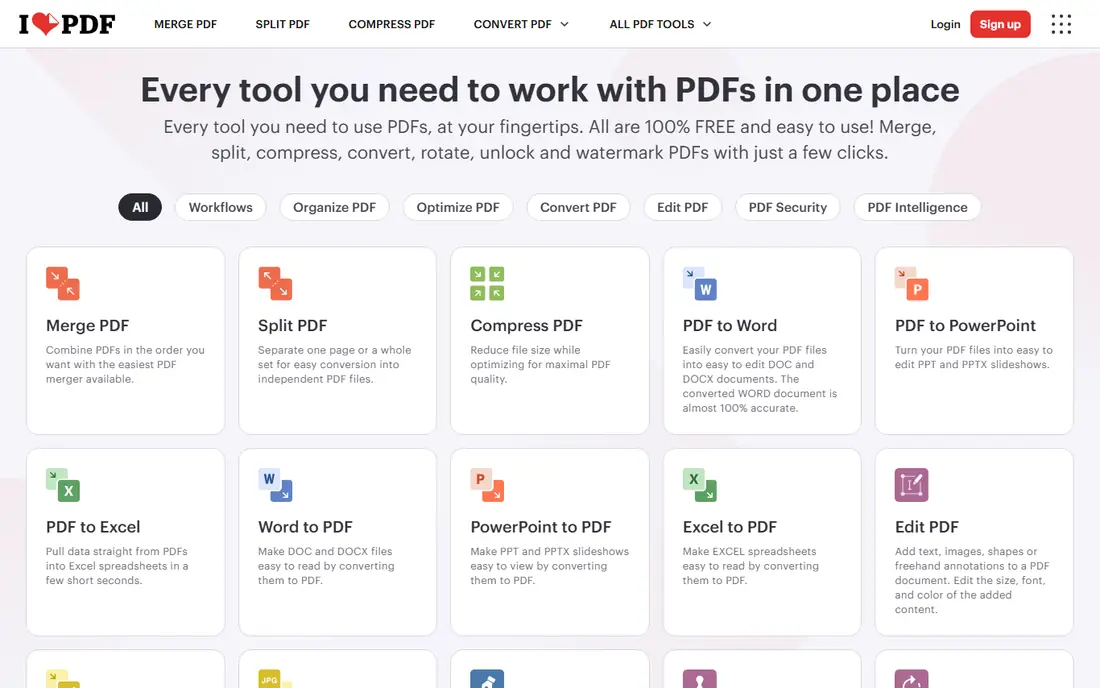
iLovePDF is our pick because it handles the two jobs people actually need: fixing a whole document that scanned sideways, and fixing a few pages inside an otherwise fine file. You can upload more than one PDF at once, set different rotation angles per page, and send the result back to Google Drive or Dropbox. The interface is plain, the steps are obvious, and the rotated file downloads ready to share.
The free tier limits how many tasks you can run, so heavy daily users will hit the premium tier. Some flows also lack a detailed per-page preview, which means you should check the downloaded file before sending it on. For most people rotating a PDF a few times a week, iLovePDF is the fastest reliable choice.
- Rotate whole documents or single pages
- Batch uploads
- Google Drive and Dropbox connections
- Free tier has task limits
- Premium needed for heavy daily use
- No per-page preview in some flows
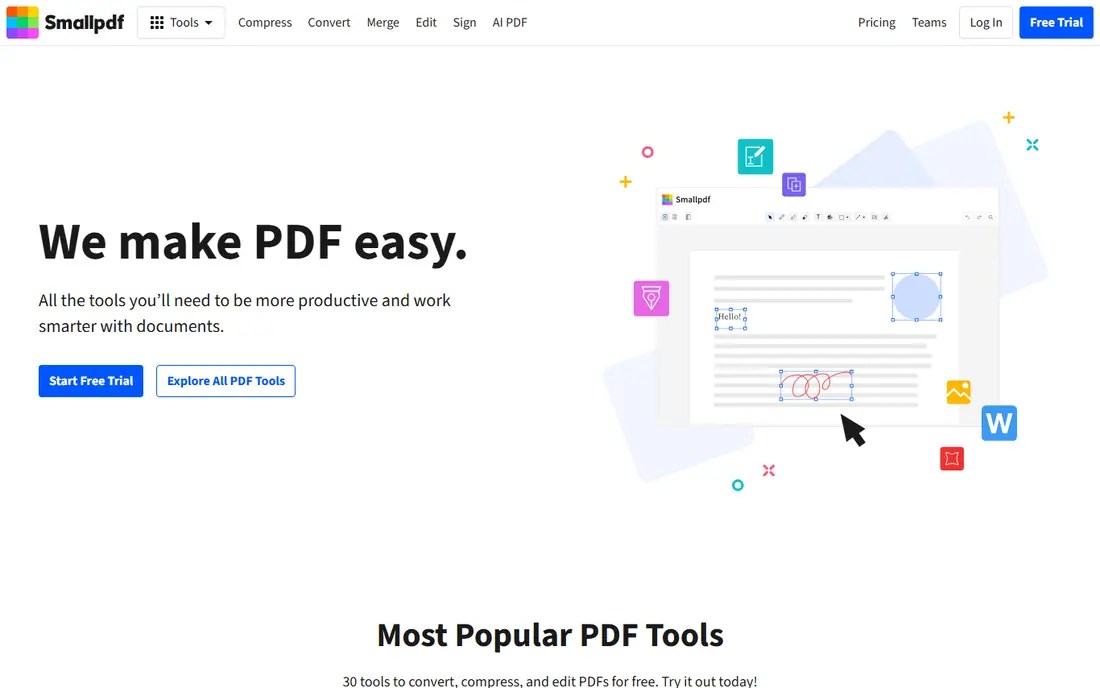
Smallpdf is the tool we point beginners to first. Upload a PDF, click a page to rotate it left or right, or hit rotate all to fix the whole document, then apply changes and download. The same flow lets you add more files and rearrange pages, which helps when a scanned document also needs tidying. The design is clean and the steps need no explanation.
The limit is frequency. The free tier allows only a small number of jobs per day, and large files can hit size caps, so anyone rotating documents daily will need the premium plan. For an occasional fix, though, Smallpdf is hard to beat for simplicity. Pick it if you rotate PDFs rarely and want the easiest possible flow.
- Very easy interface
- Rotate single pages or all pages at once
- Add, delete, and reorder pages in the same flow
- Free tier allows limited jobs per day
- File size limits on free use
- Premium needed for frequent work
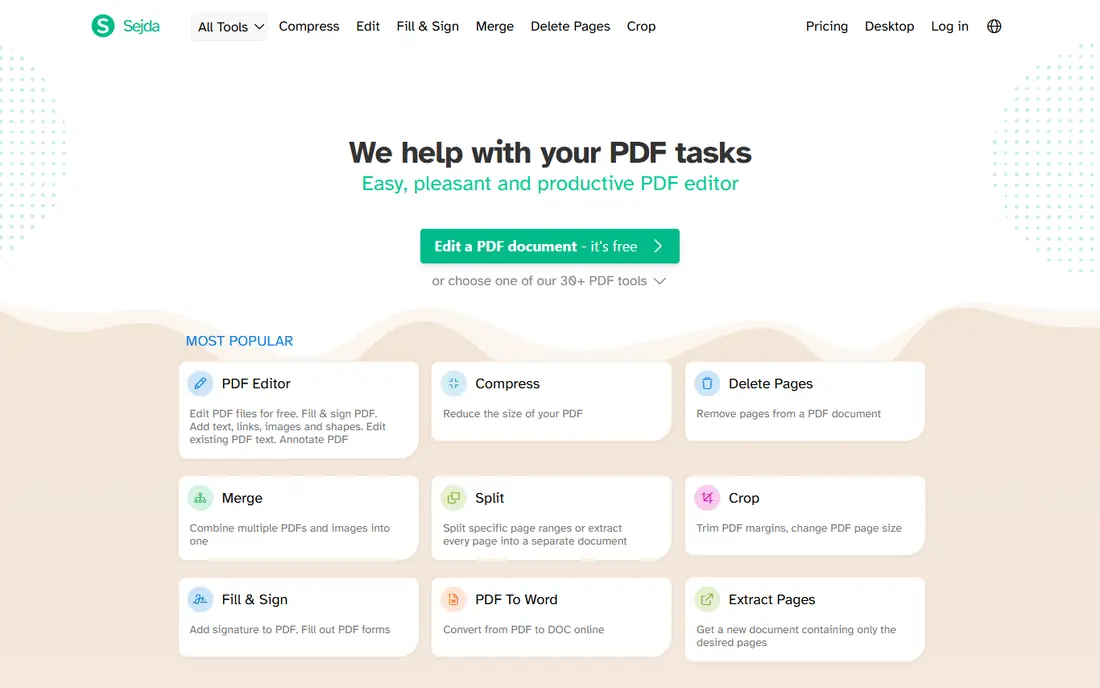
Sejda shows your PDF as page thumbnails, so you can click the pages that are sideways and rotate only those, leaving the rest untouched. That control matters for long documents where a single scanned section came out rotated. Different pages can get different angles in one session, and the result downloads as a single corrected file. Basic use needs no account, which keeps the flow quick.
The free tier limits how many pages you can process per hour, so a very long document may need to be split or upgraded. Files are also processed on Sejda servers, which matters for sensitive documents. Choose Sejda when you need precise page-by-page control and your document is not confidential.
- Clear page thumbnails
- Rotate individual pages at different angles
- No account needed for basic use
- Free tier limits pages per hour
- Larger jobs need a paid plan
- Processing happens on Sejda servers
PDF24 Tools, from a German software company, stands out for how much it gives away free. The rotation tool handles large files better than most free rivals, and you can rotate pages while merging documents, which saves a step when you are combining and fixing files at once. The toolset around it is huge, covering conversion, compression, and editing, so one bookmark covers many PDF jobs.
The interface is busier than the simplest tools, and the sheer number of options can slow a first visit. Online tools process files on PDF24 servers, as with most rivals here. Pick PDF24 Tools if you rotate large files often or you want one free suite for many PDF tasks.
- Very generous free tier
- Handles large files well
- Rotation works inside merge workflows
- Interface is busier than Smallpdf
- Some tools need a desktop app for the full feature set
- Server processing for online tools
Adobe Acrobat online lets you rotate PDF pages in the browser without installing software, using the same document handling as the desktop Acrobat that many offices already trust. The flow is simple: upload, rotate the pages you need, and download the corrected file. If you later need deeper editing, signing, or form tools, the step up to a paid Acrobat plan is natural.
The free online tools have limits, and some actions need an Adobe account, which adds friction for a one-time fix. Paid Acrobat is also priced for professionals, not casual users. Choose Adobe Acrobat online if you already use Adobe products or you want the most widely compatible handling of your file.
- Rotate pages in the browser
- Trusted Acrobat handling
- Easy step up to full Acrobat for editing
- Some features need a paid Acrobat plan
- Free online tools have limits
- Account needed for some actions
PDF2Go offers a straightforward rotate tool with a clear preview, and it warns you when a large file might need compression first, which avoids a failed upload. Around it sits a wide toolset for merging, splitting, compressing, and converting PDFs, so it works as a general PDF toolbox. The steps are simple and the result downloads quickly.
The free tier has limits, and the free flow includes ads and prompts to upgrade, which some users find distracting. Files are processed on PDF2Go servers, as with most online tools. Pick PDF2Go if you want rotation plus a broad set of PDF tools in one place and you can ignore the upsell prompts.
- Rotate pages online with a clear preview
- Large file handling with a warning prompt
- Wide surrounding toolset
- Free tier has limits
- Ads and upsells in the free flow
- Server processing for online tools
Soda PDF rotates pages inside a full online editor, which suits users who need to do more than rotate: edit text, add annotations, or convert the file afterward. A desktop app is also available for those who prefer working offline. The rotation itself is simple, with page-level control and a clear download step.
The free online tier has limits, and the full feature set needs a paid plan, so casual users may pay for tools they never use. The interface is also fuller than a single-purpose rotation tool, which can slow a quick fix. Choose Soda PDF if rotation is one step in a larger editing job rather than the whole task.
- Rotate pages inside a full online editor
- Desktop app available
- Broad editing and conversion tools
- Free online use has limits
- Full features need a paid plan
- Interface is fuller than single-purpose tools
PDF Candy lets you rotate a PDF without creating an account, which keeps a quick fix quick. Upload, rotate the pages you need, and download, with a set of surrounding tools for merging, splitting, and converting if the job grows. The interface is clean and the steps are obvious, which suits users who rotate a file once in a while.
The free tier limits how much you can process per hour, and heavier use needs a paid plan. Files are processed on PDF Candy servers, so sensitive documents deserve a browser-based or desktop option instead. Pick PDF Candy if you want a no-account rotation tool for occasional use.
- Rotate PDFs without creating an account
- Simple flow
- Many surrounding PDF tools
- Free tier has hourly limits
- Some features need a paid plan
- Server processing for online tools
AvePDF is worth listing because it takes file handling seriously, with clear deletion policies and options for encrypted processing that suit sensitive documents better than most free tools. The rotation tool itself is straightforward, with page-level control and a fast download. For legal, medical, or financial documents, that handling matters more than an extra feature.
The toolset is smaller than the big suites, and the free tier has limits, so it is not the best choice for heavy daily use. The interface is also plainer than Smallpdf or iLovePDF. Choose AvePDF when the document is sensitive and you want clearer privacy handling than a typical free tool offers.
- Rotate pages online
- Clear file deletion handling
- Optional encrypted processing for sensitive files
- Smaller toolset than iLovePDF or PDF24
- Free tier has limits
- Interface is plainer
How we picked these
We compared rotation control, batch support, file limits, free tier generosity, and privacy handling from official tool pages and independent guides published in 2025 and 2026. We kept only tools whose rotate function is currently available online without installing software, and we favored tools that let you rotate single pages, not just whole documents. We did not claim hands-on testing, and we treated vendor claims about limits as starting points, since free tiers change often.
How to rotate a PDF without breaking it
Start by keeping a copy of the original file, so a bad rotation never costs you the source. Rotate only the pages that need it, then download the result and open it in a second viewer, such as your browser and your desktop reader, to confirm the orientation held. A rotation that looks right in one viewer but wrong in another usually means the file stores a view rotation rather than a page rotation, and re-saving from a full editor fixes it.
For sensitive documents, prefer a tool that processes files in your browser, where the file never leaves your device, or use a desktop app such as Acrobat Reader or PDFgear. Avoid uploading contracts, medical records, or financial statements to a free online tool unless you have checked its deletion policy. Finally, check the file size and page count after rotation, since a corrupted download sometimes shows up as a missing page rather than a wrong angle.
Frequently asked questions
What is the best online tool for pdf rotation?
iLovePDF is our pick for most people, because it handles batch uploads, page-by-page angles, and Drive and Dropbox connections in one free tool. Smallpdf is simpler for a one-time fix, and PDF24 Tools suits heavy use with large files. The best tool depends on how often you rotate and how large your files are.
What is the best online pdf rotation tool?
The best online pdf rotation tool is the one that matches your job: iLovePDF for batch work, Sejda for precise page control, PDF24 Tools for large files, and AvePDF for sensitive documents. All nine tools here rotate pages for free, so try the one that fits your document first and switch only if you hit a limit.
Is it free to rotate a PDF online?
Yes, all nine tools here offer free rotation, though most limit how many jobs, pages, or megabytes you can process without paying. For an occasional single document, the free tier is usually enough. Daily or high-volume rotation will need a paid plan at most services.
Will rotating a PDF change its quality?
No, rotation changes page orientation, not the content, so text and images stay sharp. Quality problems usually come from re-compressing or converting the file afterward, not from rotation itself. Download the rotated file and check it before sharing to be sure.
Is it safe to upload a PDF to an online rotation tool?
It depends on the document. Most tools delete files after processing, but the file still passes through their servers, so avoid uploading highly sensitive documents to a free tool. For contracts, medical records, or financial files, use a browser-based tool that processes locally or a desktop app instead.
Sources
See where you really rank - block by block
ProMapRanker scans Google Maps across a grid of your service area. Simple monthly plans from $19, white-label on every plan.
Start freeKeep reading
 bitly alternatives
Bitly Alternatives in 2026: 8 Tools Compared
Compare the best Bitly alternatives for branded short links, with free tiers, custom domains, analytics, and pricing that suits creators and small teams.
Read → bill.com alternatives
Best Bill.com Alternatives in 2026
Looking for bill.com alternatives? We compared 9 bill pay and AP automation tools on price, approvals, and accounting sync to help you switch with confidence.
Read → betterhelp alternatives
BetterHelp Alternatives in 2026
We compared BetterHelp alternatives for online therapy, covering Talkspace, Grow Therapy, Rula, Brightside and more on price, insurance and format in 2026.
Read →