 ProMapRanker
Best Note Taking App for Students in 2026

Key takeaways
- Microsoft OneNote is free and works on almost every device, which makes it a safe default for most students.
- GoodNotes and Notability are the strongest choices for handwritten notes on a tablet with a stylus.
- Notion suits students who want notes, tasks, and revision plans in one workspace, but it takes longer to set up.
- Obsidian suits students who want local files and linked notes they fully control, with no subscription needed for the core app.
- Evernote remains strong for web clipping and search, but its free plan is limited and its paid plans cost more than most rivals here.
Quick comparison
| Pick | Great for | Pricing starts at | Free tier | |
|---|---|---|---|---|
 Microsoft OneNote | Free notes on every device | Free | Yes | Visit |
 Notion | Notes plus tasks and planning | Free | Yes | Visit |
 GoodNotes | Handwritten tablet notes | Free | Yes | Visit |
 Notability | Lecture notes with audio | Free | Yes | Visit |
 Obsidian | Linked notes and local files | Free | Yes | Visit |
 Evernote | Web clipping and search | Free | Yes | Visit |
 Apple Notes | Quick notes on Apple devices | Free | Yes | Visit |
 Google Keep | Fast capture and reminders | Free | Yes | Visit |
 RemNote | Notes that turn into flashcards | Free | Yes | Visit |
The best note taking apps for students
These nine apps cover handwriting, typing, planning, and revision. We compared official pricing pages, platform support, and feature lists, and we focused on what actually helps during lectures, coursework, and exam revision.
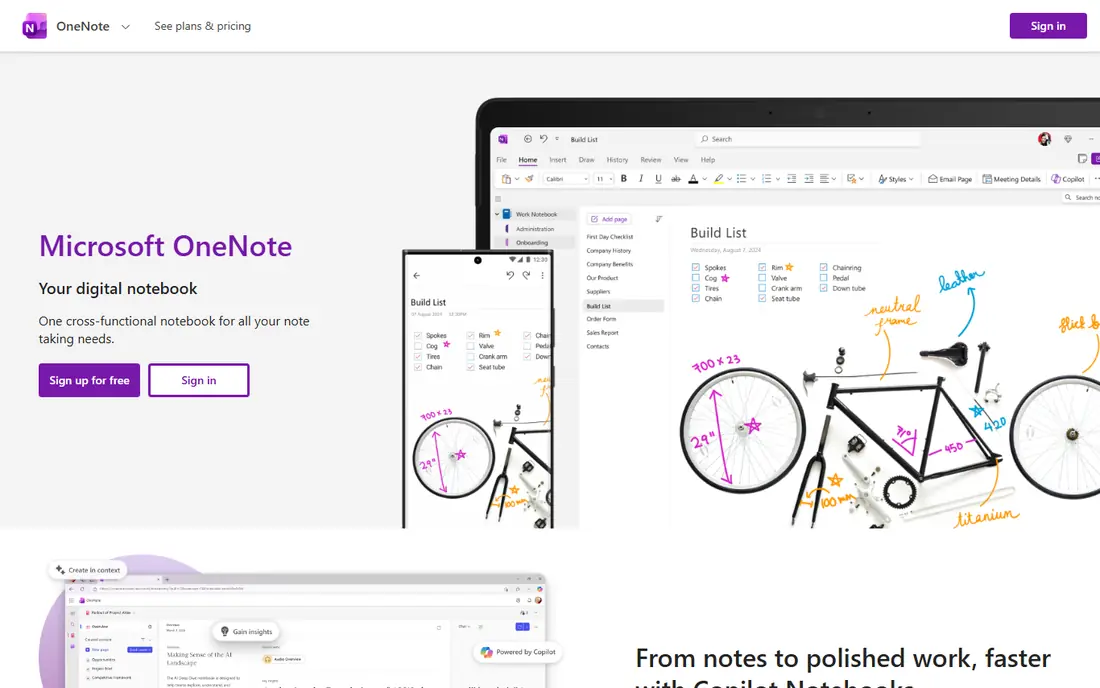
OneNote gives students a notebook that behaves like paper with no page limits. Notes, photos of slides, audio clips, and typed text can sit anywhere on a page, which suits messy lecture capture. It runs on Windows, Mac, iOS, Android, and the web, so a student can start notes on a laptop and review them on a phone.
The freedom is also the weakness. Pages can grow untidy, and moving a full semester of notes into another app takes work. For students who want a free, capable default without worrying about device limits, OneNote is still hard to beat.
- Free with a Microsoft account
- Flexible free-form pages
- Ink, audio, and image support
- Page layout can feel loose
- Search and export feel less tidy than rivals
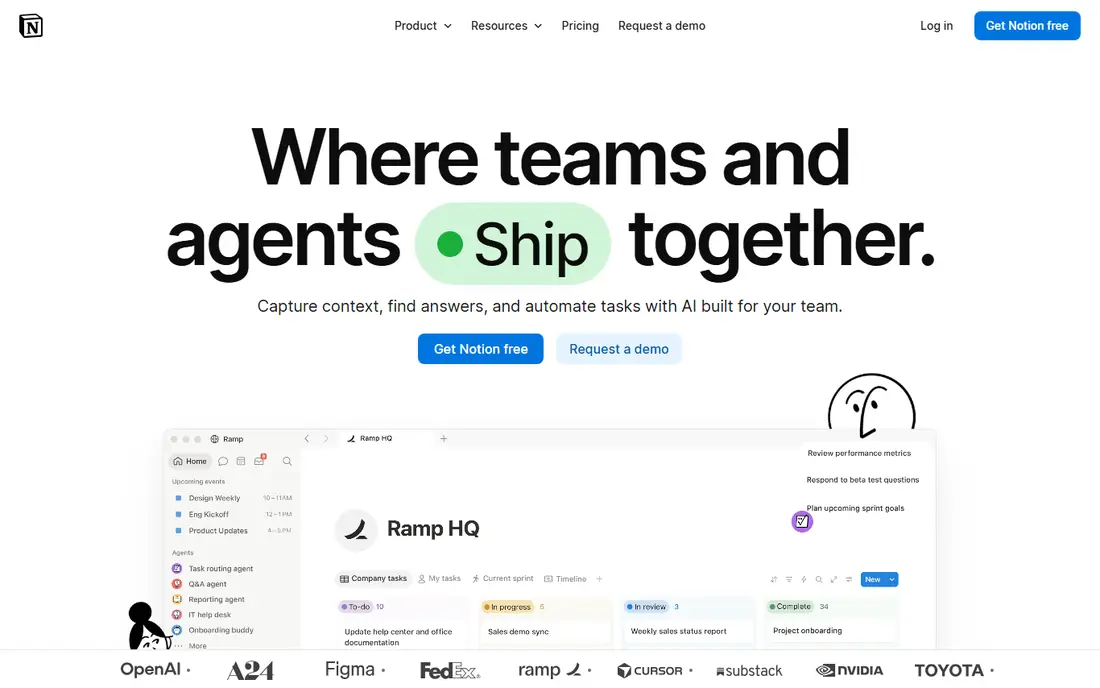
Notion suits students who like to organize as they go. A single workspace can hold lecture notes, a revision calendar, assignment trackers, and reading lists, and templates help a new user start without building everything from scratch. Group projects benefit from shared pages and comments.
Notion is less ideal for fast handwriting or for working fully offline. Students who mainly need to write quickly in lectures may prefer OneNote or a tablet app. Students who plan essays, track deadlines, and revise from structured notes will get more from Notion than from a simple notes app.
- Notes, databases, and tasks in one place
- Strong templates
- Good for group projects
- Setup takes time
- Offline support has limits
- Handwriting support is weak
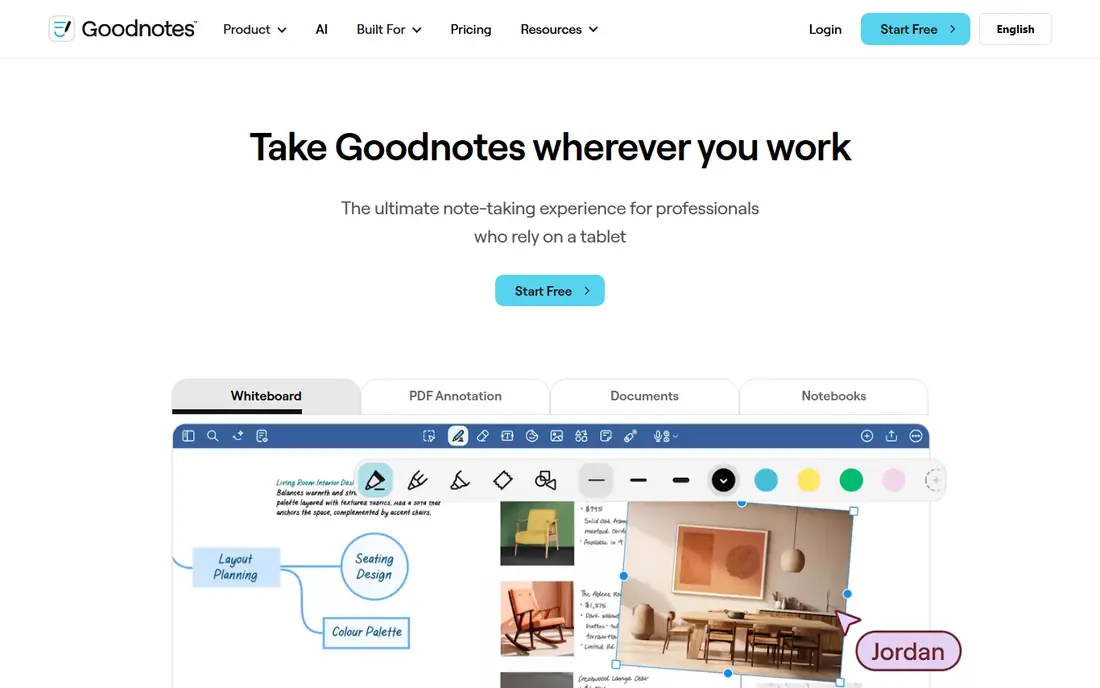
GoodNotes is built around digital notebooks that feel close to paper. Students can write with a stylus, annotate lecture slides as PDFs, and search handwritten words later. Templates for planners, Cornell notes, and flashcards add structure without extra apps.
The free plan allows only a limited number of notebooks, so heavy users will likely need the paid plan, listed at $11.99 per year for Essential in recent pricing material. Check the current price in the app store before buying, since plans and AI add-ons have changed. For tablet-first students, the handwriting quality still justifies the cost.
- Natural handwriting feel
- Strong PDF annotation
- Searchable handwritten notes
- Free plan limits the number of notebooks
- Full features need a paid plan
Notability stands out for lecture capture. A student can record audio while writing, then tap a written note later to hear what was said at that moment. That link between ink and audio helps when a lecture moves fast and notes end up as shorthand.
The app is strongest on iPad and other Apple devices, and its paid tiers have shifted over time, so confirm the current plan in the app store. Students who record lectures often will value Notability more than a plain notes app. Students who never record audio may find GoodNotes or OneNote enough.
- Audio recording synced to notes
- Strong PDF markup
- Simple, focused layout
- Best experience is on Apple devices
- Advanced AI features sit on higher tiers
Obsidian suits students who build knowledge over a degree, not just one term. Notes link to each other, so a concept in one module can connect to readings, lab notes, and past exam answers. Because files live on the device as plain text, a student keeps control and can move notes elsewhere later.
Setup takes more thought than Apple Notes or Google Keep, and official sync costs extra. Students comfortable with folders, links, and plugins will find it powerful. Students who want instant simplicity should start elsewhere and revisit Obsidian later.
- Notes stored as local Markdown files
- Links and graph view aid revision
- No core subscription
- Learning curve for new users
- Sync and publishing are paid extras
Evernote remains a solid choice for research-heavy students. Its web clipper saves articles, PDFs, and pages cleanly, and search can find words inside documents and images. That makes it useful for essays and literature reviews where sources matter.
The catch is price and limits. The free plan restricts notebooks and devices, and paid plans start higher than Notion or OneNote. Students who clip a lot of web material may still find it worthwhile. Students who mainly type lecture notes will find cheaper options that do the same job.
- Strong web clipper
- Powerful search including text in images
- Works across platforms
- Free plan is limited
- Paid plans cost more than many student rivals
Apple Notes is the easiest pick for students already using an iPhone, iPad, or Mac. It opens fast, syncs through iCloud, and handles checklists, scanned documents, and quick sketches without extra setup. Shared notes work well for small group tasks.
Its limits are platform and structure. There is no full Android or Windows app, and large linked revision systems are harder to build than in Obsidian or Notion. As a daily capture tool inside the Apple world, though, it is free, fast, and dependable.
- Free and built into Apple devices
- Fast, simple, and reliable
- Good scanning and checklist tools
- Apple devices only
- Less structure for large revision systems
Google Keep is best treated as a capture inbox, not a full notebook. Ideas, quotes, photos, and reminders go in quickly, and color labels make short lists easy to scan. It pairs well with Google Docs, where longer essays can live after an idea is captured.
Students should not try to run a whole degree in Keep. Long notes, linked revision, and PDF annotation all sit beyond its design. Used alongside a main notes app, Keep stops good ideas from being lost between lectures.
- Very fast for short notes
- Color labels and reminders
- Works on web and mobile
- Not built for long essays or deep organization
- Limited formatting
RemNote is built for students in memory-heavy subjects such as medicine, law, and languages. Notes can become flashcards with a few keystrokes, and spaced repetition schedules reviews so material returns before it is forgotten. That direct path from lecture note to testable card saves a separate flashcard step.
The app feels more structured than OneNote or Apple Notes, and handwriting support is not its strength. Students facing frequent exams will likely love it. Students writing long essays or sketching diagrams may prefer a more flexible notes app.
- Notes convert directly into flashcards
- Spaced repetition aids memory
- Good for exam subjects
- Interface takes learning
- Less suited to free-form handwriting or long essays
How we picked these
We compared official pricing and feature pages, platform coverage, and student-relevant features such as handwriting, audio, search, offline access, and revision tools. We included free apps, tablet-first apps, and structured workspaces so different study styles are covered. We left out apps that are discontinued, desktop-only without mobile access, or priced mainly for business teams.
How to choose the right app for your study style
Match the app to how you actually take notes. Tablet writers should shortlist GoodNotes and Notability. Typists who plan and track work should shortlist Notion or OneNote. Revision-focused students should try RemNote or Obsidian. Fast capture on the go suits Apple Notes or Google Keep.
Test with one real week of lectures
Install two finalists and use both for one full week, including a lecture, a reading session, and a revision pass. Check how fast you can find an old note, how well the app works offline, and how easy it is to export notes at term end. The app that survives a busy week is the right one, even if another app looks better on paper.
Keep cost and lock-in in mind
Free plans differ a lot. Some limit notebooks, devices, or sync, while others give the full core app free. Before building a whole degree in one app, check export options and whether your notes stay readable outside it. Local files, as in Obsidian, give the most freedom, while closed apps need a clear export path.
Frequently asked questions
What is the best note taking app for students overall?
Microsoft OneNote is our safest overall pick because it is free, works on most devices, and handles typed notes, ink, images, and audio. Students who write by hand on a tablet may prefer GoodNotes, while students who plan heavily may prefer Notion. The best app depends on study style more than on feature count.
What is the best note-taking app for students on iPad?
GoodNotes and Notability lead for iPad handwriting, with Notability stronger for audio-linked lecture notes and GoodNotes stronger for notebook organization and PDF annotation. Apple Notes is a capable free backup. Try the free tiers with a real lecture before paying for a full year.
Is Notion good for student notes?
Notion is good for structured notes, assignment tracking, and group projects, and its free plan covers most student needs. It is weaker for fast handwriting and for fully offline work. Students who like databases and templates will enjoy it, while students who just need quick lecture capture may find it heavy.
Can students use these apps for free?
Yes, every app on this list has a free plan or is free outright, including OneNote, Apple Notes, Google Keep, and Obsidian. Paid plans mainly add storage, sync, AI features, or notebook limits. Start free, then pay only when a limit actually blocks your study routine.
How do I move notes if I change apps?
Export early and test the result before deleting anything. Most apps export to PDF, text, or Markdown, though formatting and handwriting may not carry over perfectly. Keeping a backup in PDF or plain text protects exam notes even if you switch apps mid-degree.
Sources
See where you really rank - block by block
ProMapRanker scans Google Maps across a grid of your service area. Simple monthly plans from $19, white-label on every plan.
Start freeKeep reading
 twitch alternatives
Twitch Alternatives in 2026
Explore the best Twitch alternatives in 2026 for live streaming, with free platforms, monetisation options, audiences, chat tools, and tips for new streamers.
Read → firebase alternatives
Best Firebase Alternatives in 2026
Looking for Firebase alternatives? We compare 9 backend platforms for auth, databases, realtime, storage, functions, self-hosting, and pricing for your app.
Read → companies with best work life balance
Companies With Best Work Life Balance in 2026
See companies with best work life balance in 2026, ranked by employee ratings, with flexible work options, benefits, and what to check before applying.
Read →