 ProMapRanker
Best Nonprofit Payroll Software in 2026


Ease of use for small nonprofits · Pricing starts at: $49 per month + $6 per person
Key takeaways
- OnPay and Gusto both start at $49 per month plus $6 per worker, with OnPay offering explicit nonprofit support for 501(c)(3) tax handling.
- Patriot is the lowest published starting price, at $17 per month plus $4 per worker for its Basic plan, though tax filing needs the Full Service plan.
- SurePayroll, Square Payroll and QuickBooks Payroll suit nonprofits that want published prices and a simple per-worker model.
- Rippling and Paychex Flex suit larger nonprofits that need HR depth or a dedicated specialist, but both price by quote.
- Fund and grant reporting matters as much as pay runs, so check accounting links before choosing on price alone.
Quick comparison
| Pick | Great for | Pricing starts at | Free tier | |
|---|---|---|---|---|
| Gusto | Ease of use for small nonprofits | $49 per month + $6 per person | No | Visit |
 OnPay | Nonprofit tax handling in one price | $49 per month + $6 per worker | No | Visit |
 Patriot Software | Tight budgets | $17 per month + $4 per worker | Free trial | Visit |
 SurePayroll | Small multi-state teams | $20 per month + $4 per employee | No | Visit |
 Square Payroll | Teams already on Square | $35 per month + $6 per person | No | Visit |
 QuickBooks Payroll | QuickBooks Online users | $50 per month + $7 per employee | Free trial | Visit |
 Rippling | Growing nonprofits needing HR plus payroll | See website | No | Visit |
 Paychex Flex | Specialist support for compliance | See website | No | Visit |
The best nonprofit payroll software
This article is general information only, not tax advice. Nonprofit payroll has extra steps, including tax-exempt treatment, grant cost tracking and contractor payments, so the right tool must handle those details, not just run a pay check. We compared tools on published pricing, tax filing, contractor support and accounting links.
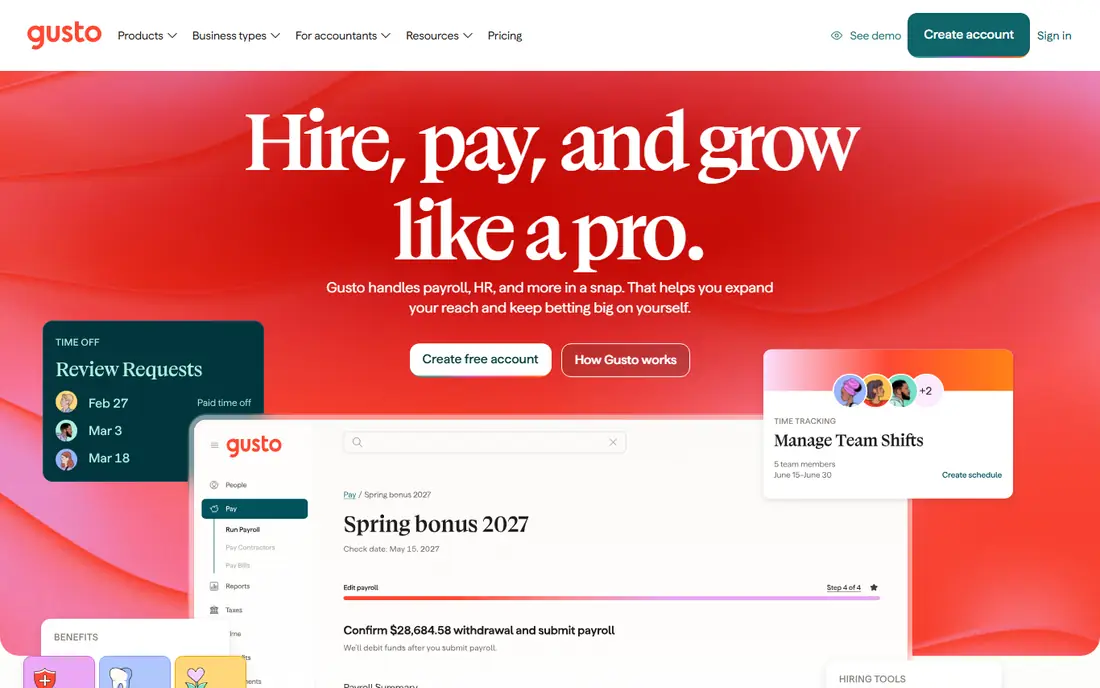
Gusto is a popular choice for small nonprofits because its Simple plan is easy to understand and easy to run. It handles full-service payroll, federal and state tax filings, new-hire reporting and contractor payments, with time tracking and benefits tools on higher plans. Staff can access pay stubs and tax forms online, which cuts admin work for a lean team.
The limit is plan depth. Multi-state payroll and richer HR tools require the Plus plan, so a nonprofit with staff in several states should price that tier, not only the entry tier. For a small, mostly single-state nonprofit that wants a clean setup, Gusto remains a safe default.
- Clear published pricing
- Full-service tax filing
- Benefits and contractor payments
- Multi-state payroll sits on higher plans
- Per-person cost rises with headcount
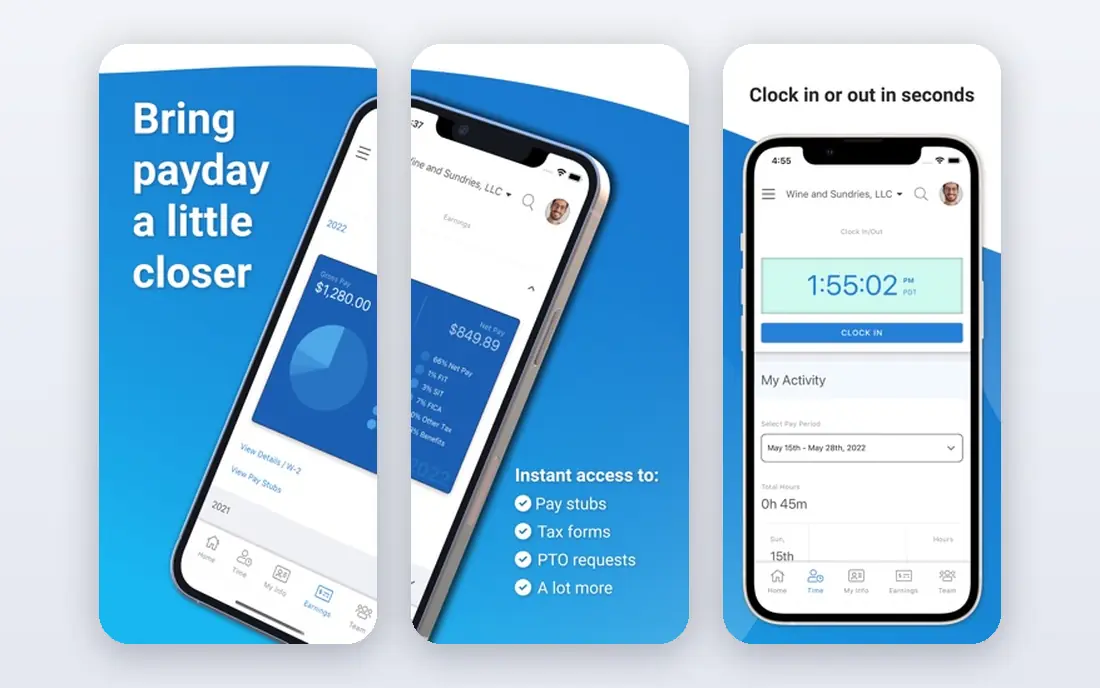
OnPay speaks directly to nonprofits, with support for 501(c)(3) organizations, FUTA exemptions, W-2 employees, 1099 contractors, volunteers and board members. Its single plan covers unlimited pay runs in any state, automated federal and state taxes, multiple pay rates and overtime. That simplicity helps a finance lead who does not want to compare tiers to find a basic feature.
The trade-off is scope. OnPay is payroll and basic HR, not a full human capital suite, so a larger nonprofit may need another system for talent and performance work. For a small to mid-size nonprofit that wants correct nonprofit tax handling at a clear price, OnPay is hard to beat.
- Explicit 501(c)(3) support, including FUTA exemptions
- One simple plan
- Accounting links
- No permanent free plan
- HR depth is lighter than larger HCM suites
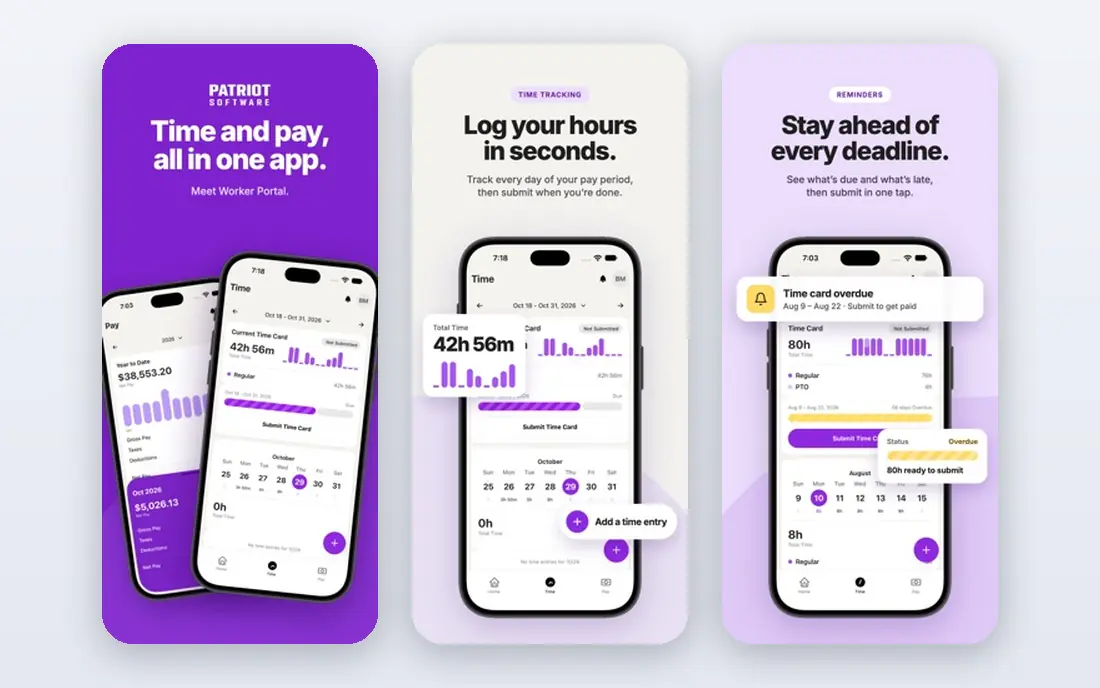
Patriot is the budget pick in this list, with Basic payroll at $17 per month plus $4 per worker paid. It handles unlimited payrolls, multiple pay rates and contractor payments, and it notes nonprofit and clergy setups, including housing allowance handling. A 30-day trial lets a small team test it before paying.
The catch is in the plan split. Tax filing is a Full Service feature, priced higher, so a nonprofit that wants taxes filed for it should compare the Full Service price, not only the Basic price. Even then, Patriot often stays cheaper than larger rivals for a very small team.
- Lowest published starting price
- 30-day trial
- Contractor and employee pay in one run
- Basic plan does not file taxes for you
- Full Service costs more
SurePayroll, by Paychex, offers two clear plans. The No Tax Filing plan starts at $20 per month plus $4 per employee, while Full Service starts at $29 per month plus $7 per employee and files taxes for you. That split lets a tiny nonprofit with simple needs start cheap, and a growing one move to full service without switching vendors.
Extra costs need attention. Multi-state payroll, year-end forms and some integrations are add-ons in published comparisons, so the entry price is not always the full price. For a team of 1 to 10 people working across states, SurePayroll is still a useful, low-cost option.
- Low entry price for no-tax-filing plan
- Full Service plan for tax filing
- No long-term contract
- Some features, such as year-end forms and integrations, cost extra
- No free trial listed
Square Payroll suits a nonprofit that already uses Square for donations, events or retail. Its full-service plan starts at $35 per month plus $6 per person paid, with federal and state tax filing included. Hourly staff, tips and shift work are handled in a way that fits shops, cafes and event teams.
The limit is nonprofit depth. Square does not market the same 501(c)(3) tax guidance as OnPay, so a finance lead should confirm exempt treatment and grant reporting with Square and with their accountant. If Square is already part of daily work, the payroll link can still save time.
- Full-service tax filing
- Simple pricing
- Fits Square point-of-sale teams
- Less nonprofit-specific guidance than OnPay
- HR tools are limited
QuickBooks Payroll, now shown as QuickBooks Workforce in some listings, is the natural pick for a nonprofit that already tracks funds in QuickBooks Online. Payroll data flows into the books, and classes can help separate program, grant and admin costs. Published Core pricing is around $50 per month plus $7 per employee, with a trial reported by reviewers.
The total cost needs care, because accounting software is a separate subscription. A nonprofit that does not already use QuickBooks should not choose payroll alone as a reason to switch books. For an existing QuickBooks nonprofit, the link is a strong reason to stay.
- Direct QuickBooks Online link
- Fund and class tracking support
- Full-service tax filing
- Payroll price sits on top of accounting cost
- Per-employee price is higher than budget rivals
Rippling combines payroll with HR, benefits, device management and related tools, which helps a nonprofit that has outgrown a payroll-only tool. It can import year-to-date payroll data from another provider, and its modular design lets a team add products as headcount grows. That breadth suits nonprofits moving past 50 staff with formal HR needs.
Pricing is by quote, and published material notes a base fee plus a per-employee figure that depends on products chosen. A small nonprofit should not assume it will be cheap. For a growing nonprofit that wants one system for people, pay and devices, Rippling is a serious candidate.
- Payroll plus HR, IT and benefits in one system
- Modular growth
- Year-to-date import
- No published payroll price
- More system than a tiny nonprofit needs
Paychex Flex is built for organizations that want a named specialist and strong compliance support, including multi-state and complex payroll rules. It handles payroll, tax filing, benefits and HR tools in one platform, and it scales well as a nonprofit adds locations and staff. That support model appeals to finance leads who want a person to call, not only a help page.
The drawback is price opacity. Paychex Flex does not publish a starting price, so comparison needs a quote based on headcount and services. For a compliance-heavy nonprofit, that quote is worth getting. For a tiny nonprofit on a tight budget, a published-price tool will usually be simpler.
- Dedicated payroll specialist option
- Broad compliance support
- Scale for larger teams
- Pricing is by quote
- Smaller teams may pay for depth they do not use
How we picked these
We compared official pricing pages and recent published comparisons for payroll tools used by nonprofits. We favored tools that file federal and state taxes, pay contractors as well as employees, and link to nonprofit accounting systems. Where a vendor prices by quote, we wrote See website rather than guessing a rate.
What to check before you buy
Start with tax treatment. Confirm how the tool handles 501(c)(3) exemptions, state filings and year-end W-2 and 1099 forms, and ask your accountant to review the setup. A low monthly price loses value fast if tax handling is wrong.
Next, check grant and fund reporting. Ask how payroll costs flow into your accounting system, whether you can split costs by program or grant, and how reports look for a board or auditor. Finally, count everyone you pay, including part-time staff and contractors, because per-person fees apply to each person paid in a month. A trial with a real pay run is the best test.
Frequently asked questions
What is the best payroll software for nonprofits?
For most small nonprofits, OnPay or Gusto are strong starting points, because both publish clear prices and handle tax filing. Patriot suits the tightest budgets, while Rippling and Paychex Flex suit larger teams.
What is the best payroll software for nonprofit organizations with grant funding?
Choose a tool that links cleanly to your accounting system and supports cost splits by program or grant. QuickBooks Payroll fits QuickBooks users, while OnPay and Gusto link to common accounting tools.
Is there free payroll software for nonprofits?
There is no strong permanent free plan among full-service payroll tools in this list. Patriot and QuickBooks Payroll offer trials, and OnPay has offered a first month free in past promotions, but ongoing payroll is a paid service.
How does nonprofit payroll differ from business payroll?
Nonprofits must handle tax-exempt treatment, grant cost tracking and board reporting, alongside normal pay and tax filings. Some tools, such as OnPay, call out 501(c)(3) handling directly, while general tools need careful setup.
Do these tools handle volunteers and contractors?
Most tools in this list pay W-2 employees and 1099 contractors, and OnPay also notes volunteers and board members in its nonprofit workflow. Confirm contractor fees, because some plans charge per contractor paid.
Sources
See where you really rank - block by block
ProMapRanker scans Google Maps across a grid of your service area. Simple monthly plans from $19, white-label on every plan.
Start freeKeep reading
 who has best internet service
Who Has the Best Internet Service in 2026
Who has best internet service for US homes? We compare fiber, cable, fixed wireless and satellite providers on speed, price, availability and terms today.
Read → which survey tool has the best analytics
Which Survey Tool Has the Best Analytics in 2026
Find which survey tool has the best analytics in 2026, comparing Qualtrics, SurveyMonkey, Typeform, Alchemer, and more on reports, text, and stats today.
Read → which streaming service has the best movies
Which Streaming Service Has the Best Movies in 2026
Answering which streaming service has the best movies, with Netflix, Max, Criterion and more compared on libraries, prices and free options in this guide.
Read →