 ProMapRanker
Best No-Code Tool to Build SaaS in 2026

Key takeaways
- Bubble is our first pick for a full web SaaS product, because it pairs a visual database with deep workflows and plugins.
- Softr and Glide are faster starts when your product is a portal, directory or data app built on existing tables.
- Adalo and FlutterFlow suit mobile-first SaaS, with FlutterFlow offering a real codebase path for teams that later hire developers.
- Webflow suits content-rich SaaS marketing and front ends, but it needs another tool for complex app logic.
- Price by users, records and workload, not just the monthly plan, since those limits decide the real cost as you grow.
Quick comparison
| Pick | Great for | Pricing starts at | Free tier | |
|---|---|---|---|---|
 Bubble | Full web SaaS products | $29 per month | Yes | Visit |
 Softr | Portals and client apps | $19 per month | Yes | Visit |
 Glide | Data apps from spreadsheets | $25 per month | Yes | Visit |
 Adalo | Mobile-first SaaS | $36 per month | Yes | Visit |
 Webflow | Content-rich front ends | $14 per month | Yes | Visit |
 FlutterFlow | Mobile apps with code export | $39 per month | Yes | Visit |
 WeWeb | Complex web apps with external data | $29 per month | Yes | Visit |
 Knack | Database-driven business apps | $19 per month | No | Visit |
The best no-code tools to build saas
We compared tools that let a non-developer build a real SaaS product: user accounts, a database, workflows, payments and a hosted app. A simple website builder does not count here. Each tool below can support paying users, but they differ on how much custom logic they allow and how costs grow.
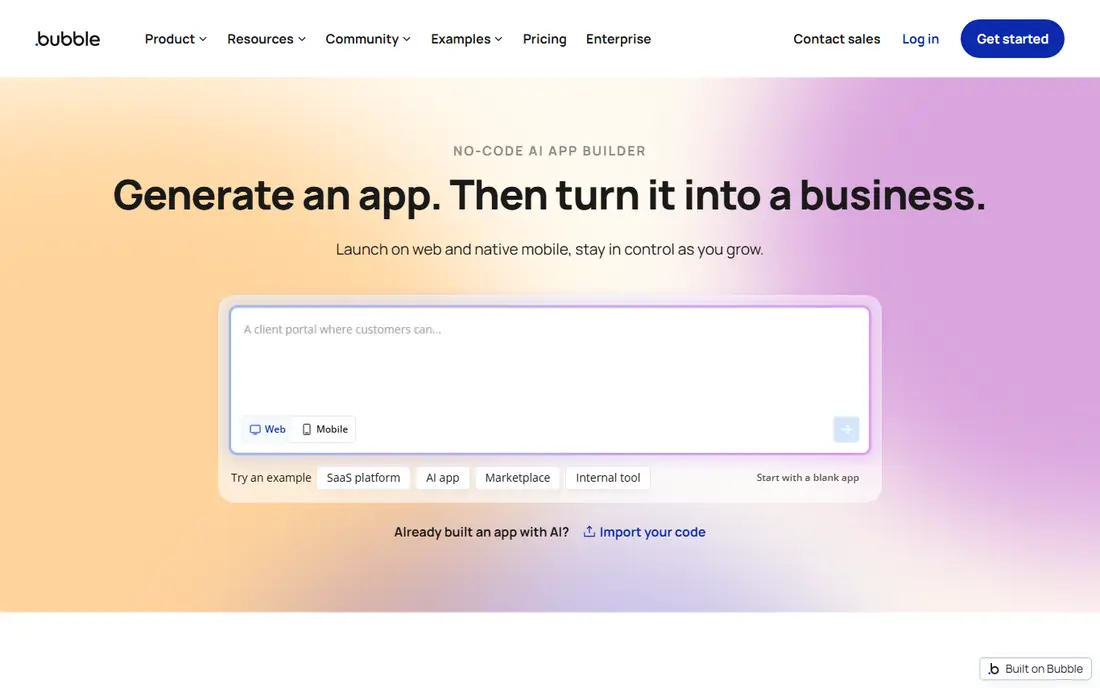
Bubble is the most capable no-code choice for a full web SaaS product. You design pages visually, build a database with relationships, and create workflows that respond to user actions, API calls and scheduled events. Plugins add payments, maps, charts and many other features, so a marketplace, a booking product or a dashboard can all be built in one place.
The learning curve is real. Bubble rewards a founder who will spend weeks learning its logic, and workload pricing means a busy app can cost more than the entry plan suggests. We would still start here for a complex web product, because few no-code tools match its depth. Test a core workflow early, and watch workload use before launch.
- Deep visual workflows
- Built-in database
- Large plugin ecosystem
- Steep learning curve
- Workload-based pricing needs watching
- Mobile apps need extra work
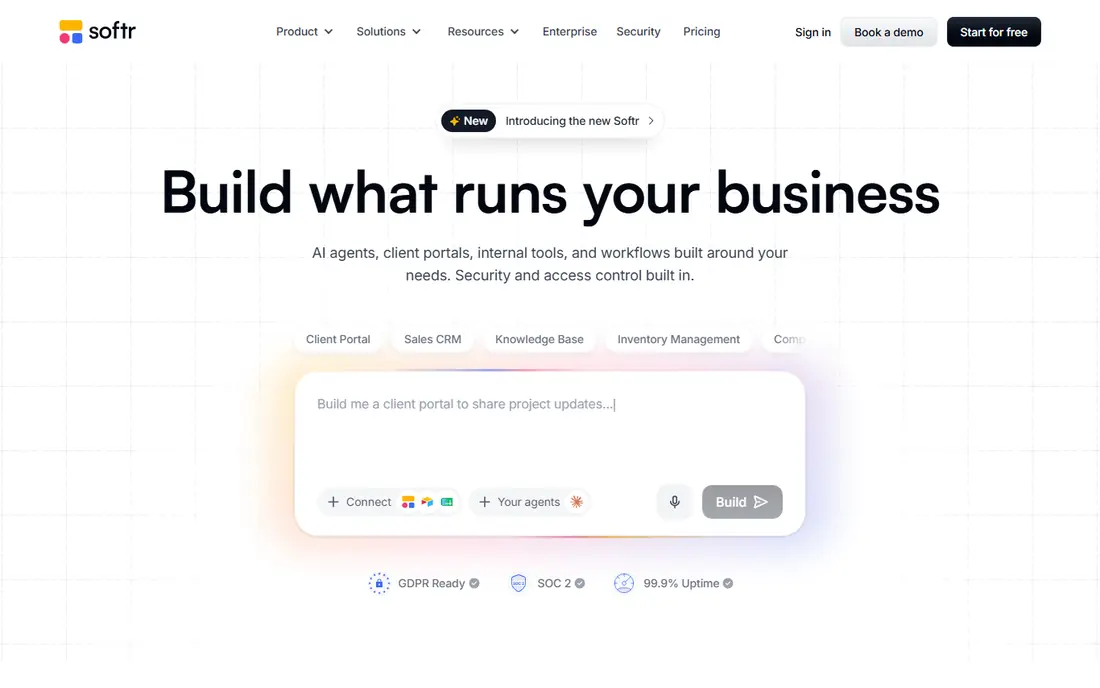
Softr is the fastest path to a client portal, a membership directory or an internal tool that looks polished. Its block-based builder, built-in database and links to Airtable and other sources let you launch a working app in days, not months. Permissions control what each user sees, which matters for client work.
Complex product logic is where Softr shows its limits. If your SaaS needs unusual workflows, custom calculations or a highly custom interface, Bubble or WeWeb will give you more room. For portals, directories and simple SaaS front ends, Softr's speed and clarity are hard to beat.
- Fast portal and directory builds
- Built-in database and Airtable links
- Clear permissions
- Less custom logic than Bubble
- User and record limits shape pricing
- Complex products may outgrow blocks
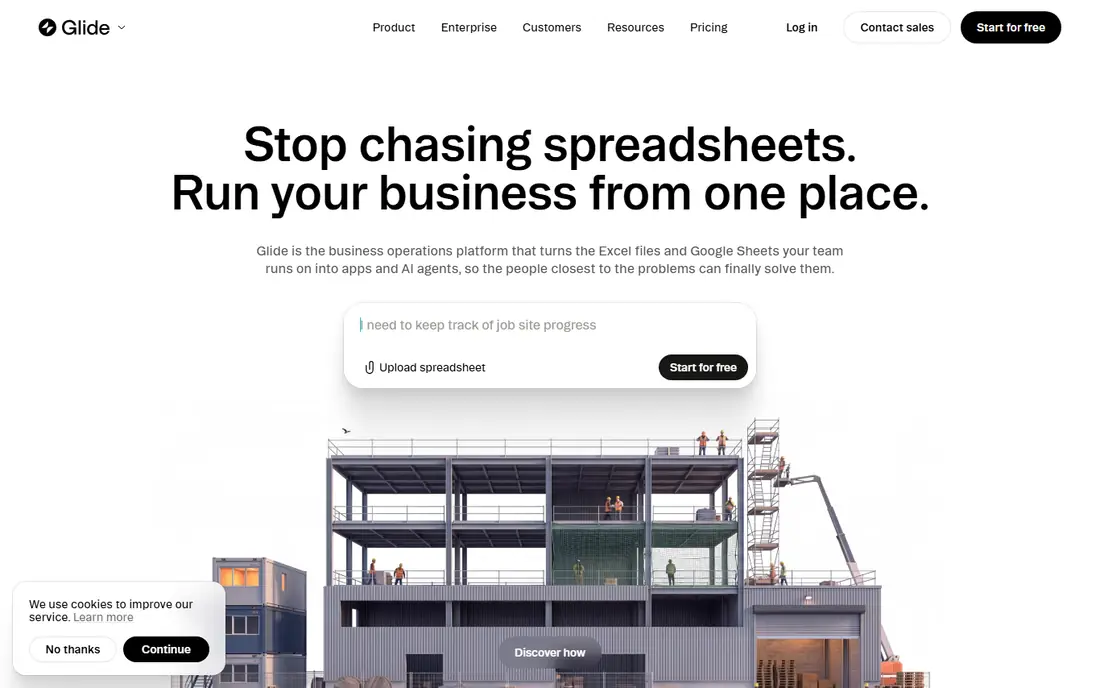
Glide turns a spreadsheet or table into a working app in minutes, which makes it ideal for a first SaaS version built around data. A directory, a booking list, a field tool or a simple customer portal can go live quickly, and the design looks clean on phones without extra work. Teams that already live in Google Sheets or Airtable will feel at home.
The limit is logic. Glide handles forms, filters and basic actions well, but it is not built for complex multi-step product logic. User-based pricing also needs care as a customer base grows. Use Glide to validate an idea fast, and move to Bubble or a coded product when logic outgrows it.
- Very fast builds from tables
- Polished mobile-friendly design
- Good for internal and customer data apps
- Logic depth is limited next to Bubble
- User pricing can rise fast
- Native app store publishing is limited
Adalo suits a SaaS product that lives mainly on phones. You build screens visually, connect a database, add actions and publish native apps for iOS and Android as well as a web version. For a booking app, a community app or a simple marketplace, that native path is a real advantage over a web-only tool.
Large datasets and heavy logic can strain Adalo, so test with realistic data volumes before launch. Its action-based pricing also means a busy app needs a plan that matches its use. For a mobile-first product with a clear, simple flow, Adalo is a strong, fast start.
- Native iOS and Android builds from one project
- Visual database and actions
- App store publishing
- Performance can suffer on large datasets
- Design depth is limited
- Action-based pricing needs planning
Webflow is the design leader here, and it shows in marketing sites, landing pages and content-rich front ends. Its visual builder gives precise control over layout, animation and CMS content, which helps a SaaS product look credible from day one. Many teams use Webflow for the public site even when the app itself lives elsewhere.
As a full SaaS builder, Webflow needs help. User accounts, complex workflows and app databases usually come from added tools such as Memberstack, Xano or a separate backend. Choose Webflow when design and content lead the product, and pair it with a backend tool when app logic is the core.
- Strong visual design control
- CMS collections
- Clean marketing and landing pages
- App logic needs external tools
- User accounts and payments need added services
- Not a full SaaS backend
FlutterFlow bridges no-code and code. You build visually, but the output is real Flutter code you can export, which gives a team a path to hire developers later without rebuilding from scratch. Firebase integration covers auth, databases and storage, and one project can target iOS, Android and web.
That power comes with more technical work than Softr or Glide. A non-technical founder can still build with FlutterFlow, but should expect to learn Firebase concepts and app store steps. For a mobile SaaS product that may grow into a coded team, that export path is a strong reason to pick it.
- Visual build with real code output
- Firebase integration
- IOS, Android and web from one project
- Needs more technical comfort than Glide or Softr
- Firebase setup takes care
- Pricing rises with team features
WeWeb suits a founder who wants a strong front end connected to an external backend such as Xano, Supabase or Airtable. Its logic canvas and workflow tools handle complex web apps better than block-based builders, while still avoiding hand-written code for the interface. That split gives flexibility as a product grows.
The trade-off is that you must choose and manage a backend, which adds a step that Bubble handles internally. For a team comfortable with that split, WeWeb offers more control. For a solo founder who wants everything in one place, Bubble or Softr may feel simpler.
- Strong logic and workflow tools
- Connects to many backends
- Good design control
- Needs a separate backend for data
- Learning curve is higher than Softr
- Smaller template range
Knack is a steady choice for database-driven business apps. It handles relationships, user roles, forms, reports and workflows in a clear, if plain, interface. A small business that needs a custom CRM, a job tracker or a client database will find Knack practical and predictable.
Design polish lags behind Glide and Softr, and there is no free plan, only a trial in many cases, so test it on a real workflow before paying. For internal and business SaaS products where data structure matters more than consumer design, Knack remains a solid, low-drama pick.
- Clear database relationships and roles
- Forms, reports and workflows
- Embed options
- No free plan
- Design is functional rather than polished
- Less suited to consumer mobile apps
How we picked these
We compared official pricing pages, product documentation and public feature descriptions for no-code tools that can support a real SaaS product with users, data and workflows. We favoured tools with a verifiable vendor site, current availability in October 2026, and a clear path to a hosted product. Simple site builders without app logic were left out. Where pricing varies by billing period, we used the commonly published entry figure and advise checking the current pricing page before paying.
Choosing the right no-code SaaS tool
Start with the product shape. A web marketplace or complex dashboard points to Bubble. A portal or directory points to Softr or Glide. A phone-first product points to Adalo or FlutterFlow. A design-led site points to Webflow with a backend. Naming the shape first prevents a month spent forcing a portal tool to act like a marketplace.
Then model the cost at 100 users, 1,000 users and 10,000 users. Check user limits, record limits, workload or action limits, and storage, since the cheapest entry plan rarely stays cheapest at scale. Finally, build one hard workflow before you build the whole product: sign-up, payment, a core action and an email or notification. If that workflow feels strained, the tool will strain everywhere else too.
Frequently asked questions
What is the best no-code tool to build saas for a first product?
Bubble is our first pick for a full web SaaS product, while Softr and Glide are faster for portals and data apps. Pick based on product shape, not on which tool has the longest feature list.
What are the best no-code tools to build saas on mobile?
Adalo and FlutterFlow lead for mobile-first SaaS, with Adalo simpler for a first app and FlutterFlow stronger when you want code export and Firebase. Glide also works well for mobile-friendly data apps delivered as web apps.
Can I take payments in a no-code SaaS app?
Yes, most tools here support payments through plugins or integrations, such as Stripe. Check the payment options, fees and plan limits for your chosen tool before launch, since payment setup varies by platform.
Will I outgrow a no-code tool?
Possibly, if your product needs very custom logic, very large scale, or deep performance tuning. Tools such as FlutterFlow with code export, and Bubble with API access, give you more room, and many teams run a no-code product for years before moving to code.
Do I need a separate backend with no-code tools?
It depends. Bubble, Softr, Glide, Adalo and Knack include a database, while WeWeb and Webflow usually pair with an external backend. A built-in backend is simpler at first, while an external backend gives more flexibility as you grow.
Sources
See where you really rank - block by block
ProMapRanker scans Google Maps across a grid of your service area. Simple monthly plans from $19, white-label on every plan.
Start freeKeep reading
 who has best internet service
Who Has the Best Internet Service in 2026
Who has best internet service for US homes? We compare fiber, cable, fixed wireless and satellite providers on speed, price, availability and terms today.
Read → which survey tool has the best analytics
Which Survey Tool Has the Best Analytics in 2026
Find which survey tool has the best analytics in 2026, comparing Qualtrics, SurveyMonkey, Typeform, Alchemer, and more on reports, text, and stats today.
Read → which streaming service has the best movies
Which Streaming Service Has the Best Movies in 2026
Answering which streaming service has the best movies, with Netflix, Max, Criterion and more compared on libraries, prices and free options in this guide.
Read →