 ProMapRanker
Best No-Code Platforms for Business Apps in 2026

Key takeaways
- Glide and Softr are the fastest routes from a spreadsheet or existing data to a working internal tool or portal.
- Bubble offers the deepest visual logic for a full product, but it takes longer to learn and its usage pricing needs care.
- AppSheet and Microsoft Power Apps suit teams already inside Google or Microsoft, since data and logins stay close to home.
- Enterprise platforms such as Mendix trade low starting prices for governance, scale and support that small tools cannot match.
Quick comparison
| Pick | Great for | Pricing starts at | Free tier | |
|---|---|---|---|---|
 Bubble | Complex full-stack web apps and products | See website | Yes | Visit |
 Glide | Internal tools built from spreadsheets | $19 per month | Yes | Visit |
 Softr | Client portals and business apps on existing data | $19 per month | Yes | Visit |
 Adalo | Simple native mobile apps | $36 per month | Yes | Visit |
 AppSheet | Data-driven apps from Google data | $5 per user per month | Free trial | Visit |
 Microsoft Power Apps | Business apps inside Microsoft 365 | $20 per user per month | Yes | Visit |
 FlutterFlow | Native apps with code export | $39 per month | Yes | Visit |
 Thunkable | Beginner-friendly native apps | See website | Yes | Visit |
 Zoho Creator | Custom apps inside the Zoho suite | $8 per user per month | Free trial | Visit |
 Mendix | Enterprise apps with governance and scale | See website | Yes | Visit |
The best no-code platforms for business apps
Business apps cover a wide range here, from a simple staff directory to a customer portal to a full product with payments. We compared official pricing pages, feature pages and documentation, and we note where a platform stops being simple.
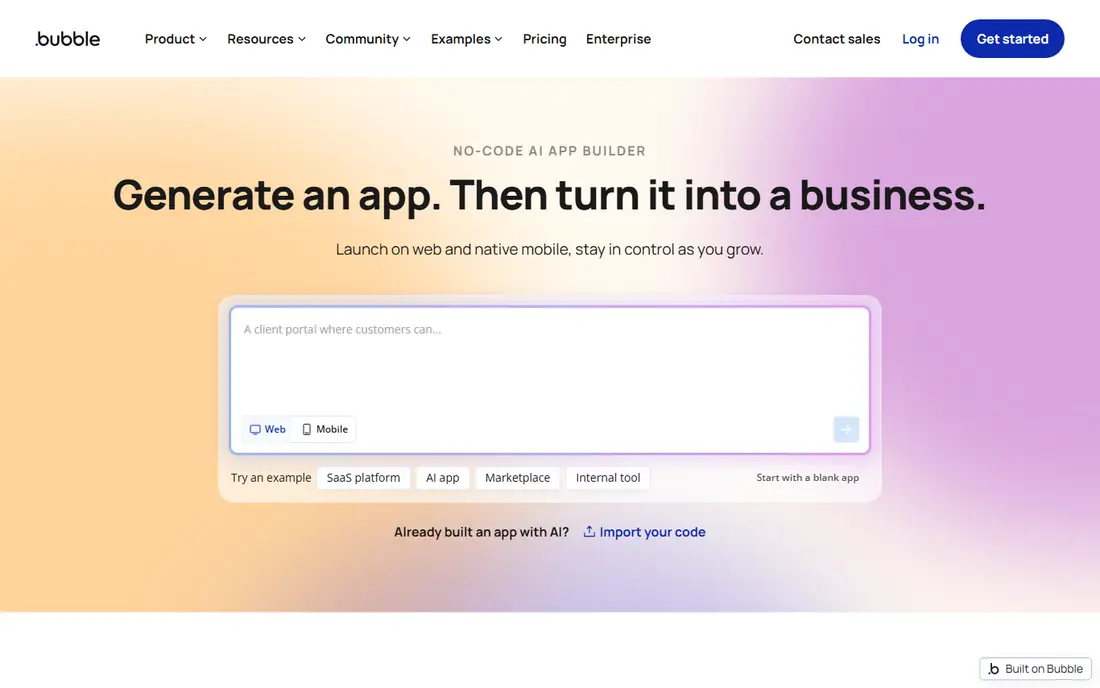
Bubble is the platform to pick when your app needs real logic. Multi-role permissions, conditional workflows, payments and marketplace features are all expressible in its visual editor, which is why many no-code products are built on it. A free plan lets you build and learn, and templates give you a starting point for common app types.
That power has a price in time and attention. Bubble is visual, not simple, and building well takes weeks of learning. Pricing is also usage based, so inefficient workflows can raise costs. If you plan to run a product for years and need depth, Bubble is worth the investment. If you need a quick internal tool, a simpler platform will get you there faster.
- Deep visual workflows and a real database
- Large plugin and template library
- AI-assisted building that stays editable
- Steep learning curve for serious apps
- Usage-based pricing can surprise
- No code export, so apps stay on Bubble
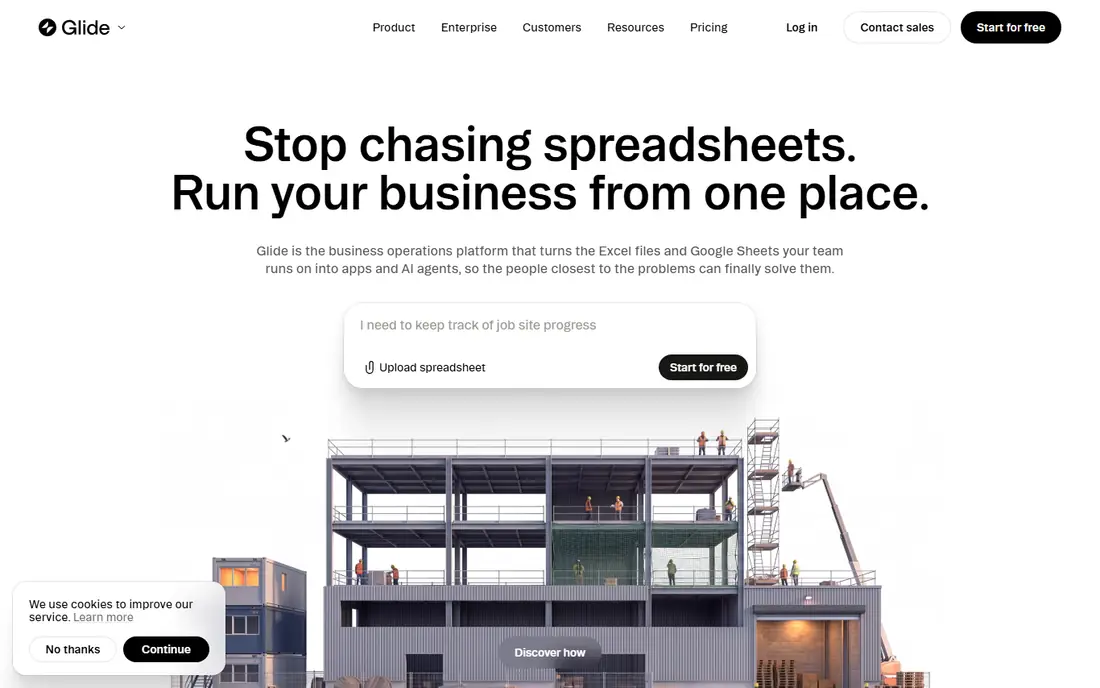
Glide wins on speed. Connect a spreadsheet, pick a layout, and you have a working app that staff can open on a phone or desktop. That makes it ideal for job trackers, inventory lists, field checklists and client directories, where the data already exists and the job is to make it usable.
The trade is depth. Complex logic, custom screens and heavy data work will push against Glide's limits. Paid plans start at 19 dollars per month when billed annually, with a free tier for building and testing. For internal tools that need to exist this week, Glide is our pick for most small teams.
- Turns Google Sheets, Excel, Airtable and other data into apps fast
- Clean layouts with little setup
- Good for staff tools and directories
- Design freedom is narrower than Bubble
- Large data sets can strain performance
- Best for web apps rather than fully native apps
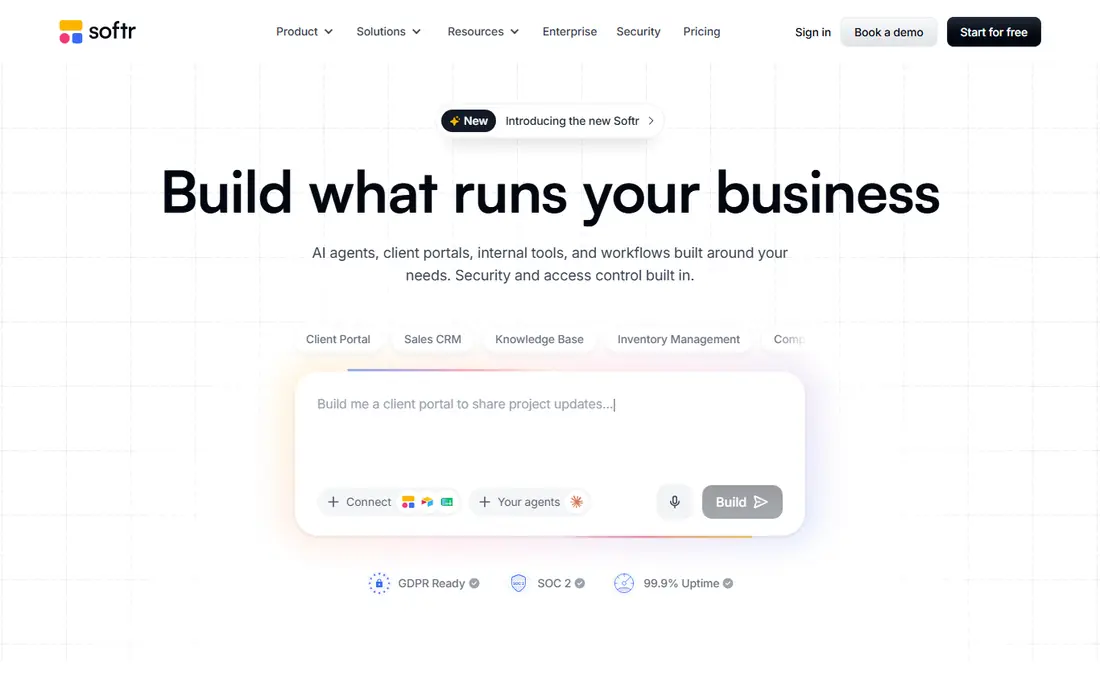
Softr is built for the common business job of giving people a window into data they already hold. A client portal, a partner directory, a membership site or an internal dashboard can be assembled from blocks, with permissions deciding who sees what. Its native database now sits beside Airtable and Google Sheets connections, so you are not forced into one data home.
An AI builder can generate a first version from a description, and everything it makes stays editable by hand. Paid plans start at 19 dollars per month when billed annually, with a free tier for starting out. If your app is mainly a polished front end for business data, Softr is the most direct route.
- Portal and internal tool templates
- Native database plus Airtable, Sheets and other sources
- Granular permissions for clients and staff
- Less suited to fully custom products than Bubble
- Native mobile apps are web-based rather than fully native
Adalo suits a small app that must live in the app stores. A booking app, a simple marketplace, a member app or a field tool can be built with drag-and-drop components, and the same design can ship to iOS, Android and web. Live testing on a device helps catch layout problems early.
The limits show as an app grows. Heavy logic, large databases and high user counts are not Adalo's strengths, and paid plans start at 36 dollars per month when billed annually. For a straightforward native app with a clear, small scope, Adalo is a fair choice. For a complex product, Bubble or FlutterFlow will carry you further.
- Builds native iOS, Android and web apps from one canvas
- Drag-and-drop components
- Marketplace components extend the basics
- Scaling and complex logic are limited
- Database size limits bite on larger apps
- Paid plans cost more than web-only tools
AppSheet turns a table into an app with forms, lists, maps and approvals, and it handles offline field work well. A delivery checklist, an inspection form or a stock count app can be built by someone who knows the data, not by a developer. Automation rules send alerts and update records without extra tools.
Design is functional rather than beautiful, and users outside Google Workspace may find integrations thinner. Pricing starts at 5 dollars per user per month for the Starter plan, with prototype testing free. If your business already runs on Google Sheets and Drive, AppSheet is the lowest-friction business app builder here.
- Builds apps from Sheets, Excel and databases with automation
- Offline use on mobile
- Strong Google Workspace fit
- Design flexibility is limited
- The interface can feel dated
- Google-centered teams get the most value
Power Apps is the natural choice for a company already paying for Microsoft 365. Apps sit beside Teams, SharePoint and Outlook, and they inherit Microsoft security, logins and compliance controls. Power Fx formulas give builders a spreadsheet-like way to write logic, and Power Automate handles approvals and alerts.
Pricing needs a careful read. A per-app plan starts lower, while the per-user plan runs 20 dollars per user per month, and premium connectors can add further cost. A developer plan exists for learning. For a Microsoft shop building internal apps with proper governance, Power Apps is the safe, supported route.
- Deep Microsoft 365 and Dataverse integration
- Power Fx formulas and Power Automate flows
- Enterprise security and governance
- Premium connectors add cost
- Per-user pricing grows fast at scale
- Learning Power Fx takes time
FlutterFlow appeals to teams that want no-code speed without giving up the code. You design visually, connect Firebase for data and logins, and you can export Flutter code if you later hire developers. That exit route matters for a product that may outgrow its first platform.
The learning curve is real, and the free plan is best for learning rather than shipping. Paid plans start at 39 dollars per month. If your business app must be a polished native app and you want to keep the code, FlutterFlow is the strongest option in this list.
- Builds real Flutter apps for iOS, Android and web
- Code export gives an exit route
- Firebase integration is strong
- Steeper learning curve than Glide or Softr
- Free plan limits publishing
- Design polish takes practice
Thunkable is a good first builder for a small team with no technical background. Blocks snap together to define behavior, and testing on a real phone shows problems straight away. A simple booking app, a club app or a basic internal tool is well within reach.
Business apps with deep data, permissions or integrations will outgrow it sooner than Bubble or Power Apps. Pricing varies by plan, so check the current pricing page before committing. For learning, prototyping or a small app with a clear scope, Thunkable keeps the barrier low.
- Block-based building that beginners grasp quickly
- Live device testing
- Publishes to iOS and Android
- Database options are more limited than larger platforms
- Complex business logic is harder to express
- Paid features gate some publishing
Zoho Creator fits a small business already using Zoho for sales, billing or support. A custom order tracker, a leave request app or a vendor portal can share data with CRM records instead of living in a separate silo. Pricing starts around 8 dollars per user per month, which is among the lowest starting points here.
Outside Zoho, the advantage fades, and the interface packs a lot into each screen. A free trial lets you test with your own data. If Zoho is already your back office, Creator is the obvious business app builder to try first.
- Sits naturally beside Zoho CRM, Books and other Zoho apps
- Low starting price
- Workflow automation and reporting included
- Best value inside the Zoho ecosystem
- Interface can feel busy
- Advanced customization needs scripting
Mendix is built for organizations where an app must pass security review, audit and scale checks. Business builders and developers can work in the same model, with staging environments, version control and monitoring built in. That governance is the point, and it is why large teams in manufacturing, banking and government use it.
Small teams should be honest about cost and process. Pricing is quote-based at the enterprise level, and a free tier exists mainly for evaluation. If you need one simple tool, pick Glide or Softr. If you need a portfolio of governed business apps, Mendix belongs on the shortlist.
- Strong collaboration between business and technical builders
- AI-assisted development
- Staging, versioning and audit controls
- Enterprise pricing is high for small teams
- Sales-led buying takes longer
- Overkill for a simple internal tool
How we picked these
We compared official pricing pages, feature pages and documentation for each platform, and we kept only tools that a non-developer team can use to build a real business app. We weighed building power, data handling, permissions, integrations and pricing model, not just marketing claims. Enterprise platforms were judged on governance and scale, while small-team tools were judged on speed and cost.
How to choose without overbuying
Start from the data, not the demo. If your data lives in Sheets, Glide or AppSheet will move fastest. If it lives in Airtable or a CRM, Softr or Zoho Creator may fit better. If you need a customer-facing product with payments and complex rules, Bubble or FlutterFlow will carry more weight.
Build one real workflow before you pay. A single approval, booking or portal page will reveal limits in permissions, data size and pricing that a demo hides. Check export options, user pricing at your real headcount, and what happens to your app if you stop paying. The cheapest plan at ten users is rarely the cheapest at two hundred.
Frequently asked questions
What are the best no-code platforms for business software?
For internal tools, Glide and Softr lead on speed. For a full product, Bubble leads on depth. For teams inside Microsoft or Google, Power Apps and AppSheet lead on fit. The right answer depends on your data, your user count and how complex the logic must be.
Is Bubble really no-code?
Bubble is visual rather than code-based for core building, though serious apps still need careful logic design. You do not write code to build pages, data and workflows, but you do need to learn how Bubble thinks. That learning curve is the main cost of its power.
Can no-code platforms replace developers for business apps?
For internal tools, dashboards, portals and standard workflows, largely yes. For novel products, heavy scale or deep technical needs, developers still add value. Most companies end up with both: no-code for standard work and custom code where it truly matters.
What does no-code pricing usually hide?
Usage limits, per-user fees, premium connectors and data caps are the usual surprises. Bubble charges for workload, Power Apps charges for premium connectors, and per-user plans grow with headcount. Always price your real user count and data volume before signing.
Which platform is best for a client portal?
Softr is the most direct choice, since portals, permissions and existing data sources are its core job. Glide also works for simpler portals. If the portal needs payments and complex workflows, Bubble gives you more room to grow.
Sources
See where you really rank - block by block
ProMapRanker scans Google Maps across a grid of your service area. Simple monthly plans from $19, white-label on every plan.
Start freeKeep reading
 who has best internet service
Who Has the Best Internet Service in 2026
Who has best internet service for US homes? We compare fiber, cable, fixed wireless and satellite providers on speed, price, availability and terms today.
Read → which survey tool has the best analytics
Which Survey Tool Has the Best Analytics in 2026
Find which survey tool has the best analytics in 2026, comparing Qualtrics, SurveyMonkey, Typeform, Alchemer, and more on reports, text, and stats today.
Read → which streaming service has the best movies
Which Streaming Service Has the Best Movies in 2026
Answering which streaming service has the best movies, with Netflix, Max, Criterion and more compared on libraries, prices and free options in this guide.
Read →