 ProMapRanker
Best No-Code Platforms for Building AI Apps in 2026
Direct answer
Make is the first pick on this list for visual AI and agentic workflows. Listed starting prices: Airtable from $20 per user per month, Retool from $10 per builder a month and Glide from $25 a month. If your case is different, Airtable suits AI workflows on structured data and Bubble suits full AI web and mobile apps. The full list of 6 tools follows, with prices and free plan facts.
This ProMapRanker guide covers 6 No-Code platforms for building AI apps. Each profile lists a starting price, free plan details, strengths and drawbacks, so you can drop poor fits quickly.
Key takeaways
- Top of the list is Make, which targets visual AI and agentic workflows.
- Glide fits quick internal business apps.
- Retool is the lowest-priced starter here at $10 per builder per month.
- Before buying Retool, weigh this: centred on internal rather than public apps.
- A free plan is available from 5 of the 6 tools: Make, Airtable, Retool, Microsoft Power Apps, Glide.
Quick comparison
| Pick | Great for | Pricing starts at | Free tier | |
|---|---|---|---|---|
 Make | Visual AI and agentic workflows | See website | Yes | Visit |
 Airtable | AI workflows on structured data | $20 per user per month | Yes | Visit |
 Bubble | Full AI web and mobile apps | See website | Not stated | Visit |
 Retool | Internal tools with AI | $10 per builder a month | Yes | Visit |
 Microsoft Power Apps | Low-code apps in Microsoft environments | See website | Yes | Visit |
 Glide | Quick internal business apps | $25 a month | Yes | Visit |
No-Code Platforms for Building AI Apps compared in detail
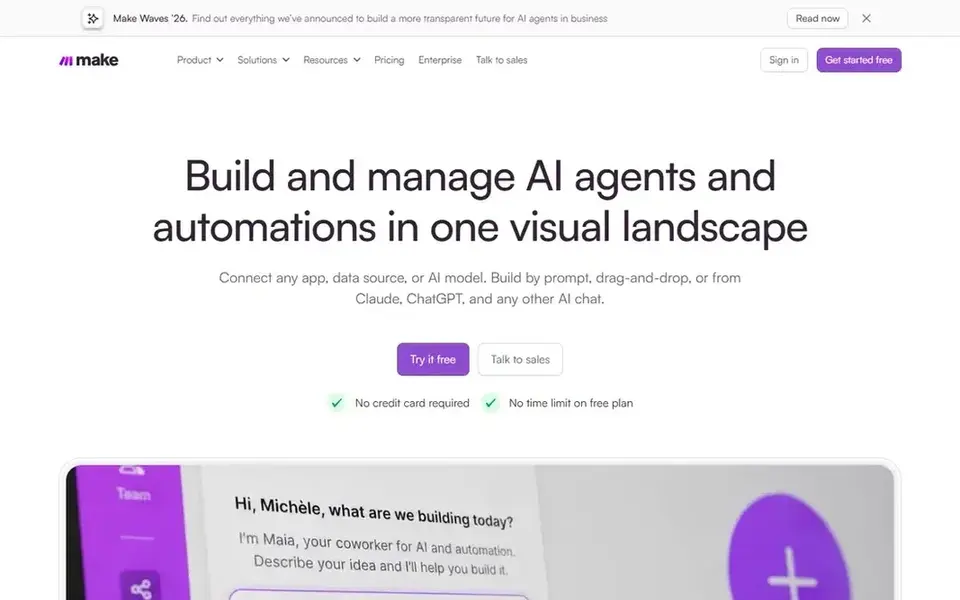
Make is designed for visual AI and agentic workflows. Make does not position itself as a complete front-end app builder.
The main drawbacks: Complicated scenarios can be hard to trace.
So teams that require screens, user roles and a database layer will normally pair it with another product. Make shows no starting price here, so confirm the cost on the vendor site. You can start on Make without paying.
- Supports AI and agentic automation
- Links plenty of apps and services
- Not a full app front-end builder
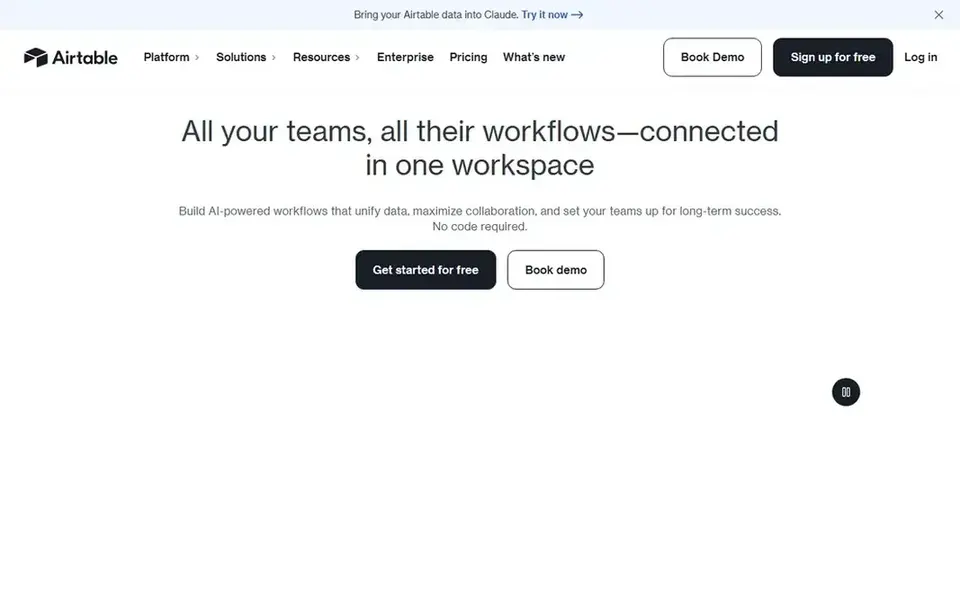
Airtable is built with AI workflows on structured data in mind. It suits teams that already organize information in structured tables and want to layer interfaces, automation and AI steps on top of that same data without moving it elsewhere.
Since apps and automation sit on top of Airtable's own data model, teams with complicated relational or high-volume requirements may hit structural limits. Airtable starts at: $20 per user per month. You can start on Airtable without paying.
What to check first: App layer is tied to its data model.
- Apps and agents
- Live collaboration on records
- Large bases need careful structuring
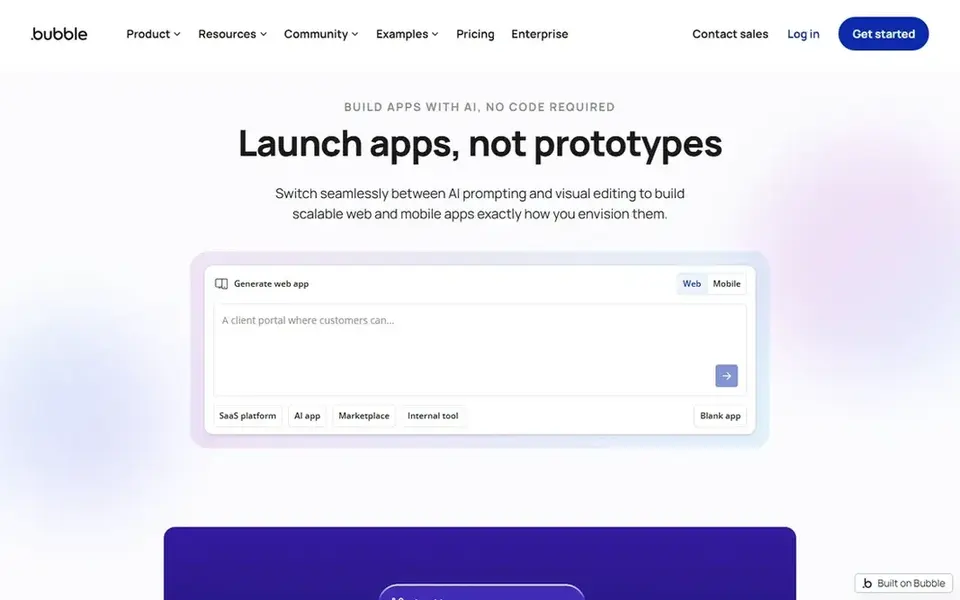
In short, Bubble is for full AI web and mobile apps. Teams that only need a straightforward internal form or a single automation may find a lighter tool quicker to set up, whereas those building a customer-facing product with real data rules will get more from Bubble.
Bubble presents itself as a no-code AI app builder where you can build with AI for speed and then edit visually for precision. This comparison lists no price for Bubble; ask the vendor. On free options: Not stated.
Points against: Wide feature set takes time to learn.
- AI-assisted building plus visual editing
- Logic and privacy rules in one place
- Complicated apps may need performance tuning
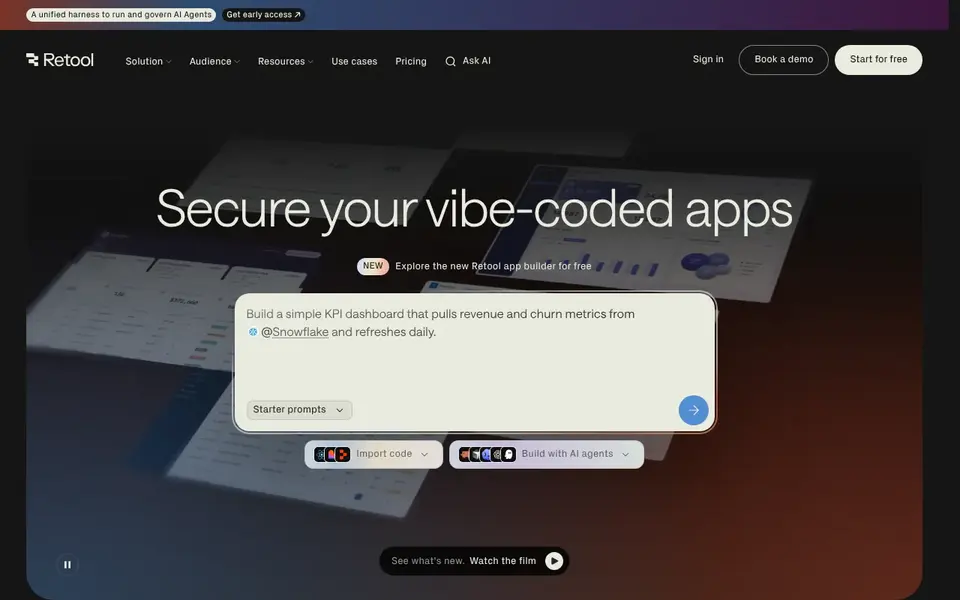
For internal tools with AI, Retool is a natural candidate. Retool is oriented toward internal software instead of consumer-facing products, so it is not the obvious choice for a public app.
Highlights: APIs and LLMs.
Limits to weigh: Setup assumes some technical familiarity. It suits engineering-adjacent teams and operations groups that require admin panels, dashboards or internal assistants wired to real company data. Price to start with Retool: $10 per builder per month. You can start on Retool without paying.
- Unified engine to build
- Links to databases
- Centred on internal instead of public apps
Microsoft Power Apps
Great for: Low-code apps in Microsoft environments
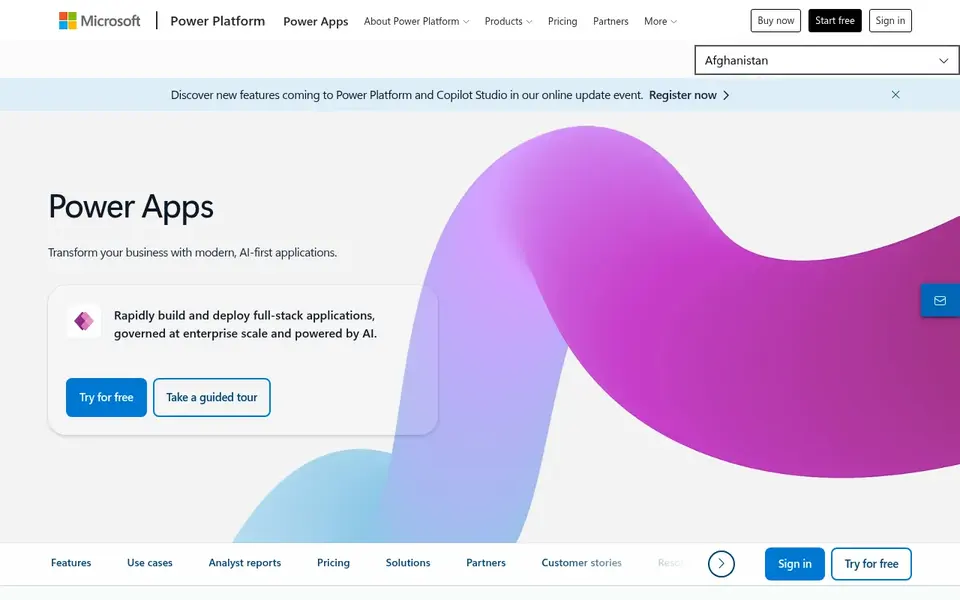
Microsoft Power Apps is designed for low-code apps in Microsoft environments. Microsoft Power Apps is a low-code app builder for creating custom business apps that simplify processes and boost productivity across an organization.
Trade-offs to know: Best value inside the Microsoft ecosystem.
Check the vendor site for Microsoft Power Apps pricing; none is listed in this comparison. A free plan is available with Microsoft Power Apps.
- Pitched at simplifying processes
- Suits organizations already on Microsoft tooling
- Governance setup can add overhead
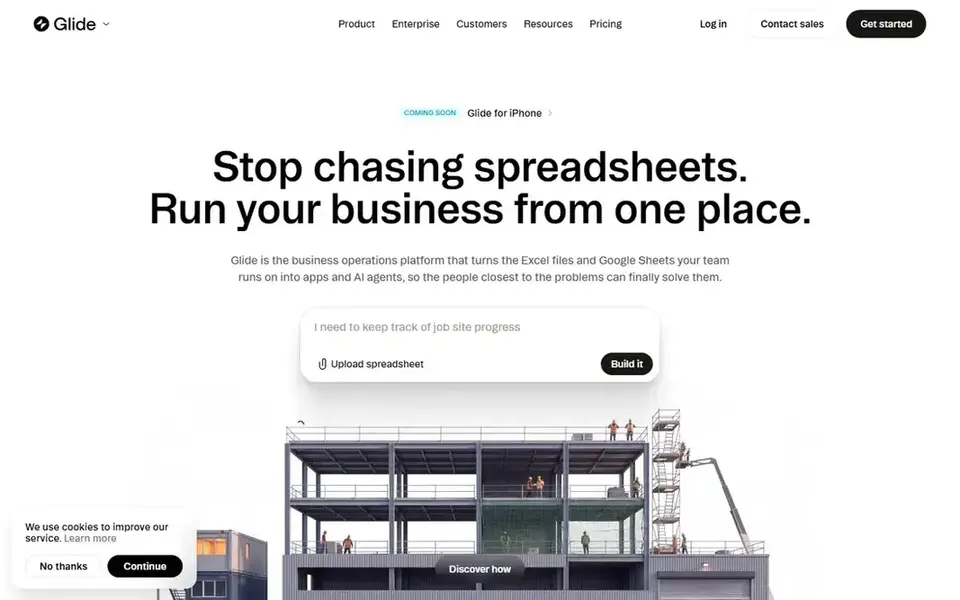
Glide works best for quick internal business apps. Custom logic and unusual data models can also be constrained by the spreadsheet-first approach, in which case a product with a fuller database and logic layer is worth considering.
Points against: A good match for internal business use.
Glide cost at the entry level: $25 per month. Glide has a free plan.
- Custom business apps and agents
- Build from a spreadsheet or a prompt
- Less control over deep custom logic
Our selection method
For each of the 6 tools we noted price, free plan or trial, fit for No-Code platforms for building AI apps and the main limit, using vendor pages and documentation. Where a price is missing, the vendor does not list one publicly or ties it to a quote. Always confirm before budgeting. The order reflects how well each tool fits the most common buying scenario for No-Code platforms for building AI apps, then price clarity, then free plan access. It is a starting point, not a verdict.
A buyer's checklist
- Ask Make, Bubble and Microsoft Power Apps for a written quote, since no starting price is shown.
- Check what the free option really includes: Make, Airtable, Retool and others offer a free plan, and usage caps differ.
- Read the limits listed for Make first: not a full app front-end builder.
- Confirm the exact Microsoft Power Apps plan that includes your must-have features.
- Look at the help docs and support options for Bubble before you commit.
Frequently asked questions
Which options for No-Code platforms for building AI apps have a free plan?
On this list, Make, Airtable, Retool, Microsoft Power Apps and Glide include a free plan. Caps on seats, usage or features are common, so test the free plan against your real workload.
Which product suits internal business apps best?
Make comes first here and is built for visual AI and agentic workflows. Buyers with other needs may prefer Airtable (for AI workflows on structured data) or Bubble (for full AI web and mobile apps). Compare costs and limits first.
Is Make the right pick for everyone comparing No-Code platforms for building AI apps?
No single tool suits every team. Make comes first because it fits visual AI and agentic workflows, while Airtable suits AI workflows on structured data and Bubble suits full AI web and mobile apps. Match the tool to your own size, budget and workflow before deciding.
Do these tools publish their prices?
Not all of them. Make, Bubble and Microsoft Power Apps publish no starting price, so expect a quote request for those. The rest, Airtable included, show a starting price, though seats and billing terms still change the final cost.
How are the tools for No-Code platforms for building AI apps ordered?
The order follows typical fit for No-Code platforms for building AI apps, with Make first and Glide last, then price clarity and free access. It is editorial judgement, not a score, so another team could rank the tools differently.
Can I build an AI app without writing code?
Yes, multiple products here let you assemble interfaces, link data and add AI steps visually. The amount of configuration varies, and tools pitched at internal software may still assume some comfort with data sources and queries.
Sources
See where you really rank - block by block
ProMapRanker scans Google Maps across a grid of your service area. Simple monthly plans from $19, white-label on every plan.
Start freeBrowse all guides
← Best AI-Powered No-Code App Builders (2026)Best Software Development Prompts (2026) →
 best ai graph databases
AI Graph Databases in 2026: Top 5 Compared
5 best AI graph databases, with entry costs, free tiers and the buyer each one serves. Each profile ends with a plain caveat. Current for November 2026.
Read → best ai api generation software
AI API Generation Software in 2026: Top 6 Compared
Best AI API generation software in 2026: 6 contenders with entry costs and free tiers. Short, factual notes on every option. Current for November 2026.
Read → best responsible ai software solutions
2026 Guide to the Best Responsible AI Software Solutions
Best responsible AI software solutions: 5 tools compared on price, free plans and fit. Fit and flaws are laid out for each entry. Skim the table first.
Read → best free weather api for mobile apps without key
Best Free Weather API for Mobile Apps Without Key in 2026
Our guide to the best free weather api for mobile apps without key compares 8 keyless APIs for 2026, with rate limits, attribution, and coverage notes.
Read → best integrated development environment software
Best Integrated Development Environment Software in 2026
Our guide to the best integrated development environment software compares 10 IDEs on price, language support, debugging, and who each one fits best in 2026.
Read → best freelancing platforms
Freelancing Platforms
Searching for the best freelancing platforms? Here are 8 options with prices and free plans. Strengths and weak spots are spelled out. Quick comparison inside.
Read →More in Developer Tools · All guides A to Z by date · Latest guides