 ProMapRanker
Best Free Weather API for Mobile Apps Without Key in 2026


Global forecasts for mobile apps with no signup · Pricing starts at: Free
Key takeaways
- Every API here works without an API key, and any service that requires a key is left out, even if it has a free tier.
- Open-Meteo is the best general pick, with global forecasts, about 10,000 free calls per day for non-commercial use, and CC BY 4.0 attribution.
- The National Weather Service API and MET Norway need a proper User-Agent, not a key, and both can throttle heavy or generic clients.
- RainViewer is radar only, Bright Sky is Germany focused, and GeoMet Canada is Canada focused, so pair a specialist with a global forecast API.
Quick comparison
| Pick | Great for | Pricing starts at | Free tier | |
|---|---|---|---|---|
| Open-Meteo | Global forecasts for mobile apps with no signup | Free | Yes | Visit |
 National Weather Service API | US only forecasts, alerts, and hourly data | Free | Yes | Visit |
 MET Norway Locationforecast | Global forecasts with no key, using a User-Agent | Free | Yes | Visit |
 wttr.in | Simple text and JSON weather for prototypes | Free | Yes | Visit |
 7Timer | Free astronomy and weather forecasts by coordinates | Free | Yes | Visit |
 Bright Sky | Germany focused weather from DWD data, no key | Free | Yes | Visit |
 RainViewer | Free radar maps and precipitation tiles | Free | Yes | Visit |
 GeoMet Canada | Canadian weather data through open geospatial services | Free | Yes | Visit |
The best free weather APIs for mobile apps without a key
A weather API without a key means you can ship a mobile app without a signup step, a key store, or a key rotation plan. It does not mean unlimited, commercial, or guaranteed service. The APIs below all work without a key, but each has limits, attribution rules, or coverage limits that matter before you build on it. Services that require a key, even on a free tier, are not listed here, since they do not meet the no key test.
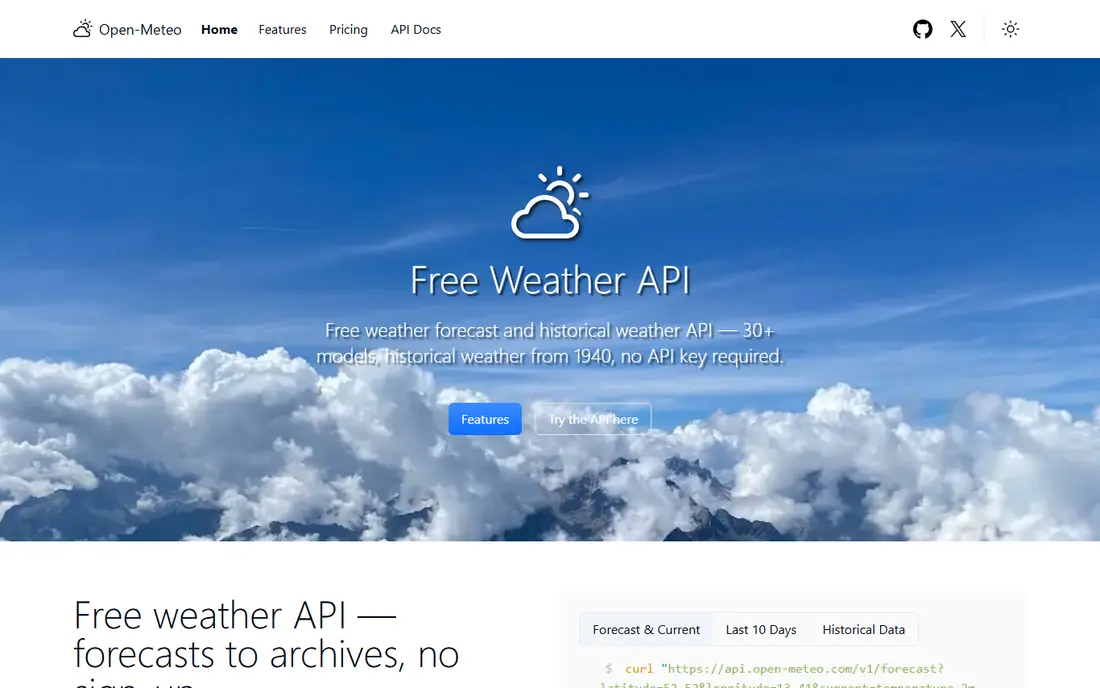
This option earns its place for one practical reason, and that reason shows up in daily use. Open-Meteo fits mobile developers who want to add weather without managing keys, accounts, or signups. It returns forecasts by latitude and longitude, with current, hourly, and daily data, plus marine, air quality, and geocoding endpoints. Data is offered under CC BY 4.0, so attribution is required, and the free tier is described as about 10,000 calls per day in public docs.
The catch is the non-commercial limit, since a revenue generating app needs a commercial plan, and the free service carries no uptime guarantee. Cache responses on the device, show attribution in the app, and test with your real call volume before launch. If that limitation touches your daily work, keep it on the shortlist but check it in a trial first.
- No API key for non-commercial use
- Global forecasts up to 16 days
- JSON, CSV, and geocoding endpoints
- Free tier is for non-commercial use
- Commercial apps need a paid plan
- No uptime guarantee on the free tier
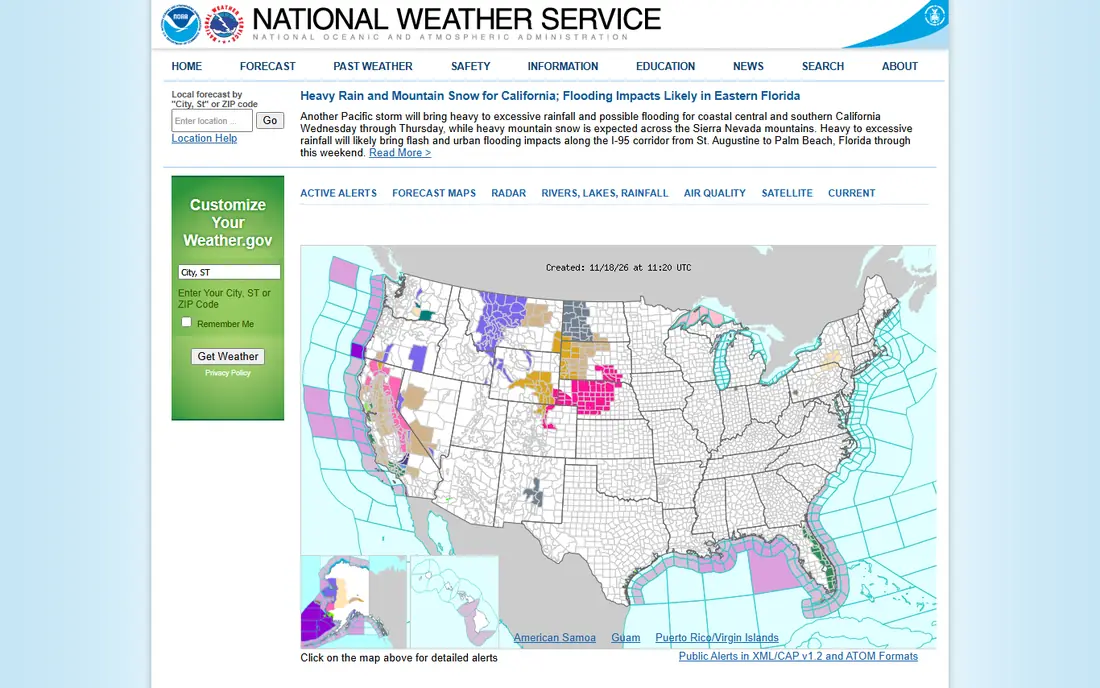
If the first choice on your shortlist feels too narrow, this one widens the picture in a useful way. The National Weather Service API fits US only mobile apps that need official forecasts and alerts without a key. It serves forecast grids, hourly forecasts, and alerts through a public REST API, with no account or key required. Requests should carry a descriptive User-Agent that identifies the app, since generic or missing agents can be blocked.
The catch is scope and limits, since coverage is US only, and rate limits are not published as a fixed number, so heavy use can be throttled. Cache aggressively, respect throttling responses, and add a fallback for users outside the US if your app is global. For the right buyer, the benefit outweighs the catch, and the catch is easy to spot early.
- No API key, just a descriptive User-Agent
- US forecasts, hourly data, and severe weather alerts
- Free government service
- US and territories only
- No published fixed rate limit, so aggressive clients can be throttled
- No global coverage
MET Norway Locationforecast
Great for: Global forecasts with no key, using a User-Agent
We put this here because it solves a specific problem well, even if it is not the cheapest route. MET Norway Locationforecast fits developers who want a global forecast API without key management, and who can set a proper User-Agent. It returns location forecasts in JSON, with temperature, wind, precipitation, and weather symbols for locations worldwide. The only identification required is a User-Agent that names the app and gives contact details, so the service can reach you about abuse or changes.
The catch is strictness, since a missing or generic User-Agent returns a 403 response, and heavy use can be throttled. Set a real User-Agent with your app name and contact, cache by location, and check the Expires header to avoid repeat calls. We would shortlist it, with the catch above as the first question to ask in a demo or trial.
- No API key, just a proper User-Agent with contact details
- Global location forecasts
- JSON format
- Requires a descriptive User-Agent, or requests return 403
- Heavy or generic clients can be throttled
A good test for this option is how it handles the work you do every week, not just setup day. wttr.in fits prototypes, widgets, and simple mobile screens that need current weather fast, with no setup at all. It returns weather as plain text, JSON, or an image, and it works from a simple web request with a place name or coordinates. That simplicity makes it ideal for a first version, a demo, or a small widget where a full forecast API would be overkill.
The catch is scope, since wttr.in is best for simple current and short term weather, not for a full forecast, alerts, or historical backend. Use it for prototypes and simple screens, and move to Open-Meteo or MET Norway when you need hourly, daily, and alert data. That trade is worth it for buyers who value that strength more than a lower starting price.
- No API key or signup
- Plain text, JSON, and image formats
- One line curl friendly output for quick tests
- Best for simple current and short forecasts, not a full mobile weather backend
- No SLA or guarantee
This one stands out when you compare what is included at the starting price with what costs extra. 7Timer fits mobile apps that need a free forecast by coordinates, especially apps with an outdoor or astronomy angle. It serves forecast data in JSON and XML for a given latitude and longitude, with no key or account step. That coordinate based design fits mobile apps that already have a device location, since no place search step is required.
The catch is focus, since 7Timer is a forecast grid service, not an alerts service or a hyperlocal nowcast service. Test its variables against your app needs, cache by location, and pair it with an alerts source if severe weather alerts matter. If that limitation touches your daily work, keep it on the shortlist but check it in a trial first.
- No API key for the public endpoints
- Forecast data by latitude and longitude
- JSON and XML formats
- Data focus is forecast grids, not alerts or hyperlocal nowcasts
- No SLA on the free service
For teams that want a clear change from what they use now, this is a strong place to start. Bright Sky fits mobile apps focused on Germany, where DWD model data gives a strong local forecast without a key. It offers current weather and forecasts in JSON, built from German Weather Service data, with no signup step. That local focus can give a German app a forecast that matches local conditions better than a generic global model.
The catch is coverage, since Bright Sky is strongest for Germany and nearby areas, so a global app needs another source for other regions. Use Bright Sky for German users, and fall back to Open-Meteo or MET Norway for users outside its core coverage. For the right buyer, the benefit outweighs the catch, and the catch is easy to spot early.
- No API key for the public API
- Current weather and forecasts from DWD data
- JSON format for mobile apps
- Coverage is strongest for Germany and nearby areas
- No commercial SLA on the free API
This option earns its place for one practical reason, and that reason shows up in daily use. RainViewer fits mobile apps that need a radar map layer, rather than a full text forecast. Its public Weather Maps API serves radar tiles and past radar data, with no registration or key for the free tier. Attribution is required, with a visible credit such as Weather data by RainViewer and a link back to the service.
The catch is scope, since RainViewer covers radar, not temperature forecasts, alerts, or hourly text forecasts. Cache tiles aggressively, show attribution on the map screen, and pair RainViewer with Open-Meteo for temperature and forecast text. We would shortlist it, with the catch above as the first question to ask in a demo or trial.
- No API key for the public Weather Maps API
- Radar tiles and past radar data worldwide
- Attribution required
- Radar only, not a full forecast API
- Free tier is for personal, educational, and small community use, with no SLA
GeoMet Canada
Great for: Canadian weather data through open geospatial services
If the first choice on your shortlist feels too narrow, this one widens the picture in a useful way. GeoMet Canada fits mobile apps focused on Canada that can work with open geospatial services. It serves Canadian weather data through public geospatial endpoints, including forecasts, radar, and observations, with no key step for public data. That open design suits apps that already use maps, since radar and forecast layers can sit on a map view.
The catch is client work, since WMS and WFS formats need more handling than a simple JSON forecast call, and coverage is Canada focused. Budget extra development time for geospatial parsing, and use a JSON forecast API alongside GeoMet if you need simple text forecasts. That trade is worth it for buyers who value that strength more than a lower starting price.
- Open geospatial services with no key for public data
- Canadian forecasts, radar, and observations
- WMS and WFS formats
- Geospatial formats need more client work than a simple JSON forecast API
- Coverage is Canada focused
How we picked these
We checked each provider's own documentation and public API pages, and we kept only APIs that work without an API key for the endpoints described. We compared coverage, data types, rate limits, attribution rules, and commercial use terms, and we left out key required services such as OpenWeatherMap and WeatherAPI.
We did not claim hands-on testing of every endpoint. We compared official docs and public API guides for key requirements, limits, and attribution. Where a limit was not published as a fixed number, we said so plainly, rather than inventing a number.
How to build a mobile weather app without a key
Start with coverage. A global app needs a global forecast API such as Open-Meteo or MET Norway, while a US only app can use the National Weather Service API for forecasts and alerts. A Germany focused app can use Bright Sky, and a Canada focused app can use GeoMet Canada. Pick the global base first, then add a specialist for radar or alerts, rather than building on a specialist alone.
Next, handle identification and attribution correctly. Open-Meteo requires attribution under CC BY 4.0, RainViewer requires a visible credit with a link, and MET Norway and the National Weather Service API require a descriptive User-Agent. A missing or generic User-Agent can return a 403 from MET Norway, so set a real app name and contact in every request, and show attribution on the weather screen, not hidden in settings.
Finally, design for limits and failure. Cache forecasts on the device, respect Expires and throttling responses, and avoid polling every minute for data that updates hourly. Add a fallback, such as a second forecast source or a cached forecast with a clear timestamp, so a throttled request does not leave the app blank. If your app earns revenue or grows past free limits, budget for a commercial plan or self hosting, since free keyless tiers are built for non-commercial and small scale use.
Frequently asked questions
Is there really a free weather API with no key?
Yes. Open-Meteo, the National Weather Service API, MET Norway, wttr.in, 7Timer, Bright Sky, RainViewer, and GeoMet Canada all work without an API key for the endpoints described here. Some need a descriptive User-Agent or attribution, but none need a key signup step.
Can I use these APIs in a commercial mobile app?
It depends on the API. Open-Meteo free is for non-commercial use, and RainViewer free is for personal, educational, and small community use. Commercial apps need a paid plan, a commercial agreement, or a self hosted option, so check the terms for your exact use before launch.
What rate limits apply without a key?
Open-Meteo public docs describe about 10,000 calls per day for non-commercial use. The National Weather Service API and MET Norway do not publish a fixed number, and both can throttle aggressive clients. RainViewer posts no hard limit but asks for aggressive caching, and abuse can lead to a block.
Do I need attribution?
Yes, for several APIs here. Open-Meteo data is under CC BY 4.0, so attribution is required. RainViewer requires a visible credit with a link. MET Norway and the National Weather Service API require a descriptive User-Agent that identifies your app and contact details.
Which API is best for a global mobile app?
Open-Meteo is the best general pick for a global app, with forecasts, hourly and daily data, and geocoding, all without a key. MET Norway is a strong second global pick, with a User-Agent instead of a key. Pair either with RainViewer for radar if your app needs a map layer.
Sources
See where you really rank - block by block
ProMapRanker scans Google Maps across a grid of your service area. Simple monthly plans from $19, white-label on every plan.
Start freeKeep reading
 zoho inventory alternatives
6 Alternatives to Zoho Inventory, Compared on Price and Fit
Zoho Inventory alternatives: 6 tools compared on price, free plans and fit. Katana leads the list for manufacturers. Fit and flaws are laid out for each entry.
Read → zoho crm alternatives
Best Zoho CRM Alternatives (2026)
Need Zoho CRM alternatives? We compare 7 tools on cost, free access and who each suits. Every pick gets a straight assessment. Built for quick decisions.
Read → zelle alternatives
Best Zelle Alternatives in 2026
Compare the best Zelle alternatives for sending money to friends, paying sellers and moving funds abroad, with honest notes on fees, speed and safety in 2026.
Read →