 ProMapRanker
Best No-Code AI App Builders in 2026

Key takeaways
- Prompt-to-app tools are fastest for a first version, while visual builders give more control over data, logic, and long-term changes.
- Credit and workload pricing can matter more than the headline monthly price, so check what each build step and each user costs.
- Code export is worth weighing early: some tools let you take your code with you, while others keep the app on their platform.
- A free plan is useful for learning the editor, but publishing a live app on a custom domain almost always needs a paid plan.
Quick comparison
| Pick | Great for | Pricing starts at | Free tier | |
|---|---|---|---|---|
 Bubble | Complex web apps and SaaS products | $32 per month | Yes | Visit |
 Softr | Portals built on existing data | $19 per month | Yes | Visit |
 Glide | Internal tools from spreadsheets | $19 per month | Yes | Visit |
 Lovable | Prompt-to-full-stack web apps | $25 per month | Yes | Visit |
 Bolt | Fast browser-based web builds | $20 per month | Yes | Visit |
 FlutterFlow | Native mobile apps with code export | $39 per month | Yes | Visit |
 Adalo | Native mobile apps at a flat price | $36 per month | Yes | Visit |
 Replit | Full-stack builds with an AI agent | $20 per month | Yes | Visit |
The best no-code ai app builders
We looked for tools that turn a written prompt or a visual design into a working app, not just a mockup. The eight below cover web apps, mobile apps, internal tools, and customer portals.
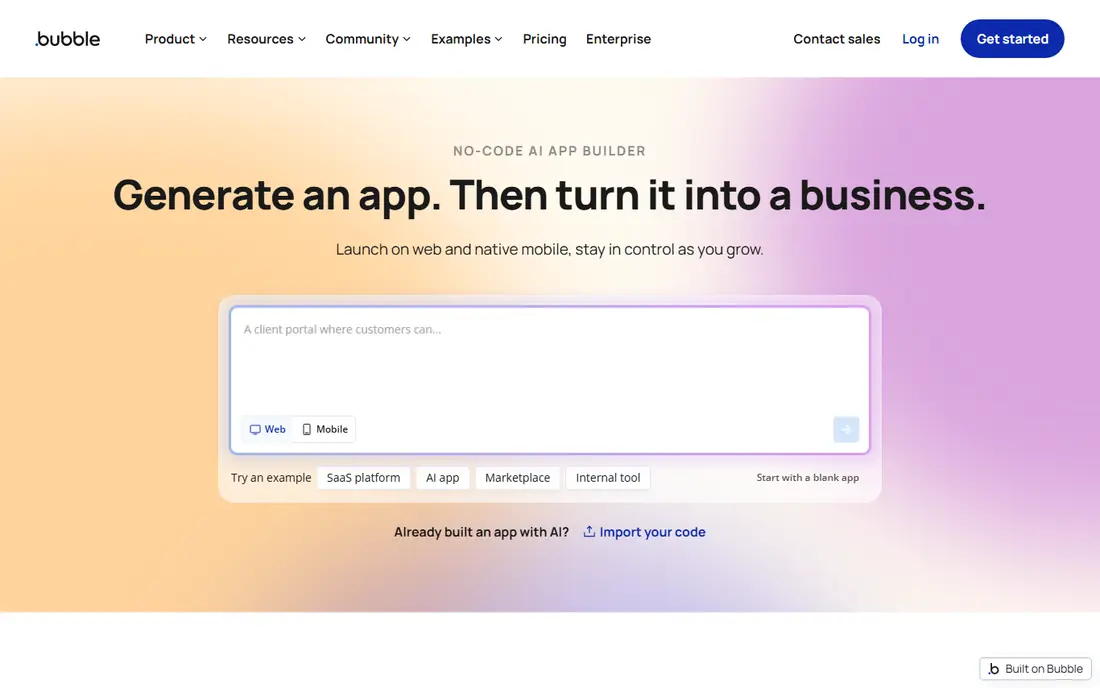
Bubble suits founders who want a real web product without writing code by hand. Its visual editor handles database design, page layouts, user accounts, and multi-step workflows in one place, and the AI agent can draft pages and logic from a prompt that you then refine by hand. That mix of prompt drafting and manual editing is useful when the first draft is close but not quite right.
The catch is cost control. Paid plans include a monthly allowance of workload units, which measure server-side work, and a busy or inefficient app can use that allowance quickly. If you plan a marketplace, a dashboard, or a subscription product with custom rules, Bubble is a strong pick. If you only need a simple form or portal, a lighter tool will be cheaper and faster.
- Visual workflows for complex logic
- Built-in database and hosting
- Large plugin library
- Learning curve is steep for beginners
- Usage-based workload units can raise the bill
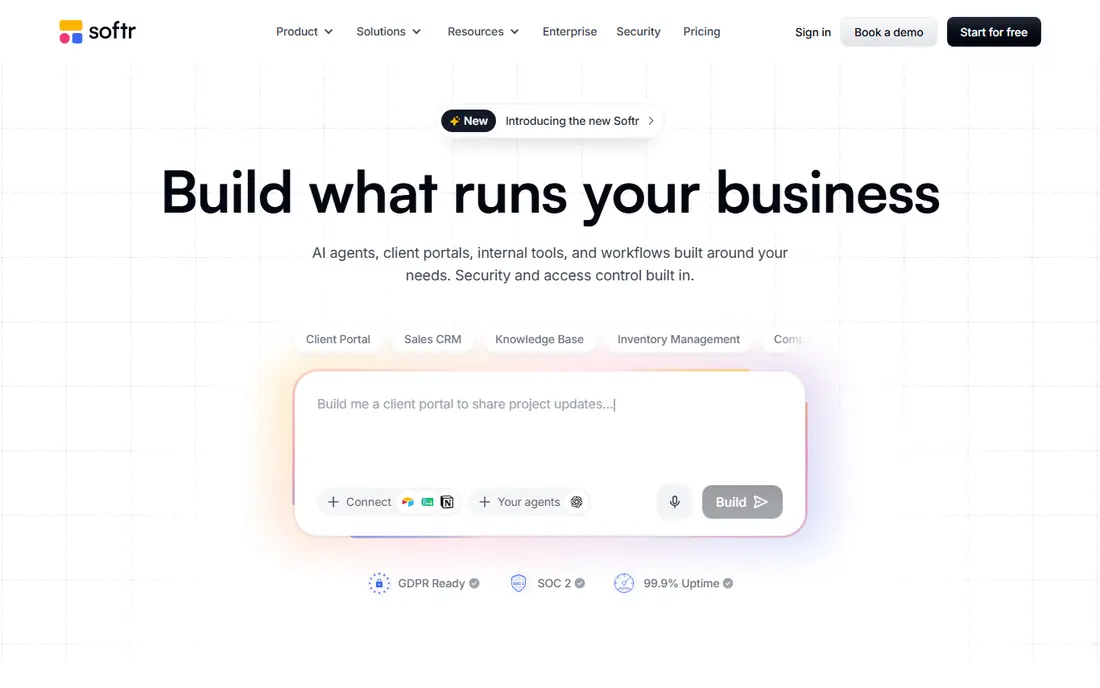
Softr is best when your data already lives somewhere else. Connect an Airtable base or a Google Sheet, pick a template for a client portal, an internal directory, or a membership site, and you can publish a clean app without rebuilding your data model. Its AI builder can draft pages from a description, which helps teams that need a working portal this week.
The trade-off is depth. Softr is not the tool for a product with unusual workflows or heavy custom logic, and larger teams may hit limits on users and records on lower plans. For a portal, a directory, or a simple internal tool tied to existing data, it is one of the quickest routes we found.
- Fast setup on Airtable or Google Sheets data
- Ready-made portal templates
- Simple member permissions
- Less suited to fully custom app logic
- Design freedom is narrower than Bubble
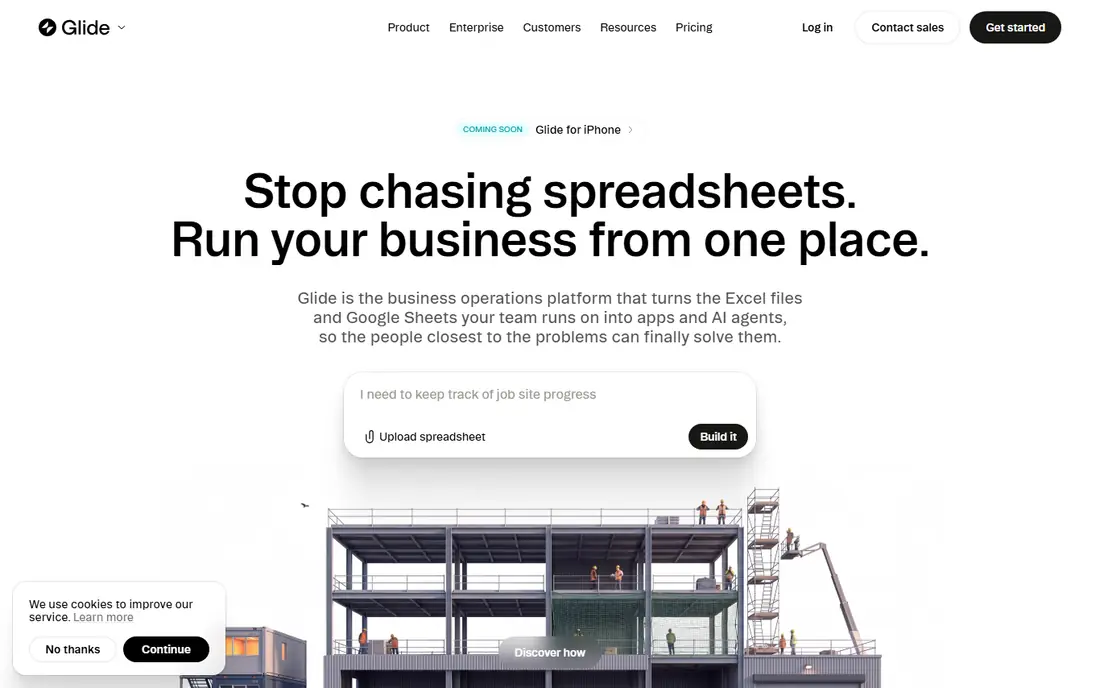
Glide turns rows in a spreadsheet into screens, lists, forms, and dashboards with very little setup. That makes it a natural fit for inventory trackers, field checklists, order lists, and other internal tools where the team already works in Sheets or Airtable. Staff can open the result on a phone, which matters for tools used away from a desk.
Glide is less convincing for a polished consumer product with its own data model and complex rules. Published users and higher data limits sit on paid plans, and the free plan is mainly for building and learning. For an internal tool that must work soon and stay easy to change, Glide is hard to beat on speed.
- Turns a spreadsheet into an app quickly
- Good mobile feel
- Simple to maintain for small teams
- Data structure stays close to the source sheet
- Less fit for public consumer apps
Lovable made prompt-to-app building mainstream: describe the app, get a working web app with a database, sign-in, and hosting, then keep chatting to change it. The interface feels close to chatting with a developer, and the GitHub sync means a technical teammate can inspect or take over the code later. That matters if the project outgrows pure prompting.
Credits are the watch point. Each prompt and fix uses credits, and a long back-and-forth can burn through a monthly allowance faster than expected. Lovable is a good pick for landing pages, dashboards, and web MVPs. It is not the pick for a native iOS or Android app.
- Full-stack web apps from a prompt
- GitHub sync for code access
- Database and auth included
- Credit use can grow fast during heavy iteration
- Web only, with no native app publishing
Bolt builds web apps directly in the browser from a prompt, and the preview updates as you iterate. That tight loop is helpful when you want to test an idea, show a client a working demo, or compare several layouts in an afternoon. Because the output is code, you can export it and continue elsewhere if needed.
The limit is scale. Token-based pricing means long, complicated builds can hit ceilings, and multi-user products with tricky logic may need a developer to clean up the generated code. For prototypes, demos, and straightforward web apps, Bolt is one of the fastest tools on this list.
- Very fast prompt-to-preview loop
- Runs fully in the browser
- Code can be exported
- Token limits can interrupt long builds
- Complex apps still need developer cleanup
FlutterFlow is the visual builder for teams that need real native mobile apps. You design screens, wire up logic, and generate Flutter code that can run on iOS and Android from one project. Design control is finer than in most no-code tools, and code export gives you an exit route if you later hire developers.
FlutterFlow does not include its own database, so you will connect an external backend such as Firebase or Supabase. That adds setup work and a second bill for some teams. For a consumer mobile app where design quality and app store publishing matter, it is still our pick in this category.
- Visual Flutter editor for iOS and Android
- Code export for developer handoff
- Strong design control
- Needs an external backend for data
- Higher per-seat cost for teams
Adalo takes a simpler route to native mobile apps: a visual canvas, a built-in database, and publishing to the App Store and Google Play from one project. Its flat monthly pricing is a real advantage for apps with many users, since the bill does not climb with each new sign-up in the way usage-based tools can. Small businesses, communities, and marketplace MVPs fit well here.
Adalo is not the best choice for a complex web SaaS product, where Bubble or a prompt-to-code tool gives more room. Its component set is also narrower, so very custom interfaces take more work. If the goal is a mobile app on a predictable budget, Adalo deserves a close look.
- Native iOS and Android publishing
- Built-in database
- Flat pricing with no usage meter
- Less flexible for complex web products
- Component library is smaller than some rivals
Replit sits between no-code and code. Its AI agent can build and deploy a full-stack app from a prompt, and a technical user can then open the code, edit it, and ship changes in the same workspace. Hosting and deployment are built in, which removes much of the setup work that usually follows a code project.
That power comes with a learning curve. Replit is friendlier to people who are comfortable reading code, even if they do not write it all themselves. For a startup with a technical founder, or a small team that wants AI speed without giving up code access, it is a strong and flexible option.
- AI agent plus a full coding environment
- Built-in hosting and database options
- Easy collaboration
- Assumes more technical comfort than pure no-code tools
- Usage costs vary with agent use
How we picked these
We compared official pricing pages, feature pages, and public documentation for current plans, free tiers, and publishing limits, and we favored tools that are actively maintained and can produce a working, publishable app in October 2026. We did not claim hands-on testing of every builder. We weighed how each tool handles data, user accounts, publishing, and code export, since those four points decide whether a prototype can grow into a product.
What to check before you commit
Start with the end in mind: where will the app live, who will use it, and how will you change it in six months. A prompt tool is great for week one, but a product with paying users needs clear answers on data export, user permissions, and support. Ask each vendor what happens to your data if you cancel, and test that answer on a small project before you build the real one.
Budget for usage, not just the subscription. Credit, token, and workload systems mean two builders with the same headline price can produce very different bills. Run a realistic week of edits, sign-ups, and data changes on a paid plan or trial, then multiply that use before you commit to a year.
Pick by app type, not by hype
Web SaaS products lean toward Bubble, Lovable, Bolt, or Replit. Internal tools lean toward Glide or Softr. Native mobile apps lean toward FlutterFlow or Adalo. If your app type is unclear, build the smallest useful version in two tools and keep the one your team can change without help.
Test publishing early
Publish a test version on day one, even if it is rough. Check the custom domain, sign-in flow, mobile view, and load time. A builder that feels fast in the editor but slow or awkward once published will cost you users later, and it is cheaper to learn that before the full build.
Frequently asked questions
What is the best no-code AI app builder for beginners?
Softr and Glide are the gentlest starting points, since both start from data or templates you already understand. Lovable and Bolt are also easy to start, but their credit and token systems need watching once you iterate a lot.
Can I build an app with AI and no coding at all?
Yes, for many common app types, including portals, directories, booking tools, and simple marketplaces. Complex products with unusual rules, heavy integrations, or strict performance needs will still benefit from a developer at some stage.
Do no-code AI app builders let me export my code?
Some do and some do not. Lovable, Bolt, FlutterFlow, and Replit give you code access, while Bubble, Softr, and Glide keep the app on their platforms. Check export terms before you build anything you may need to move later.
How much does a no-code AI app cost per month?
Entry paid plans on this list start at $19 to $39 per month, but usage charges can add to that figure. Budget for the plan, any external database or API costs, and a buffer for heavy editing months.
Which builder is best for a mobile app?
FlutterFlow and Adalo are the mobile-first picks here. FlutterFlow gives finer design control and code export, while Adalo gives a built-in database and flat pricing that stays steady as users grow.
Sources
See where you really rank - block by block
ProMapRanker scans Google Maps across a grid of your service area. Simple monthly plans from $19, white-label on every plan.
Start freeKeep reading
 twitch alternatives
Twitch Alternatives in 2026
Explore the best Twitch alternatives in 2026 for live streaming, with free platforms, monetisation options, audiences, chat tools, and tips for new streamers.
Read → firebase alternatives
Best Firebase Alternatives in 2026
Looking for Firebase alternatives? We compare 9 backend platforms for auth, databases, realtime, storage, functions, self-hosting, and pricing for your app.
Read → companies with best work life balance
Companies With Best Work Life Balance in 2026
See companies with best work life balance in 2026, ranked by employee ratings, with flexible work options, benefits, and what to check before applying.
Read →