 ProMapRanker
Best Multiplication App for Kids in 2026


Game-led multiplication practice · Pricing starts at: See website
Key takeaways
- Short, daily practice works better than long, irregular sessions, so we favored apps that keep rounds brief and focused.
- Prodigy Math and SplashLearn suit children who need a game to stay interested, while IXL and Mathletics suit children who like clear tasks and scores.
- Times Tables Rock Stars is the strongest pick for fast recall of tables up to 12, which matters for timed school checks.
- Parents should check privacy settings, chat options and purchase controls before a child plays alone.
Quick comparison
| Pick | Great for | Pricing starts at | Free tier | |
|---|---|---|---|---|
| Prodigy Math | Game-led multiplication practice | See website | Yes | Visit |
 SplashLearn | Younger learners in early grades | See website | Yes | Visit |
 IXL | Structured, skill-by-skill practice | See website | No | Visit |
 Mathletics | School-style competition and practice | See website | No | Visit |
 Times Tables Rock Stars | Fast recall of tables up to 12 | See website | No | Visit |
 DreamBox Learning | Adaptive lessons that adjust to the child | See website | No | Visit |
 Zearn | Free classroom-style math lessons | Free | Yes | Visit |
 Khan Academy Kids | Free early learning for young children | Free | Yes | Visit |
The best multiplication apps for kids
These apps turn repeated practice into something a child will return to without a daily argument. Each one below covers multiplication, but they differ in age range, game style and parent controls.
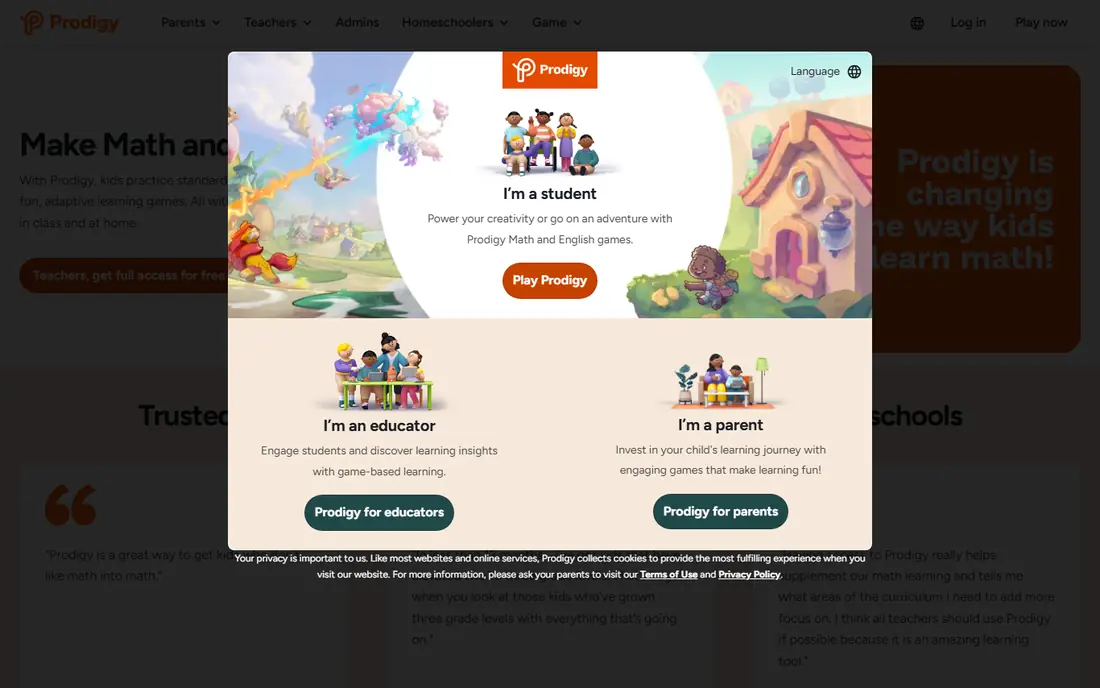
Prodigy Math wraps math questions inside an adventure game where children explore, collect items and battle characters by answering correctly. Multiplication appears inside a wider math curriculum, so a child who is still building addition skills can move on to tables at a sensible pace. The adaptive design adjusts difficulty based on answers, which helps avoid work that is far too easy or far too hard.
Our pick for families who need motivation first is Prodigy Math, with one condition. Set a time limit and check the parent dashboard, because the game layer can pull attention away from the math itself. The free version covers core practice, while paid membership adds extra game rewards rather than changing the core curriculum. Parents should also review chat and friend settings before a child plays with others.
- Strong game world
- Adaptive questions
- Parent progress reports
- Paid extras can distract
- Game play can run longer than practice time
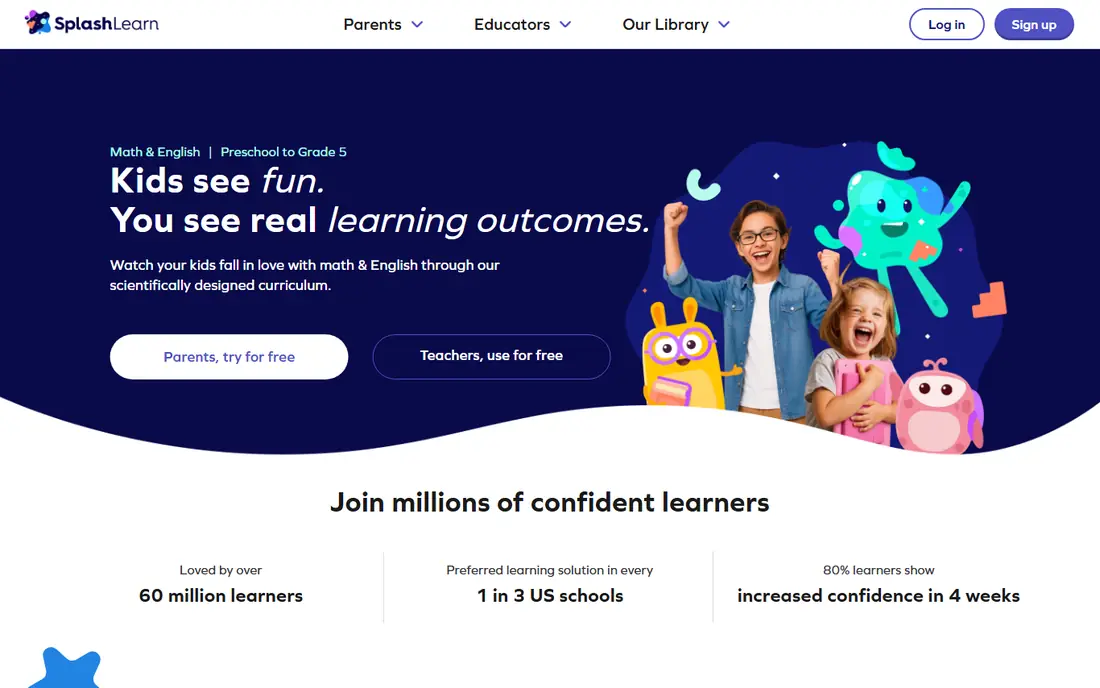
SplashLearn is built for pre-kindergarten through grade 5, and its multiplication games use visual models, arrays and repeated practice rather than bare drill alone. That visual approach helps a younger child see why 4 times 6 means four groups of six, not just memorize the answer. The grade paths make it easy for a parent to pick the right starting point without guessing.
The trade-off is age range. A child in upper elementary school may finish the early multiplication games quickly and want a harder challenge. For a child in grades 2 to 4, though, SplashLearn is a calm, colorful starting point. Parents can track progress by skill, which makes it easier to spot the specific tables that still need work.
- Bright, simple games
- Clear grade paths
- Parent and teacher dashboards
- Older children may find it too simple
- Some content sits behind a paid plan
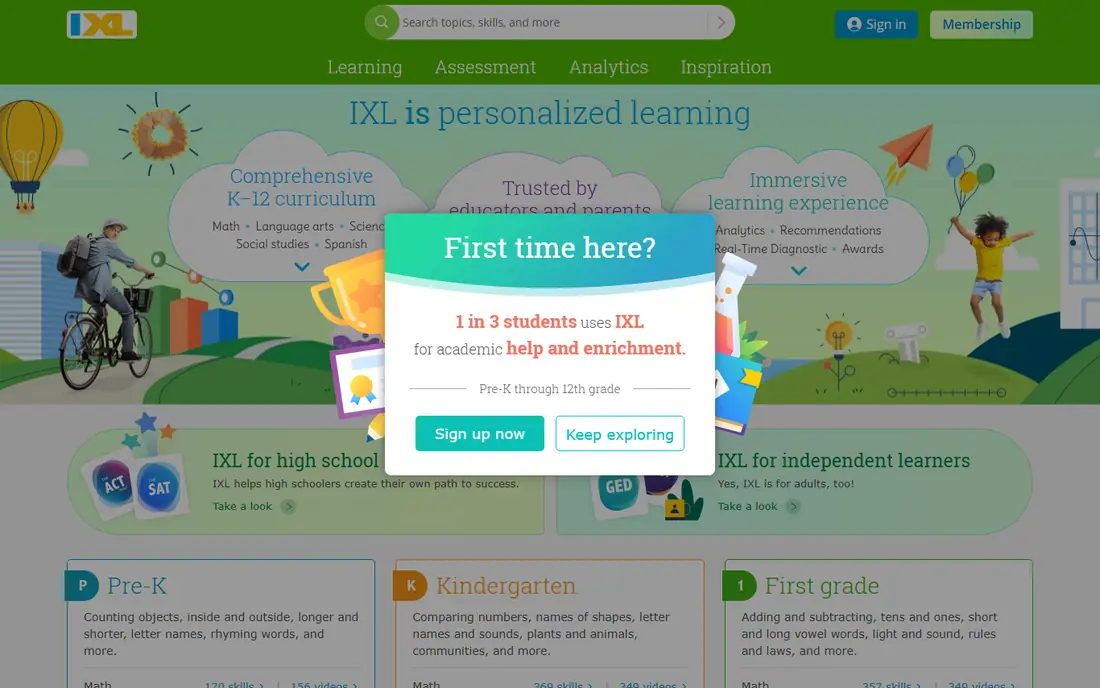
IXL takes a different route from game-first apps. It presents multiplication as a set of small, named skills, such as multiplying by 3, by 7 or by two-digit numbers, and it gives instant feedback after each answer. Children who like to see a list, finish a skill and move to the next one often do well here. Teachers and parents get detailed reports that show exactly which skills are strong and which need more practice.
The honest catch is motivation. IXL does not dress practice up as an adventure, so a child who needs a game to engage may lose interest faster. It works best as a focused practice tool used for short sessions, paired with a more playful app or with classroom work. Families who want depth and reporting will find the structure worth the cost.
- Very large skill library
- Detailed diagnostics
- Clear progress tracking
- Less game-like than rivals
- Free access is limited
Mathletics is widely used in schools, and that shows in its design. Children work through curriculum-linked activities, earn points and can compete in live timed challenges against other learners. For a competitive child, the live mode can turn table recall into a race, which builds speed in a way that quiet practice does not always achieve.
Parents should know that Mathletics feels more like schoolwork than a video game. Some children like that clarity, while others will prefer a more playful app. It is a strong choice when a school already uses it, because home practice then matches classroom work. Check whether a school account already covers home access before paying for a separate plan.
- Live competition mode
- Curriculum-linked activities
- Teacher tools
- Subscription needed for full access
- Interface feels school-like
Times Tables Rock Stars does one job and does it well. It drills multiplication tables through short, timed games where children earn status as they get faster and more accurate. The format suits the kind of timed recall that many schools test, because it rewards both correct answers and quick answers. Sessions are short, which makes it easy to fit into a daily routine.
The narrow focus is also its limit. It does not teach wider math topics, explain concepts in depth or replace a full curriculum. Think of it as a fluency trainer to use alongside a broader app or classroom lessons. For a child who already understands multiplication but needs to recall facts faster, it is one of the most direct tools on this list.
- Focused on speed and accuracy
- Short game modes
- Clear rock-star theme
- Narrow focus on tables only
- School accounts are the common route in
DreamBox Learning adapts each lesson based on how a child answers, and it uses visual models to show multiplication as groups, arrays and number relationships. That matters for children who can recite a table but struggle when a problem is worded differently or shown as a picture. The lessons aim to build understanding first, then speed.
The sessions feel more like lessons than games, so a child who wants fast arcade action may find the pace slow. Parents who value a careful, adaptive path will see the benefit in the reports, which show growth by concept rather than just a score. DreamBox suits families who want teaching, not only testing, and who are happy to pay for a fuller program.
- Adaptive lessons
- Visual models
- Progress reports for adults
- Higher cost than simple drill apps
- Lessons take longer than quick games
Zearn offers a free math program used by many schools, with digital lessons that combine short teaching segments, guided practice and independent work. Multiplication is taught inside the wider elementary math curriculum, with models and word problems that connect tables to real situations. That structure helps children who need to understand a concept before drilling it.
Zearn is not a flashy game, and children who expect constant rewards may find it plain. Its strength is consistency and cost. A family can use the free program at home without a subscription, and a teacher can assign the same lessons used in class. For steady, curriculum-style learning at no cost, Zearn is hard to beat.
- Free core program
- Lessons with teaching and practice
- Teacher tools
- Less playful than game apps
- Multiplication sits inside wider math
Khan Academy Kids is a free early learning app with stories, games and activities for young children, and it introduces early math ideas in a gentle, pressure-free way. Multiplication itself is introductory here, so it suits a younger child who is just meeting groups, repeated addition and early times tables. The app is designed without ads, which removes one common worry for parents.
Older children who already know their tables will outgrow it quickly, and it should not be the only tool for a child who needs serious table practice. Its role is as a safe first step. A parent can let a young child explore early math with confidence, then move to a more focused multiplication app when the child is ready for tables up to 12.
- Free
- No ads in the app
- Gentle, age-appropriate activities
- Best for younger children
- Multiplication coverage is introductory
How we picked these
We compared official product pages, app store listings and privacy information for apps that cover multiplication for children, and we kept only apps that are live, age-appropriate and free of dating, anonymous chat or adult content. We favored apps with clear parent or teacher controls, a stated age range and a way to track progress by skill. We left out apps that looked like multiplication tools but were mainly general games, and we marked prices as See website where a vendor page did not give a clear current price in our check.
How to choose the right multiplication app for your child
Start with age and current level, not with the prettiest game. A child in grade 2 needs visual models and small tables, while a child in grade 4 or 5 needs speed work on tables up to 12 and practice with larger numbers. Ask the child to try one app for a week, for about 10 to 15 minutes a day, and watch whether the practice stays focused or turns into game play with little math.
Check safety before the first session. Look for a parent dashboard, the ability to turn off chat or friend requests, and clear rules on data collection for children. Read the privacy policy in plain terms: what data is collected, whether ads appear, and whether purchases need an adult password. A good app makes those controls easy to find, and a parent should not need to hunt through menus to protect a child account.
Finally, pair the app with short offline practice. Flashcards, a times table chart on the wall and quick spoken drills at breakfast all help facts stick in a way that screen games alone may not. Use the app report to find the weak tables, practice those two or three tables offline for a few days, then return to the app to check progress. That mix keeps practice varied and gives the child a sense of real improvement.
Frequently asked questions
What is the best multiplication app for kids?
There is no single winner for every child. Prodigy Math suits children who need a game to stay engaged, Times Tables Rock Stars suits children who need faster recall, and Zearn or Khan Academy Kids suit families who want a free, calm starting point. Pick based on age, current level and whether the child needs teaching, practice or speed work.
What are the best multiplication apps for kids in early grades?
SplashLearn, Khan Academy Kids and Zearn work well in early grades because they use visual models, small steps and gentle pacing. They introduce groups and repeated addition before pushing for fast recall. A child can move to a drill-focused app later, once the basic ideas feel secure.
How much screen time should multiplication practice take?
Short daily sessions of about 10 to 15 minutes are usually enough for fact practice, especially for younger children. Longer sessions often add game time rather than math time. A parent can set a timer, stop when the timer ends, and keep the routine steady across the week.
Are free multiplication apps safe for children?
Free apps vary, so check each one before use. Look for no ads or clearly labeled ads, no open chat with strangers, purchase controls that need an adult, and a privacy policy written for children. Khan Academy Kids and Zearn are strong free starting points, while paid apps may still include game extras that need adult settings.
Can a multiplication app replace school math lessons?
No, an app should support classroom learning, not replace it. Apps are best for practice, recall and extra explanation of specific skills. If a child is falling behind in class, talk to the teacher about which skills need work, then use an app report to target those skills at home.
Sources
See where you really rank - block by block
ProMapRanker scans Google Maps across a grid of your service area. Simple monthly plans from $19, white-label on every plan.
Start freeKeep reading
 who has best internet service
Who Has the Best Internet Service in 2026
Who has best internet service for US homes? We compare fiber, cable, fixed wireless and satellite providers on speed, price, availability and terms today.
Read → which survey tool has the best analytics
Which Survey Tool Has the Best Analytics in 2026
Find which survey tool has the best analytics in 2026, comparing Qualtrics, SurveyMonkey, Typeform, Alchemer, and more on reports, text, and stats today.
Read → which streaming service has the best movies
Which Streaming Service Has the Best Movies in 2026
Answering which streaming service has the best movies, with Netflix, Max, Criterion and more compared on libraries, prices and free options in this guide.
Read →