 ProMapRanker
Best Multichannel Customer Service Solution in 2026


Large multichannel support operations · Pricing starts at: $55 per agent per month
Key takeaways
- Zendesk suits large teams that need mature ticketing across many channels, while Freshdesk gives smaller teams a faster, cheaper start.
- HubSpot Service Hub suits companies already on HubSpot CRM, and Salesforce Service Cloud suits companies already on Salesforce.
- Help Scout suits email-first small teams, and Gorgias suits ecommerce stores where tickets are mostly order questions.
- AI pricing now matters as much as seat pricing. Check per-resolution and add-on costs before you budget.
Quick comparison
| Pick | Great for | Pricing starts at | Free tier | |
|---|---|---|---|---|
| Zendesk | Large multichannel support operations | $55 per agent per month | Free trial | Visit |
 Freshdesk | Small and mid-market teams starting fast | $19 per agent per month | Free trial | Visit |
 Intercom | In-app and website messenger support | $29 per seat per month | Free trial | Visit |
 HubSpot Service Hub | Teams already on HubSpot CRM | $20 per seat per month | Yes | Visit |
 Help Scout | Email-first small teams | $25 per user per month | Yes | Visit |
 Zoho Desk | Budget teams and Zoho users | $14 per agent per month | Yes | Visit |
 Salesforce Service Cloud | Enterprises on Salesforce CRM | $25 per user per month | Free trial | Visit |
 Gorgias | Ecommerce stores with order tickets | $10 per month | No | Visit |
 Front | Shared inbox teams across departments | $25 per seat per month | No | Visit |
The best multichannel customer service solutions
Multichannel service means customers can reach you by email, live chat, phone, social messages, and messaging apps, while agents see the history in one place. The tools below cover different mixes of those channels, so the best choice depends on where your customers actually contact you.
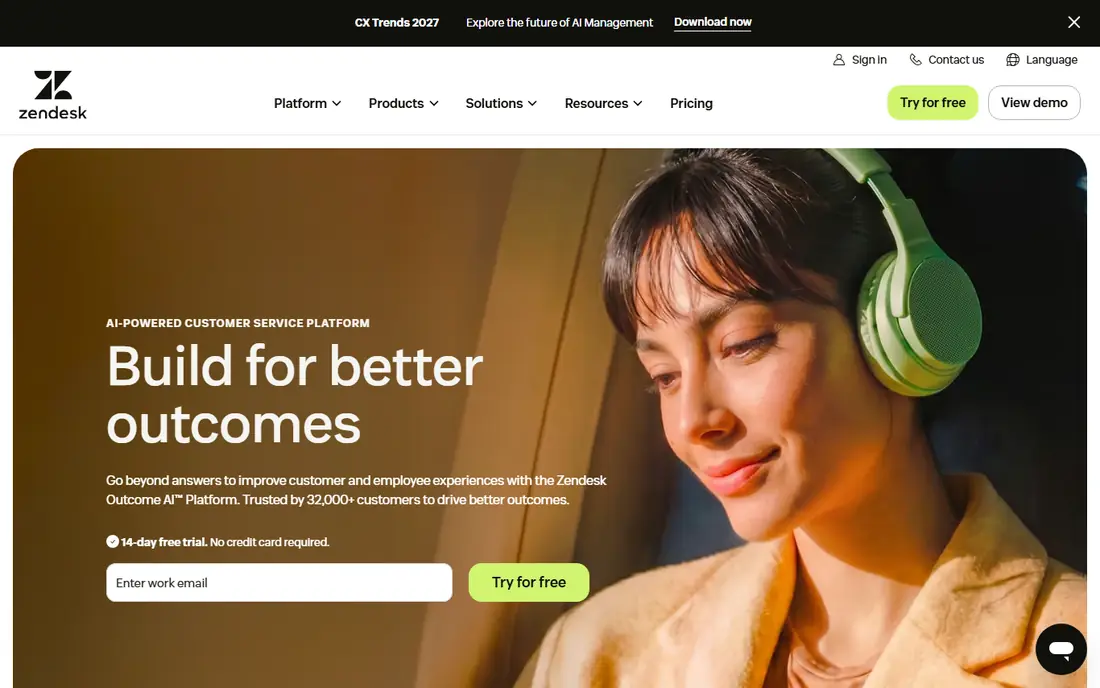
Zendesk remains the benchmark for large support operations. Suite Team covers email, chat, voice, and social tickets in one queue, with automation, triggers, and reporting that scale to hundreds of agents. The app marketplace adds integrations for CRM, ecommerce, and telephony without custom builds.
The cost is the honest drawback. Suite Team starts at $55 per agent per month on annual billing in published comparisons, and AI Copilot and resolution-based add-ons raise the total further. Small teams may find Freshdesk or Help Scout deliver enough for far less, but large teams often value Zendesk depth.
- Mature ticketing across email, chat, voice, and social
- Large app marketplace
- Strong reporting and automation
- Higher entry price on Suite Team
- AI add-ons cost extra
- Setup takes time
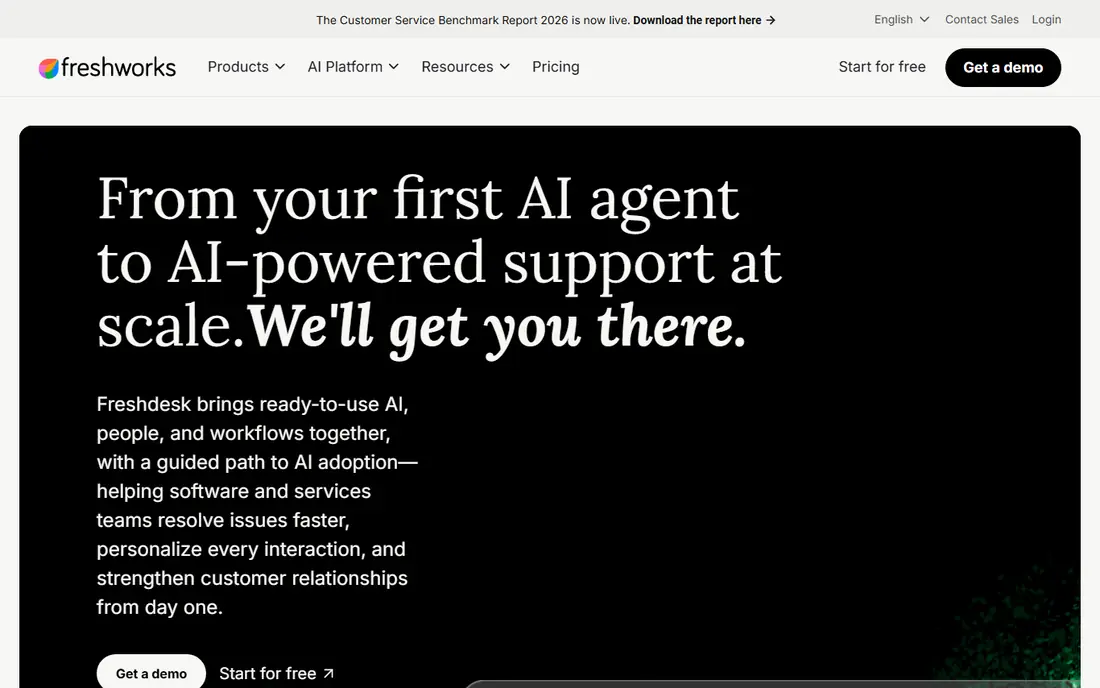
Freshdesk gives small and mid-market teams a Zendesk-style experience at a lower entry price. Growth starts at $19 per agent per month on annual billing in published comparisons, and covers email, chat, phone, and social tickets with automation and a knowledge base. Setup is faster than Zendesk for most teams, which matters when support is already busy.
AI features and deeper reporting sit on higher tiers or add-ons, so check the plan that matches your automation needs. For teams that want multichannel ticketing live quickly without enterprise cost, Freshdesk is a strong default.
- Fast setup for multichannel ticketing
- Lower entry price
- Useful automation and self-service tools
- AI Copilot is an add-on
- Some advanced features need higher tiers
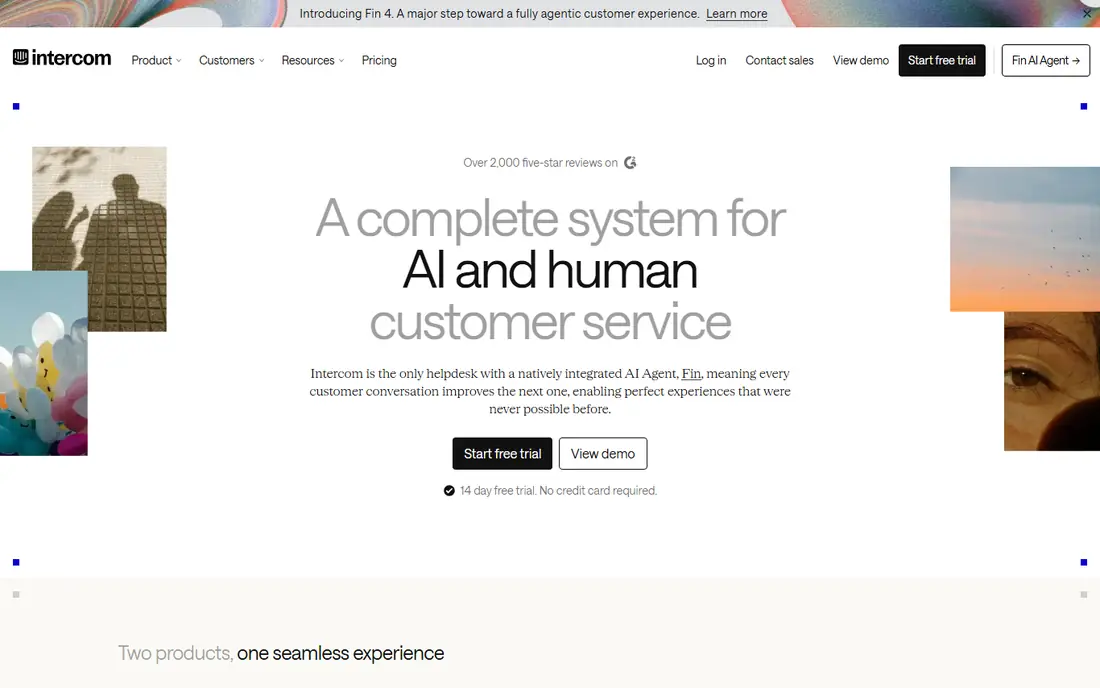
Intercom suits companies whose support happens inside a product. The messenger feels native on websites and apps, and the Fin AI agent can resolve common questions before a human steps in, charged per resolution in published comparisons. User data from the product helps agents see plan, usage, and history without switching tools.
Pricing needs care, since seats plus AI resolutions can grow faster than a simple seat count suggests. Email-heavy teams may prefer Zendesk or Freshdesk. For product-led SaaS companies, Intercom often fits the way customers already ask for help.
- Strong messenger for websites and apps
- AI agent Fin for common questions
- Good product and user data
- Per-seat plus per-resolution AI pricing
- Less suited to email-heavy traditional ticketing
HubSpot Service Hub makes most sense if your business already runs on HubSpot CRM. Tickets link to contacts, companies, deals, and past marketing activity, so agents see a fuller customer story than a standalone helpdesk shows. Free service tools cover small teams, and Starter starts at $20 per seat per month in published comparisons.
Professional and Enterprise tiers add onboarding fees and seat costs that rise quickly. Teams outside HubSpot should compare Freshdesk first, since the CRM link is the main reason to choose HubSpot here. Inside HubSpot, that link is a real advantage.
- CRM-connected tickets and customer history
- Free tools for small teams
- Useful automation and feedback tools
- Higher tiers add onboarding fees
- Best value only inside HubSpot
Help Scout suits small teams whose support is mostly email. The shared inbox keeps conversations organised without the complexity of a full enterprise suite, and the free plan covers up to five users in published comparisons. Docs and a customer portal help deflect common questions before they become tickets.
Voice and complex multichannel workflows are thinner than Zendesk or Freshdesk. If most contacts arrive by email and chat, Help Scout keeps the workflow calm and affordable. If phone is a major channel, check its telephony integrations before committing.
- Simple shared inbox for email
- Free plan for small teams
- Clean docs and customer portal
- Less depth for voice-heavy teams
- AI resolutions cost extra
Zoho Desk is the budget pick for multichannel ticketing. Standard starts at $14 per agent per month on annual billing in published comparisons, and the free edition covers up to three agents. Email, chat, phone, social, and messaging channels can feed one queue, and Zoho CRM and other Zoho apps connect well.
The interface is functional rather than polished, and some advanced features need higher tiers. Teams already using Zoho will get the most value, but budget teams outside Zoho should still shortlist it for price alone.
- Low entry price
- Free edition for small teams
- Strong Zoho ecosystem links
- Interface feels less polished than rivals
- Some features vary by region
Salesforce Service Cloud suits enterprises already committed to Salesforce. Cases link to accounts, orders, and service history in the CRM, and automation, knowledge, and omni-channel routing scale to large contact centres. Starter Suite starts at $25 per user per month in published comparisons, with Professional and Enterprise tiers higher.
Setup and ongoing admin need dedicated effort, and costs rise with editions and add-ons. Companies outside Salesforce will find simpler tools faster to run. Inside Salesforce, the CRM depth is hard to match.
- Deep Salesforce CRM integration
- Strong case management and automation
- Enterprise scale
- Higher tiers rise steeply
- Setup and admin effort is high
Gorgias takes a different pricing approach: you pay by ticket volume, starting at $10 per month for 50 tickets in published comparisons, rather than per seat. That suits lean ecommerce teams where many agents handle a high volume of similar order, shipping, and return questions. Shopify data appears inside tickets, so agents can check orders without switching tabs.
Outside ecommerce, that specialisation is less valuable, and ticket overages need monitoring during sales peaks. For Shopify stores, Gorgias often beats per-seat pricing, especially when seasonal staff share the queue.
- Ticket pricing instead of per-seat pricing
- Shopify order data in tickets
- Useful automation for order questions
- Less suited outside ecommerce
- Ticket overages add cost
Front suits teams that manage customer conversations across departments, not just a support queue. Shared inboxes cover email, SMS, and social messages, with internal comments, assignments, and automation that keep account, success, and support teams aligned. Starter starts at $25 per seat per month in published comparisons.
It is less of a classic ticketing platform than Zendesk, so teams that need deep SLA reporting and case workflows should compare carefully. For email-heavy, cross-team work, Front keeps conversations visible without forcing every message into a ticket format.
- Shared inboxes for email, SMS, and social
- Strong internal collaboration
- Useful automation and assignments
- Less of a traditional ticketing suite
- Higher cost for large agent counts
How we picked these
We compared official pricing and product pages, channel coverage, and fit for different team sizes, and we checked that each solution is still offered in October 2026. We favoured tools that genuinely combine at least three channels in one queue, rather than single-channel tools with a token second channel, and we kept a mix of per-seat, per-ticket, and CRM-linked models. We did not claim hands-on testing, and prices are starting rates before AI add-ons and onboarding fees.
How to choose a multichannel solution
Start with your actual contact mix. Count tickets by channel for the last three months, and weight the tool choice toward the top two channels, not toward a channel you hope to add someday. A tool that excels at chat but weakens email will hurt you if email still carries most volume.
Check the full cost, including AI
Compare seat price, AI per-resolution charges, add-on prices, and onboarding fees together. Ask how AI resolutions are counted, what happens when volume spikes, and whether unused AI credits roll over. A low seat price with expensive AI billing can cost more than a higher seat price with AI included.
Trial with real conversations
Run a trial with real tickets, not sample data, and test routing, macros, internal notes, and reporting. Check how quickly a new agent can find a customer history, and whether managers can see queue health without exporting data. A tool that looks simple in a demo can feel slow under real volume.
Protect the customer history
Before you migrate, confirm how ticket history, attachments, and customer records import, and how long data is retained on each plan. A clean migration matters more than a new feature, since lost history forces customers to repeat themselves and agents to guess.
Frequently asked questions
What is the best multichannel customer service solution overall?
Zendesk suits large teams that need mature multichannel ticketing, while Freshdesk suits small and mid-market teams that want a faster, cheaper start. HubSpot Service Hub wins for HubSpot users, and Salesforce Service Cloud wins for Salesforce enterprises.
What are the best multichannel customer service solutions for small businesses?
Freshdesk, Help Scout, and Zoho Desk suit small businesses, thanks to lower entry prices and free or trial options. Help Scout fits email-first teams, Zoho Desk fits budget teams, and Freshdesk fits teams that need broader channels from day one.
How much does multichannel customer service software cost?
Entry prices in this guide range from $10 per month for Gorgias ticket pricing to $55 per agent per month for Zendesk Suite Team, with most mid-market tools between $14 and $29 per agent or seat per month. AI add-ons, onboarding, and overages can raise the total, so budget for those separately.
Do I need phone support in a multichannel tool?
Only if customers actually call you. Check your contact mix before paying for voice features, since many teams now resolve most contacts by email, chat, and messaging. If phone matters, confirm telephony costs and call recording rules on the plan you will buy.
Can a small team run multichannel support without a large platform?
Yes, if channels are limited and volume is low. A shared inbox tool such as Help Scout or Front can cover email, chat, and social for a small team. Move to a full ticketing platform when volume, SLAs, or reporting needs outgrow a shared inbox.
Sources
See where you really rank - block by block
ProMapRanker scans Google Maps across a grid of your service area. Simple monthly plans from $19, white-label on every plan.
Start freeKeep reading
 who has best internet service
Who Has the Best Internet Service in 2026
Who has best internet service for US homes? We compare fiber, cable, fixed wireless and satellite providers on speed, price, availability and terms today.
Read → which survey tool has the best analytics
Which Survey Tool Has the Best Analytics in 2026
Find which survey tool has the best analytics in 2026, comparing Qualtrics, SurveyMonkey, Typeform, Alchemer, and more on reports, text, and stats today.
Read → which streaming service has the best movies
Which Streaming Service Has the Best Movies in 2026
Answering which streaming service has the best movies, with Netflix, Max, Criterion and more compared on libraries, prices and free options in this guide.
Read →