 ProMapRanker
Best Mobile Security Apps in 2026


Light all-round protection · Pricing starts at: $14.99 per year
Key takeaways
- Android users get the most from a mobile security app, since iOS limits what third-party scanners can do.
- A good app should cover malicious apps and links, Wi-Fi risks, and scam messages, not just virus scanning.
- Bundles with VPN, password management, and identity alerts suit families, while a light scanner suits a single phone.
- No app replaces basic habits: update your phone, use a passcode, and check app permissions on a schedule.
Quick comparison
| Pick | Great for | Pricing starts at | Free tier | |
|---|---|---|---|---|
| Bitdefender Mobile Security | Light all-round protection | $14.99 per year | Yes | Visit |
 Norton Mobile Security | Single-device protection | $29.99 per year | No | Visit |
 McAfee Mobile Security | Family device coverage | See website | Yes | Visit |
 Avast Mobile Security | Free Android protection | Free | Yes | Visit |
 Malwarebytes Mobile Security | Scam and phishing defense | $39.99 per year | Yes | Visit |
 Lookout Mobile Security | Identity and breach alerts | See website | Yes | Visit |
 ESET Mobile Security | Detailed scan control | $14.99 per year | Yes | Visit |
 Trend Micro Mobile Security | Web and scam protection | See website | Yes | Visit |
The best mobile security apps
We compared apps on malware protection, web and scam defense, anti-theft tools, and price, with attention to the different limits on Android and iPhone.
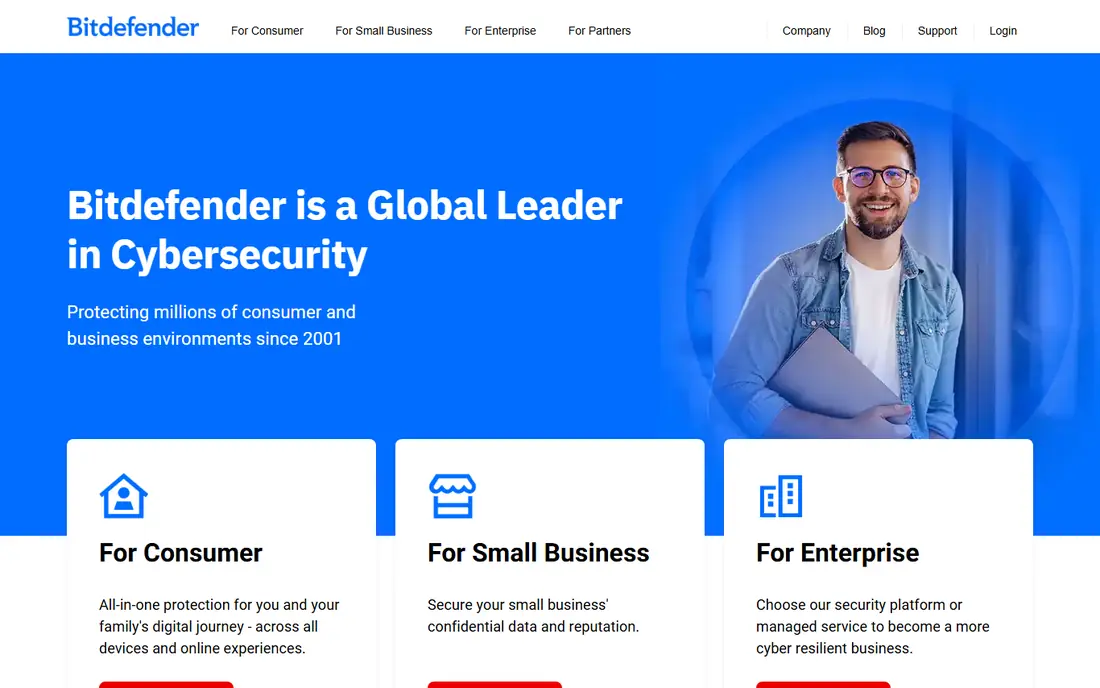
Bitdefender is a good first pick for most Android users. It scans apps, blocks malicious websites, and offers anti-theft tools such as remote locate and lock, without slowing the phone much. The free tier covers core scanning, while the paid plan, listed from $14.99 per year in third-party guides, adds more protection and features.
The honest limit is platform. On iPhone, Apple restricts background scanning, so Bitdefender focuses on web protection and other iOS-allowed features rather than full device scanning. If you want one light app that covers the basics well, Bitdefender is a safe, well-regarded choice.
- Strong detection with low battery impact
- Web protection and anti-theft tools
- Free tier covers basics
- Best features need the paid plan
- IOS version is more limited than Android
- VPN is an add-on in some plans
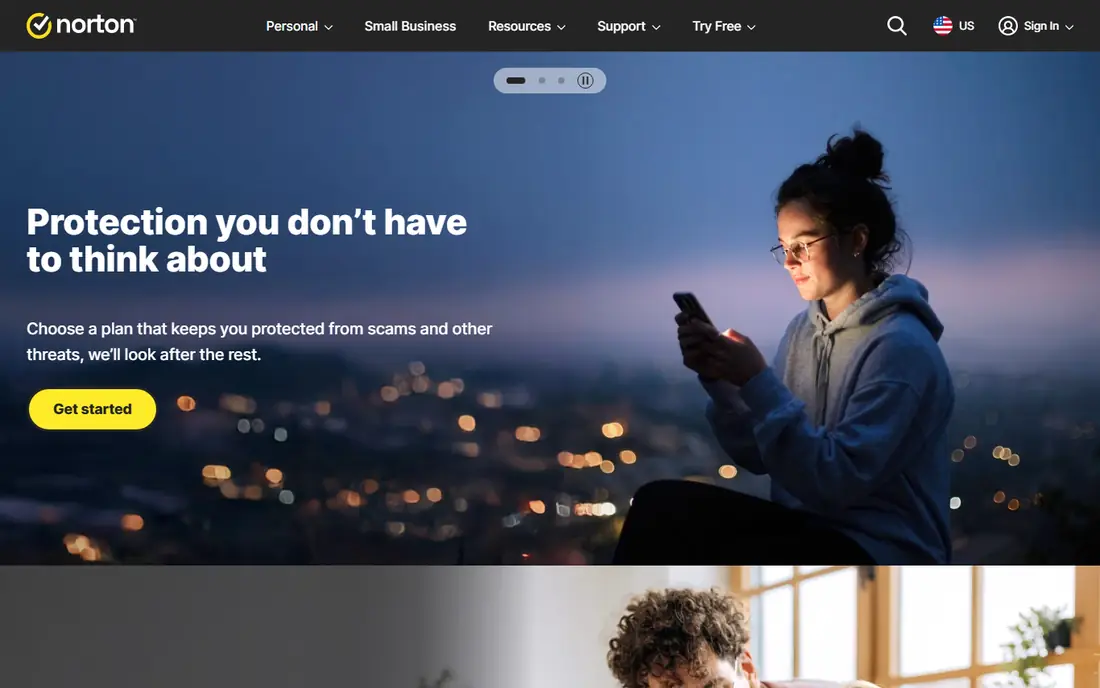
Norton Mobile Security suits a user who wants one brand handling phone protection with clear support. It covers device security, internet security, Wi-Fi checks, and scam protection, and Norton lists a renewal price of $29.99 per year for one device. That clarity helps when you compare it with broader Norton 360 bundles.
The catch is value at scale. A single-device plan makes less sense for a household with many phones and computers, where a Norton 360 plan may cover more for a similar total. Also, watch renewal pricing, since first-year discounts often end after twelve months. For one phone and a buyer who values support, Norton is a steady pick.
- Recognizable brand and support
- Wi-Fi security and scam protection
- Works on Android and iOS
- Renewal pricing is higher than first-year offers
- Single-device scope
- Bundles can be better value for families
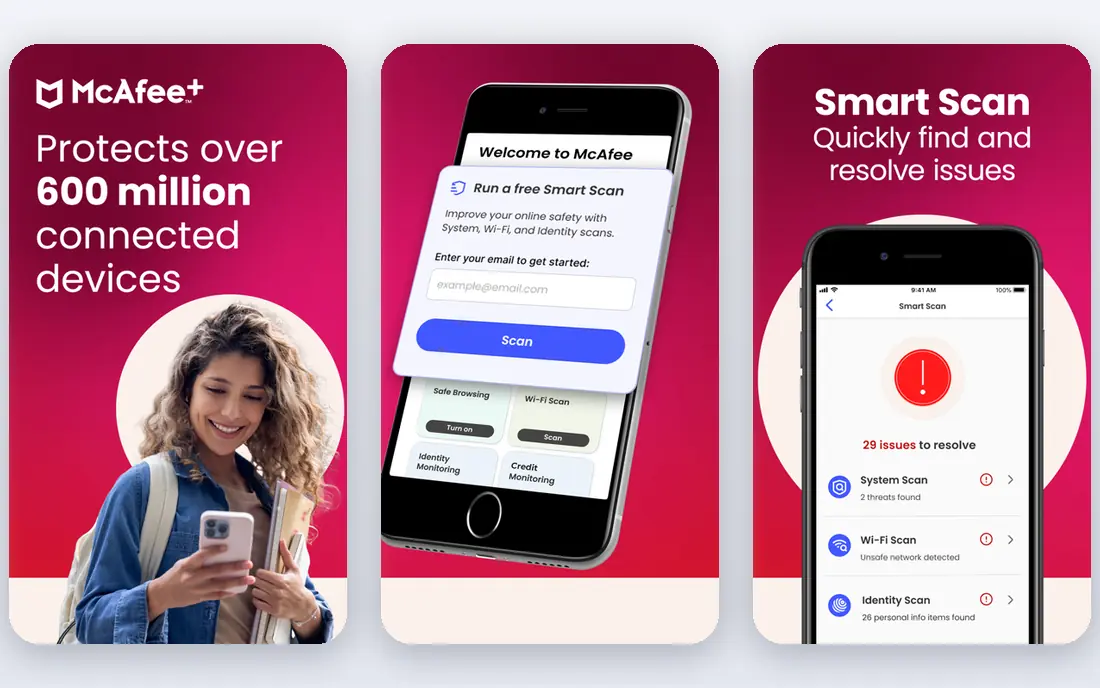
McAfee Mobile Security fits households that want one subscription across phones and computers. Its mobile app covers malware scanning, web protection, and Wi-Fi checks, while larger McAfee plans add VPN, identity monitoring, and parental tools. That bundle logic works when you would otherwise buy several separate apps.
The downside is weight and pricing variation. Older phones may feel the app more than a light scanner, and the best price depends on the plan and any first-year offer, so check the vendor site for your region. For a family that wants one account and one renewal date, McAfee is a practical option.
- Broad device coverage in paid plans
- VPN and identity features in bundles
- Easy family setup
- App can feel heavy on older phones
- Pricing varies by plan and region
- Upsell prompts divide opinion
Avast is the strongest free starting point on Android. The free app scans for malware, checks websites, and adds tools such as a junk cleaner and app lock, which many paid apps charge for. That makes Avast a good test if you are unsure whether you need a paid security app at all.
The trade-off is the free experience. Ads and upgrade prompts appear, and the full feature set sits behind paid plans, so the free tier is a starting point rather than a complete suite. On iPhone, the app is again limited by Apple rules. For Android users on a budget, Avast is a sensible first install.
- Feature-rich free tier
- Malware scanning and web protection
- Junk cleaner and app lock tools
- Free tier includes ads and prompts
- Paid features are spread across plans
- IOS version is more limited
Malwarebytes suits users whose main worry is scams, not classic viruses. Its mobile app focuses on blocking phishing links, scam messages, and malicious app installs, with a simple interface that stays out of the way. The free tier covers basic protection, while premium, listed from $39.99 per year in third-party guides, adds more defense.
The limit is breadth. If you want VPN, password management, and identity monitoring in one app, a bundle from Norton or McAfee will cover more. If your main risk is tapping a bad link in a text or email, Malwarebytes is a focused, well-chosen pick.
- Strong focus on phishing and scam texts
- Clean, light app
- Good free tier for basic checks
- Less of a full suite than Norton or McAfee
- Paid plan listed from $39.99 per year in guides
- Some features vary by platform
Lookout is a good fit for users who worry about account takeover as much as malware. It combines mobile threat detection with identity monitoring and breach alerts, and it offers guidance on risky apps and permissions. That mix suits bring-your-own-device phones, where personal and work data share one device.
The downside is pricing clarity. Plans and prices vary, so check the vendor site for the tier that includes identity features you need. Lookout is less well known to consumers than the big antivirus brands, but its mobile-first focus makes it worth a look for phone-centered buyers.
- Threat detection plus identity and breach alerts
- Good for small teams and BYOD phones
- Clear app risk guidance
- Pricing varies by plan
- Full features need a paid tier
- Consumer awareness is lower than Norton or McAfee
ESET suits power users who want control over how and when scans run. Its mobile app offers scheduled scans, anti-theft tools, and web protection, with a quiet interface that avoids constant prompts. The free tier lets you test the basics, while premium, listed from $14.99 per year in third-party guides, adds more protection.
The trade-off is bundle depth. ESET does not try to be a VPN, password manager, and identity service in one app, so buyers who want that bundle should look elsewhere. For a user who wants a focused, low-noise scanner with detailed controls, ESET is a strong choice.
- Granular scan scheduling and controls
- Light footprint
- Clean interface with few distractions
- Fewer bundle extras than Norton or McAfee
- Paid plan listed from $14.99 per year in guides
- IOS features are limited
Trend Micro Mobile Security fits users who spend a lot of time browsing and shopping on their phone. It focuses on blocking malicious websites, scam links, and risky apps, with parental controls available in some plans. That web-first focus matches how most phone threats arrive today, through links rather than classic file viruses.
The catch is plan variation. Prices and features differ by app store and region, so check the listing for your device before you buy. Some features also work only on Android, due to iOS limits. For web and scam protection with a long-established vendor behind it, Trend Micro is a credible pick.
- Strong web and scam filtering
- Parental controls in some plans
- Long track record in security
- Pricing varies by plan and store
- Interface divides opinion
- Some features are Android-only
How we picked these
We compared official product pages, app store listings, and recent public guides, and we favored apps that are live in 2026, cover Android and iOS where possible, and address scams and web threats as well as malware. We did not claim hands-on testing, and we wrote See website where pricing varies by plan or region rather than inventing a figure. Platform limits reflect Apple and Android rules, not a vendor fault alone.
How to choose the best mobile security app for your phone
Start with your operating system. Android users benefit most from a full scanner, since Android allows background scanning and app checks. iPhone users should focus on web protection, scam filtering, Wi-Fi checks, and password habits, because no third-party app can fully scan an iPhone the way it can scan Android.
Next, decide between a scanner and a bundle. A light scanner such as Bitdefender or ESET suits a single phone, while a bundle such as Norton 360 or McAfee suits a household with many devices and a need for VPN and identity alerts. Check renewal pricing, not just the first-year offer, and check how many devices each plan covers.
Finally, keep the basics in place. Turn on automatic updates, use a strong passcode or biometric lock, review app permissions every few months, and avoid sideloading apps from unknown sources. A security app helps, but it cannot fix a weak passcode or a granted permission that gives a risky app access to your contacts and photos.
Frequently asked questions
What is the best mobile security app for Android?
Bitdefender Mobile Security is a strong all-round pick for Android, with light scanning and web protection, while Avast offers the best free starting point. If scams are your main worry, Malwarebytes is a focused alternative worth testing first.
What is the best phone protection app for iPhone?
On iPhone, pick an app for web protection, scam filtering, and Wi-Fi checks, such as Norton Mobile Security or Bitdefender, and pair it with strong Apple settings. No third-party app can fully scan iOS, so update iOS promptly and review app permissions regularly.
What is the best security app overall for a phone?
For most users, Bitdefender offers the best balance of protection, low impact, and price, while Norton suits buyers who value support and a known brand. Families with many devices may get better value from a McAfee or Norton 360 bundle.
Do I need a mobile security app if my phone is up to date?
An up-to-date phone with Google Play Protect or Apple protections already covers a lot, but a security app adds web filtering, scam blocking, and anti-theft tools. If you browse, shop, and bank on your phone, that extra layer is worth the small cost for most users.
What is the best mobile app security solution for a business phone?
For a business or bring-your-own-device phone, Lookout is a strong mobile-first option, and a business antivirus plan with device management may suit larger teams. Keep work and personal apps separated where possible, and follow your company device policy.
How do I stay safe from phone scams?
Do not tap links in unexpected texts, verify urgent messages through a known number or app, and never share codes sent to your phone. A scam-focused app helps, but pausing before you act is the strongest defense against most phone scams.
Sources
See where you really rank - block by block
ProMapRanker scans Google Maps across a grid of your service area. Simple monthly plans from $19, white-label on every plan.
Start freeKeep reading
 best tour operator software
Best Tour Operator Software in 2026
Compare the best tour operator software for bookings, channel management, waivers and payments, with pricing models for day tours and multi-day trips.
Read → best time clock app for small business
Best Time Clock App for Small Business in 2026
We compare the best time clock app for small business options, with free plans, GPS clock ins, scheduling and payroll links for hourly teams and payroll help.
Read → best test automation tools
Best Test Automation Tools in 2026
Compare the best test automation tools, from Playwright and Selenium to Cypress, Katalon and BrowserStack, with prices, languages and best uses explained.
Read →