 ProMapRanker
Best Mobile Crash Reporting Software in 2026


Free iOS and Android crash reports · Pricing starts at: Free
Key takeaways
- Firebase Crashlytics is the free default for iOS and Android apps, especially teams already using Firebase.
- Sentry gives the broadest error tracking across mobile, web, and backend services from one dashboard.
- Bugsnag, Raygun, and Rollbar suit teams that want stability scores, release tracking, and deeper diagnostics.
- Embrace and Luciq add mobile-first context, such as sessions and in-app feedback, beyond a basic crash log.
- Event-volume pricing means high-traffic apps should test with real traffic before committing to a paid tier.
Quick comparison
| Pick | Great for | Pricing starts at | Free tier | |
|---|---|---|---|---|
| Firebase Crashlytics | Free iOS and Android crash reports | Free | Yes | Visit |
 Sentry | Cross-platform error tracking | $26 per month | Yes | Visit |
 Bugsnag | Stability scores and release tracking | See website | Yes | Visit |
 Raygun | Detailed crash diagnostics | $40 per month | Free trial (14 days) | Visit |
 Rollbar | Continuous code improvement | See website | Free trial (14 days) | Visit |
 Embrace | Mobile-first session and performance context | See website | Free trial | Visit |
 Luciq | In-app bug reports and feedback | See website | No | Visit |
 Bugfender | Remote logs plus crash reports | $59 per month | Yes | Visit |
The best mobile crash reporting software
A crash report should answer three questions fast: which build crashed, which users were affected, and what code path led to the crash. These eight tools cover that job for mobile apps, from free basics to mobile-first diagnostics. The best mobile crash reporting tool for a given team depends on platform mix, event volume, and how much context beyond a stack trace the team needs.
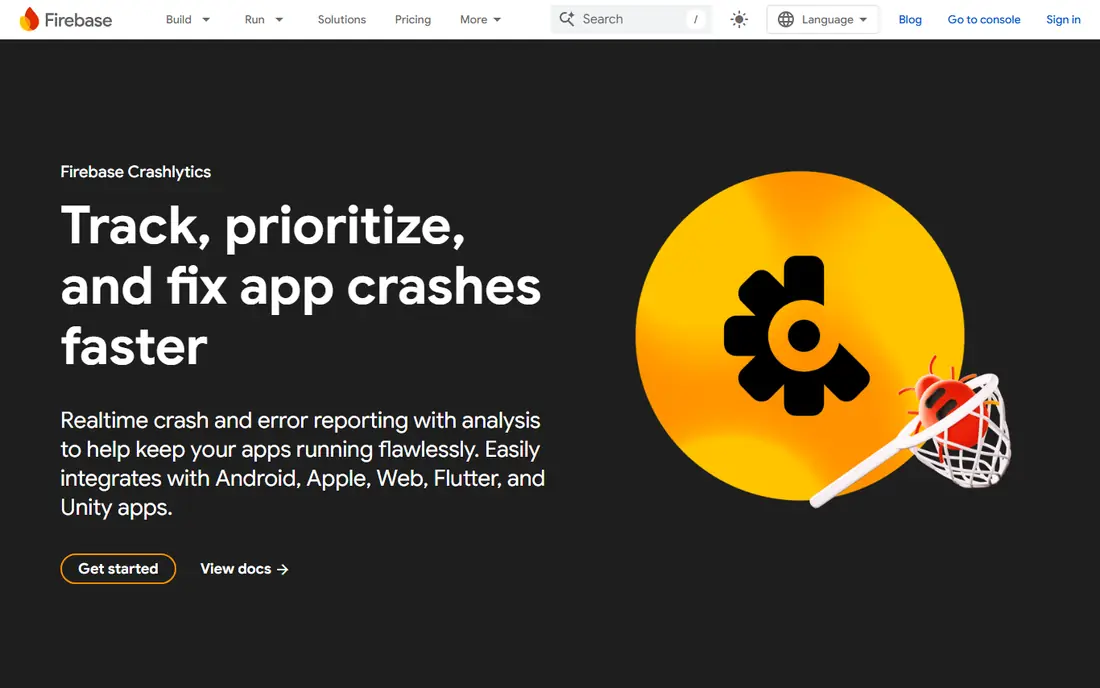
Firebase Crashlytics is the default starting point for most mobile teams, and for good reason. It is free, it covers native iOS and Android plus Unity and other frameworks, and it groups crashes, shows trends by version, and highlights regressions after a release. Teams already using Firebase for auth, analytics, or messaging can add Crashlytics with little extra setup.
The limit is scope. Crashlytics reports crashes well, but it does not replace performance monitoring, session replay, or backend error tracking. Growing apps often pair it with another tool once they need deeper diagnostics or cross-platform error views. For indie developers, startups, and small teams, though, Crashlytics gives the core crash job at no direct cost, which is hard to beat. Start here unless you already need a broader observability platform.
- Free crash reporting for iOS and Android
- Real-time crash grouping and trends
- Tight fit for teams already using Firebase
- Limited to crash and non-fatal reports, not full observability
- Deeper diagnostics need other Firebase or third-party tools
- No paid support tier for Crashlytics alone
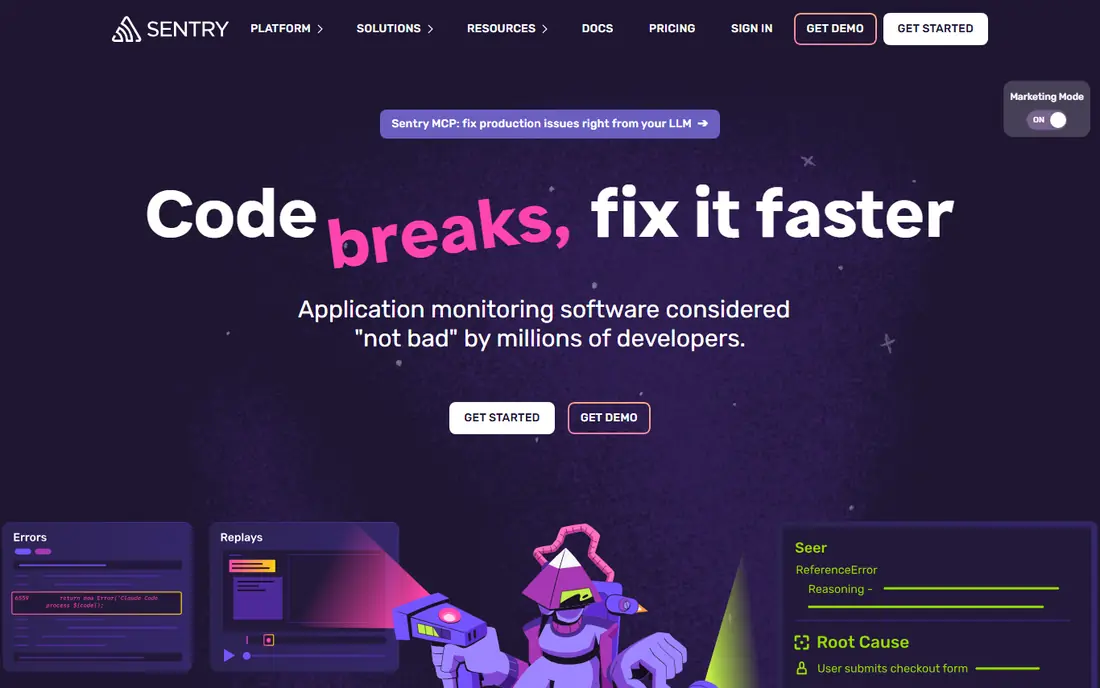
Sentry tracks errors across mobile, web, and backend services, which helps teams that ship an app plus an API and a web dashboard. A mobile crash in Sentry can include breadcrumbs, device and OS context, release version, and related backend errors, so developers can trace a user-facing crash to a server change. It supports native iOS and Android, React Native, Flutter, Unity, and many other platforms.
The free plan covers small projects, and the Team plan starts at $26 per month billed annually with higher event limits. Costs scale with event volume, so high-traffic apps should monitor event counts and set sampling rules early. Sentry also offers session replay and performance monitoring, which adds value but also adds cost and configuration. For teams that want one error dashboard for the whole product, Sentry is our pick for most people.
- Covers mobile, web, and backend in one place
- Detailed context with breadcrumbs and release tracking
- Free plan for small projects
- Costs rise with event volume
- Setup and alert tuning take time
- Some advanced features need higher tiers
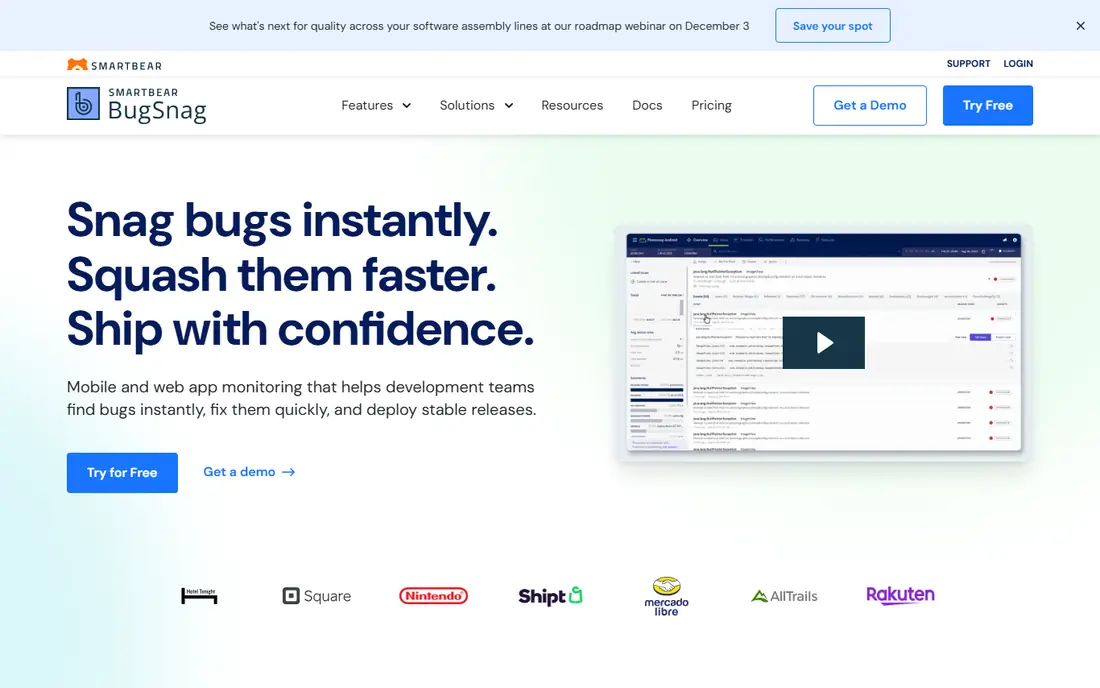
Bugsnag focuses on app stability as a metric, not just a list of crashes. It calculates stability scores by version, tracks releases, and groups errors so teams can see whether a new release made stability better or worse. That view helps product and engineering leaders set a stability goal and hold releases to it, rather than fixing crashes in random order.
The free plan covers small projects with limits, and paid pricing varies by usage, so check the vendor pricing page for your event volume. Bugsnag supports native mobile, React Native, Flutter, Unity, and web, with integrations for alerting and issue tracking. Teams that care most about release quality and stability trends will get more from Bugsnag than from a basic crash log. Teams that only need a free crash list can start with Crashlytics and move here when stability becomes a release gate.
- Stability scores by app version and release
- Automatic error grouping and release tracking
- Broad mobile platform support
- Pricing varies by usage and plan
- Advanced collaboration features sit on higher tiers
- Setup for custom grouping takes care
Raygun gives developers detailed crash diagnostics, with context about the user, device, environment, and code path that led to the error. That detail shortens debugging time, especially for crashes that only happen on certain devices or OS versions. Raygun also sells real user monitoring, which shows how crashes affect actual user sessions, though that product is priced separately.
Crash reporting starts at $40 per month for a set event volume, with a 14-day free trial. Teams should test with real traffic, since event volume drives cost. Raygun suits mid-size app teams that want deeper diagnostics than Crashlytics offers, without adopting a full observability suite. It is less suited to indie teams that need a free tier, since the trial ends and paid plans begin.
- Detailed crash diagnostics with user and environment context
- Real user monitoring sold alongside crash reporting
- Clear error grouping
- APM is sold separately
- Pricing scales with event volume
- No permanent free plan
Rollbar tracks errors in real time and links them to deploys, so teams can see whether a new release introduced a spike. Person tracking shows which users hit an error, which helps support teams answer affected users with specifics. Rollbar supports mobile, web, and backend languages, making it a good fit for teams that ship across platforms and want one error feed.
Pricing varies by plan and event volume, with a 14-day free trial, so check the current pricing page before budgeting. Rollbar is strong on workflow: triage, assign, resolve, and track errors through a release cycle. Mobile-only teams that want session-level context may prefer Embrace, while teams that want a general error tracker across codebases will find Rollbar solid. Use the trial with a real release to test alert noise, since noisy alerts are the main complaint with any real-time error tool.
- Real-time error alerts with deploy tracking
- Person tracking to see affected users
- Broad language and framework support
- Pricing varies by plan and event volume
- Interface and alert tuning take time
- Mobile-specific session context is thinner than Embrace
Embrace is built for mobile teams that need more than a stack trace. It captures sessions, so developers can see taps, screens, network calls, and performance signals leading up to a crash. That session context helps reproduce bugs that a stack trace alone cannot explain, especially crashes tied to slow networks, low memory, or specific user flows.
Pricing is quote-based for larger use, with a free trial available, so small teams should ask what a starter plan covers at their session volume. Embrace fits mobile-first product teams, gaming-adjacent apps, and consumer apps where user experience and retention depend on smooth sessions. Web-only teams will get less value, since Embrace is mobile-focused. If crashes are hard to reproduce and session context would save debugging days, Embrace deserves a trial.
- Mobile-first sessions showing what users did before a crash
- Performance and network context for mobile apps
- Built for iOS and Android teams
- Quote-based pricing for larger use
- Narrower fit for web-only teams
- Setup needs mobile SDK integration care
Luciq, formerly Instabug, combines crash reporting with in-app bug reporting and user feedback. Users can shake the device or tap a button to report a bug with a screenshot, logs, and device details, without leaving the app. That feedback loop helps product teams catch issues users notice but that do not always cause a crash, such as broken layouts or confusing flows.
Pricing is based on daily active users and team seats and is set through sales, with no public free plan, so budget time for a demo and quote. Luciq supports native iOS and Android, React Native, and Flutter. It suits consumer apps and support-heavy teams that want crash data plus user-reported bugs in one place. Teams that only need crash logs can use a cheaper tool, but teams that value in-app feedback will find Luciq hard to replace.
- In-app bug reporting with screenshots and user feedback
- Crash reporting for native and cross-platform apps
- Session and rating prompts included
- No public free plan
- Pricing based on daily active users and seats via sales
- Former Instabug branding may confuse older guides
Bugfender adds remote logging to crash reporting, which helps teams debug issues that do not crash the app. Developers can pull logs from a specific user device, see what happened before a bug, and trace issues that only appear in production. That log access is valuable for support escalations, where a user reports a problem that the team cannot reproduce in testing.
The free plan covers limited log lines and devices, and the Startup plan starts at $59 per month with higher limits and longer retention. Bugfender suits small and mid-size teams that need logs plus crashes, especially for apps with hard-to-reproduce bugs. Its crash grouping is simpler than Sentry or Bugsnag, so teams with very high crash volumes may prefer those tools. For log-driven debugging on a budget, Bugfender is a practical pick.
- Remote logs from user devices without a crash
- Free plan with limits
- Integrations with Slack, Jira, and Trello
- Log limits on lower plans
- Crash grouping is simpler than Sentry or Bugsnag
- Retention limits on free and starter plans
How we picked these
We compared official product pages, pricing pages, and public reviews for mobile crash reporting tools in October 2026. We kept only tools that exist today, support iOS or Android, and report crashes with grouping and version context. We favored tools with a free plan or trial, clear mobile SDK support, and a track record with app teams, and we marked pricing as See website where vendor pricing varies by usage or is set through sales.
What to check before you buy
Start with platforms and frameworks. Confirm the SDK supports your exact stack, whether native iOS and Android, React Native, Flutter, or Unity, and whether it handles both crashes and non-fatal errors. Check symbolication and deobfuscation too, since a crash report without readable symbols is of little use. Test with a real build and a forced crash to see how fast the report appears and how clear the grouping is.
Next, check event volume and cost. Most paid tools charge by events, sessions, or daily active users, so a traffic spike can raise the bill. Set sampling, alert thresholds, and retention rules early, and test with production-like traffic during a trial. Check privacy as well. Crash tools collect device, OS, and sometimes user data, so confirm data handling, retention, and region options match your privacy policy before shipping the SDK to all users.
Test with a real release
Ship the SDK in a beta build, force a few known crashes, and check whether the team can find, assign, and fix them from the dashboard alone. If the workflow needs extra tools or manual log pulls for every crash, the tool is not saving time.
Watch alert noise
Tune alerts by version, severity, and affected user count. Alerting on every non-fatal error will train the team to ignore alerts, which defeats the purpose of real-time reporting.
Frequently asked questions
What is the best mobile crash reporting tool for a small app?
Firebase Crashlytics is the best starting point for a small app because it is free and covers iOS and Android well. Sentry is the next step when the team needs cross-platform tracking, performance data, or a larger free tier for a growing app.
How much does mobile crash reporting software cost?
Free plans cover small apps, while paid plans in this list start around $26 to $59 per month, with higher costs for high event volumes. Some tools, including Embrace and Luciq, are quote-based, so request a quote at your session or user count.
Does Crashlytics work for React Native and Flutter?
Crashlytics supports native iOS and Android and works with cross-platform frameworks through Firebase SDKs and community plugins, but check the current Firebase docs for your exact framework version. Sentry, Bugsnag, and Luciq offer direct React Native and Flutter SDKs.
What is the difference between crash reporting and error tracking?
Crash reporting focuses on app crashes and stability, while error tracking covers crashes plus non-fatal errors across mobile, web, and backend code. Tools like Sentry and Rollbar do both, while Crashlytics focuses mainly on mobile crashes.
Should I use more than one crash tool?
Most teams should not run two crash tools in production, since duplicate SDKs add overhead and split data. Pick one primary tool, and add session or log tools only when a specific debugging gap remains after a trial.
Sources
See where you really rank - block by block
ProMapRanker scans Google Maps across a grid of your service area. Simple monthly plans from $19, white-label on every plan.
Start freeKeep reading
 who has best internet service
Who Has the Best Internet Service in 2026
Who has best internet service for US homes? We compare fiber, cable, fixed wireless and satellite providers on speed, price, availability and terms today.
Read → which survey tool has the best analytics
Which Survey Tool Has the Best Analytics in 2026
Find which survey tool has the best analytics in 2026, comparing Qualtrics, SurveyMonkey, Typeform, Alchemer, and more on reports, text, and stats today.
Read → which streaming service has the best movies
Which Streaming Service Has the Best Movies in 2026
Answering which streaming service has the best movies, with Netflix, Max, Criterion and more compared on libraries, prices and free options in this guide.
Read →