 ProMapRanker
Best Messaging Apps in 2026: 8 Apps Compared

Key takeaways
- The best messaging app is usually the one your contacts already use, so reach matters as much as features.
- Signal offers the strongest privacy posture, WhatsApp offers the widest reach, and Telegram offers the largest groups and channels.
- Check encryption scope carefully: some apps encrypt private chats by default, while group or cloud chats may use different protection.
- All eight apps here are free for basic chatting, with paid extras for premium features, storage, or business tools.
Quick comparison
| Pick | Great for | Pricing starts at | Free tier | |
|---|---|---|---|---|
 WhatsApp | Most people and everyday chats | Free | Yes | Visit |
 Signal | Privacy-first messaging | Free | Yes | Visit |
 Telegram | Large groups and channels | Free | Yes | Visit |
 Messenger | Reaching Facebook contacts | Free | Yes | Visit |
 Google Messages | Everyday Android texting | Free | Yes | Visit |
 iMessage | iPhone, iPad, and Mac users | Free | Yes | Visit |
 Discord | Communities and live voice chats | Free | Yes | Visit |
 Viber | International calls and chats | Free | Yes | Visit |
The best messaging apps
We focused on consumer messaging apps that are widely available in the US in October 2026, work on phones and desktops, and support group chats. Business-only tools were left out, since this list is for everyday messaging.
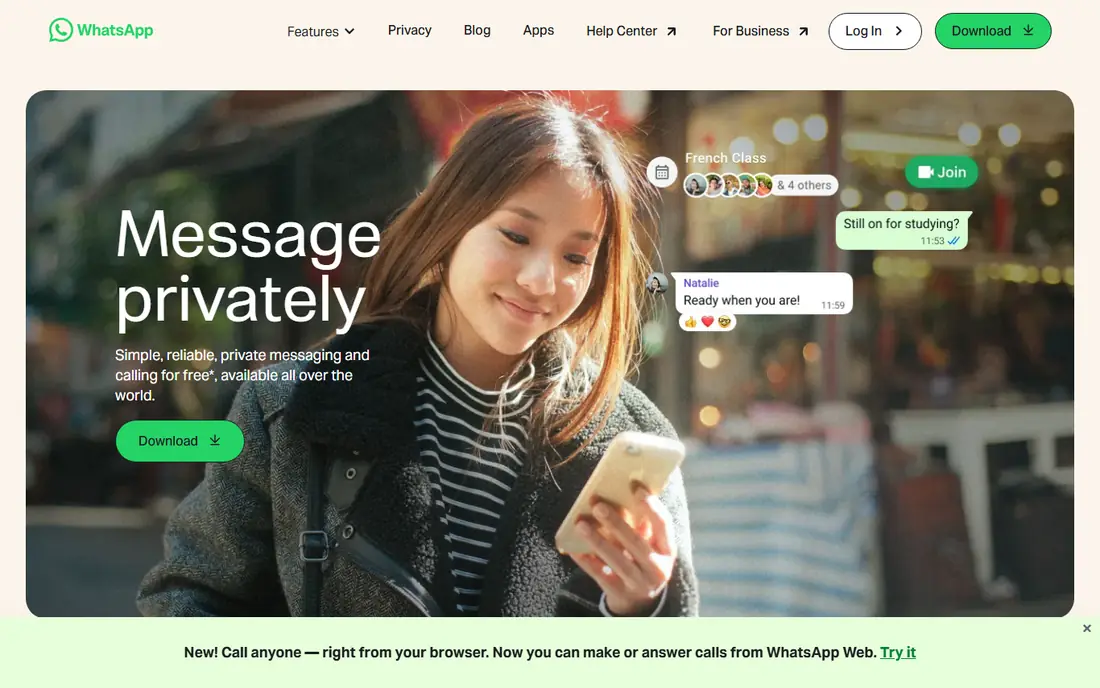
WhatsApp is the default messaging app for most of the world, and that reach is its main strength. If you message family abroad, coordinate a group trip, or run a small business chat, the people you need are probably already on WhatsApp. Private chats use end-to-end encryption, and voice and video calls, group chats, and channels are all included free.
The trade-off is Meta ownership. Message content in private chats is encrypted, but metadata about who you message and when can still raise privacy questions for some users. For everyday reach and simplicity, WhatsApp remains our pick for most people.
- Huge user base, so contacts are easy to reach
- End-to-end encrypted private chats
- Voice, video, and group calls included
- Owned by Meta, with metadata handling that privacy-focused users may dislike
- Needs a phone number
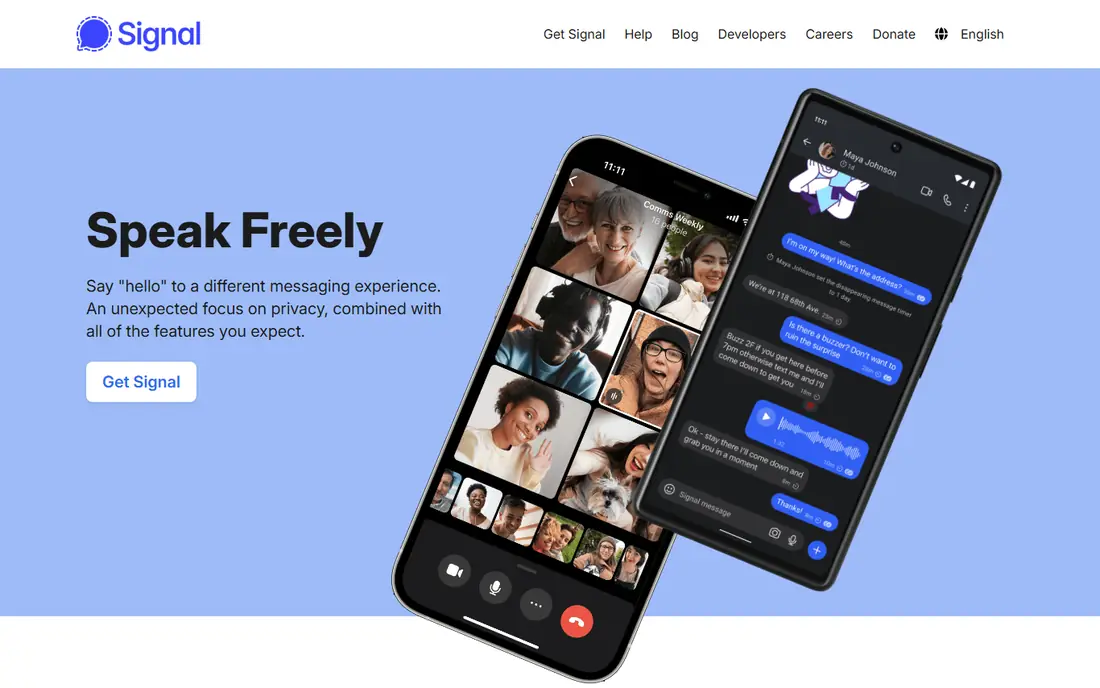
Signal is the privacy pick on this list. It encrypts messages and calls by default, its protocol is widely respected and used by other apps, and the nonprofit behind it collects minimal metadata. Disappearing messages, sealed sender options, and a clean interface make it a strong choice for sensitive conversations.
The main limit is reach. Fewer friends and family use Signal than WhatsApp, so you may need both apps: Signal for private threads, and a mainstream app for everyone else. If privacy is your top priority, Signal is the clearest choice here.
- End-to-end encryption by default
- Run by a nonprofit
- Minimal metadata collection
- Smaller user base than WhatsApp
- Needs a phone number
- Fewer social features
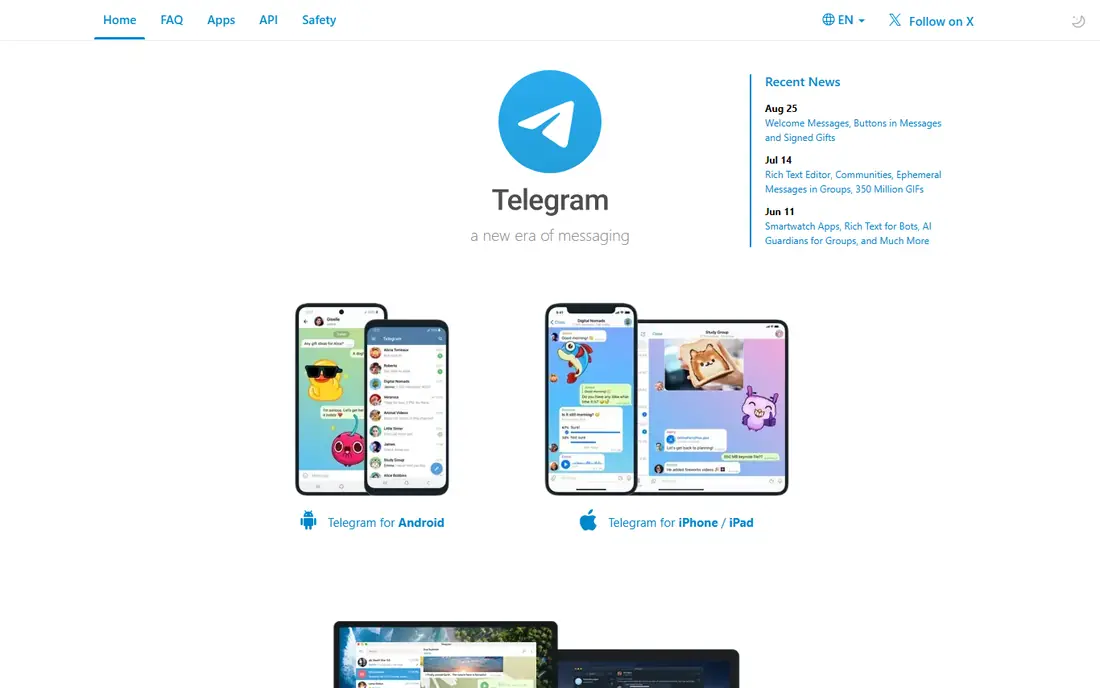
Telegram shines for communities, channels, and large groups. Groups can hold very large memberships, channels can broadcast to wide audiences, and cloud sync means your chats appear on every device at once. Bots, large file sharing, and public channels make it popular with creators, clubs, and interest groups.
The privacy detail matters: regular cloud chats are encrypted in transit and storage, but end-to-end encryption applies only to opt-in Secret Chats. If you need end-to-end protection for a sensitive conversation, use Secret Chats or switch to Signal. For public communities and large groups, Telegram is unmatched here.
- Huge groups and channels
- Fast cloud sync across devices
- Bots and large file sharing
- Default cloud chats are not end-to-end encrypted
- Only Secret Chats use that protection
Messenger is useful because it reaches people through Facebook without needing their phone number. You can message friends, join group chats, share photos and videos, and make voice and video calls, all free. For families and friend groups already on Facebook, it removes the friction of asking for a new contact detail.
Privacy is the trade-off, since Messenger is a Meta product with data practices tied to its wider ad business, and encryption coverage varies by chat type. Check the encryption status of a thread before sharing sensitive material. For reach among Facebook contacts, Messenger is hard to beat.
- Huge Facebook-linked user base
- No phone number needed for Facebook contacts
- Rich media and group features
- Privacy and ad-linked data practices concern some users
- Encryption settings vary by chat type
Google Messages is the default texting app for many Android users, and that simplicity is its strength. With RCS turned on, chats between supported apps gain typing indicators, read receipts, and high-quality photos and videos, without installing a new app. When RCS is unavailable, it can fall back to SMS or MMS through your carrier plan.
The limit is scope: end-to-end encryption in Google Messages applies to RCS chats between supported users, not to SMS or MMS fallbacks. For Android users who want a no-setup texting app, Google Messages is the natural starting point.
- Preinstalled on many Android phones
- RCS adds typing indicators and high-quality media
- Falls back to SMS when needed
- RCS encryption only applies between supported apps
- Apple users see a different experience
iMessage is the built-in messaging app for Apple users, and it works best inside the Apple ecosystem. Messages sync across iPhone, iPad, and Mac, Apple-to-Apple chats are end-to-end encrypted, and features such as reactions, threaded replies, and high-quality media work smoothly between Apple devices. There is nothing to install and no account beyond your Apple ID.
The limit is obvious: it is Apple-only. Messages to Android contacts use SMS or RCS instead, with fewer features and different encryption. For households and friend groups that all use Apple devices, iMessage is the simplest and most polished option.
- Built into every Apple device
- End-to-end encrypted Apple-to-Apple chats
- Syncs across iPhone, iPad, and Mac
- Apple-only, so Android contacts fall back to SMS or RCS
- Features vary by device and carrier
Discord started with gamers and now hosts study groups, hobby clubs, creator communities, and work teams. Servers organize chats into channels, voice rooms stay open for live conversation, and bots, screen sharing, and streaming add features that simple chat apps lack. For a community that talks daily, Discord feels more like a clubhouse than a chat list.
Discord is not designed as a private, end-to-end encrypted messenger, so sensitive one-to-one conversations belong on Signal or WhatsApp instead. For group communities, live voice, and always-on discussion, Discord is the best fit on this list.
- Servers with persistent channels
- Excellent low-latency voice
- Bots and screen sharing
- Not end-to-end encrypted by default
- Interface can feel busy for simple one-to-one chats
Viber is a solid alternative to WhatsApp, especially for international contacts. It offers free chats, voice and video calls, group chats, and stickers, with end-to-end encryption on private chats. Viber Out lets you call phone numbers that do not use Viber, which is useful for reaching landlines or contacts abroad.
Its US user base is smaller than WhatsApp, so you may need to invite contacts to join. For families with relatives abroad, or for users who want a WhatsApp-style app with international calling built in, Viber is worth installing alongside a mainstream app.
- Free chats and calls
- Viber Out for calls to non-Viber numbers
- End-to-end encrypted private chats
- Smaller US user base than WhatsApp
- Some features need paid credits
How we picked these
We compared official app pages, help documentation, and current October 2026 app summaries for encryption scope, group features, platform availability, and pricing. We did not claim hands-on testing of every app. We favored apps with wide availability, group chat support, and a free tier for basic messaging, since those points decide everyday usefulness more than niche features.
How to choose the right messaging app
Start with your contacts, not the feature list. Ask which app your family, friends, and work group already open daily, and install that one first. A technically better app that none of your contacts use will sit idle, while a simpler app with everyone on it will actually get messages answered.
Then match privacy to the conversation. Use Signal for sensitive personal or work threads, WhatsApp or iMessage for everyday chats, and Telegram or Discord for large communities and public groups. Most people end up with two or three apps, each for a different circle, and that split is normal.
Check encryption before sensitive chats
Look for an encryption notice or lock icon in the thread, and check whether group chats, cloud backups, and media share the same protection as private chats. Cloud backups can weaken encryption on some apps, so turn off unencrypted backups for sensitive threads if that option exists.
Keep group chats manageable
Mute noisy groups, use threads or channels where the app supports them, and set clear rules for large communities, such as one channel for announcements and one for general chat. A well-run group keeps people engaged, while an unmanaged group drives them to mute everything.
Frequently asked questions
What is the best messaging app overall?
WhatsApp is the best overall pick for most people, thanks to its reach and free features. Signal is better for privacy, Telegram is better for large groups, and iMessage is better for Apple-only households.
Which messaging app is the most private?
Signal is the most private app on this list, with end-to-end encryption by default and minimal metadata collection. WhatsApp also encrypts private chats, but its Meta ownership raises metadata questions for privacy-focused users.
Are messaging apps free?
Yes, basic chatting is free on all eight apps here. Paid extras exist, such as Telegram Premium, Discord Nitro, and Viber Out credits, but none of them lock basic one-to-one messaging behind a paywall.
Is Telegram end-to-end encrypted?
Telegram uses end-to-end encryption only in opt-in Secret Chats. Regular cloud chats are encrypted in transit and storage, but they are not end-to-end encrypted, so use Secret Chats or Signal for sensitive conversations.
Which messaging app is best for large groups?
Telegram is best for very large groups and channels, while Discord is best for communities that also need persistent channels and live voice rooms. WhatsApp and Messenger handle smaller friend and family groups well.
Sources
See where you really rank - block by block
ProMapRanker scans Google Maps across a grid of your service area. Simple monthly plans from $19, white-label on every plan.
Start freeKeep reading
 twitch alternatives
Twitch Alternatives in 2026
Explore the best Twitch alternatives in 2026 for live streaming, with free platforms, monetisation options, audiences, chat tools, and tips for new streamers.
Read → firebase alternatives
Best Firebase Alternatives in 2026
Looking for Firebase alternatives? We compare 9 backend platforms for auth, databases, realtime, storage, functions, self-hosting, and pricing for your app.
Read → companies with best work life balance
Companies With Best Work Life Balance in 2026
See companies with best work life balance in 2026, ranked by employee ratings, with flexible work options, benefits, and what to check before applying.
Read →