 ProMapRanker
Best Meeting Management Software in 2026

Key takeaways
- Calendly and Cal.com cover most booking needs, with Cal.com offering the stronger free plan for solo users.
- Doodle still wins when a group must agree on one time, while Fellow is stronger for agendas and follow-up notes.
- Per-seat pricing adds up fast, so count every host before you compare monthly totals.
- The best meeting management tools combine booking links, calendar sync, reminders, and a clear record of decisions.
Quick comparison
| Pick | Great for | Pricing starts at | Free tier | |
|---|---|---|---|---|
 Calendly | General booking links | Free | Yes | Visit |
 Cal.com | Open scheduling with a strong free plan | Free | Yes | Visit |
 Doodle | Group polls | Free | Yes | Visit |
 Acuity Scheduling | Paid client appointments | $16 per month | Free trial | Visit |
 Fellow | Agendas, notes, and action items | Free | Yes | Visit |
 SavvyCal | A polite booking experience | $12 per month | No | Visit |
 TidyCal | Low-cost solo booking | Free | Yes | Visit |
 Reclaim AI | Protecting focus time | Free | Yes | Visit |
 Chili Piper | Sales routing and inbound booking | See website | No | Visit |
The best meeting management software
These picks cover the full meeting cycle, from finding a time to recording what was agreed. We compared official feature pages, pricing pages, and public documentation, and we weighed ease of setup against depth for teams.
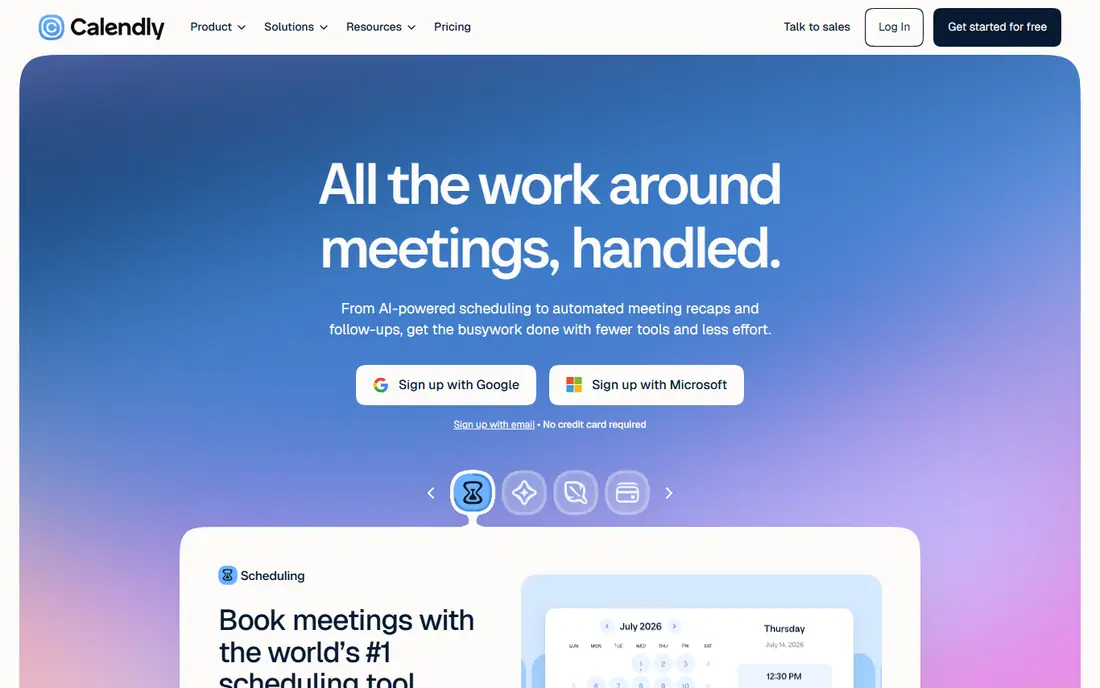
Calendly is our pick for most people who need a booking link that just works. You connect a calendar, set your availability, and share a link. Invitees pick a slot, and both sides get a confirmed event with reminders. It also connects with common video tools and calendars, which keeps setup short for a solo professional or a small team.
The free plan is useful but narrow, since it covers one event type and one connected calendar. If you run several meeting formats, the paid Standard plan is the realistic starting point. Teams that need round-robin booking or lead routing should look at Teams, and check the per-seat total before committing.
- Widely recognized booking links
- Strong calendar and video integrations
- Routing and workflow options on paid plans
- Free plan allows only one event type
- Per-seat costs rise quickly for larger teams
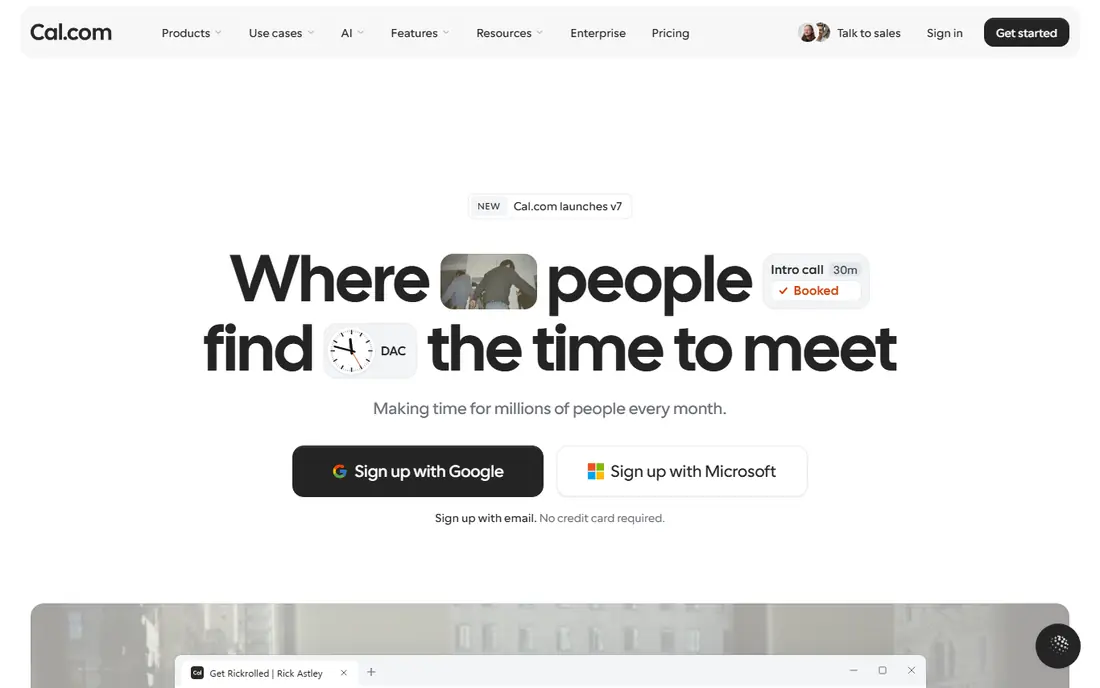
Cal.com stands out because its free plan for one user includes unlimited event types and calendar connections, plus payment collection through common payment tools. That makes it a strong choice for freelancers who offer several session types and do not want to pay before they have steady bookings. The hosted version is simple to start, and the open-source code gives technical teams more control.
The catch is that team scheduling, routing, and branding controls move to paid plans. Self-hosting is possible, but you still pay for hosting and maintenance, so it is not free in practice. For a small team that values control and a generous free tier, Cal.com is hard to beat.
- Free plan includes unlimited event types
- Open-source code and self-hosting option
- Wide app integrations
- Team features sit behind paid plans
- Self-hosting needs technical upkeep
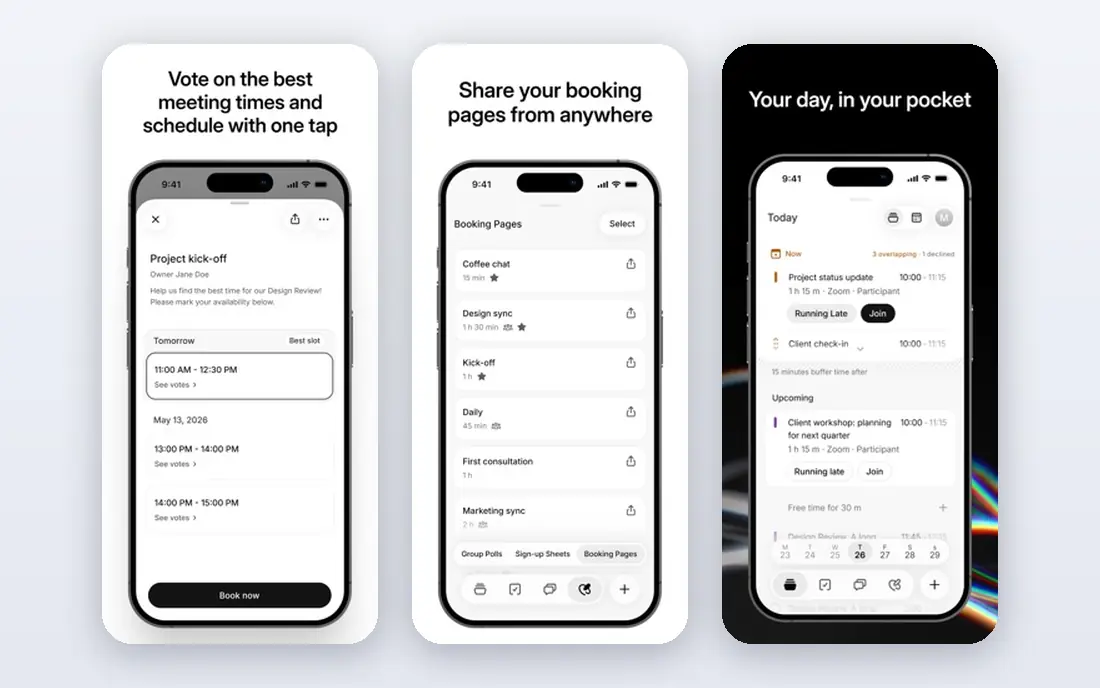
Doodle solves a different problem from Calendly: finding a time that works for a whole group. You propose times, people vote, and the winning slot becomes the meeting. That simple flow is ideal for committees, clubs, parent groups, and project teams that struggle with long email threads. It also offers booking pages for one-to-one meetings and sign-up sheets for events with limited places.
The free plan is a good test, but paid plans remove ads and add reminders, unlimited polls, and more control. If most of your meetings are one-to-one, a dedicated booking tool may fit better. If group agreement is the bottleneck, Doodle remains the clearest option in this list.
- Simple group polls that need no account for voters
- Booking pages and sign-up sheets
- Automatic time zone handling
- Free plan shows ads to invitees
- Advanced automation sits on paid plans
Acuity Scheduling, now part of Squarespace, is built for businesses that sell time. Clients can view availability, book, pay, fill in intake forms, and reschedule without a phone call. That makes it a good fit for coaches, consultants, clinics, salons, and tutors who need payments and forms tied to each booking. Higher plans add text reminders, packages, gift certificates, and more calendars.
There is no free plan, only a trial, so budget for a monthly cost from the start. The flat pricing can actually help a small team, since you are not charged per staff member in the same way as per-seat tools. Check which calendar count you need, because that is the main difference between plans.
- Strong client intake forms and payments
- Multiple calendars on higher plans
- Good fit for service businesses
- No permanent free plan
- Pricing is flat per account rather than per user, which can confuse comparison
Fellow focuses on what happens before, during, and after a meeting. Teams can build a shared agenda, take notes in the same document, and assign action items with owners. That record stays searchable, so a new team member can catch up without asking for a recap. It connects with Google Calendar, Zoom, Slack, and Microsoft Teams, among other tools.
The free plan covers core notes and meetings for small teams, but AI notes and recordings are limited. Paid plans add more AI capacity and wider integrations. Fellow is the pick here when your problem is not booking, but meetings that end without clear next steps.
- Shared agendas and meeting notes in one place
- Action item tracking
- Integrations with calendars and work tools
- AI recording features are capped on the free plan
- Deeper integrations need paid plans
SavvyCal pays close attention to the guest experience. A person booking can overlay their own calendar on yours, which reduces the guesswork of picking a time. You can rank preferred times, limit how often meetings can be booked, and block time around meetings. The result feels considerate, and it suits consultants and professionals who want to protect their week while still being easy to book.
The main drawback is price structure: there is no free plan, and some features, such as paid bookings, sit on the higher tier. If you only need a simple link, a free tool will do. If booking experience and calendar control matter to your brand, SavvyCal earns its fee.
- Calendar overlay helps guests find a good slot
- Ranked availability and time limits
- Clean booking pages
- No free plan
- Paid bookings need the higher plan
TidyCal is the budget pick for solo users. The free plan includes unlimited bookings and booking types, plus paid bookings through Stripe or PayPal. That is generous, and it makes TidyCal a practical first booking tool for freelancers, coaches, and creators who charge for sessions. Lifetime plans, where available, can also keep long-term costs low.
It is not the best choice for a large team that needs routing, advanced reporting, or deep CRM workflows. Its strength is simplicity and price, not enterprise depth. Start here if cost matters most and your meetings are mainly one-to-one.
- Free plan includes paid bookings
- Simple one-time lifetime options
- Unlimited bookings on the free plan
- Team features are limited compared with larger tools
- Branding options are basic on lower tiers
Reclaim AI treats your calendar as something to defend, not just fill. It can block focus time, schedule habits and tasks around meetings, and adjust when a meeting moves. Booking links are included, so it can replace a basic scheduler while also protecting deep work. That combination suits managers and individual contributors whose weeks are crowded with recurring meetings.
The free Lite plan is limited, with a short booking range and one calendar, so test it against your real week before relying on it. Paid plans widen the range and add team features. Pick Reclaim AI when too many meetings, rather than booking itself, is the main problem.
- Automatic blocking for focus time, habits, and tasks
- Booking links included
- Calendar defense for busy teams
- Free plan has a short scheduling range
- Full team features need paid plans
Chili Piper is built for sales teams that want a prospect to book the moment they show interest. It can route a lead based on territory, availability, or account ownership, and connect the booking to a CRM. That reduces the delay between a form fill and a booked call, which matters when speed affects whether a deal moves forward. It also supports booking from a website, email, or form.
This is not a tool for a solo consultant on a tight budget. Pricing is aimed at teams, and setup needs thought about routing rules and CRM fields. For a sales team that already uses a CRM and loses leads to slow follow-up, Chili Piper is the most focused option here.
- Routes inbound leads to the right rep
- Strong CRM connections
- Instant booking from forms and pages
- Priced for sales teams, not solo users
- Setup takes more work than a simple booking link
How we picked these
We compared official feature pages, pricing pages, and public help documentation for each tool, and we kept only tools that are live and fit meeting booking, scheduling, or meeting management in October 2026. We favored tools with clear calendar sync, reminders, and a booking flow that works for guests without an account where possible. We also weighed free plans, per-seat costs, and limits that would change the real price for a small team.
What to check before you pay
Start by counting your hosts, not just your team size. A per-seat tool can look cheap at one seat and costly at ten, while a flat-rate tool may suit a service business with several staff calendars. Next, list your meeting types: one-to-one calls, group meetings, paid sessions, and team round-robin bookings each point to a different strength in this list.
Test the guest experience with a real booking before you buy. Book a slot yourself, check the confirmation email, and see how rescheduling works. Also check calendar connections: Google Calendar and Outlook support is common, but the number of connected calendars and video tools varies by plan. Finally, read the plan limits on event types, reminders, and branding, because those are the features most likely to push you to a higher tier.
Frequently asked questions
What is the best meeting management software for a small team?
For most small teams, Calendly or Cal.com is a safe start, because both offer booking links, calendar sync, and reminders without a long setup. Cal.com has the stronger free plan for solo users, while Calendly has wider recognition among guests. If your team needs shared agendas and action items, add Fellow alongside your booking tool.
What are the best meeting management tools for group scheduling?
Doodle is the strongest pick for group scheduling, because voters can pick times without creating an account. Calendly and Cal.com also support group events, but they work best when one host sets the times. For a recurring committee, Doodle polls save the most back-and-forth.
Is there a free meeting management tool that works well?
Yes. Cal.com, Calendly, Doodle, Fellow, TidyCal, and Reclaim AI all offer free plans, but each limits something, such as event types, AI notes, or booking range. TidyCal and Cal.com are the most generous for solo booking, while Fellow is the best free starting point for notes and agendas.
Do I need a separate tool for agendas and notes?
Not always. Many booking tools include basic notes, but a dedicated tool such as Fellow keeps agendas, notes, and action items in one searchable record. If meetings often end without clear owners or deadlines, a separate agenda tool will help more than another booking link.
How much should a small business budget for meeting software?
A solo user can often start free, while a small team should budget roughly $10 to $20 per host per month for a paid booking tool, plus any CRM or video costs you already pay. Check the vendor pricing page before you buy, since annual billing usually lowers the monthly figure.
Can these tools work with Google Calendar and Outlook?
Most tools in this list connect with Google Calendar and Outlook, and many also connect with Zoom, Microsoft Teams, and Google Meet. The number of calendars you can connect, and the depth of two-way sync, varies by plan, so confirm that detail on the pricing page for the plan you intend to buy.
Sources
See where you really rank - block by block
ProMapRanker scans Google Maps across a grid of your service area. Simple monthly plans from $19, white-label on every plan.
Start freeKeep reading
 who has best internet service
Who Has the Best Internet Service in 2026
Who has best internet service for US homes? We compare fiber, cable, fixed wireless and satellite providers on speed, price, availability and terms today.
Read → which survey tool has the best analytics
Which Survey Tool Has the Best Analytics in 2026
Find which survey tool has the best analytics in 2026, comparing Qualtrics, SurveyMonkey, Typeform, Alchemer, and more on reports, text, and stats today.
Read → which streaming service has the best movies
Which Streaming Service Has the Best Movies in 2026
Answering which streaming service has the best movies, with Netflix, Max, Criterion and more compared on libraries, prices and free options in this guide.
Read →