 ProMapRanker
Best Medical Billing Software in 2026

Key takeaways
- Tebra and AdvancedMD suit practices that want billing tied closely to scheduling, charting, and patient payments in one system.
- athenahealth fits larger practices that prefer a collections-based price model over a flat monthly fee per provider.
- SimplePractice and CharmHealth give smaller practices a lower entry price, but they cover fewer complex billing workflows.
- Always ask about per-claim fees, statement fees, and clearinghouse charges before you sign, since those costs sit outside the headline price.
- A demo with your own payer mix and denial types tells you more than a feature list, so test the exact claims you handle most.
Quick comparison
| Pick | Great for | Pricing starts at | Free tier | |
|---|---|---|---|---|
 Tebra | Independent practices | See website | No | Visit |
 AdvancedMD | Multi-provider practices | $429 per provider per month | No | Visit |
 athenahealth | Larger practices | See website | No | Visit |
 DrChrono | iPad-based practices | See website | No | Visit |
 CareCloud | Practices that want guided billing | See website | No | Visit |
 NextGen Healthcare | Ambulatory practices | See website | No | Visit |
 PracticeSuite | Practices that want modular pricing | See website | No | Visit |
 CollaborateMD | Practices with an existing EHR | See website | No | Visit |
The best medical billing software
Billing software should get claims out clean, flag denials early, and show you where money is stuck. These eight tools cover that work in different ways, from full practice suites to a focused billing layer.
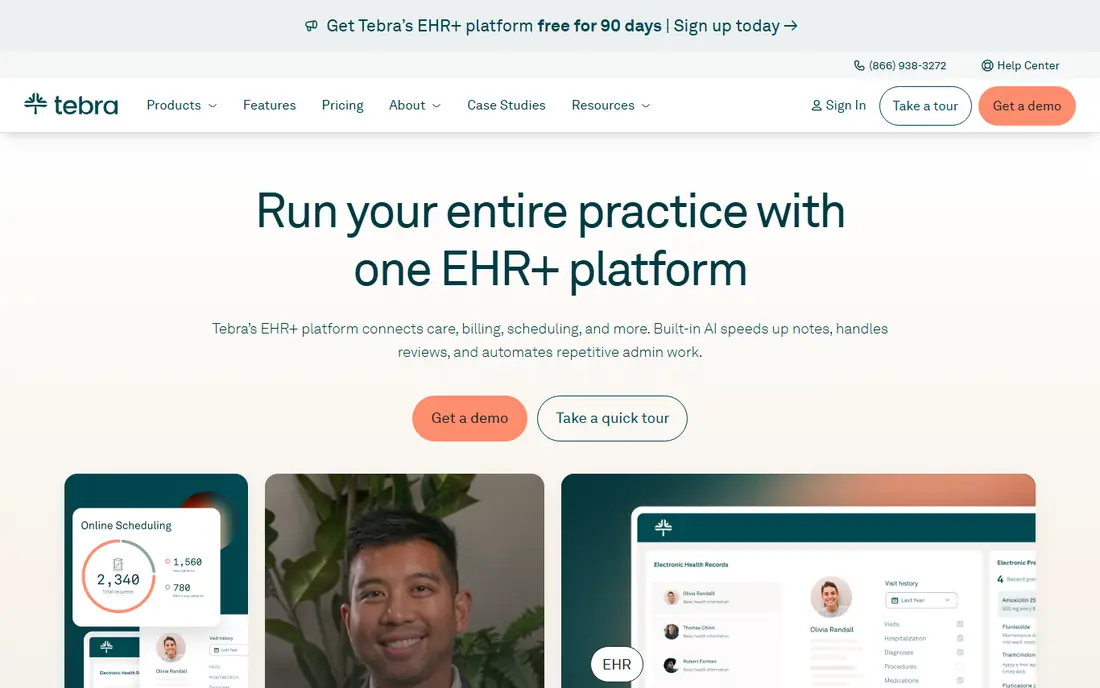
Tebra, formed from Kareo and PatientPop, is built for independent practices that want billing close to the rest of the practice. Claims, eligibility checks, patient statements, and reporting sit in the same system as scheduling and messaging, which cuts down on duplicate entry. For a small team, that closeness matters, since one person often handles scheduling, billing, and follow-up in the same day.
The trade-off is price clarity. Many bundles are quoted rather than published, so the final cost depends on provider count, claim volume, and the services you add. Ask for a written quote that lists per-claim charges, patient statement fees, and any implementation cost, and compare it on total monthly cost rather than the headline rate alone.
- Billing, scheduling, and patient engagement in one platform
- Claim tracking and denial tools
- Patient payment options
- Pricing is quote-based for many bundles
- Larger practices may need higher tiers for added capacity
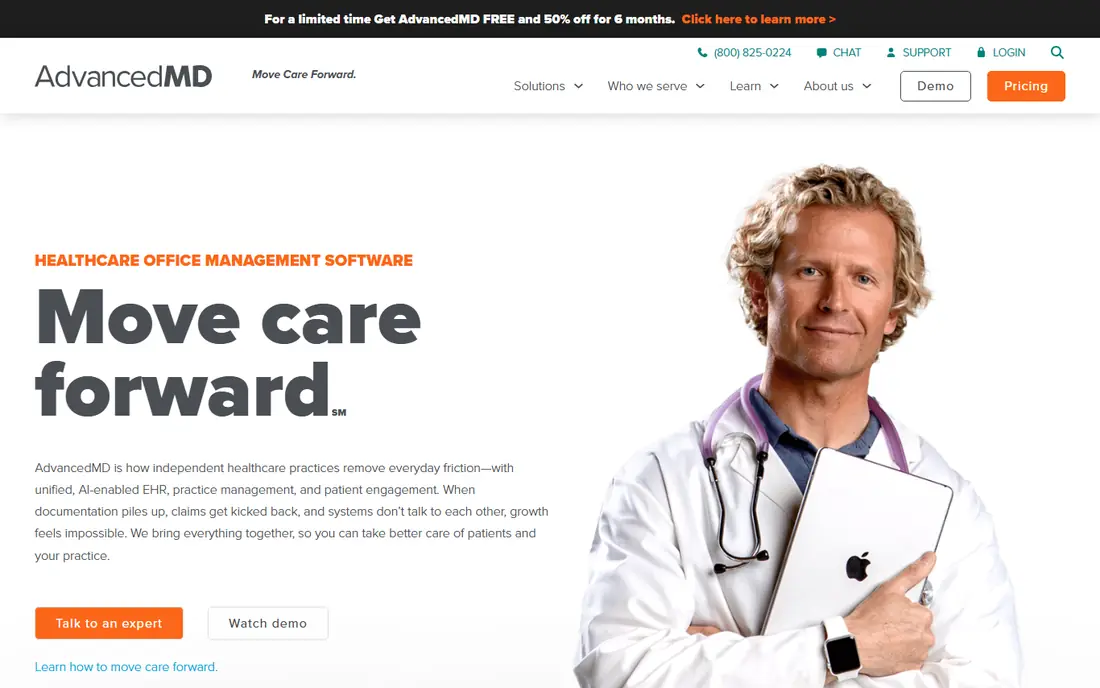
AdvancedMD suits practices that want billing depth without handing revenue work to an outside firm. Its practice management and billing tools cover scheduling, claims, eligibility, denial follow-up, and reporting, and the modular setup lets you add pieces as the practice grows. Published pricing also makes early budgeting easier than with quote-only vendors.
The catch is scale. At $429 per provider per month for practice management with billing, a ten-provider group faces a large monthly bill before add-ons. That price can still make sense when denial rates fall and collections rise, but you should model it against your current collection rate and staff time before you commit.
- Published modular pricing
- Strong denial management
- Practice management plus billing in one suite
- Cost rises quickly with providers and add-ons
- Setup takes planning for larger groups
athenahealth, through athenaOne, is a strong fit for established practices with steady claim volume. Its network approach means payer rules, eligibility data, and claim edits draw on a large shared pool, which can help catch errors before submission. The vendor also offers revenue cycle services, so practices that do not want a large in-house billing team have a managed option.
Pricing works differently here. Instead of a simple flat fee, athenahealth often prices as a percentage of collections, which aligns its pay with your results but makes month-to-month costs harder to predict. Read the contract terms on contract length, exit terms, and what is included in the percentage before you sign.
- Large payer network and clearinghouse links
- Revenue cycle services tied to collections
- Broad reporting
- Pricing depends on collections, so costs vary
- Less control over some workflow details
DrChrono stands out for practices that chart on an iPad. The chart, scheduling, and billing tools live in one app, so a charge created during a visit flows into the claim without retyping. Custom templates help specialists record the details their payers ask for, which can reduce rework when a claim is questioned.
Because pricing is quoted, you need to pin down what the quote covers, including clearinghouse access, eligibility checks, and support hours. Practices that already use Apple devices will get the most from this pick, while a Windows-only office may find less benefit in its mobile-first design.
- Strong iPad and mobile charting
- Customizable templates
- Billing linked to the chart
- Pricing is quote-based
- Some advanced billing help sits in higher tiers
CareCloud fits practices where billing staff are capable but not deeply technical. Its workflows guide users through claim creation, scrubbing, submission, and follow-up in a clear order, which helps new hires get productive faster. Cloud access also helps practices with more than one location share the same billing queue.
The main drawback is the same one that affects several tools here, which is quoted pricing that varies by practice size and modules. Ask which reports, denial tools, and patient payment options are included at the quoted tier, and confirm whether training and setup are billed separately.
- Clear billing workflows for non-specialist staff
- Reporting and denial tools
- Cloud access from any location
- Quote-based pricing
- Some features require higher plans
NextGen Healthcare serves ambulatory practices that need charting, scheduling, and billing to work as one system. Its specialty templates cover a wide range of outpatient care, and its reporting tools help managers track charges, payments, and aging balances across providers. Practices with several locations can also use its tools to standardize workflows.
The honest catch is effort. A full suite of this size needs careful setup, data migration, and staff training, and that work takes weeks rather than days. It is a better fit for practices that can assign someone to lead the change than for a solo office that needs a quick start.
- Broad ambulatory templates
- Integrated EHR and practice management
- Population health tools
- Implementation can be lengthy
- Pricing is quote-based
PracticeSuite appeals to practices and billing companies that want to buy only the modules they use. You can start with core billing and add scheduling, patient portal, or reporting tools as needs change. That flexibility helps smaller practices avoid paying for a full suite they will not use in the first year.
The trade-off is polish. Some parts of the system feel older than newer cloud tools, and training may be needed to get the most from its reporting. If your team values a modern look above all else, test the interface in a demo before you decide, and check how its clearinghouse handles your top payers.
- Modular plans so you pay for chosen tools
- Broad specialty coverage
- Billing company options
- Quote-based pricing
- Interface feels dated in places
CollaborateMD is the pick for practices that already like their EHR and only need billing fixed. It adds claim creation, scrubbing, submission, eligibility checks, and payment posting without forcing a change of charting system. That focus keeps the learning curve smaller than a full suite change, which matters when billing staff are already busy.
The limit is scope. If you also need scheduling, charting, or a patient portal, you will keep those tools elsewhere and manage two systems. For a practice with a solid EHR and a billing problem, that split is a fair trade, but for a new practice, a combined suite may be simpler.
- Focused billing and clearinghouse layer
- Works alongside an existing EHR
- Clear claim tracking
- Not a full EHR replacement
- Quote-based pricing
How we picked these
We compared official feature pages, pricing pages, and public plan details for billing tools that serve US practices, and we kept only tools that are still sold and supported in October 2026. We favored tools with clear claim scrubbing, eligibility checks, denial follow-up, and reporting, and we noted where pricing was published and where it was quote-based. We did not claim hands-on use of any tool, and we based our notes on vendor pages and public reviews rather than trial accounts.
What to check before you buy
Start with your payer mix. List your top ten payers by volume, your denial rate, and the claim types that cause the most rework, then ask each vendor to show how those claims move through its system. A tool that handles standard office visits well may still struggle with your specialty codes, prior authorizations, or secondary claims.
Price the whole month, not the headline rate
Add the monthly fee, per-claim charges, clearinghouse fees, statement fees, and any charge for eligibility checks or payment posting. Ask for a sample invoice based on your claim volume, and confirm whether training, setup, and data migration are included. A lower monthly fee can cost more once those extras are added.
Test denial follow-up, not just submission
Clean submission is only half the job. Ask how the tool flags denials, groups them by reason, and tracks appeals, and ask who follows up when a payer does not respond. A clear aging report and a simple appeal workflow will save more staff hours than a slightly faster claim form.
Check support and contract terms
Ask about support hours, response times, and whether you get a named contact during setup. Read the contract for term length, renewal terms, data export options, and what happens to your claim history if you leave. A tool that locks your data behind a steep export fee is a poor long-term choice, even at a fair monthly price.
Frequently asked questions
What is the best medical billing software for a small practice?
For most small practices, Tebra or PracticeSuite are sensible starting points, since they bundle billing with practice tools without forcing an enterprise suite. The right choice still depends on your EHR, your payer mix, and whether you want a managed billing service or software your own team runs.
How much does medical billing software cost?
Costs vary widely. AdvancedMD publishes $429 per provider per month for practice management with billing, while several other vendors quote prices based on provider count and claim volume. Always add per-claim, statement, and clearinghouse fees to get the true monthly cost.
What is the difference between billing software and a billing service?
Billing software is a tool your team uses to create and follow claims, while a billing service has outside staff do that work for you, often for a percentage of collections. Software gives you more control and lower ongoing fees, while a service can help when you lack billing staff.
Do I need an EHR and billing software from the same vendor?
No, but it helps. A combined system reduces duplicate entry and keeps charges tied to visits, while a separate billing layer like CollaborateMD can work well when you already like your EHR. The key test is whether charges, payments, and adjustments stay in sync without manual rework.
Is medical billing software HIPAA compliant?
Reputable vendors build their systems around HIPAA safeguards, including access controls, audit logs, and secure data handling, and they sign business associate agreements with customers. Confirm the agreement and the vendor security practices in writing before you share patient data.
Can billing software reduce claim denials?
It can reduce preventable denials by scrubbing claims, checking eligibility, and flagging coding gaps before submission. It cannot fix denials caused by payer policy changes or missing clinical documentation, so staff follow-up and payer updates still matter.
Sources
See where you really rank - block by block
ProMapRanker scans Google Maps across a grid of your service area. Simple monthly plans from $19, white-label on every plan.
Start freeKeep reading
 best saas ecommerce platforms
Best SaaS Ecommerce Platforms in 2026
Compare the best SaaS ecommerce platforms for 2026, from Shopify and BigCommerce to Wix and Squarespace, with pricing, features and honest limits today.
Read → best rated seo platform for b2b
Best Rated SEO Platform for B2B in 2026
Compare the best rated SEO platforms for B2B teams, including Semrush, Ahrefs, Moz Pro, SE Ranking, Surfer, and Screaming Frog tools for B2B teams in 2026.
Read → best penetration testing tools
Best Penetration Testing Tools in 2026
Compare the best penetration testing tools for authorised testing in 2026, from network mapping and web testing to scanning, with free and paid options.
Read →