 ProMapRanker
Best Meal Planner App in 2026

Key takeaways
- Plan to Eat suits recipe collectors and families that want full calendar control, while Eat This Much suits goal-based automatic plans.
- Paprika is the best pay-once option, and AnyList is the cheapest way to share lists and a simple plan with a household.
- Samsung Food is a strong free starting point, while eMeals and Prepear suit users who want ready-made menus.
- General nutrition information in these apps is not medical advice, so check with a clinician for specific health needs.
Quick comparison
| Pick | Great for | Pricing starts at | Free tier | |
|---|---|---|---|---|
 Plan to Eat | Recipe collectors and families | $49 per year | No | Visit |
 Paprika Recipe Manager | Pay-once recipe organization | $4.99 one-time | Yes | Visit |
 Eat This Much | Automatic goal-based plans | Free | Yes | Visit |
 AnyList | Shared household lists | Free | Yes | Visit |
 Samsung Food | Free recipe discovery | Free | Yes | Visit |
 eMeals | Ready-made weekly menus | See website | No | Visit |
 Prepear | Blogger plans and family sharing | Free | Yes | Visit |
 Yummly | Recipe discovery and guided cooking | Free | Yes | Visit |
The best meal planner apps
We compared apps on planning style, grocery lists, sharing, and price, with a focus on families and busy home cooks. Note: this article gives general nutrition information only, not medical advice.
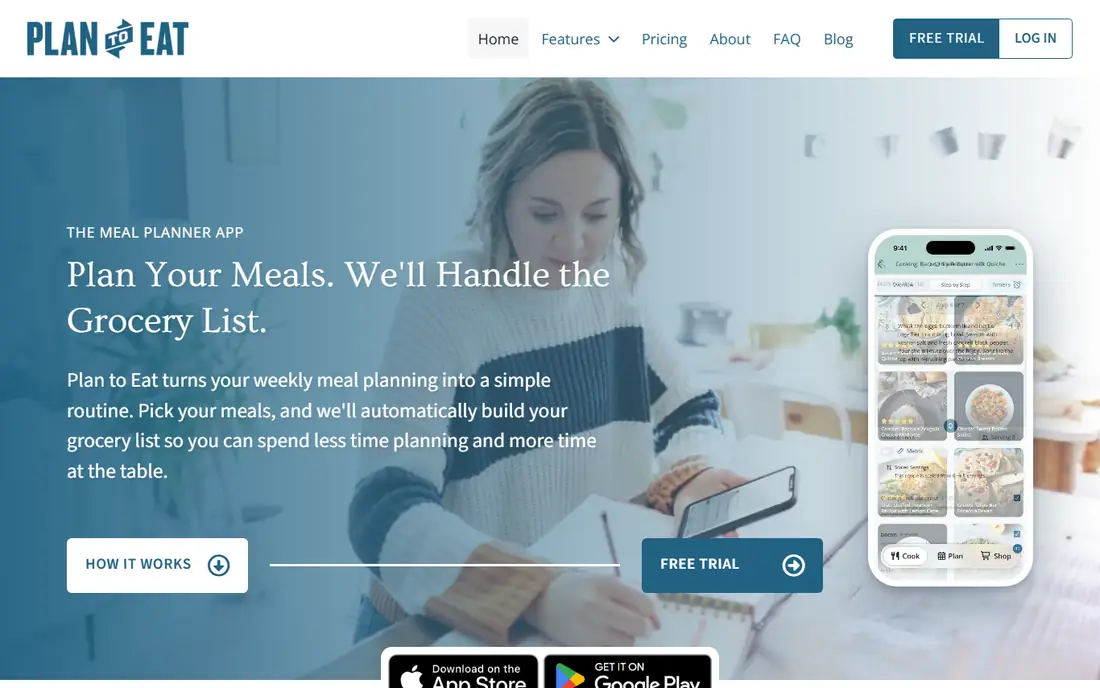
Plan to Eat is the best pick if you already have recipes you love. You import recipes from websites, photos, or by hand, drag them onto a calendar, and the app builds a grocery list you can sort by store and aisle. A shared household account lets two cooks plan together, which matters for families that split shopping and cooking.
The trade-off is effort. Plan to Eat provides no ready-made recipe library, so you bring the recipes, and pricing is $49 per year or $5.95 per month in published guides, with a trial but no free plan. If you want the app to choose dinner for you, pick eMeals or Eat This Much instead. If you want control over a real recipe collection, Plan to Eat is hard to beat.
- Full calendar planning with your own recipes
- Auto grocery lists by store and aisle
- Shared household account
- No built-in recipe library
- No free plan, trial only
- Manual setup takes time at first
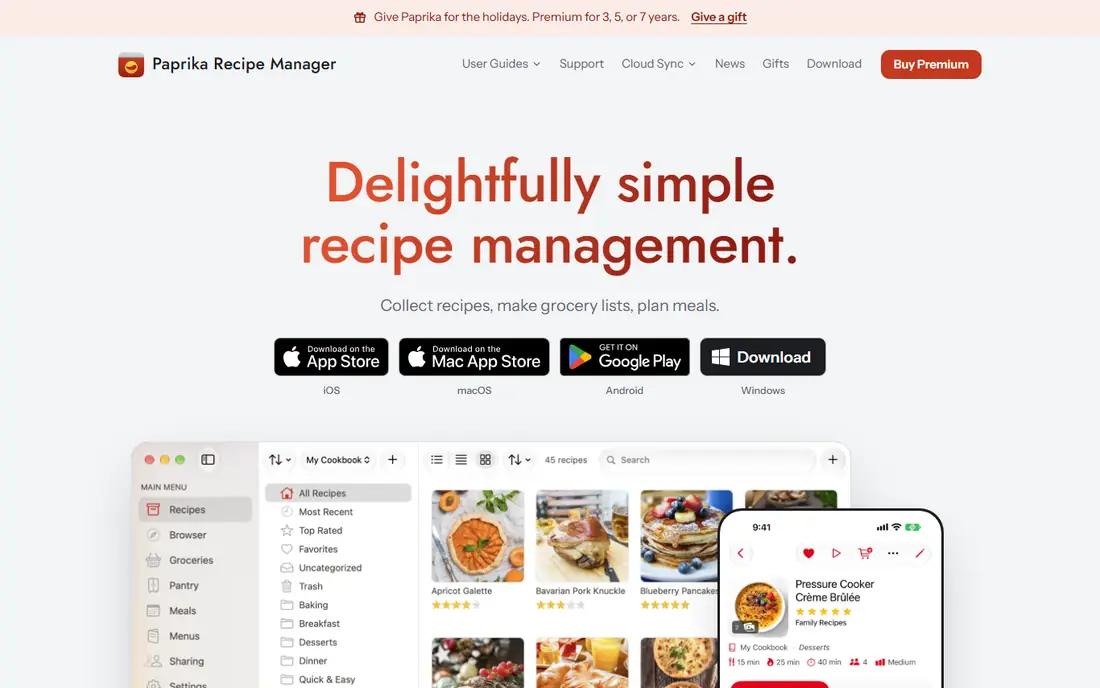
Paprika suits cooks who hate subscriptions. You pay once per platform, listed at $4.99 for mobile and $29.99 for Mac or Windows in published guides, and you get a recipe manager, meal calendar, pantry list, and grocery lists without a monthly bill. The web clipper saves recipes from most sites cleanly, which is why many long-time cooks keep Paprika as their recipe home.
The limit is automation. Paprika does not auto-generate a week of meals from your goals, and it does not offer the nutrition tracking that Eat This Much provides. If you want an app to plan for you, Paprika will feel manual. If you want to own your recipe library and plan on your own terms, Paprika offers the best long-term value in this list.
- Pay once per platform, no subscription
- Strong recipe clipper and pantry tools
- Meal calendar and lists
- No automatic meal suggestions
- No nutrition data in older versions
- Sync and features vary by platform
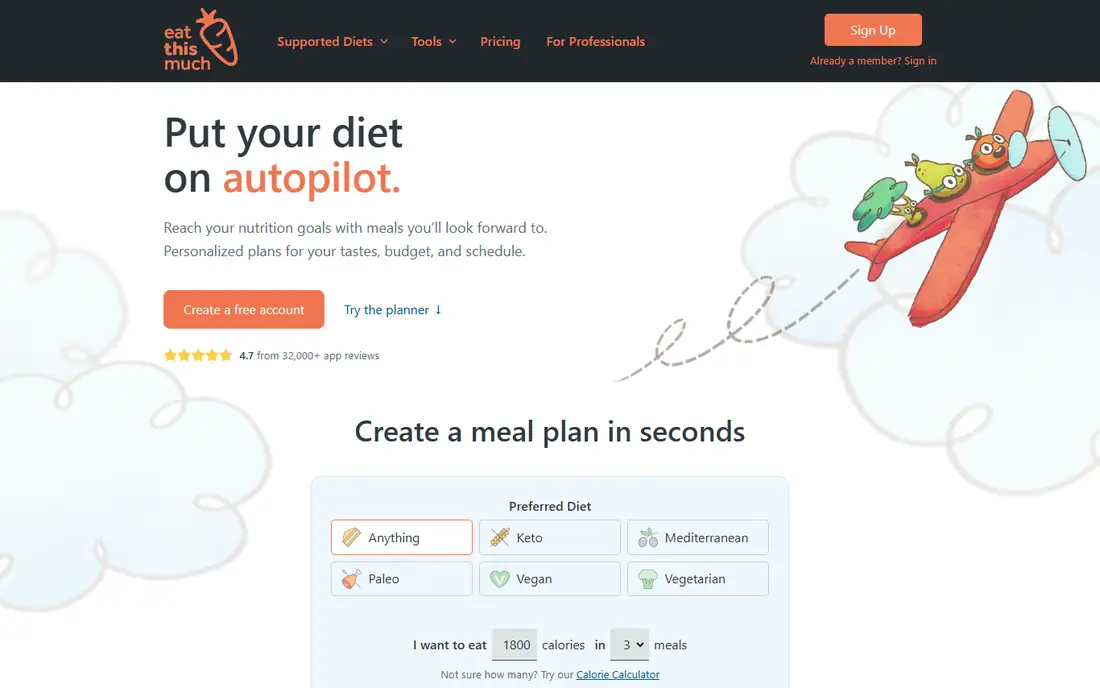
Eat This Much is the best pick if you want the app to decide the week for you. You set calorie targets, diet preferences, and foods to avoid, and it builds a day or week plan with a grocery list. The free basic plan lets you test automatic planning before paying, while premium adds weekly planning and fuller list features, with guides listing premium from around $5 per month on annual billing.
The catch is family fit. Eat This Much plans around one set of targets, so a household with different tastes and portions may find it repetitive or hard to share. It also gives general nutrition information, not medical advice, so use it for planning, not for treating a health condition. For a single user with clear goals, it is a fast, practical planner.
- Auto plans from calorie and diet preferences
- Grocery lists included
- Free basic plan to test
- Plans can feel repetitive over time
- Weaker for family sharing
- Premium features vary by plan
AnyList is the cheapest way to fix the shared shopping problem. The free tier covers lists and recipes, while Complete, listed at $9.99 per year for one user and $14.99 per year for a household in guides, adds a meal calendar and more sharing features. Family members can add to the same list from different phones, which stops duplicate shopping trips.
The limit is planning depth. AnyList is a list app with a calendar, not a full meal planning system, and it provides no recipe library of its own. If your main pain is shared lists and a simple weekly plan, AnyList is excellent value. If you need automatic menus or a large recipe catalog, pair it with Paprika or pick a menu-first app.
- Best shared grocery lists
- Simple meal calendar on Complete
- Low annual price for households
- Planning features are light compared with Plan to Eat
- No built-in recipes
- Full calendar needs Complete
Samsung Food, formerly Whisk, is a strong free starting point. It lets you save recipes from many sites, plan meals on a calendar, and build grocery lists, with a large catalog for discovery when you are stuck for ideas. Food Plus, listed at $6.99 per month in guides, adds AI-tailored plans and more features, but the free tier already covers the basics well.
The trade-off is depth and polish. Planning is less flexible than Plan to Eat, and the best features are paywalled, so power planners may outgrow it. For a budget-conscious household that wants free discovery, planning, and lists in one app, Samsung Food is a sensible first install.
- Large recipe catalog and community
- Free planning and lists
- Smart appliance tie-ins for Samsung users
- Best features sit behind Food Plus
- Ads on the free tier
- Planning is less flexible than Plan to Eat
eMeals suits users who want dinner decided for them. You pick a plan style, such as family, low-carb, or budget-friendly, and eMeals sends a weekly menu with a grocery list matched to stores such as Walmart, Kroger, Amazon, or Instacart in published guides. That store matching saves time, since the list is built for where you actually shop.
The catch is customization. If you have many dislikes or a large recipe collection of your own, eMeals menus may feel restrictive, and pricing varies by plan length, so check the current in-app price. A trial is offered, but there is no ongoing free plan. For busy households that want zero-setup menus, eMeals is a practical, low-effort pick.
- Ready-made weekly menus by diet and store
- Lists send to major grocery services
- Low decision effort
- Less customization than Plan to Eat
- Pricing varies by plan and term
- No free plan, trial only
Prepear combines a recipe organizer, a meal planner, and a creator platform, which suits families that follow food bloggers. The free plan covers recipe saving, planning, and lists with ads, while Prepear Gold, listed at $119.99 per year in guides, adds full customization, automated lists, and more creator content. Sharing plans with family members is straightforward.
The downside is Gold pricing. At that annual price, Prepear costs far more than Paprika plus AnyList combined, so it only makes sense if you value blogger plans and premium content highly. For families that want a free, social planner with creator menus, the free tier is worth testing before paying for Gold.
- Free plan with recipes and planning
- Blogger meal plans and cookbooks
- Family sharing and lists
- Gold plan is pricey at $119.99 per year in guides
- Ads on the free tier
- Premium content is gated
Yummly suits cooks who start from discovery, not from a fixed plan. Its search filters by diet, allergy, cuisine, and time, and guided cooking mode walks you through steps, which helps less confident cooks. Meal planning and grocery lists sit alongside discovery, so you can move from finding a recipe to shopping for it in one app.
The limit is planning control. Yummly planning is lighter than Plan to Eat, and premium features and pricing vary, so check the current app store listing. Recipe quality also varies, since results come from many sources. For discovery-led cooks who want filters and guidance, Yummly is a friendly, free-first choice.
- Large recipe search with diet filters
- Guided cooking mode
- Meal planning and lists in one app
- Planning is lighter than Plan to Eat
- Premium features vary
- Recipe quality varies by source
How we picked these
We compared official app pages, app store listings, and recent public meal planning guides, and we favored apps that are live in 2026, cover different planning styles, and suit families as well as single users. We did not claim hands-on testing, and we wrote See website where pricing varies by plan or is shown in-app rather than inventing a figure. We excluded Mealime, because published guides report it closing on 21 October 2026, and PlateJoy, because guides report it discontinued service on 1 July 2025.
How to choose the best meal planner app for your household
Start with how you actually cook. If you have a recipe collection, pick Plan to Eat or Paprika. If you want the app to choose meals, pick Eat This Much or eMeals. If shared shopping is the main pain, pick AnyList. If discovery is the fun part, pick Samsung Food or Yummly. Matching the app to your habit matters more than any single feature.
Next, test sharing and lists for a real week. Add a family member, plan five dinners, generate the list, and shop from it. That test reveals whether the list groups items well, whether serving sizes scale, and whether the plan survives a busy night. A planner that looks good in a demo but fails on a real shopping trip will not last a month.
Finally, keep expectations plain. These apps give general nutrition information to help planning, not medical advice for weight, diabetes, allergies, or other health needs. If you have a medical condition, an allergy, or a child with specific feeding needs, check the plan with a clinician or dietitian, and use the app for organization rather than for health decisions.
Frequently asked questions
What is the best meal planner app for families?
Plan to Eat is best for families with a recipe collection and a shared account, while Prepear and Samsung Food suit families that want ready plans and sharing. Test the shared list for a real week, since that is where family planners succeed or fail.
What is the best app for meal planning on a budget?
Paprika plus AnyList is the best budget combination, with a pay-once recipe manager and a low-cost shared list plan. Samsung Food free is also a strong single-app budget pick, since it covers discovery, planning, and lists without a subscription.
What are the best apps for meal planning with dietary needs?
Eat This Much handles calorie and diet preferences for automatic plans, while Yummly and Samsung Food offer diet filters for discovery. For medical diets or allergies, use the app for planning only, and confirm the plan with a clinician or dietitian.
What is the best healthy meal planning app?
Eat This Much is a strong healthy planning pick for goal-based plans, but no app in this list gives medical advice. Use nutrition information as a general guide, focus on balanced meals and portion awareness, and seek professional advice for specific health goals.
What is the best meal plan app that does not require a subscription?
Paprika is the best pay-once meal planner, with a one-time price per platform and no subscription for core planning. AnyList free also covers lists without a subscription, though its full calendar needs the low-cost Complete plan.
How do meal planning apps save money on groceries?
A good planner builds one list from the whole week, which cuts duplicate buys and impulse trips, and it helps you use ingredients across several meals. The saving comes from planning and list discipline, not from the app alone, so review the list before you shop.
Sources
See where you really rank - block by block
ProMapRanker scans Google Maps across a grid of your service area. Simple monthly plans from $19, white-label on every plan.
Start freeKeep reading
 bitly alternatives
Bitly Alternatives in 2026: 8 Tools Compared
Compare the best Bitly alternatives for branded short links, with free tiers, custom domains, analytics, and pricing that suits creators and small teams.
Read → bill.com alternatives
Best Bill.com Alternatives in 2026
Looking for bill.com alternatives? We compared 9 bill pay and AP automation tools on price, approvals, and accounting sync to help you switch with confidence.
Read → betterhelp alternatives
BetterHelp Alternatives in 2026
We compared BetterHelp alternatives for online therapy, covering Talkspace, Grow Therapy, Rula, Brightside and more on price, insurance and format in 2026.
Read →