 ProMapRanker
2026 Guide to the Best Marketing Tools for SaaS

Email automation and CRM · Pricing starts at: $15 a month (billed yearly)
Direct answer
Our first pick is ActiveCampaign, best for email automation and CRM. Listed starting prices: ActiveCampaign from $15 a month, Canva from $12 a month and Buffer from $5 per channel per month. Alternatives: Canva for campaign design and brand assets, and Buffer for straightforward social scheduling per channel. The other 3 tools in the list cover narrower or pricier cases.
ProMapRanker compared 6 marketing tools for SaaS. The goal is a practical shortlist: published prices, free plan facts, best-fit use cases and honest limits for every entry.
Key takeaways
- The list opens with ActiveCampaign, aimed at email automation and CRM.
- Only 4 of the 6 tools have a free plan (Canva, Buffer, Mailchimp, HubSpot Marketing Hub), so check the caps.
- HubSpot Marketing Hub suits CRM-linked email and campaigns.
- A fair warning about ActiveCampaign: no permanent free plan.
- Buffer has the lowest monthly starting price in this list: $5 per channel per month.
Quick comparison
| Pick | Great for | Pricing starts at | Free tier | |
|---|---|---|---|---|
| ActiveCampaign | Email automation and CRM | $15 a month (billed yearly) | Free trial (14 days) | Visit |
 Canva | Campaign design and brand assets | $12 a month (billed annually) | Yes | Visit |
 Buffer | Straightforward social scheduling per channel | $5 per channel per month (billed yearly) | Yes | Visit |
 Mailchimp | Straightforward email campaigns for small lists | $13 a month | Yes | Visit |
 Hootsuite | Social scheduling for bigger teams | $99 per user a month (billed annually) | Free trial (14 days) | Visit |
 HubSpot Marketing Hub | CRM-linked email and campaigns | $20 per seat a month | Yes | Visit |
The full marketing tools for SaaS list
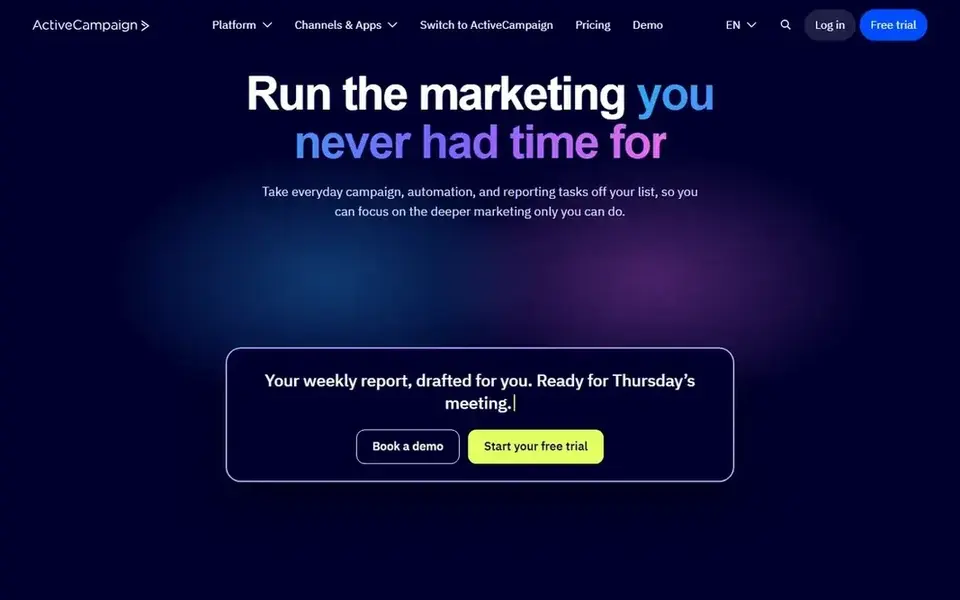
ActiveCampaign is built with email automation and CRM in mind. ActiveCampaign suits a SaaS team that wants email automation tied to a CRM, instead of email alone.
Each automation on Starter is restricted to five actions, and the plan contains one user. ActiveCampaign cost at the entry level: $15 per month. As for free access: Free trial (14 days).
What to check first: Starter limits each automation to five actions, so complicated flows need a higher level.
- Starter spans 1,000 contacts
- Built-in CRM and deal pipelines
- No permanent free plan
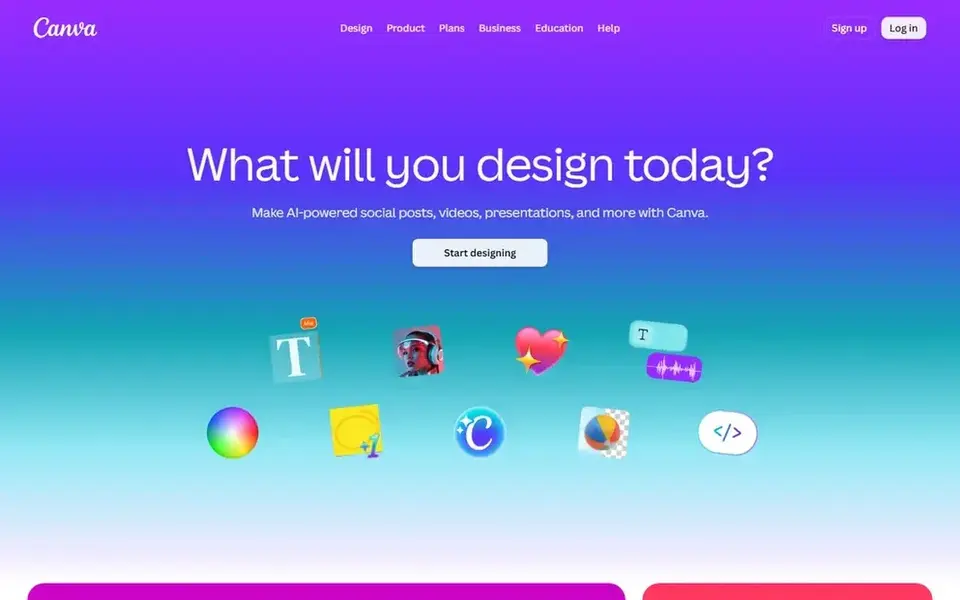
Think of Canva for campaign design and brand assets. The free plan handles entry-level templates and design tools, with restricted access to premium content.
More specifically, a solo marketer can stay on Pro and use brand kits and premium templates, whereas a team of three on Business would pay $750 a year at the annual rate For everyday use, the one-person limit on Pro is the detail that changes the cost for teams. On cost, Canva starts like this: $12 per month. Canva has a free plan.
The main drawbacks: Pro is for one person only, so a second designer needs the Business plan.
- Brand kits
- Pro layers on premium content
- Monthly billing costs more than annual billing
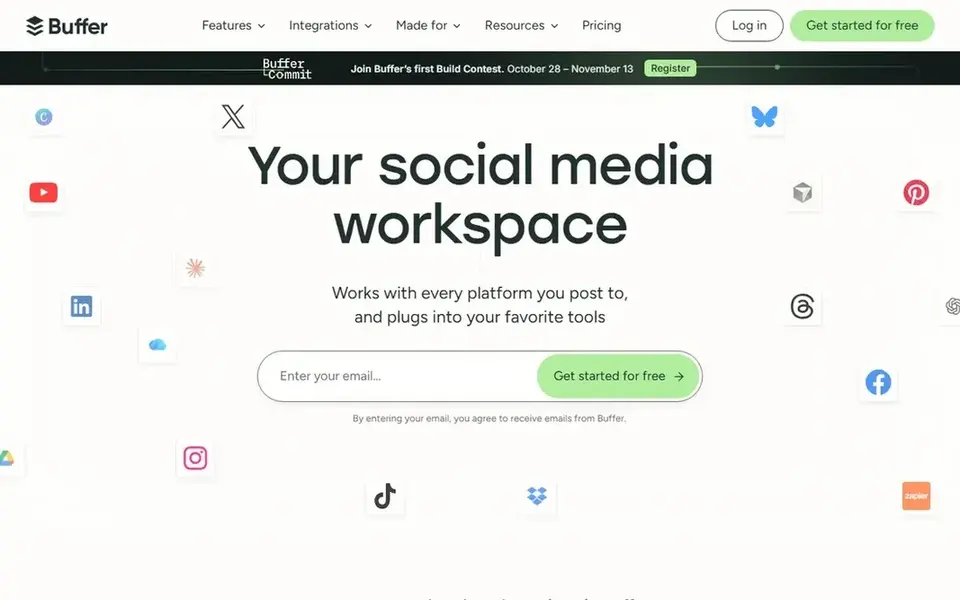
Think of Buffer for straightforward social scheduling per channel. The free plan includes up to 3 channels, 10 scheduled posts per channel, 100 ideas, one user account, and 30 days of insights.
Watch-outs: Essentials lets only one user, so a second teammate needs the Team plan.
The per-channel model keeps costs low for a small set of accounts and grows in a predictable way. The starting price for Buffer: $5 per channel per month. Buffer has a free plan.
- Essentials layers on unlimited scheduled posts and advanced analytics
- Free plan includes up to 3 channels
- Upgrading from free means paying for every connected channel
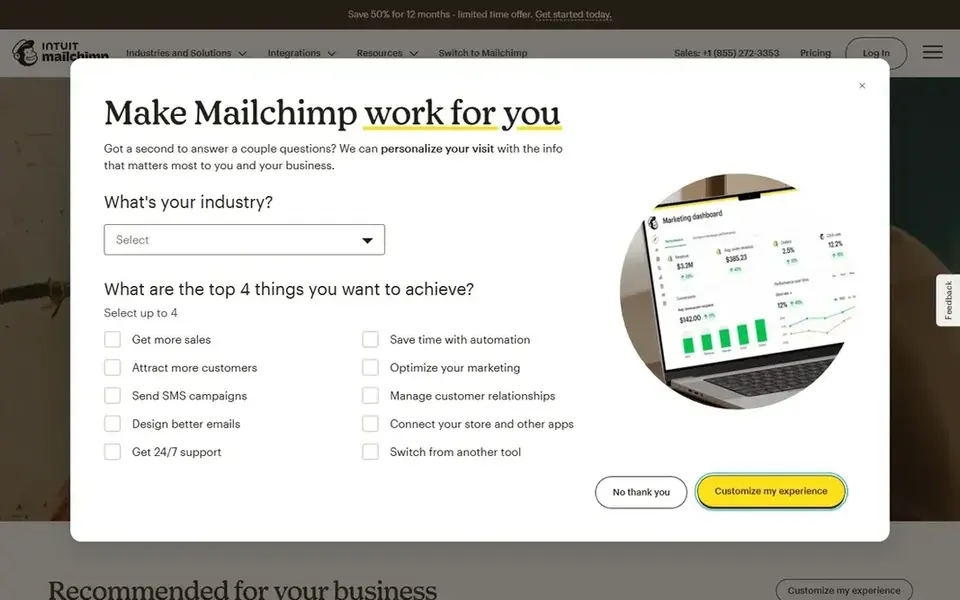
For straightforward email campaigns for small lists, Mailchimp is a natural candidate. Essentials comes with three seats and three audiences, whereas Standard bundles five seats and five audiences.
Limits to weigh: free plan permits only 500 sends a month, with a 250 per day cap.
What you pay to start with Mailchimp: $13 per month. Mailchimp offers a free plan.
- Free plan spans up to 250 contacts
- Standard layers on predictive segments and more seats
- Price rises with the contact level, so a growing list raises the bill
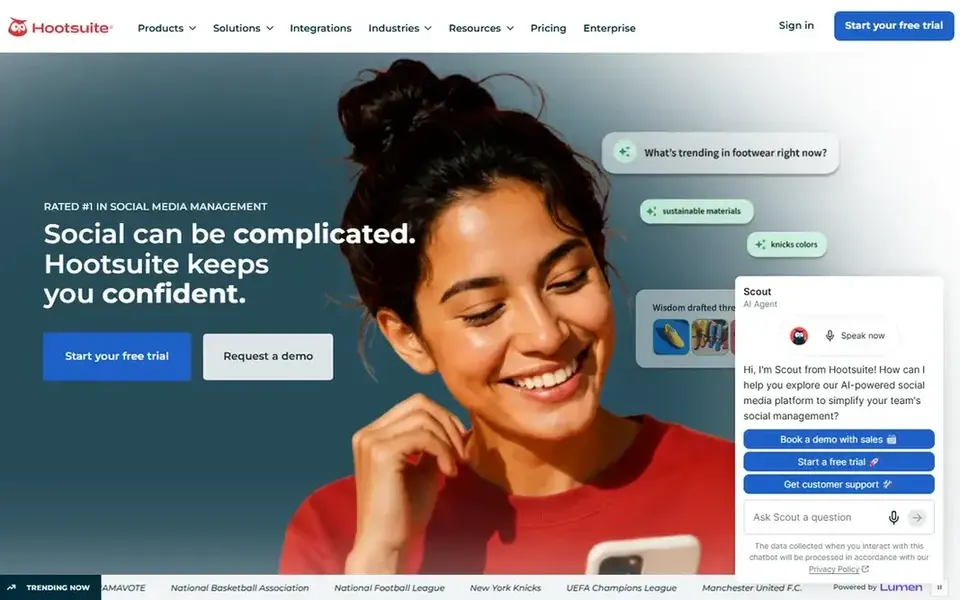
Where Hootsuite fits: social scheduling for bigger teams. Hootsuite suits a SaaS team that runs numerous social accounts and needs scheduling, inbox replies, listening, and reporting in one place.
On top of that, a solo marketer with a small set of accounts may find Standard enough, whereas a team that needs approvals and assignment of messages will need Advanced Hootsuite pricing: $99 per user per month. Free options: Free trial (14 days).
Trade-offs to know: price is per user, so each teammate layers on $99 a month on Standard with annual billing.
- Professional brings unlimited accounts and automation
- One calendar and inbox for numerous social accounts
- No free plan
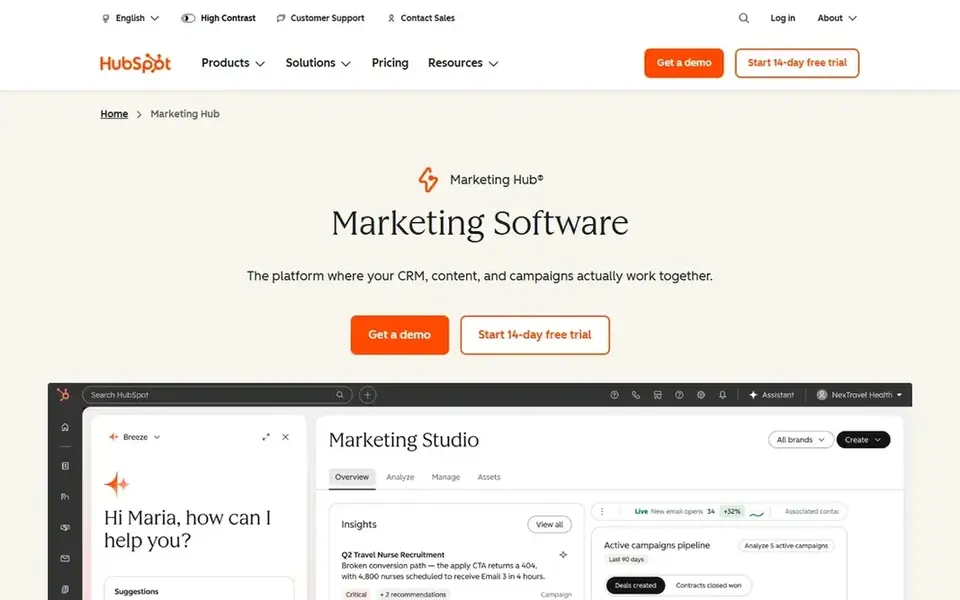
HubSpot Marketing Hub serves CRM-linked email and campaigns. Starter brings removal of HubSpot branding, straightforward automation, and a higher send limit.
What works well: Email, forms.
The free plan contains 2,000 email sends per calendar month with HubSpot branding, plus forms and live chat, and it is restricted to two users. On cost, HubSpot Marketing Hub starts like this: $20 per seat per month. A free plan is available with HubSpot Marketing Hub. Where it is weaker: advanced automation and reporting sit on higher levels.
- Free plan handles entry-level email and forms
- Starter bundles 1,000 marketing contacts
- Starter is priced per seat, so team costs rise with each user
Before you commit
- Prices are a starting point; Buffer shows $5 per channel per month to start, so verify what your seat count would cost.
- Read the fine print on the free plans from Canva, Buffer, Mailchimp and HubSpot Marketing Hub; seat, project and feature caps differ.
- Take the trial from ActiveCampaign and Hootsuite and push a live task through it before you pay.
- Before choosing ActiveCampaign, weigh its main limit: no permanent free plan.
- Confirm minimum seats and billing terms with Mailchimp before you commit to an annual plan.
- See whether ActiveCampaign offers onboarding or training, and whether it is included in the price.
Frequently asked questions
What is the cheapest option for marketing tools for SaaS in this list?
On published monthly entry prices, Buffer is the lowest here at $5 per channel per month. Entry price is only part of the cost, because seats, add-ons and billing terms can change the total.
What is the cheapest way to handle email, social, and design?
For a solo marketer, Buffer Essentials for one channel and Canva Pro cost $17 a month at the annual rates in this guide, and Mailchimp Essentials layers on $13 a month for 500 contacts.
Which marketing tool is a good match for a small SaaS company?
Start with ActiveCampaign if you need email automation and CRM. Canva is the better match for campaign design and brand assets, and Buffer for straightforward social scheduling per channel. The best choice depends on budget, team size and workflow.
Is HubSpot or Mailchimp better for SaaS email?
Mailchimp is better when the central job is regular email campaigns to a small list at a low entry price. HubSpot Starter is priced per seat, whereas Mailchimp Essentials is priced by contacts. So the less expensive choice relies on team size and list size.
Can I try these tools before paying?
Often, yes. Canva, Buffer, Mailchimp and HubSpot Marketing Hub have a free plan and ActiveCampaign and Hootsuite offer a free trial. Use your own data and a real task during the test, and check what the free tier or trial limits before you rely on it.
Is ActiveCampaign the right pick for everyone comparing marketing tools for SaaS?
No single tool suits every team. ActiveCampaign comes first because it fits email automation and CRM, while Canva suits campaign design and brand assets and Buffer suits simple social scheduling per channel. Match the tool to your own size, budget and workflow before deciding.
Sources
See where you really rank - block by block
ProMapRanker scans Google Maps across a grid of your service area. Simple monthly plans from $19, white-label on every plan.
Start freeBrowse all guides
← Best Marketing Project Management Software for Media Teams (2026)Platform for Content for Startups in 2026: Top 6 Compared →
 best marketing agi tools for analytics
Best Marketing AGI Tools for Analytics in 2026
Searching for the best marketing AGI tools for analytics? Here are 6 options with prices and free plans. Plain-spoken summaries throughout. Details below.
Read → best inventory forecasting software for wholesale brands
5 Best Inventory Forecasting Software for Wholesale Brands (2026)
Best inventory forecasting software for wholesale brands in 2026: 5 contenders with entry costs and free tiers. Every tool lists pros and cons. Prices checked.
Read → best cro tools for ecommerce
CRO Tools for Ecommerce: 6 Options Compared in 2026
Shortlisting the best CRO tools for ecommerce? 6 products compared on cost, free access and ideal buyer. Strengths and weak spots are spelled out. Start here.
Read → best ai brand visibility analysis software
Best AI Brand Visibility Analysis Software in 2026
Compare the best ai brand visibility analysis software for 2026. We review 8 tools that analyze how AI answers present your brand to buyers and shoppers today.
Read → supermetrics alternatives
Supermetrics Alternatives in 2026
We compared 9 supermetrics alternatives for marketing reporting, covering connectors, pricing, dashboards and warehouses to help you pick the right fit in 2026.
Read → best press release software
7 Best Press Release Software Options for 2026
7 options for the best press release software, with entry costs, free tiers and the buyer each one serves. Where a tool struggles is spelled out. Facts only.
Read →More in Marketing Software · All guides A to Z by date · Latest guides