 ProMapRanker
Best Marketing Project Management Software for Media Teams (2026)

Teams that want a database of assets · Pricing starts at: $20 per user/month (billed yearly)
Direct answer
Start with Airtable if you need teams that want a database of assets. Listed starting prices: Airtable from $20 per user/month, Wrike from $10 per user/month and Asana from $10.99 per user/month. Wrike fits teams that want proofing and request forms; Asana fits teams that want approvals and portfolios. The remaining 3 options are covered below with prices and limits.
If you are comparing marketing project management software for media teams, this page covers 6 tools in one place: what each is best for, what it costs to start, whether it has a free plan, and the main limit to know about.
Key takeaways
- Airtable is the opening pick, best for teams that want a database of assets.
- One limit worth knowing about Monday: entry-level has no automations or integrations.
- Monday is the lowest-priced starter here at $9 per user/month.
- Smartsheet is the one to check for teams that want spreadsheet-style schedules.
- Free plans exist at 5 of 6 tools (Airtable, Wrike, Asana, Monday, Notion).
Quick comparison
| Pick | Great for | Pricing starts at | Free tier | |
|---|---|---|---|---|
| Airtable | Teams that want a database of assets | $20 per user/month (billed yearly) | Yes | Visit |
 Wrike | Teams that want proofing and request forms | $10 per user/month (billed yearly) | Yes | Visit |
 Asana | Teams that want approvals and portfolios | $10.99 per user/month (billed yearly) | Yes | Visit |
 Monday | Teams that want visual boards for assets | $9 per user/month (billed yearly) | Yes | Visit |
 Notion | Teams that want a wiki beside the work | $10 per user/month (billed yearly) | Yes | Visit |
 Smartsheet | Teams that want spreadsheet-style schedules | $9 per user/month (billed annually) | Free trial (30 days) | Visit |
The 6 tools in detail
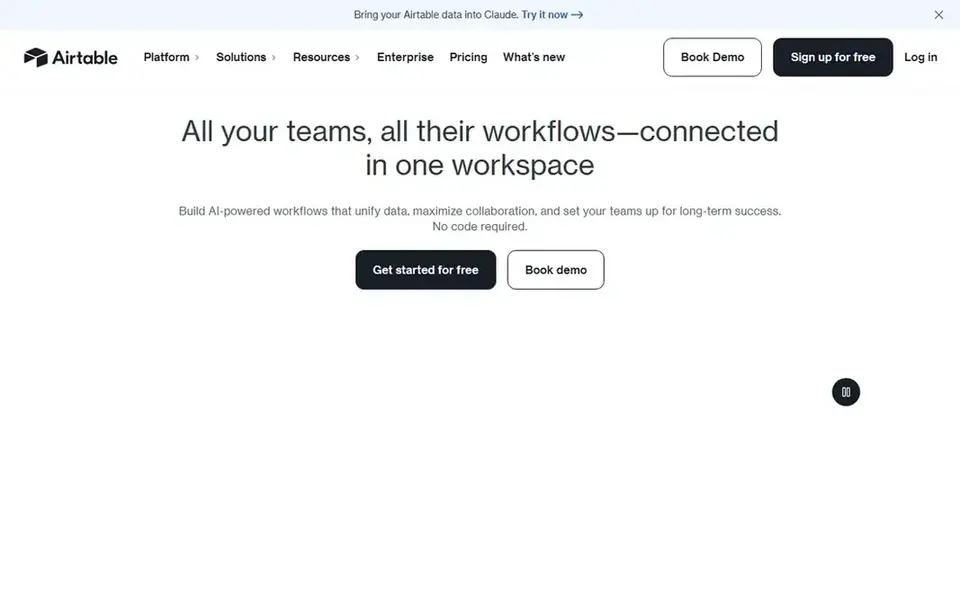
Think of Airtable for teams that want a database of assets. Airtable is a database that looks like a spreadsheet. A media team can use it to track assets, releases, and channels in linked tables.
Worth adding: the limit is price. A team of 10 on Team pays $200 per month. On top of that, the free plan spans 1,000 records per base, so a small team can test it first. Team is $20 per seat each month on annual billing, or $24 billed monthly, and Business is $45, or $54 monthly. What you pay to start with Airtable: $20 per user/month. Airtable offers a free plan.
Where it is weaker: charges for editors, so costs grow with the team.
Strengths: Timeline for asset data.
- Interface Builder for dashboards
- Database views, Gantt
- Most pricey starting price in this guide at $20 per user
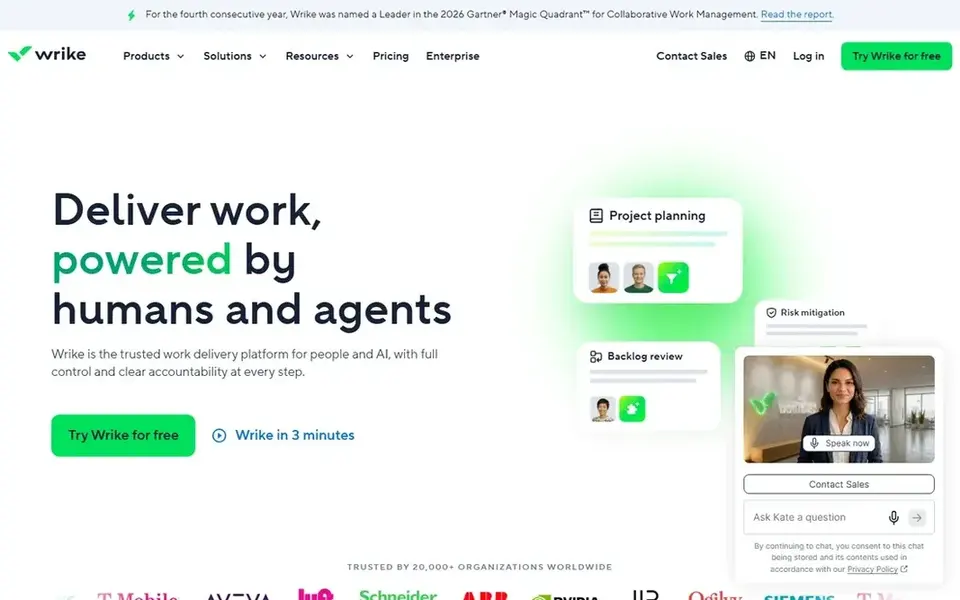
Wrike is aimed squarely at teams that want proofing and request forms. Wrike is designed for teams that take in work through requests and send creative work through review. The cost to watch is the five-seat minimum on Business, which sets a floor of $125 per month, or $1,500 per year.
Trade-offs to know: Team caps at 15 users.
Business and above are sold only as annual subscriptions, and Wrike publishes no monthly price. The free plan includes unlimited users with entry-level task management. It brings proofing and approvals, request forms, time tracking, resource management, and templates, which are the tools a team uses to run releases at scale. On cost, Wrike starts like this: $10 per user/month. You can start on Wrike without paying.
- Free plan includes unlimited users
- Time tracking
- Business has a five-seat minimum and is annual only
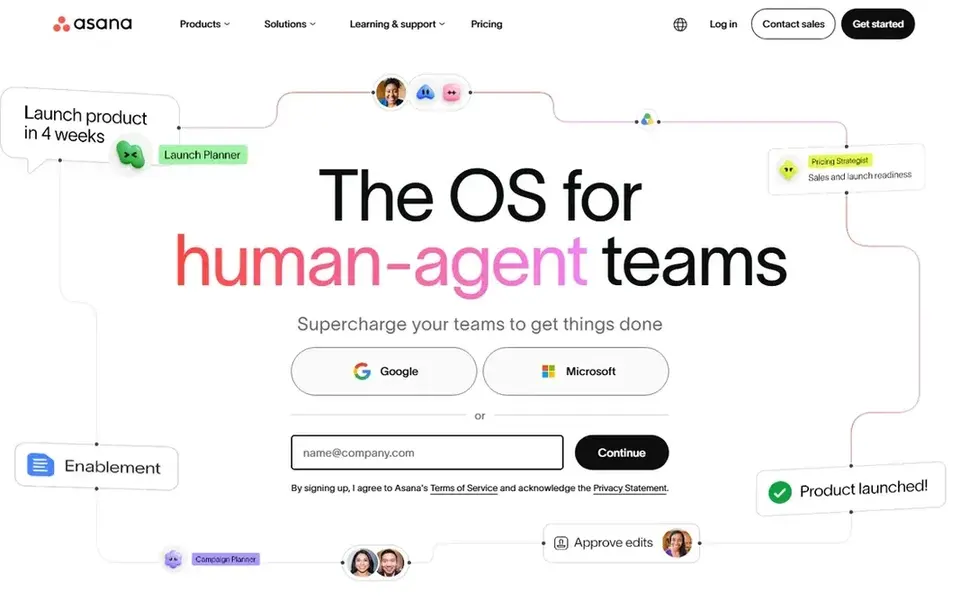
Asana is a good fit for teams that want approvals and portfolios. Portfolios provide the team lead one view of every release, and workload displays who is overloaded before a deadline slips. Worth adding: the free Personal plan handles up to two users, so a small team can test the structure first.
Where it falls short: seats are sold in set increments, so a team can pay for empty seats.
Worth adding: advanced is $24.99, or $30.49 monthly, and it layers on portfolios, goals, workload, approvals and proofing, native time tracking, and formulas. For everyday use, the limit to weigh is seat increments: Asana sells seats in set sizes, so a team of 12 may pay for 15. More specifically, Asana fits a media team that runs numerous releases at once. Starting cost for Asana: $10.99 per user/month. Asana has a free plan.
- Unlimited automations
- Unlimited free guests
- Approvals and proofing need Advanced at $24.99 per user
Pick Monday if this describes you: teams that want visual boards for assets. On top of that, standard layers on 250 automation and integration actions per month, Timeline and Gantt views, a calendar view, and guests. Check the seat math before the trial ends.
Where it falls short: a three-seat minimum applies.
The free plan spans up to two seats, so a pair can try it before spending anything. Pro adds time tracking, 25,000 actions a month, private boards for client work, and formula columns. Standard is the real entry point, since Basic has no automations and no integrations, which removes the reason to pick Monday over a spreadsheet. Entry price for Monday: $9 per user/month. Monday includes a free tier.
- Dashboards handle up to 20 boards on Pro
- Pro adds time tracking and private boards
- Seats come in groups of five above
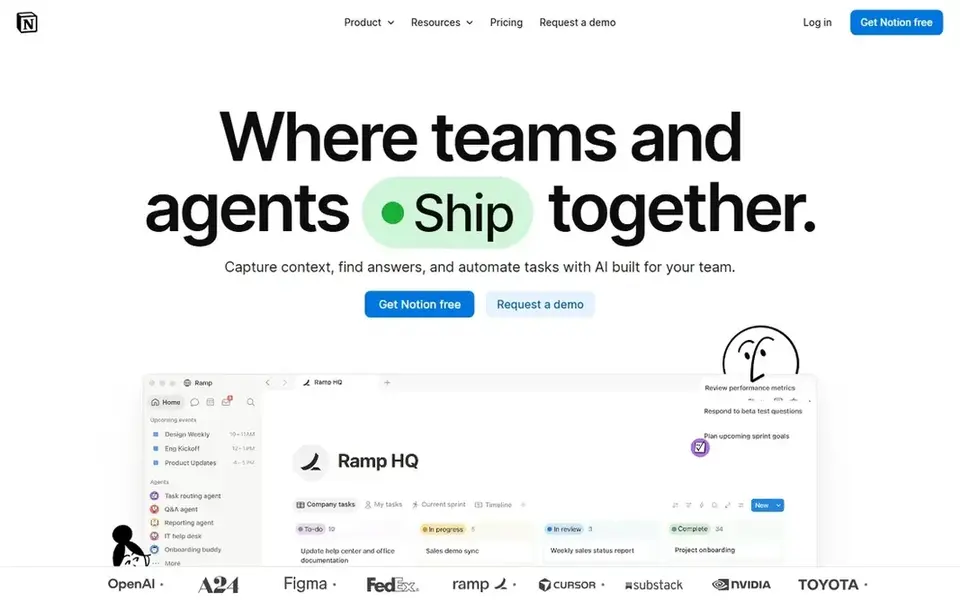
Notion works best for teams that want a wiki beside the work. The free plan handles individuals well. Databases can act as a content calendar, with status, owner, and date in columns, and views can switch between a table and a calendar.
Notion has no built-in approvals, proofing, or workload view, so a team that needs formal review steps must build them by hand. Plus is $10 per user each month on annual billing, or $12 billed monthly, and Business is $20, which layers on SAML single sign-on, private team spaces, and full Notion AI. Price to start with Notion: $10 per user/month. Free access exists with Notion.
Where it falls short: No built-in approvals or proofing.
- Unlimited guests on Plus and Business
- Adaptable pages, databases, wikis
- Task features are lighter than Asana or Monday

Pick Smartsheet if this describes you: teams that want spreadsheet-style schedules. Pro is $9 per member each month on annual billing, or $12 billed monthly, for 1 to 10 members. As for the details, business brings the Timeline view, workload tracking, admin tools, unlimited automations, and 1 TB of storage, which are the tools a bigger team needs.
Beyond that, Pro stops at 10 members, so a team of 11 must buy Business, and Resource Management and Control Center are priced separately. From a buyer's view, there is no free plan for new signups since August 2024, but the 30-day trial asks for no card. In practice, business is $19, or $24 monthly, for 3 or more members. More specifically, the layout is the appeal. Smartsheet pricing: $9 per user/month. Free options: Free trial (30 days).
Watch-outs: premium extras for example Resource Management cost additional.
What Smartsheet does well: unlimited automations.
- Workload tracking
- Business brings Timeline view
- Pro caps at 10 members
How we chose
Selection started from tools commonly considered for marketing project management software for media teams, then narrowed to 6 that have clear pricing information or a clear quote process. Figures are shown as the vendors publish them. Billing terms, seat minimums and add-ons can change the real cost. Position on the page reflects fit for a typical buyer first, with price clarity and free access breaking ties. Treat it as a guide, not a ruling.
Things to verify first
- Prices are a starting point; Monday shows $9 per user/month to start, so verify what your seat count would cost.
- Look at free plan limits closely: Airtable, Wrike, Asana and others have one, and the caps decide whether it is usable for real work.
- Use real work to test the free trial from Smartsheet, rather than a demo project.
- Before choosing Airtable, weigh its main limit: most costly starting price in this guide at $20 per user.
- Check how data leaves Asana: formats, limits and whether exports are available on every plan.
- Check the support hours and onboarding help Smartsheet offers; smaller vendors vary a lot here.
Frequently asked questions
Do these tools publish their prices?
Yes. Every tool from Airtable to Smartsheet shows a starting price, though seats, add-ons and billing terms still change the final cost.
How are the tools for marketing project management software for media teams ordered?
Airtable sits first and Smartsheet last because the order follows typical fit for marketing project management software for media teams, then price clarity and free access. It is a judgement call, so read each profile for fit and limits.
What is the best project management software for a media team?
This list starts with Airtable, which fits teams that want a database of assets. For other needs, Wrike is aimed at teams that want proofing and request forms, and Asana at teams that want approvals and portfolios. Check each tool's price and main limit first.
Which options for marketing project management software for media teams have a free plan?
On this list, Airtable, Wrike, Asana, Monday and Notion include a free plan. Caps on seats, usage or features are common, so test the free plan against your real workload. One other tool offers a trial instead.
Can I try these tools before paying?
Often, yes. Airtable, Wrike, Asana and others have a free plan and Smartsheet offers a free trial. Use your own data and a real task during the test, and check what the free tier or trial limits before you rely on it.
How much does it cost to run a 10-person media team on these tools?
The same team on Asana Starter costs about $1,319 per year, and on Advanced $2,999. On Wrike Business, a team of 10 costs $3,000 per year, since Business costs $25 per user with a five-seat minimum.
Sources
See where you really rank - block by block
ProMapRanker scans Google Maps across a grid of your service area. Simple monthly plans from $19, white-label on every plan.
Start freeBrowse all guides
← Best Marketing AGI Tools for Analytics in 20262026 Guide to the Best Marketing Tools for SaaS →
 best inventory forecasting software for wholesale brands
5 Best Inventory Forecasting Software for Wholesale Brands (2026)
Best inventory forecasting software for wholesale brands in 2026: 5 contenders with entry costs and free tiers. Every tool lists pros and cons. Prices checked.
Read → best cro tools for ecommerce
CRO Tools for Ecommerce: 6 Options Compared in 2026
Shortlisting the best CRO tools for ecommerce? 6 products compared on cost, free access and ideal buyer. Strengths and weak spots are spelled out. Start here.
Read → best courier management software for ecommerce brands
6 Best Courier Management Software for Ecommerce Brands for 2026
6 best courier management software for ecommerce brands, compared on pricing, free plans and best-fit use. Details on cost, catches and fit. Facts only.
Read → best tools for visual a/b testing
Best Tools for Visual A/B Testing in 2026
Compare the best tools for visual a/b testing, from VWO and Optimizely to Convert and Kameleoon, with honest notes on visual editors, pricing, and stats.
Read → best motion graphics companies
Best Motion Graphics Companies in 2026
We compared the best motion graphics companies on style, budget, process, and turnaround, so you can find a studio that fits your brand and your brief.
Read → best companies for sustainable snacks
Best Companies for Sustainable Snacks in 2026
Compare the best companies for sustainable snacks in 2026, with 9 brands for bars, puffs, chips and chocolate with cleaner sourcing and packaging today.
Read →More in Marketing Software · All guides A to Z by date · Latest guides