 ProMapRanker
Best Maintenance Scheduling Software in 2026

Key takeaways
- MaintainX and Fiix offer free starting points, so a small team can move work orders off paper without an upfront fee.
- UpKeep suits mobile-first teams, while Limble suits teams that want preventive maintenance running quickly.
- Per-user pricing adds up fast, so count technicians, requesters, and read-only users before you compare prices.
- Offline mobile access, asset history, and parts tracking matter more than a long feature list on the plant floor.
- eMaint and MicroMain suit larger, regulated operations that need deeper control and audit trails.
Quick comparison
| Pick | Great for | Pricing starts at | Free tier | |
|---|---|---|---|---|
 MaintainX | Small teams digitising fast | Free | Yes | Visit |
 UpKeep | Mobile-first technician teams | $24 per user per month | Free trial | Visit |
 Fiix | Free start with growth path | $45 per user per month | Yes | Visit |
 Limble | Preventive maintenance focus | See website | Yes | Visit |
 eMaint | Regulated multi-site operations | See website | Free trial | Visit |
 Hippo CMMS | Facilities in health and education | See website | Free trial | Visit |
 FMX | Schools and multi-site facilities | See website | Free trial | Visit |
 Fracttal | AI-assisted maintenance planning | See website | Free trial | Visit |
 MicroMain | Plants with deep asset control | See website | Free trial | Visit |
The best maintenance scheduling software
We compared official feature pages, pricing pages, and mobile tools for software that schedules preventive maintenance, assigns work orders, and tracks assets. The tools below cover small facilities teams, manufacturing plants, and multi-site operations, so the right pick depends on crew size, asset count, and how much control you need.
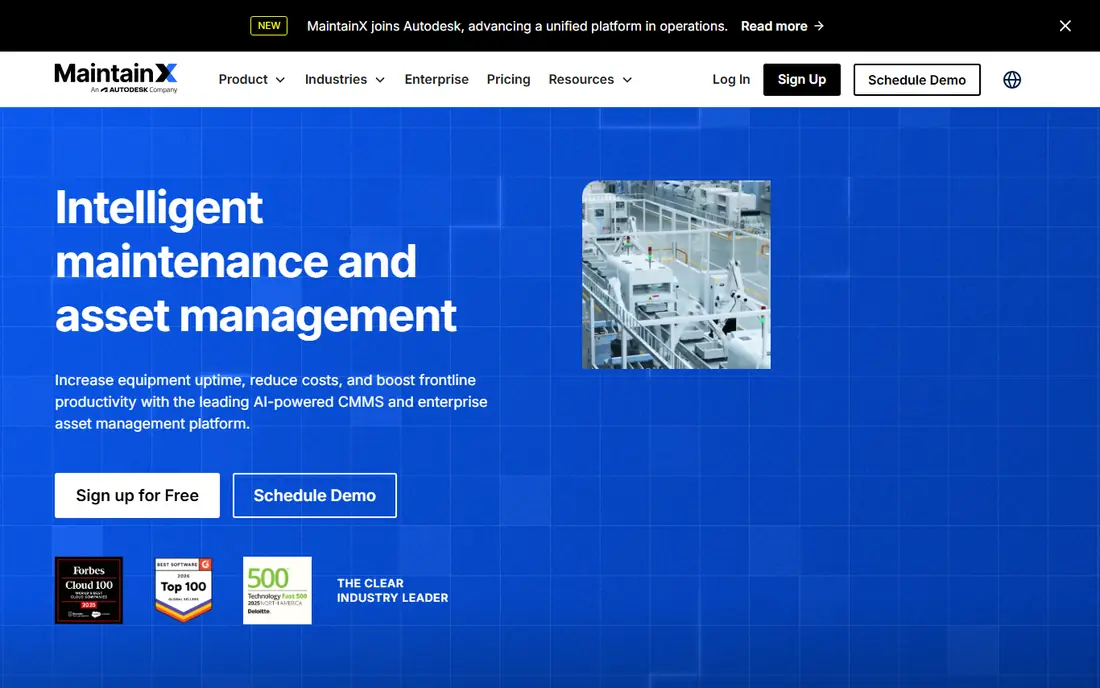
MaintainX has built its name on a mobile app that technicians actually use. Work orders, asset history, procedures, and photos sit in one place, and a technician can open a job, follow steps, and close it from a phone on the floor. The free Basic tier is usable for a small operation, and the paid Essential tier starts at 20 dollars per user per month when billed annually, with Premium above it. That published pricing makes budgeting simpler than with quote-only rivals.
The catch is the per-user model and tier gates. A plant with many technicians pays for each seat, and features such as advanced reporting and integrations need higher tiers. Unlimited requesters can help, since staff who only report issues may not need a paid seat, but check the current plan rules. For a small team that wants to start this week, MaintainX is our first pick.
- Free Basic tier for small teams
- Mobile app built for technicians
- Clear published pricing
- Advanced features need higher tiers
- Per-user pricing grows with large crews
- Some integrations sit on Premium
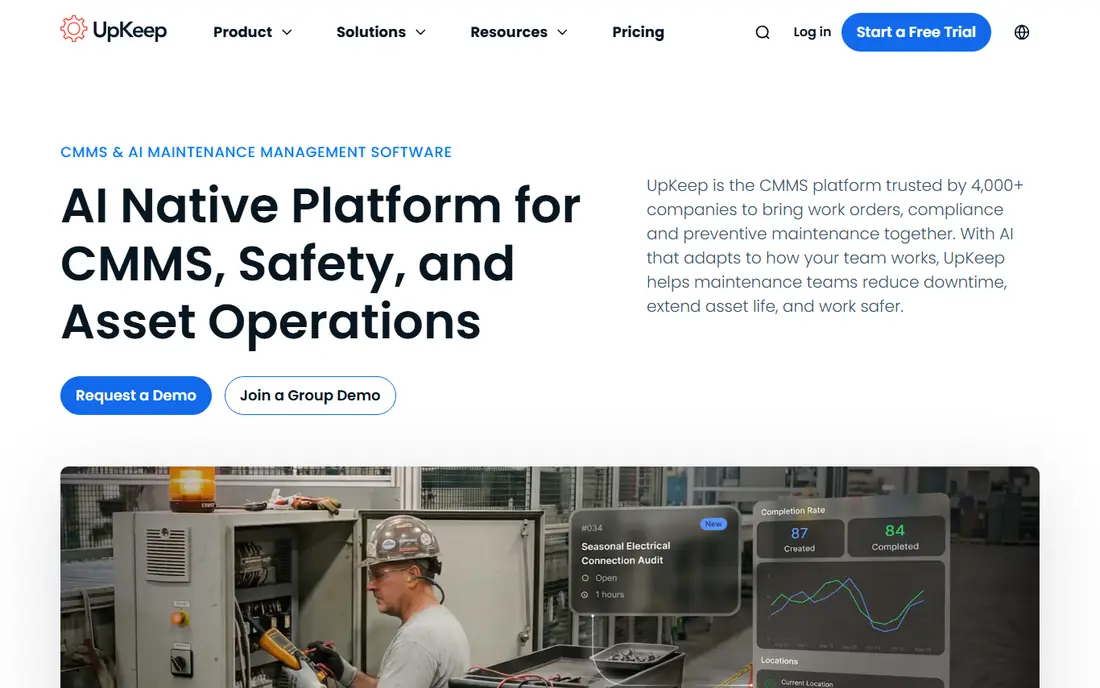
UpKeep suits teams that live on work orders and want a mobile-first system. Technicians can receive jobs, check asset history, scan barcodes, and update status without returning to a desk. Managers can schedule preventive maintenance by time, meter, or usage, and track parts used on each job. The Essential tier starts at 24 dollars per user per month, which is transparent for a small team, and wider tiers add safety, fleet, and sensor options.
The drawback is that there is no free plan, only a free trial, so a team must decide after testing. Advanced analytics and some integrations sit on higher tiers, which can raise the bill for a larger operation. Asset data entry also takes time at the start, since a system is only useful once assets, locations, and procedures are in place. If mobile adoption is your main risk, UpKeep is a strong choice.
- Strong mobile work order flow
- Asset and parts tracking
- Covers safety and fleet in wider tiers
- No free plan, only a trial
- Higher tiers add cost for analytics
- Setup still needs asset data entry
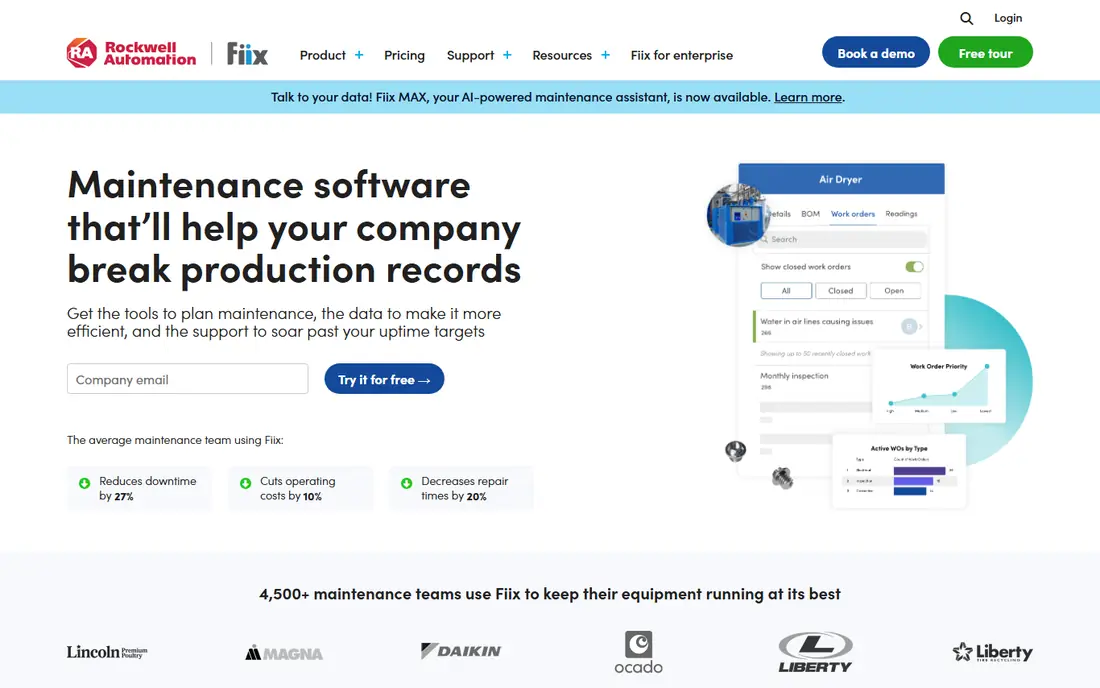
Fiix, from Rockwell Automation, offers a free CMMS tier that lets a small team manage work orders and assets without a subscription. That free start is useful for a plant testing whether a digital system will stick. Paid tiers add preventive maintenance scheduling, inventory control, reporting, and integrations with industrial systems. The Basic paid tier starts at 45 dollars per user per month, which is higher than MaintainX and UpKeep, but it reflects a more industrial feature set.
The catch is price and add-ons. Teams that need advanced analytics or AI-assisted planning should check whether those features are included or priced separately. Annual billing on paid plans also needs budget approval. If you want a free start with a clear path to industrial features, Fiix fits well.
- Free CMMS tier for small teams
- Asset and work order depth
- Integration hub on paid tiers
- Paid Basic tier starts at 45 dollars per user per month
- AI features may cost extra
- Annual billing on paid plans
Limble focuses on getting preventive maintenance running quickly. You can set recurring tasks by date, meter, or usage, assign them to technicians, and track completion without a long implementation project. That speed suits operations teams that need a working system this month, not next quarter. The interface is straightforward for non-technical staff, which helps adoption among technicians and facility staff.
The drawback is pricing clarity. Limble does not publish a simple entry price on every page, so you need a quote or a trial to compare total cost. Higher tiers add features such as advanced reporting and integrations, so check what your plan includes. If preventive maintenance is the core job and ease of use matters most, Limble is a strong shortlist pick.
- Fast setup for preventive plans
- Easy work order flow
- Good for non-technical teams
- Pricing is not fully published
- Advanced features need higher tiers
- Large enterprise controls are limited
eMaint, from Fluke, suits enterprises and regulated operations that need a CMMS shaped to their processes. It supports multi-site asset hierarchies, preventive and predictive workflows, inventory, purchasing, and audit trails. Condition monitoring and sensor data can feed maintenance decisions for critical equipment, which matters in plants where downtime is costly. The system can be configured in depth, rather than forcing every site into one template.
The trade-off is effort and cost. Pricing is quote-based, often with a minimum user count, and implementation takes longer than a small-team tool. A five-person facility team may find it heavy, while a multi-site operation will value the control. If governance, audit trails, and standardisation across sites matter most, eMaint deserves a trial.
- Deep asset and work order control
- Multi-site and regulated workflows
- Condition monitoring options
- Pricing is quote-based
- Implementation takes longer
- May feel heavy for a small team
Hippo CMMS is a facilities-focused system used by healthcare, education, government, and commercial teams. It covers work order requests, preventive scheduling, equipment records, and inventory in a straightforward package. Requesters can submit issues without a full licence in many setups, which helps schools and hospitals where many staff need to report a fault. Preventive schedules help a facilities team move from reactive repairs to planned work.
The drawback is pricing and polish. Hippo is quote-based, so small teams cannot judge cost from a public list alone. The interface feels more traditional than newer mobile-first tools, and some advanced features need a higher tier. If you run facilities across buildings and need a proven, facilities-first system, Hippo is worth comparing.
- Facilities-focused work orders
- Equipment and preventive scheduling
- Useful for healthcare and education
- Pricing is quote-based
- Interface feels traditional
- Mobile depth varies by plan
FMX suits schools, municipalities, churches, and multi-facility operations that need work orders plus scheduling for shared spaces. A facilities team can manage maintenance requests, preventive tasks, equipment, and room or vehicle scheduling in one system. Calendar views help staff see when a space or asset is booked, which reduces double-booking and confusion. Multi-site support helps a district or council standardise requests across locations.
The catch is fit. FMX is stronger for facilities than for heavy manufacturing, so a plant with complex asset hierarchies may need a more industrial tool. Pricing is also quote-based in many cases, so confirm the tier that includes the reporting you need. For a facilities-led team, FMX is a practical, easy-to-explain choice.
- Facilities scheduling and work orders
- Calendar views for shared spaces
- Multi-site support
- Pricing is quote-based in many cases
- Manufacturing depth is limited
- Reporting needs checking by tier
Fracttal is a maintenance platform with AI-assisted planning, asset management, and mobile work orders. It helps teams schedule preventive work, track asset history, and spot patterns in failures and costs. The platform has a strong presence in Latin America and Europe, which suits firms with operations in those regions. Mobile tools let technicians update jobs, add photos, and record parts from the field.
The drawback is pricing and regional fit. Fracttal is quote-based, so a US team should check support hours, integrations, and pricing in its region before committing. AI features also vary by tier, so ask what is included in the plan you are quoted. If you want AI-assisted planning and operate across regions where Fracttal is established, it is a good trial candidate.
- AI-assisted planning and asset views
- Strong in Latin America and Europe
- Mobile work orders
- Pricing is quote-based
- US support and integrations need checking
- Advanced AI features vary by tier
MicroMain suits manufacturing plants that want deep maintenance control, including detailed asset hierarchies, preventive schedules, inventory, and purchasing. It handles complex facilities where an asset has many sub-assets and where work history must be precise. That depth helps reliability teams track failure patterns and plan shutdown work with confidence. The system has a long history in manufacturing, which shows in its asset model.
The trade-off is setup and polish. MicroMain is quote-based, implementation takes time, and the interface feels less modern than MaintainX or UpKeep. A small facilities team may find it more than it needs, while a complex plant will value the control. If asset depth is your main requirement, MicroMain belongs on the shortlist.
- Deep asset hierarchies and control
- Preventive and predictive workflows
- Suits complex plants
- Pricing is quote-based
- Setup takes time
- Interface feels less modern than newer rivals
How we picked these
We compared official feature pages, pricing pages, and mobile tools, and we kept only tools that exist and work in October 2026 and that truly schedule maintenance and manage work orders. We favoured tools with preventive scheduling, mobile access, and asset history, and we noted free or trial options where they exist. Where a vendor did not publish a price, we wrote See website rather than guessing. We did not claim hands-on testing that did not happen.
How to choose for your crew and assets
Start by counting users, assets, and sites. List who creates work, who approves it, and who only reports issues, since requester rules change the bill. List your top 20 assets and the preventive tasks for each, then test those exact tasks in a trial, including offline use if technicians work in areas with weak signal. Check how parts, photos, and meter readings are recorded, and how a job moves from request to completion.
Next, check reporting and ownership. Can a manager see overdue preventive work, open work by site, and cost by asset without exporting to a spreadsheet. Ask about data import, training, and support hours, and confirm whether pricing includes implementation. Finally, plan the rollout in one area first, such as one building or one production line, and expand only after technicians use it daily. A system that fits one crew well is easier to scale than a system imposed on every site at once.
Frequently asked questions
What is the best maintenance scheduling software for a small team?
MaintainX is a strong start for a small team because it offers a free tier and a mobile app technicians can learn quickly. UpKeep is a good alternative if you want a mobile-first paid plan from 24 dollars per user per month. Fiix also offers a free tier with a path to industrial features.
What is the difference between a CMMS and maintenance scheduling software?
A CMMS covers work orders, assets, inventory, and reporting, while maintenance scheduling software focuses on when preventive tasks happen and who does them. Most tools here do both, but the balance varies. Check whether you need inventory and purchasing depth or mainly scheduling and work orders.
Do technicians need a paid licence to report a fault?
It depends on the tool. Some tools offer free requester accounts for staff who only report issues, while others charge per user. Ask the vendor how requesters are counted, since that rule can change the total cost for a large site.
How long does it take to set up a maintenance system?
A small team can start in days if asset data is ready, while a multi-site plant may need weeks for asset hierarchies, procedures, and training. Import tools, templates, and support help, but asset data entry is the main time cost. Start with one area and expand after daily use is proven.
Can these tools work offline on the plant floor?
Many mobile apps offer offline work order access, with sync when signal returns, but the depth varies by tool and tier. Test offline use in your actual work areas during a trial, especially in basements, remote buildings, or shielded plant zones.
What should I check before buying a top maintenance scheduling software plan?
Check per-user pricing, requester rules, offline mobile use, preventive scheduling by time and meter, parts tracking, and reporting by asset and site. Confirm implementation cost, support hours, and data export options. Trial the tool with your real assets and tasks before signing.
Sources
See where you really rank - block by block
ProMapRanker scans Google Maps across a grid of your service area. Simple monthly plans from $19, white-label on every plan.
Start freeKeep reading
 who has best internet service
Who Has the Best Internet Service in 2026
Who has best internet service for US homes? We compare fiber, cable, fixed wireless and satellite providers on speed, price, availability and terms today.
Read → which survey tool has the best analytics
Which Survey Tool Has the Best Analytics in 2026
Find which survey tool has the best analytics in 2026, comparing Qualtrics, SurveyMonkey, Typeform, Alchemer, and more on reports, text, and stats today.
Read → which streaming service has the best movies
Which Streaming Service Has the Best Movies in 2026
Answering which streaming service has the best movies, with Netflix, Max, Criterion and more compared on libraries, prices and free options in this guide.
Read →