 ProMapRanker
Best Low Code Platform in 2026

Key takeaways
- Bubble is the best starting point for founders who want to build a full web app visually without hiring a development team first.
- Retool, Glide, and Softr suit internal tools and portals, with Retool for engineering-led teams and Glide and Softr for spreadsheet-led teams.
- Microsoft Power Apps and Zoho Creator fit organizations already inside those ecosystems, where integrations matter more than a standalone builder.
- OutSystems, Mendix, and Appian suit large organizations with governance, scale, and compliance needs, but they need an enterprise budget and sales process.
- Free tiers are best for learning and prototypes, and production apps usually need a paid plan for users, capacity, or a custom domain.
Quick comparison
| Pick | Great for | Pricing starts at | Free tier | |
|---|---|---|---|---|
 Bubble | Founder-built web and mobile apps | See website | Yes | Visit |
 Retool | Internal tools for engineering-led teams | $10 per user per month | Yes | Visit |
 Glide | Spreadsheet-to-app for teams | $25 per month | Yes | Visit |
 Softr | Client portals and internal tools fast | $19 per month | Yes | Visit |
 Microsoft Power Apps | Microsoft-centric organizations | $20 per user per month | Free trial | Visit |
 Zoho Creator | Small businesses on Zoho | See website | Yes | Visit |
 OutSystems | Enterprise-grade app development | See website | Yes | Visit |
 Mendix | Governed low-code for large organizations | See website | Yes | Visit |
 Appian | Regulated process automation | See website | No | Visit |
The best low code platforms
We compared platforms that let users build working apps with visual tools and limited hand-written code, rather than website builders that only publish marketing pages or automation tools that only connect other apps.
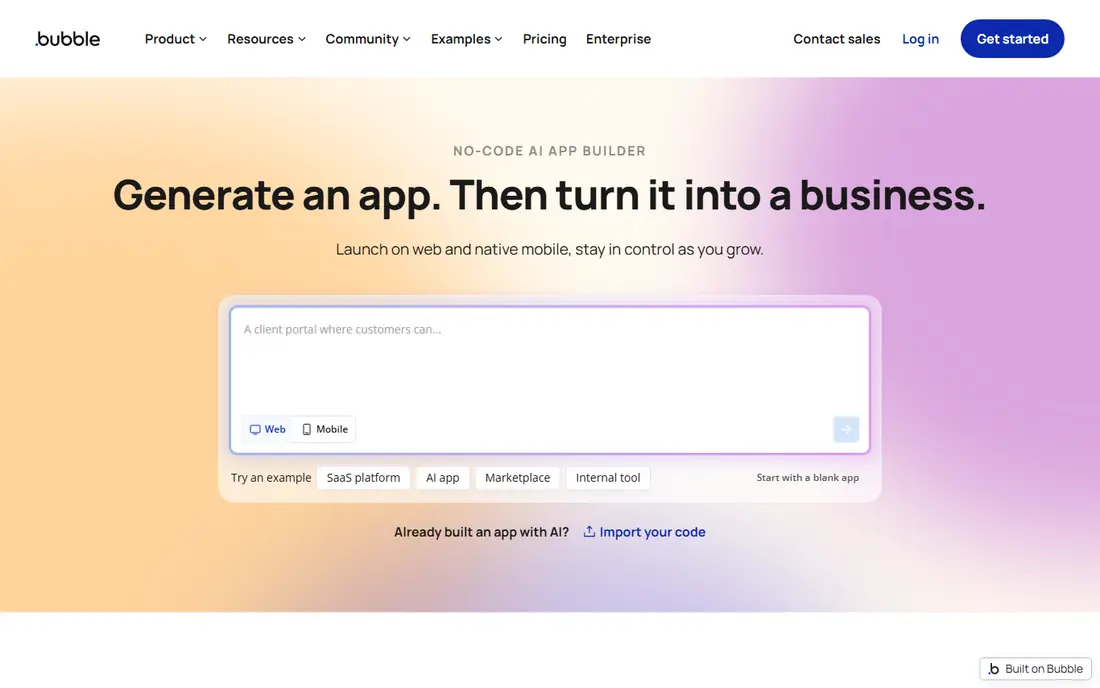
Bubble suits a founder who wants to ship a real product without a development team. Its visual editor covers pages, databases, workflows, user accounts, and payments through plugins, so a marketplace, directory, or SaaS prototype can be built in one place. The free tier lets you learn the system and test an idea before paying.
Complex apps need care with database design and workflow structure, or performance can suffer as users grow. That is true of any app builder, but Bubble gives you enough freedom to make both good and bad choices. For a startup validating an idea, that freedom is the main draw.
- Visual builder for full web apps with databases and workflows
- Plugin and template ecosystem
- Free tier for learning and prototypes
- Learning curve for complex logic and performance
- Pricing scales with app usage and capacity
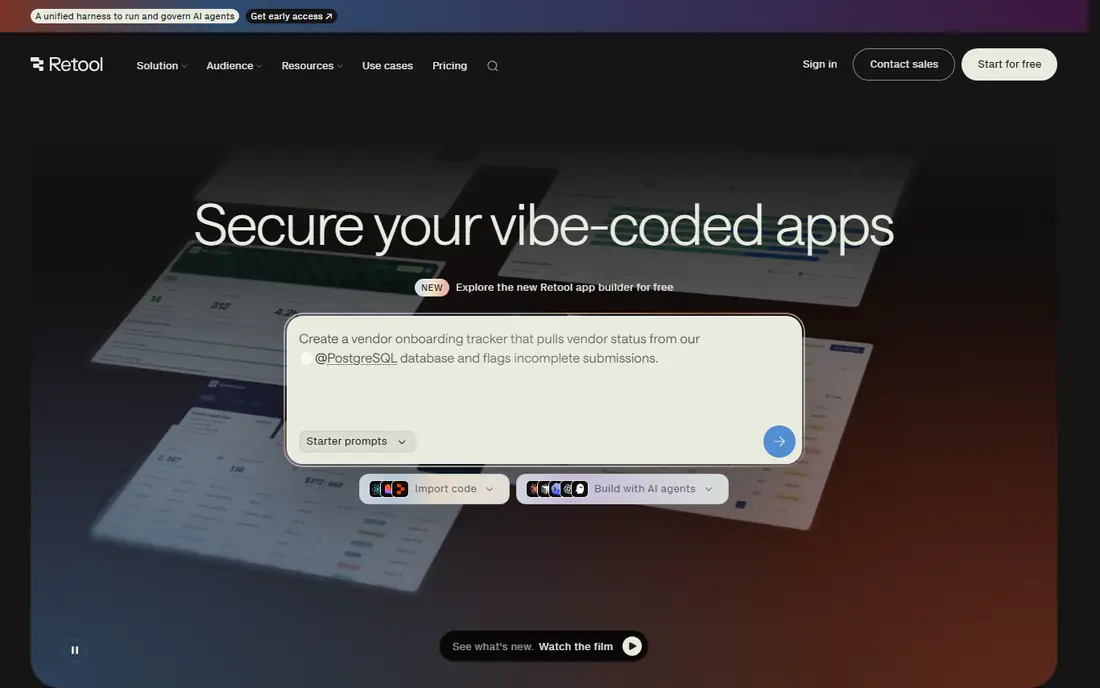
Retool is the pick for a team that already has databases and APIs and needs internal tools fast. Engineers can drag components onto a page, connect them to data, and add custom code where the visual builder ends. Admin panels, dashboards, and approval tools are the classic Retool jobs.
It is not the best choice for a public customer app, where design and marketing pages matter more. For internal work, though, it cuts the time to build a useful tool from weeks to days, and its free tier helps a team test that claim.
- Fast internal tools from databases and APIs
- Strong fit for engineering teams
- Self-hosting option for control
- Built for internal tools, not customer-facing products
- Pricing is per builder, so costs need a user count check
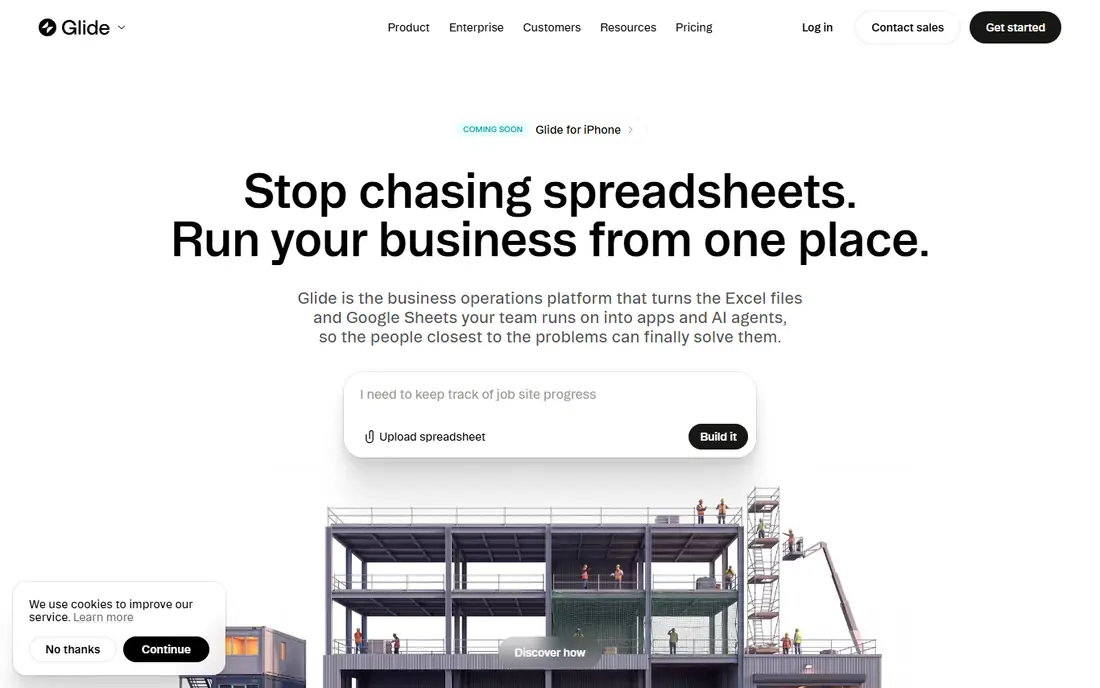
Glide turns a spreadsheet into a working app in minutes, which makes it ideal for a team whose data already lives in Google Sheets or Airtable. Directories, inventory lists, field checklists, and simple portals all work well in Glide, without a database migration project. Non-technical staff can build and update the app themselves.
Complex workflows and custom business logic will hit limits sooner than on Bubble or Retool. If your app is mainly data in and data out, Glide is fast and friendly. If it needs heavy custom logic, choose a more open builder.
- Turns spreadsheets and Airtable bases into apps quickly
- Simple interface for non-technical builders
- Good for directories and portals
- Less suited to complex custom logic
- Pricing rises with users and data rows
Softr suits a business that needs a client portal or internal tool quickly, with clear permissions for different users. A consultant can give each client a login that shows only their projects, files, and invoices, without building a custom system. Templates for directories, membership sites, and dashboards speed up the start.
The trade-off is data structure. Many Softr builds rely on Airtable or Google Sheets, so a business that needs a custom database or complex logic may outgrow it. For portal work, its speed and permission model are hard to beat at this price.
- Fast portals from Airtable and Google Sheets
- User permissions for clients and staff
- Clean templates for common portal types
- Data model is tied to Airtable or Sheets for many builds
- Complex apps need another platform
Microsoft Power Apps fits an organization that already runs on Microsoft 365. Apps can pull data from SharePoint, Teams, Dataverse, and other Microsoft services, and IT can govern who builds and shares them. That integration matters more than a standalone builder when data already lives in Microsoft tools.
Licensing needs care, because plans and included rights vary by Microsoft 365 subscription. A team outside the Microsoft ecosystem may find a simpler builder cheaper and easier. Inside that ecosystem, Power Apps is a natural and well-supported choice.
- Deep links to Microsoft 365, Teams, and SharePoint
- Governance tools for IT teams
- Wide connector library
- Pricing and licensing can be complex
- Best value inside a Microsoft 365 environment
Zoho Creator suits a small business already using Zoho for CRM, email, or finance. It lets staff build custom apps for orders, field work, approvals, and reporting, with data flowing to other Zoho tools. The free tier helps a small team test a workflow before committing.
It is less of an enterprise governance platform than OutSystems, Mendix, or Appian, so a large regulated organization should compare those first. For a small business that wants affordable custom apps inside one vendor system, Zoho Creator is a practical pick.
- Affordable for small businesses
- Visual builder with workflow automation
- Links to other Zoho apps for CRM, finance, and support
- Interface and learning curve vary by app complexity
- Less well known for large enterprise governance than OutSystems or Mendix
OutSystems is built for large organizations that need customer apps at scale, with governance, security, and lifecycle management. It supports native mobile and web apps, complex integrations, and high user counts, which is why banks, insurers, and large enterprises use it. A free edition lets developers learn the platform before a commercial project.
Small teams should avoid it until they have an enterprise budget, because the sales process and pricing alone can slow a startup. For a large team with complex needs, its scale and control justify the investment.
- Strong performance for large customer apps
- Governance and lifecycle tools for IT
- Free edition for learning and small projects
- Enterprise pricing and sales process
- Steeper learning curve than simple no-code builders
Mendix, from Siemens, suits a large organization where business users and developers must build together. Its visual studio lets business staff prototype and make simple changes, while developers handle complex logic, integrations, and deployment. Governance tools help IT control who can publish what.
Pricing is quoted and depends on apps and users, so a buyer should get a written quote for the planned scope. For a mid-size or large team that needs governed collaboration, Mendix offers a clearer path than a simple builder.
- Visual-first building for business and IT teams together
- Governance and collaboration tools
- Free tier for learning
- Enterprise pricing is quoted
- Complex apps still need skilled developers for the best results
Appian suits organizations where process matters as much as the app itself, such as insurance claims, loan processing, or government case work. It combines low-code app building with process automation, case management, and compliance controls, so a complex workflow can be modeled, tracked, and audited in one system.
A startup that only needs a simple app should choose Bubble, Glide, or Softr instead. For a regulated organization with long, multi-step processes, Appian process strength is the reason to pay enterprise prices.
- Strong process automation and case management
- Governance and compliance features for regulated work
- AI-assisted process tools
- Quoted enterprise pricing
- More complex than a simple app builder for basic portal work
How we picked these
We compared official product pages, pricing pages, and public documentation for platforms that are live in October 2026 and that build working apps with visual tools. We kept a mix of founder tools, internal tool builders, ecosystem platforms, and enterprise platforms, so readers can match the builder to the builder team and the app type. Where pricing was quoted or varied by users and capacity, we wrote See website.
How to choose a low code platform
Start with who will build and who will use the app. A founder building alone needs a different tool from an IT team building for a regulated business. Then check the data source, since Glide and Softr work best with spreadsheets, while Bubble, OutSystems, and Mendix suit custom databases.
Build a real prototype, not a demo page
Build one real workflow end to end in the free tier or trial, such as signing up, creating a record, and sending a notification. That test shows whether permissions, data, and integrations work for your case. A polished demo page can hide limits that appear only in a full workflow.
Check limits before you launch
Ask about user limits, data rows, app capacity, and custom domain support on the plan you will actually use. Free tiers often limit all of these, and a production app can hit a limit at the worst time. Get the paid plan cost for your expected users in writing.
Plan for growth and exit
Ask how you can export data, add custom code, or move to another platform if needs change. Some builders allow code export or API access, while others keep you inside their system. A clear export path matters less for an internal tool and more for a customer product you may scale for years.
Frequently asked questions
What is the best low code platform for startups?
Bubble is a strong choice for startups building a full web app, because it covers databases, workflows, and user accounts in one visual builder. Glide or Softr suit simpler portal or directory ideas that start from a spreadsheet.
What is the best low code app platform for internal tools?
Retool suits engineering-led teams building admin panels and dashboards from databases and APIs. Glide and Softr suit non-technical teams building internal tools from spreadsheets.
Is there a free low code platform?
Yes, Bubble, OutSystems, Mendix, Retool, Glide, Softr, and Zoho Creator offer free tiers or editions for learning and prototypes. Free tiers usually limit users, capacity, or custom domains, so production apps often need a paid plan.
What is the difference between low code and no code?
Low code platforms speed up developers with visual tools while still allowing custom code, while no code tools target non-technical users with purely visual building. In practice the line blurs, so pick by who will build, not by the label.
Can low code replace traditional development?
For internal tools, dashboards, workflows, and standard business apps, largely yes. For novel products with unique requirements, heavy scale, or deep technical needs, traditional development still wins. Most organizations end up using both.
Sources
See where you really rank - block by block
ProMapRanker scans Google Maps across a grid of your service area. Simple monthly plans from $19, white-label on every plan.
Start freeKeep reading
 twitch alternatives
Twitch Alternatives in 2026
Explore the best Twitch alternatives in 2026 for live streaming, with free platforms, monetisation options, audiences, chat tools, and tips for new streamers.
Read → firebase alternatives
Best Firebase Alternatives in 2026
Looking for Firebase alternatives? We compare 9 backend platforms for auth, databases, realtime, storage, functions, self-hosting, and pricing for your app.
Read → companies with best work life balance
Companies With Best Work Life Balance in 2026
See companies with best work life balance in 2026, ranked by employee ratings, with flexible work options, benefits, and what to check before applying.
Read →