 ProMapRanker
Best Low-Code Development Platforms in 2026


Enterprise mission-critical apps · Pricing starts at: See website
Key takeaways
- OutSystems, Mendix and Appian suit large organizations with governance and scale needs, and all three price by quote or at enterprise levels.
- Microsoft Power Apps is the natural pick inside Microsoft 365 shops, at $20 per user per month for the Premium plan.
- Bubble is the strongest choice for founders building a customer-facing web app without a development team.
- Retool is built for internal tools, with builders and end users priced separately, which changes the total cost at scale.
- Zoho Creator, AppSheet and Glide suit smaller teams, while FlutterFlow suits mobile apps where code export matters.
Quick comparison
| Pick | Great for | Pricing starts at | Free tier | |
|---|---|---|---|---|
| OutSystems | Enterprise mission-critical apps | See website | Yes | Visit |
 Mendix | Collaborative enterprise development | See website | Yes | Visit |
 Microsoft Power Apps | Microsoft 365 organizations | $20 per user per month | Yes | Visit |
 Appian | Regulated process automation | See website | Free trial | Visit |
 Bubble | Founder-built web apps | $32 per month | Yes | Visit |
 Retool | Developer-built internal tools | $12 per builder per month | Yes | Visit |
 Zoho Creator | Small businesses on Zoho | $8 per user per month | Yes | Visit |
 AppSheet | Data-driven apps for Google Workspace | $5 per user per month | Yes | Visit |
 Glide | Spreadsheet-powered internal tools | See website | Yes | Visit |
 FlutterFlow | Mobile apps with code export | See website | Yes | Visit |
The best low-code development platforms
Low-code is a broad label, and the tools under it solve different problems. Some build customer-facing products, some build internal tools, and some automate regulated business processes. The list below groups them by that real job, so you can skip the platforms built for a different buyer.
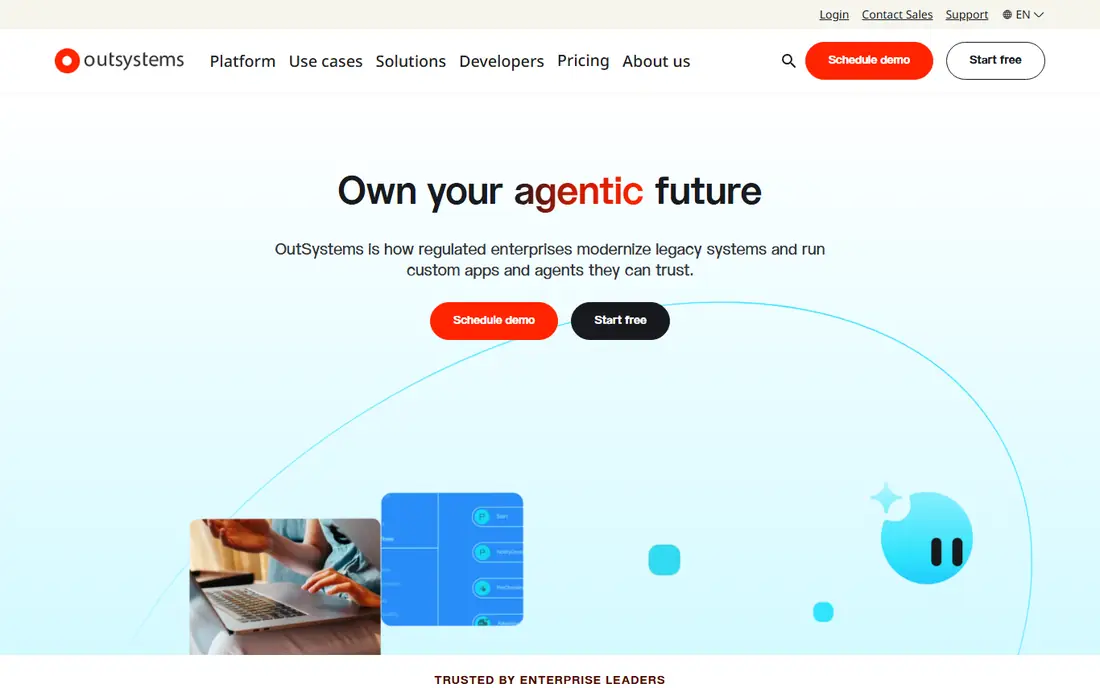
OutSystems is the enterprise end of low-code, built for applications that must run reliably under real load. It covers visual modeling, integrations, deployment and lifecycle management in one platform, which is why large organizations use it for customer portals and core business systems. The free personal edition lets developers learn the platform before any purchase.
The barrier is cost and process. Pricing is quote-based and typically runs into tens of thousands of dollars per year, and the sales cycle fits large buyers rather than a startup that wants to sign up today. Choose OutSystems when the application is mission-critical and governance matters more than a low monthly bill.
- Full lifecycle tooling from build to deployment
- Strong performance at enterprise scale
- Free personal edition for learning
- Enterprise pricing is quote-based and high
- Sales process suits large buyers
- Overkill for a simple internal form
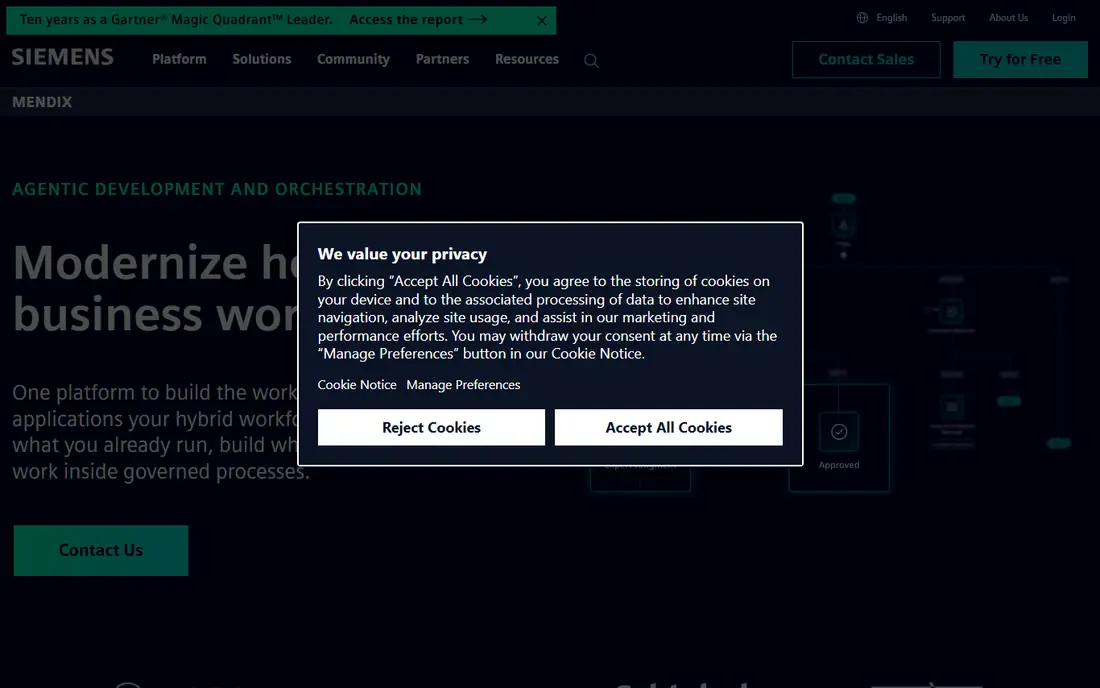
Mendix shares the enterprise ground with OutSystems but leans harder into collaboration between business users and developers. Its model-driven approach lets teams build web and mobile experiences from one project, and its marketplace adds reusable components and connectors. The free edition is genuinely useful for learning and small prototypes.
Like OutSystems, it prices by quote for production use, and the platform rewards teams that invest in training. A startup building a first product will usually move faster on Bubble or Glide. A larger organization standardizing on one low-code platform for many teams will get more from Mendix.
- Model-driven development for web and mobile
- Business and IT teams can work in the same platform
- Free edition for evaluation
- Enterprise pricing is quote-based
- Platform depth takes training
- Smaller projects may not justify the cost
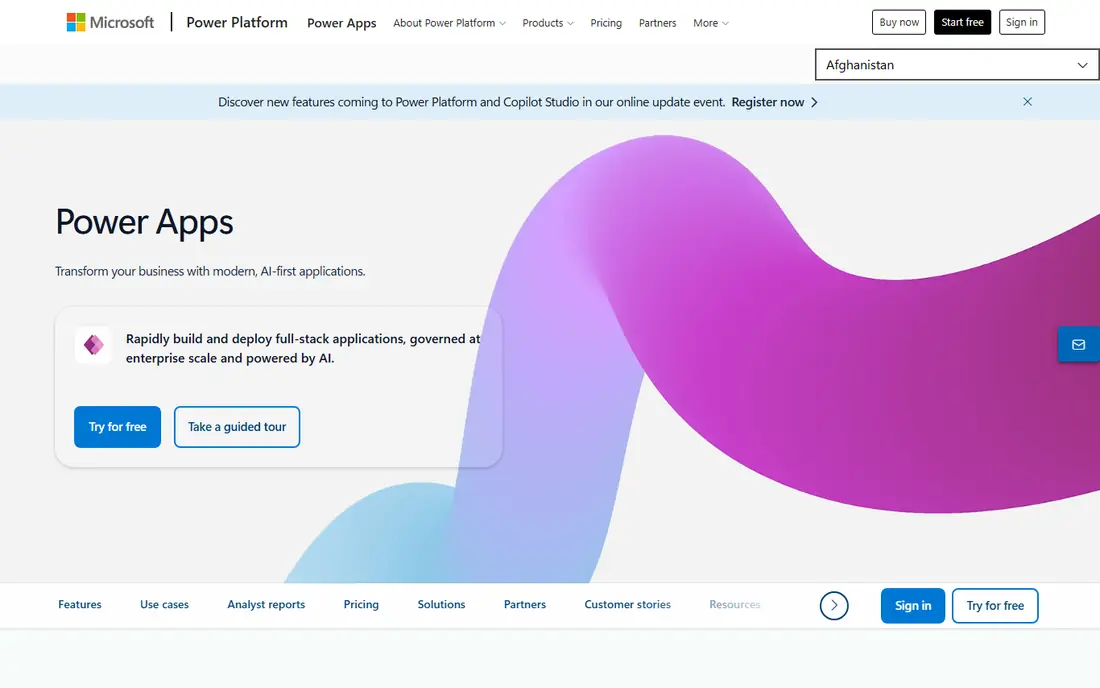
Power Apps is the default low-code choice for organizations already running Microsoft 365. Apps built in it sit naturally inside Teams, SharePoint and Outlook, and Dataverse provides a shared data layer with security and governance controls. The Premium plan costs $20 per user per month, and a per-app plan at $5 per user per month suits users who need only one or two apps.
The catch is connector pricing. Premium connectors require the Premium plan, and Dataverse storage and capacity need attention as usage grows. Outside a Microsoft estate, much of the advantage disappears, and a neutral platform may fit better. Inside one, Power Apps is hard to argue against.
- Deep Microsoft 365, Teams and Dataverse integration
- Per-app plan from $5 per user per month
- Familiar for Microsoft admins
- Premium connectors need the Premium plan
- Dataverse capacity needs planning
- Experience is weakest outside Microsoft estates
Appian is best understood as a process platform with low-code building tools, rather than a general app builder. It excels at case management, approvals and workflows where audit trails and compliance matter, which is why banks, insurers and government agencies use it. AI features assist with building and documenting processes, but the core value is control over complex work.
Pricing is quote-based and the implementation often involves specialists, so small teams should look elsewhere. If your requirement is a regulated process with strict governance, Appian belongs on the shortlist ahead of lighter builders that cannot prove the same controls.
- Strong process automation and case management
- Suited to regulated industries
- AI-assisted development features
- Pricing is quote-based and enterprise-level
- Implementation often needs specialist help
- Not a founder-friendly signup
Bubble is the tool founders actually ship products on without hiring developers first. It covers the database, workflows, user accounts and payments needed for a real web app, and its plugin and template marketplace shortens the build further. Paid plans start at $32 per month, and the free tier is enough to learn and prototype.
Bubble builds web apps, not native mobile apps, so mobile products need wrappers or a second tool. Its workload-based pricing also rewards careful design, since inefficient workflows consume capacity. For a web-based startup product, marketplace or SaaS prototype, Bubble remains the strongest low-code pick.
- Builds full web apps with database, logic and payments
- Free tier for learning
- Large plugin and template ecosystem
- Web only, with mobile through wrappers
- Workload-based pricing needs monitoring
- Performance tuning takes learning
Retool is built for the internal tools every company needs: admin panels, dashboards, approval screens and support consoles. Developers connect databases and APIs, drag components onto a canvas, and drop into code when a visual block is not enough. Pricing separates builders at $12 per builder per month on the Team plan from cheaper end-user seats, which keeps the bill sane when hundreds of staff use a tool built by a few people.
It is not a customer product builder. If you need a public-facing app with marketing pages and signup flows, Bubble or OutSystems fits better. For internal tools built by an engineering team, Retool is the most productive option here.
- Large connector library for databases and APIs
- Builders and end users priced separately
- Code can be added where visual building stops
- Internal tools only, not customer products
- Pricing structure needs careful counting
- Design polish takes extra work
Zoho Creator suits small businesses that already run Zoho CRM, Books or other Zoho apps. At $8 per user per month, it is one of the cheapest paid entries on this list, and it covers forms, workflows, dashboards and reports without writing code. Data flows naturally between Zoho apps, which removes integration work that other platforms charge extra for.
Outside the Zoho estate, the advantage fades, and design flexibility is narrower than Bubble for customer-facing products. Deluge scripting extends it, but that starts to require developer skills. For a small business standardizing on Zoho, Creator is the obvious internal app builder.
- Low per-user price
- Strong fit inside the Zoho suite
- Forms, workflows and reports without code
- Best value only for Zoho users
- Design flexibility is narrower than Bubble
- Advanced apps may need Deluge scripting
AppSheet, from Google, turns a spreadsheet or database into a working app with surprising speed. Field teams use it for inspections, inventory, surveys and job tracking, where the data structure already exists and the app mainly needs forms, lists and maps. Starting at $5 per user per month, it is cheap enough to deploy to a whole field team, and a free prototype tier lets you test before paying.
The apps it produces stay close to their underlying data, so a polished customer-facing product is out of reach. Design control is also limited compared with Bubble or FlutterFlow. For data-driven operational apps inside Google Workspace, AppSheet is the fastest route from spreadsheet to phone.
- Turns spreadsheets into working apps quickly
- Low $5 per user per month starting price
- Google Workspace integration
- Apps stay close to their data structure
- Design options are limited
- Google-owned platform with its own limits
Glide takes a spreadsheet and turns it into a polished internal app or portal in hours rather than weeks. Directories, booking tools, inventory trackers and customer portals are its natural territory, and the output looks good on mobile without design work. The free tier covers small projects, and paid plans scale by users and data rows.
Complex business logic, custom workflows and large datasets push against its limits, and pricing depends on the plan and data source you choose, so confirm the current figures. When the starting point is a spreadsheet and the audience is internal, Glide is one of the fastest tools you can pick.
- Extremely fast to build from a spreadsheet
- Clean mobile-friendly output
- Free tier for small projects
- Best for simple internal tools
- Pricing varies by plan and data source
- Complex logic needs workarounds
FlutterFlow is the low-code choice when the product must be a real mobile app. It builds with Flutter, so the result runs natively on iOS and Android, and code export gives teams an exit route that most low-code tools do not offer. Firebase integration covers authentication, databases and storage without a separate backend build.
The learning curve is steeper than Glide or AppSheet, and web apps are a secondary concern. Paid plans are needed to publish and to use the full feature set, so check current pricing before committing. For founders and teams whose product lives on phones, FlutterFlow beats web-first builders on output quality.
- Builds real native mobile apps
- Code export avoids full lock-in
- Firebase integration for auth and data
- Mobile focus means web apps are secondary
- Learning curve is steeper than Glide
- Paid plans needed for publishing
How we picked these
We compared official pricing pages, product documentation and platform comparisons for tools actively sold in October 2026. We required each platform to let users build working apps with visual tools plus custom code where needed, and we excluded pure workflow automation tools and website builders. Where pricing is quote-based we wrote See website instead of repeating third-party estimates as fact.
What to check before you buy
Start with who builds and who uses the app. A founder-built customer product, an engineer-built internal tool and a regulated enterprise process need different platforms, and no single tool wins all three. Then count the real billing unit: per user, per builder, per app or per workload unit, at your actual team size.
Build a small but real prototype on a trial or free tier before signing. Connect your actual data source, add one approval workflow and publish to one real user. That test reveals data limits, connector costs and performance issues that a demo never shows.
Frequently asked questions
What are the best low-code development platforms for startups?
Bubble is the best starting point for a customer-facing web product, and FlutterFlow suits a mobile-first product. Retool covers the internal tools once the startup has engineers. Enterprise platforms like OutSystems and Mendix are usually too costly and slow to buy at startup stage.
What is the best low-code platform for enterprises?
OutSystems and Mendix lead for large-scale enterprise apps, with Appian strongest for regulated process work. Microsoft Power Apps leads inside Microsoft 365 organizations. The right enterprise pick depends on existing systems, governance needs and whether the apps are customer-facing or internal.
Is Power Apps really low-code?
Yes. Power Apps uses visual building, formulas and connectors, with code available where needed. It is low-code rather than no-code, since complex apps still benefit from someone who understands data modeling and Microsoft 365 administration.
What is the best low-code software for internal tools?
Retool is the strongest pick for developer-built internal tools, with its connector library and builder pricing. Glide and AppSheet suit simpler internal tools built from spreadsheets, and Zoho Creator suits small businesses already on Zoho.
Can low-code replace traditional development?
For internal tools, dashboards and standard business apps, largely yes. For products with novel technical requirements, heavy scale or deep differentiation, traditional development still wins. Most organizations end up using both, with low-code for speed on standard work.
Which low-code app development platforms offer a free plan?
OutSystems, Mendix, Bubble, Retool, Zoho Creator, AppSheet, Glide and FlutterFlow all offer free tiers or free editions, with limits on production use. Free tiers suit learning and prototypes, while production apps at scale need a paid plan.
Sources
- https://www.outsystems.com
- https://www.mendix.com
- https://powerapps.microsoft.com
- https://www.appian.com
- https://www.bubble.io
- https://www.retool.com
- https://www.zoho.com
- https://www.appsheet.com
- https://www.glideapps.com
- https://www.flutterflow.io
- https://techilu.com/best-low-code-platforms/
- https://www.superblocks.com/blog/rapid-application-development-tools
See where you really rank - block by block
ProMapRanker scans Google Maps across a grid of your service area. Simple monthly plans from $19, white-label on every plan.
Start freeKeep reading
 best saas ecommerce platforms
Best SaaS Ecommerce Platforms in 2026
Compare the best SaaS ecommerce platforms for 2026, from Shopify and BigCommerce to Wix and Squarespace, with pricing, features and honest limits today.
Read → best rated seo platform for b2b
Best Rated SEO Platform for B2B in 2026
Compare the best rated SEO platforms for B2B teams, including Semrush, Ahrefs, Moz Pro, SE Ranking, Surfer, and Screaming Frog tools for B2B teams in 2026.
Read → best penetration testing tools
Best Penetration Testing Tools in 2026
Compare the best penetration testing tools for authorised testing in 2026, from network mapping and web testing to scanning, with free and paid options.
Read →