 ProMapRanker
Best Listing Management Software for Urgent Care Clinics (2026)
Direct answer
Uberall is my top pick for urgent care clinics because it puts multi-location listings, hours, and profile data in one place, which matters when patients search for the nearest open clinic. Pricing is quote-based, so check its pricing page. If you want a lower-cost, listings-first tool, BrightLocal fits well, and Yext suits clinics that want tight control over structured data across many directories.
I compared these tools from vendor documentation and public sources, and I did not run hands-on tests. My focus was how each one handles the things urgent care clinics actually deal with: several locations, changing hours, phone numbers that route calls, and patients who check a map before they drive.
Key takeaways
- Urgent care listings live or die on accurate hours, phone numbers, and location data, because patients usually search when they need care now.
- Multi-location support matters more than review features for most clinics, so check how a tool handles many addresses before you buy.
- Directory coverage differs a lot between tools, and some rely on data partners rather than direct publisher relationships.
- Google Business Profile changes often, so pick software that syncs profile fields rather than only pushing data once.
- None of these tools replace a correct Google Business Profile; they help you keep it and the wider web consistent.
Quick comparison
| Pick | Great for | Pricing starts at | Free tier | |
|---|---|---|---|---|
 Uberall | Multi-location clinic listing control | See website | Not stated | Visit |
 BrightLocal | Smaller clinics wanting listings plus local SEO checks | See website | Not stated | Visit |
 Yext | Clinics wanting direct control of structured data | See website | Not stated | Visit |
 Moz Local | Simple US listings cleanup | See website | Not stated | Visit |
 Synup | Clinics wanting listings plus review and social tools | See website | Not stated | Visit |
 Whitespark | Citation research and manual cleanup | See website | Not stated | Visit |
 Semrush Listing Management | Teams already using Semrush for local SEO | See website | Not stated | Visit |
The best listing management software for urgent care clinics compared
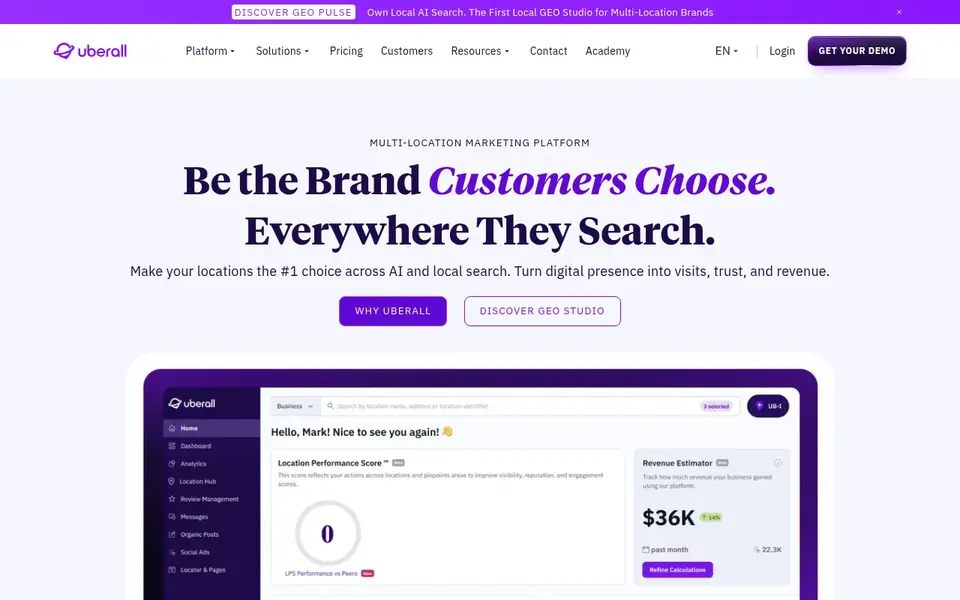
Uberall is built around businesses with many locations, which matches a clinic group with several sites across a city or region. You keep each clinic's address, phone, hours, and services in one place and push that data to directories and maps. For urgent care, where a patient may pick a location based on who is open now, that central control reduces the chance of an old phone number or wrong weekend hours sending someone to the wrong place.
In day-to-day use, you update one record when a clinic changes its Saturday hours or adds a new provider, and the change flows to connected profiles. You can also manage reviews and local pages from the same dashboard, which helps when each location gets its own patient feedback. The workflow fits a marketing coordinator who looks after several clinics and needs one source of truth.
The limits are mostly about cost and complexity. Pricing is quote-based, so a single-location clinic may find it more than it needs. Small practices should compare it against simpler listings tools before committing.
- Strong multi-location structure
- manages listings, reviews and profiles together
- supports location pages and local data sync
- Quote-based pricing
- setup effort for large location groups
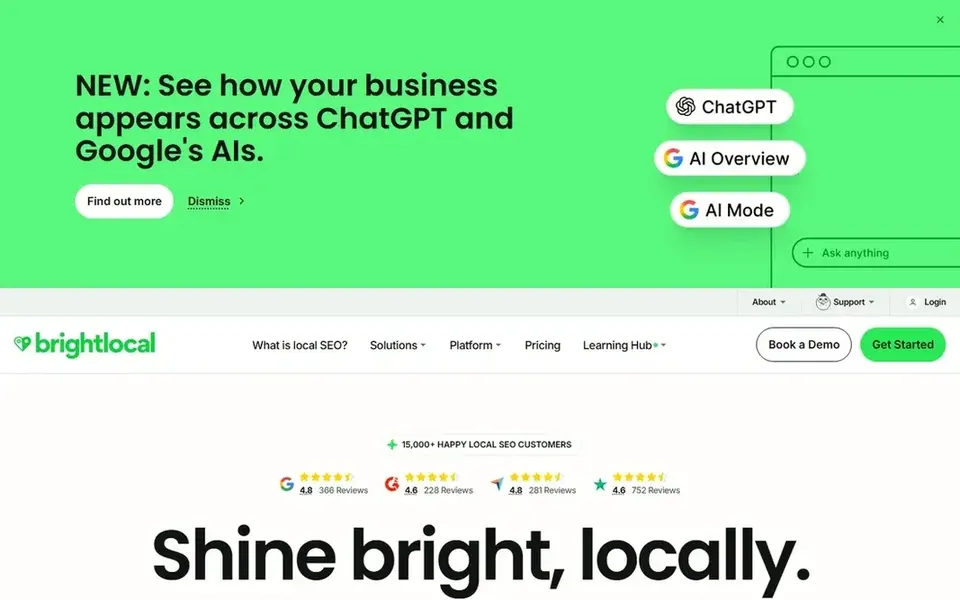
BrightLocal is a practical choice for a single clinic or a small group that wants listings management alongside citation checks and local search reporting. It is well known among local SEO agencies, and the interface is built for people who are not full-time SEO specialists, which suits a practice manager who handles marketing on the side.
For an urgent care clinic, the useful part is seeing where your name, address, and phone number appear and where they disagree. You can fix the main data sources and track whether the corrections stick. It also helps you check how each location shows up in local search, so you can spot a clinic page that is missing key details.
The main limit is that BrightLocal leans on data partners for some directory reach rather than direct publisher relationships everywhere. If you need guaranteed control over a long list of specific directories, check coverage first. Clinics with many locations should confirm the location limits on each plan.
- Clear listings and citation tools
- local SEO audit features
- easy reporting for owners
- Directory reach depends on data partners
- not a full profile publisher for every field
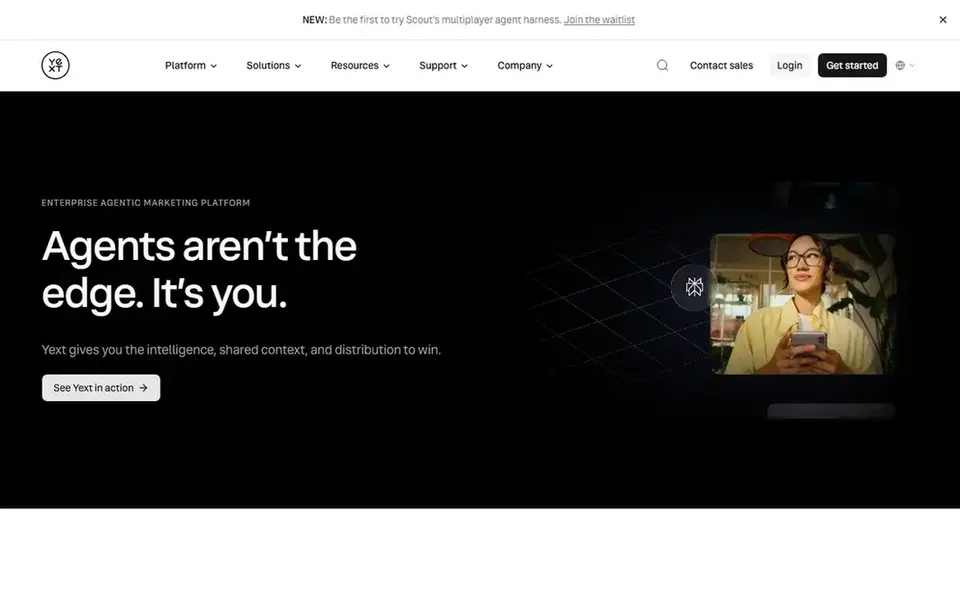
Yext takes a different approach from most tools: it manages your business data in its own system and pushes it to a large network of publishers. For a clinic group that wants one authoritative record for each location, including services, hours, and accepted insurance details where supported, that structure can be useful.
Urgent care clinics often have details that change and matter to patients, such as holiday hours or a temporary closure. Yext lets you update those fields centrally and keep connected listings aligned. It also suits groups that want location pages and search experiences tied to the same data.
The trade-off is cost and commitment. Pricing scales with the number of locations and features, and you should read renewal terms carefully. A single clinic with a tight budget may get enough from a simpler tool.
- Broad publisher network
- strong structured data control
- good for large location groups
- Costs scale with locations and features
- renewal pricing needs attention
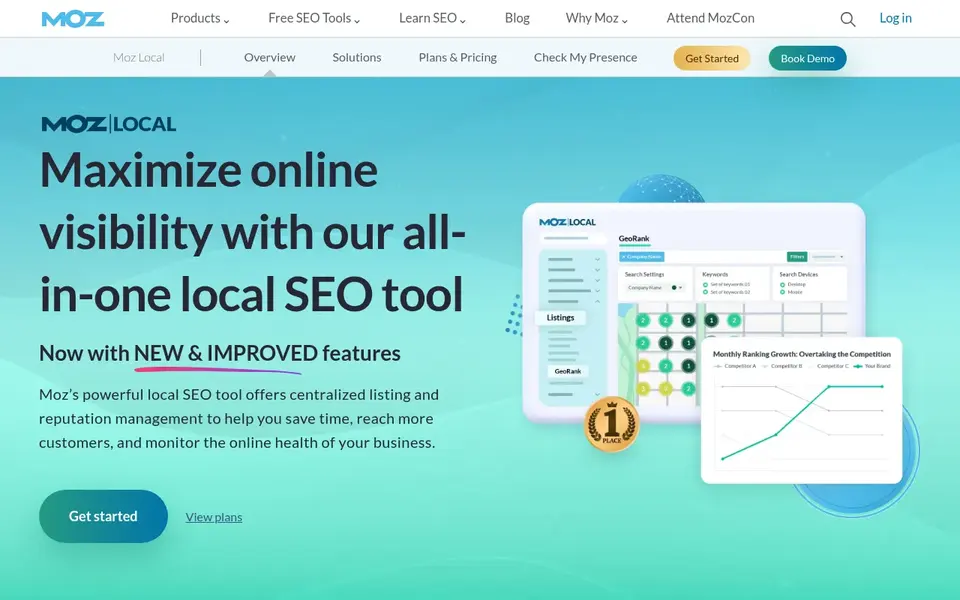
Moz Local is a steady option for a clinic that mainly wants its core listings accurate across the major data sources. It is part of the wider Moz toolset, so if you already use Moz for other SEO work, keeping local listings in the same family is convenient.
For urgent care, the value is in cleaning up the basics: consistent name, address, and phone across the main aggregators that feed maps and directories. That reduces the chance of a patient calling an old number or finding a closed location. It is a sensible starting point for a clinic that has never done listings work.
The limits show up when you need more than listings. Review management, social posting, and deep profile control are not the focus here, and the data coverage is strongest in the US. Clinics outside the US should check coverage before buying.
- Straightforward listings management
- ties into Moz's local tools
- good for basic data consistency
- Fewer features outside core listings
- mainly US-focused data
Synup bundles listings management with review monitoring and social tools, which can suit a clinic group that wants fewer separate subscriptions. For urgent care, the review side is relevant because patients often comment on wait times and front-desk service, and seeing those comments per location helps you respond.
The listings side handles the usual location data and pushes it to directories and maps. You can keep each clinic's hours and contact details in one place and check that they match across the web. Reporting gives owners a view of how each location appears.
The main caution is plan differences. Some features are only on higher tiers, so map your needs to the plan before you buy. A very small clinic may find it more than necessary.
- Combines listings, reviews and social in one place
- supports multiple locations
- reporting for owners
- Feature depth varies by plan
- setup takes some time
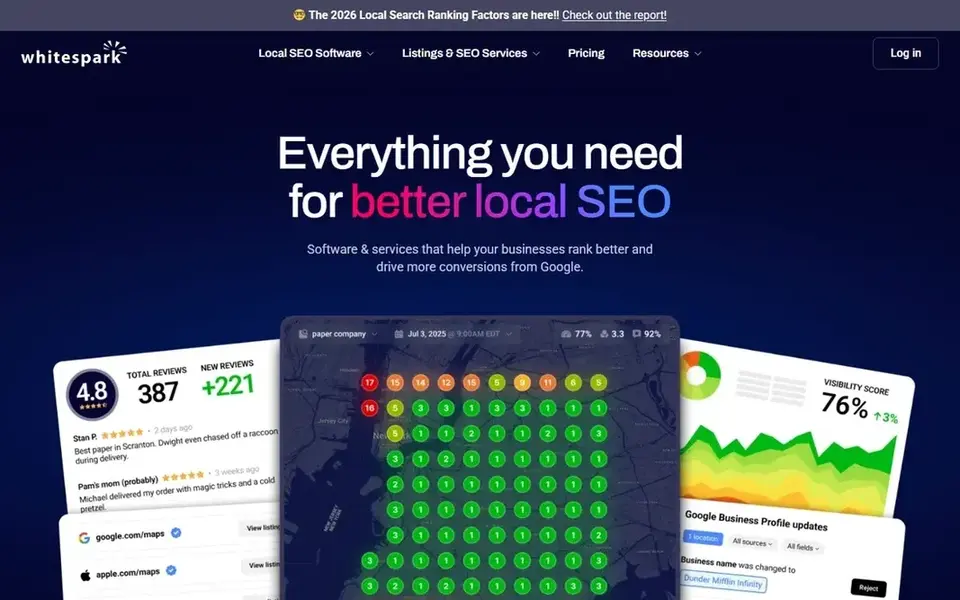
Whitespark is known for citation research and local search tools rather than a big automated publisher network. For an urgent care clinic, that makes it useful when you want to find the directories that matter in your area and fix them by hand or with help.
The citation finder helps you spot local directories, health-related listings, and community sites where a clinic should appear. That is valuable in urgent care because patients often look at local resources as well as maps. You can build a clean list and work through it methodically.
The limit is that it is not a set-and-forget publisher. Someone has to do the cleanup, and there is no large automatic network behind it. Clinics that want hands-off syncing should pair it with a listings tool or choose one of the others.
- Strong citation research
- good for finding missed local directories
- useful for manual cleanup work
- More research than automated publishing
- needs someone to do the work

Semrush Listing Management is a sensible add-on for a clinic or agency that already uses Semrush for keyword and local search work. It keeps listings data in the same platform as your other local SEO tasks, which cuts down on logins and keeps reporting together.
For urgent care, it handles the core job of keeping name, address, and phone data consistent across directories and maps. If your team already tracks local rankings and competitor visibility in Semrush, adding listings management keeps the picture in one place.
The limit is that it is one module in a large suite. If you only need listings, a dedicated tool may be simpler and cheaper. Check what is included in your current Semrush plan before adding it.
- Listings sit alongside Semrush's local SEO tools
- good for teams already on the platform
- simple data sync
- Best value only if you use Semrush already
- listings are one part of a bigger suite
How I chose
I built this list from vendor documentation and public sources, not from hands-on tests. I read each vendor's product pages, help docs, and published feature lists, then matched them to how urgent care clinics actually operate: several locations, hours that change, phone numbers that route calls, and patients who check a map before they drive. I also looked at directory coverage and how each tool handles multi-location data.
I left out tools where the public information was thin or where the fit for clinics was unclear. I did not rank on price because most of these vendors use quote-based or tiered pricing that changes by location count. Where a tool is stronger for agencies than for clinics, I said so. The goal is a shortlist you can check against your own location count and workflow, not a claim that one tool wins for everyone.
What to check before you buy
- Confirm how many locations the plan covers and what happens when you add a clinic.
- Check whether the tool syncs Google Business Profile fields directly or only pushes data to directories.
- Ask which directories are covered directly and which rely on data partners.
- Test how quickly an hours change, such as holiday hours, reaches the main maps and directories.
- Confirm that phone number updates route correctly, especially if you use call tracking.
- Check review features per location if patients often comment on wait times or service.
Frequently asked questions
What is the best listing management software for urgent care clinics?
Uberall is my top pick for multi-location clinics because it centralizes location data, hours, and profiles. BrightLocal suits smaller clinics that want listings plus local SEO checks, and Yext fits groups that want tight control over structured data. The right choice depends on your location count and budget.
Do urgent care clinics need listing management software?
If you have more than one location, or hours and phone numbers that change, yes. Patients often search for the nearest open clinic, so wrong hours or an old phone number cost you visits. Software helps keep data consistent, but you still need a correct Google Business Profile.
How does listing management help with patient calls?
It keeps your phone number consistent across directories and maps, so patients reach the right clinic. If you use call tracking, check that the tool updates the tracked number correctly and that the main profile shows a number patients can actually reach.
Can I manage listings without paid software?
Yes, for a single clinic. You can claim your Google Business Profile and fix the main directories by hand. Paid software saves time when you have several locations or when data drifts often. Start manual and add a tool when the work outgrows you.
Does listing software manage reviews too?
Some do. Uberall, Synup, and BrightLocal include review features, while others focus on listings only. For urgent care, review monitoring per location is useful because patients often mention wait times and front-desk service, and replying shows you are listening.
Sources
See where you really rank - block by block
ProMapRanker scans Google Maps across a grid of your service area. Simple monthly plans from $19, white-label on every plan.
Start freeBrowse all guides
← Best Listing Management Software for Roofers in 2026Best Local Rank Tracking Tools for Chiropractors in 2026 →
 best listing management software for pest control companies
Best Listing Management Software for Pest Control in 2026
A practical guide to the best listing management software for pest control companies in 2026, compared from vendor documentation and public sources.
Read → best listing management software for painting contractors
Best Listing Management Software for Painting Contractors in 2026
A guide to the best listing management software for painting contractors in 2026, compared from vendor documentation and public sources.
Read → best listing management software for med spas
Best Listing Management Software for Med Spas in 2026
I compare the best listing management software for med spas in 2026, based on vendor documentation, to help you keep NAP, hours and services accurate.
Read → how to audit local citations
How to Audit Local Citations and Find Errors Fast
How to audit your local citations, spot NAP errors, and prioritize fixes for the biggest ranking impact.
Read →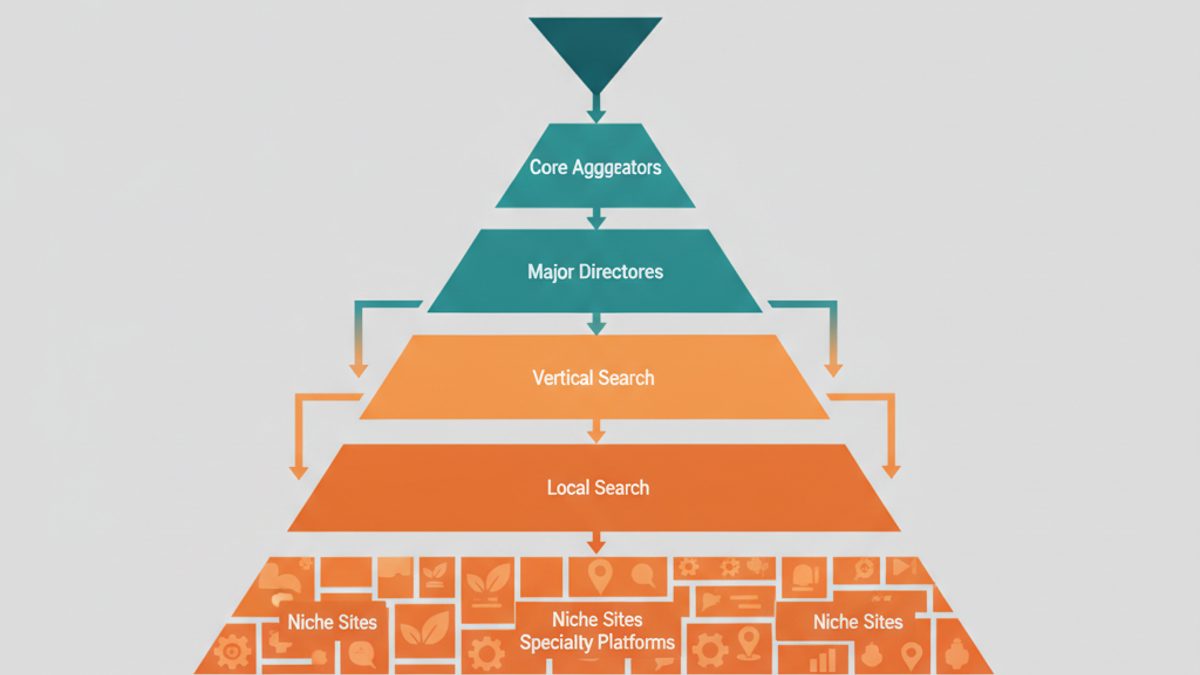 top local citation sites
Top Local Citation Sites Every Business Should Be On
The top local citation sites and data aggregators that feed the local ecosystem, with priorities.
Read → google maps rank tracker
Google Maps Rank Tracker: Track Your Map Pack Position Over Time
Track your Google Maps rankings over time with geo-grid scans and trend history. Here is how to do it right.
Read →More in Local SEO & Google Maps · All guides A to Z by date · Latest guides