 ProMapRanker
Best Listing Management Software for Oil Change Shops in 2026
Direct answer
Yext is my top pick for oil change shops because it pushes your hours, services and location details to a wide set of directories from one place, which matters when drivers search "oil change near me" at odd hours. Pricing is quote-based, so check its pricing page. If you mainly want to fix your Google Business Profile and core map data, Moz Local is a simpler fit, and Semrush Local suits shops that also want local rank tracking.
I compared these tools by reading vendor documentation and public sources, not by running hands-on tests. My focus was how each one handles the details that matter to a quick-lube business: hours that change with seasons, service menus, multiple bays and locations, and phone calls from drivers who need service today.
Key takeaways
- Oil change shops live and die on accurate hours and location data, because most customers search on a phone while already on the road.
- A listing management tool keeps your name, address, phone, hours and services consistent across Google, Apple Maps, Bing and the big data aggregators.
- Review features matter for this niche because drivers pick the shop with the freshest, most credible reviews when they are due for service.
- Multi-bay shops with several locations need a platform that handles location groups and bulk edits, not a single-location tool.
- No tool fixes bad data overnight; you still need to claim and verify each profile and keep seasonal hours updated by hand.
Quick comparison
| Pick | Great for | Pricing starts at | Free tier | |
|---|---|---|---|---|
 Yext | Wide directory reach from one dashboard | See website | Not stated | Visit |
 Moz Local | Fixing core map data and duplicates | See website | Not stated | Visit |
 Semrush Local | Listings plus local rank tracking | See website | No free plan | Visit |
 Uberall | Multi-location quick-lube chains | See website | Not stated | Visit |
 BrightLocal | Citation building and local audit reporting | See website | Not stated | Visit |
 GatherUp | Collecting and replying to reviews | See website | Free trial | Visit |
 CallRail | Tracking calls from listings and ads | See website | Free trial | Visit |
The best listing management software for oil change shops compared
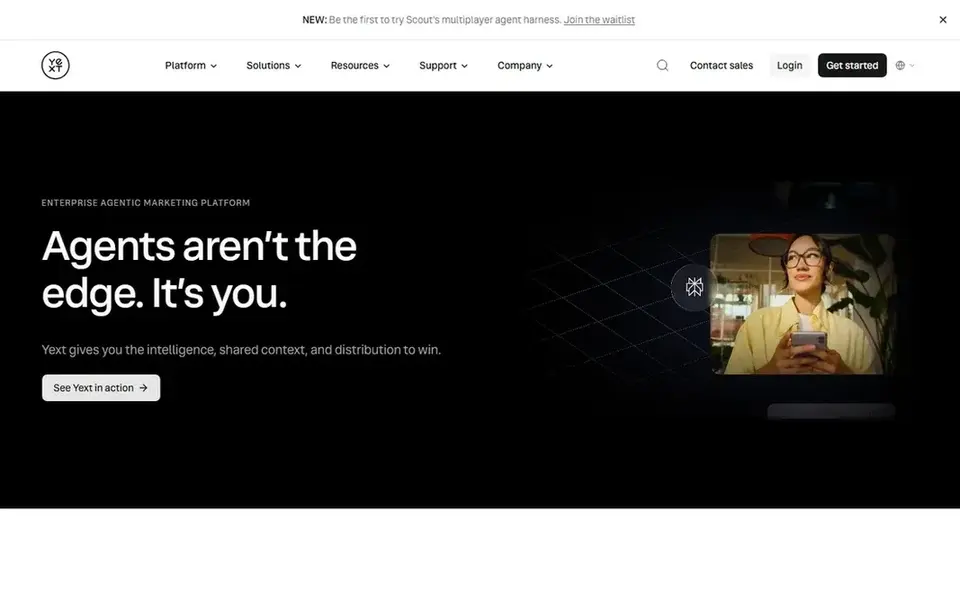
Yext is a listings platform built around a central record of your business facts. For an oil change shop, that means you enter your address, phone, hours, services and holiday closures once, and the platform pushes that data to a long list of directories, maps apps and review sites. It fits shops that are tired of correcting the same wrong phone number in a dozen places.
The workflow suits a quick-lube operation because you can set regular hours, note seasonal changes, and list services like conventional, synthetic blend and full synthetic oil changes. If you run several bays or several towns, you can manage each location as its own profile while keeping the brand details consistent. Review monitoring is included, so you can see what drivers say after a visit.
The limits are practical. Pricing is quote-based and contracts are often annual, so a single-bay shop should weigh whether the reach is worth it. If you only care about Google and Apple Maps, a lighter tool may be enough.
- Publishes to a large network of directories and maps apps
- handles hours, services and location details in one place
- strong for multi-location groups
- Pricing is quote-based
- annual commitment is common
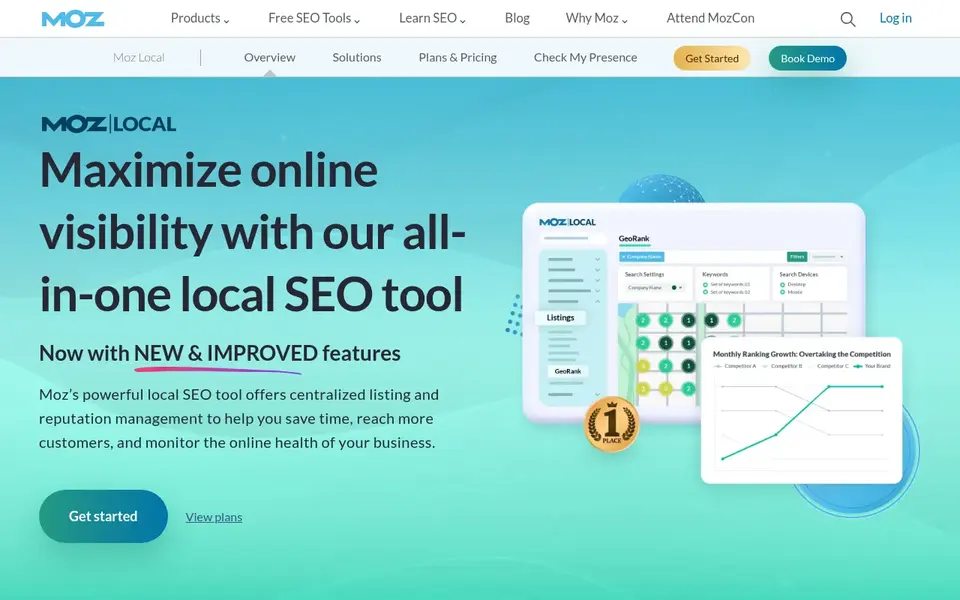
Moz Local focuses on the basics that break most often: your name, address, phone and hours across the major maps apps and data aggregators. For an oil change shop, that is often exactly the problem, because a stale phone number or an old address sends drivers to the wrong place.
The tool checks for duplicate listings and helps you clean them up, which matters if your shop has changed names or moved. You can push consistent core data to Google, Apple Maps, Bing and the main aggregators that feed smaller directories. It is a sensible starting point for a single-location shop that wants the fundamentals right before adding review tools.
Skip it if you need deep service-menu publishing or a large multi-location hierarchy. It is a focused tool, not a full local marketing suite.
- Clear duplicate detection
- syncs core data to major maps and directories
- simple dashboard for one shop
- Fewer review and social features
- limited service-menu depth

Semrush Local brings listing management together with local rank tracking and review tools inside the wider Semrush platform. For an oil change shop, the appeal is seeing how you rank for searches like "oil change near me" or "synthetic oil change [town]" while also keeping your directory data consistent.
The workflow lets you manage your Google Business Profile, push data to directories, and monitor reviews from one dashboard. If you already use Semrush for keyword research or competitor checks, adding local listings keeps your tools in one account. That can save time for a shop owner who handles marketing between customers.
The downside is cost and complexity. There is no free plan, and the local features sit inside a paid subscription. A shop that only wants listings fixed should look at a narrower tool first.
- Combines listing sync with local rank tracking
- review management in the same place
- useful keyword and competitor data
- Requires a paid Semrush subscription
- more than a listings-only shop needs
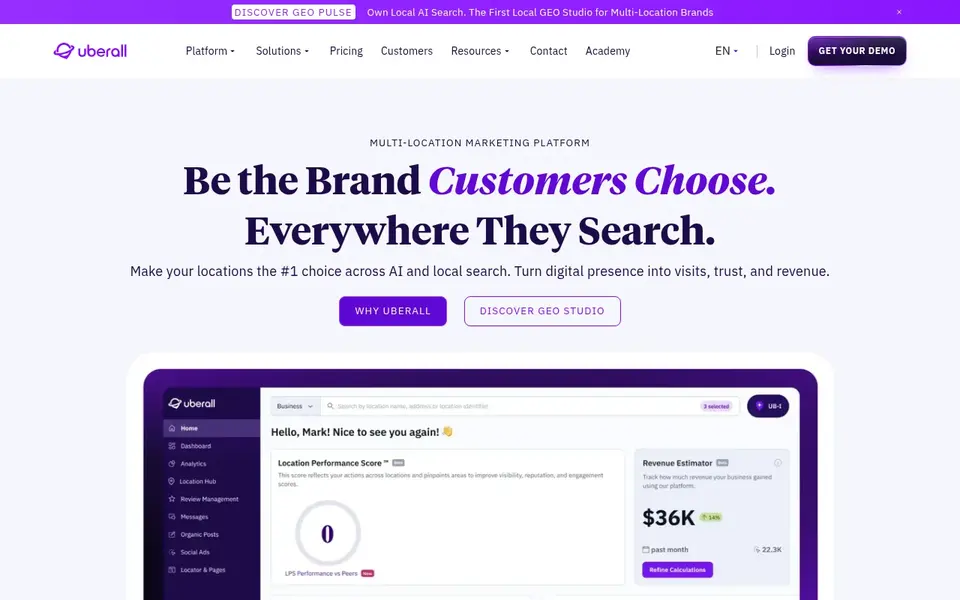
Uberall is built for businesses with several locations, which fits regional quick-lube chains and franchise groups. You manage each shop as a location profile and keep brand details, hours and services consistent across the group while allowing local differences.
For oil change shops, the useful part is bulk control. You can update holiday hours across every location at once, publish service menus, and route reviews to the right shop. Local pages and review tools sit alongside listings, so a chain can run its local presence from one place.
The setup is heavier than a single-shop tool, and pricing is quote-based. A one-location business will find it more than it needs.
- Strong multi-location management
- listings plus review and local page tools
- good for franchise groups
- Heavier setup
- pricing is quote-based
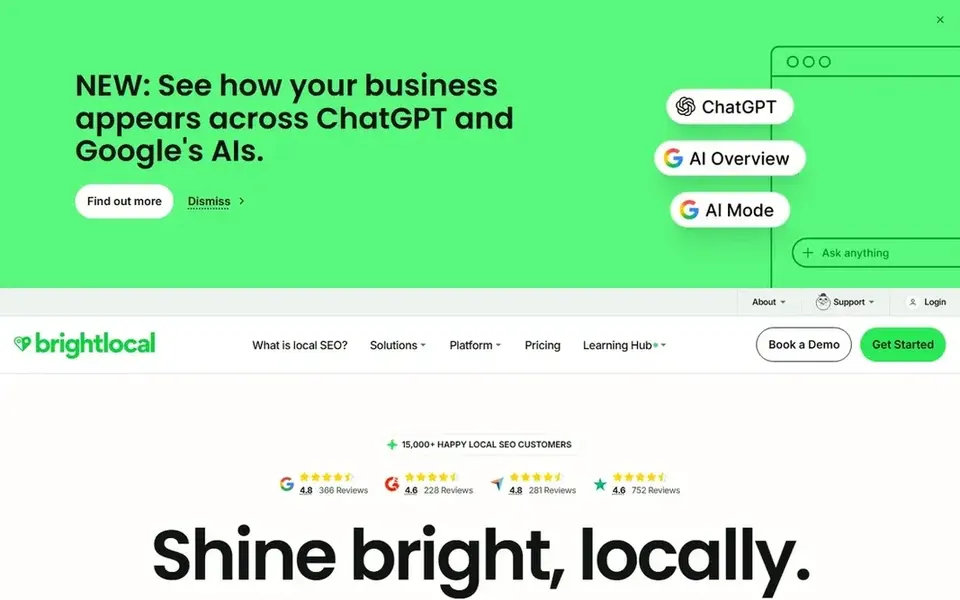
BrightLocal is a local SEO platform with citation building, audit reports, review tools and rank tracking. For an oil change shop, the citation building service is the draw, because it puts your shop's details on the directories that feed local search results.
The workflow is more manual than a pure sync tool: you review your citation profile, fix inconsistencies, and build new listings where you are missing. That suits a shop owner or agency that wants to see and control each step. Audit reports help you spot gaps like missing hours or an unclaimed profile.
It is not a hands-off distributor, and listings are only one part of the platform. If you want one dashboard that pushes data everywhere automatically, a sync-first tool fits better.
- Citation building service
- local audit reports
- review and rank tools in one platform
- Listings are one part of a bigger toolkit
- less of a set-and-forget sync
GatherUp handles the review side of local presence. For an oil change shop, reviews are a big part of the decision, because a driver comparing two shops nearby will lean toward the one with recent, specific feedback about speed and service.
The tool sends review requests after a visit, collects feedback privately first so you can respond to problems, and lets you monitor and reply to reviews in one inbox. That fits a quick-lube workflow where the customer is in and out fast and may not think to leave a review later.
It does not replace a listings platform. Use it alongside a tool that keeps your hours and address consistent, and skip it if reviews are already handled well.
- Review requests by text and email
- review monitoring and replies
- feedback tools for service issues
- Not a full listings distributor
- needs a listings tool alongside it
CallRail tracks the phone calls that listings and ads generate. For an oil change shop, calls are still a main channel, because drivers call to ask about wait times, prices for a specific vehicle, or whether you can take them today.
The tool assigns tracking numbers to different sources so you can see which listings, pages or ads produce calls, and it can record and route calls to the right bay or front desk. That helps you judge whether a directory listing is worth keeping.
It is not a listings manager. Pair it with a sync tool if your goal is consistent data everywhere, and skip it if you already track calls through your phone system.
- Call tracking with source attribution
- records and routes calls
- works with listings and paid campaigns
- Call tracking only
- no directory sync
How I chose
I started from vendor documentation and public sources for each tool, then checked how well each one handles the details that come up in a quick-lube business: regular and seasonal hours, service menus, multiple locations, review replies and phone calls. I did not run hands-on tests, so my notes describe documented features and typical workflows rather than measured results.
I ranked tools by fit for oil change shops rather than by size or reputation. A platform that pushes data to hundreds of directories is not automatically better for a single-bay shop than a focused tool that fixes the core maps data. I also weighed limits: contract terms, whether listings are the main product or a side feature, and how much manual work each one requires. Where a tool is quote-based or has no stated free plan, I say so instead of guessing.
What to check before you buy
- Confirm the tool publishes to Google Business Profile, Apple Maps and Bing, since most drivers search on phones.
- Check whether you can set special and holiday hours, because oil change demand spikes around long weekends and seasons.
- Ask whether service menus can be published, so drivers see conventional, synthetic blend and full synthetic options.
- Test how the tool handles multiple locations if you run more than one shop or plan to expand.
- Look at review features, including request sending and reply tools, because recent reviews sway local drivers.
- Read the contract terms and cancellation policy before you commit, especially for quote-based platforms.
Frequently asked questions
What is listing management software for an oil change shop?
It is software that keeps your shop's name, address, phone, hours and services consistent across Google, Apple Maps, Bing, directories and data aggregators. For an oil change shop, the goal is to make sure a driver searching nearby sees the right location, the right hours and a working phone number.
Do I need a separate tool for reviews?
Not always. Some listings platforms include review monitoring and replies. If reviews are a priority and your listings tool is weak there, a dedicated review tool can fill the gap. Just avoid paying twice for the same features.
Can listing software help with seasonal hours?
Some platforms let you set special hours and holiday schedules that push to directories. Check this before you buy, because wrong hours during a busy weekend send drivers to a closed bay and cost you the job.
How long does it take to see changes?
Directory updates depend on each site's own refresh cycle, so timing varies. Core maps data usually updates faster than smaller directories. Plan for weeks rather than hours, and check your key profiles yourself after changes.
Is listing software worth it for a single shop?
It can be, if your hours or phone number are wrong in several places or you have duplicate listings. A focused tool that fixes core maps data is often enough. Multi-location chains get more value from platforms built for groups.
Sources
See where you really rank - block by block
ProMapRanker scans Google Maps across a grid of your service area. Simple monthly plans from $19, white-label on every plan.
Start freeBrowse all guides
← Best Listing Management Software for Catering Companies in 2026Best Listing Management Software for Pilates Studios in 2026 →
 best listing management software for bookstores
Best Listing Management Software for Bookstores in 2026
A guide to the best listing management software for bookstores in 2026, covering directory accuracy, Google Business Profile tools, and review requests.
Read → best listing management software for bathroom remodelers
Best Listing Management Software for Bathroom Remodelers in 2026
A bathroom remodeler's guide to listing management software in 2026: compare Yext, Semrush Local, Moz Local, Uberall and more for map and directory accuracy.
Read → best google business profile management software for toy stores
Best Google Business Profile Software for Toy Stores in 2026
A toy store owner's guide to Google Business Profile management software for 2026, compared from vendor documentation and public sources.
Read → local seo for bakeries
Local SEO for Bakeries
A local SEO guide for bakeries: Google Business Profile setup, reviews, and custom-order and walk-in local SEO for bakeries.
Read → local seo for auto detailing shops
Local SEO for Auto Detailing Shops
A local SEO guide for auto detailing shops: Google Business Profile setup, reviews, and before/after photo GBP posts for detailers.
Read → set up geo grid scan
How to Set Up Your First Geo-Grid Scan (Beginner Guide)
A beginner guide to setting up your first geo-grid scan, from keyword to heatmap.
Read →More in Local SEO & Google Maps · All guides A to Z by date · Latest guides