 ProMapRanker
Best Listing Management Software for Daycares in 2026

All-in-one listings and reviews for small daycares · Pricing starts at: See website
Direct answer
BrightLocal is my top pick for daycare listing management because it combines citation building, audit checks and review tools in one dashboard that suits a single-location or small multi-site childcare operator. It has no free plan stated, so check its pricing page before you commit. Yext fits centers that need tight control over many directories at once, and Moz Local is a solid budget-friendly option for keeping core data consistent.
I compared these tools using vendor documentation and public sources rather than hands-on testing, so treat this as a research starting point. I focused on what a daycare actually needs: accurate hours, program details, parent reviews and clean data across the directories families use. Each entry below explains where a tool fits and where it falls short.
Key takeaways
- Daycare listings succeed or fail on accuracy: name, address, phone, hours and age ranges must match everywhere a parent might look.
- Citation tools matter more than social scheduling for childcare because parents usually search by neighborhood and program type.
- Review monitoring belongs in the same workflow as listings, since parent trust is the main conversion factor.
- Multi-site daycare groups need a tool that handles location groups and bulk edits, not just one profile.
- None of these tools replace your Google Business Profile itself; they feed and monitor the data around it.
Quick comparison
| Pick | Great for | Pricing starts at | Free tier | |
|---|---|---|---|---|
| BrightLocal | All-in-one listings and reviews for small daycares | See website | Not stated | Visit |
 Yext | Large daycare groups needing centralized control | See website | Not stated | Visit |
 Moz Local | Simple data consistency on core directories | See website | Not stated | Visit |
 Whitespark | Citation building and local rank research | See website | Not stated | Visit |
 Uberall | Multi-location childcare brands | See website | Not stated | Visit |
 Synup | Agencies managing several daycare clients | See website | Not stated | Visit |
 Birdeye | Review-first reputation management for daycares | See website | Not stated | Visit |
The best listing management software for daycares compared
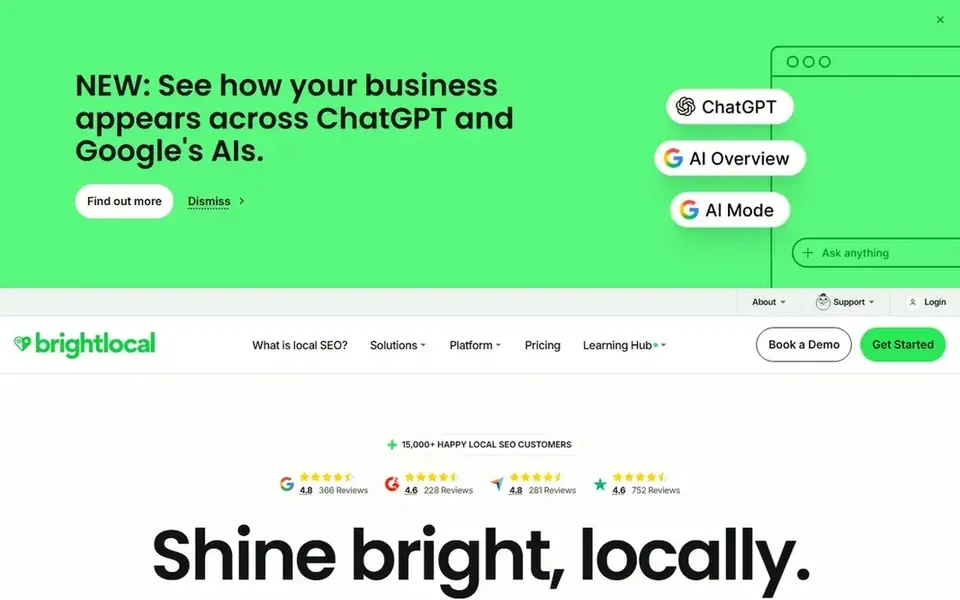
BrightLocal is a local marketing platform aimed at small businesses and the agencies that serve them. For a daycare owner who wants one dashboard for citations, reviews and local rankings, it covers the basics without requiring a large team. It suits a single center or a small group of two or three locations.
For daycare work, the citation audit is the useful part. You can see where your name, address, phone and hours differ across directories, then fix them in a guided workflow. Review monitoring lets you catch a parent comment quickly, and local rank tracking shows whether you appear for terms like "daycare near me" in your area. The workflow is built around repeatable checks rather than one-off submissions.
The limits show up if you run many locations or want deep childcare-specific directory coverage. BrightLocal is general-purpose, so you will still need to claim and manage your Google Business Profile directly. Skip it if you need enterprise-level location management across dozens of centers.
- Citation audit and building in one place
- review monitoring and response tools
- local rank tracking by keyword
- good fit for single-location centers
- Citation network leans toward general directories
- not built specifically for childcare
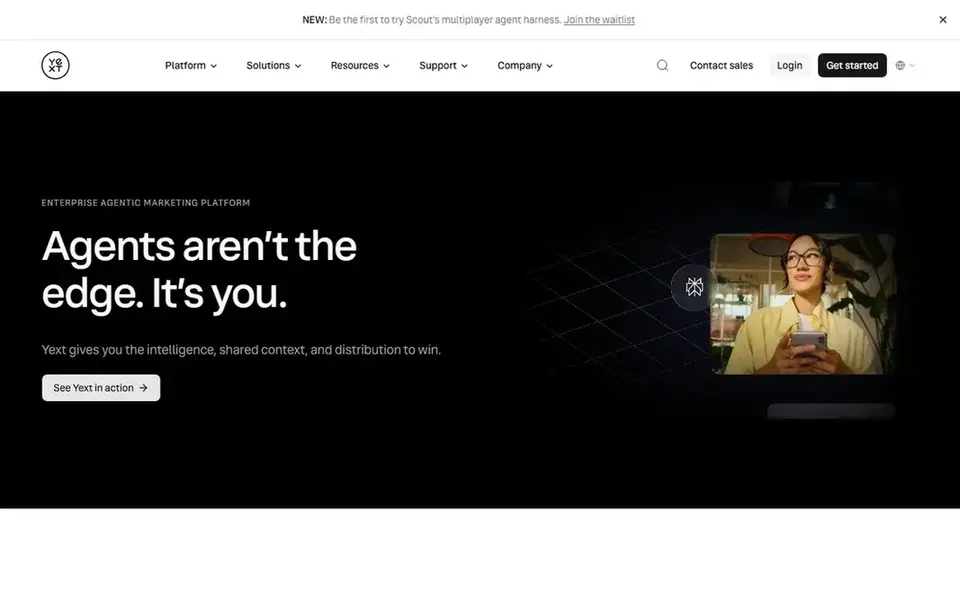
Yext runs on a knowledge manager model: you store your business facts once and push them to a network of publishers. That structure fits a daycare group with several centers that all need consistent hours, phone numbers and program details. It is built for organizations that want one place to control location data.
For daycares with multiple sites, bulk edits matter. If you change holiday hours across five centers, Yext lets you update once and sync outward. That reduces the risk of a parent driving to a closed location. The publisher network is broad, which helps when families check maps, search engines and directory sites before calling.
The trade-off is cost and commitment. Small single-location daycares rarely need this level of control, and the model can be heavy for a one-person operation. Skip it unless you have several locations or a marketing team to manage it.
- Central source of truth for location data
- wide publisher network
- strong bulk management for many sites
- Can be expensive for small operators
- knowledge-manager model ties you to the platform
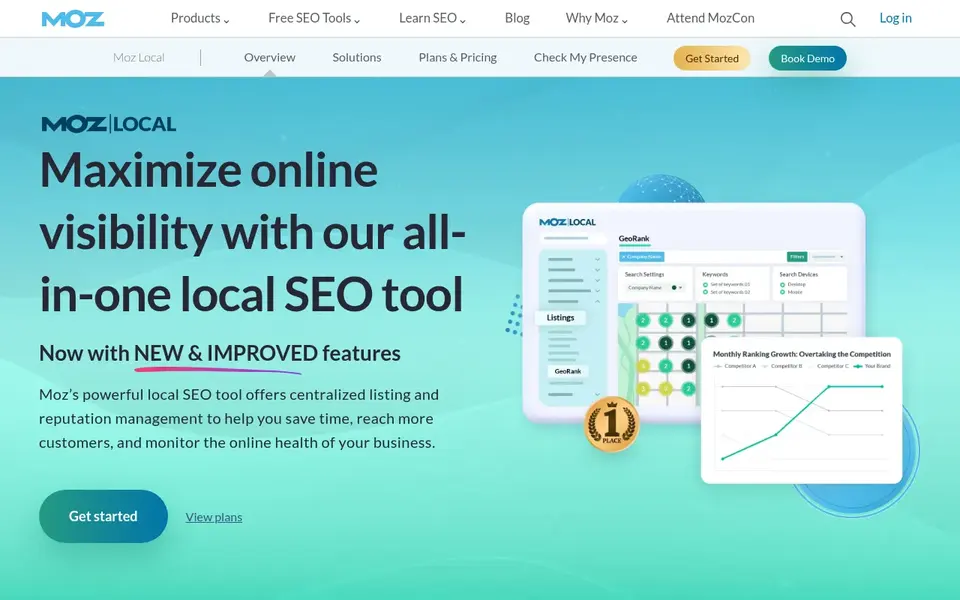
Moz Local focuses on keeping your core business data consistent across major directories. For a daycare that mainly needs its name, address, phone and hours correct on the sites parents check, it is a clear starting point. The interface is approachable for owners who are not marketers.
In practice, you verify your location, review the listings Moz finds, and push corrections. That handles the common problem of an old phone number or a former address lingering on a directory. It pairs well with a basic review habit, but the review tools are lighter than a dedicated reputation platform.
If you want deep review campaigns or many niche childcare directories, Moz Local may feel limited. It is best for a single center that wants clean data without a complex setup.
- Straightforward listing sync
- ties into Moz's local SEO tools
- easy to understand for beginners
- Fewer review workflow features
- narrower publisher coverage than enterprise tools
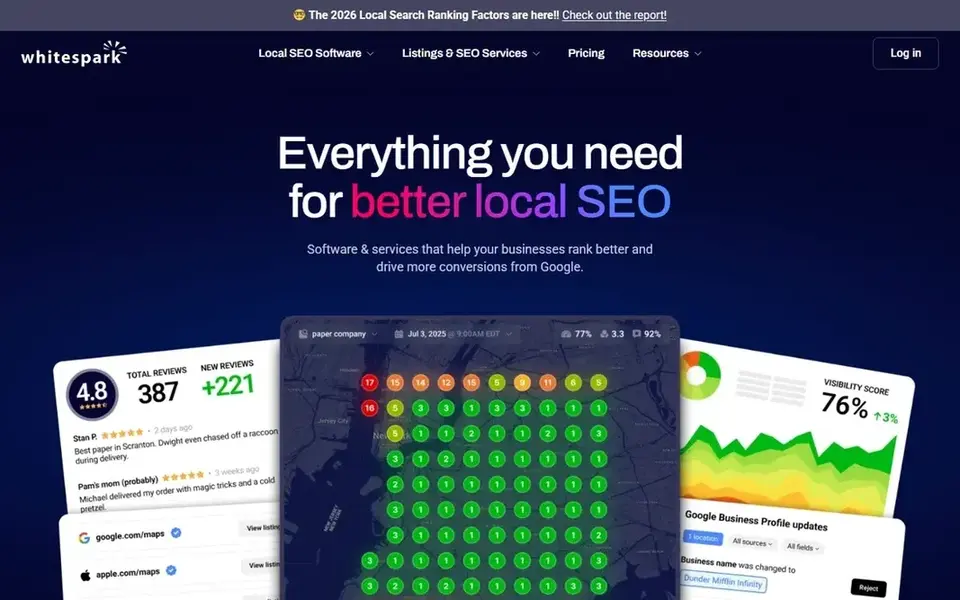
Whitespark is known for citation building and local search research. It suits an agency or a hands-on daycare owner who wants to find and fix listings methodically. The citation finder helps you spot directories that matter for your area rather than submitting everywhere blindly.
For a daycare, that means identifying the local directories, chambers and community sites where families actually look. Whitespark's rank tracking then shows whether those efforts move you for neighborhood searches. The workflow is more manual than a fully automated sync tool, but it gives you more control over which citations you build.
The downside is that it is not a single dashboard for reviews and listings together. If you want one screen for everything, look elsewhere. It fits agencies and owners who do not mind a research-heavy process.
- Strong citation research and submission service
- local rank tracking
- useful for agencies serving daycares
- Less of an all-in-one dashboard
- more manual workflow
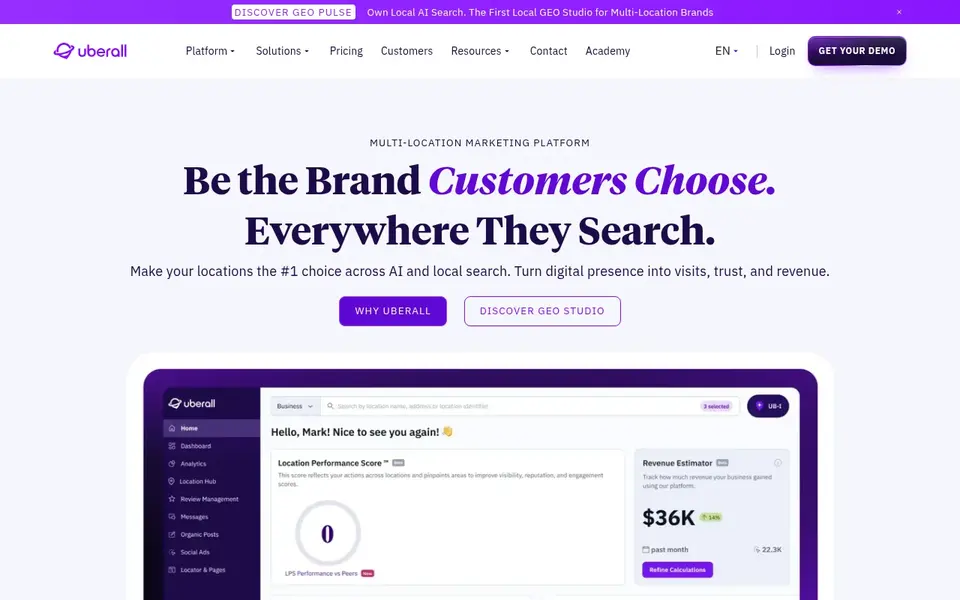
Uberall is a location marketing platform designed for businesses with many sites. A daycare brand with centers across several cities can use it to keep listings, reviews and local pages consistent. It is aimed at teams that manage locations at scale.
For childcare groups, the value is in central control. You update hours or program details once and push them across locations and directories. Review management sits alongside listings, so a regional manager can respond to parent feedback in one place. Local pages help each center show up for its own neighborhood searches.
Small daycares should skip it. The setup and cost make sense only when you have several locations and someone to run the platform. A single center will get more value from a lighter tool.
- Built for many locations
- listing sync plus review and local pages
- good for franchise-style groups
- Setup effort is high for small operators
- overkill for a single center
Synup is a local marketing platform that agencies use to manage listings, reviews and local pages for multiple clients. If you run an agency serving daycares, the multi-client structure keeps each center's data separate while giving you one login.
For daycare clients, you can sync core data, monitor reviews and produce reports that show listing accuracy over time. That reporting is useful when a center owner wants to see what changed. The platform covers the main local channels parents use when comparing childcare options.
The learning curve is real, and a single daycare owner will find it heavier than needed. It fits agencies and multi-location operators with someone dedicated to managing the account.
- Listings, reviews and local pages in one platform
- multi-client structure for agencies
- reporting for clients
- Interface takes time to learn
- more than a single daycare needs
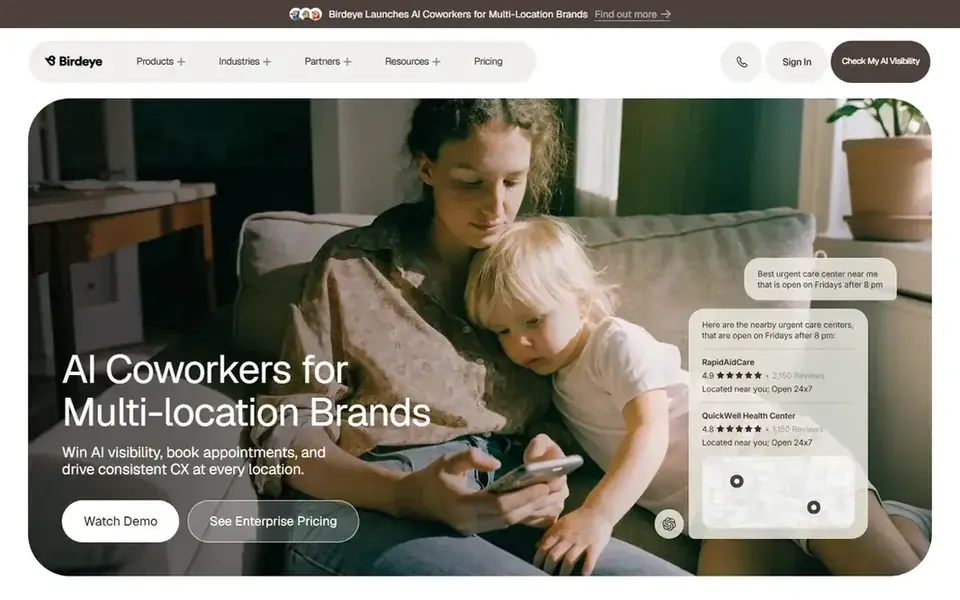
Birdeye is a reputation management platform built around reviews, with listings as a supporting feature. For a daycare, parent trust is the main driver of inquiries, so a tool that makes review collection and response easy has real value.
You can send review requests after a family enrolls or at key milestones, then respond to feedback from one inbox. Listings sync keeps your core data consistent, though the depth of listing management is less than a dedicated citation tool. The platform suits centers that want to build a visible record of parent satisfaction.
If your main problem is messy directory data rather than reviews, a listings-first tool is a better fit. Birdeye makes most sense when reputation is the priority and you want listings handled alongside it.
- Strong review request and response workflow
- listings included alongside reviews
- good for parent trust building
- Listings are secondary to reviews
- pricing geared to businesses focused on reputation
How I chose
I built this list from vendor documentation and public sources, not from hands-on testing. I read each product's feature pages, help docs and public descriptions to understand what it actually does, then matched those features to how daycares operate: single centers versus groups, parent trust versus data accuracy, and the directories families use when choosing childcare.
I also weighed limits honestly. A tool that is excellent for a franchise group can be overkill for one center, and a review-first platform may not fix messy citations. Where a product's fit was unclear, I left pricing and free-plan details as "See website" rather than guess. The goal is to help you shortlist based on your situation, then verify current details on each vendor's site before buying.
What to check before you buy
- Confirm the tool covers the directories parents in your area actually use, not just a generic network.
- Check whether it handles multiple locations if you run more than one center, including bulk hours edits.
- Ask how it manages holiday and seasonal hours, since daycare schedules change often.
- Confirm review monitoring and response are included or available, because parent trust drives enrollment.
- Check whether you can export your data, so you are not locked in if you switch tools.
- Verify how it connects to your Google Business Profile and whether edits sync reliably.
Frequently asked questions
Do daycares really need listing management software?
Yes, if you want consistent information across the places parents check. A wrong phone number or outdated hours on a directory can cost you an inquiry. Software helps you find and fix those errors at scale, though a single center can start with a basic tool and a regular manual check.
What is the most important listing detail for a daycare?
Hours and program details, including age ranges and holiday closures. Parents filter options quickly, and inconsistent hours create doubt. Keep your name, address, phone, hours and program type identical everywhere, and update them before every seasonal change.
Can listing software help with parent reviews?
Some tools include review monitoring and response workflows, which helps you catch feedback quickly. Review requests should follow Google's guidelines: ask all families, never gate or filter by sentiment, and never offer incentives for positive reviews. Keep requests simple and honest.
Is one tool enough for listings and reviews?
Often yes for a small center. Platforms like BrightLocal and Birdeye combine both, though the depth varies. If reviews are your priority, pick a review-first tool. If clean directory data is the priority, pick a listings-first tool and handle reviews manually or with a lighter add-on.
How long does it take to fix daycare listings?
It depends on how many directories are wrong and how quickly each one processes updates. Plan for a few weeks of checking and correcting, then a monthly review to catch drift. Seasonal hour changes are the most common source of new errors, so build a check around them.
Sources
See where you really rank - block by block
ProMapRanker scans Google Maps across a grid of your service area. Simple monthly plans from $19, white-label on every plan.
Start freeBrowse all guides
← Best Google Business Profile Software for Spas in 2026Best Listing Management Software for Home Services in 2026 →
 best google business profile management software for hotels
Best Google Business Profile Software for Hotels in 2026
A practical guide to Google Business Profile management software for hotels, compared from vendor documentation and public sources.
Read → best google business profile management software for churches
Best Google Business Profile Software for Churches in 2026
A practical guide to Google Business Profile management software for churches, covering listings, reviews, scheduling and local visibility tools.
Read → best google business profile management software for car washes
Best Google Business Profile Software for Car Washes in 2026
A guide to the best Google Business Profile management software for car washes, compared from vendor docs and public sources, with GBP, reviews and listings tips.
Read → local seo for food trucks
Local SEO for Food Trucks
A local SEO guide for food trucks: Google Business Profile setup, reviews, and location-update and event-based local SEO.
Read → promapranker vs yext
ProMapRanker vs Yext: Local Visibility Tools Compared
Comparing ProMapRanker and Yext for local search visibility, listings management, and geo-grid rank tracking.
Read → ranking in google maps
Ranking in Google Maps: A Beginner's Roadmap
A beginner's roadmap to ranking in Google Maps without the SEO jargon.
Read →More in Local SEO & Google Maps · All guides A to Z by date · Latest guides