 ProMapRanker
Best Google Business Profile Software for Churches in 2026

Church listing, review and rank management · Pricing starts at: See website
Direct answer
My pick for most churches is BrightLocal, because it handles the listing accuracy, review requests and local rank checks a church office actually needs in one place. It has no free plan stated, so check its pricing page before you commit. If reviews and member feedback are the main concern, look at Birdeye. If you want a free way to keep your service times and address consistent everywhere, start with Moz Local.
I put this list together from vendor documentation and public sources, not from hands-on testing. I looked at what each tool says it does, how it fits a church office with limited staff, and where the limits are. Churches have specific needs: service times that change, multiple campuses, volunteer-run social accounts, and a strong preference for honest reviews over marketing tricks.
Key takeaways
- A church profile lives or dies on accurate hours, service times and location details, so listing management matters more than fancy dashboards.
- Review tools help you ask regular attenders for honest feedback without offering incentives or filtering out unhappy people.
- Rank tracking shows whether your church appears when someone nearby searches for "church near me" or your denomination in your town.
- Most church offices run on volunteer time, so pick software one person can learn in an afternoon and hand over cleanly.
- Google's own guidelines forbid keyword-stuffed names and bought reviews, so any tool that encourages those practices is the wrong fit.
Quick comparison
| Pick | Great for | Pricing starts at | Free tier | |
|---|---|---|---|---|
| BrightLocal | Church listing, review and rank management | See website | Not stated | Visit |
 Birdeye | Member reviews and reputation management | See website | Not stated | Visit |
 Moz Local | Consistent listings on a budget | See website | Not stated | Visit |
 Yext | Multi-campus churches with complex listings | See website | Not stated | Visit |
 Whitespark | Citation building and local rank checks | See website | Not stated | Visit |
 Local Falcon | Map visibility checks across a town | See website | Free plan | Visit |
 CallRail | Tracking calls from the profile | See website | Free trial | Visit |
The best Google Business Profile software for churches compared
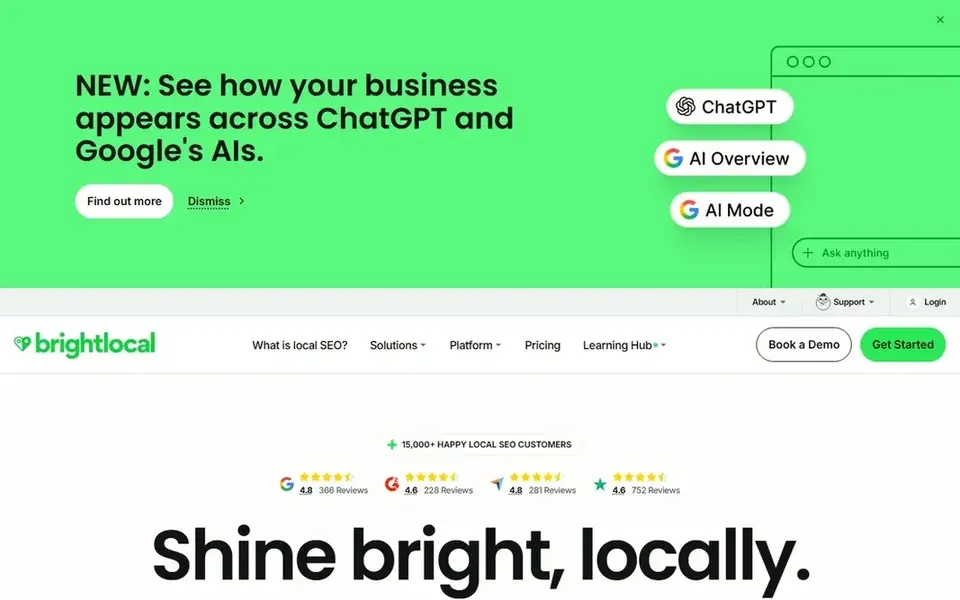
BrightLocal is a local marketing platform built around listings, reviews and local search visibility. For a church, the useful parts are the listing audit that checks whether your name, address, phone and hours match across directories, and the review tools that let you send a simple request to people who already attend.
In practice, a church office would use it to fix wrong service times on directory sites, send a review request after a Sunday service or event, and check whether the church shows up when someone searches for a church in the area. The reporting is plain enough to hand to a pastor or board without translation. It suits churches with one location and a staff member or volunteer who can spend a few hours a month on it.
The limits are real for small congregations: the feature set is broader than most churches need, and there is no free plan stated. A church with no one to manage the account should skip it and start with a simpler free approach.
- Combines listing audits, review requests and local rank tracking
- easy for a volunteer to learn
- clear reports you can share with leadership
- More features than a single-site church needs
- no free plan stated
Birdeye is a reputation and customer experience platform. For churches, the review side is the draw: it lets you request reviews from attenders, reply to them from one inbox, and see how your profile looks over time. That matters because a church with a handful of recent, honest reviews looks more trustworthy to a family searching for a new church home.
The workflow is straightforward. You add contacts, send a request after a service or event, and respond to whatever comes back. Replies can be templated but should still sound human. It fits churches that already collect email addresses and want a repeatable way to ask for feedback without pressuring anyone.
The limits: Birdeye is designed for businesses with paying customers, so some of its messaging and survey features will go unused. It has no free plan stated. A small church with no review process in place should start with manual requests before paying for a platform.
- Strong review request and reply workflow
- messaging tools for member contact
- dashboard shows review trends over time
- Built for businesses with customers, so some features feel like a stretch for a church
- no free plan stated
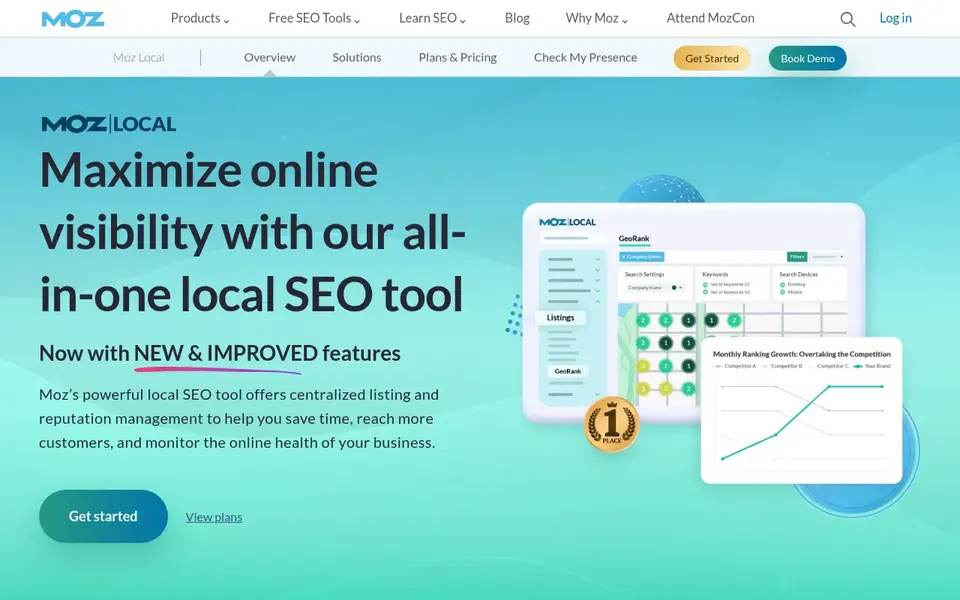
Moz Local is a listings management tool from Moz. Its job is to push your church's name, address, phone number and hours to major directories and keep them in sync. For a church, that solves a common problem: a visitor finds an old service time on a directory site and shows up at the wrong hour.
Setup is short. You enter the church details once and let the tool distribute them. It works best for a single-location church with stable hours. If your service times change seasonally, you still need to update the source data, but the tool handles the spread.
The limits are clear: Moz Local is not a review request platform, and it has no free plan stated. A church that mainly needs review collection should look elsewhere. A church that mainly needs accurate listings will find it does that one job well.
- Focused on data accuracy across directories
- simple setup
- good for churches with one address and fixed hours
- Review tools are limited
- no free plan stated
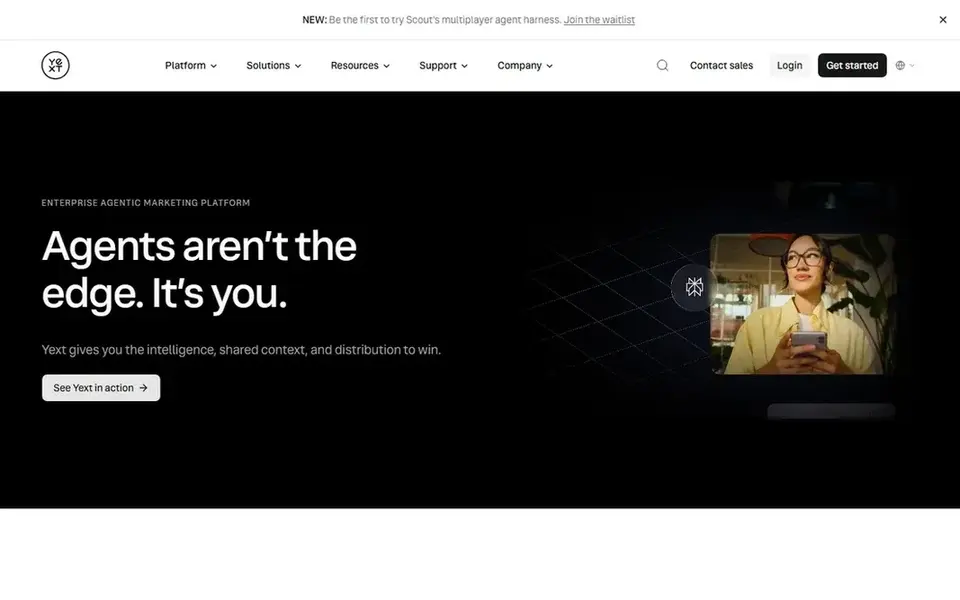
Yext is an enterprise listings platform. It fits churches with several campuses, a school, a preschool or a thrift store attached, where each location needs its own accurate profile and the details change often.
For a multi-campus church, the value is central control. One office can update a campus address or a holiday service schedule and push it out everywhere. Yext also handles structured data, which helps search engines understand event and hours information. That is useful around Christmas and Easter when schedules shift.
The limits: Yext is priced by quote, so you need a sales call, and it has no free plan stated. A single-site church with one address will pay for capacity it never uses. It is the right tool only when the location count justifies it.
- Handles many locations from one account
- strong directory coverage
- structured data tools for events and hours
- Quote-based pricing needs a sales conversation
- heavier than a single church needs
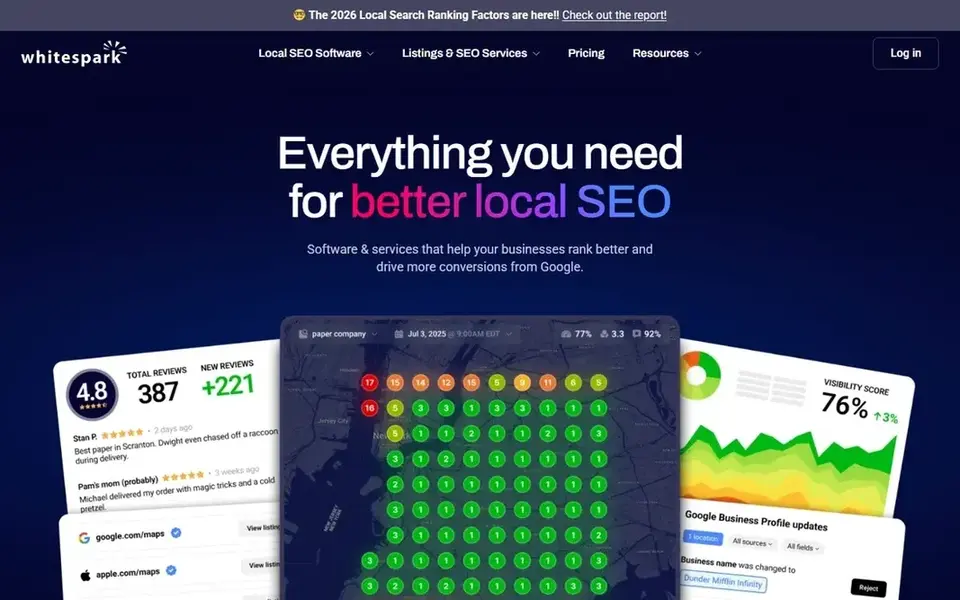
Whitespark is a local SEO toolkit known for citation building and local rank tracking. A church would use it to find directories where it is missing or listed incorrectly, then submit corrections. It also tracks where the church ranks in local search results for terms like "church in [town]".
The citation side is hands-on. The tool finds opportunities, but someone still has to submit and verify listings. That suits a church with a volunteer who enjoys detail work. The rank tracking gives a plain view of whether the profile changes are helping.
The limits: it is not a review platform, and the citation work takes time. It has no free plan stated. A church that wants a set-and-forget tool should skip it; a church with a detail-oriented volunteer will get real value.
- Citation finder and builder tools
- local rank tracking
- useful for churches in competitive areas
- Citation work is manual
- no free plan stated
Local Falcon scans Google Maps in a grid around a location and shows where a business ranks at each point. For a church, that answers a practical question: does someone three neighborhoods away find us when they search for a church?
The free plan lets you run a scan and see the picture. Regular monitoring needs a paid tier. The output is visual and easy to explain to a board: green where you rank well, red where you do not.
The limits: Local Falcon only measures map visibility. It does not fix listings or collect reviews, so it works as a check on your other efforts, not a replacement for them. A church with no listing management in place should fix that first.
- Grid-based map rank scans
- shows how visibility changes across neighborhoods
- free plan to try
- No listing or review management
- regular scans need a paid tier
CallRail is call tracking software. It assigns tracking numbers so you can see which calls came from your Google Business Profile, your website or a print flyer. For a church, that is useful if you run events and want to know which channel brings inquiries.
The setup is simple: a tracking number forwards to your office line, and the dashboard shows call volume and source. Call recording and routing help a small office handle messages.
The limits: CallRail does nothing for listings or reviews, and most churches get few calls through their profile. It has a free trial but no free plan stated. It makes sense only if phone inquiries are a real part of how people reach you.
- Call tracking with source attribution
- call recording and routing
- free trial to test
- No listing or review features
- overkill for a church with few calls
How I chose
I compared these tools from vendor documentation and public sources. I did not run hands-on tests, so I am judging each one on what the vendor says it does, how it fits a church office, and where the limits are. I weighted listing accuracy, review workflow, local rank visibility and how quickly a volunteer could learn the tool.
I also weighed what a church does not need. Most congregations have one location, a small budget and no marketing staff. Tools built for multi-location businesses or heavy call volumes got marked down unless the church fit was clear. I left out anything that encourages review gating, bought reviews or keyword-stuffed names, because those break Google's guidelines and put the profile at risk.
What to check before you buy
- Confirm the tool updates your name, address, phone and hours across the directories people actually use, not just a handful.
- Check whether review requests can go to real attenders without incentives, and whether replies are easy to manage from one inbox.
- Ask how service-time changes are handled, especially around Christmas, Easter and summer schedule shifts.
- Make sure one volunteer can learn the tool and hand it over with written notes.
- Check whether the contract is monthly or annual, and whether you can cancel if the church's needs change.
- Confirm the tool follows Google's guidelines on reviews and business names, so your profile stays in good standing.
Frequently asked questions
Do churches need Google Business Profile management software?
Not always. A single church with stable hours can keep its profile accurate by hand. Software helps when listings drift across directories, when you want a repeatable way to ask for reviews, or when you have several campuses and need one place to manage them.
Can we ask church members for Google reviews?
Yes, if you ask everyone the same way and do not offer incentives or filter out unhappy people. A simple request after a service or event is fine. Review gating, where you only send happy people to Google, breaks the guidelines and can hurt the profile.
How do we handle changing service times?
Update the source data in your management tool first, then let it push the change to directories. Check the Google Business Profile itself too, since special hours for Christmas and Easter are set separately. A tool that syncs listings saves the most time here.
Is a multi-campus church better off with Yext or BrightLocal?
Yext fits churches with several campuses and complex location data, because it manages many profiles from one account. BrightLocal suits a single location or a small church that wants listings, reviews and rank checks together. Match the tool to the number of locations you actually manage.
What should a small church do first?
Claim and verify the Google Business Profile, fill in hours, service times and photos, and fix the worst listing errors. Then ask a few regular attenders for honest reviews. Add software only when the manual work becomes a recurring burden someone has to own.
Sources
See where you really rank - block by block
ProMapRanker scans Google Maps across a grid of your service area. Simple monthly plans from $19, white-label on every plan.
Start freeBrowse all guides
← Best Google Business Profile Software for Car Washes in 2026Best Google Business Profile Software for Hotels in 2026 →
 best call tracking software for roofers
Best Call Tracking Software for Roofers in 2026
A roofer's guide to call tracking software in 2026: CallRail, CallTrackingMetrics, WhatConverts, Ringba and more, compared by fit, features and limits.
Read → best call tracking software for restaurants
Best Call Tracking Software for Restaurants in 2026
A practical guide to the best call tracking software for restaurants in 2026, covering call attribution, dynamic number insertion and phone reporting.
Read → best call tracking software for pool service companies
Best Call Tracking Software for Pool Service Companies in 2026
A guide to the best call tracking software for pool service companies, covering call attribution, routing, recordings and Google Ads reporting.
Read → digital marketing local business
Digital Marketing Local Business: A Complete Guide
Everything you need to know about digital marketing local business: what it is, why it matters for local SEO, and exactly how to act on it.
Read → local seo for pest control
Local SEO for Pest Control Companies: More Jobs From Maps
A pest control local SEO guide: service-area GBP, reviews, and geo-grid tracking to book more jobs.
Read → how to audit local citations
How to Audit Local Citations and Find Errors Fast
How to audit your local citations, spot NAP errors, and prioritize fixes for the biggest ranking impact.
Read →More in Local SEO & Google Maps · All guides A to Z by date · Latest guides