 ProMapRanker
Best Listing Management Software for Churches in 2026
Direct answer
Uberall is my top pick for churches that need listing management, because it handles many locations, keeps opening hours and service times consistent, and covers the major maps and directories in one dashboard. Pricing is quote-based, so check its pricing page. If you want a simpler, lower-cost way to fix core listings, Moz Local fits; if reviews and visitor follow-up matter more, GatherUp fits.
I compared these tools from vendor documentation and public sources, not from hands-on testing. My focus was on what a church actually manages: one or more locations, weekly service times, seasonal events, a phone number that changes less often than a business, and reviews from visitors.
Key takeaways
- Churches usually need accurate hours, service times, address and phone on Google, Apple Maps, Bing and Facebook more than they need a large directory footprint.
- Multi-site parishes and campuses benefit most from a platform that supports location groups and central editing.
- Review requests and responses matter for churches because first-time visitors often check ratings before attending.
- A church that only has one location can often get by with a lighter tool plus a claimed Google Business Profile.
- No tool replaces checking your own listings after major changes like a new pastor, a renamed hall or a changed service schedule.
Quick comparison
| Pick | Great for | Pricing starts at | Free tier | |
|---|---|---|---|---|
 Uberall | Multi-site churches and parishes | See website | Not stated | Visit |
 Moz Local | Single-location churches fixing core listings | See website | Not stated | Visit |
 GatherUp | Review requests and visitor feedback | See website | Free trial | Visit |
 BrightLocal | Agencies and churches with several locations | See website | Free trial | Visit |
 Whitespark | Citation research and local visibility checks | See website | Not stated | Visit |
 Yext | Broad directory coverage | See website | Not stated | Visit |
 Synup | Listings plus local landing pages | See website | Not stated | Visit |
The best listing management software for churches compared
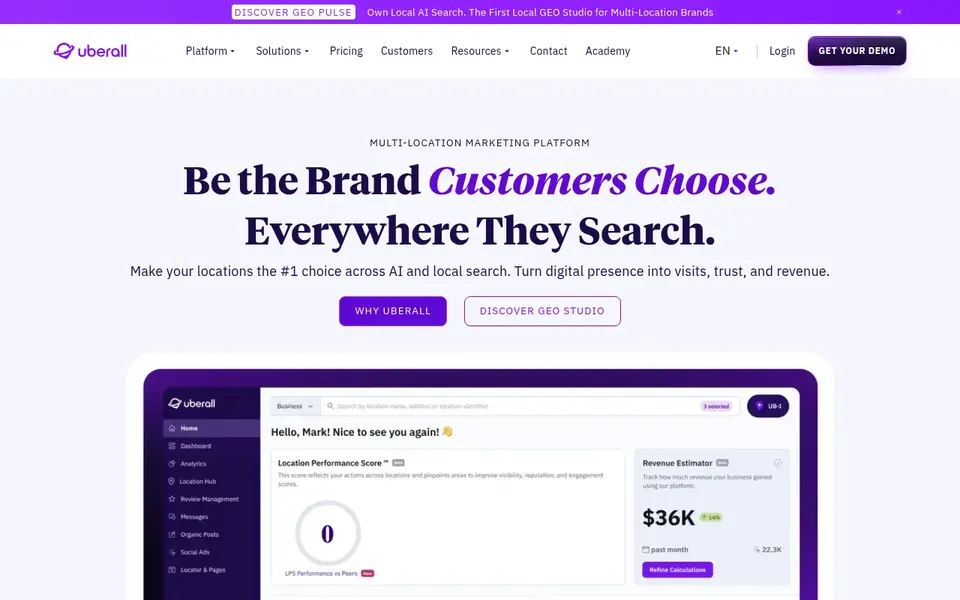
Uberall is a location management platform built for brands with many places. For a church with a main sanctuary, a chapel, a school building and a satellite campus, that structure fits well. You can keep each location's address, phone and hours correct and push changes from one place instead of editing every directory by hand.
For church work, the useful part is consistency around service times and seasonal schedules. Christmas Eve, Easter and summer changes are exactly when listings go stale. Uberall lets you update location data centrally and keep reviews in view so staff can reply to visitor questions about parking, accessibility or childcare.
The limit is scale. A single small congregation will pay for capacity it does not use, and the quote process adds time. Skip it if you have one building and no plans to grow.
- Strong multi-location management
- wide directory and map coverage
- review tools included
- Quote-based pricing
- more than a small single-site church needs
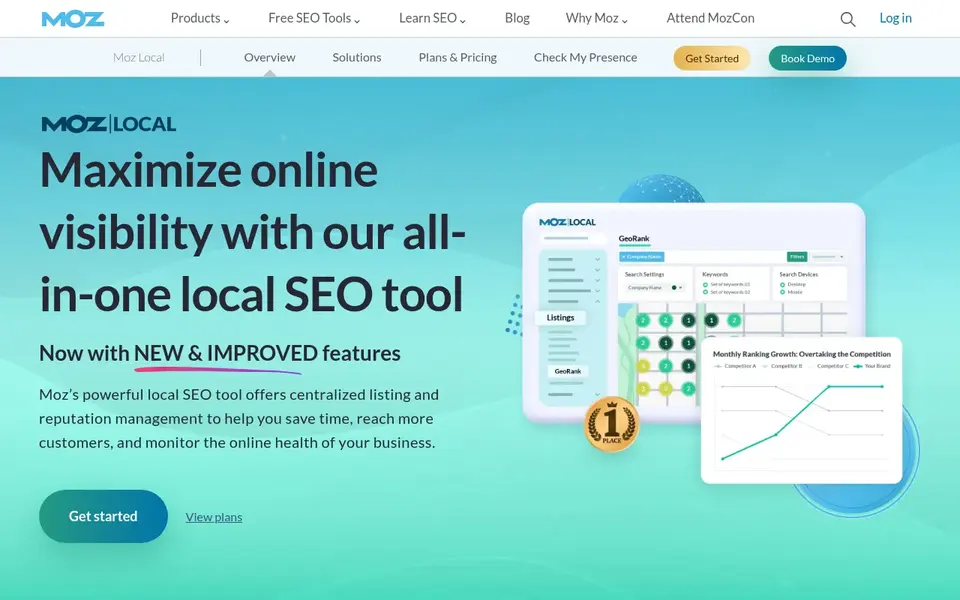
Moz Local focuses on the listings that matter most: Google, Apple Maps, Bing, Facebook and the main data aggregators. For a church with one address, that is usually enough. You claim the profile, check that the name, address and phone match, and let the tool push corrections.
A church's listing problems are often boring ones: an old phone number from a previous office administrator, a wrong ZIP code, or a duplicate created years ago by a member. Moz Local helps you find and fix those. It also flags inconsistencies that confuse maps results when someone searches for your denomination or neighborhood.
The trade-off is depth. If you run several campuses or a school with its own listing, Moz Local is thinner than multi-location platforms. It suits a small church that wants the basics correct without a sales process.
- Simple listing accuracy checks
- clear duplicate detection
- familiar Moz interface
- Fewer directory partners than enterprise tools
- limited multi-location depth
GatherUp is a customer experience and review management tool. For churches, the value is in asking regular attenders and visitors for honest feedback and then responding well. A first-time visitor who checks your Google rating before a Sunday service is doing the same thing a customer does before buying.
The workflow is simple: send a request after an event or service, collect reviews, and reply from a dashboard. Churches should ask for reviews without incentives and without filtering out unhappy people. GatherUp supports that if you use it that way. Its listing features are secondary, so treat it as a review tool rather than a full listing manager.
Skip it if your main problem is wrong hours across twenty directories. It will not solve that as directly as a listing platform.
- Easy review request flow
- feedback surveys
- review monitoring in one place
- Listing distribution is lighter
- not a full directory management suite
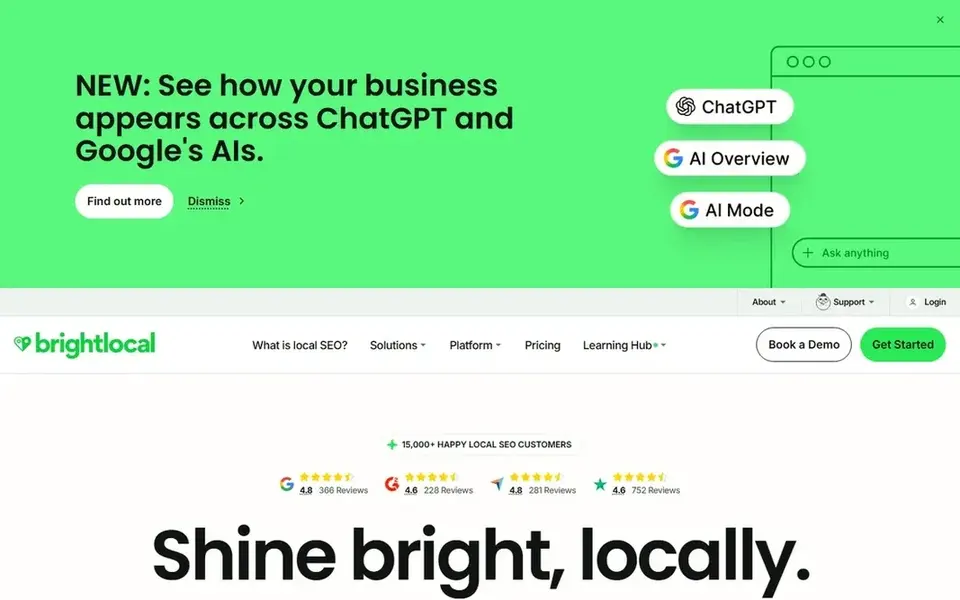
BrightLocal is well known among local SEO agencies, and many churches reach it through a consultant. It combines citation checks, local search rankings, review monitoring and audit reports. If your church works with an agency, this is often the shared workspace where listing issues get tracked.
For a parish with a school, a cemetery and a food pantry under different names, BrightLocal helps keep each entity's citations straight. It also shows whether your Google Business Profile is showing up for searches like "church near me" or your denomination plus town.
One limit is that it is built for people who do this daily. A volunteer may find the interface busy. It is a good fit when someone technical is involved.
- Citation tracking
- local rank checks
- review and audit tools in one place
- Agency-oriented interface
- some features cost extra
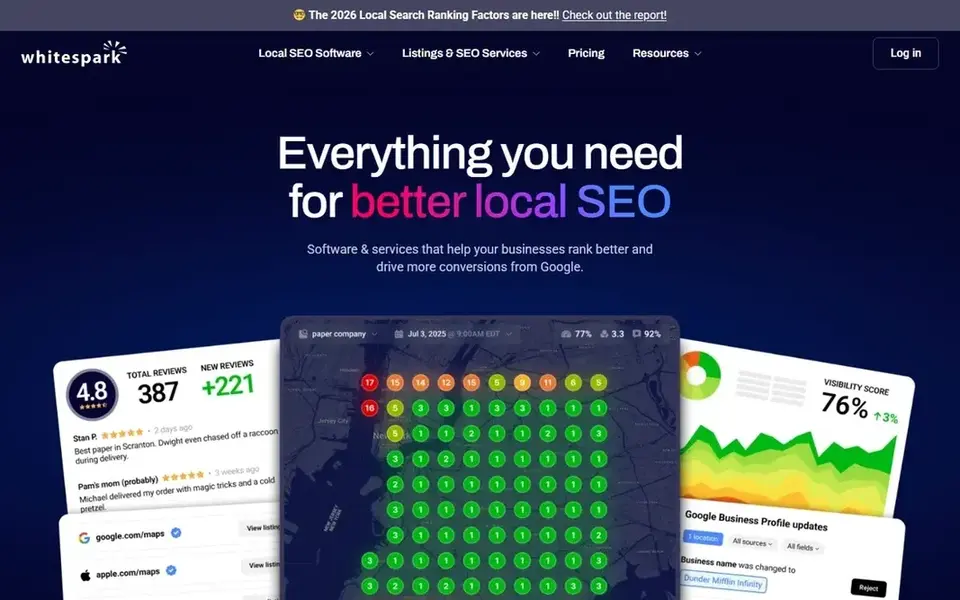
Whitespark is a local search toolkit with a respected citation finder. For a church, that means discovering which directories and community sites already list you, and which ones should. Local church directories, denominational listings and community calendars are often more useful than generic business directories.
The tool is research-heavy. It tells you where to be listed and helps you track local rankings, but someone still has to submit and correct the listings. That suits a church with a volunteer who enjoys this work or an agency handling it.
It is not the best choice if you want a single dashboard that pushes updates everywhere. Treat it as the planning layer.
- Strong citation finder
- local ranking tools
- useful for planning directory work
- Less of a hands-off dashboard
- requires someone to act on findings
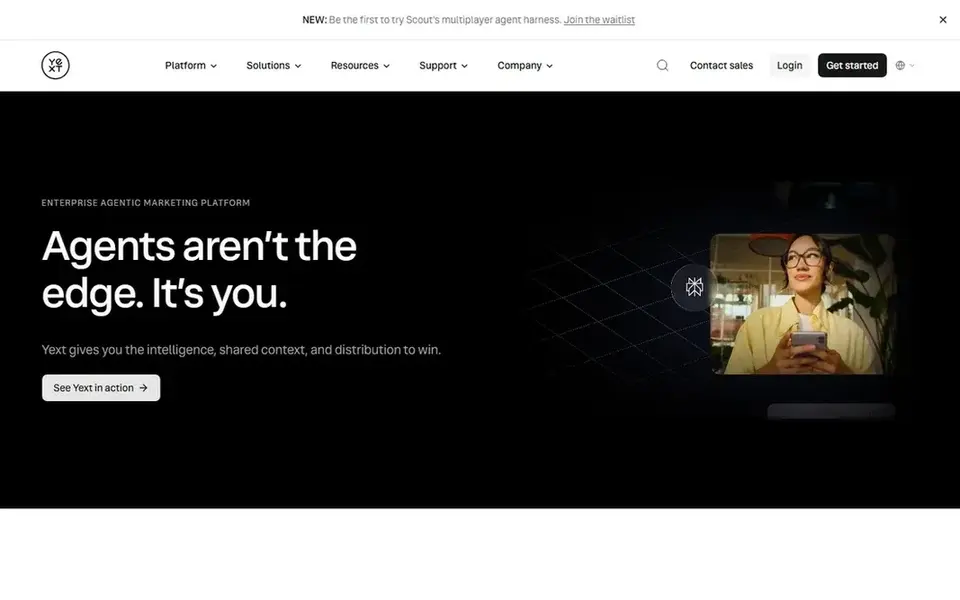
Yext is one of the best-known listing platforms, with a wide network of publishers. A church that wants its address, phone, hours and service times present across many maps and directories can use it to publish once and distribute widely.
For churches with multiple ministries, the structured data approach helps keep each entity distinct. You can manage the main church, a school and a community center as separate listings without them bleeding into each other.
The main caution is commercial. Yext is priced for businesses, and renewal terms deserve a careful read before you commit. A small congregation should compare it against simpler options.
- Large network of directories and maps
- structured location data
- review features
- Pricing and renewal terms need scrutiny
- can be more than a church needs
Synup combines listing management with local pages and review tools. For a church, the local pages can be useful for campuses or ministries, giving each one a consistent page that matches its listing data.
The listing side covers the usual maps and directories, and the review monitoring helps staff reply to visitor comments. If your church runs several locations or wants a page per ministry, Synup offers a combined workflow.
The downside is setup. A single small church will spend time configuring features it may never touch. It fits better once you have staff or a volunteer dedicated to communications.
- Listing management and local pages together
- review monitoring
- multi-location support
- Setup takes effort
- more features than a small church will use
How I chose
I picked these tools by reading vendor documentation and public sources, then matching features to how churches actually operate. I did not run hands-on tests, and I did not rely on client results or case studies. My criteria were listing accuracy across maps and directories, support for multiple locations, review handling, and how much effort a volunteer or small staff team would need.
I also weighed limits. A church is not a retail chain, so tools priced and built for large brands can be a poor fit even when they are capable. I favored options that let you fix the listings people actually check before a visit, and I noted where a tool is really a research kit or a review product rather than a full listing manager. Pricing changes, so confirm current terms on each vendor's site.
What to check before you buy
- Confirm the tool covers Google Business Profile, Apple Maps, Bing Places and Facebook, since those are where most people check a church.
- Check whether it supports multiple locations if you have campuses, a school or a cemetery with separate listings.
- Ask how service times and seasonal schedules are handled, because weekly and holiday hours are the most common source of wrong information.
- Confirm review request and response features follow Google's guidelines, with no incentives and no filtering of negative feedback.
- Check whether the tool detects and helps remove duplicate listings, which are common for older churches.
- Ask about contract length and cancellation terms before you commit, especially with quote-based vendors.
Frequently asked questions
Do churches need listing management software?
Not always. A single church with one address can often keep its Google Business Profile, Apple Maps and Facebook page accurate by hand. Software helps when you have several locations, frequent schedule changes, duplicate listings or reviews that no one is answering. It saves time and reduces the chance that visitors see wrong hours.
What is the most important listing detail for a church?
Service times and holiday schedules. People search before they visit, and a wrong Sunday time or a missing Christmas Eve service turns someone away. Address, parking notes and accessibility details come next. Keep the phone number current too, since office staff change.
Can I ask members to leave Google reviews?
Yes, you can ask people to leave honest reviews, but do not offer incentives, do not filter out unhappy people, and do not write reviews for them. Respond to both positive and negative feedback. Review software can help you send requests and reply, as long as you follow Google's guidelines.
How do multi-site churches manage listings?
They use a platform that supports location groups, so one person can update addresses, hours and service times for every campus from a single dashboard. Uberall, Yext and Synup are built for this. A single-location church rarely needs that capacity.
Is free listing software enough for a church?
Sometimes. Free tools and direct claims on Google, Apple and Bing cover the basics for one location. Paid software adds duplicate detection, review workflows and multi-location support. Start free, then move up when you have several listings or no one to keep them current.
Sources
See where you really rank - block by block
ProMapRanker scans Google Maps across a grid of your service area. Simple monthly plans from $19, white-label on every plan.
Start freeBrowse all guides
← Best Listing Management Software for Bakeries in 2026Best Listing Management Software for Contractors in 2026 →
 best listing management software for agencies
Best Listing Management Software for Agencies in 2026
A practical guide to the best listing management software for agencies in 2026, compared from vendor documentation and public sources, with fit and limits.
Read → best google business profile management software for roofers
Best Google Business Profile Software for Roofers in 2026
A roofer's guide to Google Business Profile management software in 2026, compared from vendor docs and public sources, with tools for reviews and local rank.
Read → best google business profile management software for landscapers
Best Google Business Profile Software for Landscapers in 2026
A landscaper-focused comparison of Google Business Profile management software for posts, photos, service areas and review replies, based on vendor docs.
Read → local business directory listings
Local Business Directory Listings: Which Ones Are Worth Your Time
Not all directories are equal. Learn which local business directory listings actually help and which to skip.
Read → gbp services
GBP Services: A Complete Guide
Everything you need to know about gbp services: what it is, why it matters for local SEO, and exactly how to act on it.
Read → create google business profile
Create Google Business Profile: A Complete Guide
Everything you need to know about create google business profile: what it is, why it matters for local SEO, and exactly how to act on it.
Read →More in Local SEO & Google Maps · All guides A to Z by date · Latest guides