 ProMapRanker
Best Link in Bio Tools in 2026

Key takeaways
- Linktree is our pick for most creators who just want a dependable bio page fast, thanks to its recognition and wide integrations.
- Beacons is the best all-in-one choice for creators who also want a storefront, email capture and a media kit in the same account.
- Carrd and Lnk.Bio are the cheapest serious options, with yearly or one-time pricing that beats monthly subscriptions over time.
- Read the fee on sales before the subscription price, since a percentage cut can cost more than the monthly plan itself.
- If you only need links and nothing else, a free plan from Linktree, Beacons or Lnk.Bio is enough to start.
Quick comparison
| Pick | Great for | Pricing starts at | Free tier | |
|---|---|---|---|---|
 Linktree | Simple, widely recognized bio pages | See website | Yes | Visit |
 Beacons | Creators selling and building an audience | $10 per month | Yes | Visit |
 Stan Store | Selling digital products with no sales fee | $29 per month | No | Visit |
 Carrd | A real one-page site at the lowest price | $9 per year | Yes | Visit |
 Lnk.Bio | Simple links at the lowest monthly price | $0.99 per month | Yes | Visit |
 Taplink | Mini-sites with forms and payments | See website | Yes | Visit |
 Campsite.bio | Affordable links and buttons for teams | $7 per month | Yes | Visit |
 Later Linkin.bio | Teams already scheduling in Later | $18.75 per month | Free trial | Visit |
The best link in bio tools
A link in bio tool turns one bio link on Instagram, TikTok or another social platform into a page with all your links, products and contact options. We compared tools that are actively operating in October 2026, with free or low-cost entry points, and we favored tools with clear pricing, working analytics and no history of sudden shutdowns.
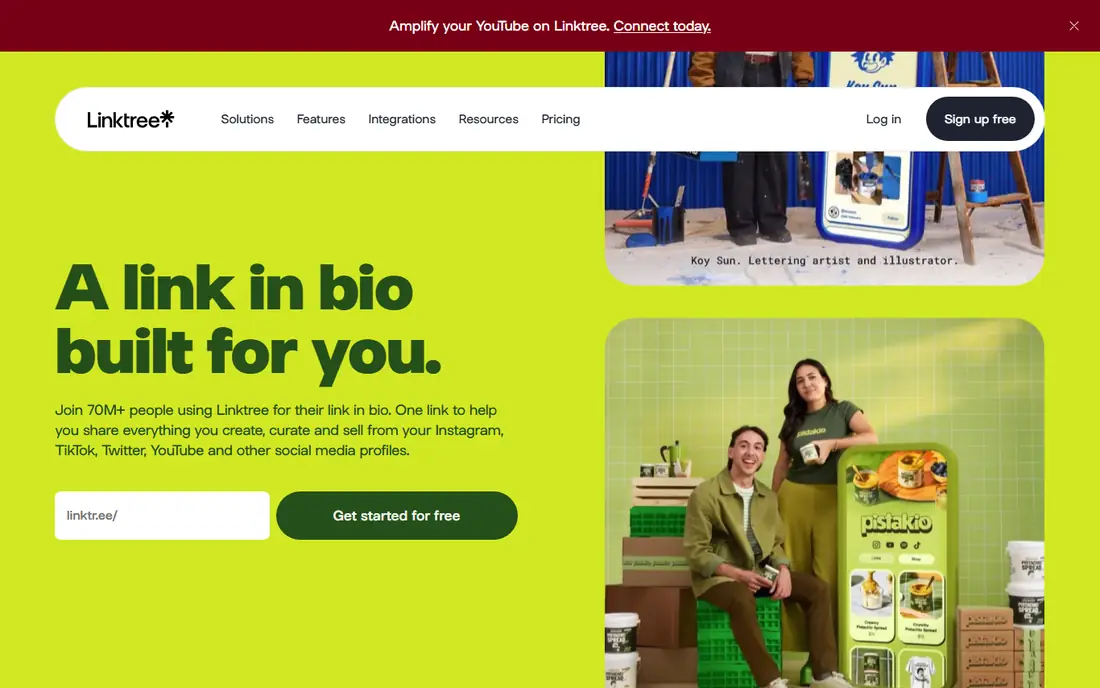
Linktree is the tool most followers already recognize, and that familiarity is a real advantage: people trust a linktr.ee link and know what to expect when they tap it. The free plan covers unlimited links, basic analytics and email and phone capture, which is enough for a creator who mainly needs to route followers to content, a shop or a booking page. Paid plans add scheduling, deeper analytics, branding control and selling features.
The catch is cost over time. Linktree has raised prices more than once, and selling through the platform can carry a percentage fee depending on the plan, with zero percent only on the top tier in recent pricing reports. If you sell regularly, compare the total fee cost against Stan Store or Beacons before committing. If you only need links, the free plan remains hard to beat.
- Most recognized bio link brand
- Many integrations
- Genuinely useful free plan for links
- Selling features and deeper analytics sit on paid plans
- Sales fees apply on some plans
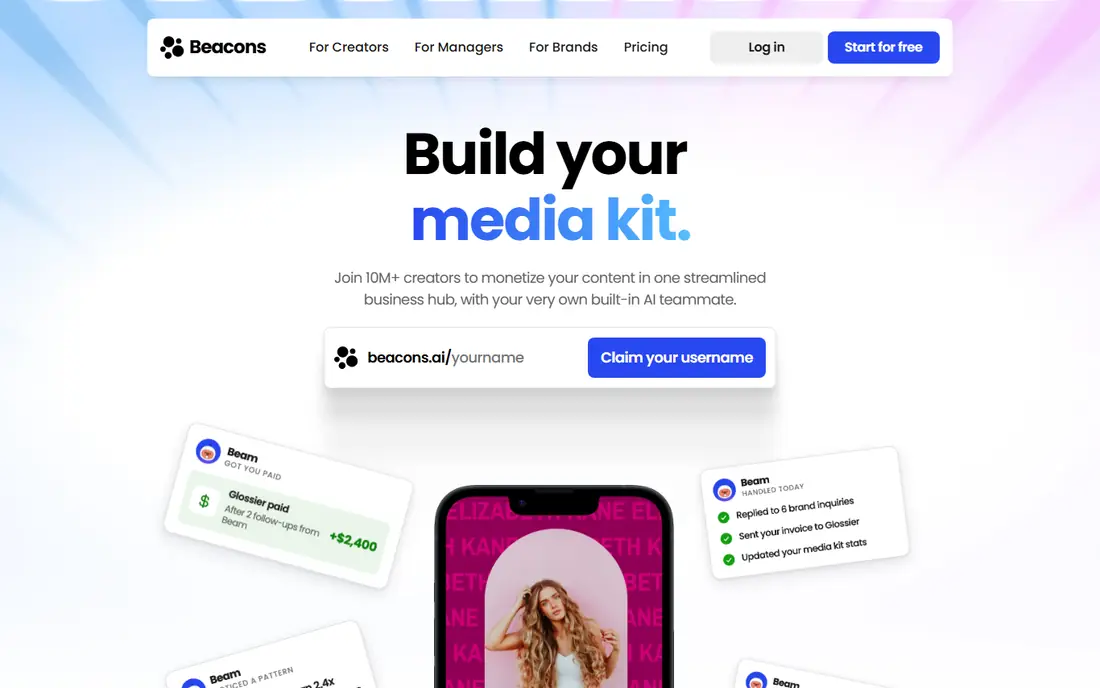
Beacons is our pick for creators who want their bio link to do real business work. Beyond links, it offers a storefront for digital products, email list building, a media kit for brand deals and audience tools, all inside one account. The free plan is genuinely useful for testing, and the Creator plan at $10 per month adds a custom domain and more email sends.
The fee structure needs attention. Beacons takes 9 percent of sales on the free and Creator plans, dropping to zero percent on Creator Plus at $30 per month. For a creator selling a few hundred dollars a month, that fee is manageable. For a creator selling thousands, Creator Plus quickly pays for itself. If you never sell, the free plan still gives you more tools than most rivals.
- Storefront, email capture and media kit in one account
- Strong free plan
- Custom domain on paid plans
- A 9 percent seller fee applies until the $30 per month tier
- Dashboard can feel busy for link-only users
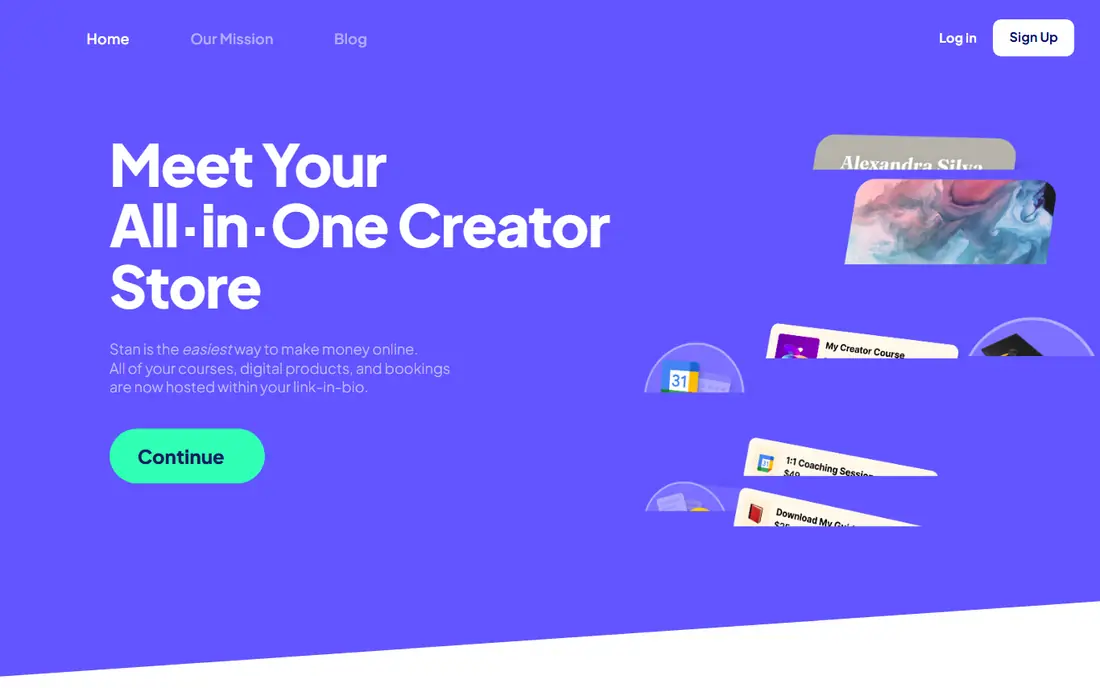
Stan Store flips the usual model: instead of a cheap plan plus a sales fee, it charges a flat $29 per month and takes no platform commission on sales. That makes it the best choice for creators who actively sell courses, templates, coaching calls or memberships from their bio link, since the math improves as sales grow. The store, calendar bookings and email capture are built around selling, not just linking.
The downside is the entry cost. There is no free plan, only a 14-day trial, so a creator who is not yet selling will pay for features they do not use. Start with a free tool and move to Stan Store once monthly sales make the flat fee cheaper than a percentage cut elsewhere.
- Zero percent platform fee on sales
- Built for courses, bookings and digital products
- Simple checkout
- No free plan, only a trial
- Overkill if you only need a list of links
Carrd is not a traditional link in bio platform, and that is exactly why it works so well for many creators. It builds a lightweight one-page website where you can add links, an introduction, a portfolio, signup forms and custom sections, with far more design control than a standard bio page. The free plan covers up to three sites, and Pro Lite costs just $9 per year.
The trade-offs are real. Carrd has no native analytics, so you will need an external analytics snippet to track clicks, and selling or email capture usually means embedding another service. If you want design control and the lowest long-term cost, Carrd wins. If you want built-in selling and stats, Beacons or Linktree fit better.
- Extremely cheap paid plans
- Full design control
- A real one-page website, not just a button list
- No built-in analytics
- Selling and email features need embeds or other tools
Lnk.Bio keeps things deliberately simple: list your links, pick a theme, publish. The free plan includes unlimited links and basic click analytics, and the Mini plan costs $0.99 per month, with one-time lifetime options that remove recurring fees entirely. For a creator who wants predictable pricing and no subscription creep, that model is unusually friendly.
Design is the limit. Themes and customization are more basic than Carrd or Beacons, and deeper features such as advanced analytics and a built-in shop sit on higher tiers. If your bio page only needs to route traffic cleanly and cheaply, Lnk.Bio is the best value on this list. If you need a storefront, look at Beacons or Stan Store.
- Free plan with unlimited links
- Very cheap paid plans
- One-time lifetime payment options
- Minimal design options
- Basic analytics on the free plan
Taplink builds a small mobile site from your bio link, with blocks for links, forms, messenger buttons, videos and payments. That makes it a good fit for small businesses and creators who want followers to message them on WhatsApp or Telegram, fill in a form or pay without leaving the page. The free plan covers the basics, and paid tiers add more blocks, analytics and payment options.
Pricing is the awkward part, since Taplink bills in multi-month periods and prices vary by currency, so the monthly equivalent depends on where you buy. Confirm the total for your billing period before subscribing, and compare it against Campsite.bio and Lnk.Bio for a simpler price. For messenger-led businesses, Taplink's shortcuts justify the extra setup.
- Mini-site builder with forms, messengers and payments
- Good value on annual billing
- Messenger shortcuts
- Pricing varies by currency and billing period
- Design templates are less polished than Carrd
Campsite.bio is a dependable middle option: a clean bio page with links, buttons, forms and analytics, at a Pro price of $7 per month that undercuts Linktree and Beacons. It works well for teams and for creators managing more than one profile, since the interface stays simple and the analytics cover the basics without clutter. The free plan is enough to test the format before paying.
It does not try to be a full creator store, so sellers who need courses, memberships and advanced commerce should choose Beacons or Stan Store. For a business or creator who mainly needs a tidy, branded page with reliable analytics at a low monthly cost, Campsite.bio is an easy recommendation.
- Clean links-and-buttons pages
- Affordable Pro plan
- Useful for teams and multiple profiles
- Fewer commerce features than Beacons
- Customization is solid but not as deep as Carrd
Later Linkin.bio is different from the other tools here: it recreates your Instagram feed as a clickable page, so followers tap the exact post they saw and land on the right link. For teams already using Later to schedule social posts, adding Linkin.bio keeps planning, publishing and bio links in one workflow, with team roles and analytics included. That integration is the reason to choose it.
On its own, it is expensive. Plans start at $18.75 per month billed annually, there is no free plan, and a creator who does not use Later for scheduling will pay for a whole platform to get one bio page. Choose Later Linkin.bio when you already schedule in Later. Otherwise, a dedicated bio tool costs less.
- Bio page mirrors your Instagram feed
- Strong scheduling and team tools
- Advanced analytics
- No free plan, only a trial
- Expensive if you only want a bio page
- Tied to the Later platform
How we picked these
We compared link in bio tools with active services, published pricing or a clear trial, and a working free or low-cost entry point in October 2026. We favored tools with unlimited links on free plans, click analytics, custom domains or branding control on paid plans, and a track record of staying online. Tools that had shut down or that only worked as part of an unrelated platform were left out.
What to check before you choose
Start with the job your bio link must do. If it only routes traffic, pick a free or very cheap tool such as Linktree, Beacons or Lnk.Bio. If it must sell products, compare the total cost: subscription plus sales fee plus payment processing. A free plan with a 9 percent fee costs $90 on $1,000 of monthly sales, which is more than a flat $29 plan with no fee. Do that math before you build an audience on a fee-based plan.
Next, check branding and ownership. Confirm whether your page lives on the tool's domain or your own custom domain, whether branding can be removed, and whether you can export your links and email list if you leave. A bio page is rented land, so keep a backup list of your links and subscribers outside the tool. Finally, test the page on a phone, since most followers will open it there, and check load speed and tap targets before you put the link in your bio.
Frequently asked questions
What is the best link in bio platform for most creators?
Linktree is the safest default for a simple bio page, thanks to recognition and integrations, while Beacons is better if you also want a storefront and email capture. Both have free plans, so try each with your real links and see which page your followers find easier to use. The best platform is the one visitors actually tap through.
What is the best free link in bio tool?
Linktree, Beacons and Lnk.Bio all offer free plans with unlimited links, and Carrd offers a free plan for up to three one-page sites. Linktree is best for pure simplicity, Beacons for extra creator tools on the free plan, and Lnk.Bio for the cheapest upgrade path. Free plans usually keep the tool's branding on your page.
Which link in bio tool is best for selling products?
Stan Store is best for active sellers, with a flat $29 per month and no platform sales fee. Beacons is a strong alternative, with a storefront and email tools, though its 9 percent fee applies until the $30 per month Creator Plus tier. Compare your expected monthly sales against both models before choosing.
What is the best link in bio app for Instagram?
Linktree, Beacons and Later Linkin.bio all work well for Instagram, since the bio link itself is the same on every tool. Later Linkin.bio stands out if you want followers to tap a post image to reach its link, while Linktree and Beacons suit creators who prefer a simple button list. Pick based on how your followers browse, not on the app name.
Can I use my own domain for a link in bio page?
Yes, on paid plans from Beacons, Carrd, Lnk.Bio and several other tools on this list, you can point a custom domain at your bio page. A custom domain looks more professional and survives a tool change better than a subdomain, since you control the address. Check whether the domain feature is included in the plan you intend to buy, since it is often gated behind paid tiers.
How do I choose between Carrd and Linktree?
Choose Linktree if you want a standard bio page with analytics and integrations and no design work. Choose Carrd if you want full design control and the lowest long-term cost, and you are comfortable adding analytics or forms through embeds. Many creators use both: Carrd for a main site, and a simple bio tool for fast link updates.
Sources
See where you really rank - block by block
ProMapRanker scans Google Maps across a grid of your service area. Simple monthly plans from $19, white-label on every plan.
Start freeKeep reading
 bitly alternatives
Bitly Alternatives in 2026: 8 Tools Compared
Compare the best Bitly alternatives for branded short links, with free tiers, custom domains, analytics, and pricing that suits creators and small teams.
Read → bill.com alternatives
Best Bill.com Alternatives in 2026
Looking for bill.com alternatives? We compared 9 bill pay and AP automation tools on price, approvals, and accounting sync to help you switch with confidence.
Read → betterhelp alternatives
BetterHelp Alternatives in 2026
We compared BetterHelp alternatives for online therapy, covering Talkspace, Grow Therapy, Rula, Brightside and more on price, insurance and format in 2026.
Read →