 ProMapRanker
Best Link Building Tools in 2026


Backlink research and competitor analysis · Pricing starts at: $129 per month
Key takeaways
- Ahrefs and Semrush are our top picks for backlink research, because their indexes and competitor reports cover the full prospecting job.
- BuzzStream and Pitchbox suit teams that send outreach every week, while Hunter fills the contact-finding gap for smaller budgets.
- Google Search Console costs nothing and remains the best check for links Google has actually found for your own site.
- Free plans are useful for a first test, but paid plans are usually needed once you track competitors, run sequences, or export at scale.
- Paid placement services can save time, but they are not a substitute for checking link quality and relevance yourself.
Quick comparison
| Pick | Great for | Pricing starts at | Free tier | |
|---|---|---|---|---|
| Ahrefs | Backlink research and competitor analysis | $129 per month | Yes | Visit |
 Semrush | All-in-one SEO with built-in outreach | $139.95 per month | Yes | Visit |
 Moz Pro | Simple link metrics and quick vetting | $49 per month | Free trial (30 days) | Visit |
 Majestic | Link quality analysis at scale | $49.99 per month | No | Visit |
 BuzzStream | Outreach relationship management | See website | Free trial | Visit |
 Pitchbox | Agency-scale outreach campaigns | See website | Free trial | Visit |
 Hunter | Finding and verifying contact emails | $49 per month | Yes | Visit |
 Featured | Journalist requests and expert quotes | See website | Yes | Visit |
 Google Search Console | Verifying links to your own site | Free | Yes | Visit |
 Linkody | Monitoring links you already have | $14.90 per month | Free trial | Visit |
The best link building tools
Link building still starts with good research and ends with a real relationship. These tools cover both ends of that job, from finding competitor links to sending follow-up emails and checking that a link stays live.
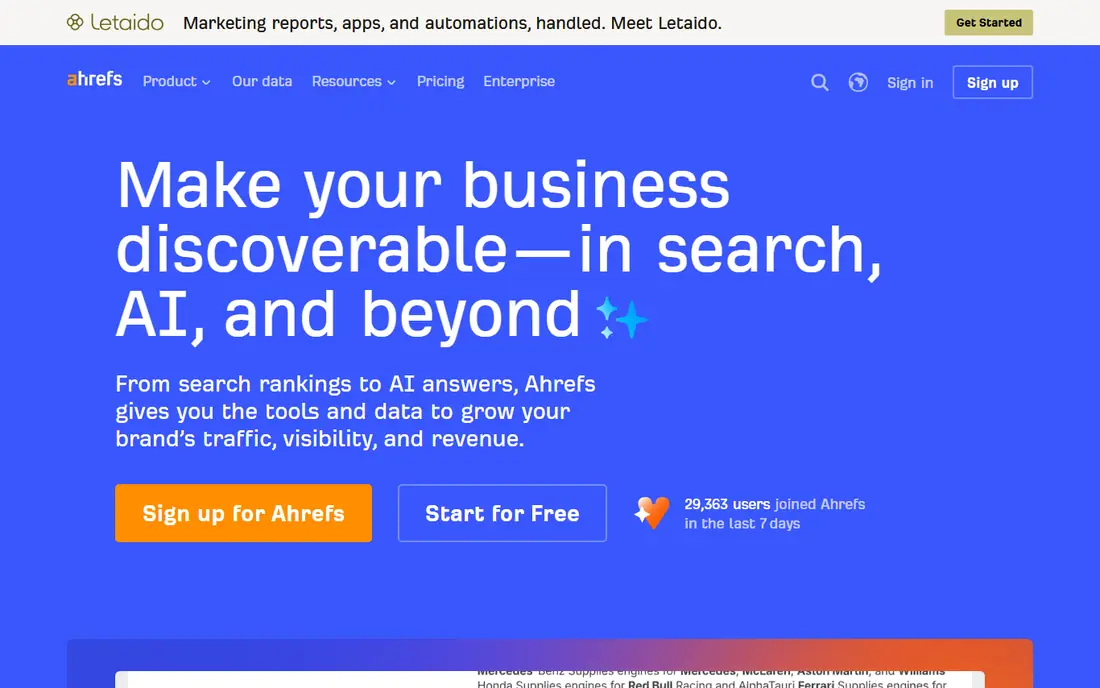
Ahrefs is our pick for most people who need serious backlink data. Site Explorer shows who links to a competitor, which pages earn those links, and how anchors are worded. That detail matters because a list of 500 prospects is only useful if you can sort it by relevance and authority in a few minutes.
The catch is cost and complexity. The Lite plan covers a solo operator or a small team well, but agencies that run many projects will need a higher tier. Ahrefs also offers free tools for a verified site, which is a sensible way to check the interface before paying.
- Large backlink index
- Link Intersect finds shared competitor links
- Broken link reports surface easy wins
- Price rises fast for larger teams
- Credit limits can bite on heavy research days
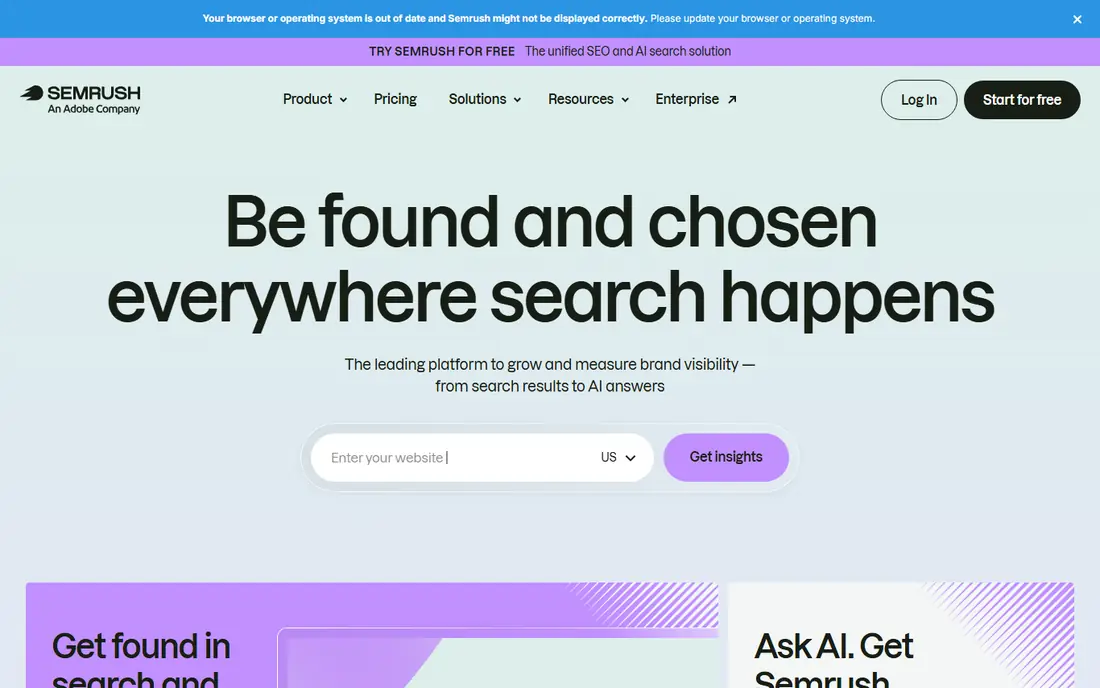
Semrush suits a team that wants link work inside a wider SEO plan. You can find a backlink gap, check a prospect, and run outreach from connected tools without switching products every hour. Its audit and keyword tools also help you decide which pages deserve links in the first place.
The trade-off is that you pay for breadth. If you only need backlink data, a focused tool may be cheaper. If you already use Semrush for rankings and content, the link tools are a strong reason to stay.
- Backlink Analytics and a dedicated Link Building Tool
- Broad keyword and audit tools in the same plan
- Limited free account for basic checks
- Extra seats add real cost
- Interface can feel busy for a first-time user
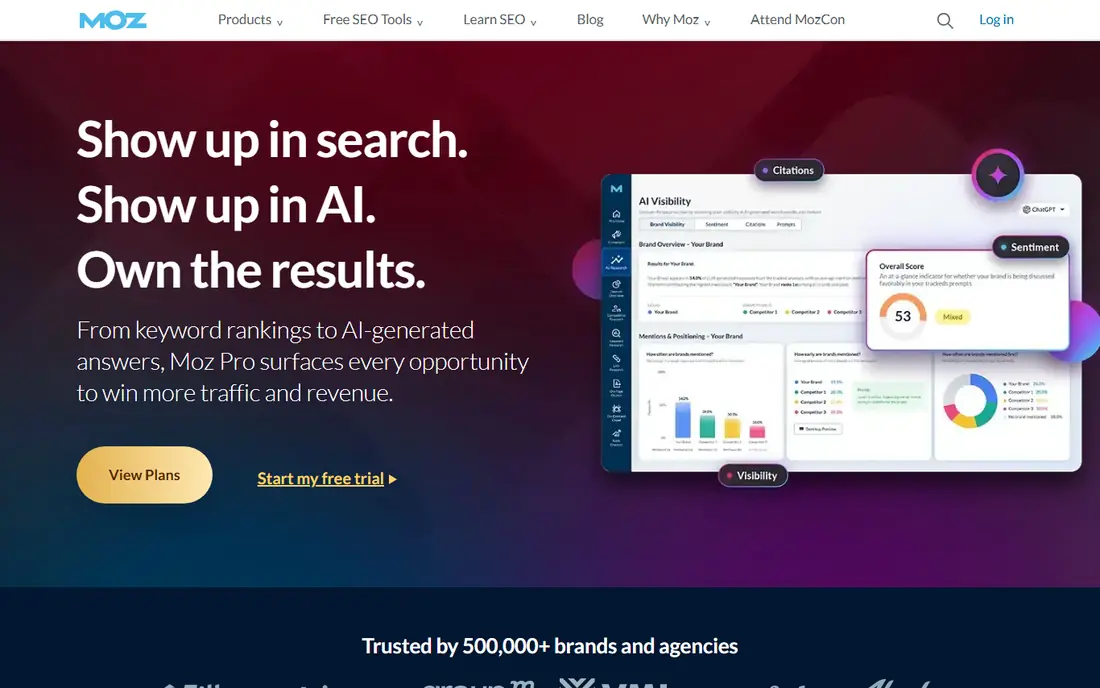
Moz Pro is a good first paid step for a small business or a freelancer. Link Explorer gives a clear picture of a domain, its top linking pages, and its spam signals, without a steep learning curve. That clarity helps when you need to explain to a client why one prospect is worth pursuing and another is not.
It is not the deepest research tool here. Heavy competitor work and large exports will push you toward Ahrefs or Semrush. For day-to-day vetting and campaign tracking, though, Moz does the job at a lower entry price.
- Domain Authority is widely understood by clients
- Link Explorer is easy to read
- Spam Score helps flag risky prospects
- Starter plan limits tracked sites and keywords
- Link data refreshes less often than some rivals
Majestic is for people who judge links by quality first. Trust Flow and Citation Flow let you spot a site with many links but little trust, which is exactly the kind of prospect that can waste outreach time. Bulk tools make it practical to screen hundreds of domains before writing a single pitch.
The downside is focus. Majestic does not try to be a full SEO suite, so you will still need other tools for keywords, audits, or outreach sending. Used as a vetting layer, it earns its place.
- Trust Flow and Citation Flow separate quality from volume
- Bulk checks suit large prospect lists
- Topical Trust Flow shows subject relevance
- No free plan for full access
- Interface feels dated next to newer suites
BuzzStream works like a CRM for link outreach. You save a prospect, find a contact, send a sequence, and see the whole conversation later. That history matters when two team members contact the same site, or when you return to a prospect months later with a better page.
It is not a research tool on its own. Pair it with a backlink index and an email finder, and it becomes the system that keeps a campaign organised. Small teams that value personal outreach over volume will get the most from it.
- Keeps prospects, contacts, and email history in one place
- Browser extension speeds up prospect research
- Follow-up tracking prevents lost replies
- Pricing varies by plan and team size, so check the current page
- No built-in backlink index as deep as Ahrefs or Semrush
Pitchbox is built for volume without losing track of replies. Agencies can run several campaigns at once, segment prospects, and report on placements per client. Integrations with backlink data sources help you filter prospects by authority before you send anything.
The cost is the main barrier. A solo site owner with one campaign a month will not need this much power. A team that lives in outreach, however, will save hours each week once templates and workflows are set up.
- Built-in prospecting with SEO data integrations
- Automated sequences with conditional follow-ups
- Strong reporting for client work
- Price puts it out of reach for many solo operators
- Setup takes time before campaigns run smoothly
Hunter solves the most common outreach frustration: you found a great site, but you cannot find a person to email. Domain Search returns likely addresses with a confidence score, and verification helps you avoid sending to dead inboxes. That small step protects your sender reputation.
Hunter is a complement, not a full campaign tool. Use it to build a clean contact list, then send through BuzzStream, Pitchbox, or your own mail setup. The free plan is enough to test the accuracy on your own niche.
- Domain Search finds emails tied to a site
- Email Verifier reduces bounces
- Free plan covers light prospecting
- Finding an email does not guarantee a reply
- Larger credit needs push the monthly cost up
Featured, formerly known for journalist request services in this space, connects experts with writers who need quotes. You browse requests, answer the ones that fit your knowledge, and a published quote can bring a link and a mention. For a business owner with real expertise, this is often a better use of time than cold email.
It will not replace prospecting. Not every answer gets picked, and some topics attract many responses. Treat it as a steady side channel, and focus your answers on questions where you can add a specific fact or example.
- Inbound requests from journalists and publishers
- Expert answers can earn links from strong publications
- No cold pitching required for each request
- Competition for popular queries is high
- Results depend on how fast and how well you answer
Google Search Console is the reality check in any link campaign. A tool may report a new link, but Search Console shows whether Google has recorded it for your site. Its Links report also lists your most linked pages and the sites that link to you most often.
It cannot help you find competitor links or send outreach, so it belongs at the end of the workflow, not the start. Every site owner should have it set up, because it costs nothing and it grounds every other report in what Google actually sees.
- Free and run by Google
- Shows links Google has found for verified sites
- Helps spot lost links and linking pages
- Only covers sites you verify
- No competitor backlink data or outreach features
Linkody answers a question that research tools often leave open: is the link still there? It tracks your backlinks, flags removals and changes, and lets you manage a disavow file. For a freelancer who reports to clients each month, that monitoring is worth more than another prospect list.
Buy it for maintenance, not discovery. Pair it with a research tool for new prospects, and Linkody will help you protect the links you have already earned.
- Alerts when a link is lost or changed
- Simple dashboard for many domains
- Disavow support for unwanted links
- Not a prospecting or outreach tool
- Metrics are lighter than a full SEO suite
How we picked these
We compared official feature pages, pricing pages, and public documentation for each product, and checked how each tool fits a distinct step in link building: research, vetting, contact finding, outreach, or monitoring. We kept tools that are live and working in October 2026 and that serve a clear link building job, not general marketing tools with a link feature added on. Prices shown are starting monthly prices from vendor pages or recent vendor-checked roundups, and we wrote See website where pricing varies by plan or is not published in a simple form.
What to check before you pay
Start with the job, not the brand. If your main problem is finding prospects, spend on a backlink index first. If your main problem is follow-up, spend on an outreach CRM first. A tool that covers both may look cheaper, but only if you actually use both halves.
Check limits before checkout. Credit caps, tracked domains, seats, and export limits are where the real cost hides. A low headline price can double once a second team member joins or a campaign grows. Use free plans and trials on your own prospects, not on demo data, so you learn whether the data quality holds up in your niche.
Finally, judge links by relevance and trust, not by count alone. A small number of links from sites your customers actually read will usually beat a long list of low-quality placements. Use Majestic or Moz metrics as a screen, read the linking page yourself, and skip any prospect that would embarrass you if a customer clicked through.
Frequently asked questions
What is the best link building tool for beginners?
Moz Pro is a friendly starting point, because its metrics are easy to read and its Starter plan is cheaper than the larger suites. Pair it with Google Search Console for free verification and Hunter for contact finding, and you have a complete small workflow without paying for agency features you will not use yet.
What is the best free link building tool?
Google Search Console is the best free option, because it reports links to your own verified site at no cost. Hunter also offers a free plan for limited email searches, and Ahrefs offers free tools for verified sites. Free tools cover verification and light prospecting, but competitor research usually needs a paid plan.
What is the best backlink tool for competitor research?
Ahrefs is our pick for competitor research, thanks to its large index, Link Intersect report, and detailed anchor and page data. Semrush is a close second and adds a built-in outreach tool, which helps if you want research and sending in one subscription.
What is the best SEO link building software for agencies?
Pitchbox suits agencies that run many campaigns, because it handles prospecting, sequences, and client reporting in one place. BuzzStream is a lower-cost option for smaller agencies that prefer relationship-based outreach and a simpler CRM view.
Do I need a paid tool to build links?
No, but paid tools save a lot of time. You can prospect by hand, find contacts with free searches, and verify results in Google Search Console. Paid tools become worth it when you track competitors, screen hundreds of prospects, or run outreach every week.
Is buying links through a placement service safe?
Paid placements carry risk if the links are irrelevant, hidden, or placed only to pass ranking value. If you use a service, check each linking site yourself, ask where the link will appear, and keep placements relevant to your topic. Links earned through useful content and genuine outreach are safer over time.
Sources
See where you really rank - block by block
ProMapRanker scans Google Maps across a grid of your service area. Simple monthly plans from $19, white-label on every plan.
Start freeKeep reading
 best seo management software
Best SEO Management Software in 2026
We compared the best seo management software for audits, rank tracking and keyword research, so you can choose a tool that fits your budget and team today.
Read → best pos software
Best POS Software in 2026: 8 Systems Compared
Compare the best POS software in 2026 for retail and restaurants, with starting prices, processing rates, hardware notes and honest trade-offs for each pick.
Read → best podcast hosting platform
Best Podcast Hosting Platform in 2026
Compare the best podcast hosting platforms for 2026, with pricing, free plans, upload limits, analytics, and distribution, to pick a host for your show.
Read →