 ProMapRanker
2026 Guide to the Best Kanban Software for Marketing Teams

Proofing and request intake · Pricing starts at: $10 per user/month (billed annually)
Direct answer
Our first pick is Wrike, best for proofing and request intake. Listed starting prices: Wrike from $10 per user/month, ClickUp from $9 per user/month and Trello from $5 per user/month. Look at ClickUp for all in one work hub, and at Trello for straightforward campaign and content boards. The full list of 6 tools follows, with prices and free plan facts.
Short on time? The summary and table above give the quick view of 6 Kanban software for marketing teams, and the profiles that follow give the detail behind each entry.
Key takeaways
- Wrike is the opening pick, best for proofing and request intake.
- A fair warning about monday.com: entry-level has no automations or integrations.
- For strict workflows and approvals, Jira is worth a look.
- 6 of the 6 tools have a free plan, including Wrike, ClickUp, Trello and monday.com.
- Trello is the lowest-priced starter here at $5 per user/month.
Quick comparison
| Pick | Great for | Pricing starts at | Free tier | |
|---|---|---|---|---|
| Wrike | Proofing and request intake | $10 per user/month (billed annually) | Yes | Visit |
 ClickUp | All in one work hub | $9 per user/month (billed yearly) | Yes | Visit |
 Trello | Straightforward campaign and content boards | $5 per user/month (billed yearly) | Yes | Visit |
 monday.com | Visual workflows and automations | $9 per user/month (billed yearly) | Yes | Visit |
 Notion | Content planning in databases | $10 per user/month (billed yearly) | Yes | Visit |
 Jira | Strict workflows and approvals | $9.70 per user/month (per month billing, 1 to 100 users) | Yes | Visit |
The full Kanban software for marketing teams list
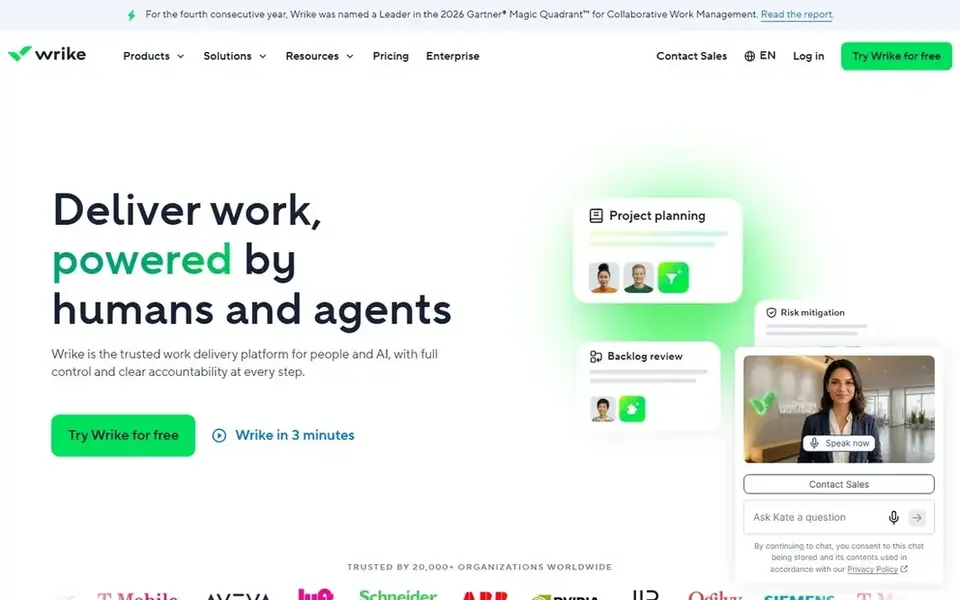
Wrike is a good fit for proofing and request intake. In practice, the Team plan at $10 per user a month billed yearly includes 2 to 15 users and layers on Gantt charts, shareable dashboards, and automation actions.
Worth adding: request forms let anyone in the company submit a campaign or design ask, and the work lands on a kanban board with an owner, a due date, and a status. Pinnacle and Apex, the top levels, are quote only, so bigger teams must talk to sales to learn the price. Price to start with Wrike: $10 per user/month. Wrike has a free plan.
Drawbacks to consider: Team plan caps at 15 users.
- Request forms and proofing built in
- Solid dashboards and reporting
- Business needs a 5 seat minimum and is annual only
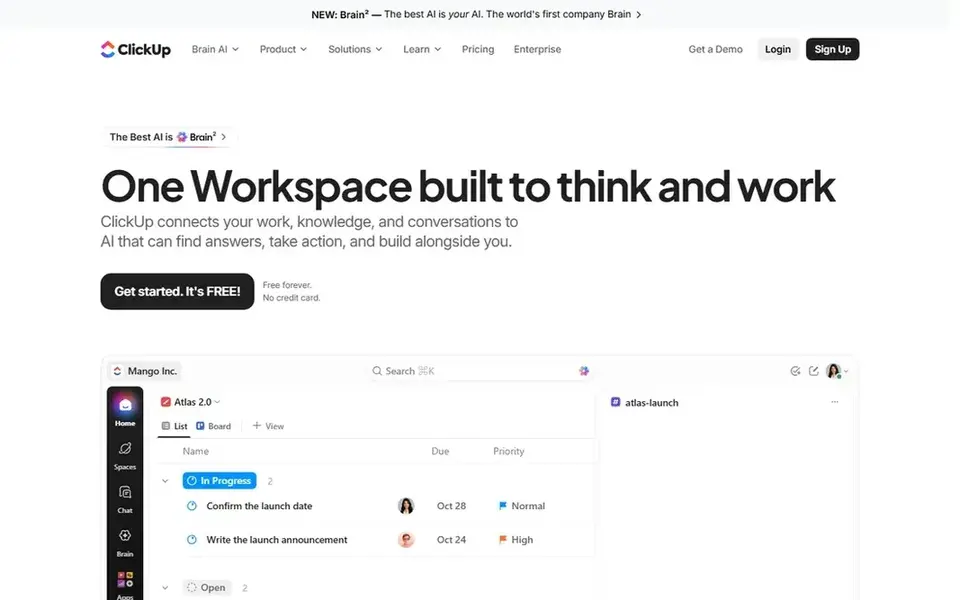
ClickUp targets all in one work hub. New users face numerous settings, views, and menus before the board feels straightforward.
Where it falls short: Two price lines on the pricing page can confuse buyers.
A team should budget a week or two to settle its structure. ClickUp also shows two price lines on its pricing page, with the older Unlimited line at $7 and the newer Core line at $9, so buyers should confirm which line they are on before they commit. Entry price for ClickUp: $9 per user/month. Free access exists with ClickUp.
- Time tracking in one place
- Free plan has no seat limit
- Setup takes time since the feature set is large
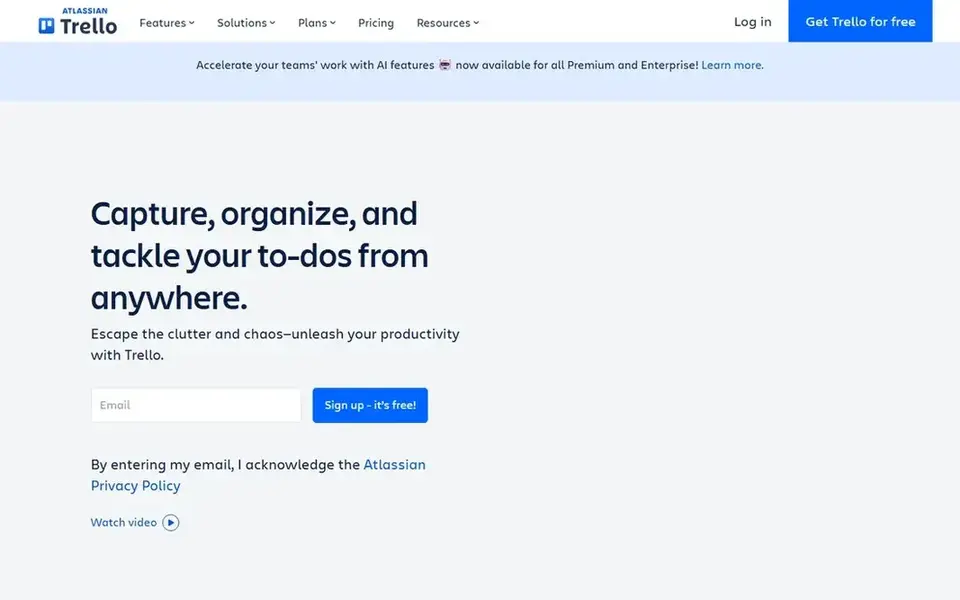
Trello works best for simple campaign and content boards. A marketing team can build a board for a campaign in minutes, with lists for ideas, drafting, review, and published work, and cards that hold checklists, due dates, attachments, and comments.
Trello has no native time tracking, and reporting stays light even on Premium. So a team that needs workload views or hour logs will need another tool. Entry price for Trello: $5 per user/month. A free plan is available with Trello.
The main drawbacks: no native time tracking.
- Ample free plan for small teams
- Boards are quick to set up and simple to read
- Timeline, Calendar
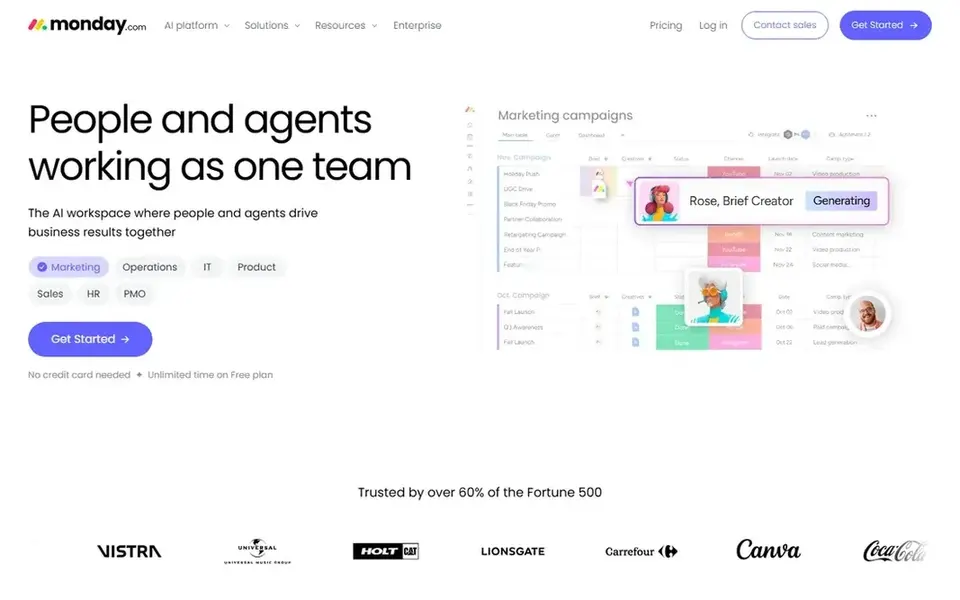
Where monday.com fits: visual workflows and automations. monday.com builds its kanban boards from adaptable items and columns, so a marketing team can track a blog post, a video. An ad set on the same board with different status labels, owners, dates, and budgets.
The Basic plan at $9 per user a month billed yearly spans unlimited items and viewers, whereas Standard at $12 layers on Timeline, Gantt, and Calendar views, guest access, and 250 automation and 250 integration actions per month. Every priced plan needs a minimum of three seats, and seats are sold in buckets, so a team of four buys five seats. Worth adding: the central limit for small teams is the structure of the pricing. On top of that, the free plan includes up to two seats. From a buyer's view, entry-level has no automations or integrations at all. So the real entry point for most marketing teams is Standard at $12, not the $9 headline. On cost, monday.com starts like this: $9 per user/month. monday.com offers a free plan.
Where it is weaker: Entry-level has no automations or integrations.
- Bright
- Automations and integrations from Standard
- Priced plans need a 3 seat minimum
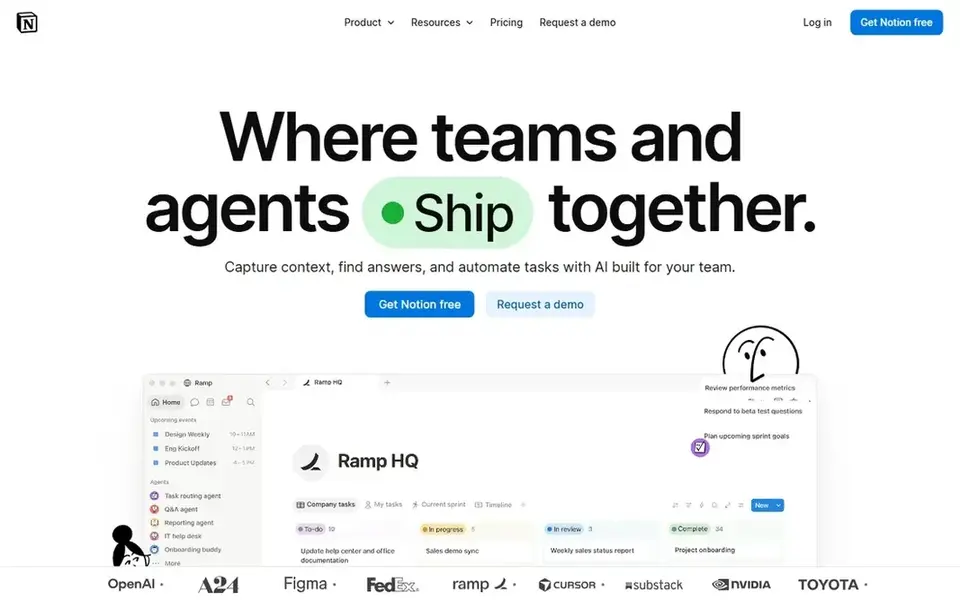
For content planning in databases, Notion is a natural candidate. Notion treats a kanban board as one view of a database, so the same content calendar can appear as a board, a calendar, a table, or a timeline, with each card holding the brief, the draft, images, and links in one page.
The Plus plan at $10 per user a month billed yearly brings unlimited blocks for a team, unlimited file uploads, and 30 day page history. Entry price for Notion: $10 per user/month. You can start on Notion without paying.
Honest limits: no native time tracking.
- Boards, calendars
- Flexible templates for content calendars
- Not a dedicated board tool
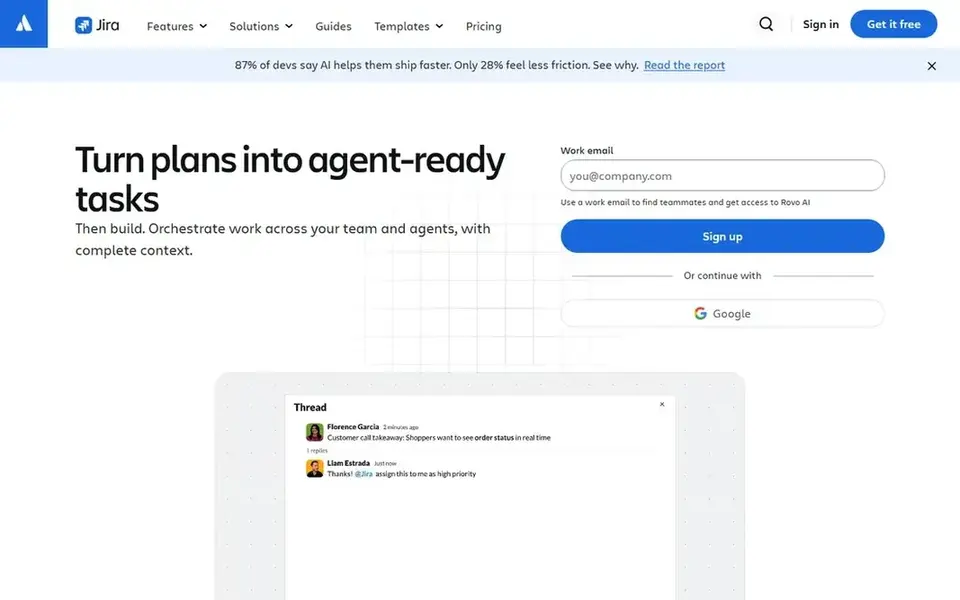
Where Jira fits: strict workflows and approvals. Jira brings the discipline of software delivery to marketing work. Beyond that, the Standard plan costs $9.70 per user a month on monthly billing for teams of 1 to 100 users, and brings user roles and permissions, 250 GB of storage, and 400 automation steps per user a month.
Downsides: Aimed at software teams, so marketing teams face additional setup.
Jira was designed for software teams, so its default fields, issue types, and settings assume sprints and releases, and a marketing team must reshape them for campaigns, content, and design work. That setup takes longer than a tool designed for marketers. The reporting depth can overwhelm a team that only needs to see what is in progress. For everyday use, the central limit is fit. Price to start with Jira: $9.70 per user/month. Jira has a free plan.
- Capable reporting and cross team planning on Premium
- Powerful workflow rules and permissions
- Per user price falls only as the team grows
Before you commit
- Confirm the entry price on the vendor page: Trello starts at $5 per user/month, but seat counts and billing terms change the total.
- Look at free plan limits closely: Wrike, ClickUp, Trello and others have one, and the caps decide whether it is usable for real work.
- Before choosing Wrike, weigh its main limit: team plan caps at 15 users.
- Price monday.com for your actual team size; headline prices rarely include add-ons or overage.
- See whether Wrike offers onboarding or training, and whether it is included in the price.
Frequently asked questions
Do these tools publish their prices?
Yes. Every tool from Wrike to Jira shows a starting price, though seats, add-ons and billing terms still change the final cost.
How are the tools for Kanban software for marketing teams ordered?
The order follows typical fit for Kanban software for marketing teams, with Wrike first and Jira last, then price clarity and free access. It is editorial judgement, not a score, so another team could rank the tools differently.
What is the best kanban software for marketing teams?
Wrike comes first here and is built for proofing and request intake. Buyers with other needs may prefer ClickUp (for all in one work hub) or Trello (for straightforward campaign and content boards). Compare costs and limits first.
Does kanban software work for content calendars?
Yes, a kanban board maps well to a content calendar, with columns for ideas, drafting, review, and published work, and cards that hold the brief, the draft, and the publish date.
Is Wrike the right pick for everyone comparing Kanban software for marketing teams?
No single tool suits every team. Wrike comes first because it fits proofing and request intake, while ClickUp suits all in one work hub and Trello suits simple campaign and content boards. Match the tool to your own size, budget and workflow before deciding.
Which options for Kanban software for marketing teams have a free plan?
On this list, 6 of 6 tools include a free plan, among them Wrike, ClickUp, Trello and monday.com. Caps on seats, usage or features are common, so test the free plan against your real workload.
Sources
See where you really rank - block by block
ProMapRanker scans Google Maps across a grid of your service area. Simple monthly plans from $19, white-label on every plan.
Start freeBrowse all guides
← 5 Best Inventory Forecasting Software for Shopify Brands for 20262026 Guide to the Best Landing Page Builders for Startups →
 best dunning management software for subscription brands
7 Best Dunning Management Software for Subscription Brands (2026)
Best dunning management software for subscription brands: 7 tools compared on price, free plans and fit. Caveats come with every verdict. Refreshed for 2026.
Read → best warehouse cross docking software for ecommerce brands
Best Warehouse Cross Docking Software for Ecommerce Brands (2026)
7 best warehouse cross docking software for ecommerce brands, with entry costs, free tiers and the buyer each one serves. Concise write-ups of every option.
Read → best shipping rate comparison software for ecommerce brands
Best Shipping Rate Comparison Software for Ecommerce Brands (2026)
Best shipping rate comparison software for ecommerce brands in 2026: 6 contenders with entry costs and free tiers. Includes honest limits for each tool.
Read → best omnichannel marketing platform
Best Omnichannel Marketing Platform in 2026
Compare the best omnichannel marketing platform in 2026. We review 9 omnichannel marketing tools for email, SMS, push, web personalization, and paid ads today.
Read → best ai marketing automation platform
Best AI Marketing Automation Platform in 2026
Explore the best AI marketing automation platform options, comparing email flows, AI tools, audience features, pricing and ease of use for growing teams.
Read → best airline company
Best Airline Company in 2026
We compared the best airline company options in the USA on reliability, comfort, fees and loyalty to help you pick the best company to fly with in 2026.
Read →More in Marketing Software · All guides A to Z by date · Latest guides