 ProMapRanker
Best Kanban App in 2026: 10 Apps Compared

Key takeaways
- Trello is still the simplest pure kanban board, while Asana and monday.com suit teams that also need timelines and reporting.
- Jira is the strongest pick for software teams that already work in agile sprints and need detailed workflow rules.
- Kanban Tool, KanbanFlow, and Businessmap suit teams that want work-in-progress limits and kanban analytics rather than a general project suite.
- Free plans vary widely, so check board limits, member limits, and whether key views sit behind a paid tier.
Quick comparison
| Pick | Great for | Pricing starts at | Free tier | |
|---|---|---|---|---|
 Trello | Simple visual kanban boards | $5 per user per month | Yes | Visit |
 Asana | Cross-team task coordination | $10.99 per user per month | Yes | Visit |
 Jira | Agile software teams | See website | Yes | Visit |
 monday.com | Visual boards and custom workflows | $9 per seat per month | Yes | Visit |
 ClickUp | Replacing several tools at once | $7 per user per month | Yes | Visit |
 Notion | Docs and tasks in one place | $10 per user per month | Yes | Visit |
 Kanban Tool | Pure kanban with time tracking | $6 per user per month | Yes | Visit |
 MeisterTask | Clean visual boards for small teams | See website | Yes | Visit |
 Businessmap | Lean and portfolio kanban | $149 per month | Free trial | Visit |
 KanbanFlow | Low-cost boards with time tracking | $5 per user per month | Yes | Visit |
The best kanban app
A kanban board only works if the team actually moves cards on it. The apps below range from a single clean board to full project platforms with kanban as one view among many. We compared them on board flexibility, work-in-progress controls, automation, integrations, and price.
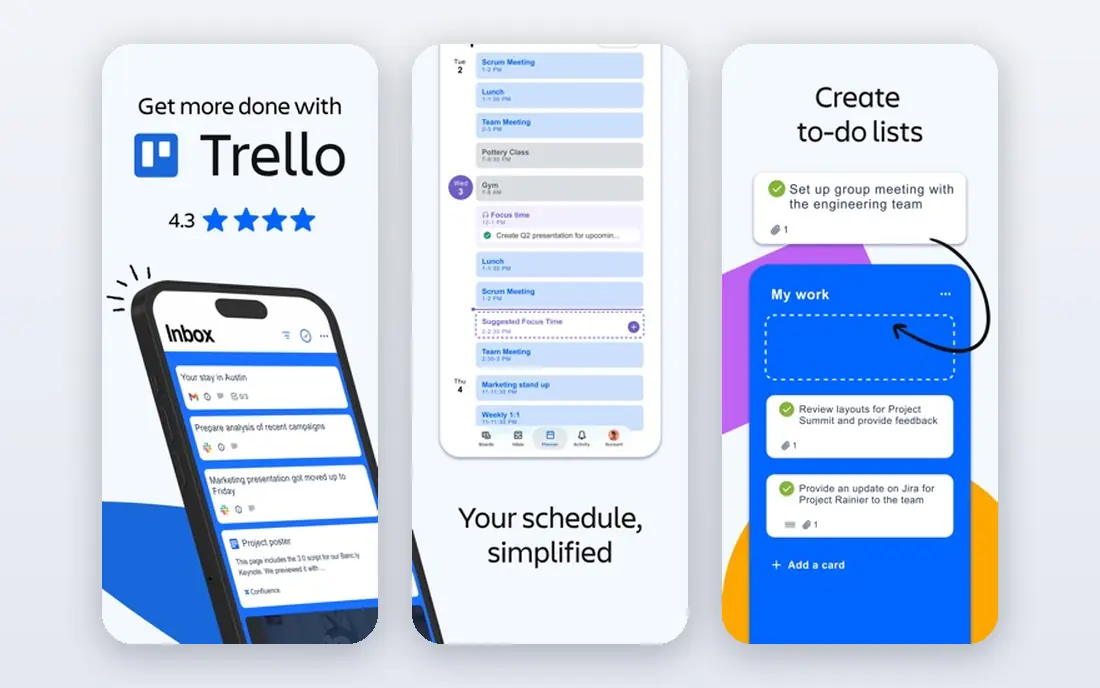
Trello is the closest digital match to a physical whiteboard, and that is why so many teams start here. Boards, lists, and cards take minutes to learn, and Power-Ups add calendars, custom fields, and integrations when a team needs them. The free plan covers up to ten collaborators, and the Standard plan adds unlimited boards and advanced checklists.
The honest limit is ceiling. Trello is a board first, not a full project platform, so workload views, deep reporting, and portfolio tools are thinner than in Asana or monday.com. If your process fits on cards, Trello is hard to beat for speed. If you need heavy reporting, plan to pair it with another tool or pick a broader platform.
- Easiest board to learn
- Large integration library
- Free plan covers small teams
- Reporting is thin
- Advanced limits need add-ons
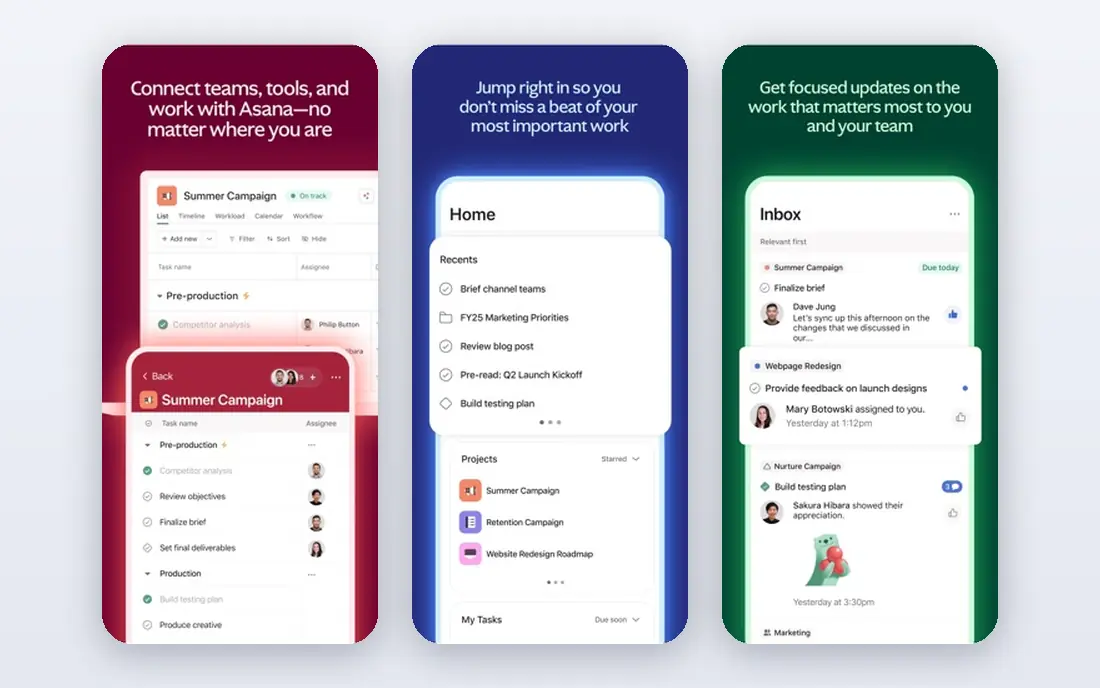
Asana gives teams a kanban board inside a wider project system, with list, timeline, and calendar views on the same work. Every task has an owner and a due date, which removes much of the guesswork about who is doing what. Starter adds timelines, dashboards, and automation that the free plan lacks, and the rules engine can route routine tasks without manual triage.
It is not the cheapest option at scale, and some useful features, such as portfolios and goals, require higher tiers. For cross-functional teams that need marketing, operations, and product work in one place, Asana remains a safe, well-understood choice. The board view stays clean even as projects grow, which keeps daily standups short.
- Clear task ownership
- Timelines and dashboards
- Strong automation rules
- Per-user cost adds up
- Portfolios sit on higher tiers
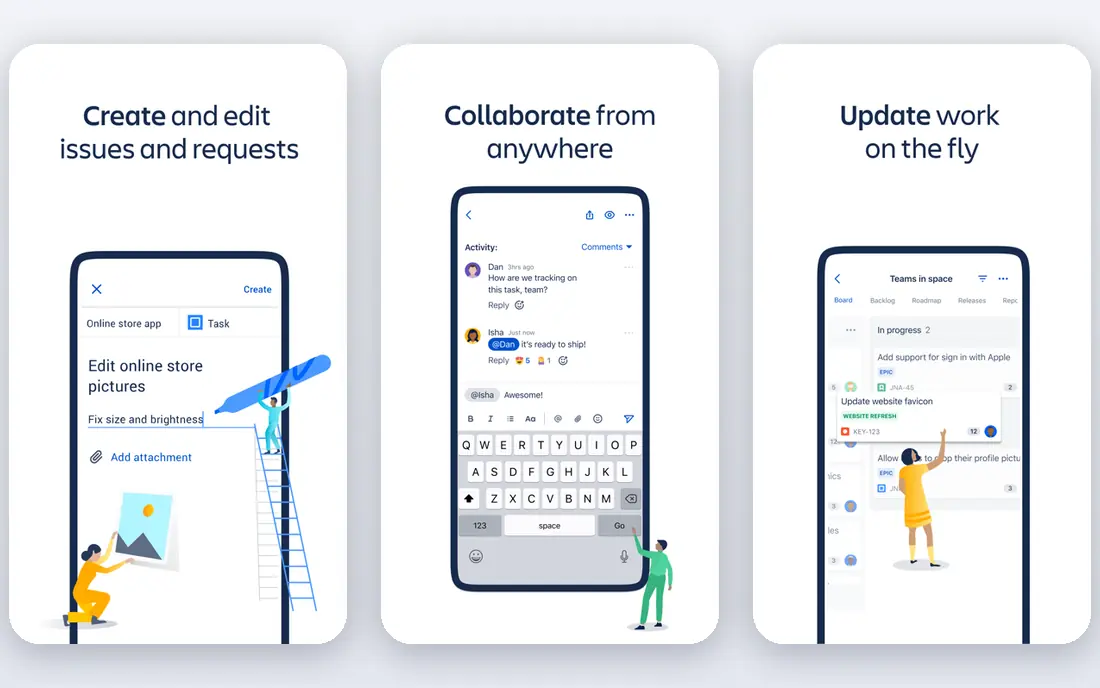
Jira is built for software teams that run sprints, manage backlogs, and track releases alongside kanban boards. Boards can be tuned with workflow rules, swimlanes, and work-in-progress discipline, and reporting covers velocity, cycle time, and bottlenecks. Integrations with code repositories and developer tools make it a natural fit where engineering work is the main use case.
Non-technical teams often find Jira heavy at first, and its many settings can slow a simple rollout. That complexity pays off for larger engineering organisations with formal agile processes. For a small marketing team that just wants a board, Trello or Asana will feel lighter and faster.
- Strong agile workflows
- Detailed reporting
- Deep developer integrations
- Steep learning curve
- Setup takes time for non-technical teams
monday.com turns work into colourful boards with status columns, owners, dates, and automations that move items as work progresses. Templates cover marketing campaigns, product launches, and operations, so teams can start from a working structure rather than a blank board. The free plan covers up to two seats, while paid plans add automations, integrations, and dashboards.
Pricing needs care: paid plans have seat minimums, and the bill grows quickly for larger teams. It is also a broad work platform, so teams that want strict kanban discipline may need to set their own column rules. For visual teams that like custom workflows and dashboards, monday.com is one of the most flexible options here.
- Highly visual boards
- Flexible automations
- Many templates
- Minimum seat rules on paid plans
- Costs rise with add-ons
ClickUp packs boards, lists, docs, goals, time tracking, and dashboards into one app, and its free plan covers unlimited tasks for personal use. Teams that want to replace a separate docs tool, a time tracker, and a project board can often do it here for a modest per-user price. Board view supports custom statuses, and automations can handle routine moves and assignments.
The breadth is also the risk. New users can face too many options, and a team without clear conventions may end up with messy boards. With a simple agreed structure, ClickUp gives more features per dollar than most rivals. It suits teams that want one tool and are willing to spend a week setting it up properly.
- Many views and features per dollar
- Strong free plan
- Docs and goals included
- Can feel overwhelming at first
- Setup needs discipline
Notion is best for teams whose work lives in documents as much as in tasks. A board view can sit next to meeting notes, specs, and a wiki, so context stays close to the card. Databases allow custom fields and filtered views, and the free plan suits individuals and very small teams. Paid plans add collaboration controls and version history.
It is not a pure kanban tool. There are no native work-in-progress limits, and time tracking needs an integration. Teams that run strict lean processes will miss those controls. For knowledge-heavy teams that want one home for notes and tasks, Notion is a strong pick, and its board view is good enough for everyday tracking.
- Notes, wikis, and tasks together
- Flexible databases
- Clean design
- No native work-in-progress limits
- Kanban is one view among many
Kanban Tool is one of the few apps here built around kanban itself rather than adding a board to a larger suite. It offers time tracking, time reports, real-time collaboration, and kanban analytics such as cycle time and cumulative flow. Teams that want to improve flow, rather than just move cards, will find those reports genuinely useful.
The interface is functional rather than flashy, and integrations are fewer than Trello or Asana offer. That trade is worth it for operations and support teams that follow kanban closely. If you want to set column limits, watch bottlenecks, and review flow each week, Kanban Tool keeps the focus on the work itself.
- Real kanban analytics
- Time tracking and reports
- Clear board controls
- Smaller integration library
- Interface feels plain next to rivals
MeisterTask offers attractive, easy-to-read boards with section automation that moves recurring tasks through stages without manual work. Built-in time tracking helps small agencies and teams bill hours directly from cards. The free plan covers basic use, while paid tiers add integrations, automation depth, and reporting.
The free plan caps projects, and integrations are limited until you pay, so check the tier table against your tools before committing. For a small team that wants a pleasant board with light automation and time tracking, MeisterTask is a tidy middle ground between Trello simplicity and ClickUp breadth.
- Clean, attractive boards
- Section automation
- Built-in time tracking
- Integrations sit behind paid tiers
- Free plan limits projects
Businessmap, formerly Kanbanize, is built for organisations that run kanban at scale, across teams and portfolios. It supports business rules, analytics, and connected boards that roll work up to leadership views. That makes it useful for lean programmes where flow, forecasting, and cross-team dependencies matter as much as single-board tracking.
The starting price reflects that enterprise focus, and a small team will find it heavy and expensive. For a mid-size or large organisation standardising on kanban, Businessmap offers controls that general project tools do not. Start with a trial and a clear list of portfolio reports you need, since that is where its price is earned.
- Portfolio-level kanban
- Advanced analytics
- Business rules and automation
- High starting price
- More than small teams need
KanbanFlow is a quiet, low-cost option that pairs a simple board with built-in time tracking and a Pomodoro timer. That combination suits freelancers, small teams, and support desks that want to track time against cards without paying for a full project suite. The free plan covers basic boards, and the paid tier stays affordable.
The interface looks dated next to Trello or MeisterTask, and integrations are limited. If looks matter less than cost and time tracking, KanbanFlow is good value. Teams that need dashboards, portfolios, or many integrations should look at the broader platforms above instead.
- Built-in Pomodoro timer and time tracking
- Low price
- Simple boards
- Dated interface
- Fewer integrations and views
How we picked these
We compared official pricing pages, feature pages, and public reviews for tools with a real kanban board, and we kept only tools that are live and usable in October 2026. We favoured a mix of pure kanban tools and broader platforms, since readers search for both. Prices shown come from vendor pages or recent pricing guides, and we wrote See website where pricing varied by source or was not published clearly. We did not claim hands-on testing.
How to choose the right board
Start by deciding whether you need a pure board or a full project platform. A pure board suits teams with a stable process and a need for flow discipline. A platform suits teams that also need timelines, docs, reporting, or resource planning. Next, check work-in-progress limits: if your team constantly overloads columns, a tool with native limits and analytics will help more than a prettier board.
Then test with real work for a week. Create columns that match your actual stages, not a generic template, and see whether cards move or stall. Check mobile access if people update work away from a desk, and check the free plan limits before inviting a large team. The best kanban app is the one the team keeps updated, not the one with the longest feature list.
Frequently asked questions
What is the best kanban software?
Trello is the best starting point for simple boards, Asana and monday.com suit cross-team work, and Jira suits software teams. Kanban Tool and Businessmap suit teams that want strict kanban analytics and flow control.
What is the best kanban tool for a small team?
Trello, KanbanFlow, and MeisterTask are strong small-team picks because they are easy to learn and affordable. ClickUp also works if the team wants docs and time tracking in the same app.
Is there a best free kanban app?
Trello, ClickUp, Notion, and KanbanFlow all offer free plans, but limits differ. Trello caps free collaborators, ClickUp offers unlimited tasks on its free plan, and Notion suits individuals and very small teams.
What is the best kanban software platform for larger teams?
Asana, monday.com, and Jira scale better for larger teams because they add portfolios, permissions, reporting, and integrations. Businessmap is the pick for organisations that run kanban across many teams.
Do kanban tools support work-in-progress limits?
Some do, and some do not. Kanban Tool and Businessmap offer kanban analytics and flow controls, while Trello needs add-ons for limits and Notion has no native limits. Check this feature before you buy if flow discipline matters to your team.
Sources
See where you really rank - block by block
ProMapRanker scans Google Maps across a grid of your service area. Simple monthly plans from $19, white-label on every plan.
Start freeKeep reading
 bitly alternatives
Bitly Alternatives in 2026: 8 Tools Compared
Compare the best Bitly alternatives for branded short links, with free tiers, custom domains, analytics, and pricing that suits creators and small teams.
Read → bill.com alternatives
Best Bill.com Alternatives in 2026
Looking for bill.com alternatives? We compared 9 bill pay and AP automation tools on price, approvals, and accounting sync to help you switch with confidence.
Read → betterhelp alternatives
BetterHelp Alternatives in 2026
We compared BetterHelp alternatives for online therapy, covering Talkspace, Grow Therapy, Rula, Brightside and more on price, insurance and format in 2026.
Read →