 ProMapRanker
Best Jobsite Management Software in 2026

Key takeaways
- Procore and Autodesk Build suit large general contractors that need full project, cost, and document control in one system.
- Fieldwire suits field-first teams, with a free Basic tier and Pro from $39 per user per month.
- Raken and CompanyCam suit photo and daily-report workflows, where field documentation is the main daily job.
- Contractor Foreman at $49 per month suits small contractors that want job costing, scheduling, and compliance without per-user pricing.
- Offline mobile access and plan version control matter more than extra office features for crews working on site.
Quick comparison
| Pick | Great for | Pricing starts at | Free tier | |
|---|---|---|---|---|
 Procore | Large general contractors | See website | No | Visit |
 Fieldwire | Field task and plan teams | Free | Yes | Visit |
 Autodesk Build | BIM and drawing-led teams | See website | No | Visit |
 Buildertrend | Residential builders | See website | No | Visit |
 Raken | Daily reports and field docs | See website | Free trial | Visit |
 Contractor Foreman | Small contractors | $49 per month | Free trial | Visit |
 PlanRadar | Plan-linked tickets and docs | $32 per user per month | Free trial | Visit |
 CompanyCam | Photo documentation | $63 per month | Free trial | Visit |
 Dalux Field | BIM and site documentation | Free | Yes | Visit |
The best jobsite management software
We compared official product pages, pricing pages, and field workflows for tools that manage plans, tasks, daily reports, safety, photos, and project documents on construction sites. The list below covers full project platforms and field-first tools, since a large general contractor and a five-person crew need different systems.
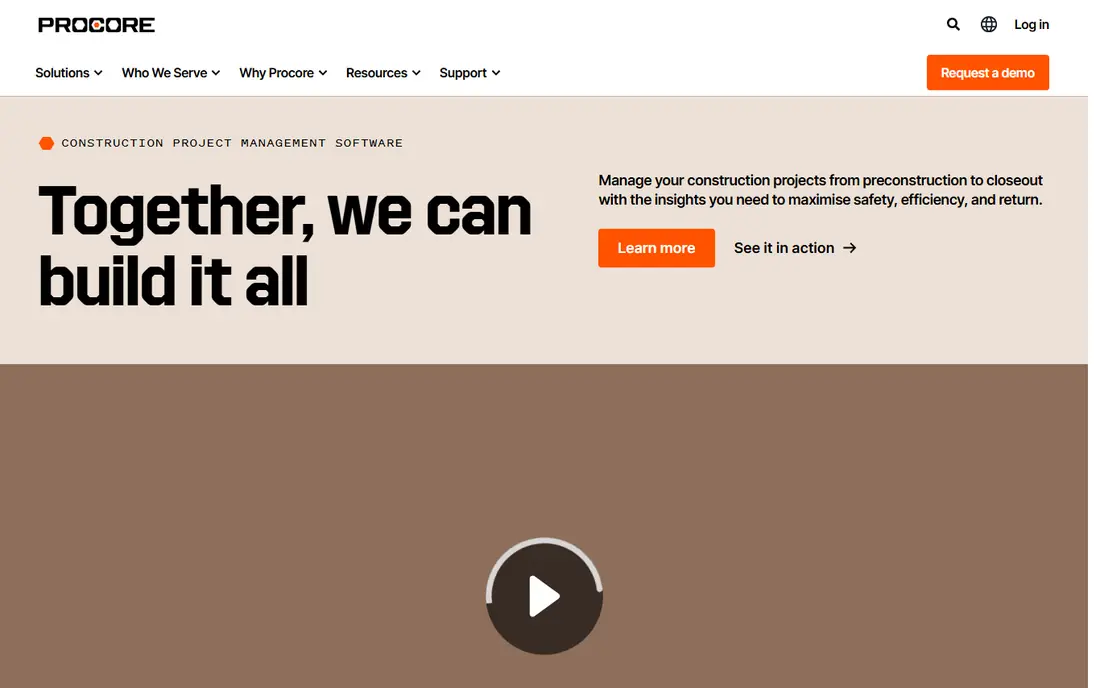
Procore is the end-to-end platform for large general contractors, covering drawings, RFIs, submittals, budgets, schedules, daily logs, photos, and safety in one system. Office and field teams share the same project data, which reduces version errors and keeps cost, schedule, and field progress linked. Integrations with accounting, BIM, and document tools extend that coverage further.
Pricing is quote-based and tied to annual construction volume, so a strong year can raise the bill even if user count stays flat. Rollout also takes planning, training, and process change across office and field teams. Procore fits large contractors that need full control and can support that rollout, while smaller firms should compare Fieldwire or Contractor Foreman first.
- Full project, cost, and document control
- Strong RFI and submittal workflows
- Broad integrations
- Quote-based pricing tied to construction volume
- Long rollout
- Overkill for small crews
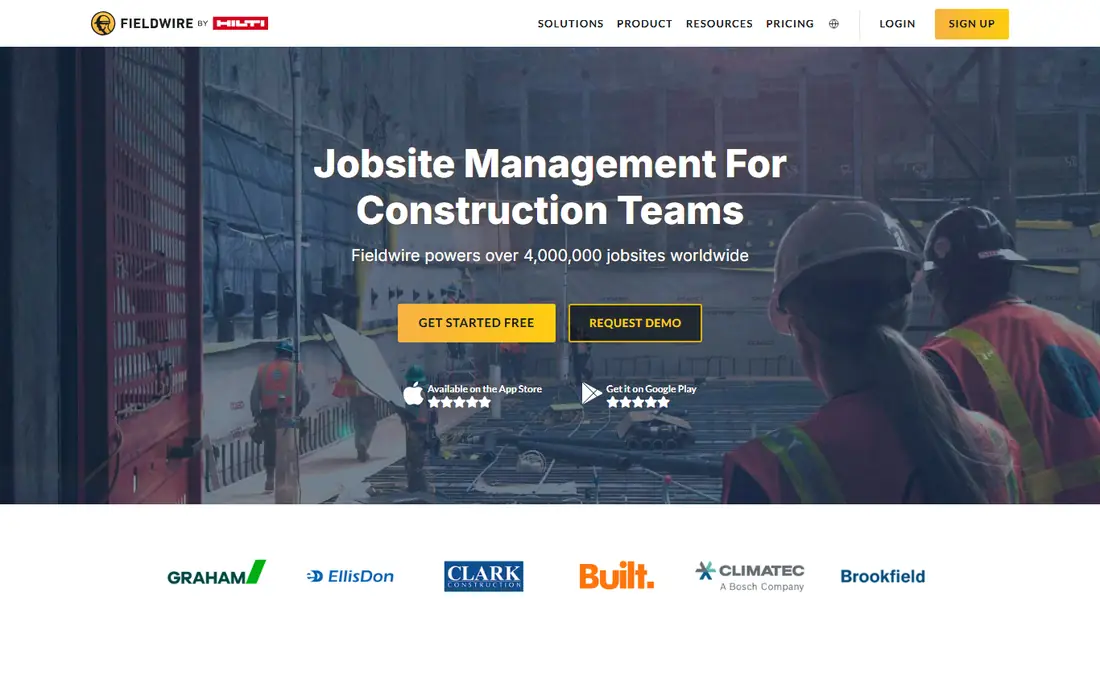
Fieldwire, by Hilti, is a mobile-first field tool for plan viewing, task management, punch lists, inspections, and reporting. Field teams can mark up drawings, link tasks to plan locations, attach photos, and track work to completion, while office staff see progress in real time. That plan-to-task link is the core strength for crews that live on drawings.
The Basic tier is free for up to five users and three projects, while Pro starts at $39 per user per month billed annually, Business at $64, and Business Plus at $89. Fieldwire does not offer native job costing, and RFIs, submittals, and budget tracking sit on higher tiers. It fits field-first teams that need reliable plan and task control without a full enterprise platform.
- Free Basic tier for small teams
- Plan markups linked to tasks
- Strong punch list and inspection tools
- No native job costing
- Scheduling is basic compared with full platforms
- RFIs and budgets need higher tiers
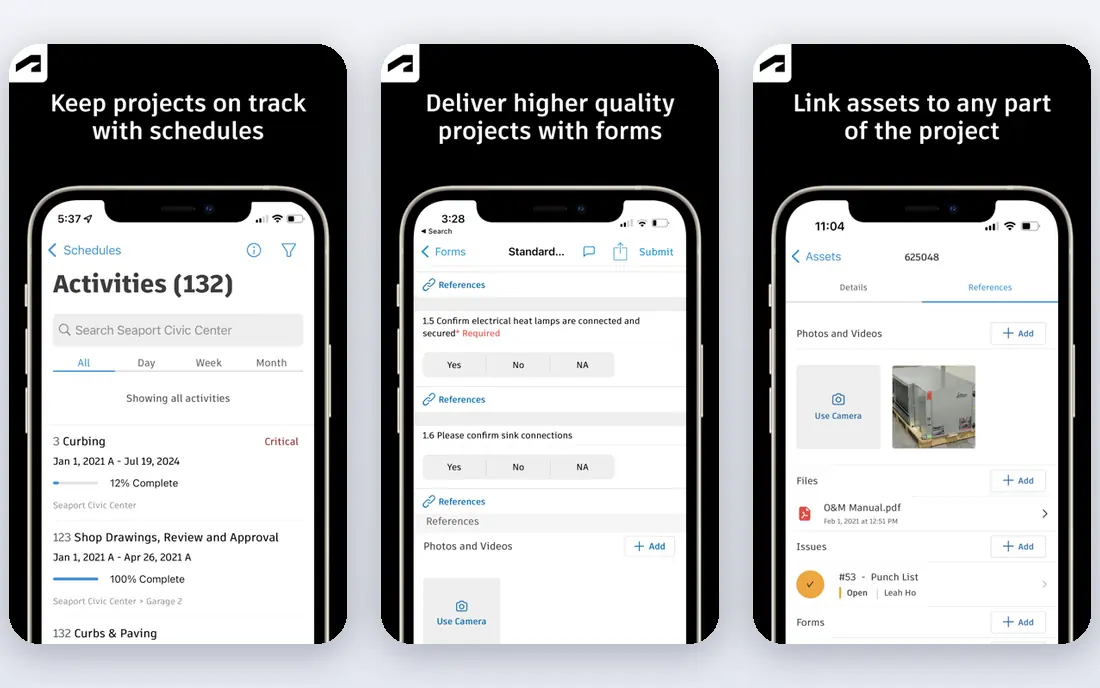
Autodesk Build, part of Autodesk Construction Cloud, covers project management, cost, quality, safety, and document control, with strong BIM and drawing tools. Teams can compare sheet versions, mark up drawings, track issues, and link models to field work, which suits design-build firms and teams already using Revit or AutoCAD. The platform also absorbs the former PlanGrid field workflow.
Pricing is subscription-based with named-user tiers, and reported figures vary by tier and region, so firms should request a current quote. Teams outside the Autodesk ecosystem may face a learning curve and integration work. Autodesk Build fits BIM-led teams that want drawing accuracy and model-linked field work in one platform.
- Strong BIM and drawing management
- Sheet comparison and markups
- Deep Autodesk ecosystem
- Quote and tier pricing varies
- Learning curve for non-Autodesk teams
- Cost rises with named users
Buildertrend is built for homebuilders and remodelers, with scheduling, budgeting, change orders, selections, client communication, and warranty tracking. The client portal lets homeowners see progress, approve selections, and message the builder, which reduces phone and email chasing. That residential focus shows in workflows for allowances, selections, and client approvals.
Pricing is quote-based and volume-based, with historical ranges from about $299 to $899 per month on some listings, so current quotes are essential. Buildertrend is less suited to heavy civil or large commercial projects that need deep cost and BIM tools. It fits residential builders that want client-facing project management plus office control in one system.
- Client portal and selections
- Scheduling and budgeting for residential work
- Warranty tracking
- Quote-based pricing
- Less suited to heavy civil or large commercial work
- Subcontractor access needs management
Raken focuses on daily reporting, field documentation, time tracking, and safety, with Super Daily reports that combine logs, photos, weather, and crew data. Field staff can capture photos with timestamps, complete safety checklists, and track time by cost code, while office staff get a clear daily record for clients and disputes. That record is valuable when a claim or delay question arises months later.
Pricing is quote-based, with reported per-user figures varying by plan, so firms should confirm current rates. Raken does not replace a full project cost or estimating system, and it pairs best with an existing office platform. It fits contractors whose main daily pain is incomplete or late field reports, rather than office project control.
- Dedicated daily reports
- GPS time tracking
- Safety checklists and photo capture
- Quote-based pricing
- Not a full cost or estimating platform
- Needs a separate system for budgets
Contractor Foreman offers project management, estimates, job costing, scheduling, invoicing, and compliance tools at a flat company price. The Basic plan starts at $49 per month with unlimited users, which suits small contractors that want to add field staff without per-seat charges. GPS timecards, RFI tools, and QuickBooks integration cover common small-firm needs in one place.
The interface is practical rather than polished, and enterprise integrations are fewer than Procore or Autodesk Build. Firms should test mobile use on site, since field usability decides adoption. Contractor Foreman fits small to mid-size contractors that want broad features at a predictable price, without paying per user.
- Low flat monthly price with unlimited users
- Job costing and estimates
- GPS timecards and scheduling
- Interface is functional rather than modern
- Fewer enterprise integrations
- Support depth varies by plan
PlanRadar helps on-site teams track tasks, defects, inspections, and documentation through tickets linked to digital plans. Photos, notes, and reports sit inside each ticket, which gives a clear audit trail from issue to closeout. SiteView 360 workflows on higher tiers add visual site records for progress and handover.
Basic pricing starts at $32 per user per month on some listings, with higher tiers adding features and users. PlanRadar offers less job costing depth than Procore or Buildertrend, so firms that need full cost control should pair it with accounting software. It fits teams that want structured, plan-linked documentation and issue tracking above all else.
- Tickets linked to plans
- Structured documentation and reporting
- SiteView 360 workflows on higher tiers
- Pricing varies by tier
- Less cost depth than full platforms
- Setup needs plan organisation first
CompanyCam is built for contractors whose work is proved by photos, such as roofing, restoration, and multi-crew trades. Crews capture photos that are organised by project and timeline, with annotations, checklists, and reports, and some plans add AI-assisted daily logs from photos and notes. That photo-first workflow saves office time and gives clients a clear visual record.
Core pricing starts at $63 per month billed annually on some listings, with higher tiers for larger teams. CompanyCam does not cover full scheduling, budgets, or RFIs, so firms should pair it with a project tool if they need those functions. It fits photo-heavy contractors that want fast, organised site documentation above all else.
- Fast photo capture and timelines
- AI-assisted daily logs on some plans
- Annotations and reports
- Not a full project management platform
- Monthly price rises with users and features
- Needs another tool for budgets
Dalux Field covers BIM viewing, inspections, issue tracking, and site documentation, with SiteWalk 360 imagery and tasks linked to locations. Field teams can compare BIM models with site conditions, raise issues from images, and track quality work to completion. A free version exists, which helps small teams test the core workflow before paying.
Paid pricing is quote-based, and the BIM depth may be more than a simple crew needs. Teams without BIM models will use only part of the platform, so they should compare Fieldwire or PlanRadar for plan-only work. Dalux Field fits BIM-based teams that want visual site records, inspections, and model-linked issues in one mobile tool.
- Free version available
- BIM viewing and comparison
- SiteWalk 360 and task tools
- Paid pricing is quote-based
- BIM focus may exceed simple field needs
- Learning curve for non-BIM teams
How we picked these
We compared official product pages, pricing pages, and field workflows, and we kept only tools that are live and supported in October 2026 for jobsite use. We included full project platforms and field-first tools, so firms can compare scope and price honestly. Where pricing was quote-based or varied by tier, we used the published starting figure or wrote See website, rather than presenting an old directory figure as a current price.
What to check before you buy
Start with your field workflow, not the office feature list. List how plans are issued, how tasks and punch items are raised, how daily reports are written, and how photos reach the office. A tool that matches that path will be used on site, while a tool with strong office features but a weak mobile app will be ignored by crews. Test the mobile app offline, since connectivity on site is often poor.
Next, check plan version control and permissions. Ask how drawing updates reach the field, how old versions are locked, and who can edit, approve, and close tasks. Version errors cause rework, so this control matters more than extra reporting charts. Also check photo, report, and export formats, since records may be needed for clients, insurers, or disputes long after closeout.
Finally, price the full team. Per-user tools charge for every field user, flat-rate tools charge per company, and volume-based tools charge by construction value. Count field staff, subcontractors, and office users separately, and ask about subcontractor access terms. A trial on a live project, with real plans and real crews, will show adoption and cost more clearly than any demo.
Frequently asked questions
What is the best jobsite management software?
For large general contractors, Procore or Autodesk Build offer the fullest control. For field-first teams, Fieldwire offers strong plan and task tools with a free tier. For small contractors, Contractor Foreman offers broad features at a flat monthly price.
How much does jobsite management software cost?
Costs range from free tiers on Fieldwire and Dalux Field to $39 per user per month on Fieldwire Pro, $49 per month flat on Contractor Foreman, and quote-based enterprise pricing on Procore and Autodesk Build. Total cost depends on user count, pricing model, and modules.
Does jobsite software work offline?
Most field tools offer offline mobile access for plans, tasks, and photos, with sync when connectivity returns. Test offline plan viewing, photo capture, and task updates on site during a trial, since offline quality varies by tool and device.
What is the difference between Procore and Fieldwire?
Procore covers full project, cost, and document control for large contractors, while Fieldwire focuses on field plans, tasks, punch lists, and inspections. Fieldwire is cheaper and faster to adopt for field teams, while Procore suits firms that need office and field control in one system.
Can jobsite software handle safety checklists?
Yes, several tools on this list include safety checklists, incident reporting, and daily logs, including Raken, Procore, and Autodesk Build. Check checklist customisation, photo attachment, and reporting for your specific safety requirements before buying.
Do subcontractors need paid seats?
It depends on the vendor and pricing model. Some tools offer free or limited subcontractor access, while per-user tools charge for full seats. Confirm subcontractor terms in writing, since field user counts drive cost on per-user plans.
Sources
See where you really rank - block by block
ProMapRanker scans Google Maps across a grid of your service area. Simple monthly plans from $19, white-label on every plan.
Start freeKeep reading
 who has best internet service
Who Has the Best Internet Service in 2026
Who has best internet service for US homes? We compare fiber, cable, fixed wireless and satellite providers on speed, price, availability and terms today.
Read → which survey tool has the best analytics
Which Survey Tool Has the Best Analytics in 2026
Find which survey tool has the best analytics in 2026, comparing Qualtrics, SurveyMonkey, Typeform, Alchemer, and more on reports, text, and stats today.
Read → which streaming service has the best movies
Which Streaming Service Has the Best Movies in 2026
Answering which streaming service has the best movies, with Netflix, Max, Criterion and more compared on libraries, prices and free options in this guide.
Read →