 ProMapRanker
Best Job Board Software in 2026

Key takeaways
- Job board software means building and running your own board, which is different from an applicant tracking system used only to hire for one company.
- Most established platforms are quote based or start in the low hundreds per month, so the total cost depends on job volume, employer accounts and add-ons.
- A free WordPress route can work for a small board, but hosted tools save setup time and handle payments, alerts and employer billing for you.
- Niche boards win on focused audiences, so pick the tool that best fits your audience, monetization model and growth plans, not the longest feature list.
Quick comparison
| Pick | Great for | Pricing starts at | Free tier | |
|---|---|---|---|---|
 SmartJobBoard | Established niche boards | See website | No | Visit |
 JobBoard.io | Publishers and media brands | See website | Free trial | Visit |
 Niceboard | Startups and communities | See website | Free trial | Visit |
 JobBoardly | Budget-conscious founders | See website | Free trial | Visit |
 Madgex | Large career centers | See website | No | Visit |
 WP Job Manager | WordPress site owners | Free | Yes | Visit |
 Getro | Talent networks and communities | See website | No | Visit |
 JBoard | Automation-heavy boards | See website | Free trial | Visit |
 Jobiqo | Publishers needing scale | See website | No | Visit |
The best job board software
We compared official feature pages, pricing pages, public reviews and demo information for tools that let you run a job board of your own. This list covers hosted builders, a WordPress option and enterprise career platforms, so a solo founder and a large publisher can both find a fit.
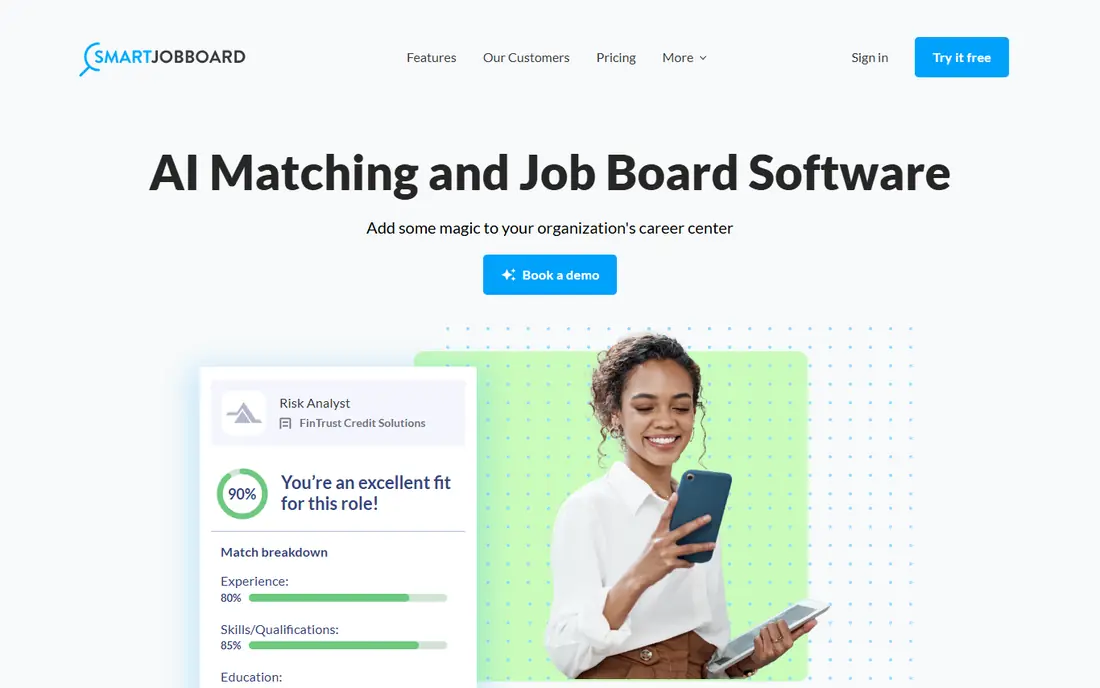
SmartJobBoard is a good starting point for a serious niche board because it covers the full cycle, from job posting and search to employer accounts and payments. Its long history in this market shows in the depth of its admin controls, which help when you need different pricing for employers, featured listings and resume access. For a board that already has traffic or a clear audience, that depth matters more than a pretty template alone. The trade-off is that pricing and some advanced options require a sales conversation, so budgeting takes an extra step. Smaller founders may also find the admin area larger than they need at launch. Still, if you plan to grow beyond a simple list of jobs, SmartJobBoard gives you room to grow without rebuilding on another tool.
- Mature board builder
- Employer and job seeker accounts
- Monetization tools
- Pricing is not published in full
- Setup can take time for complex boards
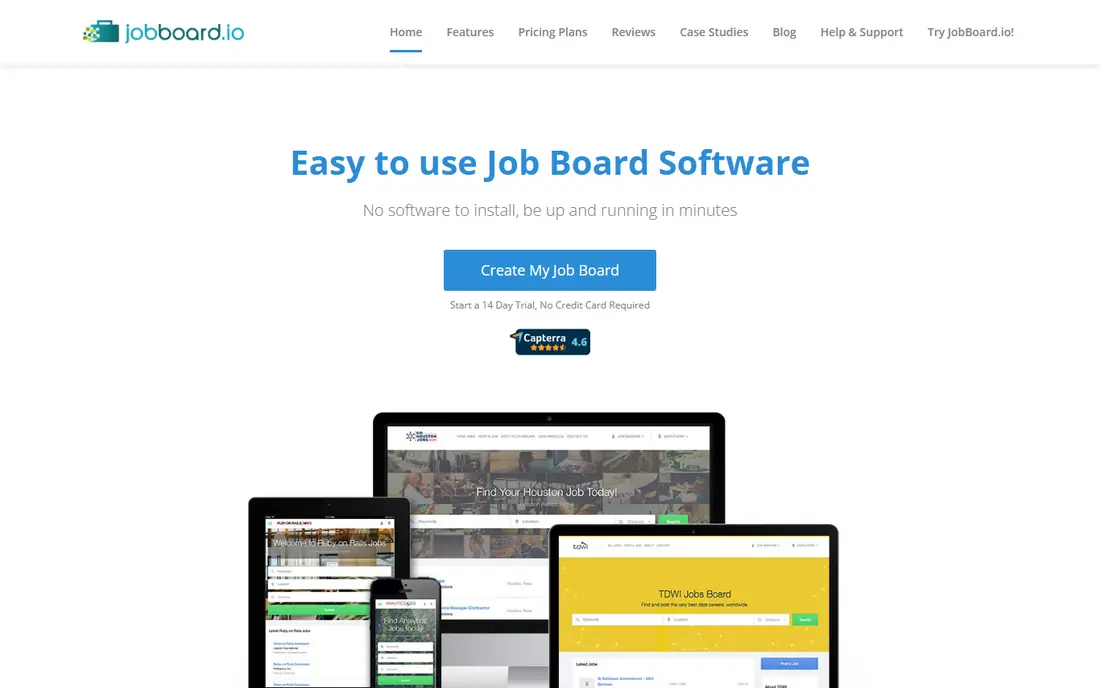
JobBoard.io suits publishers that want a board live quickly without hiring developers. Employers can post and manage jobs themselves, job seekers can search and set alerts, and the board owner can charge for listings. That combination fits news sites, trade publications and professional communities that already have readers to convert into job seekers. The catch is cost at scale, since published third-party comparisons put its paid tier well above budget builders. Design options are solid but not unlimited, so a brand with very strict design rules should check the templates first. For most publishers, though, speed and self-service outweigh those limits.
- Fast setup for publishers
- Clean job search
- Employer self-service
- Paid plans can get costly as volume grows
- Design control has limits
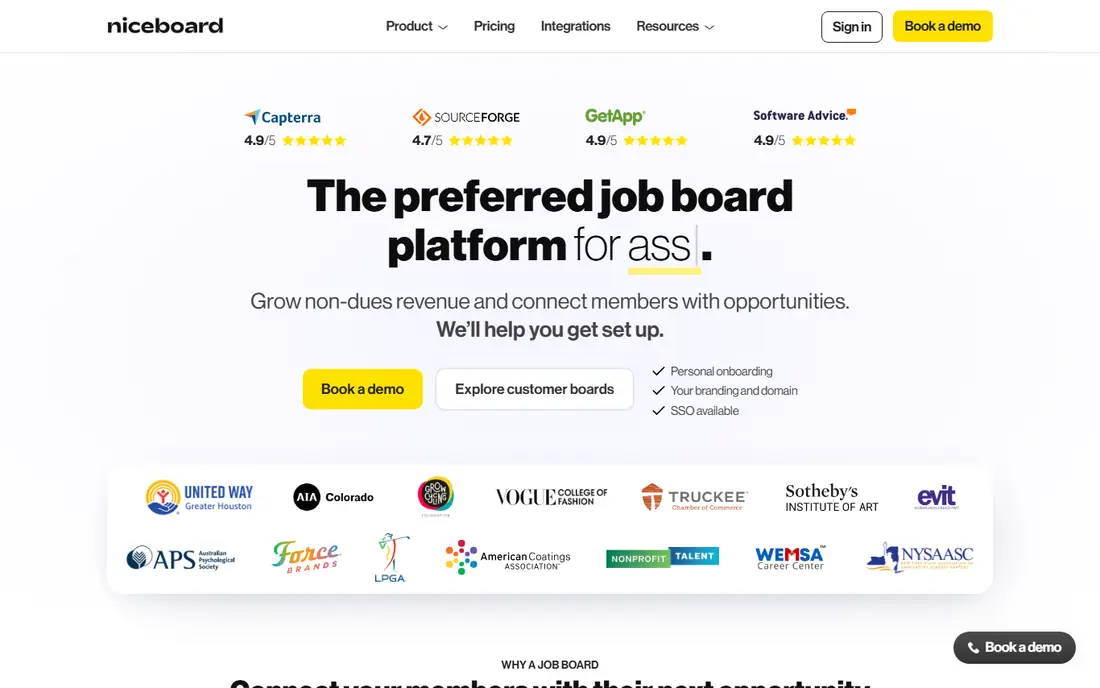
Niceboard is built for people who want a good-looking board without code. You pick a template, add your categories and start accepting jobs, which makes it a strong choice for a first niche board or a community site. The job seeker experience is clean, and employers do not need training to post a role. Its limits show up at enterprise scale, where deeper integrations and custom workflows may matter more. Pricing also differs between monthly and annual billing in third-party comparisons, so confirm the current plan before you commit. For a startup board, Niceboard balances speed, looks and price well.
- No-code setup
- Modern templates
- Simple employer flow
- Pricing varies by billing period
- Fewer enterprise features
JobBoardly appeals to founders who want to test a niche idea without a large monthly bill. Setup is straightforward, and the core tools cover posting, search and payments. That makes it easy to validate whether employers will pay and job seekers will return before you invest in a bigger platform. The honest weakness is breadth. If you later need complex employer tiers, advanced analytics or deep integrations, you may outgrow it. For a first board, though, a lower bill and a fast launch are often more valuable than features you will not use in month one.
- Lower entry cost than many rivals
- Quick launch
- Simple pricing model
- Smaller feature set
- Less suited to very large boards
Madgex is aimed at job boards and career centers that operate at serious scale, including associations and large publishers. It handles high job volumes, employer relationships and reporting in a way that budget builders cannot match. If your board is a core business line rather than a side project, that maturity is worth paying for. The downside is access. Pricing is quote based, implementation is a project rather than a signup, and a small board would pay for capacity it does not need. Madgex belongs on the shortlist for established operators, not for someone testing a first idea.
- Built for scale
- Strong career center experience
- Analytics and employer tools
- Quote-only pricing
- Overkill for a small board
WP Job Manager takes a different route: it turns a WordPress site into a job board with a free core plugin. That gives owners full control over design, data and hosting, and the add-on library covers applications, alerts, paid listings and more. For a site already on WordPress, it is often the cheapest credible path. The catch is responsibility. You handle hosting, security updates and plugin conflicts, and the add-ons you actually need may cost more than the free core suggests. Still, for a WordPress publisher who wants ownership and flexibility, it is hard to beat on value.
- Free core plugin
- Full WordPress control
- Many add-ons
- You manage hosting and updates
- Paid add-ons add up
Getro fits communities where the network itself is the draw, such as startup ecosystems and investor portfolios. Instead of a generic board, it centers on talent and company connections, which can make a niche board feel more useful than a plain list of jobs. That focus helps boards that serve a defined group rather than the whole market. The trade-off is fit. A general local board may find Getro narrower than a general builder, and pricing needs a direct quote for a clear comparison. If your audience is a community with shared ties, that focus is a strength, not a limit.
- Network and talent focus
- Good for venture and startup communities
- Curated boards
- Pricing is not simple to compare
- Less generic board flexibility
JBoard targets operators who want automation to do more of the daily work, from job imports to employer workflows. Its templates look current, and the feature set is aimed at boards that plan to scale rather than stay as a hobby project. For a founder who expects steady growth, that forward design is appealing. The risk is the usual one with a smaller vendor: fewer public reviews and less third-party coverage than the biggest names. Check support, uptime and export options before you migrate a live board. For a new board, though, JBoard is a credible option to compare against Niceboard and JobBoardly.
- Automation features
- Scalable design
- Modern board templates
- Less well known than larger rivals
- Pricing needs confirmation
Jobiqo serves publishers and media brands that need a board to handle real traffic and employer demand. Its background with media companies shows in features for job aggregation, employer branding and board management at scale. If your board sits beside a news or trade brand, that publisher fit matters. As with Madgex, the barrier is entry cost and process. Small founders will find the sales-led route slow compared with a self-serve signup. For a publisher treating jobs as a revenue line, Jobiqo deserves a demo alongside Madgex and JobBoard.io.
- Publisher-grade boards
- Scalable infrastructure
- Media brand experience
- Quote-only pricing
- Not built for tiny boards
How we picked these
We compared official feature pages, pricing pages, app and plugin listings, and public reviews for tools that let an owner run a job board, not just post jobs to other boards. We favored tools that are live in October 2026, cover employer and job seeker workflows, and offer a clear monetization path. Where a vendor does not publish a full price, we wrote See website rather than repeating a third-party figure as fact.
What to check before you choose a job board tool
Start with your audience, not the feature list. A board for nurses, developers or local trades needs different categories, filters and employer types than a general board. Write down who will post jobs, who will apply, and how you will charge, whether by single listing, subscription or featured placement. That list will rule out half the tools at once. Next, test the job seeker path yourself on a trial or demo. Search, filter, apply and set up an alert, then do the same from an employer account. A board that feels clumsy at this stage will lose both sides, no matter how good the admin dashboard looks. Also check job import and distribution options, since many boards grow by aggregating listings at the start. Finally, read the contract details before you commit. Ask about data export, what happens to your listings if you leave, payment fees, and whether traffic or job volume changes your price. A board is an asset you build over years, so portability matters as much as launch speed. Pick the tool you can still afford and manage when the board is ten times larger.
Frequently asked questions
What is the best job board software for a niche board?
SmartJobBoard and Niceboard are strong starting points, with SmartJobBoard offering more depth and Niceboard offering a faster no-code launch. The right choice depends on your budget, audience size and whether you need advanced employer tiers. Test both with your real categories before you decide.
What are the top job board software options for publishers?
JobBoard.io, Madgex and Jobiqo are built with publishers in mind, since they handle employer self-service, branding and scale. A WordPress publisher may prefer WP Job Manager for control and lower cost. Compare setup time and revenue tools, not just the monthly fee.
Is there free job board software?
WP Job Manager offers a free core plugin, but you still pay for hosting and any paid add-ons you need. Most hosted builders offer a free trial rather than a lasting free plan. Budget for hosting, payments and promotion even when the core tool is free.
How much does job board software cost?
Costs range from free for a basic WordPress setup to several hundred dollars per month for hosted boards, and quote-based pricing for enterprise platforms. Your total depends on job volume, employer accounts, add-ons and payment fees. Ask each vendor for a total based on your expected volume.
Can I make money with a job board?
Yes, common models include paid job listings, employer subscriptions, featured jobs, resume access and recruitment advertising. A niche audience usually converts better than a general board, because employers pay to reach the right candidates. Growth takes time, so plan for promotion and content alongside the software.
Do I need coding skills to run a job board?
No, hosted tools such as Niceboard, JobBoardly and JobBoard.io are built for non-technical owners. WordPress with WP Job Manager needs more hands-on management, though no custom code is required for a basic board. Choose a hosted tool if you want the vendor to handle hosting and updates.
Sources
- https://www.smartjobboard.com
- https://www.jobboard.io
- https://niceboard.co
- https://jobboardly.com
- https://www.madgex.com
- https://wpjobmanager.com
- https://www.getro.com
- https://jboard.io
- https://www.jobiqo.com
- https://cavuno.com/blog/best-job-board-software
- https://peoplemanagingpeople.com/tools/best-job-board-software/
See where you really rank - block by block
ProMapRanker scans Google Maps across a grid of your service area. Simple monthly plans from $19, white-label on every plan.
Start freeKeep reading
 who has best internet service
Who Has the Best Internet Service in 2026
Who has best internet service for US homes? We compare fiber, cable, fixed wireless and satellite providers on speed, price, availability and terms today.
Read → which survey tool has the best analytics
Which Survey Tool Has the Best Analytics in 2026
Find which survey tool has the best analytics in 2026, comparing Qualtrics, SurveyMonkey, Typeform, Alchemer, and more on reports, text, and stats today.
Read → which streaming service has the best movies
Which Streaming Service Has the Best Movies in 2026
Answering which streaming service has the best movies, with Netflix, Max, Criterion and more compared on libraries, prices and free options in this guide.
Read →