 ProMapRanker
Best IT Helpdesk Software in 2026


Small and mid-size support teams · Pricing starts at: $19 per agent per month
Key takeaways
- Freshdesk and Zoho Desk give small teams the best balance of ticket features and price, while Jira Service Management fits teams already using Atlassian tools.
- Zendesk suits larger, multi-channel operations, but its stronger plans cost far more than the entry price suggests.
- Freshservice and ManageEngine ServiceDesk Plus are the better picks when you need formal IT service management rather than general customer support.
- Free plans from Zoho Desk, Jira Service Management, and HubSpot help small teams start, but check agent limits before you roll a tool out widely.
Quick comparison
| Pick | Great for | Pricing starts at | Free tier | |
|---|---|---|---|---|
| Freshdesk | Small and mid-size support teams | $19 per agent per month | Free trial | Visit |
 Zendesk | Large multi-channel support operations | $19 per agent per month | Free trial | Visit |
 Jira Service Management | IT teams on Atlassian tools | $20 per agent per month | Yes | Visit |
 Zoho Desk | Budget teams in the Zoho system | $7 per user per month | Yes | Visit |
 Help Scout | Email-first small teams | $25 per user per month | Yes | Visit |
 Freshservice | Mid-size IT service desks | $19 per agent per month | Free trial | Visit |
 HubSpot Service Hub | Teams already on HubSpot CRM | $20 per seat per month | Yes | Visit |
 LiveAgent | Help desk plus live chat and calls | $15 per agent per month | Free trial | Visit |
 ManageEngine ServiceDesk Plus | Small IT teams wanting ITIL processes | $13 per technician per month | Yes | Visit |
The best it helpdesk software
A good helpdesk turns scattered emails, chats, and hallway requests into tickets you can track, assign, and close. The top it helpdesk software below covers both customer support and internal IT, so the right pick depends on who you support and how formal your processes need to be.
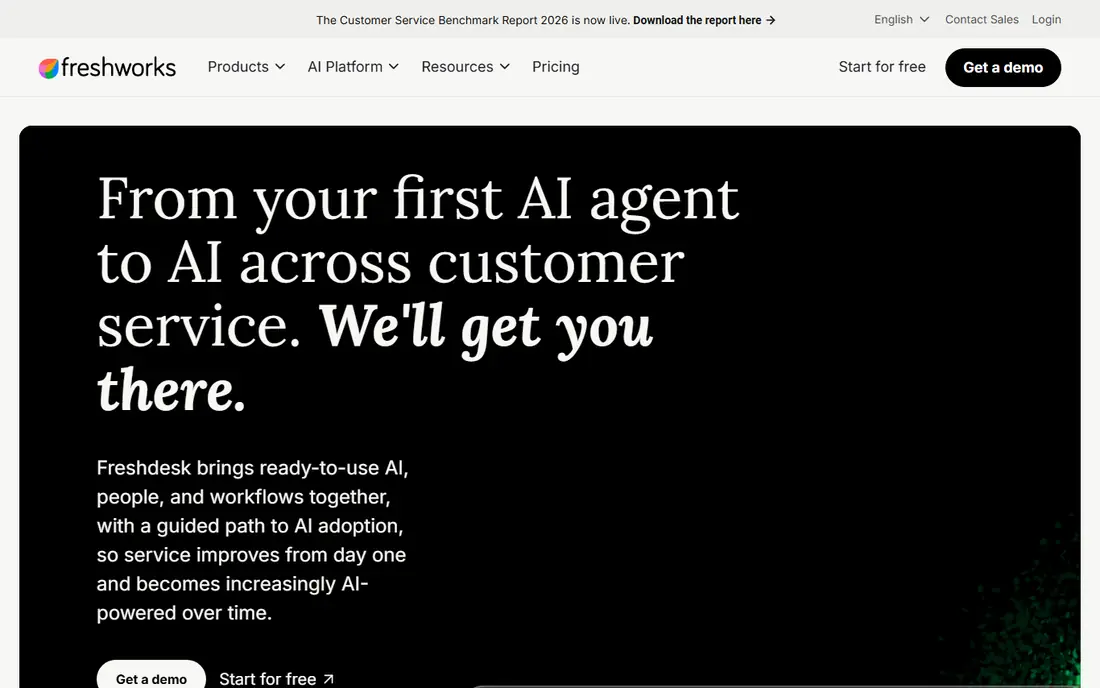
Freshdesk is our first suggestion for most small and mid-size support teams because it covers the full ticket lifecycle without enterprise complexity. Email, chat, and web forms flow into one queue, automation assigns and prioritizes tickets, and a self-service knowledge base deflects repeat questions. The Growth plan at $19 per agent per month on annual billing is a fair entry point for a team that needs more than a shared inbox.
The step up to Pro is steep, and several useful features, such as advanced reporting and multiple service-level agreements, live on higher plans. Phone support is a separate add-on, so teams that rely on calls should price that in early. Still, for a team that wants a complete helpdesk quickly, Freshdesk is hard to beat on balance.
- Clear ticketing with automation and a knowledge base
- AI sessions included on paid plans
- Sensible entry price
- No free plan on the current pricing page
- Advanced reporting and AI copilot features cost extra
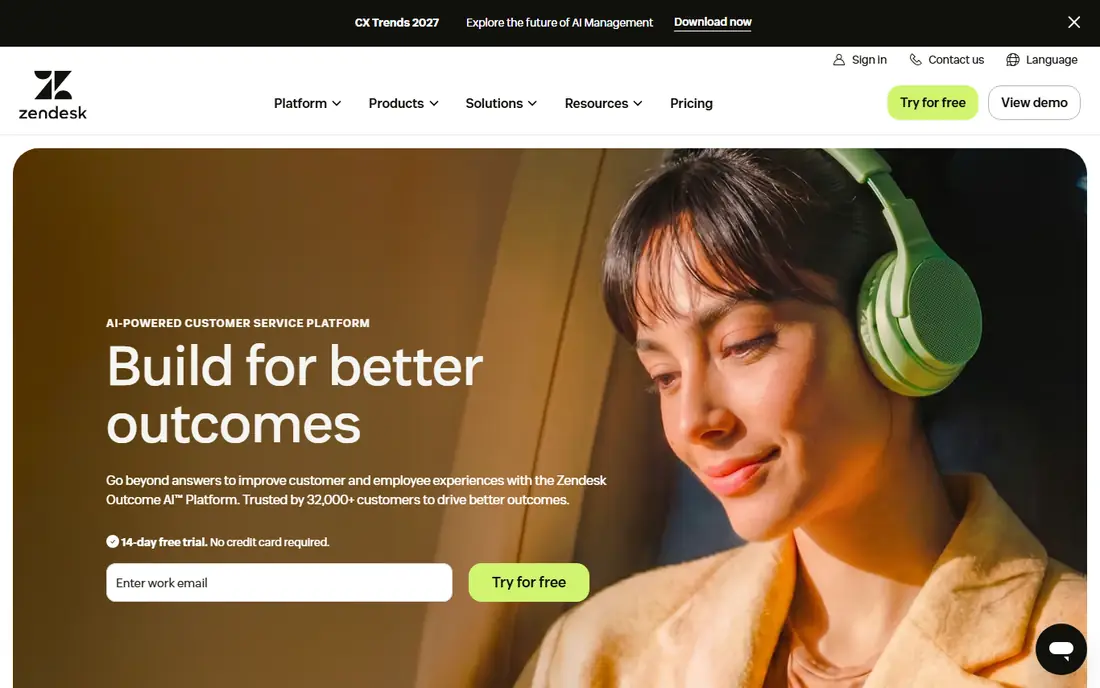
Zendesk remains the benchmark for large support operations that handle email, chat, phone, and social messages in one place. Its ticketing, automation, and reporting are mature, and the app marketplace extends it into areas such as quality checks and workforce tools. Teams that already run complex routing, skills-based assignment, or multi-brand support will find fewer limits here than in simpler tools.
The entry price can mislead. The $19 Support Team plan covers basics, while the Suite plans that most larger teams actually need start at $55 per agent per month on annual billing and rise from there. Budget for admin time as well, since Zendesk rewards careful setup and can feel heavy for a team of two or three agents.
- Mature omnichannel ticketing
- Deep customization and app marketplace
- Strong reporting at higher tiers
- Suite plans cost much more than entry pricing
- Setup and admin effort grows with scale
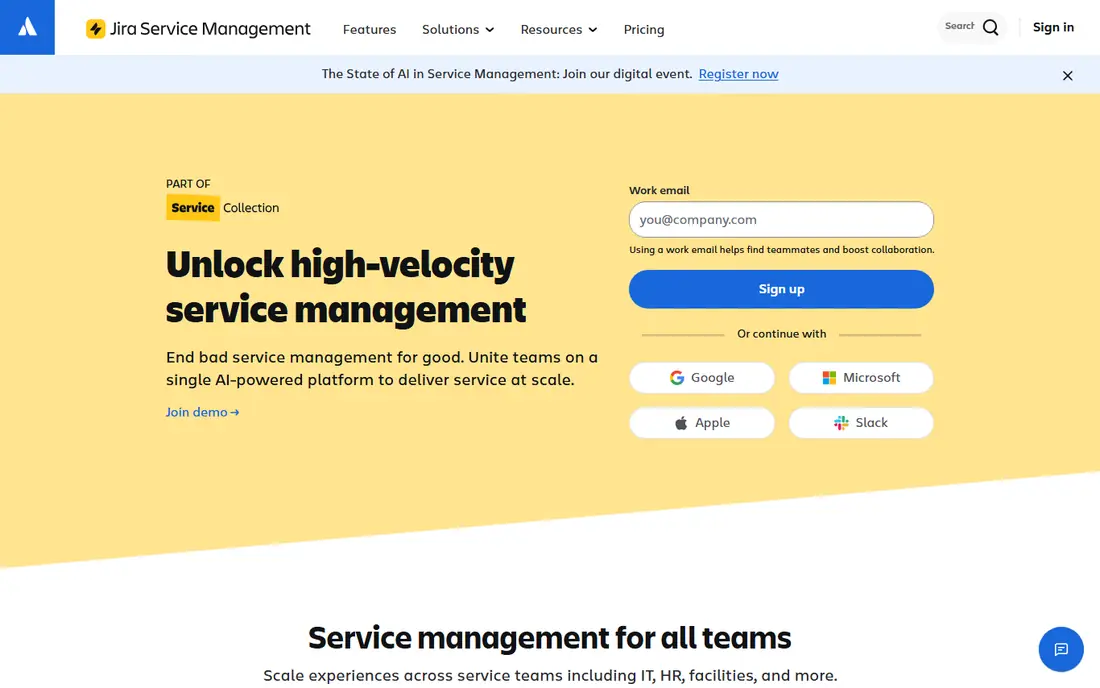
Jira Service Management is the natural pick for IT teams that already live in Jira and Confluence. Requesters use a portal, agents work queues with service-level targets, and incident and change workflows follow IT service management practice rather than generic ticket handling. Links to development work mean an incident can connect directly to the fix, which shortens the loop between support and engineering.
The free plan for up to three agents makes it easy to test with a real team. The catch is configuration: building request types, workflows, and automation takes time, and a team with no Atlassian experience may prefer a simpler tool. For internal IT support, though, the depth is the point, and few rivals match it at this price.
- Strong incident, change, and service request workflows
- Tight Jira and Confluence links
- Free for up to 3 agents
- Setup takes more effort than a simple helpdesk
- Pricing and plan differences need careful reading
Zoho Desk is the budget pick that still behaves like a real helpdesk. Tickets arrive from email, chat, phone, and web forms, automation handles assignment and alerts, and a knowledge base supports self-service. The Express plan at $7 per user per month on annual billing undercuts most rivals, and the free plan for three users lets a tiny team start without spending anything.
The interface is functional rather than delightful, and some teams report a longer learning curve when setting up workflows. Value also grows when you already use Zoho CRM or other Zoho apps, since shared data reduces double entry. For a cost-conscious team that needs depth more than polish, Zoho Desk is the strongest low-price option.
- Lowest entry price among full helpdesks here
- Free plan for up to 3 users
- Strong automation for the price
- Interface feels less polished than Freshdesk or Help Scout
- Best value sits inside the wider Zoho suite
Help Scout suits teams whose support still lives mainly in email and who want to keep that human feel. Agents share an inbox, collaborate with private notes, and use saved replies and workflows to stay fast without sounding canned. The Docs tool builds a clean help center, and the free plan for up to five users is generous for a very small team.
It is not an IT service management platform. If you need formal change control, asset tracking, or a configuration database, Freshservice or Jira Service Management will fit better. For customer-facing teams that value clarity and speed over IT process depth, Help Scout is one of the easiest tools to adopt.
- Clean shared inbox that feels like email
- Good Docs knowledge base
- Free plan for up to 5 users
- Less suited to complex IT service management
- Advanced features sit on higher-priced plans
Freshservice is the IT-focused sibling of Freshdesk, and the difference matters. It adds incident, problem, change, release, and asset management in a package aimed at internal IT teams, with a service catalog for common requests such as access or hardware. The Starter plan at $19 per agent per month on annual billing gives mid-size IT teams a structured desk without enterprise procurement.
Growth and Pro plans add the deeper automation, analytics, and service management features that larger IT teams expect, so the total cost rises with maturity. Teams that only answer customer questions should stick with Freshdesk. Teams that run internal IT with formal processes will find Freshservice a clearer fit and an easier setup than a fully custom platform.
- Packaged IT service management with incident and asset tools
- Clear per-agent pricing
- Freshworks ecosystem links
- No free plan
- Deeper IT features require higher plans
- Customization can feel limited next to Jira
HubSpot Service Hub makes most sense when your company already runs on HubSpot CRM. Tickets sit beside contact, company, and deal records, so agents see purchase and conversation history without switching tools. The free tier covers basic ticketing for two users, and Starter at $20 per seat per month adds automation and more seats for a growing team.
The catch is the upgrade path. Professional and Enterprise tiers cost far more and can carry required onboarding fees, so a team that buys for advanced automation should get a full quote first. If HubSpot is already your system of record, Service Hub is a natural extension. If it is not, a standalone helpdesk will usually cost less for the same ticket features.
- Tickets tied to full customer records in HubSpot CRM
- Free tools for small teams
- Strong reporting on paid plans
- Best value requires HubSpot CRM adoption
- Higher tiers carry onboarding fees
- Pricing rises fast with seats
LiveAgent appeals to teams that still treat live chat and phone as core channels rather than add-ons. Tickets, chat, and calls share one queue, so an agent can move a chat into a ticket without losing context. At $15 per agent per month on annual billing, it undercuts several rivals while covering more channels than an email-only tool.
The interface shows its age in places, and reporting is adequate rather than outstanding. For a small team that needs chat and call handling on a tight budget, those limits are easy to accept. For a large operation that lives on analytics and complex routing, Zendesk or Freshservice will offer more headroom.
- Ticketing, live chat, and call center in one tool
- Low entry price
- 30-day trial for a proper test
- Interface feels dated in places
- Reporting depth lags Zendesk and Freshservice on higher plans
ManageEngine ServiceDesk Plus
Great for: Small IT teams wanting ITIL processes
ManageEngine ServiceDesk Plus is a long-standing IT service management tool with incident, problem, change, asset, and service catalog features. The on-premises Standard edition at $13 per technician per month is one of the lowest entry prices for this depth, and a free edition for up to five technicians lets small IT teams run a real desk at no license cost.
Setup and daily use feel heavier than cloud-first tools such as Freshservice, and teams should confirm whether they want cloud or on-premises hosting, since pricing and features differ. For an IT team that follows ITIL practice and wants control over hosting and data, ServiceDesk Plus remains a strong, affordable choice.
- Full IT service management at a low on-premises entry price
- Free edition for up to 5 technicians
- Asset and change tools
- Interface and setup feel heavier than cloud-first rivals
- Cloud pricing differs from on-premises pricing
How we picked these
We compared official pricing pages, feature documentation, and public reviews, and we kept only tools that are live in October 2026 and truly handle helpdesk or IT service work. We favored tools with clear entry pricing, a usable free or trial path where claimed, and ticket automation plus self-service features. Where vendor pricing pages differed from secondary roundups, we used the most recent widely reported vendor-linked figure and marked uncertain enterprise pricing as See website in our working notes rather than inventing a number.
What to check before you buy
Start with who you support. Customer support teams need omnichannel tickets, a knowledge base, and customer satisfaction tracking. Internal IT teams need incident, change, asset, and service request workflows, plus service-level targets that match business hours. Buying a customer tool for IT work, or an IT platform for simple customer email, creates friction that no amount of customization fully fixes.
Next, count the real cost. Per-agent pricing multiplies fast, and AI add-ons, phone minutes, onboarding fees, and higher-tier reporting can double an entry quote. Run a trial with real tickets, not demo data, and check how long it takes an agent to close a routine request. Finally, test the knowledge base and portal from the requester side, since self-service only saves time when requesters can actually find answers without contacting you.
Tickets, automation, and reporting
Good automation assigns tickets, sends status updates, escalates overdue work, and closes solved requests without manual effort. Look for service-level policies, canned replies, collision detection, and satisfaction surveys on the plan you will actually buy, not just on the top plan. Reporting should answer basic questions: volume by channel, first response time, resolution time, reopen rate, and the topics that generate the most tickets.
Migration and integrations
Moving tickets, contacts, and knowledge articles takes longer than vendors suggest, so ask about import tools and keep your old system running in parallel for a short period. Check native links to your CRM, chat, phone, identity provider, and asset tools, since a helpdesk that cannot see customer or device context forces agents to copy data by hand. Single sign-on and permission controls matter as soon as more than a few agents share the system.
Frequently asked questions
What is the best it helpdesk software for a small team?
Freshdesk and Zoho Desk are the strongest small-team picks in this list, with Freshdesk offering a smoother setup and Zoho Desk offering the lowest entry price. Help Scout suits email-first teams that want the simplest shared inbox. Start with a trial on real tickets and compare how fast agents close routine requests.
What is the top it helpdesk software for internal IT departments?
Jira Service Management, Freshservice, and ManageEngine ServiceDesk Plus are the strongest IT picks here, since all three support incident, change, and service request workflows. Jira fits Atlassian shops, Freshservice fits mid-size teams that want packaged IT service management, and ManageEngine fits teams that want low-cost ITIL depth.
How much does helpdesk software cost per agent?
Entry prices in this list run from $7 per user per month for Zoho Desk to $25 per user per month for Help Scout, with most tools clustered near $19 to $20 per agent per month on annual billing. Higher tiers, AI add-ons, phone usage, and onboarding fees can raise the real bill, so get a quote for your agent count and required features.
Is there free IT helpdesk software?
Yes, Zoho Desk is free for up to three users, Jira Service Management is free for up to three agents, Help Scout offers a free plan for up to five users, HubSpot Service Hub has free tools, and ManageEngine ServiceDesk Plus has a free edition for up to five technicians. Free plans limit agents, features, or both, so they suit small teams or pilots rather than large rollouts.
Do I need IT service management or just a helpdesk?
A basic helpdesk covers tickets, a knowledge base, and simple automation, which suits customer support and small internal teams. IT service management adds incident, problem, change, release, and asset processes, which matter when IT must control risk and track infrastructure. If your team handles formal changes and assets, choose an IT service management tool from the start.
How long does it take to set up a helpdesk?
A simple helpdesk can go live in a day or two with email, a portal, and basic automation. An IT service management rollout with request types, workflows, service-level targets, and integrations can take several weeks. Keep the first launch narrow, migrate a small set of request types first, and expand once agents and requesters are comfortable.
Sources
- https://freshdesk.com
- https://www.zendesk.com
- https://www.atlassian.com/software/jira/service-management
- https://www.zoho.com/desk/
- https://www.helpscout.com
- https://freshservice.com
- https://www.hubspot.com/products/service
- https://www.liveagent.com
- https://www.manageengine.com/products/service-desk/
- https://www.spotsaas.com/blog/best-help-desk-software
- https://www.flozic.ai/blog/best-ticketing-systems
- https://www.enjo.ai/post/best-help-desk-software
See where you really rank - block by block
ProMapRanker scans Google Maps across a grid of your service area. Simple monthly plans from $19, white-label on every plan.
Start freeKeep reading
 who has best internet service
Who Has the Best Internet Service in 2026
Who has best internet service for US homes? We compare fiber, cable, fixed wireless and satellite providers on speed, price, availability and terms today.
Read → which survey tool has the best analytics
Which Survey Tool Has the Best Analytics in 2026
Find which survey tool has the best analytics in 2026, comparing Qualtrics, SurveyMonkey, Typeform, Alchemer, and more on reports, text, and stats today.
Read → which streaming service has the best movies
Which Streaming Service Has the Best Movies in 2026
Answering which streaming service has the best movies, with Netflix, Max, Criterion and more compared on libraries, prices and free options in this guide.
Read →