 ProMapRanker
Best IT Alerting Software in 2026


Large engineering teams · Pricing starts at: $21 per user per month
Key takeaways
- IT alerting software routes the right alert to the right person, on call, by phone, SMS, push or chat, and tracks acknowledgement and escalation.
- PagerDuty remains the benchmark for large teams, but smaller tools such as Squadcast, xMatters and SIGNL4 offer lower entry prices.
- Opsgenie is excluded from the live list here because Atlassian ended new sales in 2025 and plans shutdown in April 2027, so new buyers should not start on it.
- Alert fatigue is the real enemy, so check deduplication, suppression and escalation rules before you compare prices.
Quick comparison
| Pick | Great for | Pricing starts at | Free tier | |
|---|---|---|---|---|
| PagerDuty | Large engineering teams | $21 per user per month | Yes | Visit |
 xMatters | Communication-driven incidents | Free | Yes | Visit |
 Squadcast | Lower-cost PagerDuty alternative | $9 per user per month | Yes | Visit |
 Jira Service Management | Atlassian shops | $20 per user per month | Yes | Visit |
 incident.io | Slack-centered teams | See website | Free trial | Visit |
 Rootly | Incident workflows in Slack | $20 per user per month | Free trial | Visit |
 FireHydrant | Automated incident response | See website | Yes | Visit |
 OnPage | Predictable on-call alerting | See website | Free trial | Visit |
 SIGNL4 | Mobile-first field alerting | See website | Free trial | Visit |
The best IT alerting software
We compared official feature pages, pricing pages and public reviews for alerting tools live in October 2026. The list covers on-call scheduling, multi-channel alerts, escalation and incident coordination, so a small team and a large engineering org can both find a fit. Opsgenie is not listed as a live buy because new sales ended and shutdown is planned.
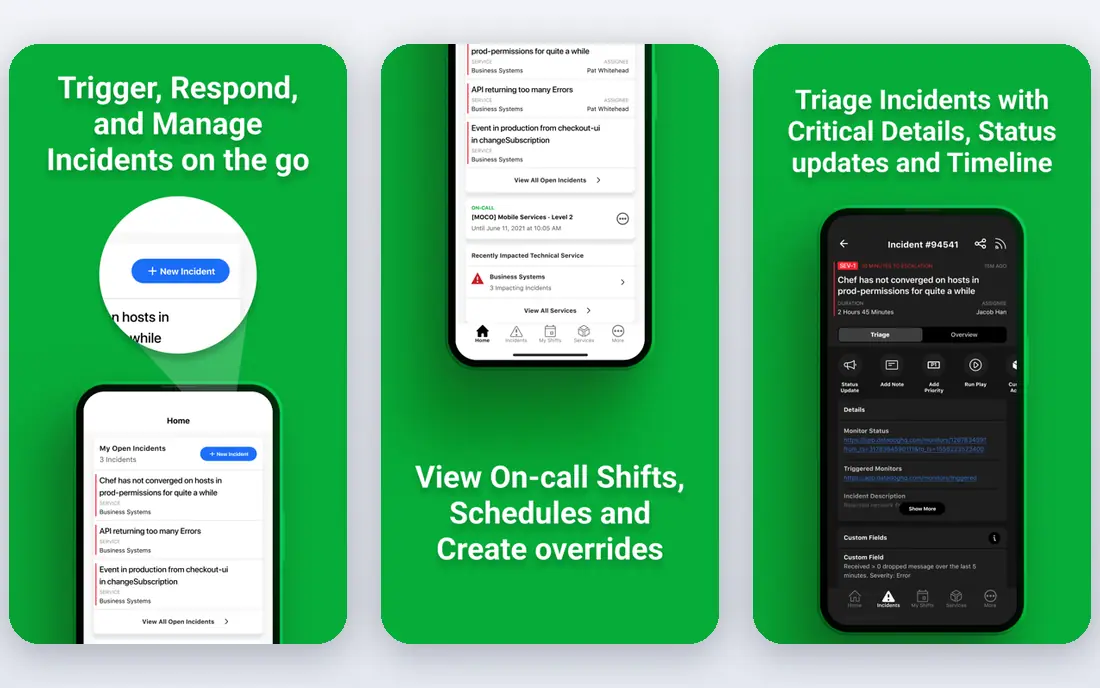
PagerDuty is the default comparison point for IT alerting because it covers the full path from alert to resolution at scale. Integrations with monitoring tools are extensive, on-call rotations are flexible, and escalation rules help ensure an alert does not sit unacknowledged. Large teams with many services benefit most from that depth. The catch is total cost and complexity. The entry paid plan is $21 per user per month on annual billing in recent comparisons, and automation and analytics add-ons raise the bill further. A five-person team may find the admin overhead larger than needed. For a large org, PagerDuty is still the safest benchmark.
- Very large integration library
- Mature on-call scheduling
- Automation and analytics options
- Costs rise with add-ons
- Setup can feel complex for a small team
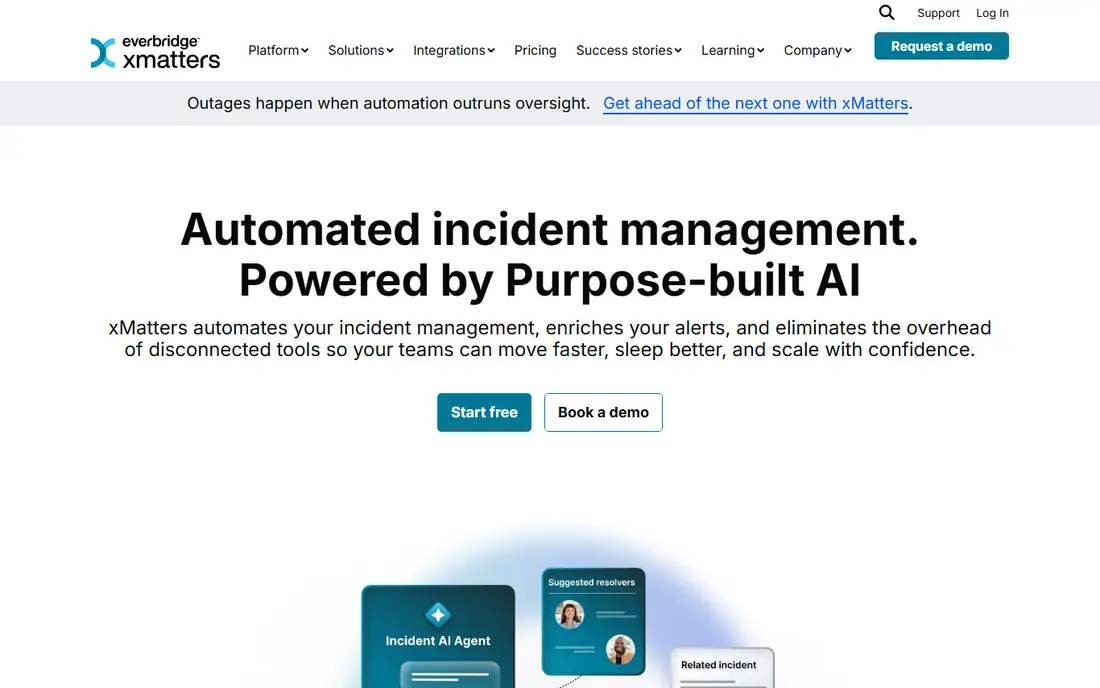
xMatters takes a communication-first approach, letting teams build notification workflows that reach people by phone, SMS, email, push and chat. A free tier for up to 10 users makes it easy to test with a real on-call rotation before paying. That makes it appealing for IT teams that care as much about reaching the right person as about the alert itself. The weakness is polish in places, with some users finding the interface less modern than newer rivals. Larger deployments also move to quote-based pricing, so the free tier is not a guide to enterprise cost. For a mid-sized IT team, xMatters offers a strong balance of reach and control.
- Free tier for up to 10 users
- Flexible notification workflows
- Strong integrations
- Interface can feel dated
- Enterprise pricing needs a quote for larger use
Squadcast is often picked by startups and mid-sized teams that want PagerDuty-style alerting without PagerDuty pricing. On-call schedules, escalation, deduplication and integrations cover the core needs, and a free tier for small teams lowers the barrier to trying it. Paid plans from $9 per user per month on annual billing in recent comparisons make it easy to budget. The trade-off is ecosystem size. PagerDuty has more integrations and deeper automation options, which matter for very large estates. Squadcast also gates some analytics to higher tiers. For a team that needs reliable paging at a lower price, Squadcast is a practical pick.
- Lower entry price
- PagerDuty-style on-call features
- Free tier for small teams
- Smaller integration library than PagerDuty
- Analytics depth varies by plan
Jira Service Management is the official path for Atlassian customers moving from Opsgenie, since Atlassian folded on-call into its service management product. That makes it a natural choice for teams already using Jira, Confluence and related tools, where incidents can link directly to tickets and change records. Standard pricing from $20 per user per month in recent comparisons gives a clear starting point. The downside is scope. Teams that only need alerting may find the ITSM overhead heavy, with processes and permissions to manage. It is not a lightweight pager. For an Atlassian-centered IT org, though, the integration value outweighs that weight.
- On-call built into service management
- Official Opsgenie migration path
- Ticketing integration
- Alerting sits inside a larger ITSM suite
- Heavier than a paging-only tool
incident.io is built around running incidents in Slack, with timelines, roles and updates kept in one channel. That suits engineering teams that already live in Slack and want incident work to happen where they already talk. The on-call add-on extends it into alerting and paging, so the same tool can cover both alert and coordination. The catch is pricing structure, since on-call is an add-on rather than included in the base plan. Teams that do not use Slack heavily will also get less value. For a Slack-first team, incident.io offers a clean, modern incident workflow, but check the combined price before you compare it with PagerDuty.
- Strong Slack incident coordination
- On-call add-on
- Clear incident timelines
- On-call costs extra on every tier
- Deep Slack dependence
Rootly focuses on automating incident response and learning, with workflows that create channels, assign roles, update stakeholders and guide retrospectives. Teams that want repeatable incident handling in Slack will find its automation useful, and its focus on post-incident review helps teams improve over time. Entry pricing around $20 per user per month appears in recent comparisons. The limit is alerting depth in some setups, where teams pair Rootly with a separate paging tool. That adds cost and integration work. If your main need is pure paging, a dedicated alerting tool may fit better. If your main need is incident workflow, Rootly is a strong choice.
- Workflow automation
- Post-incident learning
- Slack-native experience
- May need a separate paging layer for some setups
- Pricing varies by plan
FireHydrant automates much of the incident lifecycle, from declaration and roles to status updates and retrospectives, with Slack at the center. A free tier for up to 10 responders lets a team test real incidents before paying, which is a genuine advantage over trial-only rivals. Its automation can cut manual coordination during a stressful outage. The trade-off is per-responder pricing on paid plans, which can grow as more people join incidents. Complex workflows also need setup and testing before they can be trusted. For a SaaS engineering team that wants automation without building it internally, FireHydrant is worth a trial.
- Free tier for up to 10 responders
- Automated incident workflows
- Slack integration
- Paid pricing is per responder and can rise
- Setup takes time for complex workflows
OnPage focuses on reliable, persistent alerting, with alerts that keep trying until a responder acknowledges them. That persistence matters for critical IT alerts that cannot be missed in a noisy inbox. Per-user pricing is presented as predictable, which helps smaller IT teams budget without worrying about add-on creep. The weakness is breadth. OnPage is an alerting tool first, not a full incident platform, so teams that want deep automation and analytics may need another tool alongside it. For a team whose main problem is missed alerts, OnPage is a focused and credible pick.
- Predictable per-user pricing
- Persistent alerts until acknowledged
- Mobile app focus
- Narrower incident coordination than platform rivals
- Fewer integrations than PagerDuty
SIGNL4 is built for mobile-first alerting, which suits field, operations and IT teams that work away from a desk. Alerts reach responders on mobile with acknowledgement, escalation and team coordination, and an EU option helps teams with regional hosting needs. That focus makes it easy to adopt for on-call staff who live on their phones. The limit is scope. SIGNL4 is alerting-focused, with lighter incident coordination than PagerDuty or incident.io. Teams that need full incident workflows will need to pair it with another tool or accept simpler coordination. For mobile and field alerting, SIGNL4 is a strong, focused choice.
- Mobile-first design
- Good for field and operations teams
- EU hosting option
- Narrower scope than full incident platforms
- Pricing varies by plan
How we picked these
We compared official feature pages, pricing pages and public reviews for alerting tools live in October 2026. We favored tools with on-call scheduling, multi-channel alerts, escalation and acknowledgement tracking, and we excluded Opsgenie as a new purchase because Atlassian ended new sales in 2025 and plans shutdown in April 2027. Where pricing is not published in full, we wrote See website rather than repeating a third-party figure as fact. We did not claim hands-on testing in a live on-call rotation.
What to check before you choose an alerting tool
Start with your alert sources. List every monitoring tool, ticketing system and chat tool that must send or receive alerts, then check native integrations for each. A tool with a weak integration for your main monitor will create manual work or missed alerts. Also check how alerts are deduplicated and grouped, since a flood of related alerts is the fastest path to alert fatigue. Next, test the responder experience on a real phone. Trigger a test alert, check how it sounds, how acknowledgement works, and what happens if no one responds. Escalation rules, overrides and holiday schedules matter more in practice than a feature list suggests. Run that test with the people who will actually be on call, not just with admins. Finally, model total cost by responder, not by headline price. Add-on costs for automation, analytics, SMS and voice can change the ranking. Ask about SMS and voice allowances, data retention and support hours, since an alerting tool must work at 3 a.m. as well as at noon. Pick the tool your on-call team trusts, because trust is what makes an alerting system work.
Frequently asked questions
What is the best IT alerting software for a small team?
Squadcast and xMatters are strong small-team picks, since both offer free tiers and lower entry prices than PagerDuty. Squadcast suits engineering teams that want a PagerDuty-style experience, while xMatters suits IT teams focused on notification workflows. Test both with a real rotation before you pay.
Is PagerDuty worth the price?
For large engineering orgs with many services, integrations and complex on-call needs, PagerDuty often is, because its depth and ecosystem reduce manual work. For a small team with simple paging needs, a lower-cost tool may deliver the same core value. Compare total cost with add-ons, not just the entry plan.
What happened to Opsgenie?
Atlassian ended new Opsgenie sales in June 2025 and plans to shut the service down on 5 April 2027. Existing customers are guided toward Jira Service Management. New buyers should not start on Opsgenie and should plan a migration if they still use it.
How do I reduce alert fatigue?
Use deduplication and grouping to merge related alerts, set sensible thresholds, suppress known noise during maintenance, and review alert rules regularly. An alerting tool should support those controls, but the discipline of tuning rules matters as much as the tool. Review unacknowledged and noisy alerts weekly at first.
Do IT alerting tools work with Slack and Microsoft Teams?
Most tools in this list integrate with Slack, and many also support Teams, email, SMS, voice and push notifications. Check the exact integration for your chat tool, since depth varies. Some tools run incidents inside Slack, while others only send notifications there.
What is the difference between alerting and incident management?
Alerting routes an alert to the right responder and tracks acknowledgement and escalation. Incident management covers the wider response, including coordination, stakeholder updates, roles and retrospectives. Some tools do both, while others focus on one side and pair with another tool.
Sources
- https://www.pagerduty.com
- https://www.xmatters.com
- https://www.squadcast.com
- https://www.atlassian.com/software/jira/service-management
- https://incident.io
- https://rootly.com
- https://firehydrant.com
- https://www.onpage.com
- https://www.signl4.com
- https://rankite.com/blog/best-incident-management-software
- https://allquiet.app/blog/top-opsgenie-alternatives-and-migration-targets
See where you really rank - block by block
ProMapRanker scans Google Maps across a grid of your service area. Simple monthly plans from $19, white-label on every plan.
Start freeKeep reading
 who has best internet service
Who Has the Best Internet Service in 2026
Who has best internet service for US homes? We compare fiber, cable, fixed wireless and satellite providers on speed, price, availability and terms today.
Read → which survey tool has the best analytics
Which Survey Tool Has the Best Analytics in 2026
Find which survey tool has the best analytics in 2026, comparing Qualtrics, SurveyMonkey, Typeform, Alchemer, and more on reports, text, and stats today.
Read → which streaming service has the best movies
Which Streaming Service Has the Best Movies in 2026
Answering which streaming service has the best movies, with Netflix, Max, Criterion and more compared on libraries, prices and free options in this guide.
Read →