 ProMapRanker
Best IoT Cloud Platforms in 2026

Large fleets already running on AWS · Pricing starts at: See website
Key takeaways
- AWS IoT Core and Azure IoT Hub lead for large fleets, with AWS winning on message scale and Azure winning for Microsoft-centered teams.
- Azure IoT Central suits teams that want a ready application instead of building a device platform from parts.
- Particle, Blynk, and Losant fit smaller product teams and prototypes that need hardware and cloud in one workflow.
- ThingsBoard and PTC ThingWorx suit teams that need dashboards, rules, or industrial features without starting from scratch.
Quick comparison
| Pick | Great for | Pricing starts at | Free tier | |
|---|---|---|---|---|
| AWS IoT Core | Large fleets already running on AWS | See website | Free trial | Visit |
 Azure IoT Hub | Enterprise fleets on Microsoft Azure | $10 per month | Yes | Visit |
 Azure IoT Central | Teams that want a ready IoT application | See website | Free trial | Visit |
 Particle | Connected products built on Particle hardware | See website | Free trial | Visit |
 ThingsBoard | Teams that want open dashboards and rules | Free | Yes | Visit |
 PTC ThingWorx | Manufacturing and industrial IoT teams | See website | Free trial | Visit |
 Oracle IoT | Enterprises already running Oracle systems | See website | Free trial | Visit |
 Blynk | Small products, prototypes, and hobby builds | Free | Yes | Visit |
 Losant | Workflow-driven IoT applications | See website | Free trial | Visit |
The best IoT cloud platforms
We compared official product pages, pricing pages, and protocol and feature documentation for cloud services that connect, manage, and analyze devices. We left out Google Cloud IoT Core, which Google retired, since a retired service is not a live option for a new project in October 2026.
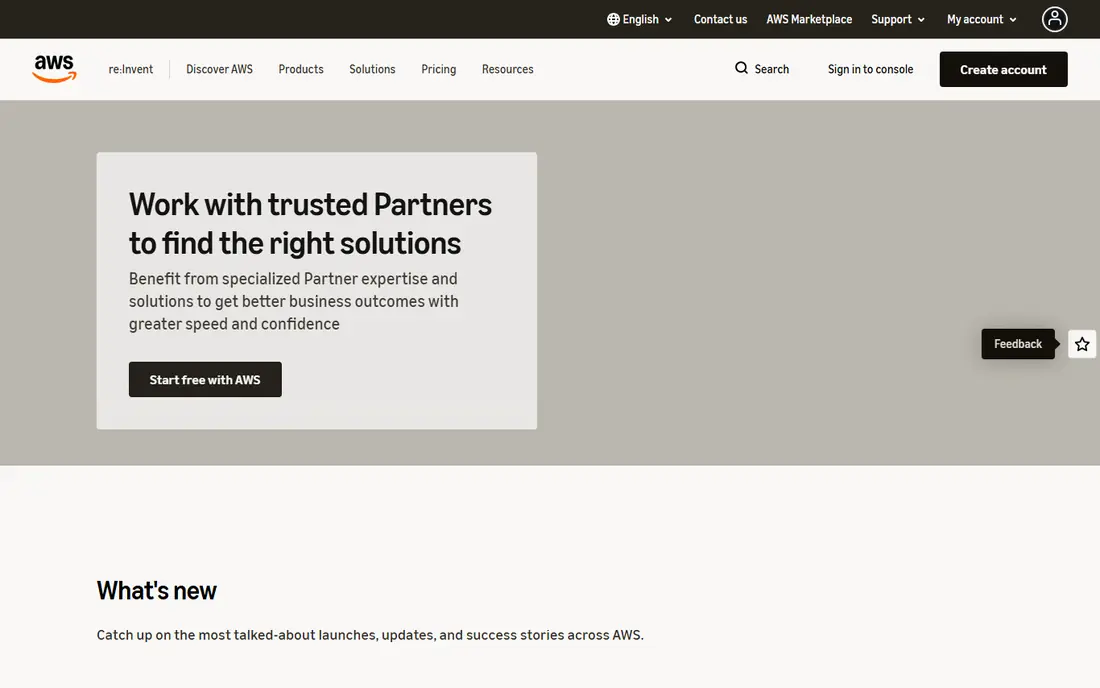
AWS IoT Core is the default pick for teams already on AWS that need to connect many devices and route messages to other AWS services. It supports MQTT and HTTP, device shadows for offline state, and rules that push data to storage, queues, and analytics. Security is handled through certificates and policies per device, which suits fleets that cannot share one credential.
The catch is cost and complexity. Message, connection, and rule charges add up, and a team needs to model traffic before launch rather than after. Small prototypes can start in the free tier, but production fleets should budget with a traffic forecast and alerts in place.
- Message broker built for very large fleets
- Deep links to Lambda, storage, and machine learning services
- Strong device security model
- Pay-per-message costs need careful modeling
- Setup takes real cloud skill
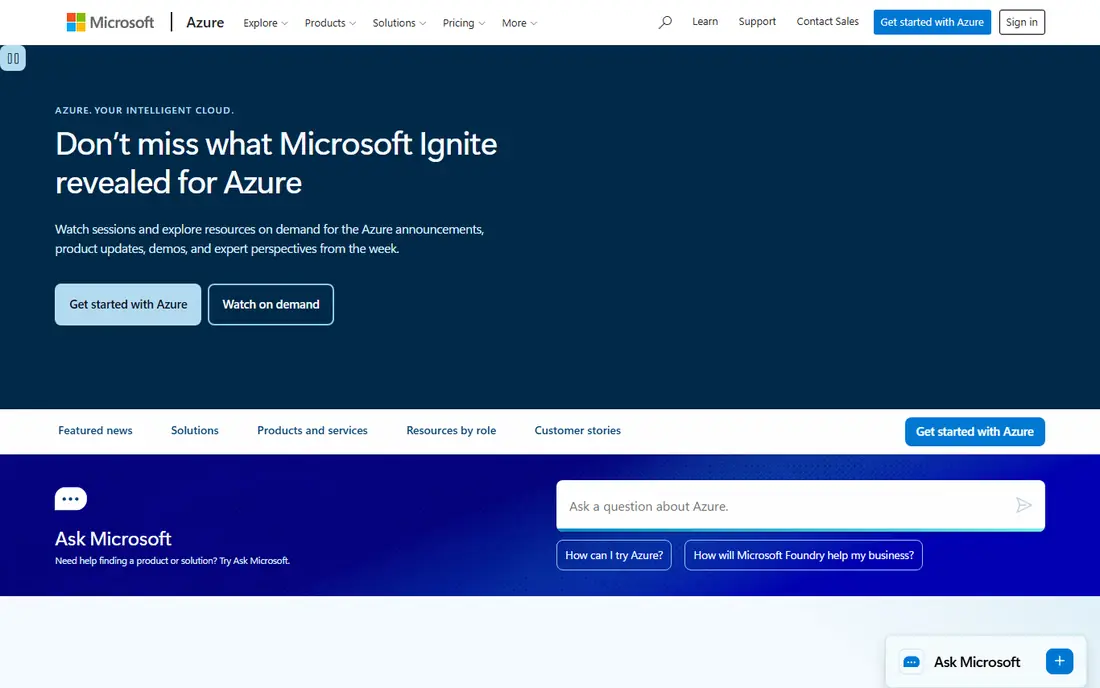
Azure IoT Hub fits enterprises that run on Microsoft services and need reliable two-way communication with devices. Device twins hold desired and reported state, direct methods let the cloud call a device, and routing sends telemetry to storage, event hubs, and analytics. The free tier covers small testing, while Basic tiers start near $10 per unit per month and Standard tiers start near $25.
The tradeoff is tier math. Message counts, meter size, and unit counts interact, so a team should test with real device traffic before picking a tier. For Microsoft-centered teams, though, the integration with Azure identity, monitoring, and data services is a clear advantage.
- Two-way messaging with device twins
- Broad protocol support
- Strong links to Azure analytics and digital twins
- Tier choice affects message limits
- Full setup still needs Azure skill
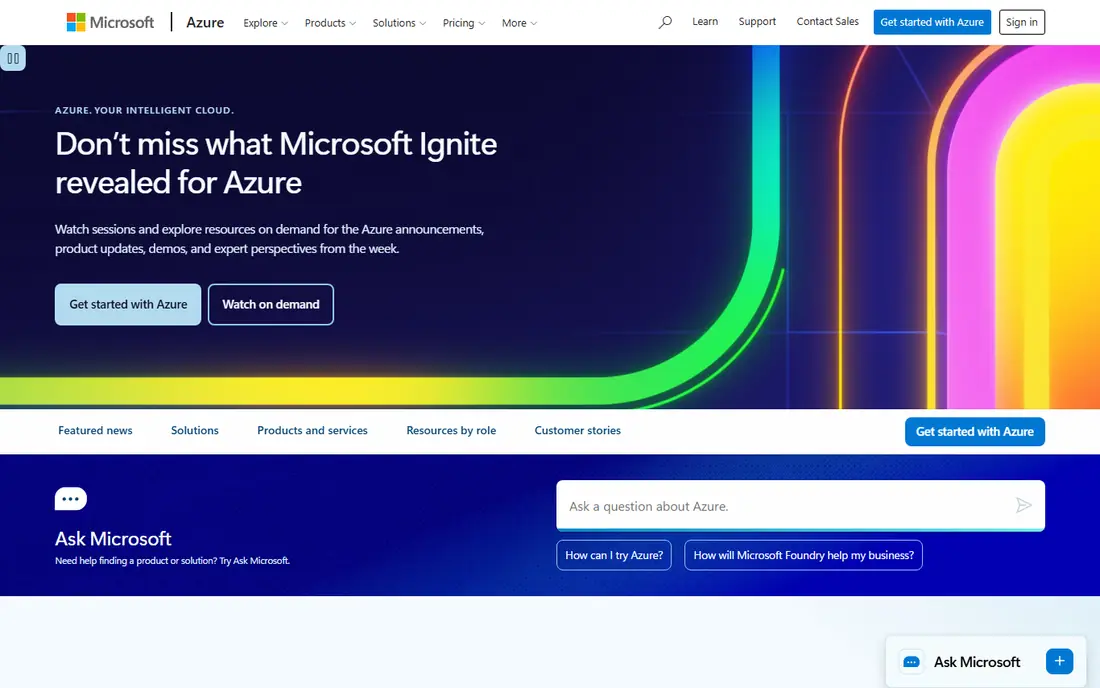
IoT Central is the application layer on top of Azure IoT, and it suits teams that want to manage devices without building dashboards and rules from scratch. Device templates define telemetry, properties, and commands, and the built-in views show fleet health and device history. Rules can send alerts by email or webhook when a value crosses a threshold.
The limit is flexibility. Teams with unusual device behavior or deep custom analytics may still need IoT Hub and custom services. For operations teams that need a working fleet view quickly, IoT Central shortens the path a lot.
- Ready dashboards, device templates, and rules
- Faster start than IoT Hub alone
- Azure security and scale underneath
- Less control than building on IoT Hub
- Pricing follows the application tier
Particle suits product teams that want to ship a connected device without assembling separate hardware, SIM, and cloud vendors. Its modules and development boards pair with a device cloud for over-the-air updates, device health, and data routing. That combined path helps small teams move from prototype to shipped product with fewer vendors to manage.
The catch is fit. Teams with their own hardware or an existing cloud stack may not need the full Particle path, and data and device pricing needs a forecast at scale. For a new connected product, the combined workflow is the main reason to pick it.
- Hardware, connectivity, and cloud in one workflow
- Device console for fleet management
- Cellular and Wi-Fi options
- Best value when using Particle hardware
- Costs grow with data and device counts
ThingsBoard is a strong pick for developers who want control over dashboards, alarms, and data processing. The open-source version can be self-hosted, and rule chains let a team transform, filter, and route telemetry without writing a full backend. Widgets cover maps, charts, and gauges, and the platform supports MQTT, HTTP, and CoAP devices.
The tradeoff is operations. Self-hosting means owning updates, backups, and scaling, while the paid cloud removes that work at a subscription cost. Teams with dashboard and rule needs, and the skill to run the platform, get a lot of value here.
- Open-source core with self-hosting
- Visual dashboards and rule chains
- Broad protocol and device support
- Self-hosting needs operations effort
- Paid cloud and enterprise features are separate
ThingWorx is built for factories, equipment makers, and field service teams that need to connect machines, not just consumer gadgets. It handles industrial protocols, asset models, and analytics for predictive maintenance and asset performance. Digital twin views help engineers see a machine state alongside its history and alerts.
The catch is scope and cost. ThingWorx is an enterprise platform with implementation work, and it is more than a small team needs for a simple sensor project. For industrial fleets, the protocol support and asset modeling justify that weight.
- Industrial protocols and connectivity
- Digital twin and analytics features
- Strong manufacturing use cases
- Enterprise pricing and implementation
- Heavier than a small product team needs
Oracle IoT fits companies that already run Oracle databases, applications, or cloud services and want device data to flow into those systems. It covers device connectivity, data normalization, and streaming to analytics, with a managed service model that reduces infrastructure work. Manufacturing and asset tracking are common fits.
The tradeoff is ecosystem. Teams outside Oracle will find richer examples and tooling on AWS or Azure, and hiring help is easier there. Inside an Oracle estate, the shared data and application links make Oracle IoT a sensible shortlist pick.
- Links to Oracle database and applications
- Device data pipelines for enterprise analytics
- Managed cloud service
- Less community content than AWS or Azure
- Best value inside an Oracle stack
Blynk is the fastest route from a sensor to a phone app for many small projects. Templates define device controls and displays, and the mobile app gives users switches, gauges, and charts without a custom app build. That speed suits makers, startups, and small product teams testing a connected idea.
The limit is scale and depth. Blynk handles small and midsize fleets well, but large industrial deployments will want the fleet controls and analytics of AWS, Azure, or ThingWorx. For a first product or a pilot, Blynk is hard to beat on time to a working demo.
- Fast mobile app and dashboard setup
- Low-code device templates
- Free tier for small projects
- Not built for very large industrial fleets
- Advanced features sit on paid plans
Losant suits teams that want to build an IoT application around workflows rather than code alone. Visual workflows handle device messages, trigger alerts, call external services, and update dashboards, and experience views let a team build customer-facing pages. Edge workflows also let logic run close to devices when cloud round trips are too slow.
The catch is that usage-based pricing needs a clear traffic model, and teams with very large fleets may compare less well with hyperscale pricing. For midsize product and operations teams, the workflow speed is the main draw.
- Visual workflows for device logic
- Dashboards and experience views
- Edge and cloud workflow options
- Pricing is usage-based and needs modeling
- Smaller community than hyperscale clouds
How we picked these
We compared official product and pricing pages, protocol support, and fleet management features, and we checked each homepage listed here. We favored platforms with a live cloud service in October 2026, clear device management, and a real path from prototype to production. We excluded retired services and narrow tools that only chart data without managing devices.
What to check before you pick
Start with protocol and connectivity, since a platform that cannot speak your device protocol will force gateway work. Confirm MQTT, HTTP, or industrial protocol support, and check how devices authenticate and receive updates. Then model cost on real traffic, including messages, connections, storage, and rules, not just the headline tier price.
Security and fleet operations
Check certificate handling, per-device identity, and over-the-air update support before launch, since fixing those after shipping is painful. Confirm how the platform handles offline devices, stale state, and failed updates. A good fleet view should show device health, firmware version, and last contact without custom queries.
Data and analytics
Decide where analysis happens. Some teams need simple dashboards and alerts, while others need warehouse or machine learning pipelines. Pick a platform whose data export and integration options match that plan, and test one full path from device to dashboard before committing a fleet.
Frequently asked questions
What is the best IoT cloud platform for a small project?
Blynk or Particle fits most small projects, with Blynk fastest for a phone dashboard and Particle strongest for a shipped product. ThingsBoard is a good pick for teams that want open dashboards and self-hosting.
Which platform is best for a large enterprise fleet?
AWS IoT Core and Azure IoT Hub lead for large fleets, with the choice usually following the cloud the company already runs. ThingWorx leads for industrial fleets with machine protocols and asset models.
Is Google Cloud IoT Core still available?
No, Google retired Cloud IoT Core, so new projects should not build on it. Google Cloud teams now assemble IoT paths from Pub/Sub, Dataflow, and BigQuery, or pick a dedicated IoT platform from this list.
How is IoT cloud pricing usually charged?
Most platforms charge by messages, devices, data volume, or tier, and some add storage and analytics charges on top. Model cost on your real message rate and device count, and set billing alerts early.
Do I need hardware from the same vendor?
No, except where a combined path is the point, as with Particle. AWS, Azure, ThingsBoard, and Losant work with many device types, as long as the device speaks a supported protocol and can authenticate.
What should I test before committing?
Connect a real device, send real telemetry, trigger an alert, push a firmware update, and export data to your analytics tool. That full loop reveals protocol, security, and cost issues that a feature list hides.
Sources
- https://aws.amazon.com/iot-core/
- https://azure.microsoft.com/en-us/services/iot-hub/
- https://azure.microsoft.com/en-us/products/iot-central/
- https://www.particle.io
- https://thingsboard.io
- https://www.ptc.com/en/products/thingworx
- https://www.oracle.com/internet-of-things/
- https://blynk.io
- https://www.losant.com
See where you really rank - block by block
ProMapRanker scans Google Maps across a grid of your service area. Simple monthly plans from $19, white-label on every plan.
Start freeKeep reading
 who has best internet service
Who Has the Best Internet Service in 2026
Who has best internet service for US homes? We compare fiber, cable, fixed wireless and satellite providers on speed, price, availability and terms today.
Read → which survey tool has the best analytics
Which Survey Tool Has the Best Analytics in 2026
Find which survey tool has the best analytics in 2026, comparing Qualtrics, SurveyMonkey, Typeform, Alchemer, and more on reports, text, and stats today.
Read → which streaming service has the best movies
Which Streaming Service Has the Best Movies in 2026
Answering which streaming service has the best movies, with Netflix, Max, Criterion and more compared on libraries, prices and free options in this guide.
Read →