 ProMapRanker
Best Invoicing Software in 2026


Service businesses and time billing · Pricing starts at: $23 per month
Key takeaways
- Wave and Zoho Invoice offer genuinely free invoicing, which suits freelancers sending a few invoices each month.
- FreshBooks is the strongest invoicing-first pick for service businesses that also track time and expenses.
- QuickBooks Online and Xero suit businesses that need invoicing inside full accounting.
- Square Invoices fits businesses that sell in person and invoice on the side.
- Always add payment processing fees to the subscription cost to see the true monthly total.
Quick comparison
| Pick | Great for | Pricing starts at | Free tier | |
|---|---|---|---|---|
| FreshBooks | Service businesses and time billing | $23 per month | Free trial | Visit |
 QuickBooks Online | Full accounting plus invoicing | $38 per month | Free trial | Visit |
 Xero | Teams with unlimited users | $27 per month | Free trial | Visit |
 Wave | Free invoicing and bookkeeping | Free | Yes | Visit |
 Zoho Invoice | Free invoicing with control | Free | Yes | Visit |
 Square Invoices | In-person sellers who invoice | Free | Yes | Visit |
 Invoice Ninja | Flexible and open-source invoicing | Free | Yes | Visit |
 Stripe Invoicing | Recurring and online payments | See website | No | Visit |
The best invoicing software
Good invoicing software does three things well: it creates clean invoices fast, it makes payment easy for the client, and it shows you what is still unpaid. The tools below cover freelancers, service businesses, and growing companies, at prices from free to full accounting suites.
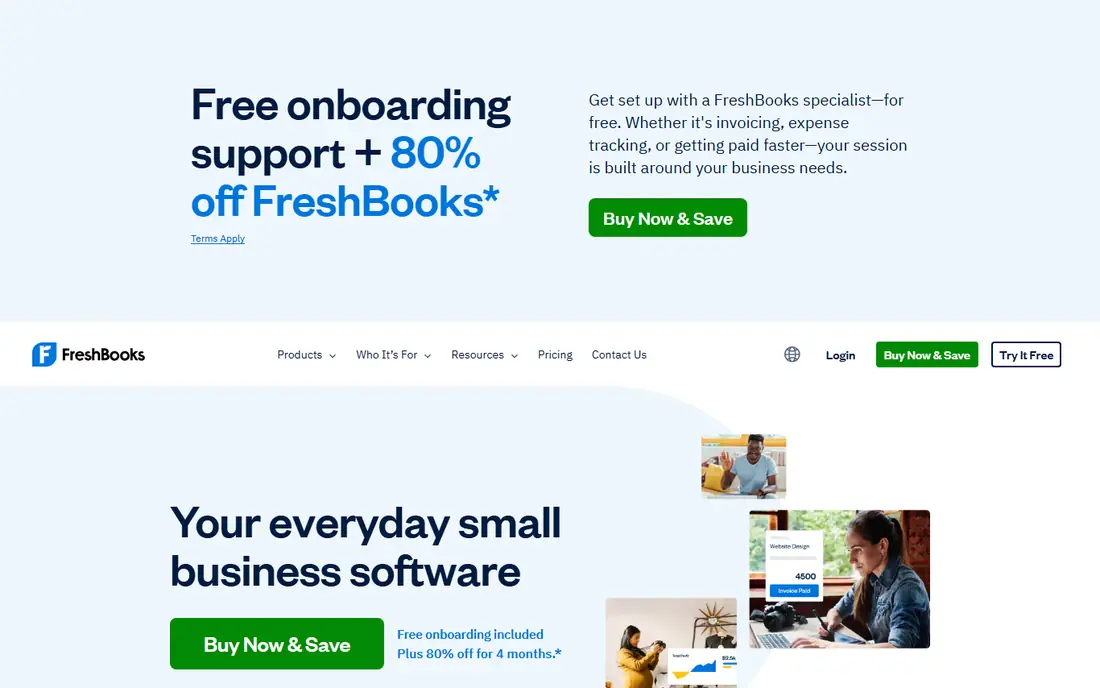
FreshBooks is the invoicing-first pick we point to for service businesses. Invoices look professional without design work, and time tracking lets you turn tracked hours into an invoice in a few steps. Automated reminders chase late payments for you, which saves awkward follow-up emails and helps cash flow.
The limits appear when billing gets complex. Subscription-heavy businesses may find FreshBooks less flexible than Stripe, and larger teams need higher tiers for more users. Accounting features are solid for small businesses but lighter than QuickBooks. For freelancers and service firms, that balance is usually right.
- Clean invoice templates
- Time tracking and expenses built in
- Automated payment reminders
- Less suited to complex subscription billing
- Higher tiers needed for larger teams
- Accounting depth is lighter than QuickBooks
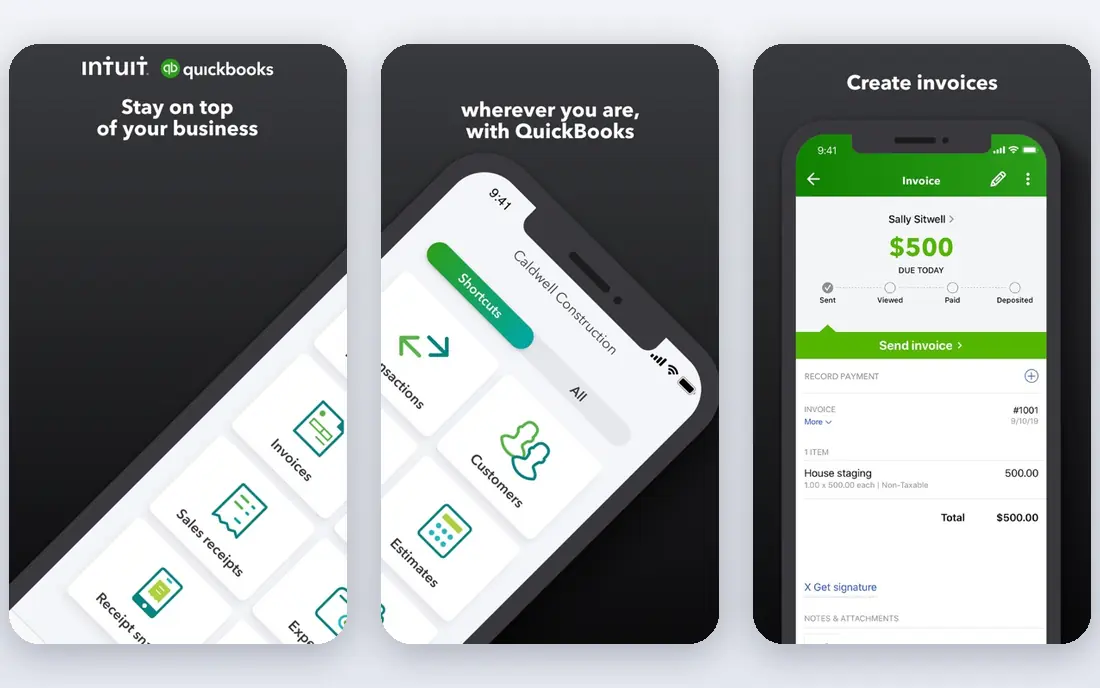
QuickBooks Online is the safest long-term pick for US small businesses that need more than invoices. Invoicing connects directly to bookkeeping, bank feeds, and reporting, so an invoice paid by a client updates your books without extra work. Most US accountants already know QuickBooks, which makes year-end work simpler.
The price is higher than invoicing-only tools, and the interface can feel busy for a freelancer who only sends a few invoices. Some features also sit on higher tiers. If you already need accounting, or you plan to hire an accountant soon, QuickBooks Online removes a future migration headache.
- Invoicing inside full accounting
- Widely known by US accountants
- Strong reporting and bank connections
- Higher starting price
- Interface can feel busy
- Some features need higher tiers
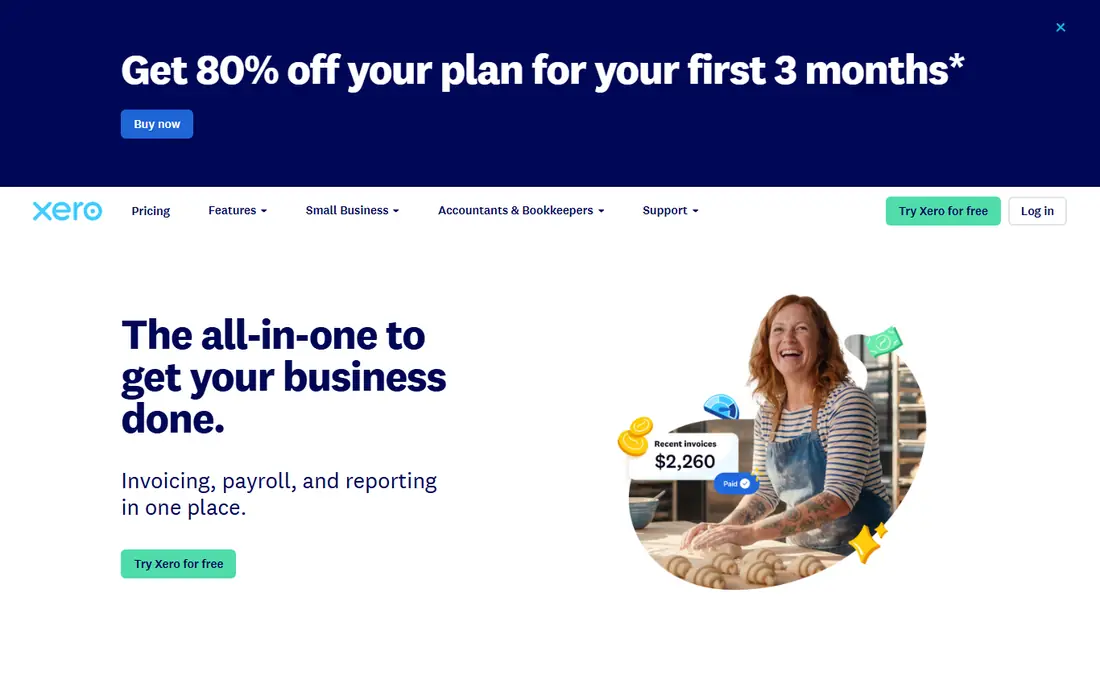
Xero stands out for teams because every plan includes unlimited users, so you do not pay per seat as your team grows. Invoicing is clean, bank reconciliation is strong, and the app marketplace adds tools for expenses, payroll, and reporting. Small businesses with several staff members often find Xero better value than per-user rivals.
US users should check payroll and tax features for their state, since Xero payroll coverage varies. Support in the US is also smaller than QuickBooks, though online help is extensive. For teams that want accounting plus invoicing without per-user fees, Xero is a strong alternative.
- Unlimited users on every plan
- Clean invoicing and bank reconciliation
- Strong app marketplace
- Payroll options vary by region
- US support is smaller than QuickBooks
- Learning curve for new users
Wave is the best no-budget starting point for freelancers. Invoicing is free, templates look professional, and basic bookkeeping helps you track income and expenses without a subscription. Payment processing lets clients pay by card or bank transfer, with processing fees applied per payment.
Wave is not a full accounting suite, and advanced reporting is limited. Payroll is a paid add-on where available, and support is mainly online rather than by phone. For a freelancer or new business sending a handful of invoices each month, Wave covers the essentials at no monthly cost.
- Free invoicing and basic bookkeeping
- Professional templates
- Payment processing built in
- Limited advanced accounting features
- Payroll is a paid add-on
- Support is mainly online
Zoho Invoice gives freelancers more control than most free tools. The free plan supports recurring invoices, estimates, and multi-currency billing, which helps businesses with repeat clients or overseas customers. A client portal lets customers view invoices and pay online, which speeds up collection.
The free plan has limits on users and yearly invoice count, so high-volume businesses will need a paid Zoho plan. The interface can also feel dense at first, especially for users new to Zoho. For structured invoicing at no monthly cost, Zoho Invoice is one of the strongest free options available.
- Free plan with recurring invoices
- Estimates and multi-currency support
- Clean client portal
- Free plan has user and invoice limits
- Best value comes with other Zoho apps
- Interface can feel dense
Square Invoices suits businesses that sell in person and invoice on the side, such as contractors, salons, and repair services. You can send an invoice from the same Square account you use for card payments, request deposits, and set milestone payments for larger jobs. That shared system keeps in-person and invoice payments in one place.
Square is less natural for complex business-to-business retainers, and its accounting features are basic compared with QuickBooks or Xero. Payment fees apply per transaction, so factor those into your pricing. For local service businesses already using Square, Square Invoices is an easy addition.
- Free invoicing tier
- Deposits and milestone billing
- Works well with Square point-of-sale tools
- Less natural for complex B2B retainers
- Accounting features are basic
- Payment fees apply per transaction
Invoice Ninja appeals to businesses that want control over their invoicing setup. The free tier covers invoices, quotes, and recurring billing, and a self-hosting option lets technical teams run the software on their own server. That flexibility is rare at this price, and it suits developers and cost-conscious teams.
Self-hosting needs technical skill, and the hosted version still feels less polished than FreshBooks or Square. Support also depends on your plan, so small teams should test the hosted version first. If you want open-source flexibility and low cost, Invoice Ninja is worth a close look.
- Free tier with strong invoice control
- Self-hosting option
- Quotes, projects, and recurring billing
- Setup is more technical for self-hosting
- Design feels less polished than rivals
- Support depends on plan
Stripe Invoicing is a collection-first tool for businesses that bill online. It handles one-off invoices, recurring billing, and subscriptions well, with support for many payment methods and currencies. There is no monthly fee for basic invoicing, though Stripe charges a fee per paid invoice plus payment processing fees.
Stripe is not a full business workflow tool. It lacks proposal and contract features, and setup is more technical than FreshBooks or Wave. For software, agencies, and subscription businesses that already use Stripe for payments, Stripe Invoicing keeps billing and collection in one system.
- Strong recurring billing
- Global payment methods
- No monthly fee for basic invoicing
- No proposal or contract workflow
- Setup is more technical
- Fees apply per paid invoice
How we picked these
We compared official pricing pages, feature lists, and public reviews for invoicing tools actively sold in October 2026. We favored tools with clear invoice creation, payment collection, and overdue tracking, and we included free, mid-priced, and accounting-suite options. Prices shown are starting list prices from vendor and comparison sources checked in October 2026, and payment fees should be confirmed on each vendor site before you choose.
How to choose invoicing software
Start with your volume and workflow. If you send a few invoices a month, a free tool such as Wave or Zoho Invoice is enough. If you bill by the hour, FreshBooks time tracking will save time. If you need full books, pick QuickBooks Online or Xero now to avoid migrating later.
Next, check how clients pay. Card payments, bank transfers, and international payments all carry different fees and speeds. Test the client payment experience yourself, because a confusing payment page can delay money even when the invoice looks good. Also check reminder automation, recurring billing, and late fee options.
Finally, add up the true cost. Combine the monthly subscription with payment processing fees for your average invoice size and volume. A free plan with high processing fees can cost more than a paid plan with lower fees, depending on how you get paid. Review that total every year as your volume grows.
Frequently asked questions
Which software is best for invoicing small businesses?
For most small businesses, FreshBooks is the best invoicing-first pick, while QuickBooks Online suits businesses that need full accounting. Wave and Zoho Invoice are strong free options for low-volume invoicing.
What is the top invoicing software for freelancers?
Wave and Zoho Invoice lead for freelancers on a budget, thanks to free invoicing. FreshBooks suits freelancers who bill by time and want automated reminders, while Square Invoices suits freelancers who also sell in person.
Is there really free invoicing software?
Yes. Wave, Zoho Invoice, Square Invoices, and Invoice Ninja all offer free invoicing tiers. They earn money from payment processing or paid add-ons, so check processing fees and plan limits before you rely on a free tier for high volume.
What is the best invoicing platform for recurring billing?
Stripe Invoicing is strong for recurring and subscription billing, and Zoho Invoice and FreshBooks also support recurring invoices. Choose Stripe when payments are central to your business, and choose FreshBooks or Zoho when you also need estimates and client management.
How much does invoicing software cost?
Free tiers exist, paid invoicing tools often cost from about $23 per month, and full accounting suites start higher. Add payment processing fees, usually around card rates per transaction, to the subscription to get the true monthly cost.
Do I need accounting software or just invoicing software?
Invoicing software is enough if you only need to send bills and track payments. Choose accounting software when you need bank reconciliation, financial reports, tax preparation, and payroll, or when your accountant asks for a full bookkeeping system.
Sources
See where you really rank - block by block
ProMapRanker scans Google Maps across a grid of your service area. Simple monthly plans from $19, white-label on every plan.
Start freeKeep reading
 best seo management software
Best SEO Management Software in 2026
We compared the best seo management software for audits, rank tracking and keyword research, so you can choose a tool that fits your budget and team today.
Read → best pos software
Best POS Software in 2026: 8 Systems Compared
Compare the best POS software in 2026 for retail and restaurants, with starting prices, processing rates, hardware notes and honest trade-offs for each pick.
Read → best podcast hosting platform
Best Podcast Hosting Platform in 2026
Compare the best podcast hosting platforms for 2026, with pricing, free plans, upload limits, analytics, and distribution, to pick a host for your show.
Read →